

Network Boost
两个(或更多)连接优于一个。当您的主连接断开或变弱时,使用 Network Boost 来保持您的户外直播。
仅限 Streamlabs 移动端使用。
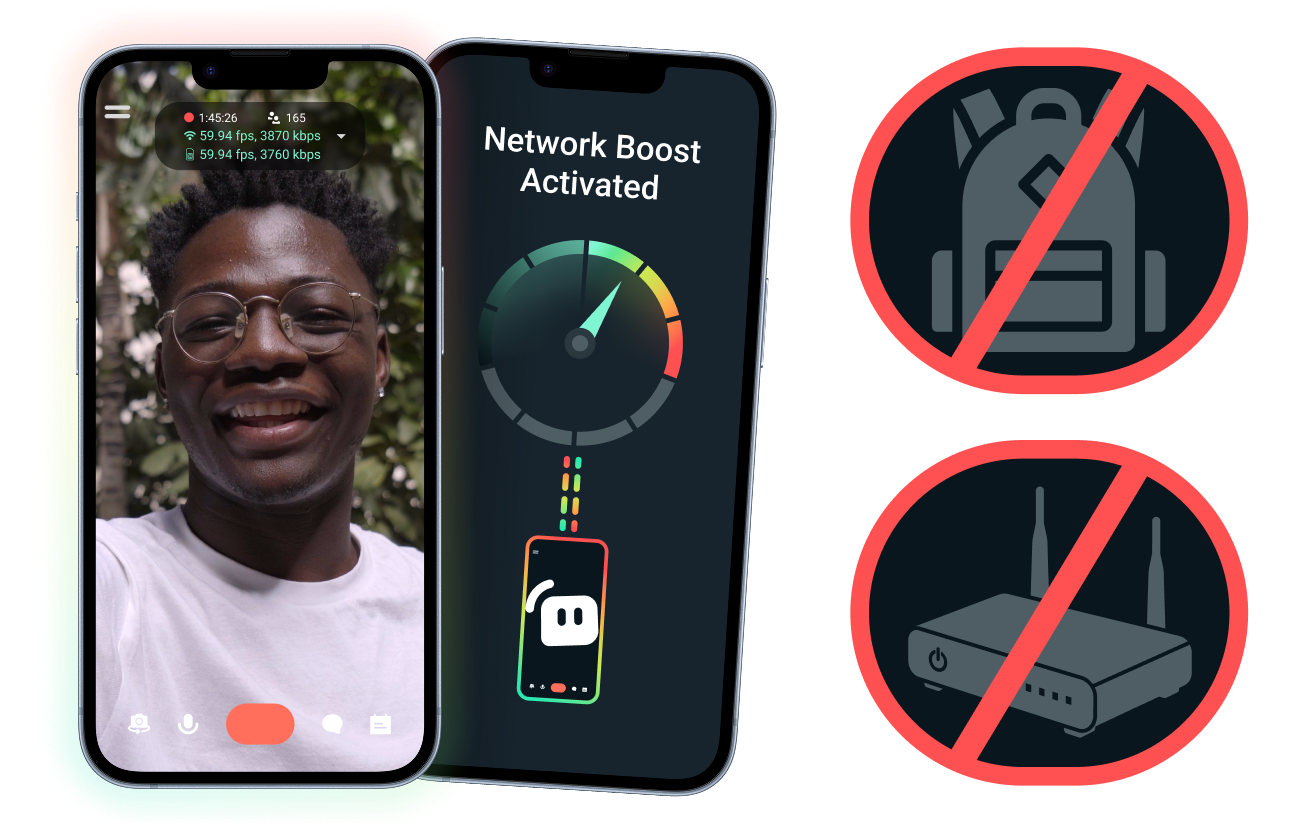
设置简单。无需额外硬件。
使用您现有的连接来稳定您的移动直播。无需昂贵的路由器、直播背包或复杂的设备。不过,也支持进阶设置。
走出书桌,随时随地直播
无论您是在活动现场、酒店、公园还是拥挤的公共场所进行直播,Network Boost都能帮助您加强连接,让您能够超越固定的居家直播设置,随时随地进行直播。
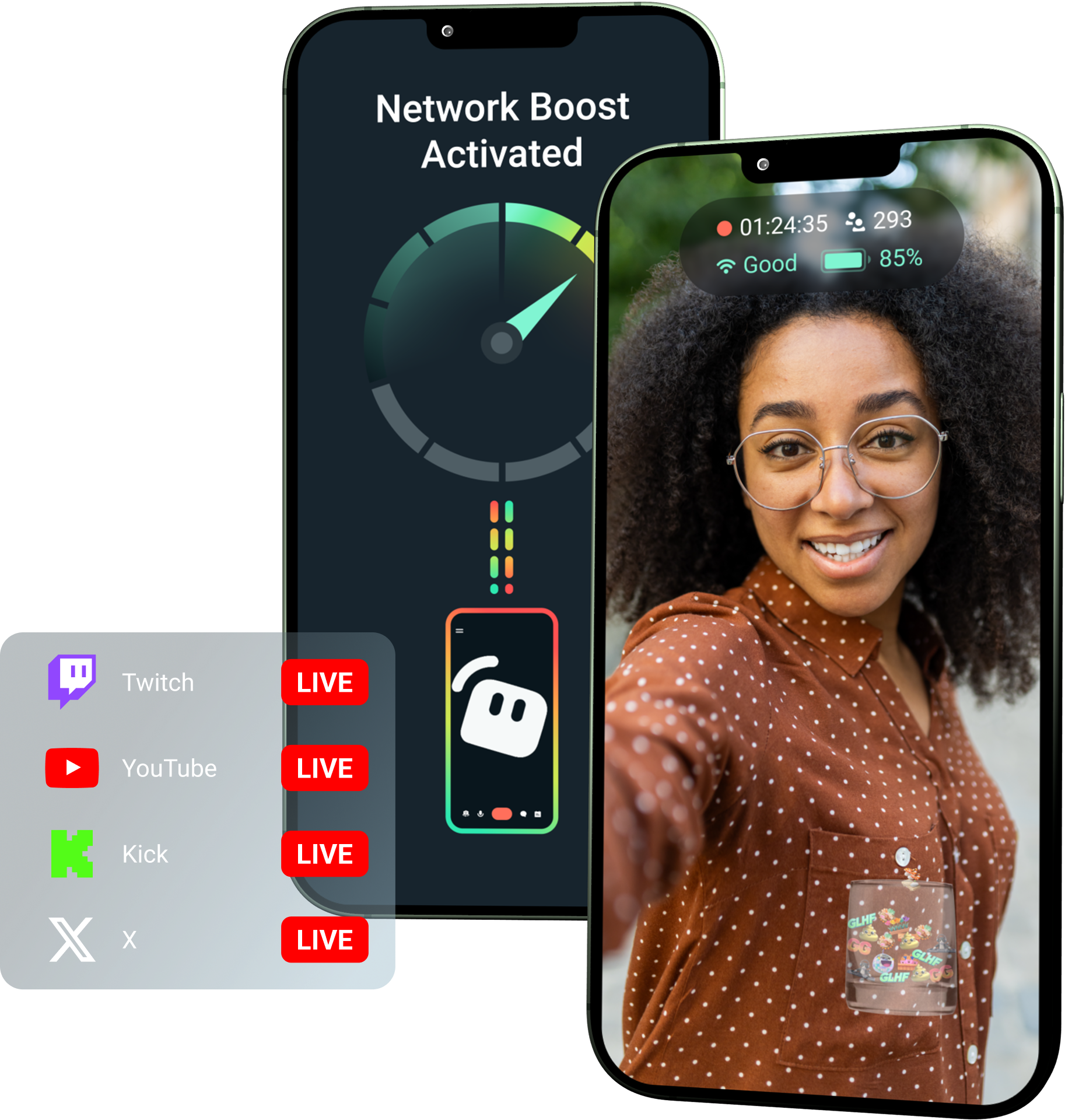
通过Streamlabs Ultra解锁Network Boost!
Ultra为移动创作者提供了使用Network Boost、多平台直播和断线保护等高级功能的机会,帮助他们通过移动设备创建更优质、更稳定的直播。
使用方法
同时使用WiFi和蜂窝数据,即使在连接不佳时,也有助于保持您的移动直播在线。
打开Streamlabs Mobile并开启Network Boost以开始设置。对于使用多个中继设备的进阶设置,请打开Streamlabs Controller以开始使用。
扫描二维码或手动输入连接详情以配对您的设备。
连接后,即可在Streamlabs Mobile中开始直播。 Network Boost会在后台运行,以保持您的直播连接!
Network Boost对比其他解决方案
| Network Boost | 直播设备与背包 | 其他软件解决方案 | Other | |
|---|---|---|---|---|
最适合 | 想要以更简单的方式提高移动/IRL 直播可靠性且无需额外硬件的创作者 | 有专业级需求和更大设备预算的进阶 IRL 创作者 | 乐于添加单独工具来帮助管理互联网连接的创作者 | Customizable tip page |
需要额外硬件 | 否 | 是,通常需要编码器、调制解调器、路由器、背包或配件 | 无需专用直播硬件,但可能需要单独的应用程序或服务 | Customizable tip page |
设置简便 | 设置简单直接——通过 Streamlabs Mobile 和 Streamlabs Controller 应用程序(用于额外连接)即可工作 | 需要硬件设置、配置、充电和运输 | 需要在直播应用程序之外进行设置 | |
花费 | 包含在 Streamlabs Ultra/Ultra+ 中,仅是创作者众多高级福利之一 | 前期可能需要数百或数千美元,外加可能的持续数据/服务费用 | 通常低于硬件设置,但可能需要单独订阅 | Customizable tip page |
专为 IRL 主播打造 | 是;专为各级别的移动主播设计 | 是的,但通常是围绕更先进的 IRL 制作设置构建的 | 可能支持连接管理,但并不总是专门针对移动直播需求而构建的 | Customizable tip page |

使用 Streamlabs Ultra 提升您的直播、品牌推广、编辑等
只需一次订阅,即可以实惠的价格使用全套软件的高级功能,包括 Streamlabs Desktop、Mobile、Console、Talk Studio、Podcast Editor、Cross Clip 等。了解更多
常见问题解答
Network Boost 通过使用 WiFi 和蜂窝数据等多种互联网连接,帮助移动端主播提高直播可靠性。当某个连接变弱或变得不稳定时,Network Boost 有助于减少丢帧和中断,让创作者能更自信地保持直播。
Network Boost 通过 Streamlabs Mobile(或用于高级连接的 Streamlabs Controller 应用)进行设置,专为使用 Streamlabs Mobile 进行直播的创作者打造。创作者可以启用 Network Boost,连接可用的互联网源,然后照常开始直播。 Network Boost 在后台运行,可在网络状况发生变化时帮助支持直播。
移动端和 IRL(户外)主播经常在不可预测的环境中进行直播,包括活动现场、酒店、户外空间、旅游目的地和公共 WiFi 网络。当连接变弱或中断时,创作者会面临丢帧、直播中断、观众流失和互动减少的风险。
当创作者不得不在直播过程中反复暂停、排查故障或调整设置时,这也会破坏他们的 IRL 直播体验。
可以! Network Boost 仅供活跃的 Streamlabs Ultra 和 Ultra+ 订阅者,或拥有上述任一服务活跃试用期的用户使用。
- Ultra订阅用户每月可获得10小时的Network Boost时长
- Ultra+订阅用户每月可获得80小时的Network Boost时长。
Streamlabs Ultra 还解锁了额外的移动直播工具,包括 Stream Shift、多平台直播等。
Streamlabs Mobile 体验的其他部分,包括隐私滤镜,适用于所有 Streamlabs Mobile 用户。
如果您在网络连接不佳的区域进行直播,请利用 Network Boost(结合多个网络以获得更稳定的连接)和断线保护(在您的服务完全中断时保持直播在线)。两者均可在 Streamlabs Mobile 上使用,且仅限 Ultra 会员。
目前,主要直播设备必须是 iOS 设备(例如 iPad 或 iPhone),而辅助/中继设备可以是 iOS 或 Android 设备。性能取决于所用网络的强度和可用性。
不会。 Network Boost 不需要额外的硬件,例如直播背包或路由器。它旨在与创作者现有的连接和设备配合使用。
请通过此链接联系支持人员。