

在 YouTube 上成长所需的一切
使用专为 YouTube 创作者打造的强大工具进行直播。
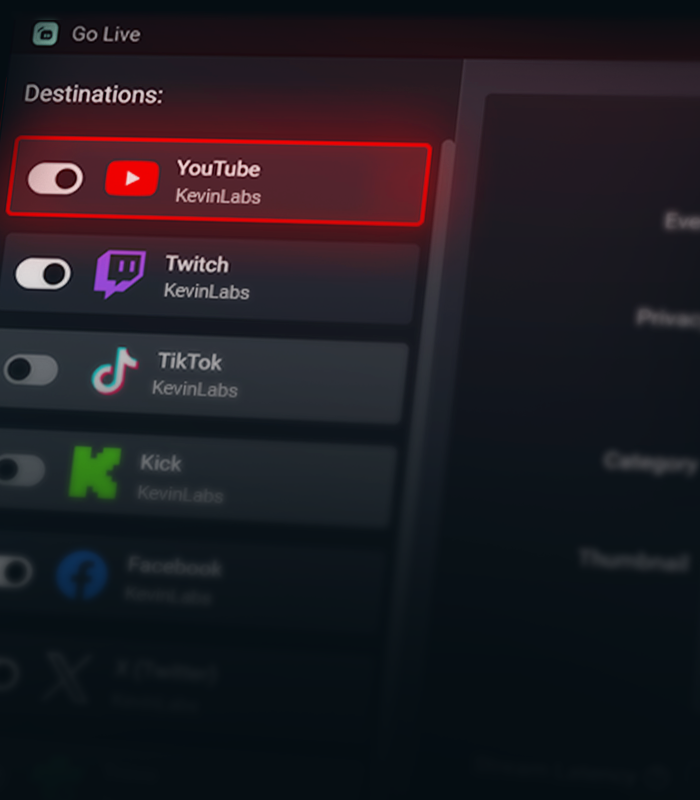
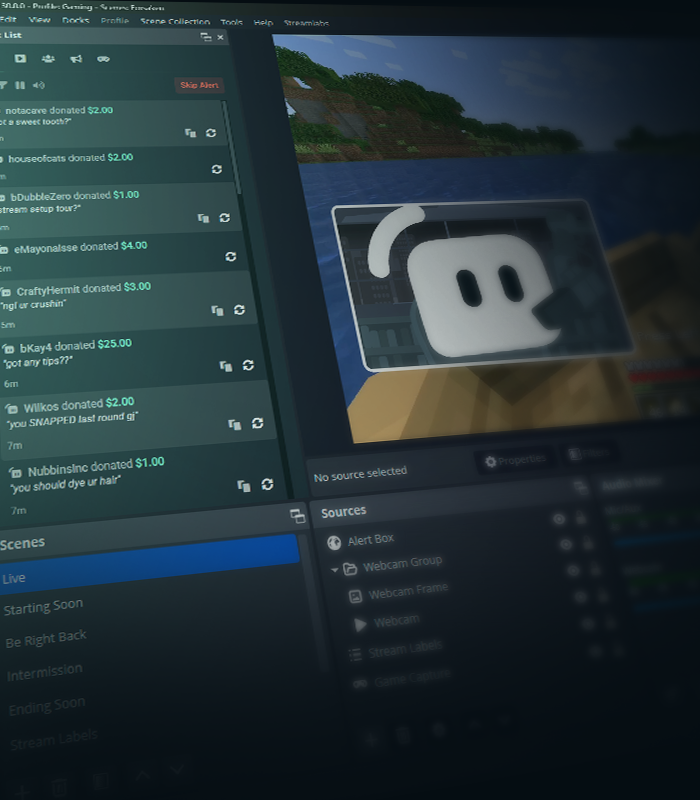
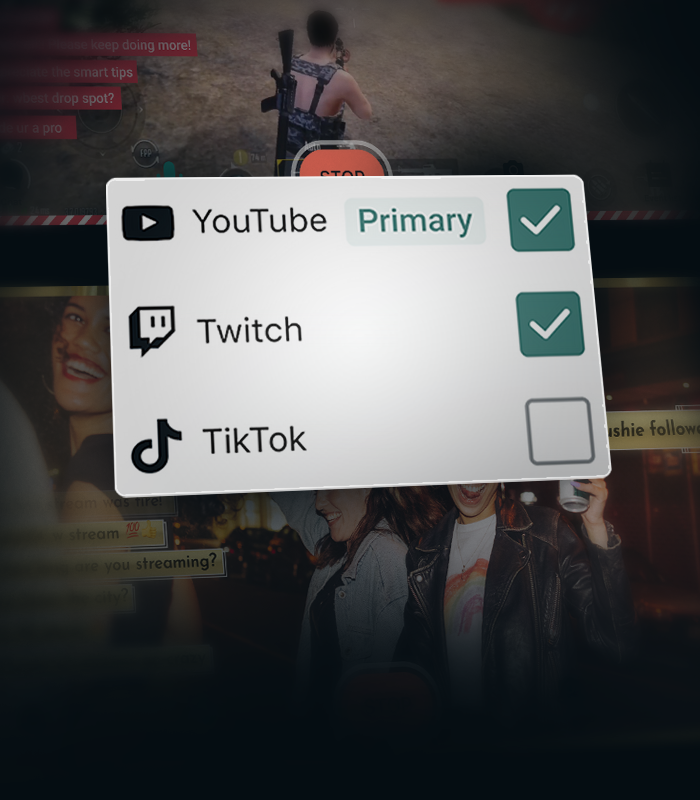
.png)


Stream Shift 让您保持在线
在桌面端和移动端之间无缝切换,无需结束直播。 Stream Shift 让您的直播保持在线,这样您就不会流失观众。
通过 Streamlabs 从 YouTube 获得更多收益
专为 YouTube 创作者设计的独家功能、工具和支持。
常见问题解答
You can use Streamlabs Desktop, Plugin for OBS, Mobile, Streamlabs Console or Talk Studio to stream and multistream directly to YouTube. Choose the platform that best fits your streaming setup and workflow.
YouTube 的直播要求因账户状态和验证情况而异。 一旦您的 YouTube 账户满足他们的直播要求,您就可以立即将其连接到您选择的 Streamlabs 工具并开始直播。
Streamlabs Ultra 是面向创作者的专业级功能套件,提供广泛的优势,包括多重直播、访问包含数千种直播叠加层和小工具主题的完整库、提高通过 Sidekick 实现的 AI 制作功能使用额度上限、无水印剪辑编辑、Streamlabs 商品最高的利润率、立即获得 Gold All Star 状态以获取更多抽奖机会和罗技 G 硬件折扣等等。
通过 Ultra,您可以在一个简单的计划中访问 Streamlabs Desktop、Mobile、Console、Talk Studio Pro、Cross Clip Pro、Video Editor Pro、Podcast Editor Pro 和 Web Suite 的高级功能。
通过 Ultra Plus,您不仅将解锁 Ultra 包含的所有功能,还能额外增加 Sidekick 的使用额度上限,并获得专属的 Streamlabs 联系人、设置通话,以及每年两次与我们的直播专家进行交流的成效回访。
在此处详细了解 Ultra 和 Ultra Plus 的所有优势。
导航至仪表板中的“平台设置”,选择 YouTube 作为您的平台,然后授权 Streamlabs 访问您的 YouTube 帐户。 集成过程非常顺畅,点击 确认 & 开始直播 后,您将在平台列表中看到已连接的 YouTube 帐户。 对于主机,您需要将 YouTube 添加为第二个多流目标。 有关设置的更详细说明,您可以观看我们的视频指南或查看我们的设置文章 此处。
多平台直播有很多好处,而将 YouTube 作为目标平台之一进行多平台直播,好处更是不胜枚举。 您可以在本文中找到完整列表。
如果启用 Dual Output,则每个布局可多平台直播至一个平台。 例如,如果您将横屏布局直播至 YouTube,您还可以免费将竖屏画布直播至 YouTube 以包含在 Shorts 信息流中,或直播至您选择的另一个平台。 Console 是唯一需要 Ultra 会员资格才能直播至您选择的任何目的地的 Streamlabs 工具。
不需要! 使用Streamlabs工具向YouTube直播时,您不需要推流码。 只需关联您的账户,即可开始直播。
Streamlabs 拥有多种支持 YouTube 事件的小部件。 支持的小部件和事件类型包括:
- 提醒框
- 订阅
- 会员
- 超级留言
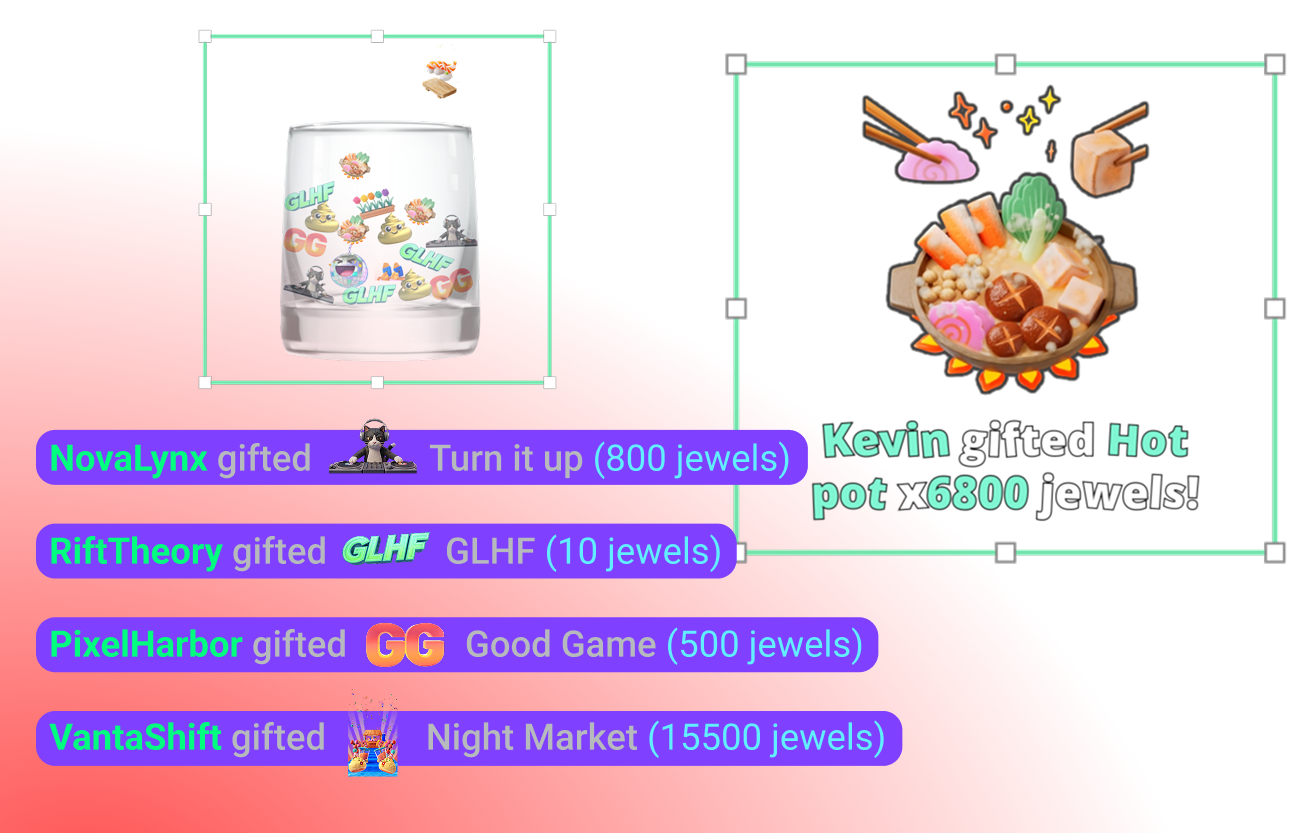
- Jewel 礼物
- 超级贴纸
- 事件列表
- 订阅
- 会员
- 赠送的会员
- 超级留言
- 再订阅
- Jewel 礼物
- 超级贴纸
- 存钱罐
- 订阅
- 会员
- 超级留言
- Jewel 礼物
- 超级贴纸
- 片尾字幕
- 订阅
- 会员
- 超级留言
- Jewel 礼物
- 超级贴纸
- 聊天亮点
- 投票小工具
- 关注者目标
- 订阅者
- 订阅目标
- 会员
- 超级留言目标
- 超级留言
- 观众人数
- 聊天框徽章
- 群主
- 订阅者
请通过此链接联系支持人员。