Skip to main content.

在 Twitch 直播所需的一切

使用功能强大的提醒、聊天审核、叠加层、小工具等工具在 Twitch 上直播。
下载 Desktop
下载 Windows 版
免费
Windows 10+
macOS 12+
约 500mb

让你的直播脱颖而出

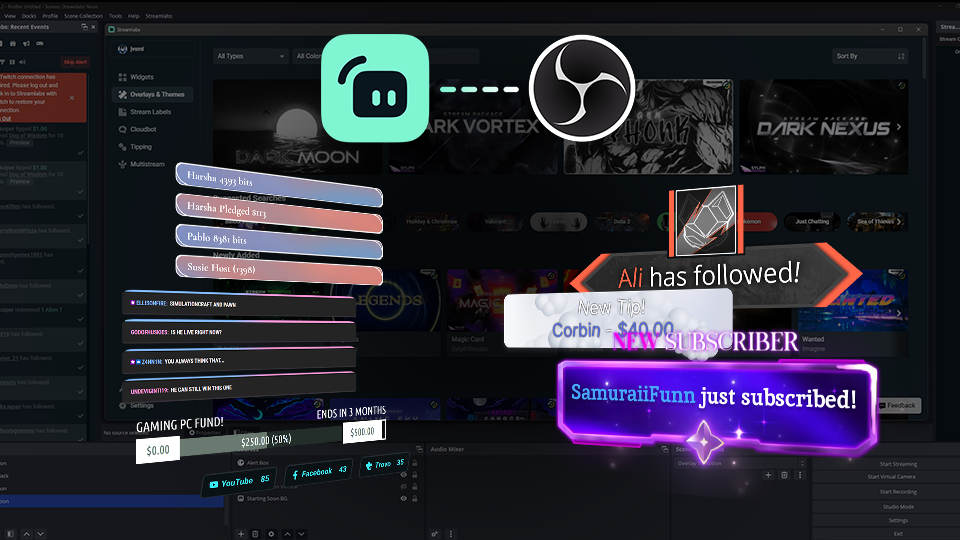
使用数以千计专业设计的叠加层、主题和提醒来自定义你的 Twitch 直播。

2 different overlays both horizontal and vertical options

叠加层和主题库

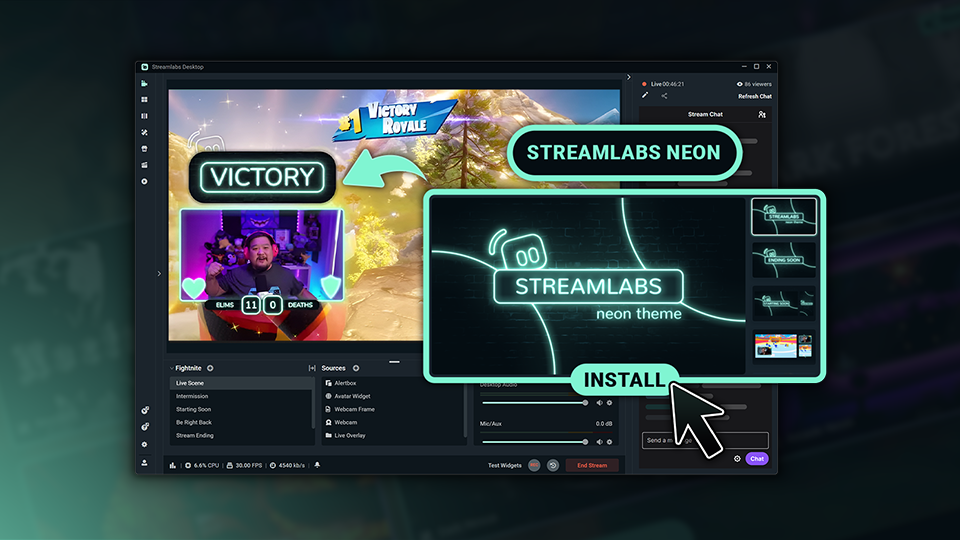
浏览数以千计专业设计的叠加层和主题,打造彰显你风格的直播。

Visual of installing reactive overlays in Streamlabs Desktop.

响应式叠加层

添加可实时响应游戏内事件的叠加层,庆祝击杀、胜利、连胜等成就。

保持受众参与度

从提醒和审核到目标和观众互动,Streamlabs 小工具可帮助你打造更具吸引力的 Twitch 体验。

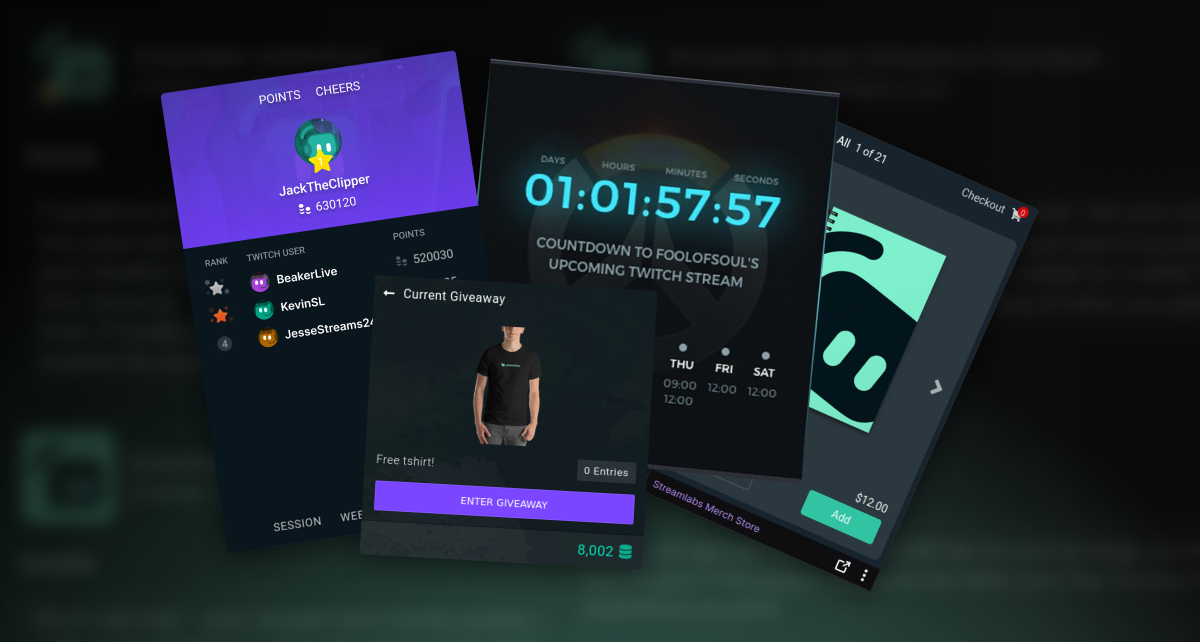
Screenshots of Streamlabs Twitch Extensions

使用扩展程序增强您的个人资料

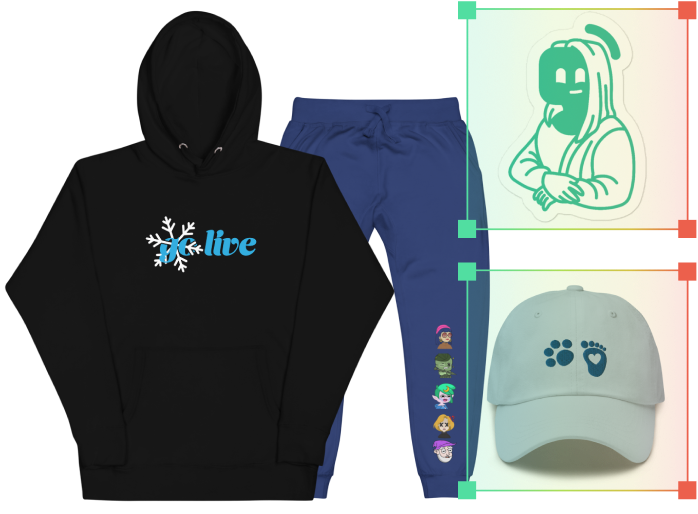
使用免费的 Twitch 扩展程序设置下一次直播的倒计时、通过排行榜展示您的顶级粉丝、销售周边商品、管理赠品等。

Four colorful tip panels with dollar signs and the word 'Tip' in various styles and backgrounds.

自定义您的 Twitch 面板

使用免费的 Twitch 面板制作工具,通过自定义样式的面板链接到您的其他社交频道、打赏页面等。

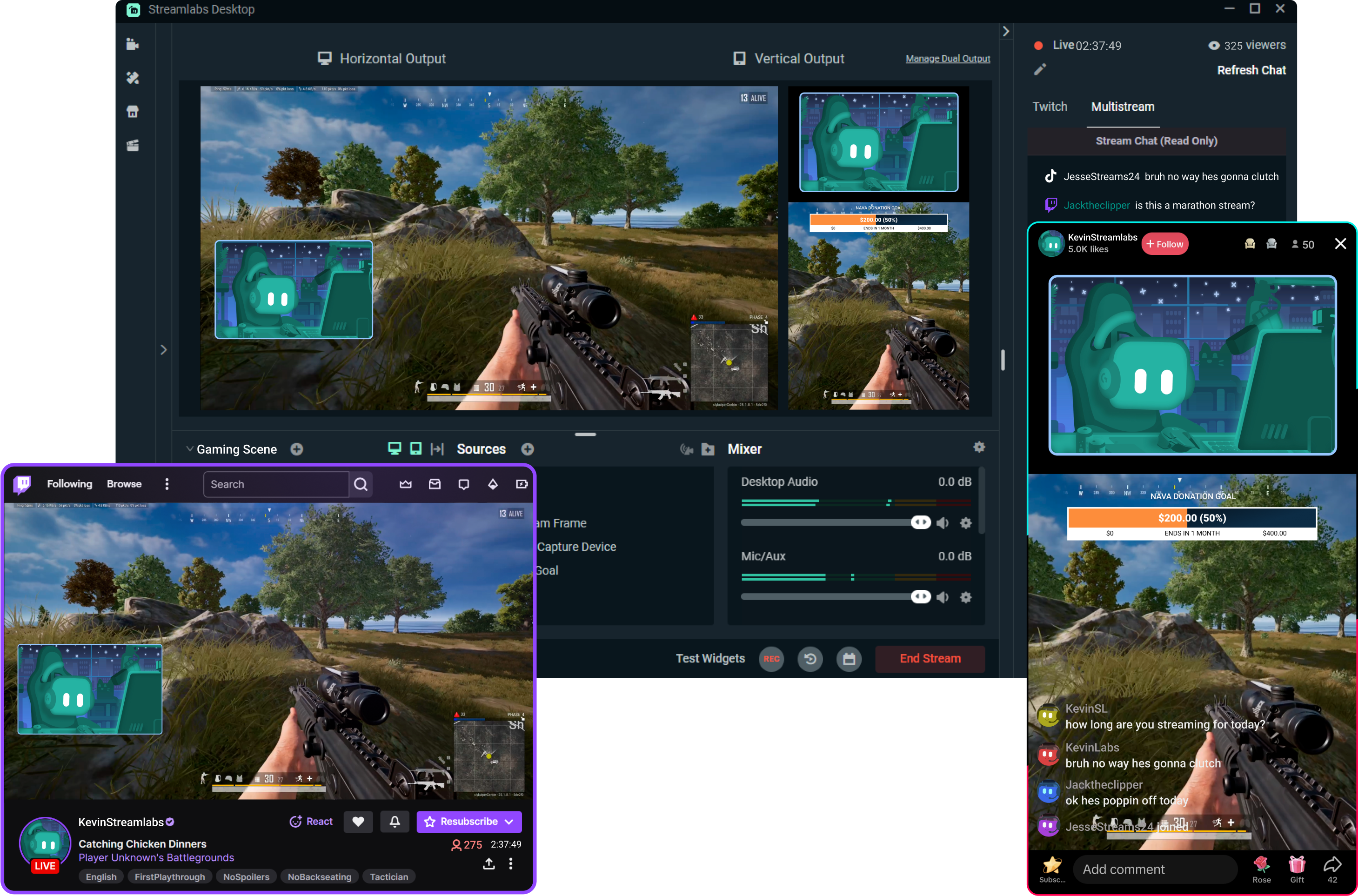
通过多平台直播触达更多观众

在观众偏好的任何平台触达他们。 Streamlabs 负责处理繁重运算,让你轻松实现多平台同步直播,无需给你的电脑增添额外负担。‌

下一代直播工具

探索强大的工具,自动化你的工作流程,吸引你的受众,并帮助你创作更优质的内容。
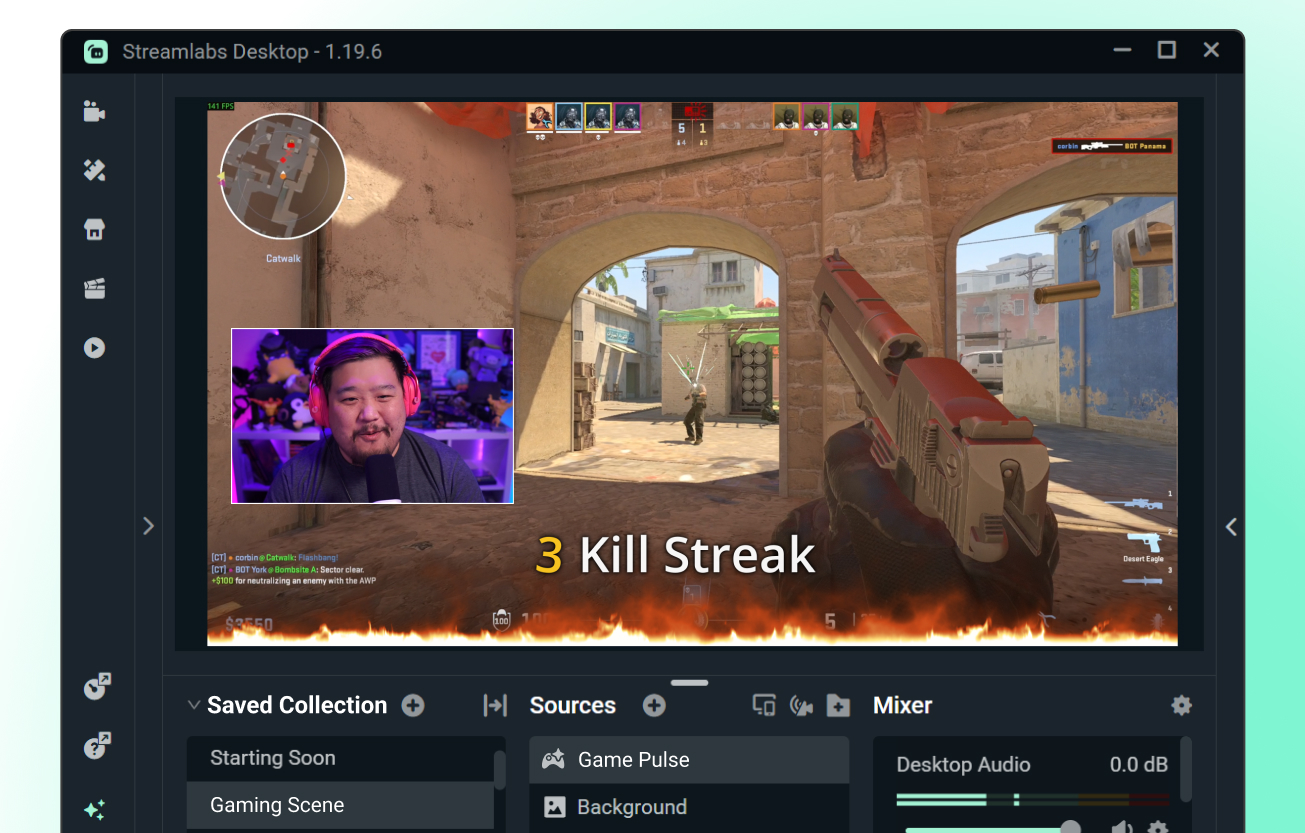
game pulse widget  kill streak animation on stream

Game Pulse 小工具

由您的游戏操作驱动的可自定义自动化提醒。 根据游戏内事件自动触发直播提醒。

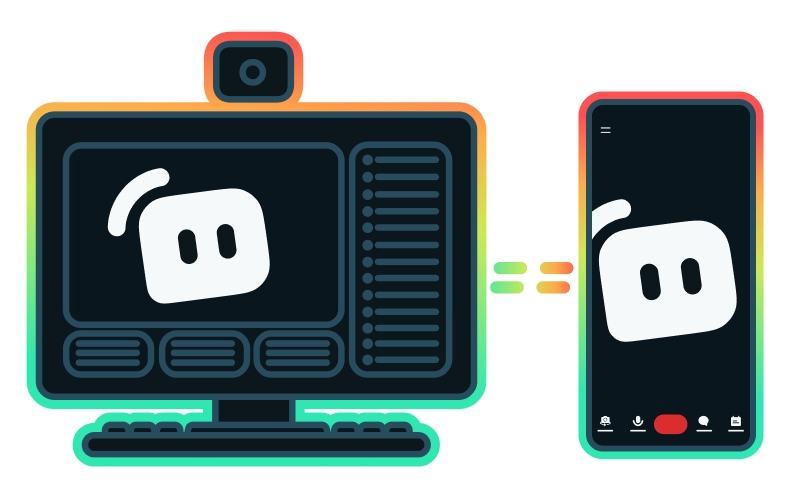
Streaming setup with computer and mobile phone pointing back and forth to each other

Stream Shift

‌无需中断直播,即可在桌面端与移动端之间无缝切换直播。‌

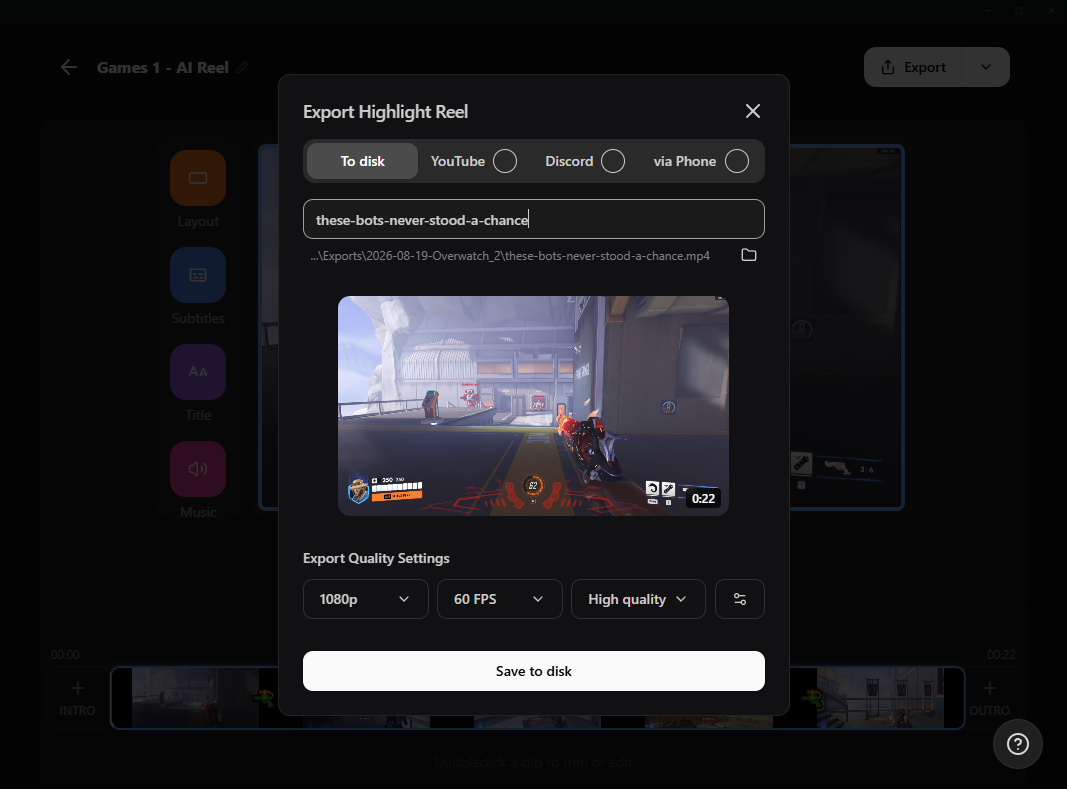
Screenshot of Streamlabs Highlighter icon in left nav of Streamlabs Desktop

Highlighter

自动捕捉你的精彩瞬间,无需筛选数小时的素材。

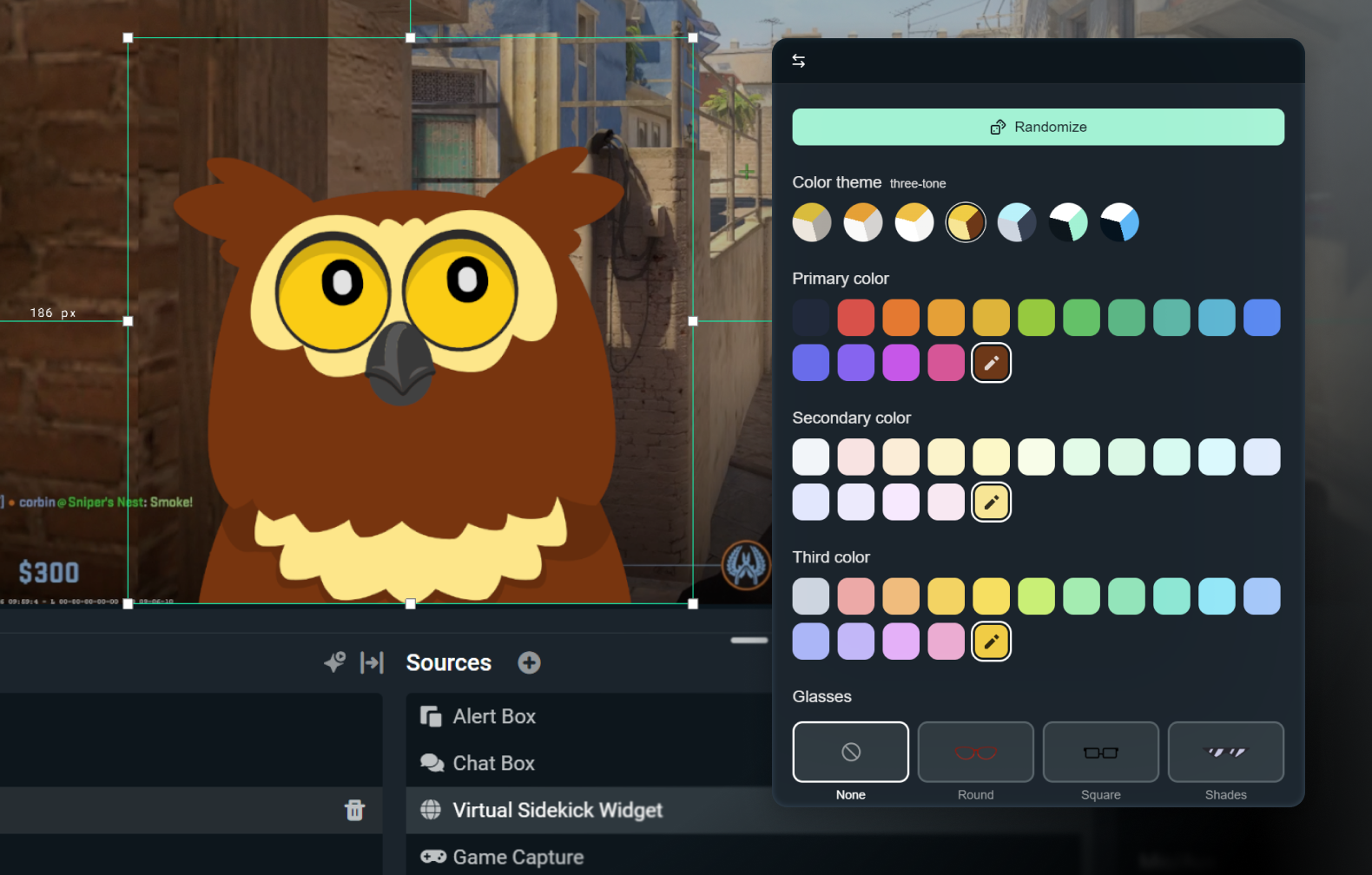
Owl 2D avatar Streamlabs Sidekick in the customize window within Desktop

Intelligent Streaming Agent

集联合主持人、直播节目制作人与技术支持于一体的全能工具。‌

常见问题解答

如何开始向 Twitch 推流?

您只需打开您偏好的软件(Desktop、OBS 插件、我们的移动应用、Talk Studio 或 Console),并按照我们 快速入门指南 中的说明操作,即可在几分钟内开始在 Twitch 上直播。

Streamlabs Ultra 和 Ultra Plus 是什么?

Streamlabs Ultra is a suite of pro-level features for creators offering a wide range of benefits including multistreaming, access to the full Library of thousands of stream overlays and widget themes, higher limits on AI production features through the Sidekick, watermark-free clip editing, the highest profit margins on Streamlabs Merch, instant access to Gold All Star status for extra giveaway entries and savings on Logitech G hardware, and much more.

通过 Ultra,您可以在一个简单的计划中访问 Streamlabs Desktop、Mobile、Console、Talk Studio Pro、Cross Clip Pro、Video Editor Pro、Podcast Editor Pro 和 Web Suite 的高级功能。

With Ultra Plus, you unlock everything included in Ultra plus additional limits for the Sidekick plus a dedicated Streamlabs contact, a setup call, and twice annual success calls with our streaming experts.

此处详细了解 Ultra 和 Ultra Plus 的所有优势。

我需要查找我的流密钥才能直播到Twitch吗?

不需要,您无需查找流密钥并手动输入即可使用Streamlabs工具直播到Twitch。 只需关联您的账户,即可开始直播。

是什么让 Streamlabs 多重直播与众不同?

传统的多重直播工具会针对每个直播平台进行编码并上传直播的单独版本,导致 CPU 和 GPU 占用率居高不下,同时需要更高的上传带宽,从而增加直播质量下降或崩溃的风险。

Streamlabs 采用基于云的多重直播系统,这意味着您只需向 Streamlabs 发送一个直播流(或在启用 Dual Output 时发送两个直播流,一个垂直和一个水平),其余工作将由我们的服务器自动处理。

使用 Streamlabs,您还可以获得内置的聊天功能集成,让您在一个地方即可查看所有直播的消息。

如需了解更多信息,请查看我们的文章 Streamlabs 多重直播的与众不同之处

我可以从手机直播到Twitch吗?

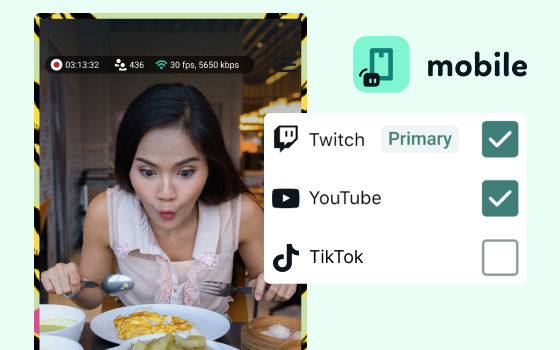
可以,适用于 iOS 和 Android 的 Streamlabs Mobile 让您可以直接从手机在 Twitch 上直播,而无需桌面设置。

作为 Twitch 主播,我可以申请赞助吗?

是的,目前我们所有的赞助服务均专门针对 Twitch 主播。 点击此处了解更多关于赞助的信息。

Streamlabs 多重直播是否免费?

Streamlabs 多重直播是 Ultra 功能。 如需免费进行多重直播,可通过 Dual Output 同时向一个竖屏和一个横屏目标平台开播,无需订阅。

如果我有更多疑问怎么办?

请通过此链接联系支持人员。

获取 Streamlabs - 几分钟内即可上线!

下载 Desktop
下载 Windows 版
免费
Windows 10+
macOS 12+
约 500mb