

适用于 OBS 的 Streamlabs 插件
您最喜爱的 Streamlabs 功能现已直接在 OBS Studio 中提供。



使用 Game Pulse Widget 震撼直播间
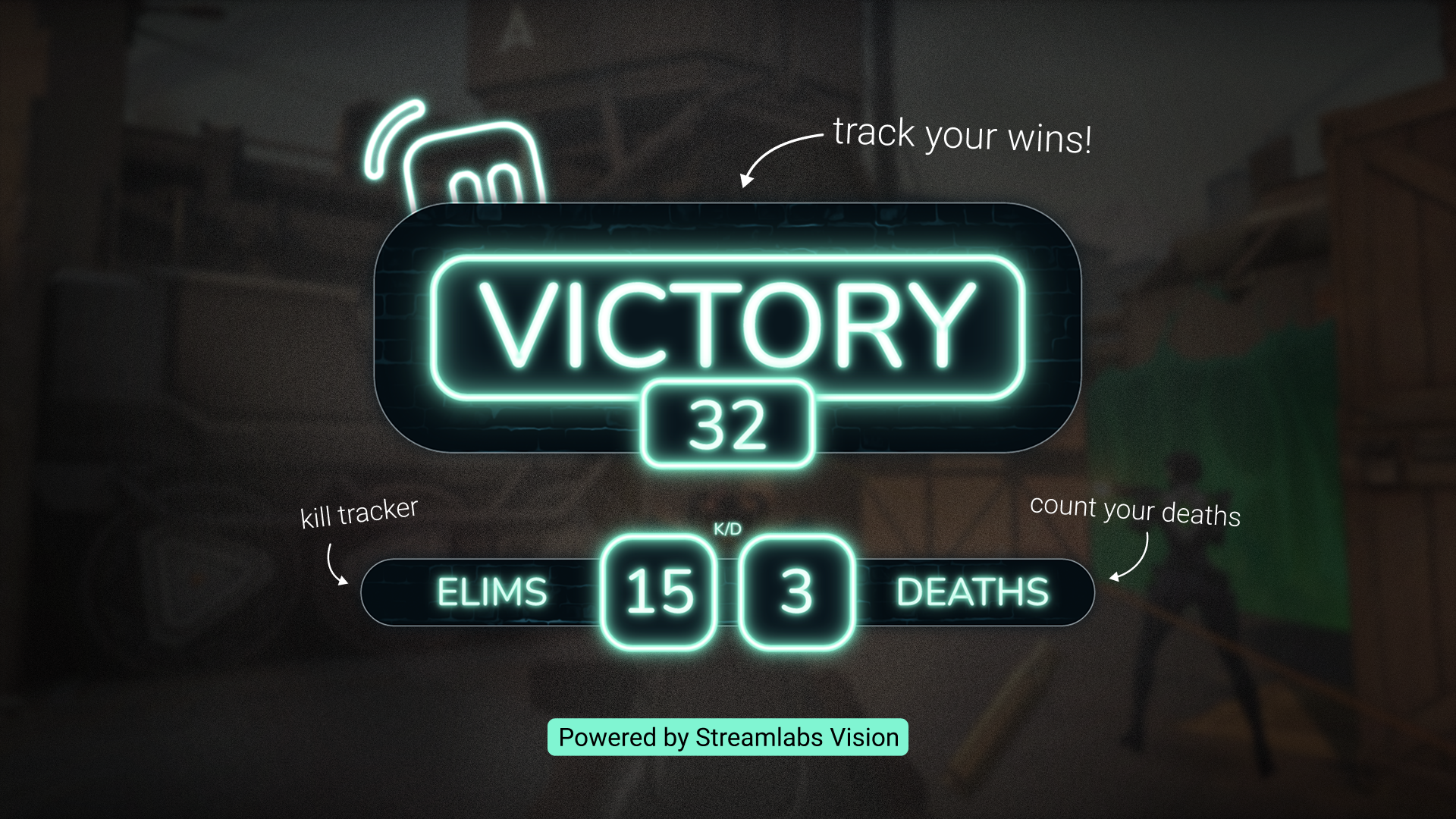
在直播中,每当出现击杀、淘汰等情况时,自动触发动态图形和音效。由 Streamlabs Vision 提供支持。
直播标签
无需离开 OBS,点击按钮即可添加直播标签。
找到最适合您的 Streamlabs 设置
| Streamlabs Desktop | 适用于 OBS 的 Streamlabs 插件 | Ultra Plus | Other | |
|---|---|---|---|---|
是否免费使用? | Customizable tip page | Customizable tip page | ||
操作系统要求 兼容 Mac 和 PC | Mac 和 PC | 仅兼容 PC | Customizable tip page | Customizable tip page |
引导式设置与入门指南 轻松设置您的直播 | Customizable tip page | Customizable tip page | ||
广播直播 将您的直播推送到您选择的平台 | Customizable tip page | Customizable tip page | ||
正在录制 无需离开软件即可录制 | Customizable tip page | Customizable tip page | ||
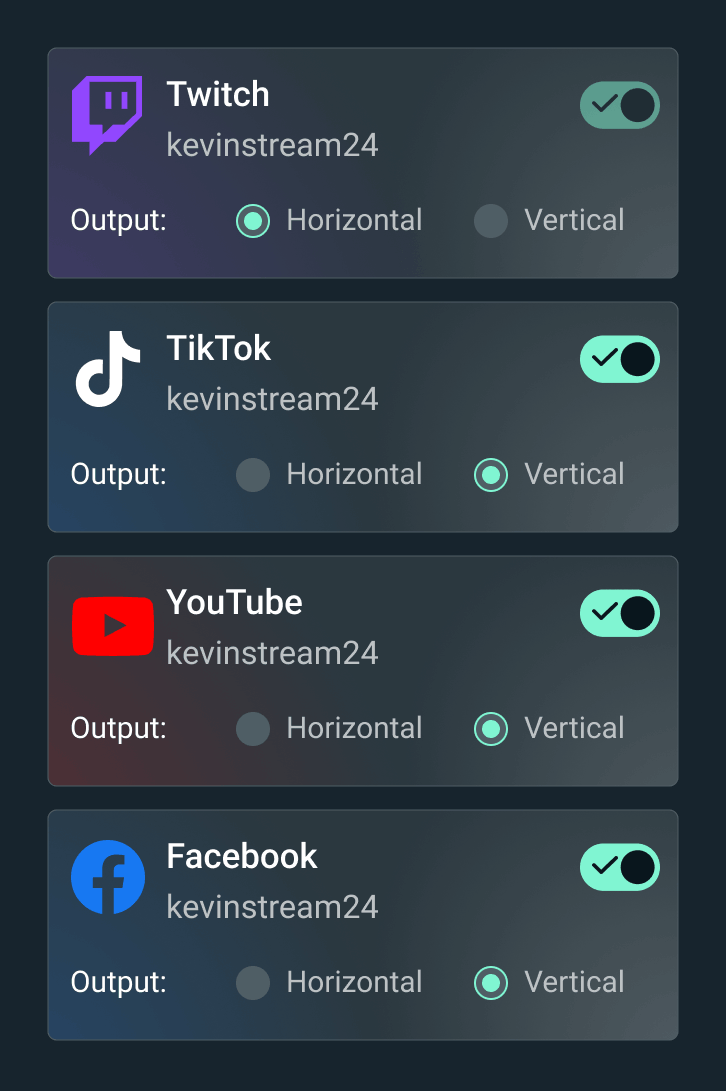
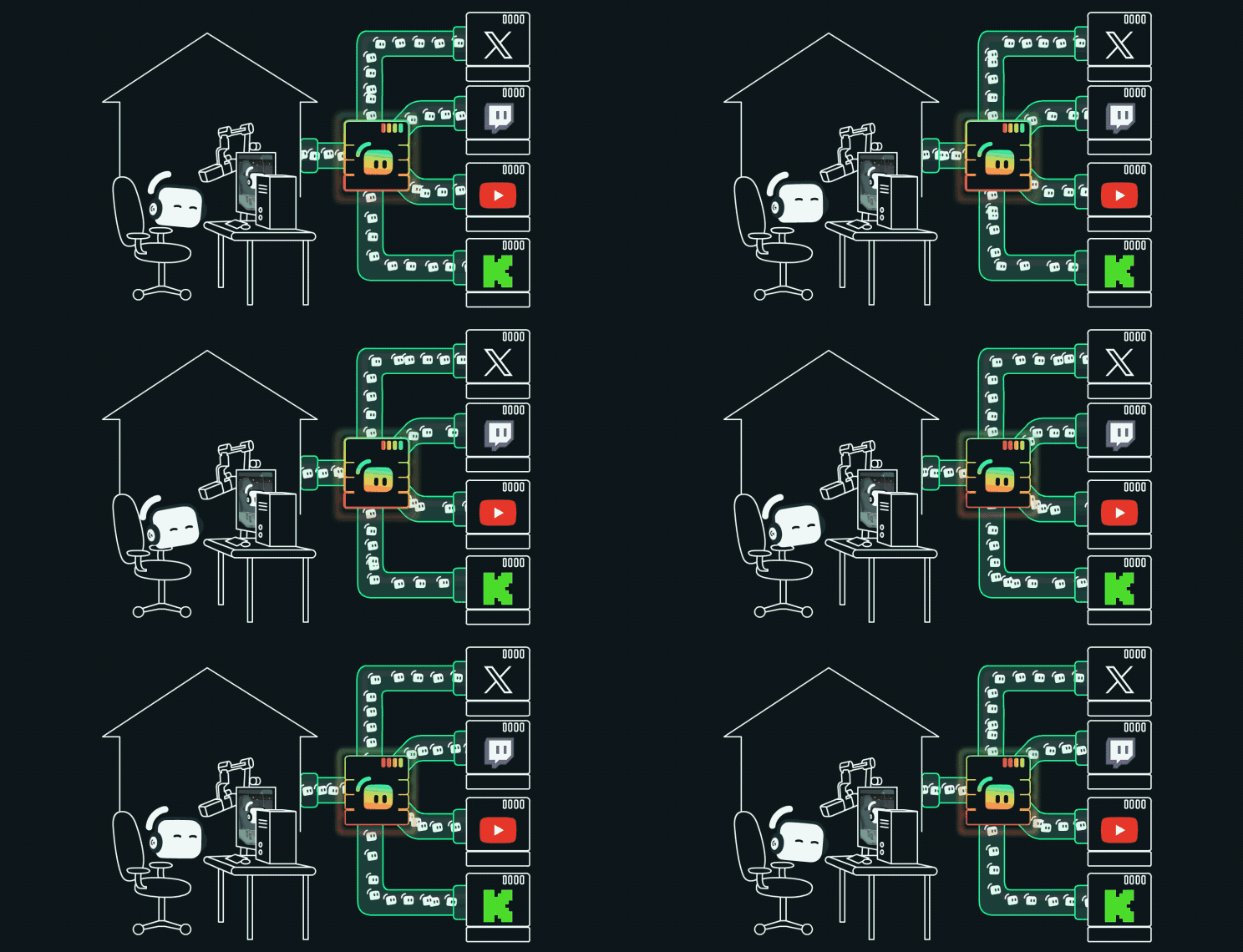
多重直播 直播至多个平台 | 使用 Ultra 进行服务器端处理 | 使用 Ultra 进行服务器端处理 | Customizable tip page | Customizable tip page |
Dual Output 以横屏和竖屏格式直播 | Customizable tip page | Customizable tip page | ||
内置场景和来源管理 轻松管理场景和来源 | Customizable tip page | Customizable tip page | ||
叠加层和小工具主题 设计您的直播并与观众互动 | 一键导入叠加层 | 一键导入叠加层 | Customizable tip page | Customizable tip page |
提醒框 动态屏幕提醒 | Customizable tip page | Customizable tip page | ||
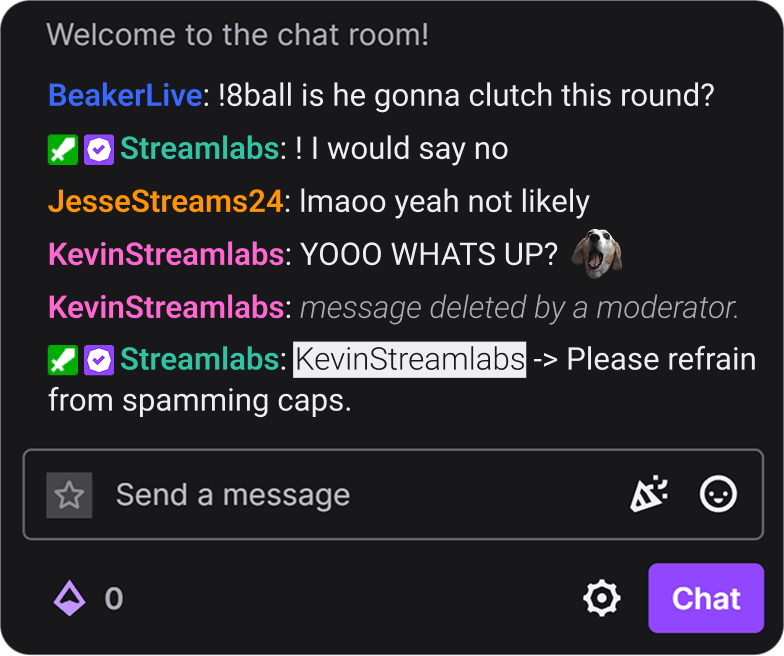
云机器人 参与并主持聊天 | Customizable tip page | Customizable tip page | ||
剪辑与编辑 捕捉精彩瞬间并剪辑长视频内容 | Customizable tip page | Customizable tip page | ||
打赏 让观众能够支持您 | 在仪表板中设置 | 在仪表板中设置 | Customizable tip page | Customizable tip page |
商品商店 向观众销售定制商品 | Customizable tip page | Customizable tip page | ||
Vision 工具 直播 Sidekick、Highlighter、Game Pulse Widget 和 Reactive Overlays | Reactive Overlays 和 Game Pulse Widget | Customizable tip page | Customizable tip page | |
常见问题解答
适用于 OBS 的 Streamlabs 插件是 OBS 的一个附加组件,它将精选的 Streamlabs 工具直接引入到您的 OBS Studio 设置中,包括叠加层、小部件、Stream Labels、多平台直播等。
是的,该插件可免费下载和使用。某些功能(如服务器端多平台直播和高级叠加层)需要 Streamlabs Ultra。
不会。该插件专为希望使用 Streamlabs 工具,但又不想使用 Streamlabs Desktop 或手动添加浏览器源小部件的 OBS Studio 用户而设计。
下载插件并运行安装程序。它直接集成到 OBS Studio 中,无需单独的账户即可开始使用。您可以在我们的入门指南中了解更多关于安装 Streamlabs OBS 插件的信息。
Streamlabs OBS 插件让您在保留现有 OBS Studio 设置的同时,添加核心 Streamlabs 功能,例如叠加层、小工具、提醒、Streamlabs Vision 工具(如响应式叠加层和 Game Pulse 小工具)以及多平台直播。 Streamlabs Desktop 在一款完整的一体化直播软件中提供了这些相同的核心工具,此外还包含其他内置功能,如 Stream Shift、Dual Output、Collab Cam,以及我们为想要更完整设置的创作者提供的其余 AI 驱动工具。
哪种选择最好,取决于您是想继续使用 OBS 还是转向更全能的体验。
查看我们的指南,了解 Streamlabs Desktop 与 OBS 的对比。适用于 OBS 的 Streamlabs 插件.
可以!您可以将 Streamlabs 的叠加层和小工具导入 OBS,减少手动设置步骤。
不会。该插件将 Streamlabs 工具添加到您的 OBS Studio 中,而不会修改您现有的场景、来源或设置。
不会。 Streamlabs 插件目前支持 Windows 10/11 或更高版本。
不会。您可以通过在 Streamlabs Dashboard Multistream 设置中连接您的平台,并使用 OBS 中提供的 RTMP 目标地址,在不使用插件的情况下,通过浏览器源在 OBS 中使用 Streamlabs 小部件,并进行多平台直播。
请通过此链接联系支持人员。