

Potenziamento della rete
Due (o più) connessioni sono meglio di una. Usa potenziamento della rete per mantenere attivo il tuo streaming IRL quando la tua connessione principale cade o si indebolisce.
Esclusiva per Streamlabs Mobile.
Mantieni connesso il tuo streaming IRL
Usa le reti WiFi e i dati cellulari disponibili insieme per ridurre i fotogrammi persi, evitare connessioni instabili e rimanere in diretta in condizioni reali con sicurezza.
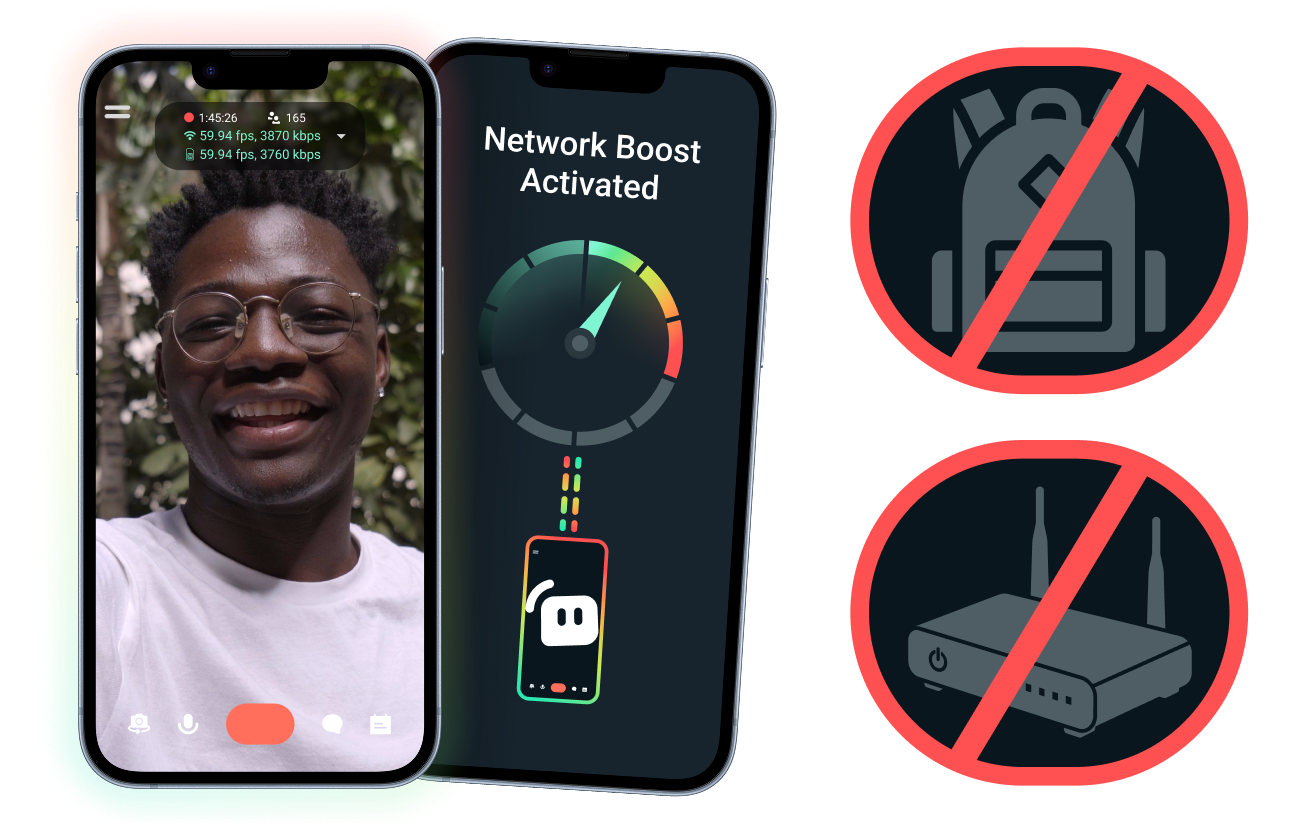
Configurazione semplice. Nessun hardware aggiuntivo.
Stabilizza il tuo stream mobile usando le connessioni che hai già. Nessun router costoso, zaino per lo streaming o attrezzatura complicata richiesta. Tuttavia, sono supportate anche configurazioni avanzate.
Trasmetti in diretta lontano dalla tua scrivania
Che tu stia trasmettendo da eventi, hotel, parchi o spazi pubblici affollati, potenziamento della rete aiuta a rafforzare la tua connessione così puoi andare in diretta oltre la tua postazione fissa di casa.
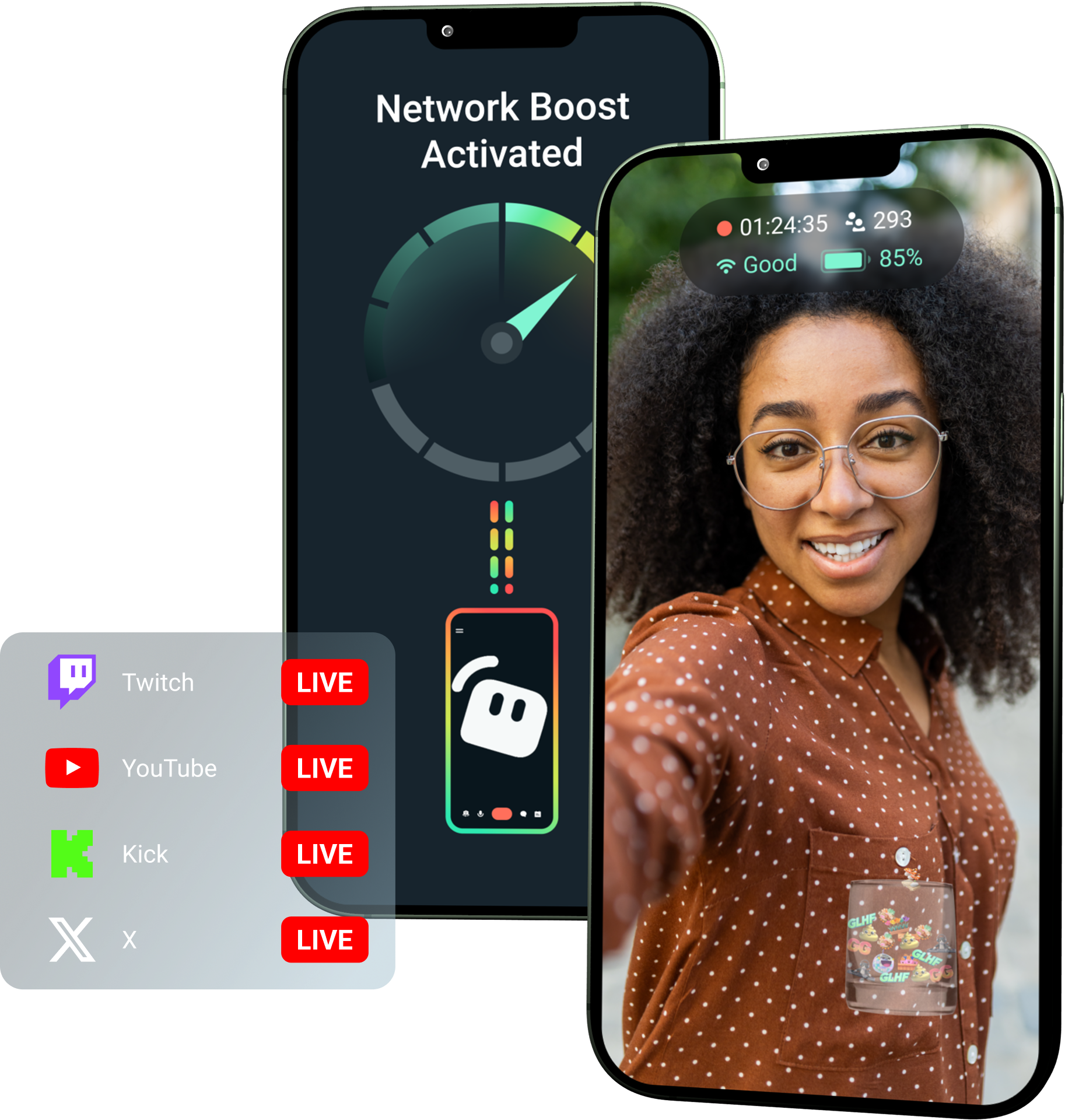
Sblocca potenziamento della rete con Streamlabs Ultra!
Ultra offre ai creator mobile l'accesso a funzionalità premium come potenziamento della rete, Multistreaming e protezione dalle disconnessioni per aiutarli a creare stream migliori e stabili dai loro dispositivi mobili.
Come funziona
Usa WiFi e dati cellulari insieme per mantenere il tuo stream mobile attivo, anche quando la tua connessione diventa instabile.
Apri Streamlabs Mobile e attiva potenziamento della rete per iniziare la configurazione. Per configurazioni avanzate con più dispositivi relay, apri Streamlabs Controller per iniziare.
Scansiona il codice QR o inserisci manualmente i dettagli della connessione per associare i tuoi dispositivi.
Una volta connesso, vai in diretta su Streamlabs Mobile. potenziamento della rete viene eseguito in background per mantenere il tuo stream connesso!
potenziamento della rete contro Altre soluzioni
| Potenziamento della rete | Rig e zaini per lo streaming | Altre soluzioni software | Other | |
|---|---|---|---|---|
Ideale per | Creator che vogliono un modo più semplice per migliorare l'affidabilità dello stream mobile/IRL senza hardware aggiuntivo | Creator IRL avanzati con esigenze di livello professionale e budget più ampi per l'attrezzatura | Creator a cui va bene aggiungere uno strumento separato per aiutare a gestire le connessioni internet | Customizable tip page |
Hardware extra richiesto | No | Sì, spesso richiede encoder, modem, router, zaini o accessori | Nessun hardware di streaming dedicato, ma potrebbe richiedere un'app o un servizio separato | Customizable tip page |
Configurazione facile | Configurazione semplice: funziona tramite Streamlabs Mobile e l'app Streamlabs Controller (per connessioni aggiuntive) | Richiede configurazione hardware, impostazione, ricarica e trasporto | Richiede una configurazione al di fuori delle app di streaming | |
Costo | Incluso con Streamlabs Ultra/Ultra+ come uno dei tanti vantaggi premium per i creator | Può richiedere centinaia o migliaia di dollari in anticipo, oltre a possibili costi continui per dati/servizi | Spesso inferiore rispetto alle configurazioni hardware, ma potrebbe richiedere un abbonamento separato | Customizable tip page |
Pensato per gli streamer IRL | Sì; progettato per streamer mobili di qualsiasi livello | Sì, ma solitamente basati su configurazioni di produzione IRL più avanzate | Potrebbero supportare la gestione della connessione, ma non sempre sono creati specificamente per le esigenze dello streaming da mobile | Customizable tip page |

Migliora i tuoi live stream, il branding, l'editing e molto altro ancora con Streamlabs Ultra
Accedi a tutte le funzioni premium della suite completa, tra cui Streamlabs Desktop, Mobile, Console, Talk Studio, Podcast Editor, Cross Clip e altro ancora, a un prezzo unico e conveniente. Scopri di più
Domande frequenti
Potenziamento delle rete aiuta gli streamer mobile a migliorare l'affidabilità dello streaming utilizzando più connessioni internet, come WiFi e dati cellulari. Quando una connessione si indebolisce o diventa instabile, potenziamento delle rete aiuta a ridurre i frame persi e le interruzioni, così i creator possono rimanere in diretta con maggiore sicurezza.
Network Boost si configura tramite Streamlabs Mobile (o l'app Streamlabs Controller per connessioni avanzate) ed è pensato per i creator che vanno in diretta con Streamlabs Mobile. I creator possono attivare potenziamento delle rete, collegare le fonti internet disponibili e andare in diretta come al solito. Potenziamento delle rete viene eseguito in background per aiutare a supportare lo streaming quando le condizioni di rete cambiano.
Gli streamer mobile e IRL vanno spesso in diretta da ambienti imprevedibili, inclusi eventi, hotel, spazi all'aperto, destinazioni di viaggio e reti WiFi pubbliche. Quando una connessione si indebolisce o cade, i creator rischiano frame persi, interruzioni dello streaming, perdita di spettatori e un minor coinvolgimento.
Può anche disturbare l'esperienza IRL del creator quando deve mettere ripetutamente in pausa, risolvere problemi o regolare la propria configurazione durante una diretta.
Sì. Network Boost è disponibile esclusivamente per gli abbonati attivi a Streamlabs Ultra e Ultra+ o per chi ha una prova attiva di uno dei due.
- Gli abbonati Ultra ottengono 10 ore di potenziamento delle rete al mese
- Gli abbonati Ultra+ ottengono 80 ore di potenziamento delle rete al mese.
Streamlabs Ultra sblocca anche ulteriori strumenti di streaming da mobile, tra cui Stream Shift, multistreaming e altro.
Altre parti dell'esperienza di Streamlabs Mobile, incluso il filtro privacy, sono disponibili per tutti gli utenti di Streamlabs Mobile.
Se stai trasmettendo in un'area con una connessione scarsa, utilizza potenziamento delle rete, che combina più reti per una connessione più stabile, e protezione dalle disconnessioni, che mantiene il tuo stream attivo se il servizio si interrompe completamente. Entrambi sono disponibili su Streamlabs Mobile esclusivamente per i membri Ultra.
Attualmente, il dispositivo di streaming principale deve essere iOS (ad esempio iPad o iPhone), mentre il dispositivo secondario/di relay può essere iOS o Android. Le prestazioni dipendono dalla potenza e dalla disponibilità delle reti utilizzate.
No. Potenziamento delle rete non richiede hardware aggiuntivo, come uno zaino per lo streaming o un router. È progettato per funzionare con le connessioni e i dispositivi che i creator hanno già.
Contatta l’assistenza a questo link.