

Функция ускорения сети
Два (или более) подключения лучше, чем одно. Используйте функцию ускорения сети, чтобы IRL-трансляция не прерывалась при сбое основного подключения или ослаблении сигнала.
Только для Streamlabs Mobile.
Поддерживайте IRL-трансляцию в прямом эфире
Используйте доступные сети Wi-Fi и мобильные сети передачи данных одновременно, чтобы уменьшить количество пропущенных кадров, избежать нестабильных подключений и уверенно вести прямой эфир в реальных условиях.
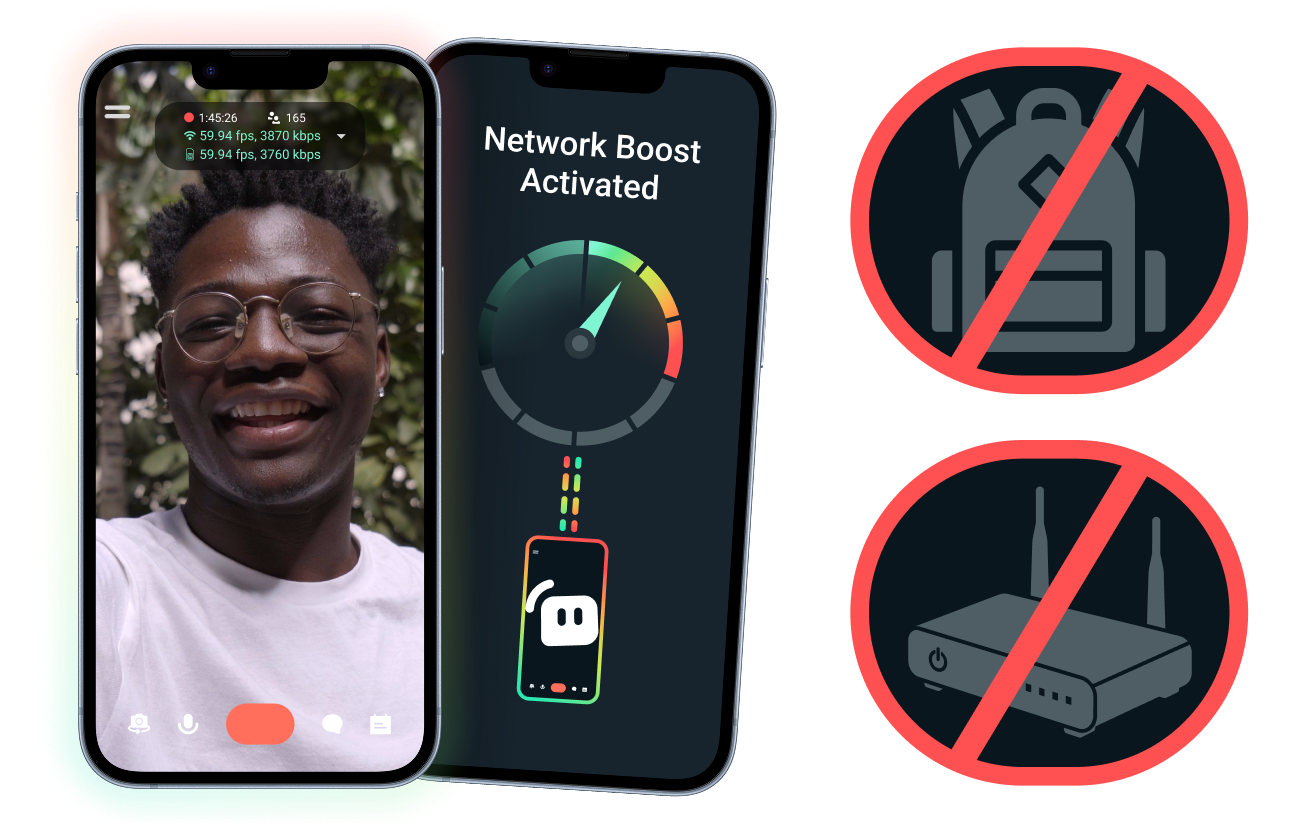
Простая настройка. Дополнительное оборудование не требуется.
Стабилизируйте трансляцию с мобильного устройства, используя уже имеющиеся подключения. Дорогостоящие маршрутизаторы, рюкзаки для трансляций и сложное оснащение не требуются. Тем не менее расширенные настройки также поддерживаются.
Проводите прямые трансляции вне дома
Функция ускорения сети помогает усилить сигнал, так что вы можете выходить в прямой эфир за пределами своей стационарной домашней системы для трансляций: с мероприятий, из отелей, парков или многолюдных общественных мест.
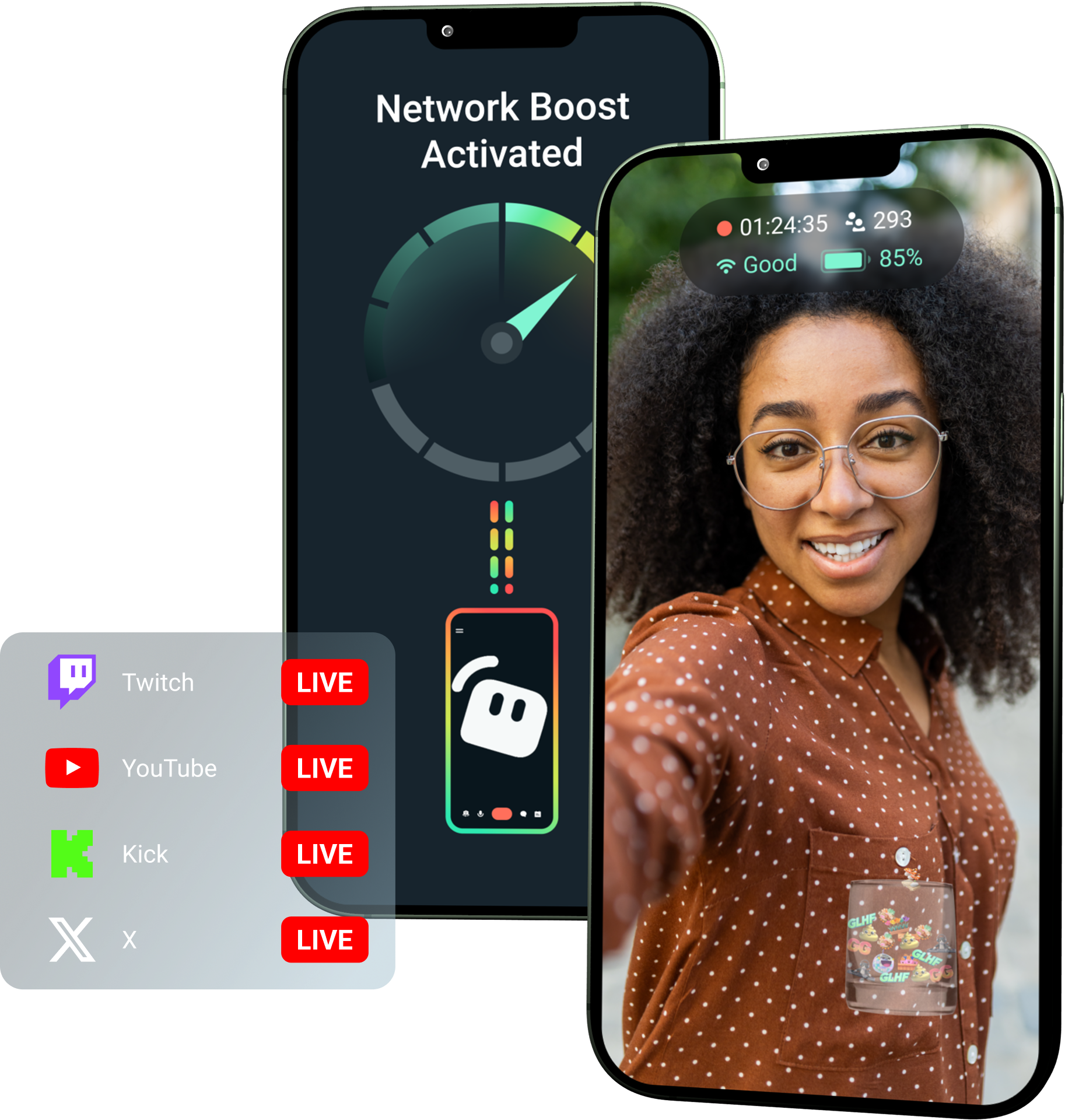
Получите функцию ускорения сети, оформив подписку Streamlabs Ultra!
С подпиской Ultra авторы контента на мобильных устройствах получают доступ к премиум-функциям, таким как ускорение сети, многопоточная трансляция и защита от отключения, которые помогают создавать более качественные и стабильные трансляции с мобильных устройств.
Как это работает
Используйте сети Wi-Fi и мобильные сети передачи данных одновременно, чтобы трансляция с мобильного устройства оставалась в прямом эфире, даже когда связь становится нестабильной.
Откройте Streamlabs Mobile и включите функцию ускорения сети, чтобы начать настройку. Если у вас сложная конфигурация с несколькими ретрансляционными устройствами, откройте Streamlabs Controller, чтобы начать работу.
Отсканируйте QR-код или введите данные подключения вручную, чтобы выполнить сопряжение устройств.
После подключения начните прямую трансляцию в Streamlabs Mobile. Функция ускорения сети будет работать в фоновом режиме, поддерживая трансляцию в прямом эфире.
Функция ускорения сети в сравнении с другими решениями
| Функция ускорения сети | Установки и рюкзаки для трансляций | Другие программные решения | Other | |
|---|---|---|---|---|
Для кого подходит лучше всего | Для авторов контента, которым нужен более простой способ повысить надежность трансляций с мобильных устройств и IRL-трансляций без дополнительного оборудования | Для продвинутых IRL-авторов с профессиональными потребностями и более крупными бюджетами на оборудование | Для авторов контента, которым удобно использовать отдельные инструменты для управления подключениями к интернету | Customizable tip page |
Требуется дополнительное оборудование | Нет | Да, часто требуются кодировщики, модемы, маршрутизаторы, рюкзаки или аксессуары | Специальное оборудование для трансляций не требуется, но может понадобиться отдельное приложение или сервис | Customizable tip page |
Простая настройка | Легкая настройка: работает через Streamlabs Mobile и приложение Streamlabs Controller (для дополнительных подключений) | Требуются настройка оборудования, конфигурации, зарядка и транспортировка | Требуется настройка за пределами приложений для трансляций | |
Цена | Входит в подписку Streamlabs Ultra или Ultra+ как одна из многих премиум-функций для авторов контента | Первоначальные затраты могут составлять сотни или тысячи долларов; кроме того, возможны текущие расходы на передачу данных и обслуживание | Часто ниже, чем у аппаратных решений, но может потребоваться отдельная подписка | Customizable tip page |
Создано для IRL-стримеров | Да; разработано для мобильных стримеров любого уровня | Да, но обычно рассчитаны на более сложные IRL-конфигурации | Могут поддерживать управление подключениями, но не всегда созданы специально для трансляций с мобильных устройств | Customizable tip page |

Повысьте качество ваших прямых трансляций, брендинга, монтажа и не только с подпиской Streamlabs Ultra
Получите доступ к полному набору премиальных функций, включая Streamlabs Desktop, Mobile, Console, Talk Studio, Podcast Editor, Cross Clip и многое другое, по одной доступной цене. Подробнее
Часто задаваемые вопросы
«Ускорение сети» помогает мобильным стримерам повысить надежность трансляции за счет использования нескольких интернет-соединений, таких как Wi-Fi и мобильные данные. Когда одно соединение ослабевает или становится нестабильным, «Ускорение сети» помогает уменьшить количество пропущенных кадров и прерываний, чтобы авторы могли увереннее продолжать трансляцию.
«Ускорение сети» настраивается через Streamlabs Mobile (или приложение Streamlabs Controller для расширенных подключений) и предназначено для авторов, ведущих трансляции с помощью Streamlabs Mobile. Авторы могут включить «Ускорение сети», подключить доступные источники интернета и начать трансляцию как обычно. «Ускорение сети» работает в фоновом режиме, помогая поддерживать трансляцию при изменении условий сети.
Стримеры, ведущие трансляции с мобильных устройств и в реальном времени (IRL), часто выходят в эфир из непредсказуемых мест, включая мероприятия, отели, открытые пространства, места путешествий и общественные сети WiFi. Когда соединение ослабевает или прерывается, авторы рискуют столкнуться с потерей кадров, прерыванием трансляции, потерей зрителей и снижением вовлеченности.
Это также может испортить впечатления автора от трансляции в реальном времени, когда ему приходится постоянно приостанавливать эфир, устранять неполадки или настраивать оборудование во время трансляции.
Да. «Ускорение сети» доступно исключительно активным подписчикам Streamlabs Ultra и Ultra+, а также тем, у кого есть активная пробная версия любой из этих подписок.
- Подписчики Ultra получают 10 часов «Ускорения сети» в месяц
- Подписчики Ultra+ получают 80 часов «Ускорения сети» в месяц.
Streamlabs Ultra также открывает доступ к дополнительным инструментам для мобильных трансляций, включая Stream Shift, мультистриминг и многое другое.
Другие функции мобильного приложения Streamlabs, включая фильтр конфиденциальности, доступны всем пользователям Streamlabs Mobile.
Если вы ведете трансляцию в зоне с плохим соединением, используйте «Ускорение сети», которое объединяет несколько сетей для более стабильного подключения, и Защита от отключения, которая поддерживает трансляцию в эфире, если ваше соединение полностью прерывается. Оба инструмента доступны в Streamlabs Mobile исключительно для подписчиков Ultra.
В настоящее время основным устройством для трансляции должно быть устройство на iOS (например, iPad или iPhone), а дополнительным/ретранслирующим устройством может быть устройство на iOS или Android. Производительность зависит от мощности и доступности используемых сетей.
Нет. «Ускорение сети» не требует дополнительного оборудования, такого как стриминговый рюкзак или маршрутизатор. Он разработан для работы с подключениями и устройствами, которые уже есть у авторов контента.
Обратитесь в службу поддержки по этой ссылке.