

Network Boost
2つ(以上)の接続は1つよりも優れています。メインの接続が切断または弱まったときに、Network Boost を使用して IRL ストリームを継続します。
Streamlabs Mobile 専用。
IRL ストリームの接続を維持
利用可能なWiFiとモバイルデータネットワークを組み合わせて使用することで、フレーム落ちを減らし、不安定な接続を回避し、現実の環境でも安心してライブ配信を継続できます。
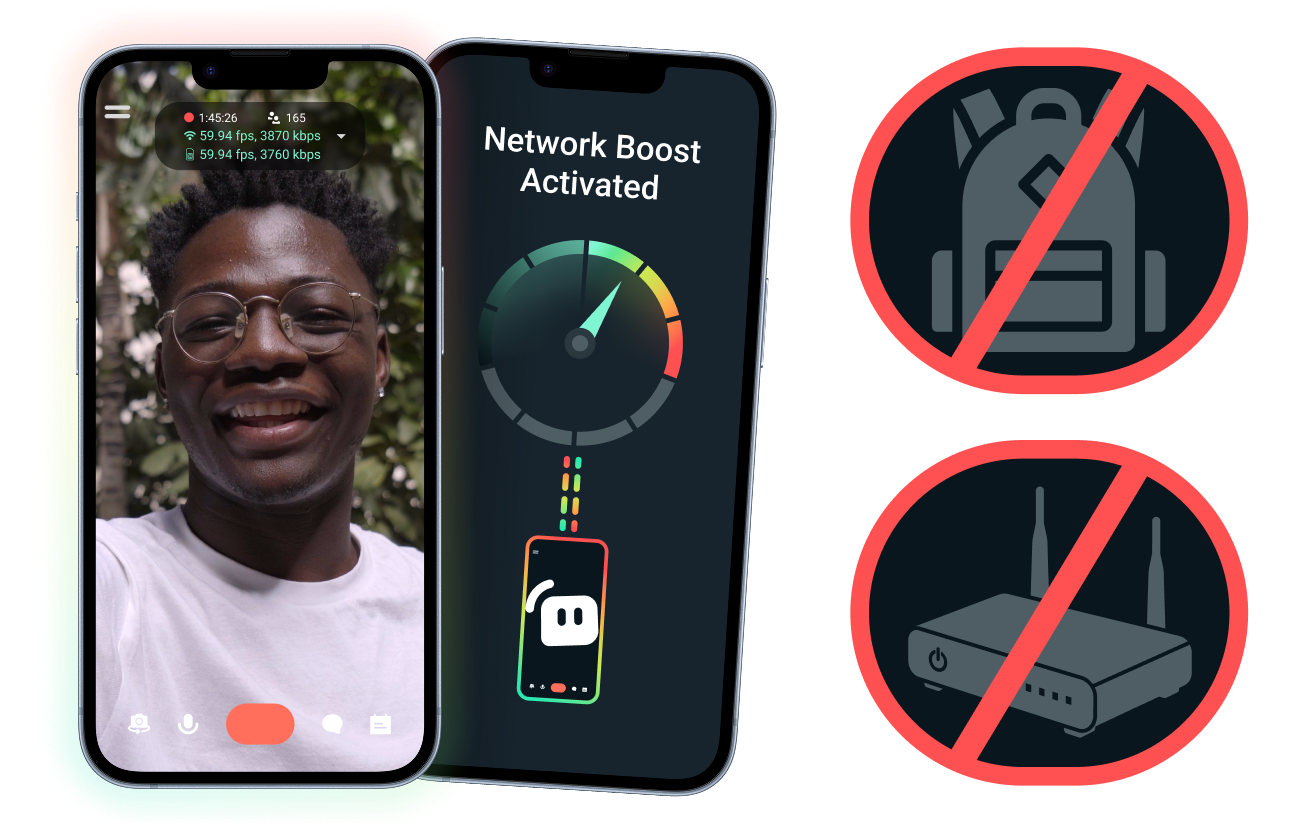
簡単なセットアップ。追加のハードウェアは不要。
既にお持ちの接続を使用して、モバイル配信を安定させましょう。高価なルーター、ストリーミング用バックパック、複雑な機材は必要ありません。ただし、高度なセットアップにも対応しています。
デスクを離れてライブ配信を
イベント会場、ホテル、公園、混雑した公共スペースなど、どこから配信する場合でも、Network Boostが接続を強化し、固定された自宅の配信環境を超えてライブ配信を行えるようサポートします。
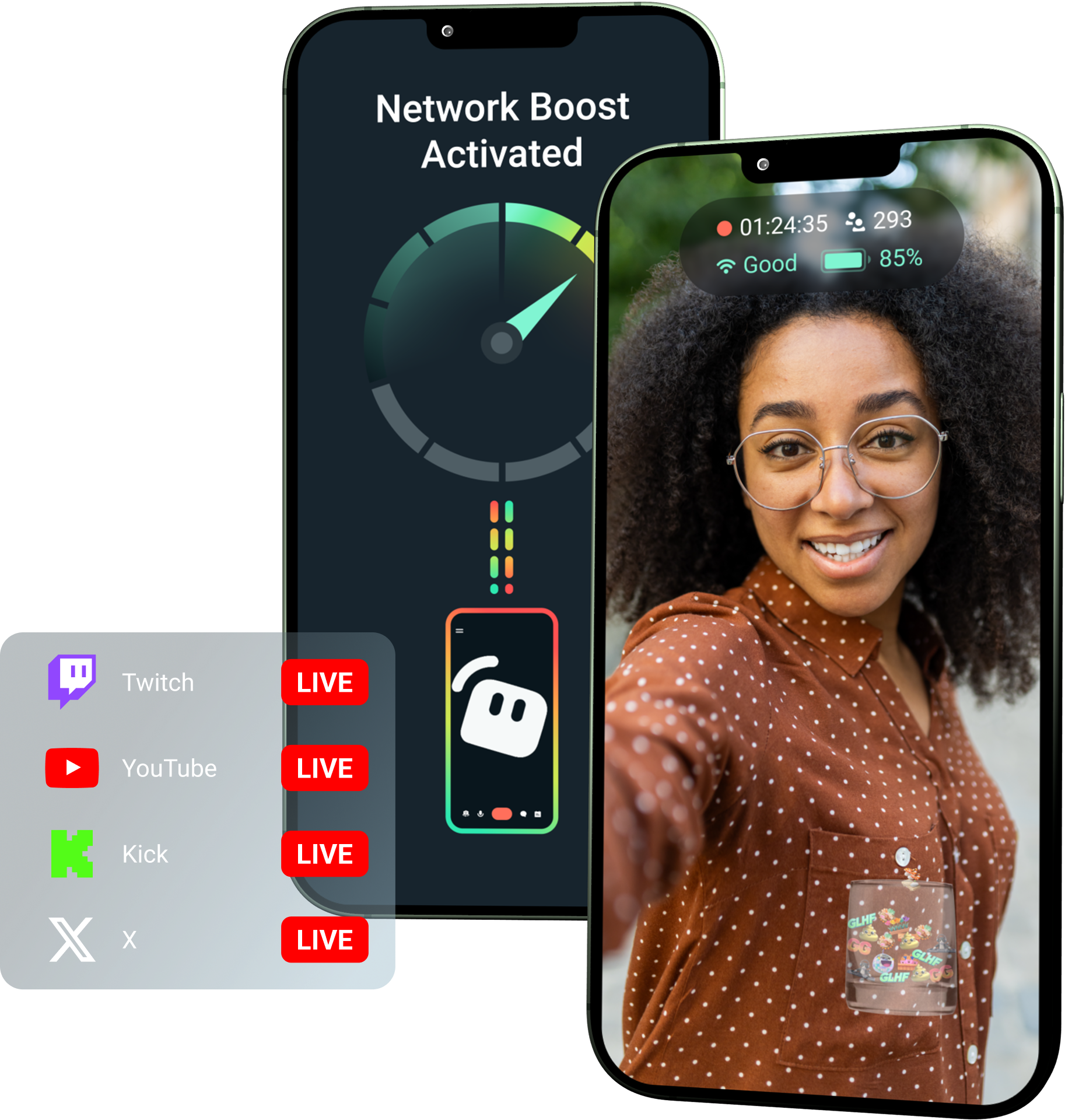
Streamlabs UltraでNetwork Boostをアンロックしましょう!
Ultraでは、モバイルクリエイターがNetwork Boost、マルチストリーミング、切断保護などのプレミアム機能を利用でき、モバイルデバイスからより高品質で安定した配信を作成できるようになります。
仕組み
WiFiとモバイルデータを組み合わせて使用することで、接続が不安定な場合でもモバイル配信を継続できます。
Streamlabs Mobileを開き、Network Boostをオンにして設定を開始します。複数のリレーデバイスを使用する高度な設定については、Streamlabs Controllerを開いて開始してください。
QRコードをスキャンするか、接続詳細を手動で入力してデバイスをペアリングします。
接続が完了したら、Streamlabs Mobileでライブ配信を開始します。 Network Boostがバックグラウンドで動作し、配信の接続を維持します!
Network Boostとその他のソリューション
| Network Boost | 配信リグとバックパック | その他のソフトウェアソリューション | Other | |
|---|---|---|---|---|
最適な用途 | 追加のハードウェアなしで、モバイル/IRL配信の信頼性を向上させるよりシンプルな方法を求めるクリエイター | プロレベルのニーズとより大きな機材予算を持つ上級IRLクリエイター | インターネット接続の管理を支援する別のツールを追加することに抵抗がないクリエイター | Customizable tip page |
追加ハードウェアが必要 | いいえ | はい。多くの場合、エンコーダー、モデム、ルーター、バックパック、またはアクセサリが必要です。 | 専用の配信ハードウェアは不要ですが、別のアプリやサービスが必要になる場合があります。 | Customizable tip page |
簡単なセットアップ | 簡単なセットアップ—Streamlabs MobileおよびStreamlabs Controllerアプリ(追加接続用)を通じて機能します。 | ハードウェアのセットアップ、構成、充電、および持ち運びが必要です。 | 配信アプリ外でのセットアップが必要です。 | |
費用 | クリエイター向けの多くのプレミアム特典の1つとして、Streamlabs Ultra/Ultra+に含まれています。 | 初期費用として数百ドルから数千ドルかかる場合があり、さらに継続的なデータ通信料やサービス料が発生する可能性があります。 | 多くの場合、ハードウェアセットアップよりは安価ですが、別途サブスクリプションが必要になる場合があります。 | Customizable tip page |
IRL配信者向けに構築 | はい。あらゆるレベルのモバイル配信者向けに設計されています。 | はい。ただし、通常はより高度なIRL制作セットアップを中心に構築されています。 | 接続管理には対応している可能性がありますが、モバイルストリーミングのニーズに合わせて特別に構築されているとは限りません | Customizable tip page |

Streamlabs Ultra でライブストリーム、ブランディング、編集などをレベルアップ
Streamlabs Desktop、Mobile、Console、Talk Studio、Podcast Editor、Cross Clip を含む完全スイートのプレミアム機能にアクセスできます。手頃な単一価格でご利用いただけます。詳細はこちら
よくある質問
Network Boost は、WiFi やモバイルデータ通信など、複数のインターネット接続を使用することで、モバイル配信者の配信の信頼性を向上させる機能です。いずれかの接続が弱くなったり不安定になったりした場合でも、Network Boost がフレームドロップや中断を減らすのに役立つため、配信者はより安心してライブ配信を継続できます。
Network Boost は Streamlabs Mobile(高度な接続には Streamlabs Controller アプリ)を通じて設定され、Streamlabs Mobile でライブ配信を行うクリエイター向けに構築されています。クリエイターは Network Boost を有効にし、利用可能なインターネットソースを接続して、通常通り配信を開始できます。 Network Boost はバックグラウンドで実行され、ネットワークの状態が変化した際に配信をサポートします。
モバイル配信者や IRL(実写)配信者は、イベント会場、ホテル、屋外、旅行先、公共 WiFi ネットワークなど、予測不可能な環境からライブ配信を行うことがよくあります。接続が弱くなったり切断されたりすると、配信者はフレーム落ち、ストリームの中断、視聴者の離脱、エンゲージメントの低下といったリスクにさらされます。
また、ライブ配信中に何度も中断したり、トラブルシューティングを行ったり、設定を調整したりしなければならない場合、配信者の IRL 体験も損なわれる可能性があります。
はい。 Network Boost は、有効な Streamlabs Ultra および Ultra+ のサブスクライバー、またはそのいずれかの有効なトライアル期間中のユーザーのみが利用できます。
- Ultraサブスクリプションのユーザーは、毎月10時間のNetwork Boostを利用できます
- Ultra+サブスクリプションのユーザーは、毎月80時間のNetwork Boostを利用できます。
Streamlabs Ultra では、Stream Shift、マルチストリーミングなど、追加のモバイルストリーミングツールも利用可能になります。
プライバシーフィルターを含むStreamlabs Mobileのその他の機能は、すべてのStreamlabs Mobileユーザーが利用できます。
電波状況が悪い場所で配信する場合は、複数のネットワークを組み合わせてより安定した接続を提供する Network Boost と、通信が完全に切断された場合でも配信を維持する切断保護をご利用ください。どちらも、Ultra メンバー限定で Streamlabs Mobile で利用できます。
現在、メインの配信デバイスは iOS(iPad や iPhone など)である必要があり、セカンダリ/リレーデバイスは iOS または Android のいずれかを使用できます。パフォーマンスは、使用するネットワークの強度と可用性に依存します。
いいえ。 Network Boostは、配信用のバックパックやルーターなどの追加ハードウェアを必要としません。これは、クリエイターがすでに所有している接続環境やデバイスで動作するように設計されています。
こちらのリンクのサポートまでご連絡ください。