

Network Boost
兩個 (或更多) 連線總比只有一個好。當主要連線中斷或變弱時,使用 Network Boost 讓您的 IRL 串流持續進行。
僅適用於 Streamlabs Mobile。
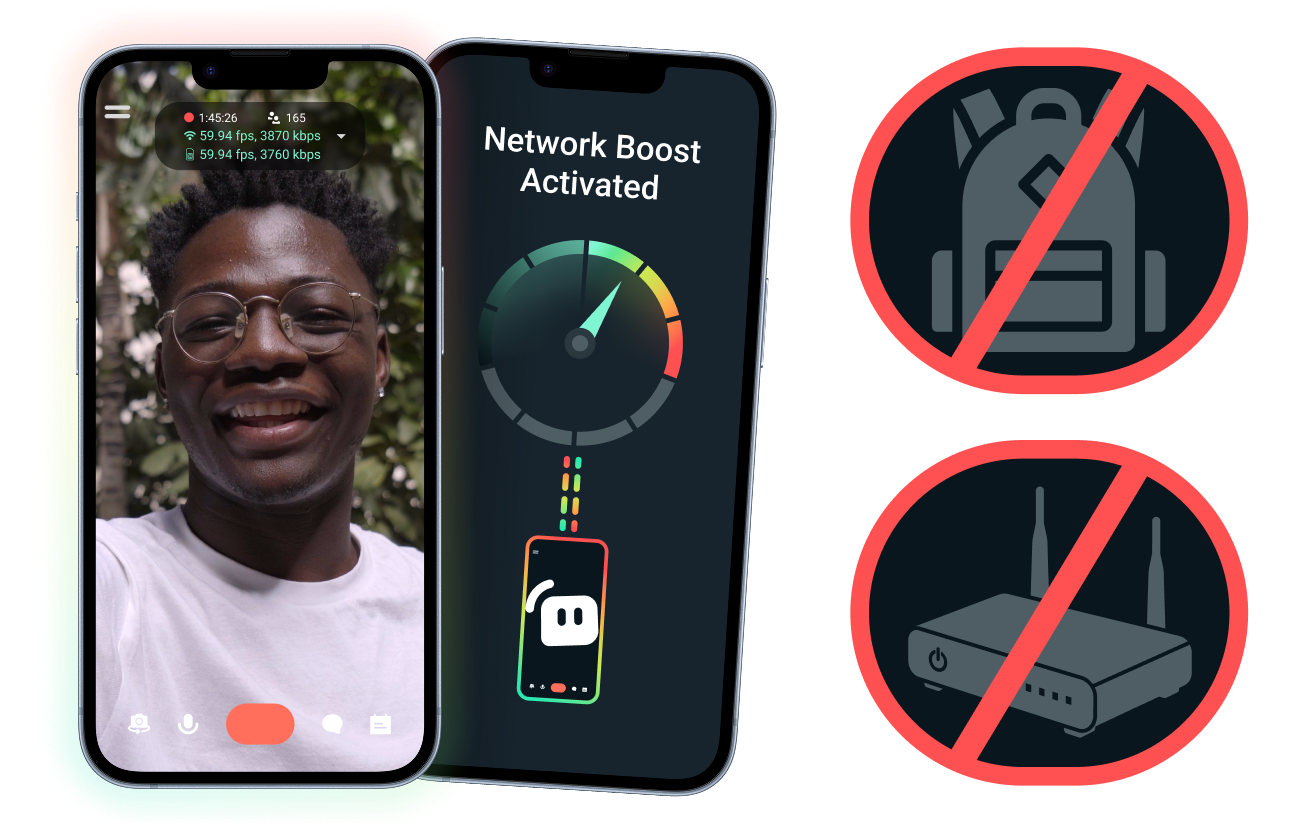
設定簡單。不需要額外硬體。
使用現有的連線,穩定您的行動串流。不需要昂貴的路由器、串流背包或複雜設備。不過,也支援進階設定。
突破桌機限制,隨時隨地直播
無論您是在活動、飯店、公園或人潮擁擠的公共場所進行串流,Network Boost 都能強化連線,讓您不再受限於固定的居家串流設備,隨時隨地直播。
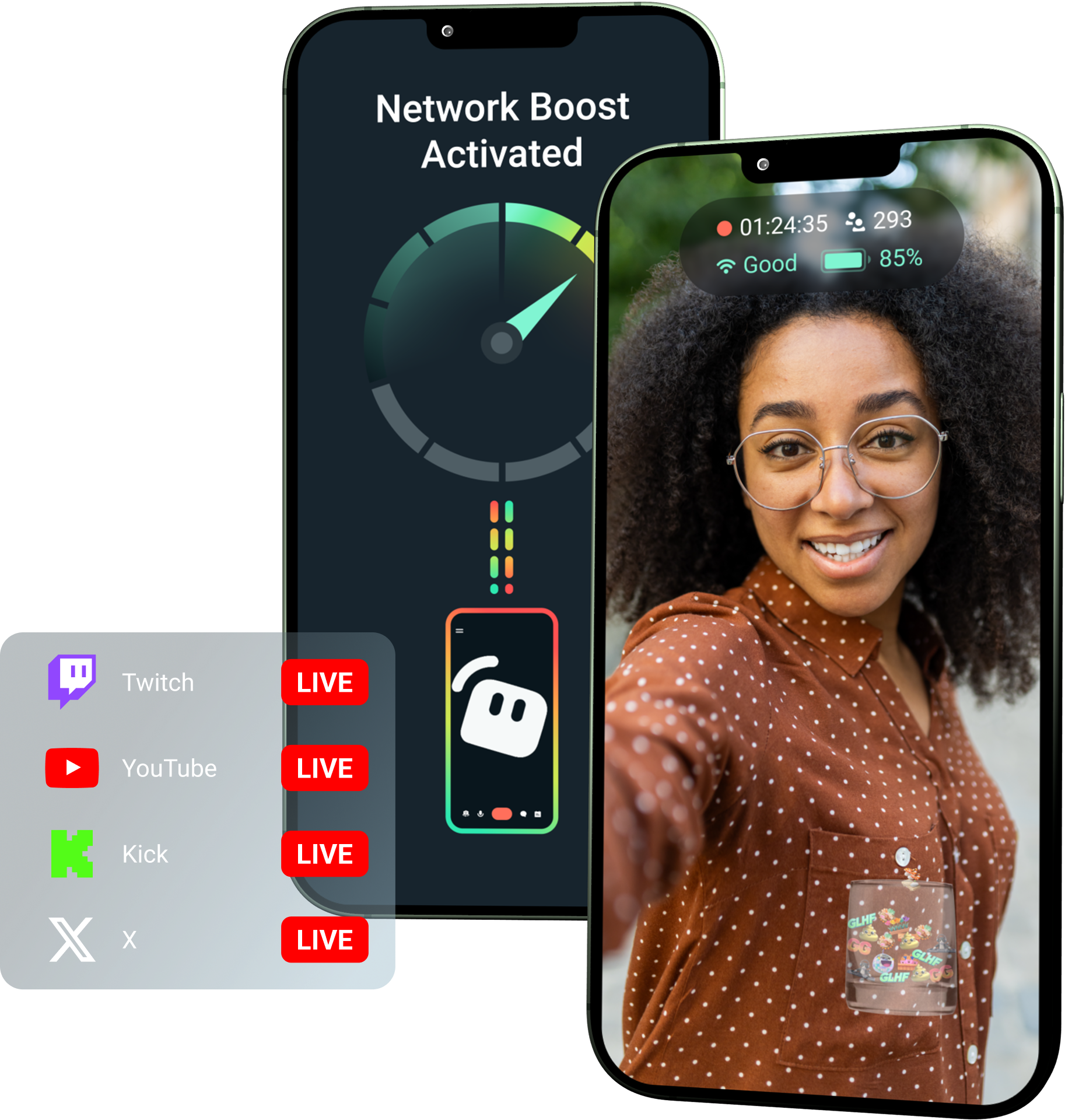
使用 Streamlabs Ultra 解鎖 Network Boost!
Ultra 讓行動內容創作者能使用 Network Boost、多重串流和斷線保護等進階功能,協助創作者透過行動裝置打造更優質、穩定的串流。
使用方式
結合 WiFi 與行動數據,協助讓您的行動串流持續直播,即使連線狀況不穩定也不受影響。
開啟 Streamlabs Mobile,啟用 Network Boost 以開始設定。若要使用多個中繼裝置進行進階設定,請開啟 Streamlabs Controller 開始操作。
掃描 QR code 或手動輸入連線詳細資料,以配對您的裝置。
連線後,在 Streamlabs Mobile 中開始直播。 Network Boost 會在背景執行,維持您的串流連線!
Network Boost 與其他解決方案
| Network Boost | 串流設備與背包 | 其他軟體解決方案 | Other | |
|---|---|---|---|---|
最適合 | 希望以更簡單的方式提升行動/IRL 串流可靠性,且不需要額外硬體的創作者 | 具有專業級需求和較高設備預算的進階 IRL 創作者 | 樂於新增獨立工具來協助管理網際網路連線的創作者 | Customizable tip page |
需要額外硬體 | 否 | 需要,通常需要編碼器、數據機、路由器、背包或配件 | 不需要專用直播硬體,但可能需要額外的應用程式或服務 | Customizable tip page |
簡易設定 | 簡單直覺的設定——透過 Streamlabs Mobile 和 Streamlabs Controller 應用程式運作 (適用於其他連線) | 需要進行硬體設定、組態、充電和搬運 | 需要在直播應用程式之外進行設定 | |
花費 | Streamlabs Ultra/Ultra+ 方案內含此功能,僅為創作者可享有的眾多進階福利之一 | 前期可能需要數百或數千美元,此外還可能產生持續的資料/服務費用 | 通常比硬體方案費用低,但可能需要額外訂閱 | Customizable tip page |
專為 IRL 直播主打造 | 是的,專為各種程度的行動直播主設計 | 是的,但通常是以更進階的 IRL 製作設定為核心 | 可能支援連線管理,但不一定是專為行動直播需求打造 | Customizable tip page |

利用 Streamlabs Ultra 全面升級您的直播、品牌打造與剪輯等功能
以實惠的價格,一次解鎖我們全套工具組的進階功能,包含 Streamlabs Desktop、Mobile、Console、Talk Studio、Podcast Editor、Cross Clip 等等。深入瞭解
常見問題解答
Network Boost 可透過使用多種網際網路連線(例如 WiFi 和行動數據)來協助行動直播主提升直播可靠性。當其中一個連線變弱或變得不穩定時,Network Boost 有助於減少掉幀和中斷,讓創作者能更有信心地保持直播。
Network Boost 是透過 Streamlabs Mobile(或用於進階連線的 Streamlabs Controller 應用程式)進行設定,專為使用 Streamlabs Mobile 進行直播的創作者所打造。創作者可以啟用 Network Boost、連線可用的網際網路來源,並照常開始直播。 Network Boost 會在背景執行,以在網路狀況改變時協助支援串流。
行動裝置與 IRL 直播主經常在不可預測的環境中進行直播,包括活動、飯店、戶外空間、旅遊目的地與公共 WiFi 網路。當連線變弱或中斷時,創作者會面臨掉幀、直播中斷、觀眾流失與互動率降低的風險。
當創作者必須在直播期間反覆暫停、排解故障或調整設定時,這也會干擾他們的 IRL 直播體驗。
是的。 Network Boost 僅提供給有效的 Streamlabs Ultra 和 Ultra+ 訂閱者,或擁有上述任一方案有效試用期的人士使用。
- Ultra 訂閱者每月可獲得 10 小時的 Network Boost 額度
- Ultra+ 訂閱者每月可獲得 80 小時的 Network Boost 額度。
Streamlabs Ultra 還能解鎖額外的行動直播工具,包括 Stream Shift、多平台直播等。
Streamlabs Mobile 體驗的其他部分,包括隱私濾鏡,皆提供給所有 Streamlabs Mobile 使用者。
如果您在連線品質不佳的區域進行串流,請利用結合多個網路以獲得更穩定連線的「網路加速 (Network Boost)」,以及在您的服務完全中斷時保持串流直播的「連線中斷保護」。兩者皆可在 Streamlabs Mobile 上使用,且僅限 Ultra 會員。
目前,主要直播裝置必須是 iOS(例如 iPad 或 iPhone),而次要/中繼裝置可以是 iOS 或 Android。效能取決於所使用網路的強度和可用性。
不需要。 Network Boost 不需要額外的硬體,例如直播背包或路由器。它旨在與創作者現有的連線和裝置搭配使用。
請透過此連結聯絡支援人員。