

Reforço de rede
Duas (ou mais) ligações são melhores do que uma. Usa o reforço de rede para manter a tua transmissão IRL a decorrer quando a tua ligação principal falha ou enfraquece.
Exclusivo para a Streamlabs Mobile.
Mantém a tua transmissão IRL ligada
Usa redes WiFi e de dados móveis disponíveis em conjunto para ajudar a reduzir a perda de fotogramas, evitar ligações instáveis e manter a emissão em direto em condições reais com confiança.
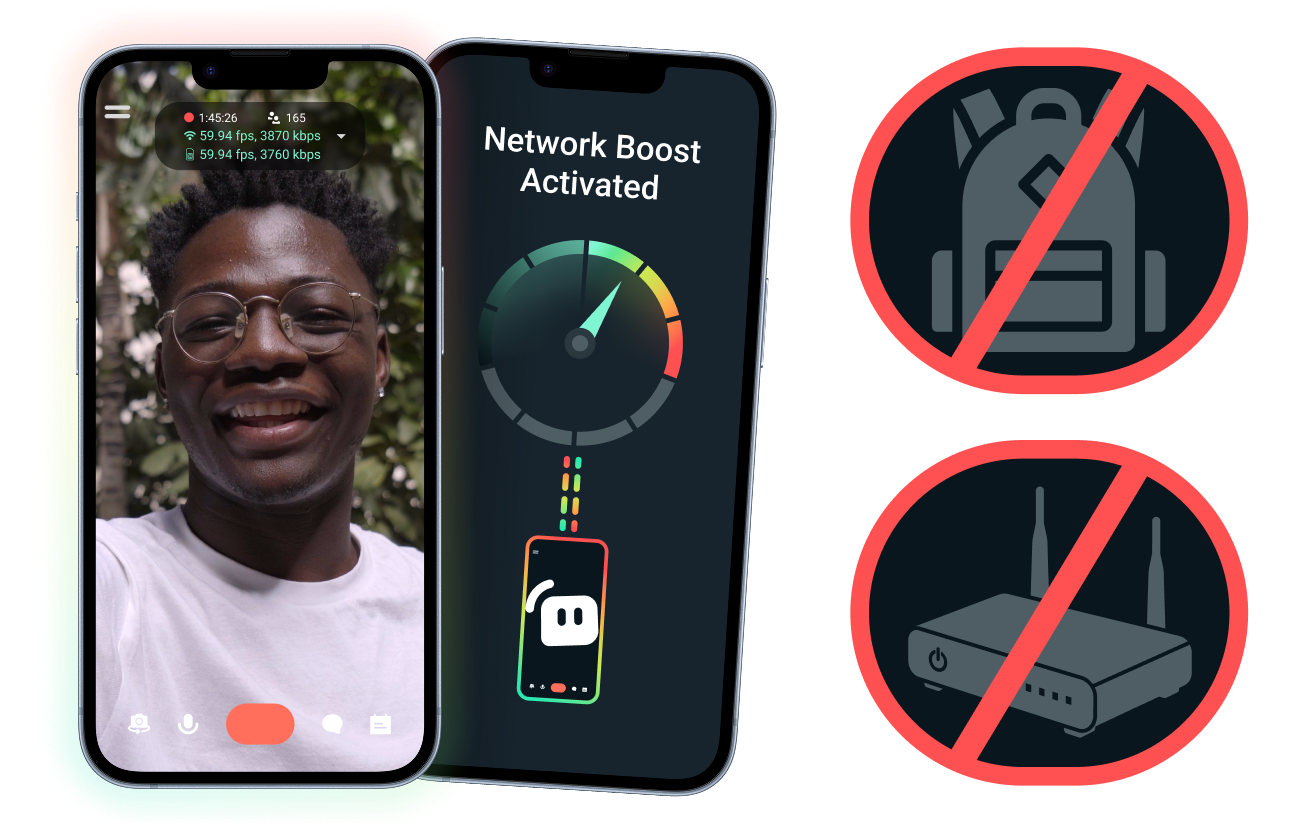
Configuração fácil. Sem hardware adicional.
Estabiliza a tua transmissão móvel usando as ligações que já tens. Não precisas de routers caros, mochilas de transmissão ou equipamento complicado. No entanto, configurações avançadas também são suportadas.
Transmite em direto para além da tua secretária
Quer estejas a transmitir a partir de eventos, hotéis, parques ou espaços públicos movimentados, o reforço de rede ajuda a fortalecer a tua ligação para que possas entrar em direto para além da tua configuração de transmissão fixa em casa.
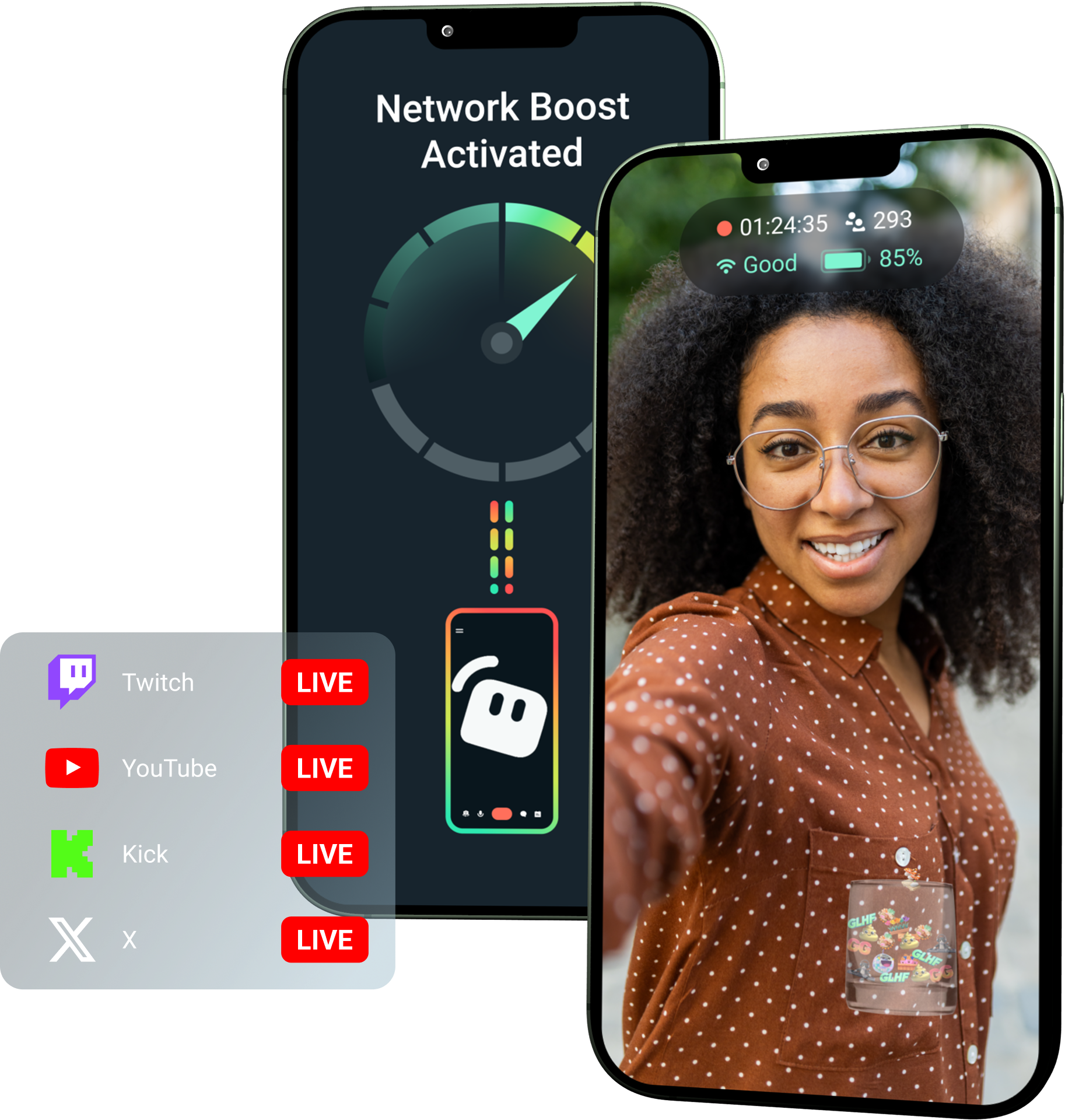
Desbloqueia o reforço de rede com o Streamlabs Ultra!
O Ultra dá aos criadores móveis acesso a funcionalidades premium como o reforço de rede, Multistreaming e Proteção contra Desligamentos para os ajudar a criar transmissões melhores e mais estáveis a partir dos seus dispositivos móveis.
Como funciona
Usa WiFi e dados móveis em conjunto para ajudar a manter a tua transmissão móvel em direto, mesmo quando a tua ligação fica instável.
Abre o Streamlabs Mobile e ativa o reforço de rede para iniciar a configuração. Para configurações avançadas com múltiplos dispositivos de retransmissão, abre o Streamlabs Controller para começar.
Lê o código QR ou introduz manualmente os detalhes da ligação para emparelhares os teus dispositivos.
Assim que estiveres ligado, entra em direto no Streamlabs Mobile. O reforço de rede funciona em segundo plano para manter a tua transmissão ligada!
Reforço de rede vs. outras soluções
| Reforço de rede | Equipamentos e mochilas de streaming | Outras soluções de software | Other | |
|---|---|---|---|---|
Ideal para | Criadores que querem uma forma mais simples de melhorar a fiabilidade do stream móvel/IRL sem hardware extra | Criadores de IRL avançados com necessidades de nível profissional e orçamentos de equipamento maiores | Criadores confortáveis em adicionar uma ferramenta separada para ajudar a gerir ligações à internet | Customizable tip page |
Hardware extra necessário | Não | Sim, requer frequentemente codificadores, modems, routers, mochilas ou acessórios | Sem hardware de streaming dedicado, mas pode requerer uma aplicação ou serviço separado | Customizable tip page |
Configuração fácil | Configuração direta—funciona através do Streamlabs Mobile e da aplicação Streamlabs Controller (para ligações adicionais) | Requer configuração de hardware, configuração, carregamento e transporte | Requer configuração fora das aplicações de streaming | |
Custo | Incluído no Streamlabs Ultra/Ultra+ como apenas uma das muitas vantagens premium para criadores | Pode requerer centenas ou milhares de dólares adiantados, além de possíveis custos contínuos de dados/serviço | Frequentemente mais baixo do que as configurações de hardware, mas pode requerer uma subscrição separada | Customizable tip page |
Criado para streamers de IRL | Sim; concebido para streamers móveis de qualquer nível | Sim, mas normalmente criadas em torno de configurações de produção IRL mais avançadas | Podem suportar a gestão de ligações, mas nem sempre criadas especificamente para as necessidades de streaming móvel | Customizable tip page |

Melhora as tuas transmissões em direto, a marca, as edições e muito mais com o Streamlabs Ultra
Acede a funcionalidades premium em todo o conjunto, incluindo Streamlabs Desktop, Mobile, Console, Talk Studio, Podcast Editor, Cross Clip e muito mais, disponíveis a um preço único e acessível. Sabe mais
Perguntas frequentes
O reforço de rede ajuda os streamers móveis a melhorar a fiabilidade da transmissão ao utilizar múltiplas ligações à Internet, como Wi-Fi e dados móveis. Quando uma ligação enfraquece ou se torna instável, o reforço de rede ajuda a reduzir a perda de fotogramas e interrupções para que os criadores possam continuar em direto com mais confiança.
O reforço de rede é configurado através do Streamlabs Mobile (ou da aplicação Streamlabs Controller para ligações avançadas) e foi criado para criadores que entram em direto com o Streamlabs Mobile. Os criadores podem ativar o reforço de rede, ligar fontes de internet disponíveis e entrar em direto como habitualmente. O reforço de rede funciona em segundo plano para ajudar a suportar a transmissão quando as condições da rede mudam.
Os streamers de dispositivos móveis e IRL fazem frequentemente transmissões a partir de ambientes imprevisíveis, incluindo eventos, hotéis, espaços ao ar livre, destinos de viagem e redes Wi-Fi públicas. Quando uma ligação enfraquece ou cai, os criadores arriscam-se a ter perda de fotogramas, interrupções na transmissão, perda de espectadores e menor envolvimento.
Também pode prejudicar a experiência IRL do criador quando este tem de pausar, resolver problemas ou ajustar a sua configuração repetidamente durante uma transmissão em direto.
Sim! O reforço de rede está disponível exclusivamente para subscritores ativos do Streamlabs Ultra e Ultra+ ou para aqueles com uma avaliação ativa de qualquer um deles.
- Os subscritores Ultra têm 10 horas de reforço de rede por mês
- Os subscritores Ultra+ têm 80 horas de reforço de rede por mês.
O Streamlabs Ultra também desbloqueia ferramentas adicionais de transmissão móvel, incluindo Stream Shift, multitransmissão e muito mais.
Outras partes da experiência do Streamlabs Mobile, incluindo o Filtro de Privacidade, estão disponíveis para todos os utilizadores do Streamlabs Mobile.
Se estiveres a transmitir numa área com ligação fraca, utiliza o reforço de rede, que combina várias redes para uma ligação mais estável, e a proteção contra desconexão, que mantém o teu stream em direto se o teu serviço for totalmente interrompido. Ambos estão disponíveis no Streamlabs Mobile exclusivamente para membros Ultra.
Atualmente, o dispositivo de transmissão principal tem de ser iOS (por exemplo, iPad ou iPhone), enquanto o dispositivo secundário/de retransmissão pode ser iOS ou Android. O desempenho depende da força e da disponibilidade das redes que estão a ser utilizadas.
Não. O reforço de rede não requer hardware adicional, como uma mochila de transmissão ou um router. Foi concebido para funcionar com as ligações e dispositivos que os criadores já possuem.
Contacta o suporte através deste link.