

Network Boost
Dwa (lub więcej) połączenia są lepsze niż jedno. Użyj Network Boost, aby utrzymać stream IRL, gdy Twoje główne połączenie zostanie zerwane lub osłabnie.
Wyłącznie dla Streamlabs Mobile.
Utrzymaj połączenie swojego streamu IRL
Korzystaj z dostępnych sieci WiFi i danych komórkowych jednocześnie, aby ograniczyć gubienie klatek, unikać niestabilnych połączeń i pewnie prowadzić transmisje na żywo w rzeczywistych warunkach.
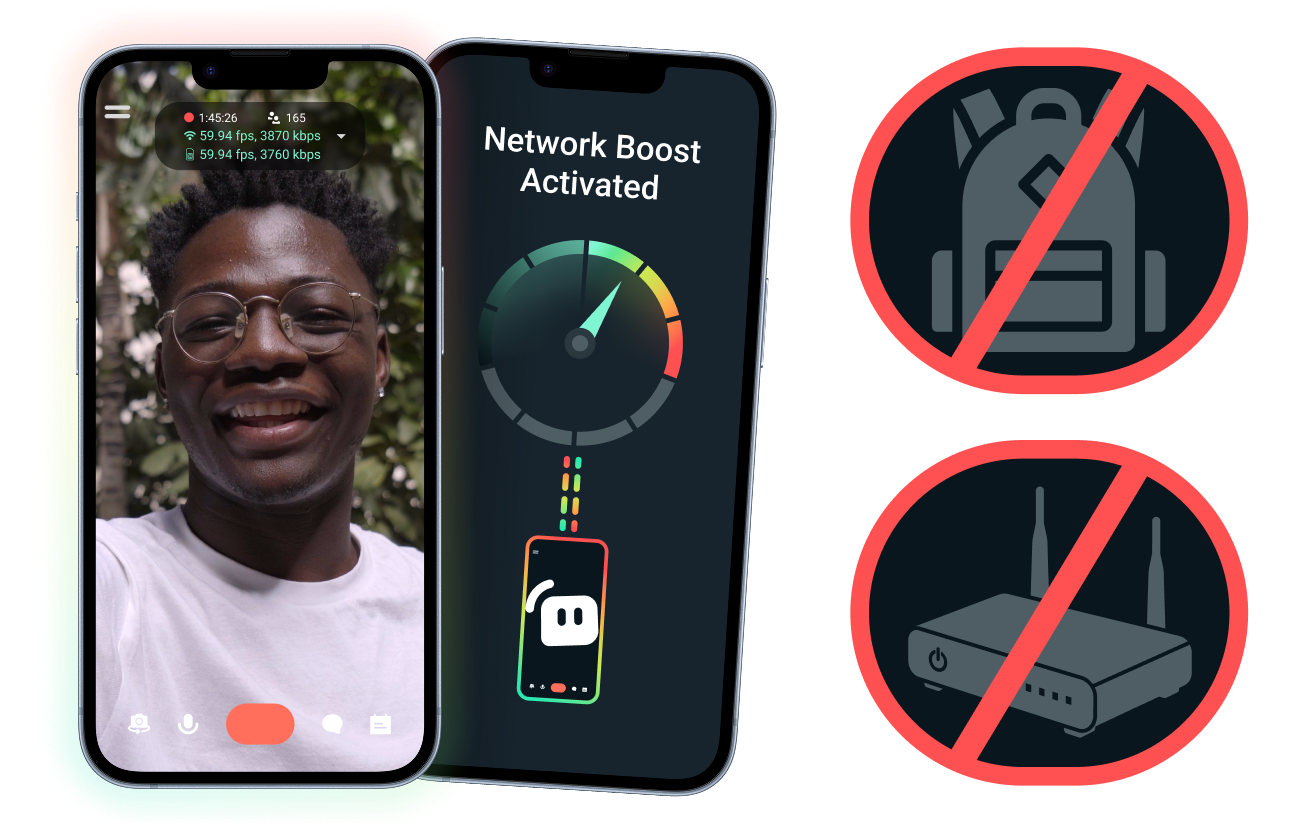
Łatwa konfiguracja. Bez dodatkowego sprzętu.
Stabilizuj swoją mobilną transmisję, korzystając z połączeń, które już masz. Nie potrzeba drogich routerów, plecaków do streamowania ani skomplikowanego sprzętu. Obsługiwane są jednak również zaawansowane konfiguracje.
Prowadź transmisje na żywo poza biurkiem
Niezależnie od tego, czy streamujesz z wydarzeń, hoteli, parków czy zatłoczonych miejsc publicznych, Network Boost pomaga wzmocnić połączenie, dzięki czemu możesz prowadzić transmisje na żywo poza swoim stacjonarnym zestawem domowym.
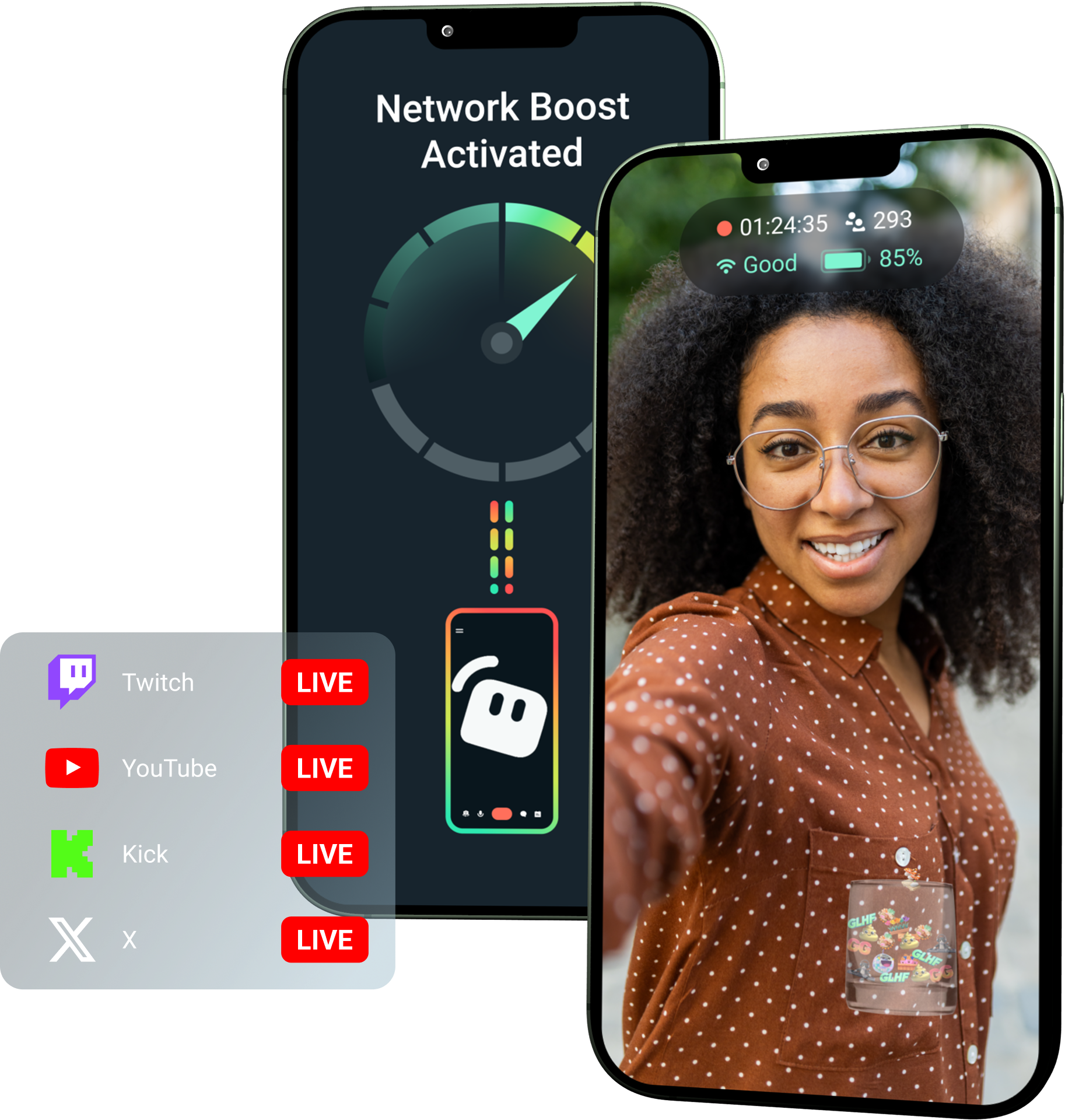
Odblokuj Network Boost dzięki Streamlabs Ultra!
Ultra daje twórcom mobilnym dostęp do funkcji premium, takich jak Network Boost, Multistreaming i Disconnect Protection, pomagając im tworzyć lepsze, stabilne transmisje z urządzeń mobilnych.
Jak to działa
Korzystaj z WiFi i danych komórkowych jednocześnie, aby utrzymać transmisję mobilną, nawet gdy połączenie staje się niestabilne.
Otwórz Streamlabs Mobile i włącz Network Boost, aby rozpocząć konfigurację. W przypadku zaawansowanych konfiguracji z wieloma urządzeniami przekaźnikowymi, otwórz Streamlabs Controller, aby zacząć.
Zeskanuj kod QR lub ręcznie wprowadź szczegóły połączenia, aby sparować urządzenia.
Po połączeniu, rozpocznij transmisję na żywo w Streamlabs Mobile. Network Boost działa w tle, aby utrzymać połączenie Twojej transmisji!
Network Boost kontra Inne rozwiązania
| Network Boost | Zestawy do streamowania i plecaki | Inne rozwiązania programowe | Other | |
|---|---|---|---|---|
Najlepsze dla | Twórców, którzy chcą prostszego sposobu na poprawę niezawodności streamów mobilnych/IRL bez dodatkowego sprzętu | Zaawansowanych twórców IRL z profesjonalnymi potrzebami i większym budżetem na sprzęt | Twórców, którym odpowiada dodanie osobnego narzędzia do zarządzania połączeniami internetowymi | Customizable tip page |
Wymagany dodatkowy sprzęt | Nie | Tak, często wymaga enkoderów, modemów, routerów, plecaków lub akcesoriów | Brak dedykowanego sprzętu do streamowania, ale może wymagać osobnej aplikacji lub usługi | Customizable tip page |
Łatwa konfiguracja | Prosta konfiguracja — działa przez Streamlabs Mobile i aplikację Streamlabs Controller (dla dodatkowych połączeń) | Wymaga konfiguracji sprzętu, ustawień, ładowania i transportu | Wymaga konfiguracji poza aplikacjami do streamowania | |
Koszt | W pakiecie ze Streamlabs Ultra/Ultra+ jako jedna z wielu korzyści premium dla twórców | Może wymagać setek lub tysięcy dolarów na start, plus ewentualne bieżące koszty danych/usług | Często niższe niż w przypadku konfiguracji sprzętowych, ale może wymagać osobnej subskrypcji | Customizable tip page |
Stworzone dla streamerów IRL | Tak; zaprojektowane dla mobilnych streamerów na każdym poziomie | Tak, ale zazwyczaj zbudowane wokół bardziej zaawansowanych konfiguracji produkcyjnych IRL | Mogą obsługiwać zarządzanie połączeniami, ale nie zawsze są tworzone specjalnie z myślą o potrzebach streamingu mobilnego | Customizable tip page |

Podnieś poziom transmisji, brandingu, montażu i innych działań za sprawą Streamlabs Ultra
Uzyskaj dostęp do funkcji premium w całym pakiecie, w tym do Streamlabs Desktop, Mobile, Console, Talk Studio, Podcast Editor, Cross Clip i innych, w jednej przystępnej cenie. Dowiedz się więcej
Często zadawane pytania
Network Boost pomaga mobilnym streamerom poprawić niezawodność transmisji poprzez wykorzystanie wielu połączeń internetowych, takich jak Wi-Fi i dane komórkowe. Gdy jedno połączenie słabnie lub staje się niestabilne, Network Boost pomaga zredukować liczbę zgubionych klatek i przerw, dzięki czemu twórcy mogą prowadzić transmisję z większą pewnością.
Network Boost konfiguruje się przez Streamlabs Mobile (lub aplikację Streamlabs Controller w przypadku zaawansowanych połączeń) i jest stworzony dla twórców rozpoczynających transmisję na żywo za pomocą Streamlabs Mobile. Twórcy mogą włączyć Network Boost, połączyć dostępne źródła internetowe i rozpocząć transmisję na żywo jak zwykle. Network Boost działa w tle, pomagając wspierać transmisję, gdy zmieniają się warunki sieciowe.
Streamerzy mobilni i IRL często prowadzą transmisje z nieprzewidywalnych miejsc, takich jak wydarzenia, hotele, przestrzenie otwarte, miejsca podróży i publiczne sieci Wi-Fi. Gdy połączenie słabnie lub zostaje zerwane, twórcy ryzykują gubienie klatek, przerwanie transmisji, utratę widzów i spadek zaangażowania.
Może to również zakłócać doświadczenie twórcy IRL, gdy musi on wielokrotnie wstrzymywać transmisję, rozwiązywać problemy lub dostosowywać swój sprzęt podczas transmisji na żywo.
Tak. Network Boost jest dostępny wyłącznie dla aktywnych subskrybentów Streamlabs Ultra i Ultra+ lub osób z aktywną wersją próbną którejkolwiek z tych subskrypcji.
- Subskrybenci Ultra otrzymują 10 godzin Network Boost miesięcznie
- Subskrybenci Ultra+ otrzymują 80 godzin Network Boost miesięcznie.
Streamlabs Ultra odblokowuje również dodatkowe narzędzia do streamowania mobilnego, w tym Stream Shift, multistreaming i inne.
Inne elementy Streamlabs Mobile, w tym filtr prywatności, są dostępne dla wszystkich użytkowników Streamlabs Mobile.
Jeśli streamujesz w miejscu ze słabym połączeniem, skorzystaj z Network Boost, który łączy wiele sieci w celu uzyskania bardziej stabilnego połączenia, oraz ochrony przed zerwaniem połączenia, która utrzymuje Twój stream na żywo, jeśli Twoje połączenie zostanie całkowicie przerwane. Oba są dostępne w Streamlabs Mobile wyłącznie dla członków Ultra.
Obecnie główne urządzenie do streamowania musi działać na systemie iOS (np. iPad lub iPhone), podczas gdy urządzenie dodatkowe/przekaźnikowe może działać na systemie iOS lub Android. Wydajność zależy od siły i dostępności używanych sieci.
Nie. Network Boost nie wymaga dodatkowego sprzętu, takiego jak plecak do streamowania czy router. Zostało zaprojektowane tak, aby działało z połączeniami i urządzeniami, które twórcy już posiadają.
Skontaktuj się z pomocą techniczną, korzystając z tego łącza.