

Streamlabs Desktop 应用商店
添加音乐、互动体验、自定义视觉效果、自动化、分析等功能——一切尽在 Streamlabs Desktop 中。
通过 Streamlabs Ultra 获取完整应用库。
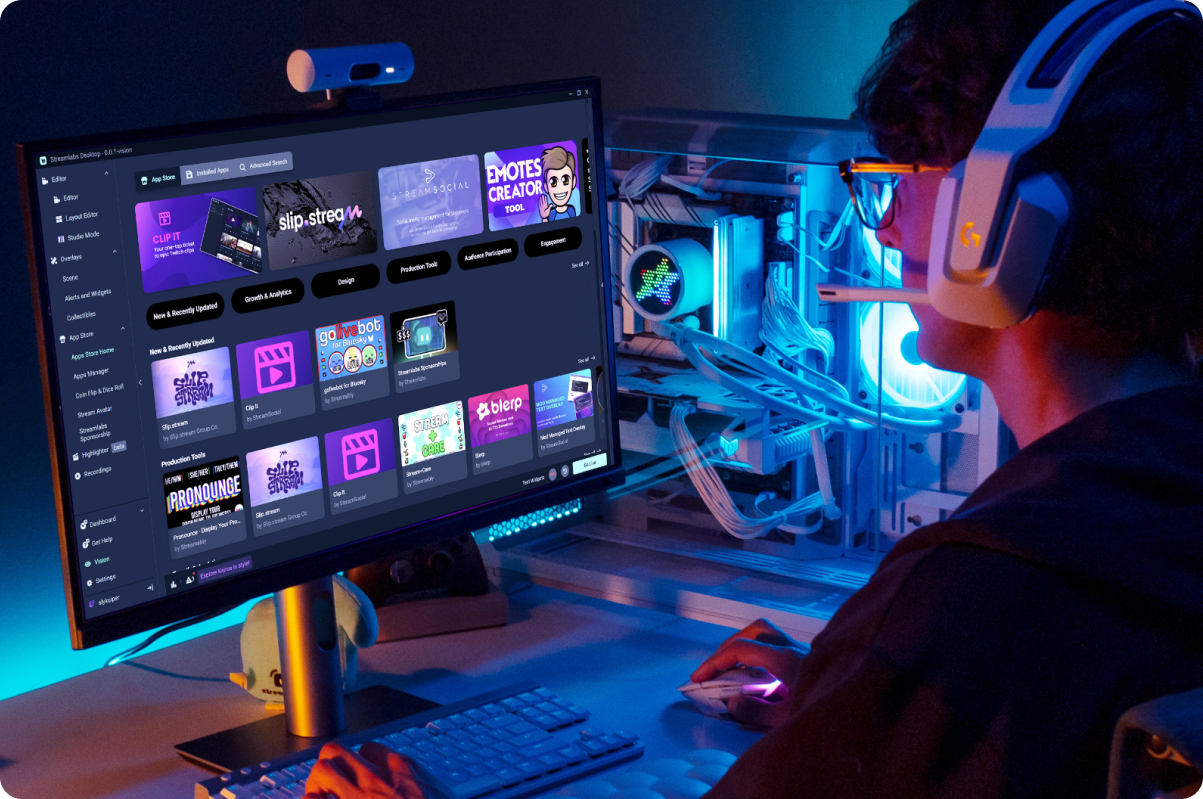

适用于直播各个方面的应用
无论您是想要更精致的直播、更活跃的聊天,还是更精彩的观众互动时刻,都有相应的应用可以提供帮助。


Streamlabs 认证
Streamlabs 应用商店中的应用程序在发布前均经过 Streamlabs 团队的审核。
无需离开 Desktop 即可发现来自 Streamlabs 和第三方开发者的工具。

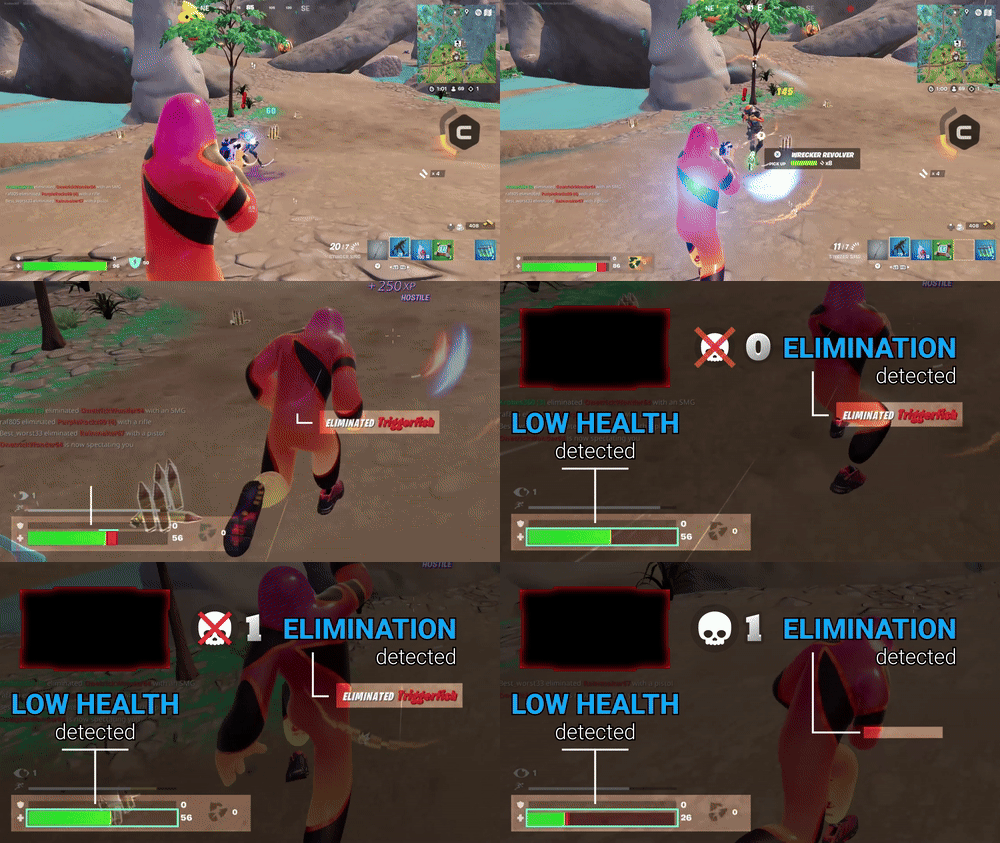
由 Streamlabs AI 提供支持
Streamlabs AI 正在为下一代创作者工具提供支持。它已经为 Sidekick 提供支持,更多来自 Streamlabs 和全球开发者的应用程序即将推出。
常见问题解答
Streamlabs 应用商店是一个内置库,其中包含数十款由第三方开发者创建的经过审核的应用程序,旨在通过更多的控制、自动化、更好的分析以及与观众互动的新方式来增强您的直播。应用商店是 Streamlabs 对创作者社区的众多投资之一,通过为每次应用安装向开发者付费来帮助他们取得成功,同时扩大创作者可使用的工具和功能数量。
小部件是由 Streamlabs 团队设计,旨在改善您直播的功能。小部件包括提醒框、聊天框、Game Pulse、投票、聊天高亮 等功能。
另一方面,应用是由第三方开发者开发的直播工具,这些工具已经过 Streamlabs 团队的功能和安全性审查。
虽然大多数小部件可以直接在 Streamlabs Desktop 和 OBS 插件中使用,但应用目前仅在 Desktop 中提供。
您目前可以直接在 Streamlabs Desktop 中使用来自 Streamlabs 应用商店的应用程序。应用商店和已安装的应用程序会固定在您的桌面导航栏中。无需离开桌面,即可查找新应用、管理已安装的应用并将应用来源直接添加到您的场景中。此外,借助云存储,即使您在新的电脑上直播,您的应用也会随您同步。
您可以在应用商店中找到各种各样的应用,支持但不限于:
- 聊天互动和游戏
- 直播设计
- 安全直播音乐
- 直播和马拉松计时器
- Sponsorships
- 游戏统计数据
- 声音提醒
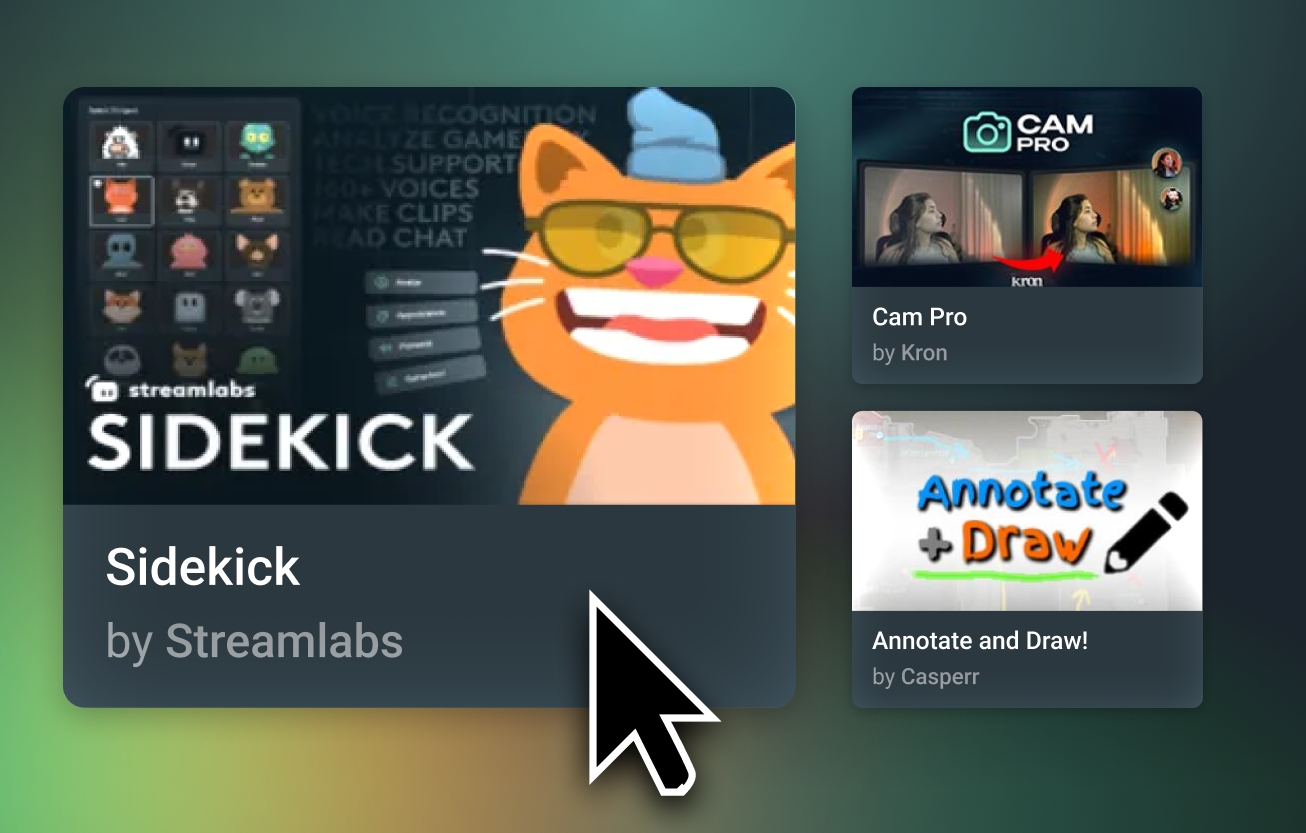
应用商店中的一些应用可以免费使用,例如 Sponsorships 应用和 Sidekick。大多数应用仅供 Ultra 订阅者使用,以确保第三方开发团队能因其工作获得报酬。
每位开发者都有各自的反馈联系方式。请查看您想要反馈的应用在应用商店中的详情页,以找到其网站和社交媒体链接。如果您找不到所需内容,请提交工单,我们的支持团队将乐意为您提供帮助。
如果您有兴趣开发并在 Streamlabs 应用商店中上架应用,则需要提交一份开发者申请。要提交申请,请访问 https://platform.streamlabs.com/ 并点击 Create App。使用您的 Twitch 账号登录,然后点击 Submit Application,填写表格并点击 Apply,随后等待我们的团队回复后续步骤。
请通过此链接联系支持人员。