

Netzwerk-Boost
Zwei (oder mehr) Verbindungen sind besser als eine. Nutze Netzwerk-Boost, um deinen IRL-Stream am Laufen zu halten, wenn deine Hauptverbindung abbricht oder schwächer wird.
Exklusiv für Streamlabs Mobile.
IRL-Streams ohne Verbindungsabbrüche
Nutze verfügbare WLAN- und Mobilfunknetze zusammen, um Bildaussetzer zu reduzieren, instabile Verbindungen zu vermeiden und unter realen Bedingungen sicher auf Sendung zu bleiben.
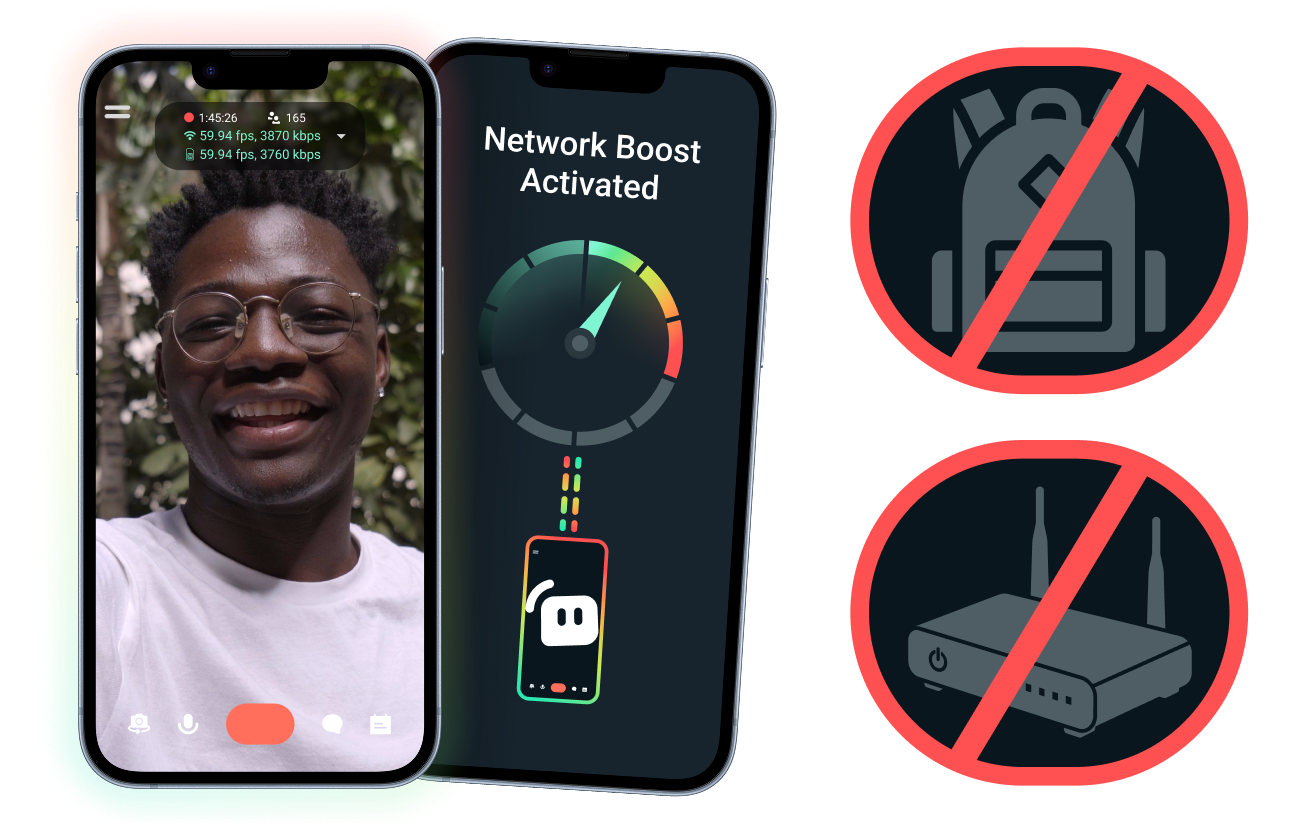
Einfache Einrichtung. Keine zusätzliche Hardware.
Stabilisiere deinen mobilen Stream mithilfe der Verbindungen, die du bereits hast. Keine teuren Router, Streaming-Rucksäcke oder komplizierte Ausrüstung erforderlich. Fortgeschrittene Setups werden jedoch ebenfalls unterstützt.
Livestreaming – auch von unterwegs
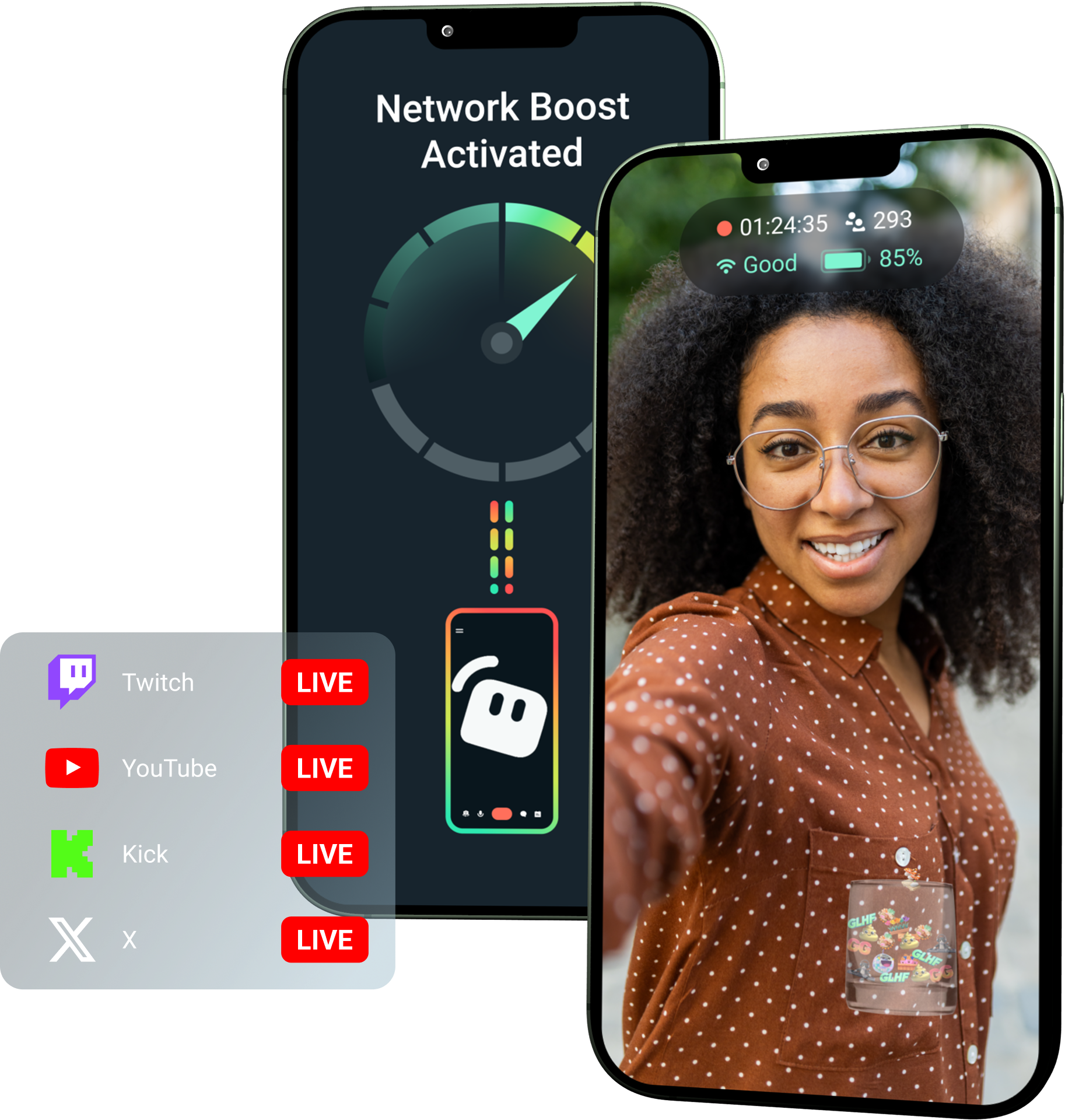
Egal, ob du von Veranstaltungen, aus Hotels, Parks oder von belebten öffentlichen Plätzen streamst: Netzwerk-Boost stärkt deine Verbindung, sodass du auch außerhalb deines stationären Setups zu Hause live gehen kannst.
Schalte Netzwerk-Boost mit Streamlabs Ultra frei!
Ultra bietet mobilen Creators Zugriff auf Premium-Funktionen wie Netzwerk-Boost, Multistreaming und Schutz bei Verbindungstrennung – für bessere, stabilere Streams von Mobilgeräten.
So funktioniert es
Nutze WLAN und mobile Daten zusammen, damit dein mobiler Stream auch dann live bleibt, wenn deine Verbindung mal schwächelt.
Öffne Streamlabs Mobile und aktiviere Netzwerk-Boost, um mit der Einrichtung zu beginnen. Für fortgeschrittene Setups mit mehreren Relay-Geräten öffne Streamlabs Controller, um loszulegen.
Scanne den QR-Code oder gib die Verbindungsdaten manuell ein, um deine Geräte zu pairen.
Sobald die Verbindung steht, geh in Streamlabs Mobile live. Netzwerk-Boost läuft im Hintergrund, damit dein Stream verbunden bleibt!
Netzwerk-Boost vs. Andere Lösungen
| Netzwerk-Boost | Streaming-Rigs & Rucksäcke | Andere Softwarelösungen | Other | |
|---|---|---|---|---|
Am besten geeignet für | Creators, die eine einfachere Möglichkeit suchen, die Zuverlässigkeit von Mobile-/IRL-Streams ohne zusätzliche Hardware zu verbessern | Fortgeschrittene IRL-Creators mit professionellen Anforderungen und größeren Budgets für Ausrüstung | Creators, die gerne ein zusätzliches Tool zur Verwaltung von Internetverbindungen nutzen | Customizable tip page |
Zusätzliche Hardware erforderlich | Nein | Ja, erfordert oft Encoder, Modems, Router, Rucksäcke oder Zubehör | Keine dedizierte Streaming-Hardware, erfordert aber eventuell eine separate App oder einen Service | Customizable tip page |
Einfache Einrichtung | Unkomplizierte Einrichtung – funktioniert über Streamlabs Mobile und die Streamlabs Controller-App (für zusätzliche Verbindungen) | Erfordert Hardware-Setup, Konfiguration, Aufladen und Transport | Erfordert Einrichtung außerhalb der Streaming-Apps | |
Kosten | In Streamlabs Ultra/Ultra+ als einer von vielen Premium-Vorteilen für Creators enthalten | Kann Hunderte oder Tausende von Dollar im Voraus kosten, plus mögliche laufende Daten-/Servicekosten | Oft günstiger als Hardware-Setups, erfordert aber eventuell ein separates Abonnement | Customizable tip page |
Für IRL-Streamer entwickelt | Ja; für mobile Streamer auf jedem Level konzipiert | Ja, aber meist auf fortgeschrittenere IRL-Produktions-Setups ausgelegt | Unterstützt möglicherweise das Verbindungsmanagement, ist aber nicht immer speziell für die Anforderungen des mobilen Streamings ausgelegt | Customizable tip page |

Mach deine Live-Streams, dein Branding, dein Editing und vieles mehr noch besser mit Streamlabs Ultra.
Greife auf die Premium-Funktionen der gesamten Suite zu, einschließlich Streamlabs Desktop, Mobile, Console, Talk Studio, Podcast Editor, Cross Clip und mehr, alles zu einem günstigen Preis. Mehr erfahren
Häufig gestellte Fragen
Netzwerk-Boost hilft mobilen Streamern, die Zuverlässigkeit ihres Streams durch die Nutzung mehrerer Internetverbindungen, wie WLAN und mobile Daten, zu verbessern. Wenn eine Verbindung schwächer oder instabil wird, hilft Netzwerk-Boost dabei, verworfene Frames und Unterbrechungen zu reduzieren, damit Creator selbstbewusster live bleiben können.
Netzwerk-Boost wird über die Streamlabs Mobile App (oder die Streamlabs Controller App für erweiterte Verbindungen) eingerichtet und ist für Creator konzipiert, die mit Streamlabs Mobile live gehen. Creator können Netzwerk-Boost aktivieren, verfügbare Internetquellen verbinden und wie gewohnt live gehen. Netzwerk-Boost läuft im Hintergrund, um den Stream zu unterstützen, wenn sich die Netzwerkbedingungen ändern.
Mobile- und IRL-Streamer gehen oft aus unvorhersehbaren Umgebungen live, darunter Veranstaltungen, Hotels, Außenbereiche, Reiseziele und öffentliche WLAN-Netzwerke. Wenn eine Verbindung schwächer wird oder abbricht, riskieren Creator verlorene Frames, Stream-Unterbrechungen, verlorene Viewer und ein geringeres Engagement.
Es kann auch das IRL-Erlebnis des Creators stören, wenn er während eines Live-Streams wiederholt pausieren, Fehler beheben oder sein Setup anpassen muss.
Ja. Netzwerk-Boost ist exklusiv für aktive Streamlabs Ultra- und Ultra+-Abonnenten oder diejenigen mit einer aktiven Testversion von einem der beiden verfügbar.
- Ultra-Abos erhalten 10 Stunden Netzwerk-Boost pro Monat
- Ultra+-Abos erhalten 80 Stunden Netzwerk-Boost pro Monat.
Streamlabs Ultra schaltet außerdem zusätzliche Mobile-Streaming-Tools frei, darunter Stream Shift, Multistreaming und mehr.
Andere Teile des Streamlabs Mobile-Erlebnisses, einschließlich des Privacy Filters, stehen allen Streamlabs Mobile-Nutzern zur Verfügung.
Wenn du in einem Gebiet mit schlechter Verbindung streamst, nutze Netzwerk-Boost, das mehrere Netzwerke für eine stabilere Verbindung kombiniert, sowie den Schutz bei Verbindungstrennung, der deinen Stream am Laufen hält, falls deine Verbindung komplett abbricht. Beide sind in Streamlabs Mobile exklusiv für Ultra-Mitglieder verfügbar.
Derzeit muss das primäre Streaming-Gerät iOS sein (z. B. iPad oder iPhone), während das sekundäre Gerät bzw. Relay-Gerät entweder iOS oder Android sein kann. Die Leistung hängt von der Stärke und Verfügbarkeit der verwendeten Netzwerke ab.
Nein Netzwerk-Boost erfordert keine zusätzliche Hardware, wie zum Beispiel einen Streaming-Rucksack oder Router. Es ist so konzipiert, dass es mit den Verbindungen und Geräten funktioniert, die Creator bereits haben.
Bitte kontaktiere den Support unter diesem Link.