

Streamlabs Desktop App Store
直接在 Streamlabs Desktop 中新增音樂、互動體驗、自訂視覺效果、自動化、分析等更多功能。
使用 Streamlabs Ultra 即可存取完整的應用程式庫。
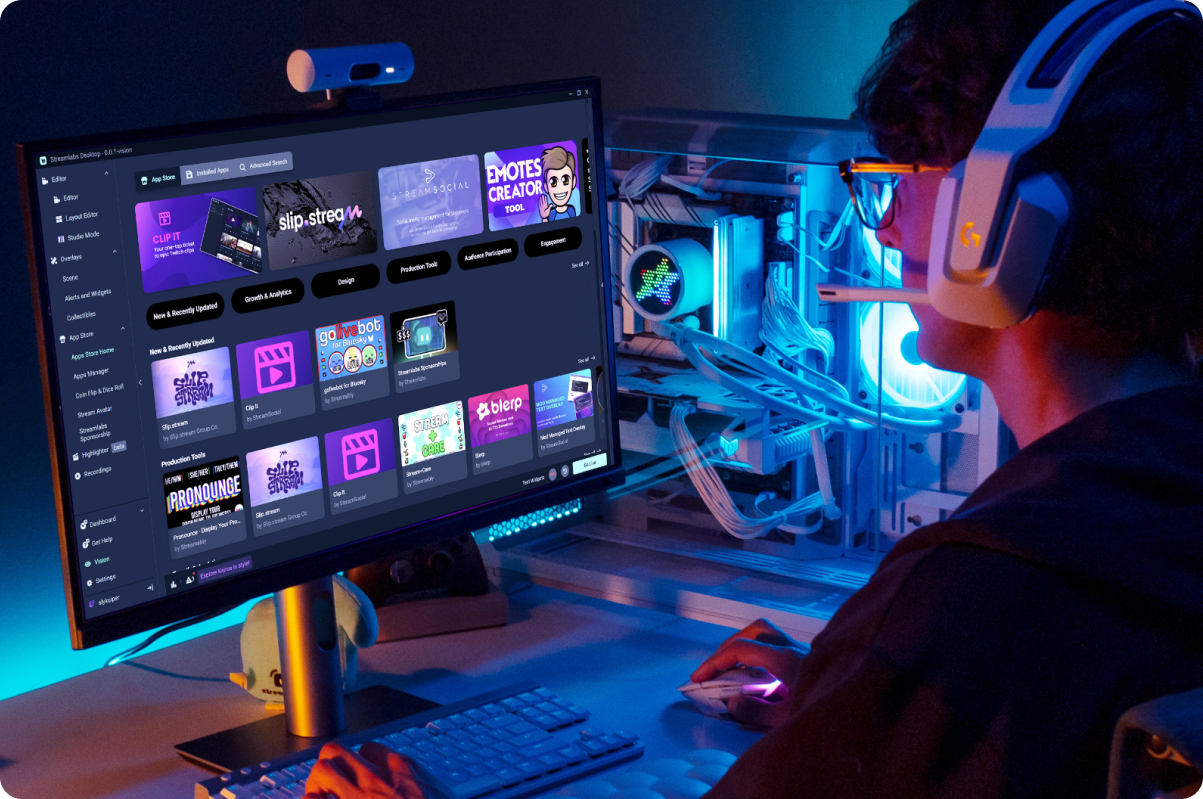

幾分鐘內即可新增您的第一款應用程式
下載 Streamlabs Desktop、開啟 App Store、選擇應用程式並安裝。
不需要複雜的設定。先從目前需要的應用程式開始,再隨著直播成長加入更多應用程式。
滿足各種直播需求的應用程式
無論您想讓直播呈現得更精緻、讓聊天室更活躍,還是為觀眾創造更精彩的時刻,都有合適的應用程式提供協助。
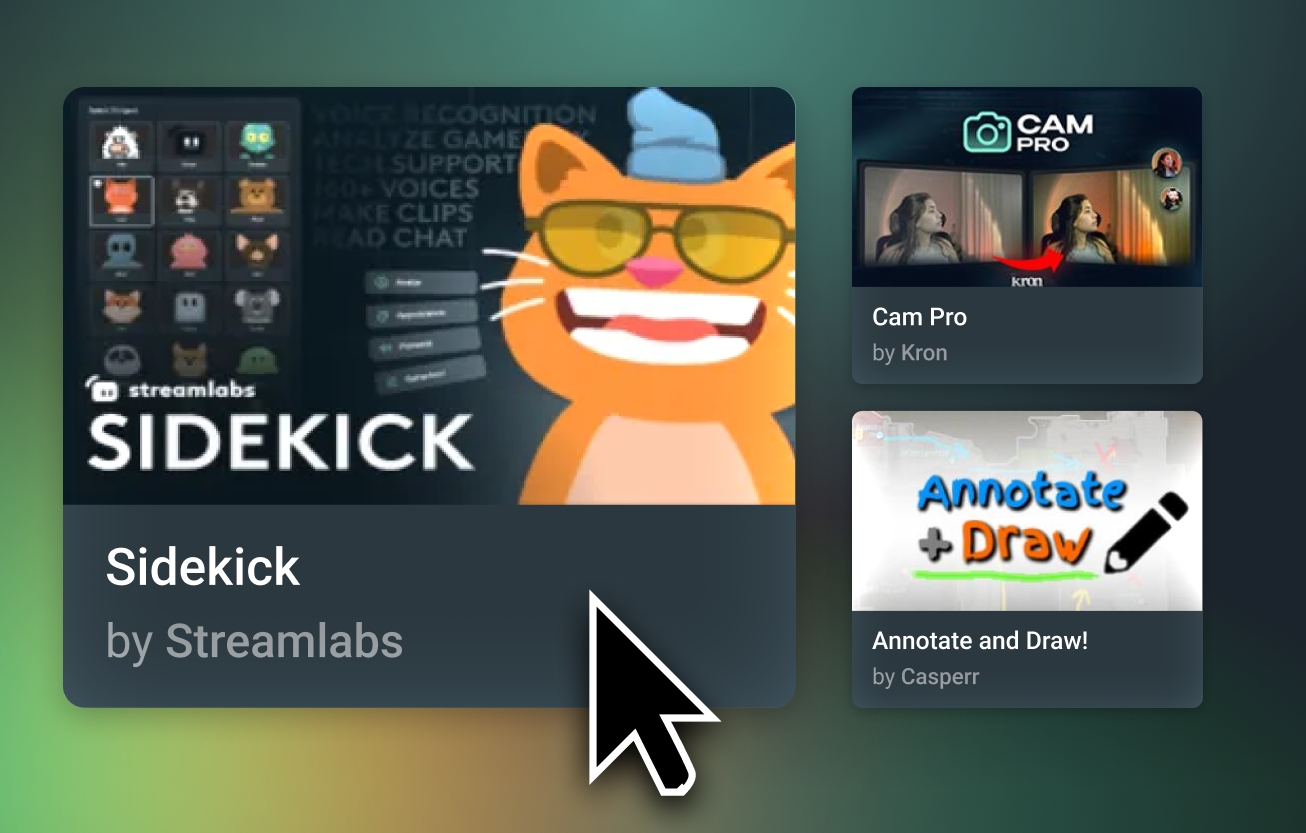


Streamlabs 認證
Streamlabs App Store 中的應用程式在上架之前,均經過 Streamlabs 團隊審查。
無需離開 Desktop,即可探索 Streamlabs 和第三方開發人員提供的工具。

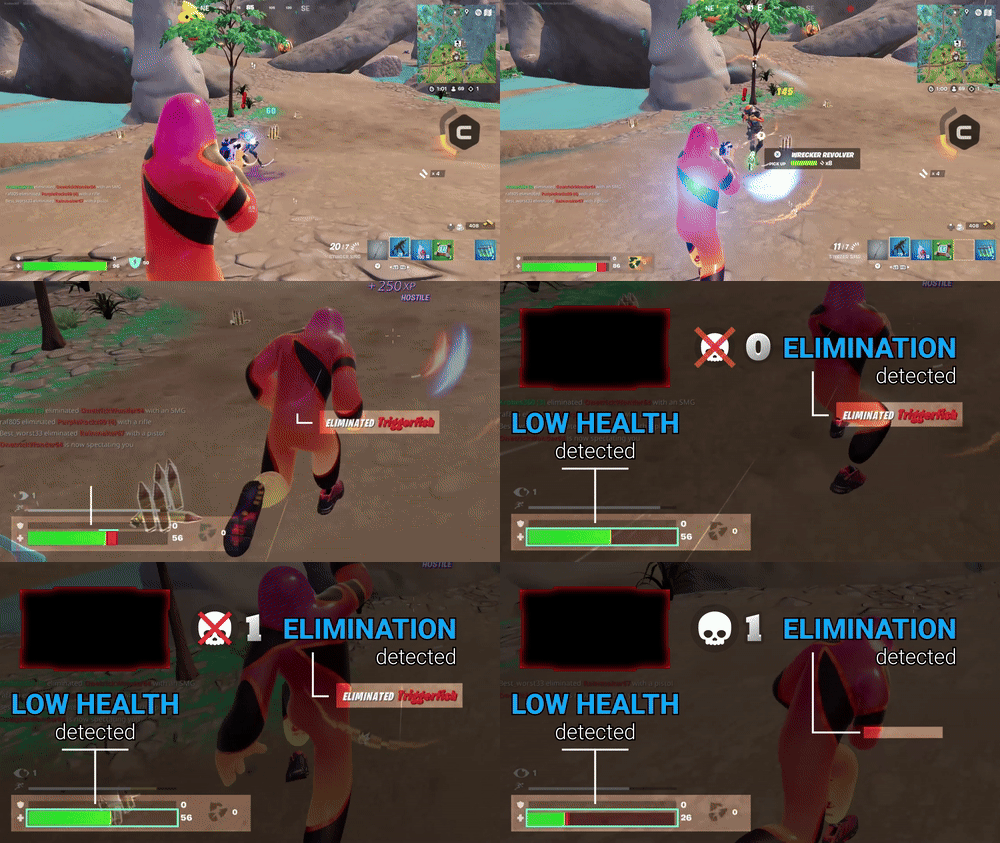
由 Streamlabs AI 提供支援
Streamlabs AI 正在為新一代創作者工具提供強大支援。目前 Sidekick 已採用 Streamlabs AI,未來還會推出更多由 Streamlabs 和全球開發人員打造的應用程式。
常見問題解答
Streamlabs App Store 是一個內建的應用程式庫,其中包含數十款由第三方開發者建立並經過審核的應用程式,旨在透過更多的控制、自動化、更好的分析以及與觀眾互動的新方式來增強您的直播。 App Store 是 Streamlabs 對創作者社群的眾多投資之一,透過為每次應用程式安裝支付費用來協助開發者取得成功,同時擴充創作者可使用的工具和功能數量。
小工具是由 Streamlabs 團隊設計,旨在改善您直播的功能。小工具包含像是提示盒 (Alert Box)、聊天盒 (Chat Box)、遊戲脈動 (Game Pulse)、投票 (Polls)、聊天高亮 (Chat Highlight) 等功能。
另一方面,應用程式是由第三方開發者所開發的直播工具,並已通過 Streamlabs 團隊的功能與安全性審核。
雖然大多數小工具可以直接在 Streamlabs Desktop 和 OBS 外掛程式中使用,但應用程式目前僅在 Desktop 中提供。
您目前可以直接在 Streamlabs Desktop 中使用來自 Streamlabs App Store 的應用程式。 App Store 和已安裝的應用程式會釘選在您的 Desktop 導覽列中。您無需離開 Desktop,即可尋找新應用程式、管理已安裝的應用程式,並將應用程式來源直接新增至您的場景中。此外,透過雲端儲存,即使您在新的電腦上進行直播,您的應用程式也會跟著您。
您可以在 App Store 中找到各種應用程式,支援的項目包括但不限於:
- 聊天互動與遊戲
- 直播設計
- 適合直播的音樂
- 直播與馬拉松計時器
- Sponsorships
- 遊戲數據
- 音效提示
App Store 中的某些應用程式可免費使用,例如 Sponsorships 應用程式和 Sidekick。大多數應用程式僅供 Ultra 訂閱者使用,以確保第三方開發團隊能因其工作獲得報酬。
每位開發者都有各自的意見回饋聯絡方式。請查看您想提供意見回饋之應用程式的 App Store 頁面,以找到他們的網站和社群連結。如果您找不到所需的資訊,請提交支援單,我們的支援團隊將很樂意為您提供協助。
如果您有興趣開發應用程式並將其上架至 Streamlabs App Store,您需要提交一份開發者申請。若要提交申請,請造訪 https://platform.streamlabs.com/ 並點擊 建立應用程式。使用您的 Twitch 帳號登入,然後點擊「提交申請」,填寫表格並點擊 申請,接著等待我們的團隊通知後續步驟。
請透過此連結聯絡支援人員。