

OBS 的 Streamlabs 外掛程式
您喜愛的 Streamlabs 功能現在可直接在 OBS Studio 中使用。



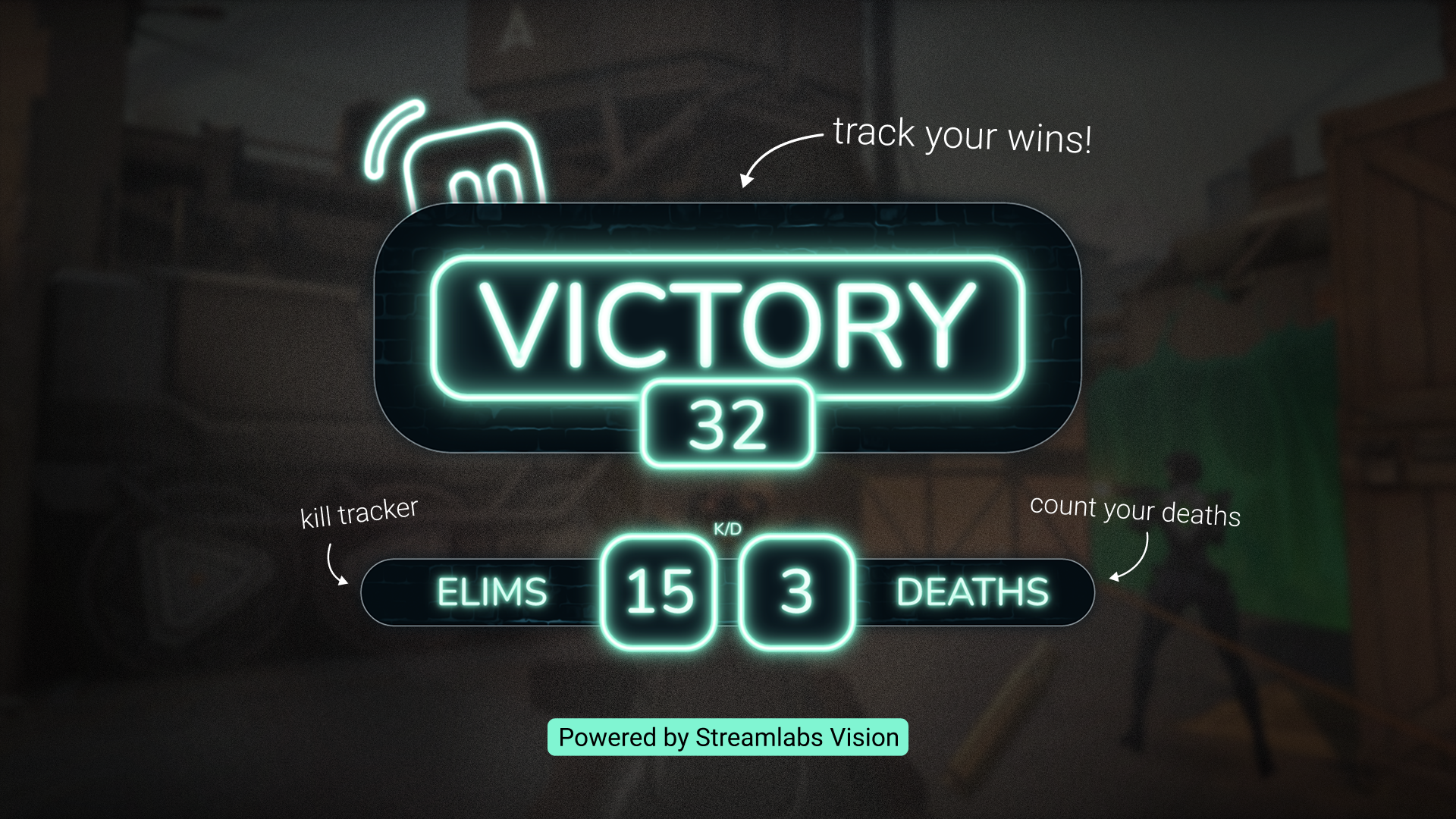
用 Game Pulse Widget 讓直播更精彩
每次擊殺、淘汰等遊戲事件,都會在直播中自動觸發動態圖像與音效。由 Streamlabs Vision 提供技術支援。
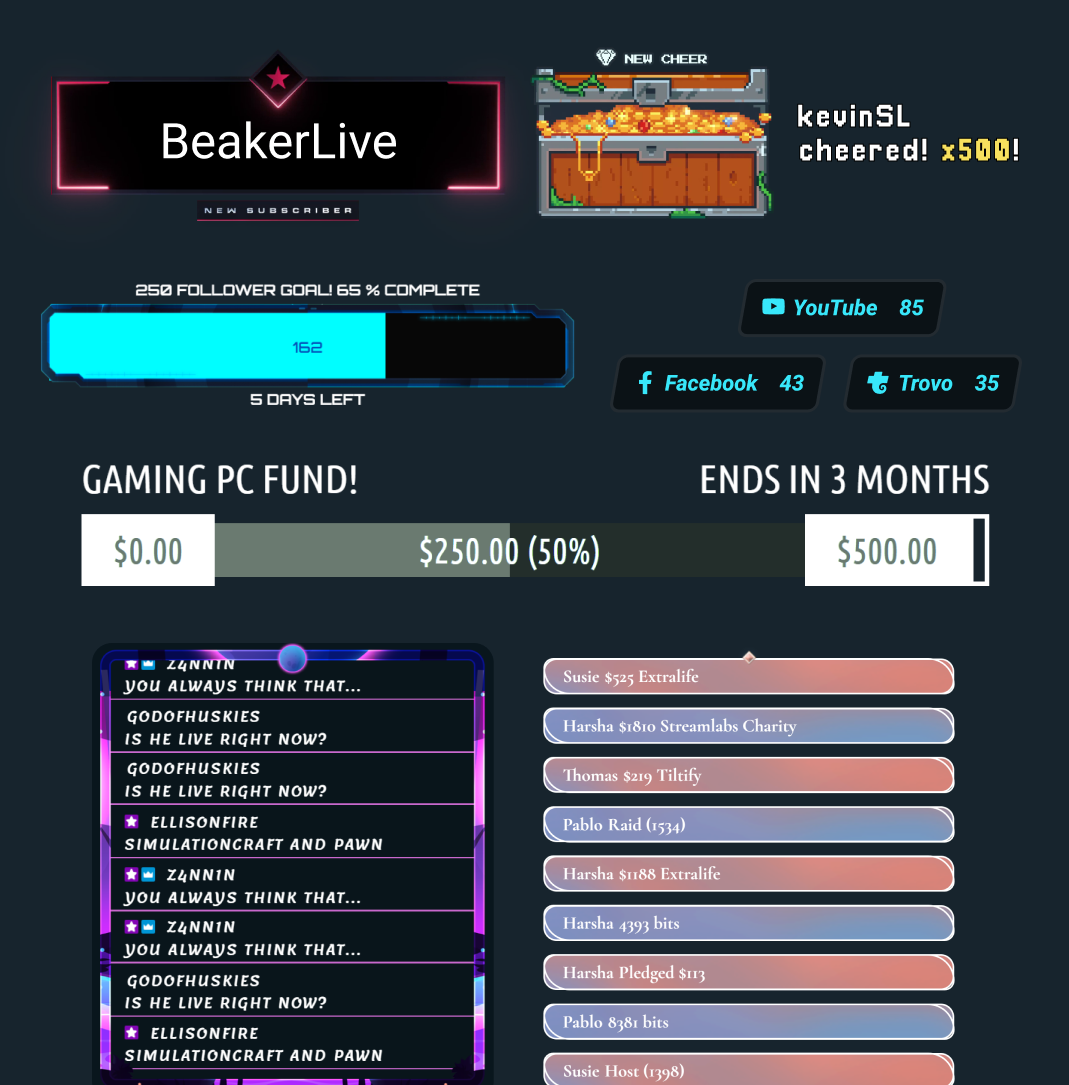
Stream Labels
只需按一下按鈕即可新增直播標籤,完全不必離開 OBS。
找出最適合您的 Streamlabs 設定
| Streamlabs Desktop | OBS 的 Streamlabs 外掛程式 | Ultra Plus | Other | |
|---|---|---|---|---|
免費使用? | Customizable tip page | Customizable tip page | ||
作業系統需求 相容於 Mac 和 PC | Mac 和 PC | 僅相容於 PC | Customizable tip page | Customizable tip page |
引導式設定與入門教學 輕鬆設定您的直播 | Customizable tip page | Customizable tip page | ||
廣播串流 將直播串流至您選擇的平台 | Customizable tip page | Customizable tip page | ||
錄影 不離開軟體即可錄製 | Customizable tip page | Customizable tip page | ||
多平台直播 直播到多個平台 | 透過 Ultra 在伺服器端處理 | 透過 Ultra 在伺服器端處理 | Customizable tip page | Customizable tip page |
Dual Output 以橫向和直向格式進行串流 | Customizable tip page | Customizable tip page | ||
內建場景與來源管理 輕鬆管理場景和來源 | Customizable tip page | Customizable tip page | ||
疊層與小工具主題 設計您的直播並與觀眾互動 | 一鍵匯入覆蓋層 | 一鍵匯入覆蓋層 | Customizable tip page | Customizable tip page |
通知方塊 動態螢幕通知 | Customizable tip page | Customizable tip page | ||
Cloudbot 參與和主持聊天室 | Customizable tip page | Customizable tip page | ||
剪輯與編輯 擷取精彩時刻並編輯長篇內容 | Customizable tip page | Customizable tip page | ||
小費 讓觀眾支持您 | 在儀表板中設定 | 在儀表板中設定 | Customizable tip page | Customizable tip page |
商品店 向觀眾銷售自訂商品 | Customizable tip page | Customizable tip page | ||
Vision 工具 直播 Sidekick、Highlighter、Game Pulse Widget 和 Reactive Overlays | Reactive Overlays 和 Game Pulse Widget | Customizable tip page | Customizable tip page | |
常見問題解答
適用於 OBS 的 Streamlabs 外掛程式是 OBS 的附加元件,可將精選的 Streamlabs 工具直接帶入您的 OBS Studio 設定中,包括疊加層、小工具、Stream Labels、多重串流等。
是的,該外掛程式可免費下載並使用。部分功能(例如伺服器端多平台直播和進階版疊加層)需要 Streamlabs Ultra。
不需要。此插件專為想要使用 Streamlabs 工具,但不想使用 Streamlabs Desktop 或手動將小工具新增為瀏覽器來源的 OBS Studio 使用者所設計。
下載外掛程式並執行安裝程式。它直接整合至 OBS Studio 中,且無需額外帳戶即可開始使用。您可以透過我們的入門指南深入了解如何安裝 Streamlabs OBS 外掛程式。
Streamlabs OBS 外掛程式讓您在保留現有 OBS Studio 設定的同時,還能加入 Streamlabs 的核心功能,例如疊加層、小工具、提示、Streamlabs Vision 工具(如反應式疊加層和 Game Pulse 小工具)以及多串流直播。 Streamlabs Desktop 在一套完整的全方位直播軟體中提供了相同的核心工具,外加其他內建功能,例如 Stream Shift、Dual Output、Collab Cam,以及我們為想要更完整設定的創作者所提供的其餘 AI 驅動工具。
哪種選項最好,取決於您是想繼續使用 OBS,還是想轉向更全方位的體驗。
請查看我們的指南,了解 Streamlabs Desktop 與...的比較。OBS 的 Streamlabs 外掛程式.
是的。您可以將 Streamlabs 的疊層和小工具匯入 OBS,減少手動設定的步驟。
不需要。該外掛程式會將 Streamlabs 工具新增至您的 OBS Studio,且不會修改您現有的場景、來源或設定。
不需要。 Streamlabs 外掛程式目前適用於 Windows 10/11 或更高版本。
不需要。您可以透過瀏覽器來源在 OBS 中使用 Streamlabs 小工具,並在不使用外掛程式的情況下透過 OBS 進行多平台直播,方法是在您的 Streamlabs Dashboard Multistream 設定中連接您的平台,並在 OBS 中使用提供的 RTMP 目的地。
請透過此連結聯絡支援人員。