Skip to main content.

您在 Twitch 直播所需的一切

運用強大的通知、聊天室管理、疊層、小工具等功能,在 Twitch 直播。
下載桌面版
下載 Windows 版
免費
視窗 10 以上
馬克索十二以上
約 500 毫克

讓您的直播脫穎而出

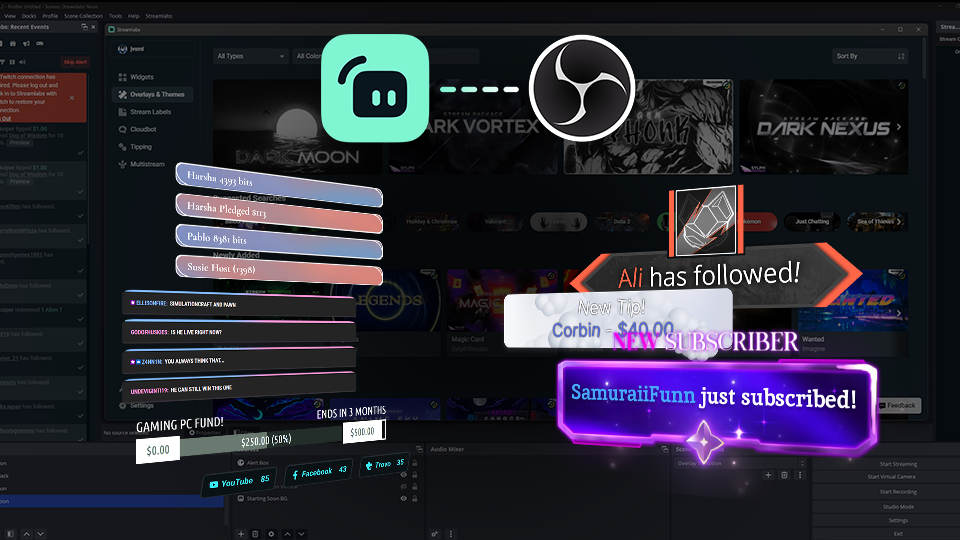
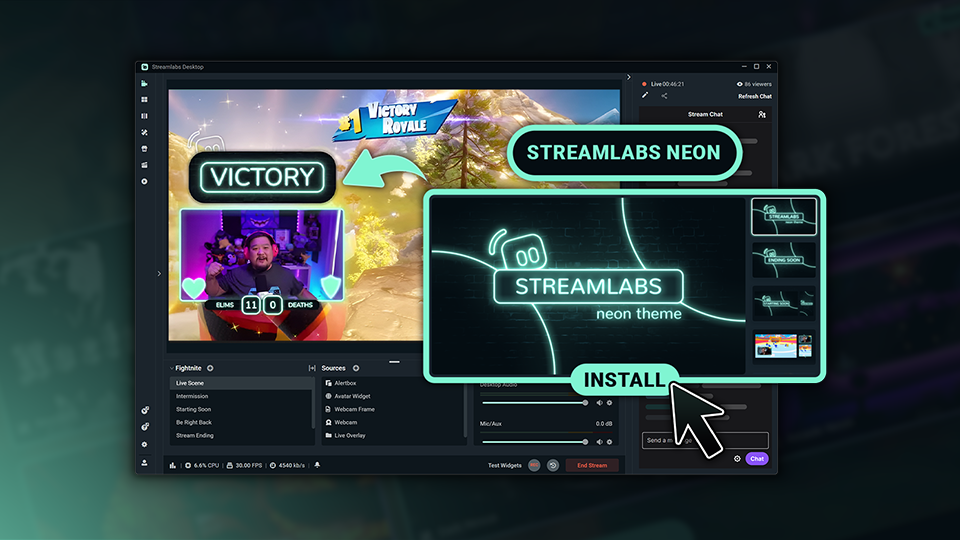
使用數千款專業設計的疊層、主題和通知,自訂您的 Twitch 直播。

2 different overlays both horizontal and vertical options

疊層與主題資料庫

瀏覽數千款專業設計的疊層與主題,打造展現您個人風格的直播。

Visual of installing reactive overlays in Streamlabs Desktop.

反應疊層

加入會即時回應遊戲內事件的疊層,慶祝擊殺、獲勝、連勝等精彩時刻。

讓您的觀眾持續參與

從通知和管理功能到目標與觀眾互動,Streamlabs 小工具協助您打造更引人投入的 Twitch 體驗。

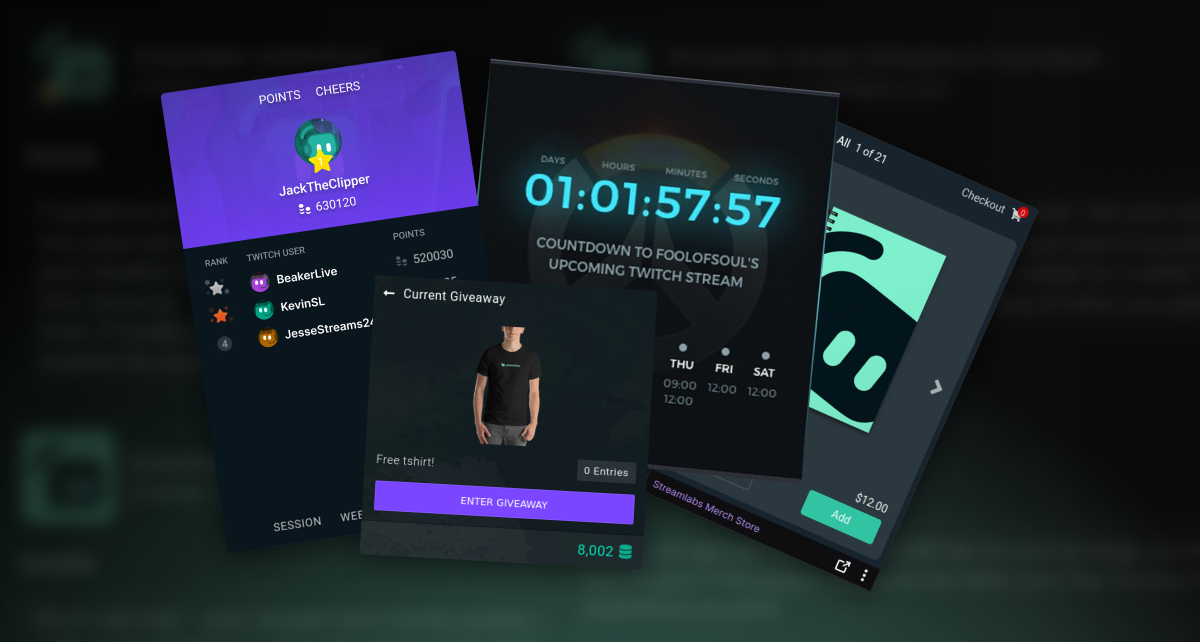
Screenshots of Streamlabs Twitch Extensions

使用擴充功能提升您的個人檔案

使用免費 Twitch 擴充功能設定下一場串流的倒數計時、透過排行榜展示最忠實粉絲、販售周邊商品、管理抽獎活動等。

Four colorful tip panels with dollar signs and the word 'Tip' in various styles and backgrounds.

自訂您的 Twitch 面板

使用免費的 Twitch Panel Maker,透過自訂風格的面板連結至其他社群頻道、贊助頁面等。

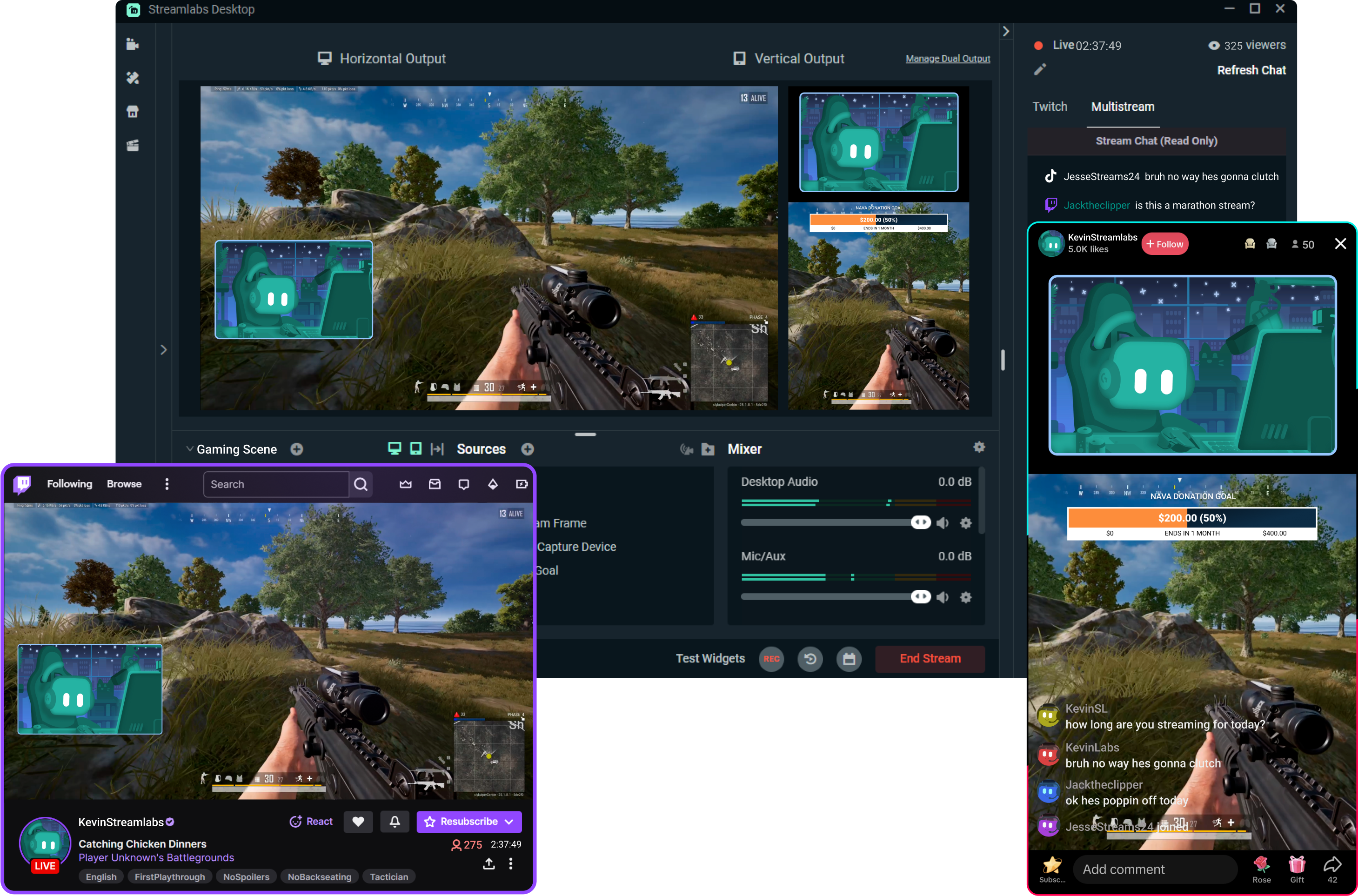
透過 Multistream 觸及更多觀眾

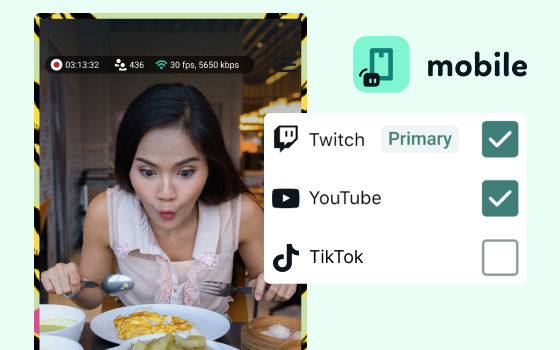
在觀眾偏好的觀看平台觸及他們。 Streamlabs 處理繁重作業,讓您輕鬆進行多平台直播,不會為 PC 帶來額外負擔。

新世代直播工具

探索能自動化工作流程、吸引觀眾互動,並協助您打造更優質內容的強大工具。
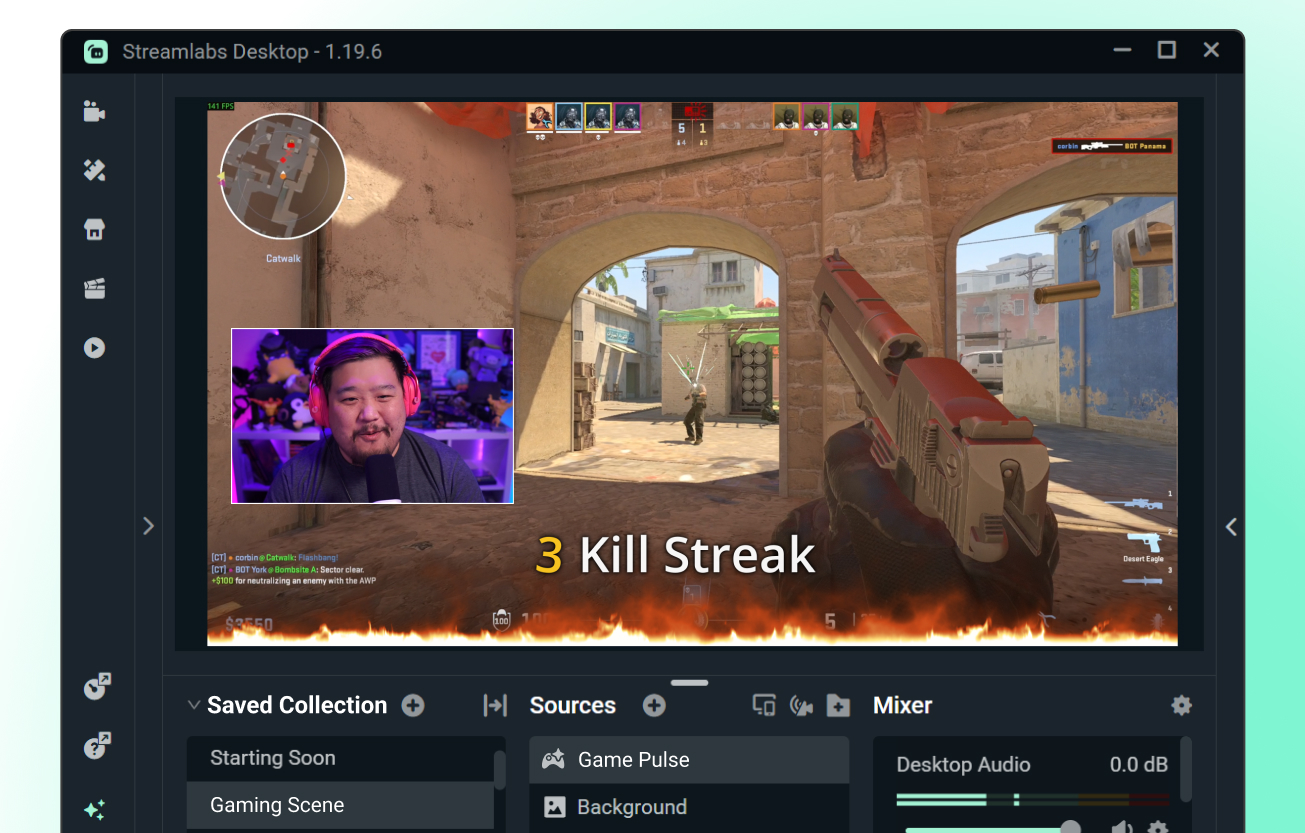
game pulse widget  kill streak animation on stream

Game Pulse 小工具

以您的遊戲內容為基礎的可自訂自動通知。 根據遊戲內事件自動觸發直播通知。

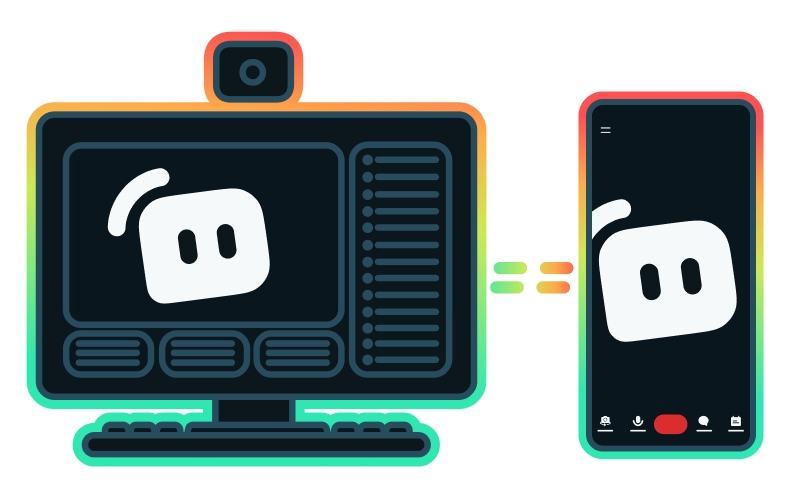
Streaming setup with computer and mobile phone pointing back and forth to each other

Stream Shift

無需結束直播,即可在桌面與行動裝置之間順暢切換直播。

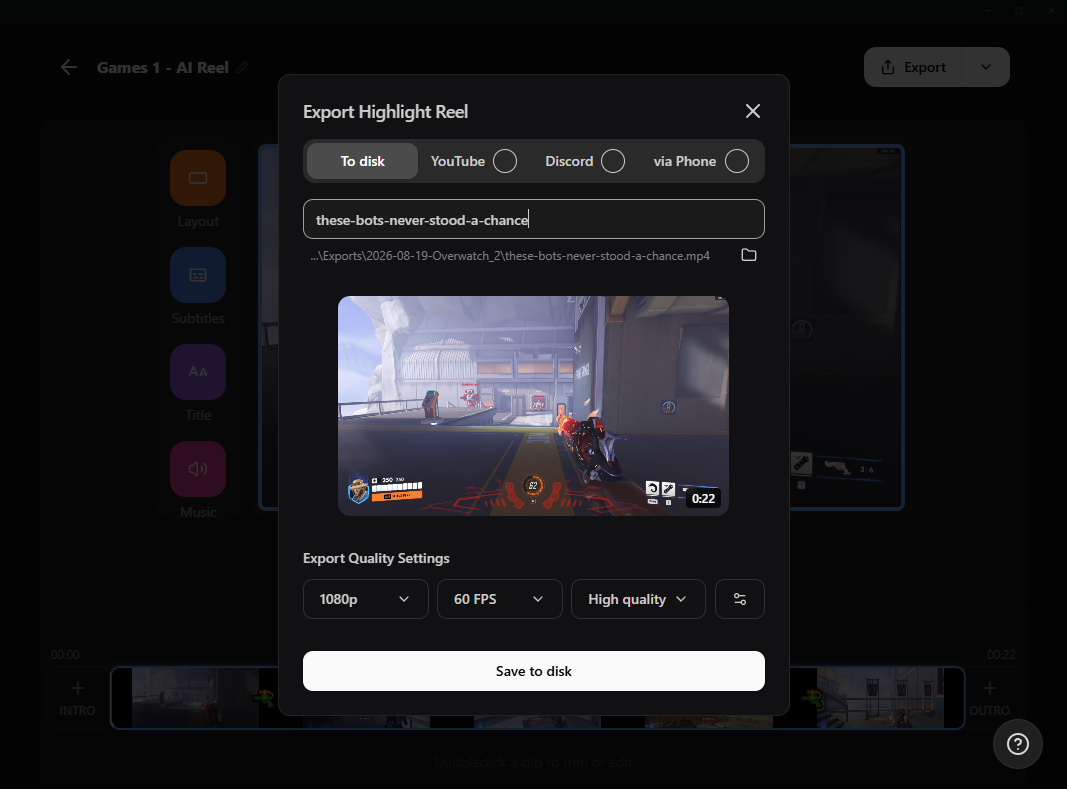
Screenshot of Streamlabs Highlighter icon in left nav of Streamlabs Desktop

精彩片段工具

無需翻找數小時的影片素材,即可自動擷取您的精彩時刻。

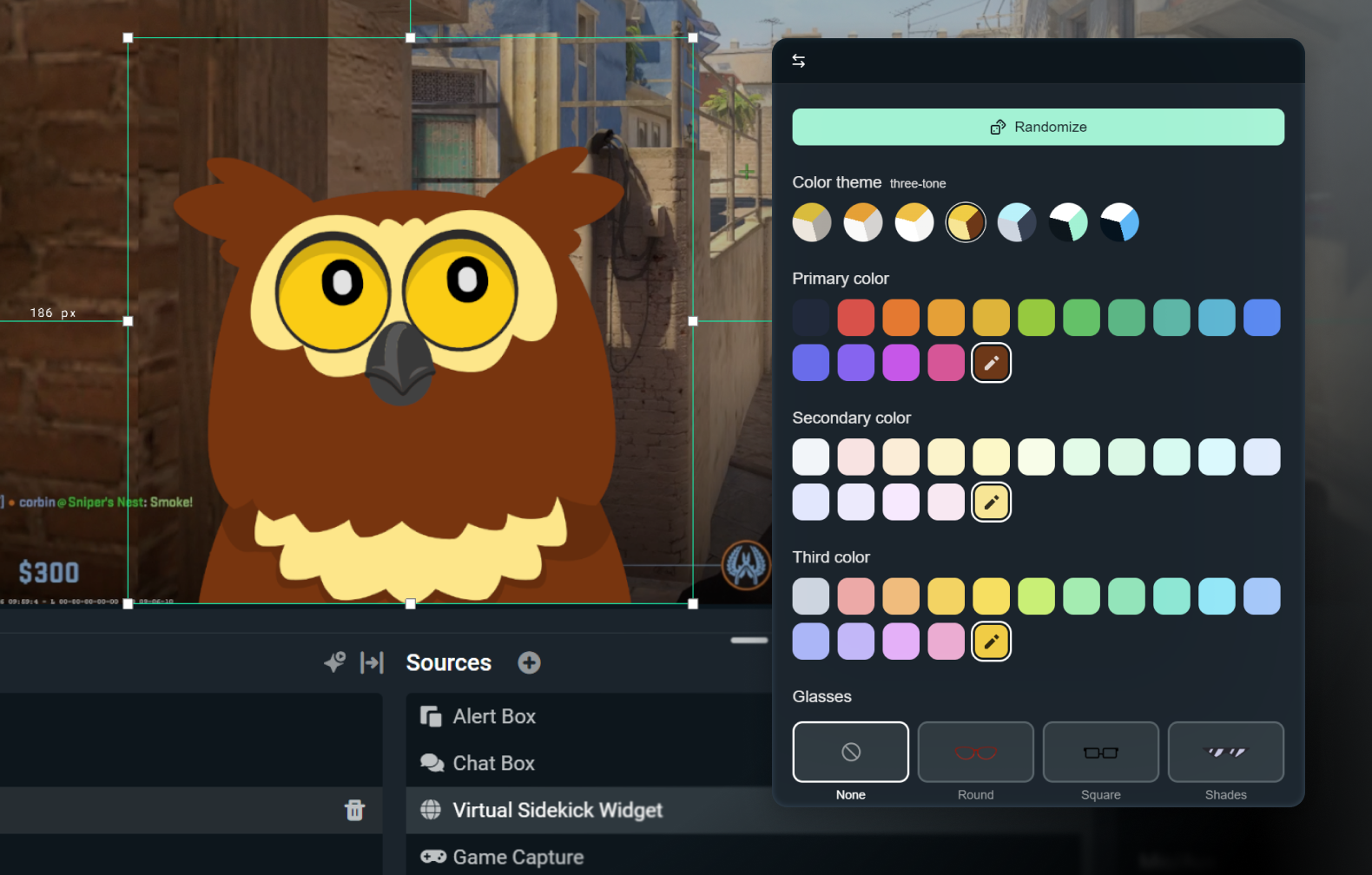
Owl 2D avatar Streamlabs Sidekick in the customize window within Desktop

Intelligent Streaming Agent

您的共同主持人、直播製作人與技術支援,集於一身。

常見問題解答

我該如何開始串流到 Twitch?

您只需開啟您偏好的軟體(Desktop、OBS 外掛程式、我們的行動應用程式、Talk Studio 或 Console),並依照我們 快速入門指南 中的說明操作,即可在幾分鐘內開始在 Twitch 上進行直播。

什麼是 Streamlabs Ultra 和 Ultra Plus?

Streamlabs Ultra is a suite of pro-level features for creators offering a wide range of benefits including multistreaming, access to the full Library of thousands of stream overlays and widget themes, higher limits on AI production features through the Sidekick, watermark-free clip editing, the highest profit margins on Streamlabs Merch, instant access to Gold All Star status for extra giveaway entries and savings on Logitech G hardware, and much more.

使用 Ultra,您即可透過單一簡單方案使用 Streamlabs Desktop、行動裝置版、Console、Talk Studio Pro、Cross Clip Pro、Video Editor Pro、Podcast Editor Pro 和 Web Suite 的進階功能。

With Ultra Plus, you unlock everything included in Ultra plus additional limits for the Sidekick plus a dedicated Streamlabs contact, a setup call, and twice annual success calls with our streaming experts.

此處深入瞭解 Ultra 和 Ultra Plus 的所有優勢。

我需要找到我的串流金鑰才能直播到 Twitch 嗎?

不需要,您不需要找到串流金鑰並手動輸入,即可使用 Streamlabs 工具直播到 Twitch。 只要連線您的帳戶,即可開始直播。

Streamlabs 多平台直播有什麼不同之處?

傳統的多平台直播工具會讓您的電腦為每個直播平台分別編碼並上傳直播,這會導致 CPU 與 GPU 使用率過高,以及上傳頻寬需求增加,進而增加串流品質下降或當機的可能性。

Streamlabs 採用雲端多平台直播系統,這表示您只需傳送一個串流 (啟用 Dual Output 時為兩個,一個垂直、一個水平) 給 Streamlabs,我們的伺服器會處理剩下的部分。

使用 Streamlabs,您還可以享有內建聊天室整合功能,讓您在一個地方閱讀所有直播的訊息。

如需更多資訊,請參閱我們關於 Streamlabs 多平台直播特色的文章。

我可以用手機直播到 Twitch 嗎?

可以,適用於 iOS 和 Android 的 Streamlabs Mobile 應用程式讓您無需桌機設定,即可直接從手機直播到 Twitch。

身為 Twitch 實況主,我可以申請贊助嗎?

是的,目前我們所有的贊助服務都是專門為 Twitch 實況主提供的。 在這裡瞭解關於贊助的更多資訊。

Streamlabs Multistream 是免費的嗎?

Streamlabs Multistream 是 Ultra 功能。 如果您想免費進行多平台直播,可使用 Dual Output 同時直播到垂直與水平方向的平台,且無需訂閱。

如果我還有其他問題該怎麼辦?

請透過此連結聯絡支援人員。

取得 Streamlabs - 幾分鐘內即可上線!

下載桌面版
下載 Windows 版
免費
視窗 10 以上
馬克索十二以上
約 500 毫克