

十多年来,始终支持主播
Streamlabs 通过易于使用且行业领先的工具,为直播主赋能。
Streamlabs 集直播、录制、观众互动、变现等前沿功能于一身,是您直播之旅中唯一所需的一站式平台。
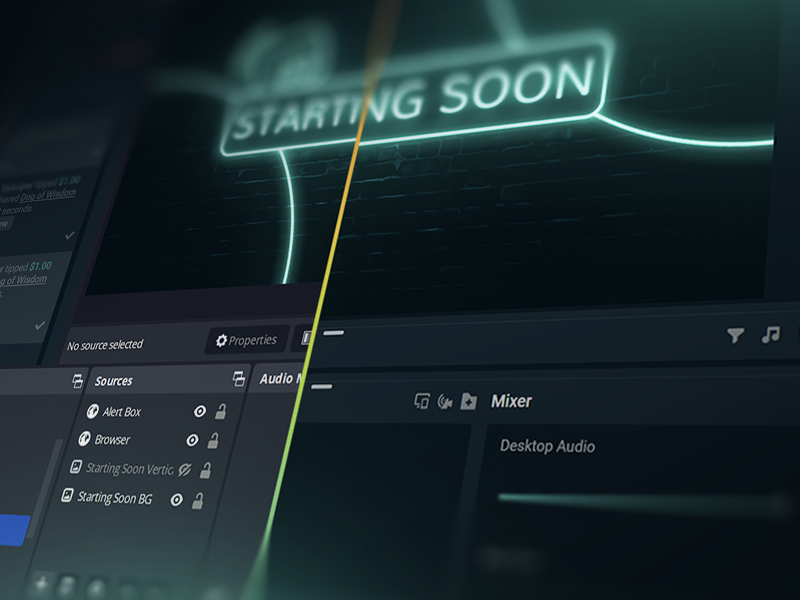
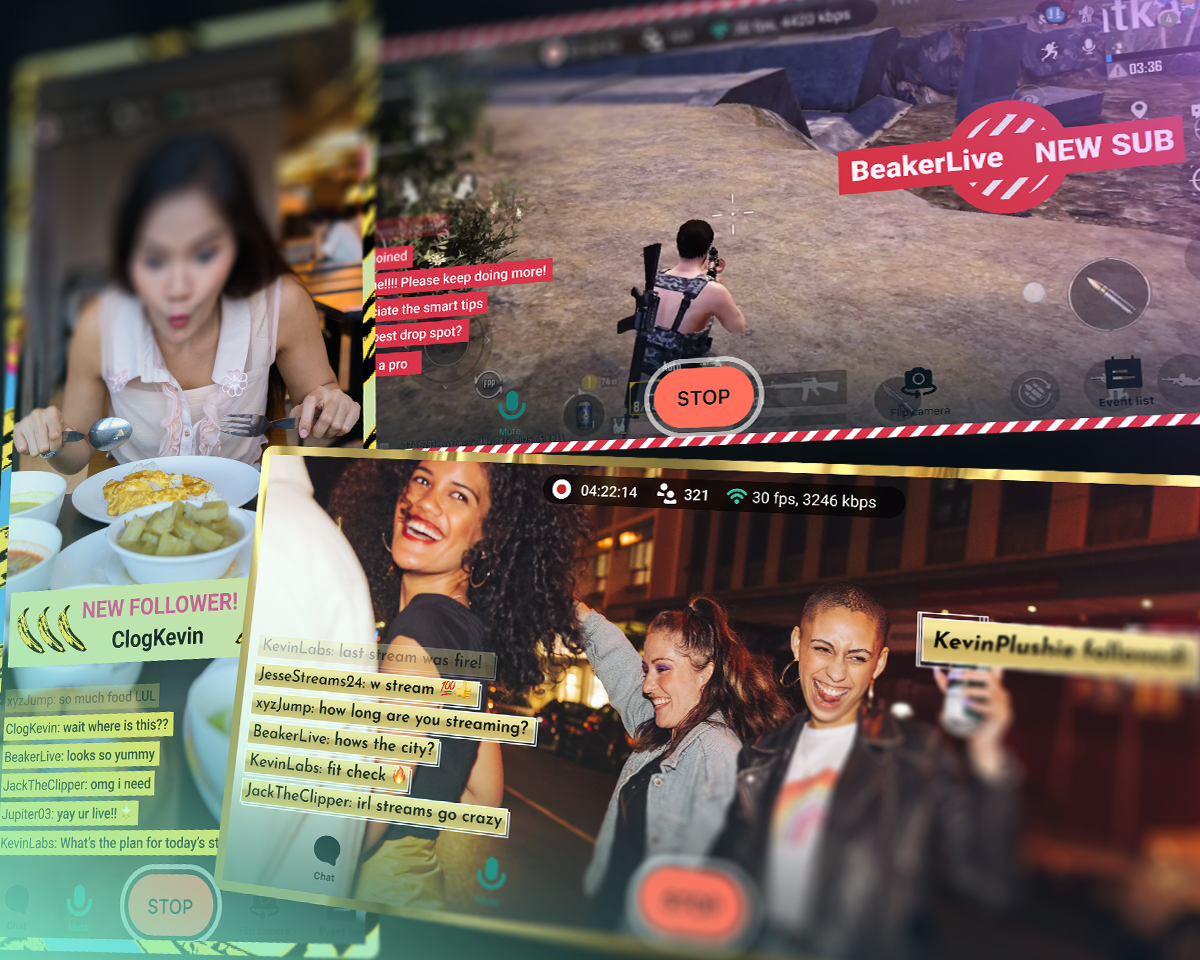
点击 50 5 次即可上线 - 直播至任何平台
小时分钟后即可在任何平台上直播
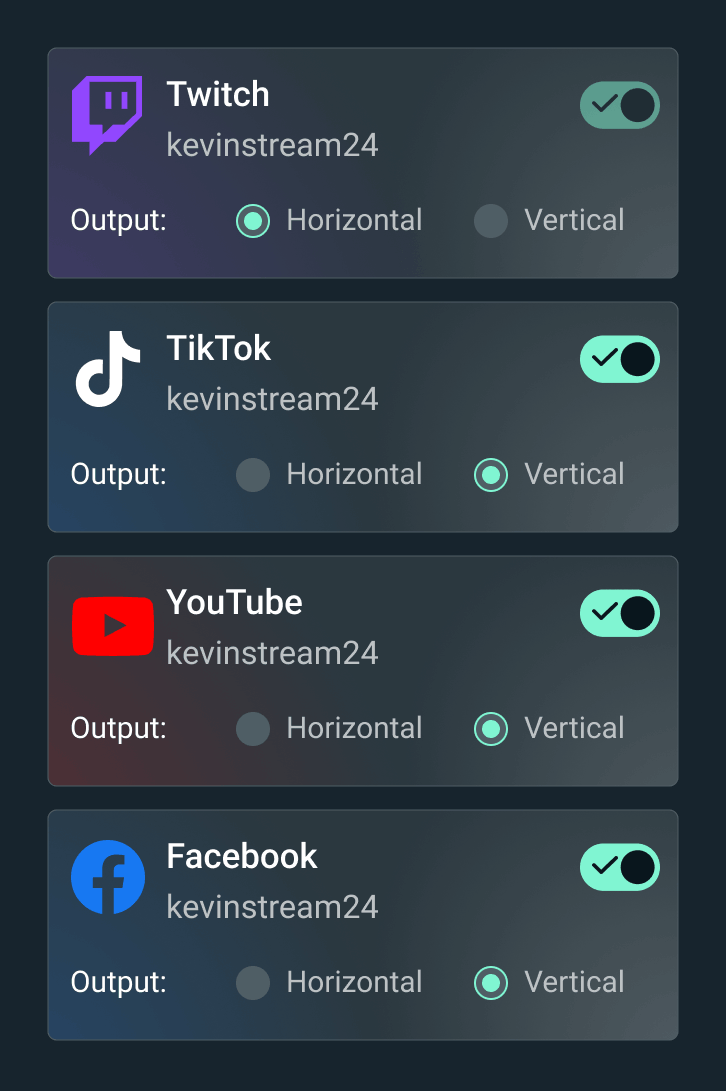
在 Twitch、YouTube、TikTok 等平台上播放您的直播。


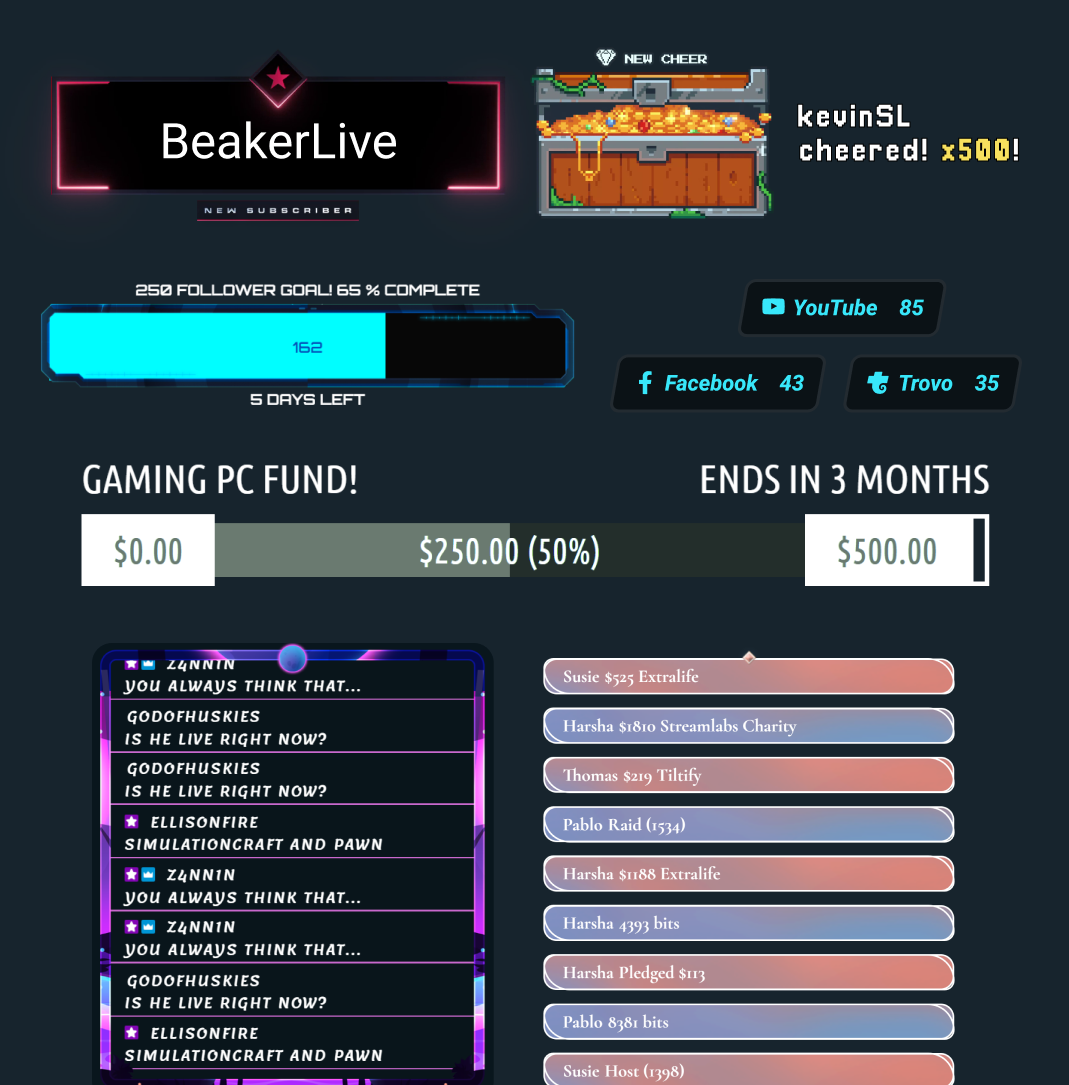
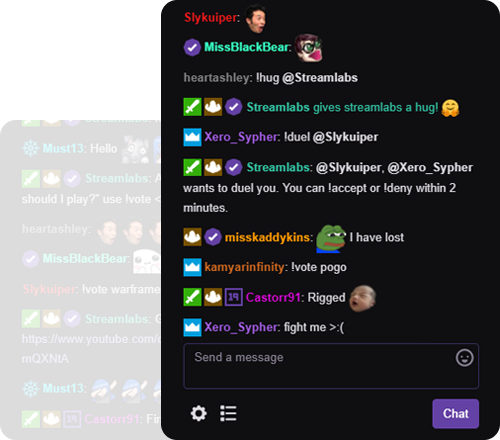



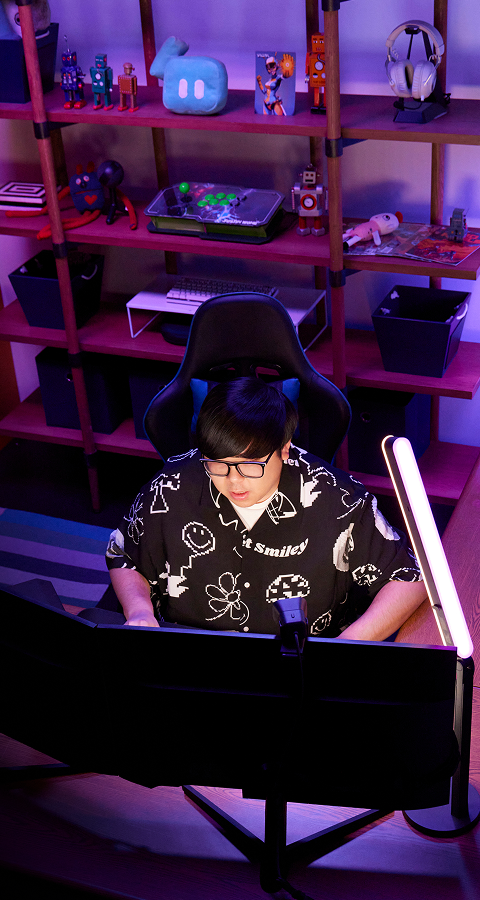
“Streamlabs 对我的内容创作者职业生涯帮助巨大!”
- Jwonggg
格斗游戏内容创作者

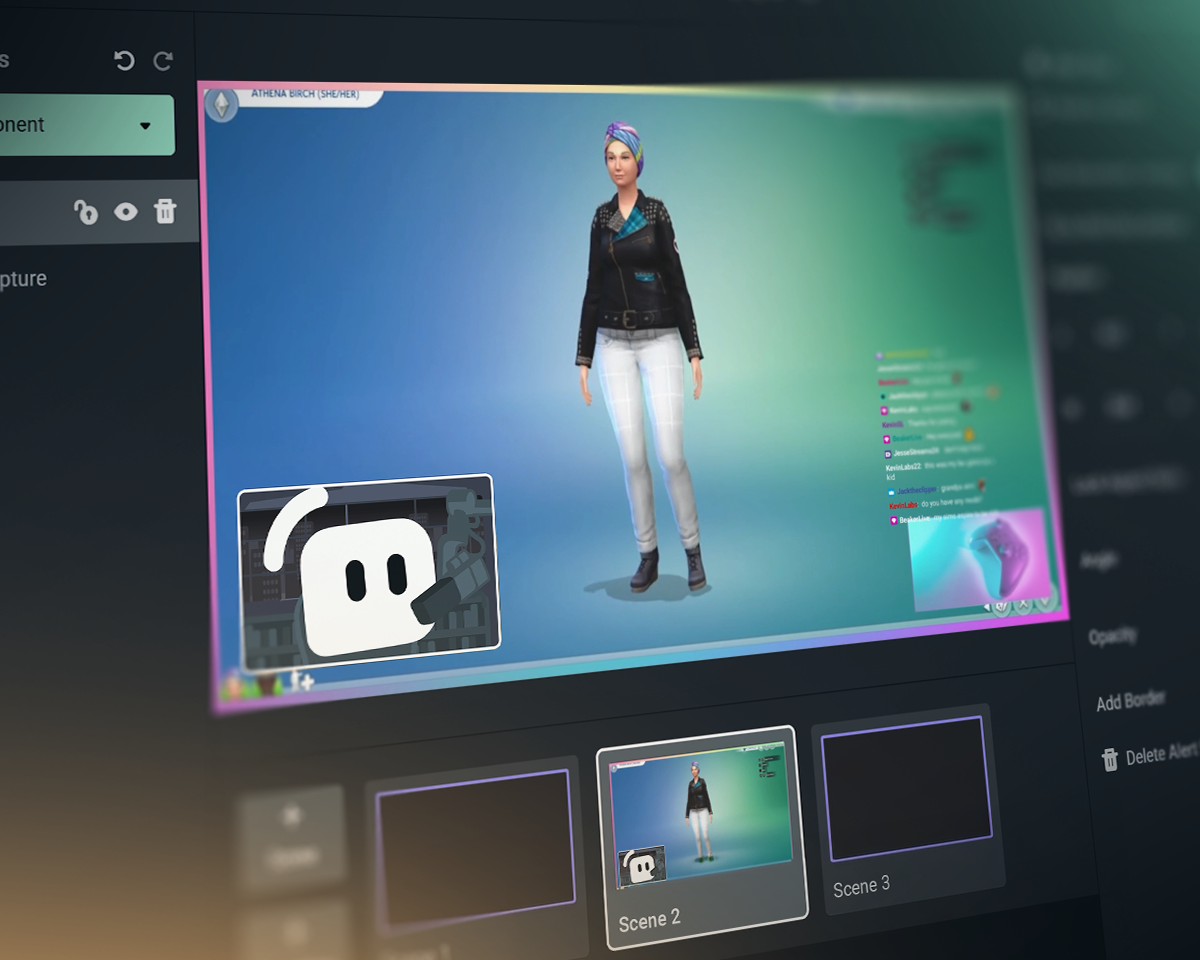
Streamlabs 与 OBS 与 StreamElements 对比
了解 Streamlabs Desktop、适用于 OBS 的 Streamlabs 插件等功能与其他直播工具的对比表现。
| Streamlabs | 适用于 OBS 的 Streamlabs 插件 | StreamElements | OBS Studio | |
|---|---|---|---|---|
生态系统 赋能直播的工具 | 全套小工具 + 直播与编辑工具 | 增强 OBS 直播的插件 | 直播功能(不含直播工具) | 直播与录制工具 |
直播 在您喜爱的平台上直播 | 桌面端、移动端、Xbox 及浏览器 | 通过 OBS 进行 PC 直播 | 通过 OBS 进行 PC 直播 | PC 直播 |
多重直播 向多个目标平台直播 | 使用 Ultra 进行服务器端处理 | 使用 Ultra 进行服务器端处理 | 占用电脑资源 | 需第三方支持 |
多平台聊天整合 统一聊天视图 | YouTube、Twitch、Kick、X (Twitter) 和 Facebook | YouTube、Twitch、Kick、X (Twitter) 和 Facebook | YouTube、Twitch、X (Twitter) 和 Facebook | 需第三方支持 |
双格式直播 横向和纵向输出 | Desktop 中免费提供两种输出 | 需第三方支持 | 需第三方支持 | |
嘉宾摄像头 邀请嘉宾加入直播 | Desktop 中通过 Collab Cam 免费使用 | 需第三方支持 | 需第三方支持 | |
叠加层和小工具主题 风格化画面、提醒等 | 一键安装 | 一键安装 | 需第三方支持 | |
应用与插件 使用应用程序升级直播体验 | Desktop App Store | 与其他 OBS 插件配合使用 | 与其他 OBS 插件配合使用 | 插件生态系统,包括 Streamlabs 插件 |
直播小工具 动态的直播中事件 | 数十种小工具 | 数十种小工具 | 需第三方支持 | |
提醒框 动态、实时提醒 | 免费且可自定义 | 免费且可自定义 | 需第三方支持 | |
聊天亮点 在直播中突出显示聊天消息 | 免费小工具 | 通过浏览器源 | 需第三方支持 | 需第三方支持 |
直播自动化 根据游戏事件触发操作 | Intelligent Streaming Agent | |||
动态主题 根据游戏事件触发特效 | 动态叠加层 + Game Pulse | |||
直播联合主持人 能对游戏过程做出响应的虚拟联合主持人 | Intelligent Streaming Agent | 需第三方支持 | 需第三方支持 | |
媒体共享 排队播放观众点播的视频 | Desktop 中免费 | 通过浏览器源 | 需第三方支持 | |
录制 录制视频 | Desktop 中免费 | 通过 OBS 录制 | 通过 OBS 录制 | |
选择性录制 拆分直播源与录制源 | Desktop 中免费 | 需第三方支持 | ||
自动生成精彩片段 根据游戏事件自动生成精彩片段 | 免费 Desktop Highlighter | |||
剪辑编辑 自定义剪辑与布局 | 免费 Cross Clip | |||
基于文本的视频编辑 用于播客编辑和转录 | 免费 Podcast Editor | |||
网页浏览器直播 在网页上与嘉宾直播并录制 | Talk Studio | |||
移动直播 在 Android 和 iOS 上直播 | 免费移动应用 | |||
主机直播 从 Xbox 直播 | Streamlabs Console | |||
打赏 通过打赏和捐赠赚取收入 | 免费打赏页面(我们绝不抽成!) | 免费打赏页面(我们绝不抽成!) | ||
Sponsorships 通过直播获得收益 | 基础报酬,无手续费 | |||
慈善平台 为公益事业筹集资金 | Streamlabs Charity | 内置慈善提醒 | 需第三方支持 | 需第三方支持 |
常见问题解答
Streamlabs 与其他直播工具有何不同?
Streamlabs 是一个完整的流媒体工具生态系统,既能简化您的流媒体设置,也能为复杂的设置提供支持。大多数工具只涵盖流媒体需求的某一方面,例如面板、小部件或多平台直播。我们的产品包括:
- Streamlabs Desktop:适用于您的 PC 的流媒体软件,内置您所需的一切功能。
- 适用于 OBS 的 Streamlabs 插件:直接在 OBS 中获取最受欢迎的 Streamlabs 功能,例如提醒框 (Alert Box) 和多平台直播 (Multistreaming)。
- Streamlabs Web:访问小部件、多平台直播等功能。获取可用作任何流媒体软件(如 OBS)中浏览器源的 URL。
- Streamlabs Mobile:通过您的移动设备进行游戏和 IRL 直播,并使用提醒、聊天等功能。
- Streamlabs Console:无需采集卡或电脑,即可从 Xbox 进行直播。
- Talk Studio:直接从浏览器上线直播。
- Cross Clip:将您的直播片段转换为 Shorts、Reels 和 TikTok 短视频。
- Podcast Editor:转录您的视频并通过文本进行编辑。
- 视频编辑器:在浏览器中编辑您的长视频。
不知道该从哪款 Streamlabs 工具开始?在此找到适合您的工具。
我可以免费使用 Streamlabs 进行直播和录制吗?
可以!您可以使用 Streamlabs Desktop、OBS(配合 Streamlabs OBS 插件)以及 Streamlabs Mobile 免费进行无限时长的直播和录制。无水印,无时长限制。
多平台直播、专业设计师制作的叠加层、Stream Shift 等可选功能均包含在我们的 Ultra 订阅中。
Streamlabs功能适用于OBS Studio吗?
是的!许多Streamlabs功能都适用于OBS Studio。我们的顶级功能(如多平台直播、近期事件流、多聊天支持、叠加层和小工具主题(包括响应式叠加层和 Game Pulse 小工具)以及其他顶级功能)已添加到Streamlabs OBS 插件中,以便于设置。不过,您也可以将小工具作为浏览器源添加到 OBS 中,并在没有插件的情况下使用多平台直播。
Ultra 因何而生?
我们打造了 Streamlabs Ultra,旨在为您提供所需尖端功能,助您在不断发展的直播领域中紧跟步伐。我们坚信,我们应当打造产品,而非将您变成产品。Ultra 的费用将帮助我们:
- 壮大开发团队,持续为直播创作者提供强大的工具和功能,打造极致的直播体验 — 每月已有数百万创作者在使用。
- 聘请专业(人类)设计师和开发人员,制作直播叠加层、小工具主题和 Desktop 应用程序。
- 维护多重直播服务器,让您无需增加电脑负担,即可在所有您喜爱的平台上同步开播。
- 提供零佣金赞助服务,让您保留全部收益。
- 为 OBS 开源项目提供资金支持。
如果我有更多疑问怎么办?
请通过此链接联系支持人员。