

Nous accompagnons les streamers depuis plus de dix ans
Streamlabs aide les streamers à se lancer grâce à des outils simples d’utilisation et parmi les meilleurs du marché.
Avec ses fonctionnalités de pointe pour le streaming, l’enregistrement, l’interaction avec le public, la monétisation et bien plus encore, Streamlabs est la solution unique dont tu as besoin pour te lancer.
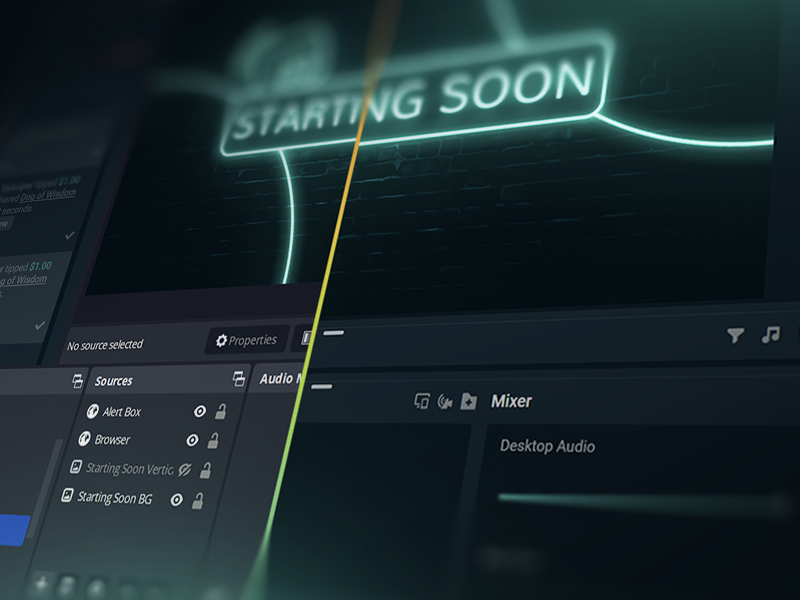
Streame en direct en 50 5 clics : streame sur n’importe quelle plateforme
Streame en direct en quelques heures minutes sur n’importe quelle plateforme
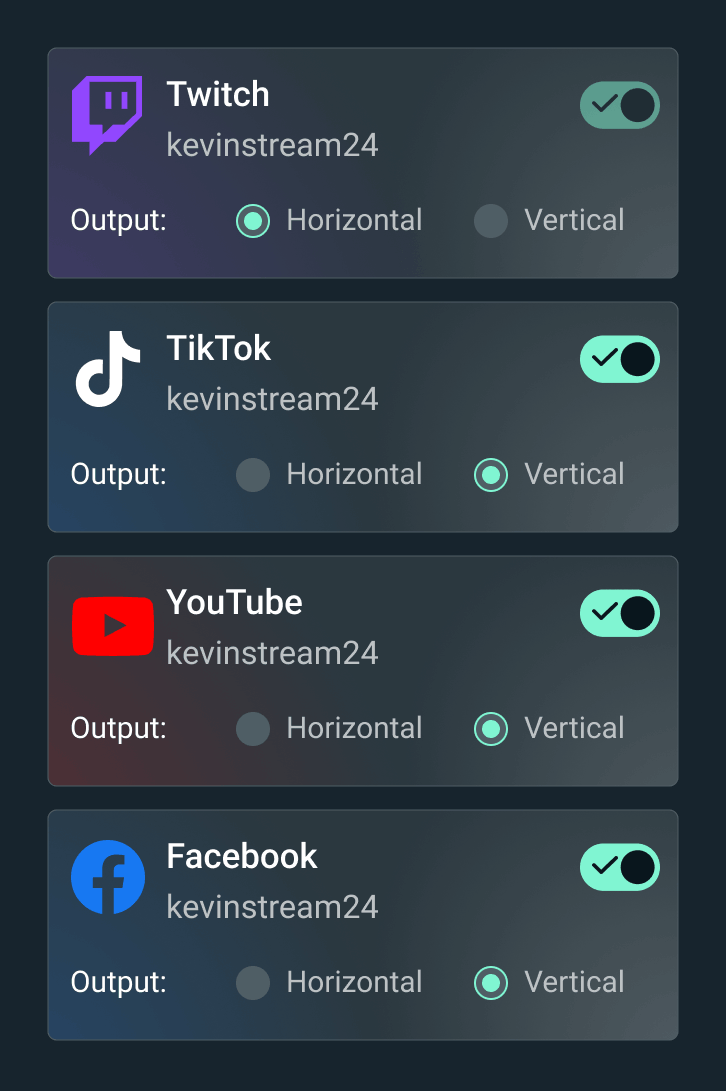
Diffuse ton stream en direct sur Twitch, YouTube, TikTok et bien plus encore.


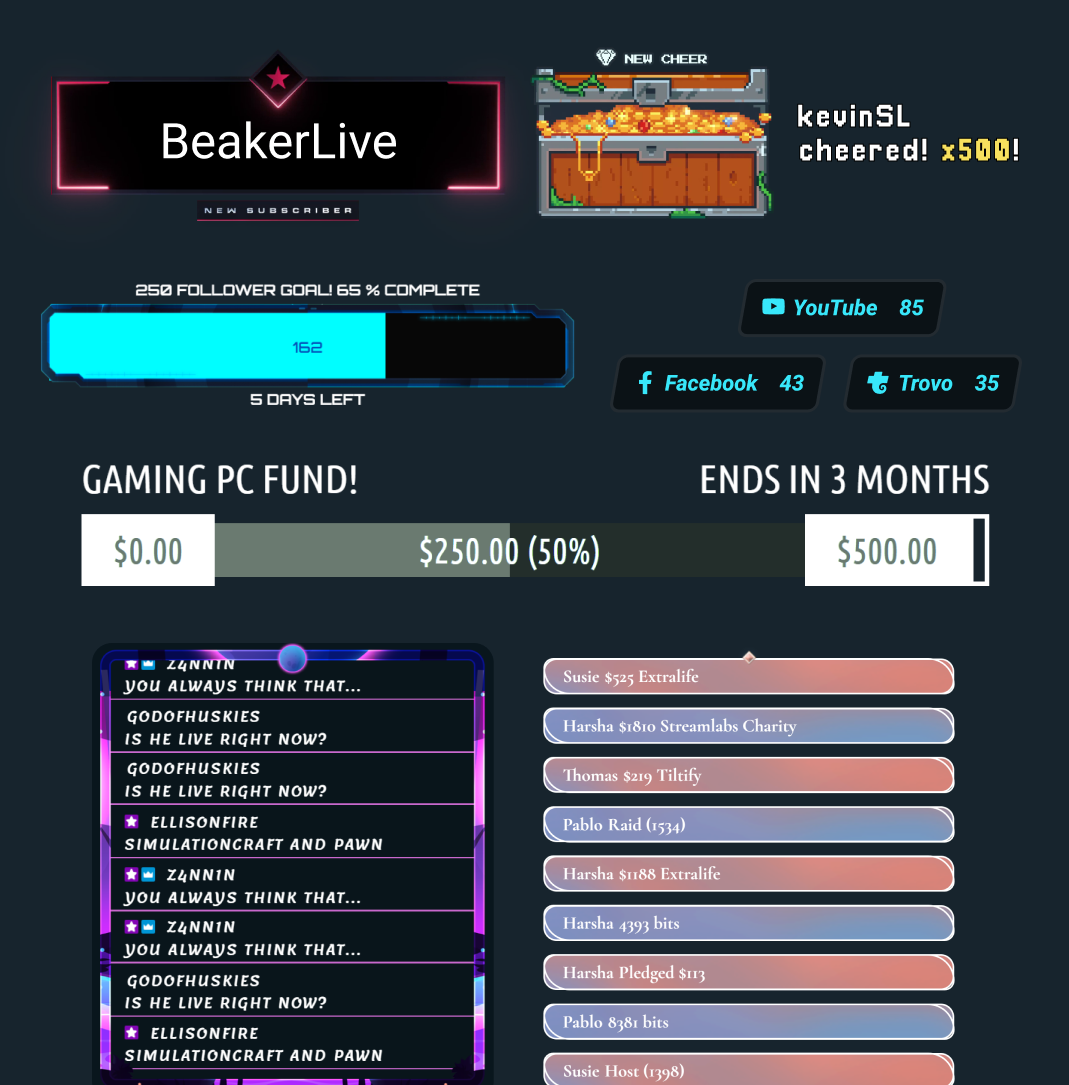
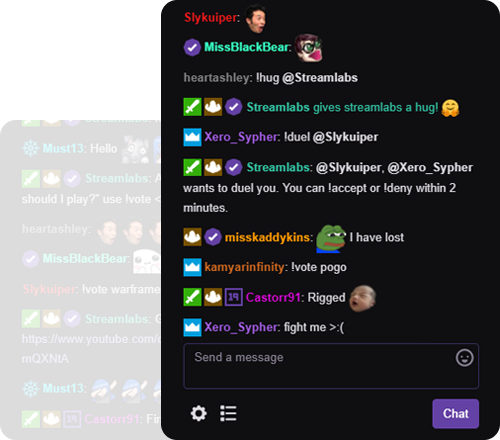




« Streamlabs m’a tellement aidé dans ma carrière de créateur de contenu ! »
- Jwonggg
Diffuse en direct à ta façon
Streamlabs Desktop
Logiciel gratuit et open source de streaming et d’enregistrement pour PC.

Plugin Streamlabs pour OBS
Toutes tes fonctionnalités Streamlabs préférées, directement dans OBS. Pas besoin de copier-coller.
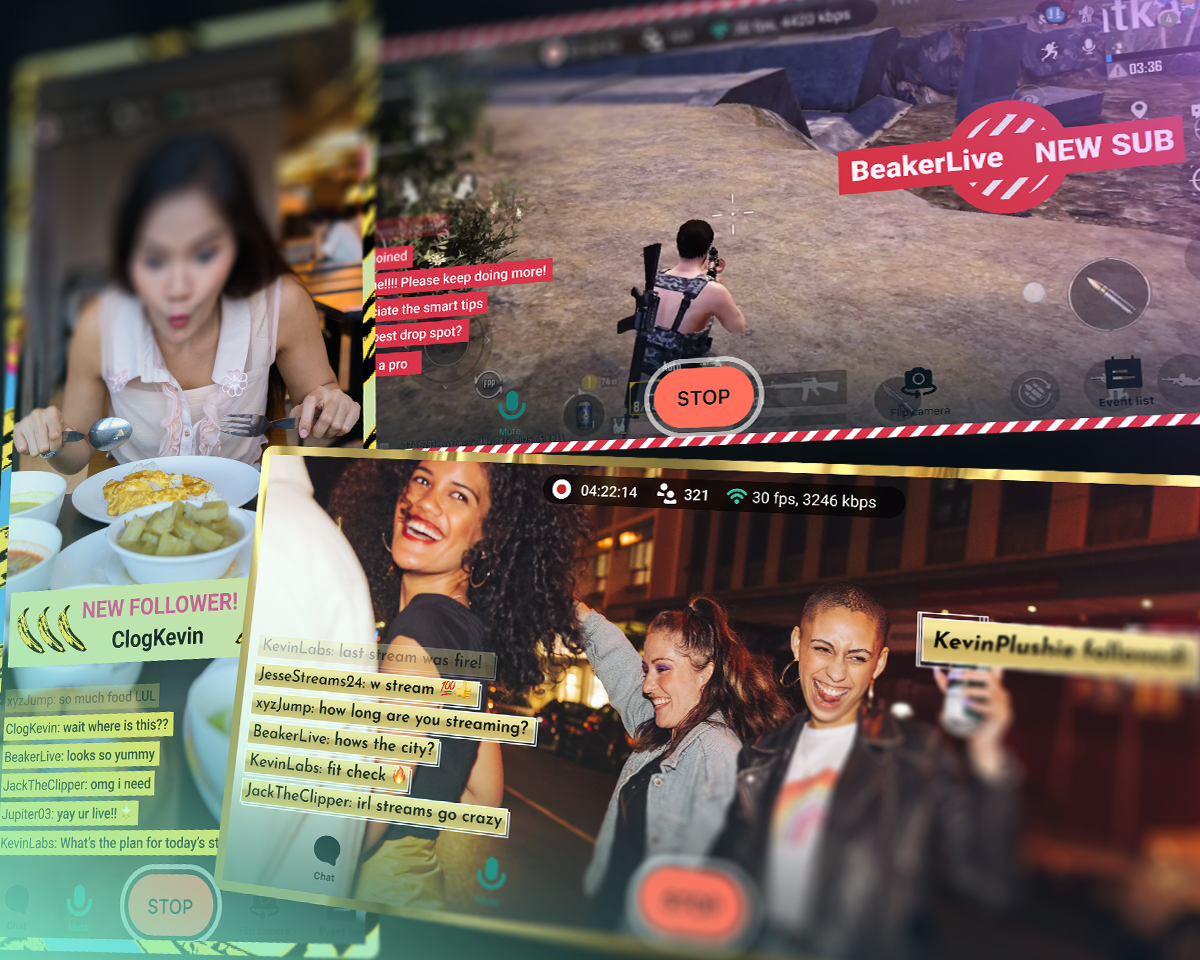
Streamlabs Mobile
Emporte ton chat avec toi lors de tes aventures IRL ou streame tes parties sur mobile. Disponible sur iOS et Android.
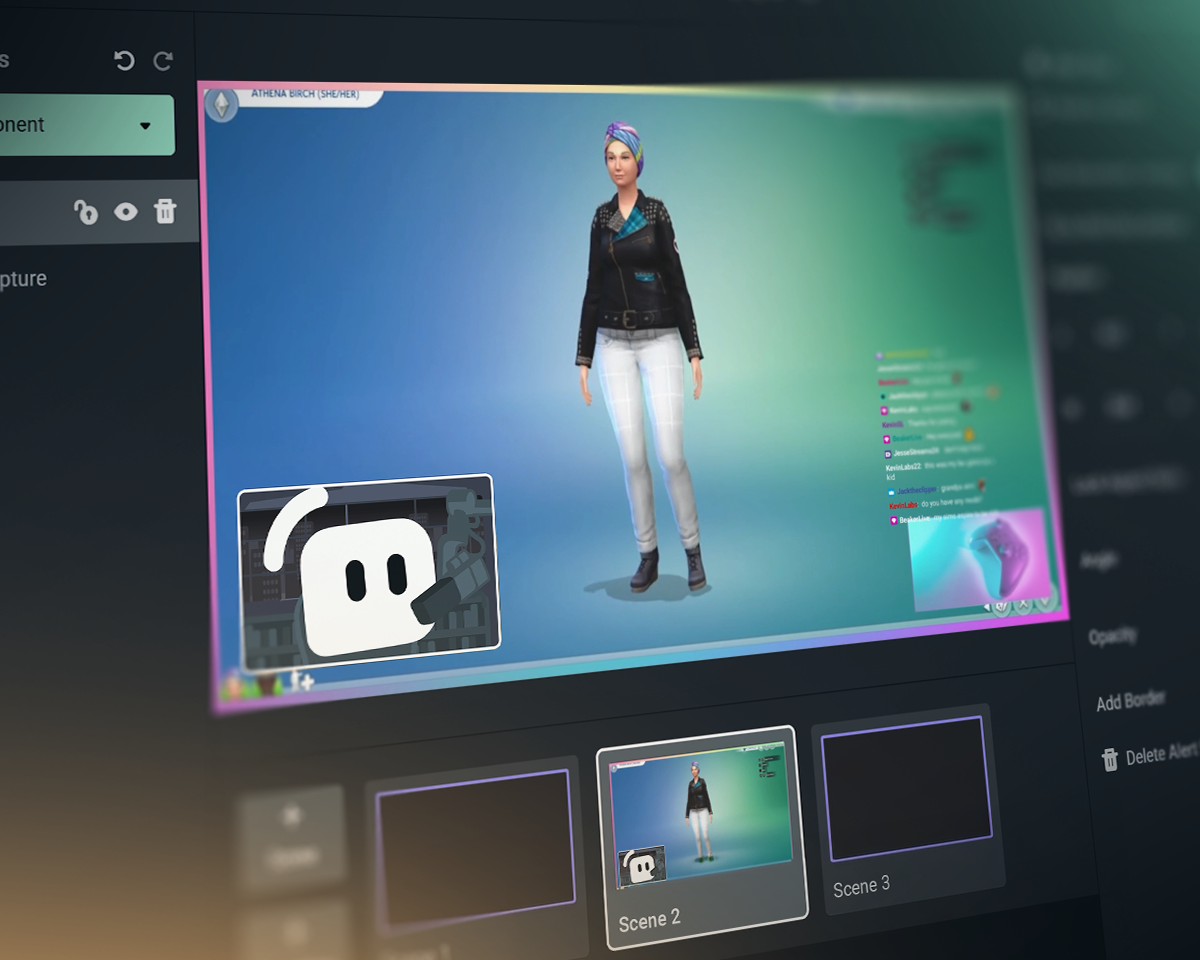
Streamlabs Console
Streame depuis ta Xbox sur Twitch, YouTube, Kick et TikTok. Pas besoin de PC ou de carte de capture!
Streamlabs vs OBS vs StreamElements
| Streamlabs | Plugin Streamlabs pour OBS | StreamElements | OBS Studio | |
|---|---|---|---|---|
Écosystème Des outils pour booster ton stream | Une suite complète de widgets + des outils de diffusion et de montage | Plugin pour améliorer les diffusions OBS | Fonctionnalités de streaming sans outils de diffusion | Outils de diffusion et d’enregistrement |
Diffusion Diffuse ton contenu en direct sur tes plateformes préférées | Ordinateur de bureau, mobile, Xbox et navigateur | Streaming depuis un PC via OBS | Streaming depuis un PC via OBS | Streaming depuis un PC |
Multistreaming Streame vers plusieurs destinations | Côté serveur avec Ultra | Côté serveur avec Ultra | Consommation des ressources du PC | Outil tiers requis |
Multichat Vue unifiée du chat | YouTube, Twitch, Kick, X (Twitter) et Facebook | YouTube, Twitch, Kick, X (Twitter) et Facebook | YouTube, Twitch, X (Twitter) et Facebook | Outil tiers requis |
Streaming en double format Sortie horizontale et verticale | Gratuit pour deux sorties dans Desktop | Outil tiers requis | Outil tiers requis | |
Caméra invité Ajoute un invité à ton stream | Gratuit avec Collab Cam dans Desktop | Outil tiers requis | Outil tiers requis | |
Overlays et thèmes de widgets Écrans personnalisés, alertes et bien plus encore | Installation en un clic | Installation en un clic | Outil tiers requis | |
Applications et plugins Améliore ton stream avec des applications | Boutique d'applications pour ordinateur de bureau | Utilisation avec d’autres plugins OBS | Utilisation avec d’autres plugins OBS | Écosystème de plugins y compris plugin Streamlabs |
Widgets de stream Des événements dynamiques en direct | Des dizaines de widgets | Des dizaines de widgets | Outil tiers requis | |
Fenêtre d'alerte Alertes dynamiques de stream en continu | Gratuit et personnalisable | Gratuit et personnalisable | Outil tiers requis | |
Mise en évidence du chat Mets en évidence les messages du chat sur le stream | Widget gratuit | via une source de navigateur | Outil tiers requis | Outil tiers requis |
Automatisations de stream Déclenche des actions à partir des événements du jeu | Intelligent Streaming Agent | |||
Thèmes réactifs Déclenche des effets à partir des événements du jeu | Overlays réactifs + Game Pulse | |||
Coanimateur de streaming Un coanimateur virtuel qui réagit au gameplay | Intelligent Streaming Agent | Outil tiers requis | Outil tiers requis | |
Partage multimédia Mets en file d’attente les vidéos demandées par les viewers | Gratuit dans Desktop | via une source de navigateur | Outil tiers requis | |
Enregistrement Enregistre une vidéo | Gratuit dans Desktop | via l’enregistrement OBS | via l’enregistrement OBS | |
Enregistrement sélectif Divise les sources de streaming et d’enregistrement | Gratuit dans Desktop | Outil tiers requis | ||
Moments forts générés automatiquement Clips automatiques des événements du jeu | Highlighter gratuit dans Desktop | |||
Montage de clips Découpages et mises en page personnalisés | Cross Clip gratuit | |||
Montage vidéo basé sur du texte Pour le montage et la transcription de podcasts | Podcast Editor gratuit | |||
Streaming via un navigateur Web Streame et enregistre en direct avec des invités sur le Web | Talk Studio | |||
Streaming mobile Streame depuis Android et iOS | Application mobile gratuite | |||
Streaming sur console Streaming en direct depuis Xbox | Streamlabs Console | |||
Pourboire Gagne de l’argent grâce aux pourboires et aux dons | Page de pourboires gratuite (nous n’en prélevons pas un centime !) | Page de pourboires gratuite (nous n’en prélevons pas un centime !) | ||
Programmes de sponsors Gagne de l’argent en streamant | Versement de base sans frais | |||
Plateforme caritative Collecte des fonds pour de bonnes causes | Association caritative Streamlabs | Alertes caritatives intégrées | Outil tiers requis | Outil tiers requis |
Foire aux questions
Streamlabs est un écosystème complet d'outils de streaming, apportant de la simplicité à ta configuration de streaming ou renforçant des configurations complexes. La plupart des outils couvrent un aspect des besoins de streaming comme les alertes, les widgets ou le multistreaming. Nos offres incluent :
- Streamlabs Desktop : Logiciel de streaming pour ton PC avec tout ce dont tu as besoin intégré.
- Plugin Streamlabs pour OBS : Obtiens les fonctionnalités Streamlabs les plus appréciées comme Alert Box et le Multistreaming directement dans OBS.
- Streamlabs Web : Accède aux widgets, au multistreaming et plus encore. Obtiens des URL à utiliser comme sources de navigateur dans n'importe quel logiciel de streaming comme OBS.
- Streamlabs Mobile : Streame tes jeux et tes contenus IRL avec des alertes, un chat et bien plus depuis ton appareil mobile.
- Streamlabs Console : Streame depuis ta Xbox, sans carte d'acquisition ni PC requis.
- Talk Studio : Diffuse en direct directement depuis ton navigateur.
- Cross Clip : Transforme tes streams en clips pour Shorts, Reels et TikTok.
- Podcast Editor : Transcris tes vidéos et modifie-les via du texte.
- Video Editor : Modifie tes vidéos longues dans ton navigateur.
Tu ne sais pas avec quel outil Streamlabs commencer ? Trouve ce qui te convient ici.
Oui. Tu peux streamer en direct et enregistrer autant que tu veux, totalement gratuitement, avec Streamlabs Desktop, dans OBS avec le plugin Streamlabs pour OBS, et avec Streamlabs Mobile. Pas de filigranes et pas de limites de temps.
Des fonctionnalités optionnelles telles que le multistreaming, les superpositions de designers professionnels, Stream Shift, et plus encore sont incluses dans notre abonnement Ultra.
Oui. De nombreuses fonctionnalités de Streamlabs fonctionnent avec OBS Studio. Nos fonctionnalités phares comme le multistreaming, le flux d’événements récents, la prise en charge du chat multiple, les overlays et les thèmes de widgets (y compris les Reactive Overlays et le widget Game Pulse), ainsi que d’autres fonctionnalités majeures, ont été ajoutées au plugin Streamlabs pour OBS pour une configuration plus simple. Cependant, tu peux aussi ajouter des widgets à OBS en tant que sources de navigateur et utiliser le multistreaming sans le plugin.
Nous avons créé Streamlabs Ultra pour te proposer les fonctionnalités de pointe indispensables pour rester à la page dans le monde du streaming, en constante évolution. Nous croyons qu’il faut créer des produits, pas faire de toi un produit, et les frais Ultra nous aident à :
- composer l’équipe de développement qui met à la disposition des créateurs en direct des outils et des fonctionnalités puissants pour offrir la meilleure expérience de streaming possible, utilisée par des millions de créateurs chaque mois.
- payer des designers et des développeurs professionnels (humains) pour créer des overlays de stream, des thèmes de widgets et des applications Desktop.
- gérer des serveurs de multistreaming qui te permettent de diffuser en direct sur toutes tes plateformes préférées sans surcharger ton PC.
- proposer des programmes de sponsors sans frais pour que tu puisses conserver tes revenus.
- apporter un soutien financier au projet Open Source OBS.
Merci de contacter l’assistance via ce lien.