

Wir unterstützen Streamer seit über einem Jahrzehnt
Streamlabs unterstützt Live-Streamer mit benutzerfreundlichen, erstklassigen Tools.
Mit topaktuellen Funktionen für Streaming, Aufzeichnung, Zuschauerbindung, Monetarisierung und vielem mehr ist Streamlabs alles, was du auf deinem Weg brauchst.
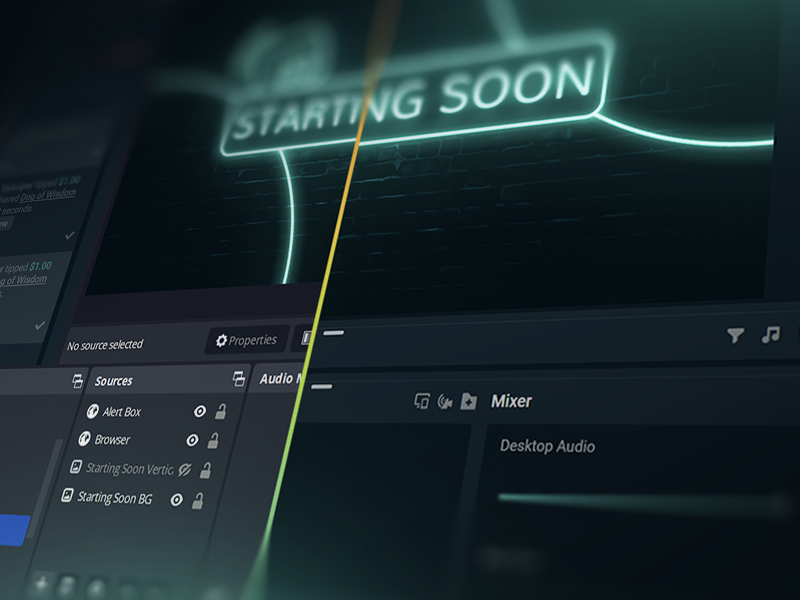
Auf Sendung in 50 5 Klicks – Streamen auf jede Plattform
Auf Sendung in Stunden Minuten auf jeder Plattform
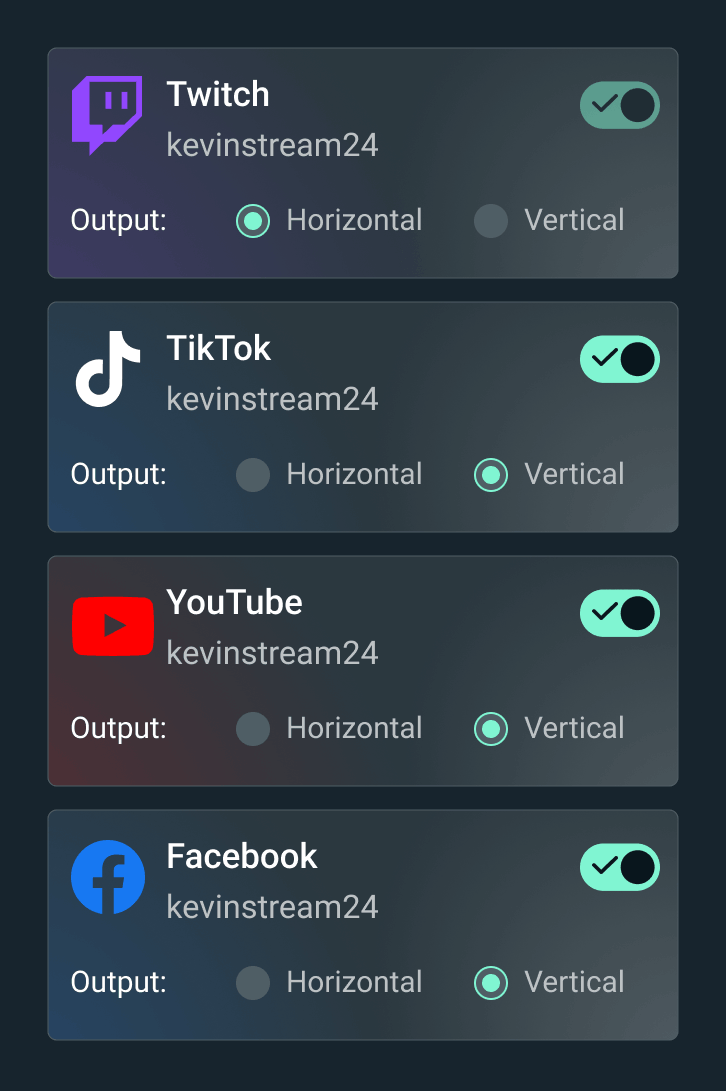
Übertrage deinen Live-Stream auf Twitch, YouTube, TikTok und anderen Plattformen.


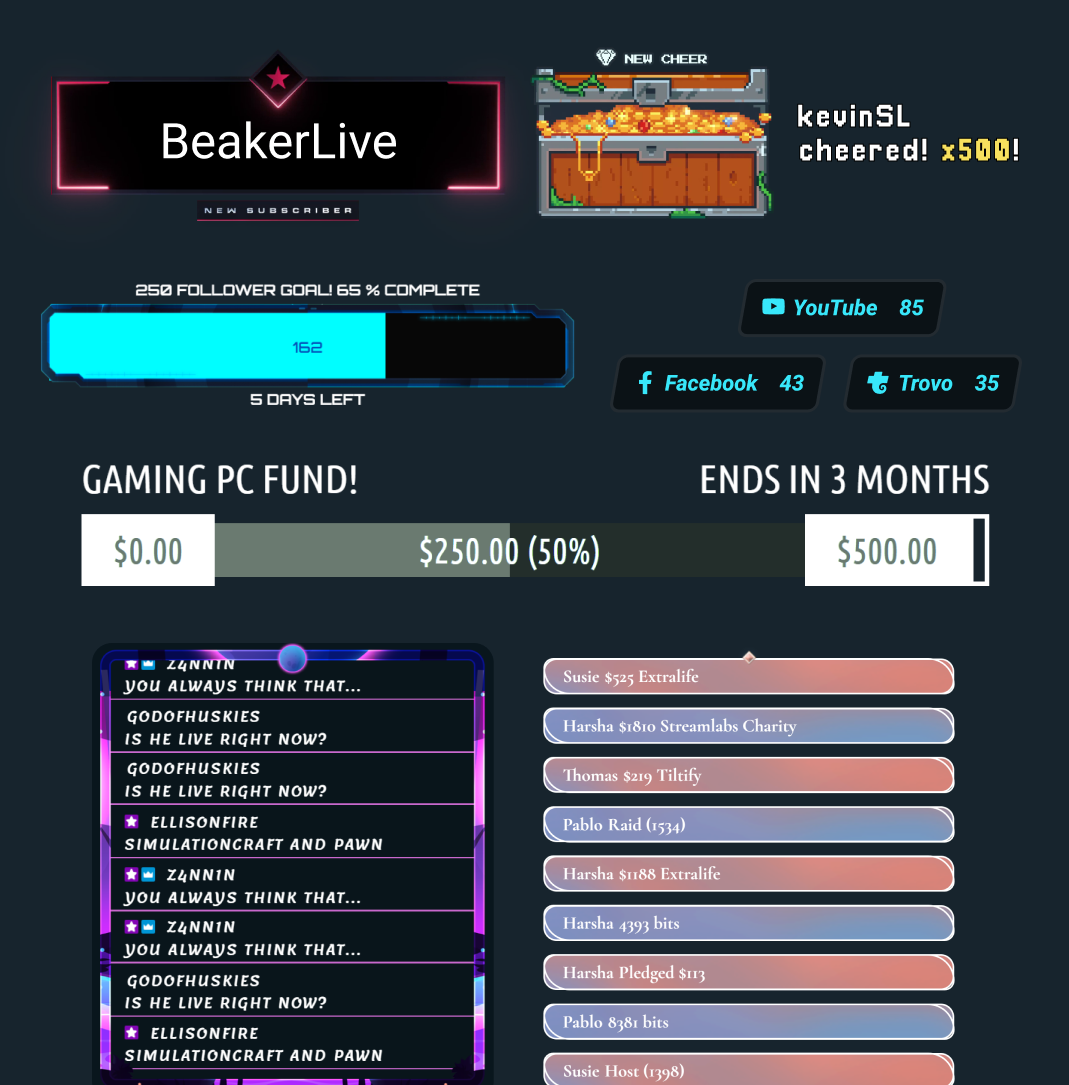
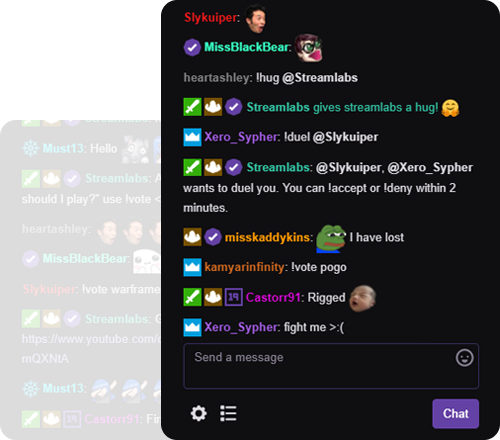



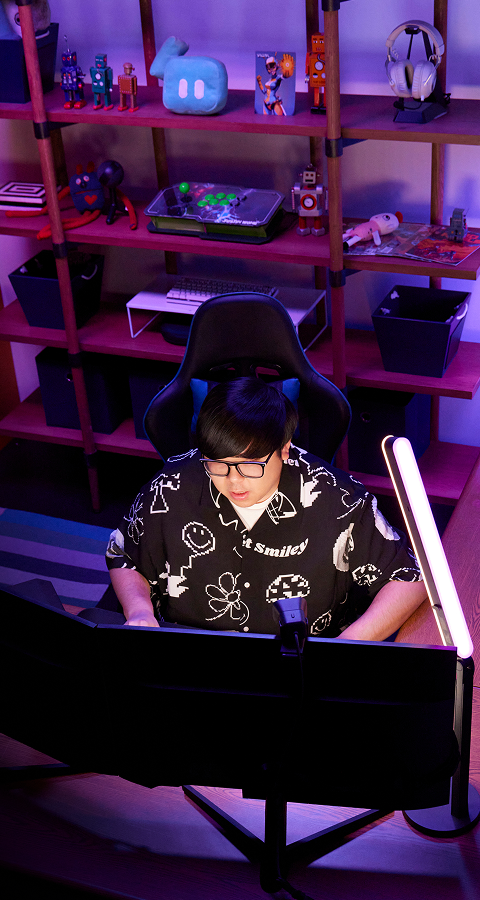
„Streamlabs hat meiner Karriere als Content Creator wirklich sehr geholfen!“
- Jwonggg
Gehe so live, wie du es willst
Streamlabs Desktop
Kostenlose Open-Source-Software zum Streamen und Aufnehmen auf dem PC.

Streamlabs Plugin für OBS
Alle deine Lieblingsfunktionen von Streamlabs direkt in OBS. Kein Kopieren und Einfügen erforderlich.
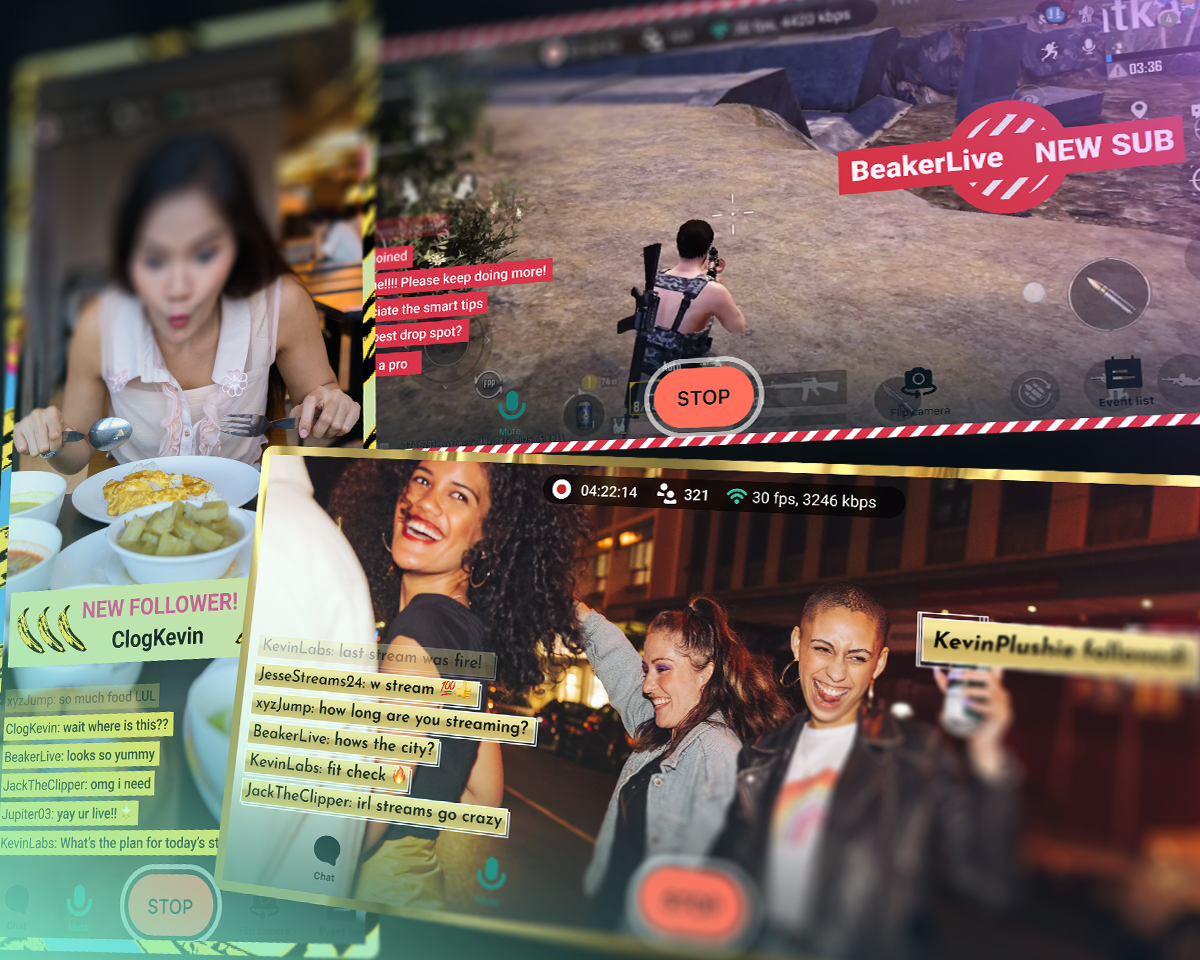
Streamlabs Mobile
Nimm den Chat mit auf deine Abenteuer im echten Leben oder streame Handyspiele. Verfügbar für iOS und Android.
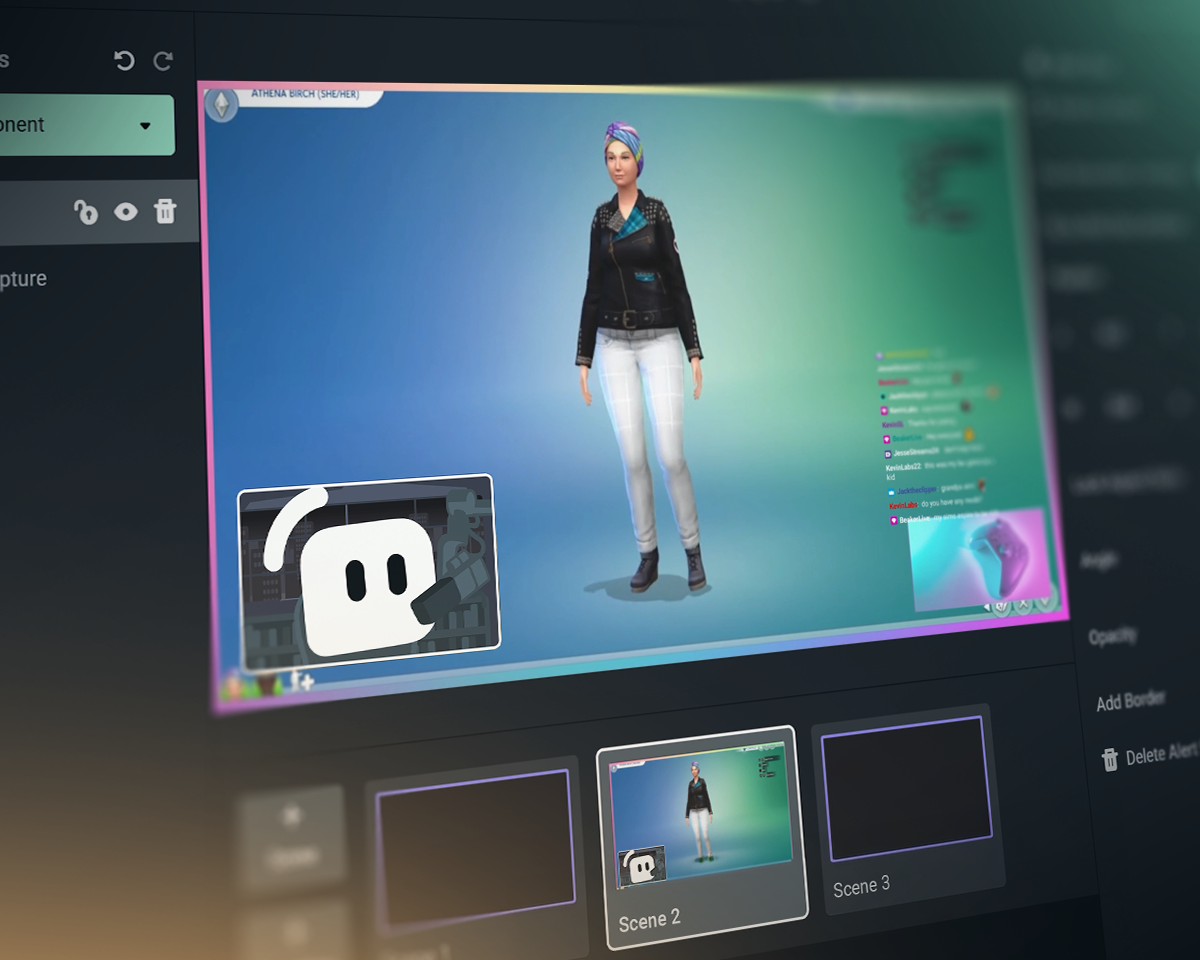
Streamlabs Console
Streame von deiner Xbox auf Twitch, YouTube, Kick und TikTok. Kein PC und keine Capture-Card erforderlich!
Streamlabs vs. OBS vs. StreamElements
| Streamlabs | Streamlabs Plugin für OBS | StreamElements | OBS Studio | |
|---|---|---|---|---|
Ökosystem Tools für einen besseren Stream | Umfassende Auswahl an Widgets + Tools für die Übertragung und Bearbeitung | Plug-In zur Verbesserung von OBS-Übertragungen | Streaming-Funktionen ohne Tools für Live-Übertragungen | Tools für Live-Übertragungen und Aufnahmen |
Übertragung Veröffentliche Content auf deinen Lieblingsplattformen | Desktop, Mobile, Xbox und Browser | PC-Streaming über OBS | PC-Streaming über OBS | PC-Streaming |
Multistreaming Streame an mehrere Ziele | Serverseitig mit Ultra | Serverseitig mit Ultra | Über PC-Ressourcen | Drittanbieter erforderlich |
Multichat Zentrale Chat-Ansicht | YouTube, Twitch, Kick, X (Twitter) und Facebook | YouTube, Twitch, Kick, X (Twitter) und Facebook | YouTube, Twitch, X (Twitter) und Facebook | Drittanbieter erforderlich |
Streaming in zwei Formaten Horizontale und vertikale Ausgabe | Kostenloser Dual Output in Desktop | Drittanbieter erforderlich | Drittanbieter erforderlich | |
Gastkamera Füge einen Gast zu deinem Stream hinzu | Kostenlos mit Collab Cam in Desktop | Drittanbieter erforderlich | Drittanbieter erforderlich | |
Overlays und Widget-Themen Gestaltete Bildschirme, Alerts und mehr | Ein-Klick-Installation | Ein-Klick-Installation | Drittanbieter erforderlich | |
Apps und Plug-Ins Werte deinen Stream mit Apps auf | Desktop App Store | Verwendung mit anderen OBS-Plug-Ins | Verwendung mit anderen OBS-Plug-Ins | Plug-In-Ökosystem inkl. Streamlabs-Plug-In |
Stream-Widgets Dynamisch, reagiert auf Ereignisse im Stream | Dutzende von Widgets | Dutzende von Widgets | Drittanbieter erforderlich | |
Alert-Box Dynamische On-Stream-Alerts | Kostenlos und individuell anpassbar | Kostenlos und individuell anpassbar | Drittanbieter erforderlich | |
Chat-Highlight Chat-Nachrichten im Stream markieren | Kostenloses Widget | über Browserquelle | Drittanbieter erforderlich | Drittanbieter erforderlich |
Stream-Automatisierungen Aktionen durch Spielereignisse auslösen | Intelligent Streaming Agent | |||
Reaktive Themen Effekte durch Spielereignisse auslösen | Reaktive Overlays + Game Pulse | |||
Co-Moderator beim Streaming Virtueller Co-Moderator, der auf das Gameplay reagiert | Intelligent Streaming Agent | Drittanbieter erforderlich | Drittanbieter erforderlich | |
Medienfreigabe Warteschlange mit von Viewern angeforderten Videos | Kostenlos in Desktop | über Browserquelle | Drittanbieter erforderlich | |
Aufnahme Video aufnehmen | Kostenlos in Desktop | über OBS-Aufnahme | über OBS-Aufnahme | |
Selektive Aufnahme Streaming- und Aufnahmequellen aufteilen | Kostenlos in Desktop | Drittanbieter erforderlich | ||
Automatische Highlights Automatisch generierte Clips von Spielereignissen | Kostenloser Desktop Highlighter | |||
Clip-Bearbeitung Benutzerdefinierte Ausschnitte und Layouts | Kostenloser Cross Clip | |||
Textbasierte Videobearbeitung Zur Bearbeitung und Transkription von Podcasts | Kostenloser Podcast Editor | |||
Streaming über den Webbrowser Streaming und Aufzeichnung mit Gästen im Web | Talk Studio | |||
Mobiles Streaming Von Android und iOS streamen | Kostenlose Mobil-App | |||
Streaming über Console Live-Streaming von Xbox | Streamlabs Console | |||
Spenden Verdiene Geld mit Spenden | Kostenlose Spendenseite (wir nehmen keinen Gebühren!) | Kostenlose Spendenseite (wir nehmen keinen Gebühren!) | ||
Sponsoring Geld verdienen mit Streaming | Grundgehalt ohne Abzüge | |||
Charity-Plattform Sammle Spenden für gute Zwecke | Streamlabs Charity | Integrierte Charity-Alerts | Drittanbieter erforderlich | Drittanbieter erforderlich |
Häufig gestellte Fragen
Streamlabs ist ein ganzes Ökosystem an Streaming-Tools, das dein Streaming-Setup vereinfacht oder komplexe Setups ermöglicht. Die meisten Tools decken nur einen Aspekt der Streaming-Anforderungen ab, wie z. B. Overlays, Widgets oder Multistreaming. Unsere Angebote umfassen:
- Streamlabs Desktop: Streaming-Software für deinen PC mit allem, was du brauchst, bereits integriert.
- Streamlabs Plug-in für OBS: Hol dir die beliebtesten Streamlabs-Funktionen wie Alert-Box und Multistreaming direkt in OBS.
- Streamlabs Web: Greife auf Widgets, Multistreaming und mehr zu. Erhalte URLs zur Verwendung als Browser-Quellen in jeder Streaming-Software wie OBS.
- Streamlabs Mobile: Streame Spiele und IRL mit Alerts, Chat und mehr von deinem Mobilgerät aus.
- Streamlabs Console: Streame von deiner Xbox, ohne Capture-Card oder PC.
- Talk Studio: Gehe direkt über deinen Browser auf Sendung.
- Cross Clip: Verwandle deine Streams in Clips für Shorts, Reels und TikTok.
- Podcast Editor: Transkribiere deine Videos und bearbeite sie per Text.
- Video Editor: Bearbeite deine langen Videos direkt in deinem Browser.
Du weißt nicht, mit welchem Streamlabs-Tool du anfangen sollst? Finde hier das Richtige für dich.
Ja! Du kannst mit Streamlabs Desktop, in OBS mit dem Streamlabs-Plug-in für OBS und mit Streamlabs Mobile völlig kostenlos so viel live streamen und aufnehmen, wie du möchtest. Keine Wasserzeichen und keine Zeitlimits.
Optionale Funktionen wie Multistreaming, Overlays von professionellen Designern, Stream Shift und mehr sind in unserem Ultra-Abonnement enthalten.
Ja! Viele Streamlabs-Funktionen funktionieren mit OBS Studio. Unsere Top-Funktionen wie Multistreaming, der Feed für aktuelle Ereignisse, Multi-Chat-Unterstützung, Overlays und Widget-Themes (einschließlich reaktiver Overlays und Game-Pulse-Widget) sowie weitere Top-Funktionen wurden für eine einfachere Einrichtung zum Streamlabs Plugin für OBS hinzugefügt. Du kannst Widgets jedoch auch als Browserquellen zu OBS hinzufügen und Multistreaming ohne das Plug-in nutzen.
Wir haben Streamlabs Ultra entwickelt, um dir die neuesten Funktionen zur Verfügung zu stellen, die du benötigst, um in der sich ständig weiterentwickelnden Streaming-Branche Schritt zu halten. Wir wollen Produkte herstellen, nicht dich zum Produkt machen, und die Ultra-Gebühren helfen uns dabei:
- das Entwicklungsteam zusammenzustellen, das Live-Creators leistungsstarke Tools und Funktionen für das bestmögliche Streaming-Erlebnis bereitstellt, die jeden Monat von Millionen von Creators genutzt werden.
- professionelle (menschliche) Designer und Entwickler für Stream-Overlays, Widget-Themes und Desktop-Apps zu bezahlen.
- Multistreaming-Server zu betreiben, mit denen du auf all deinen Lieblingsplattformen live gehen kannst, ohne deinen PC zusätzlich zu belasten.
- gebührenfreie Sponsoring-Programme anzubieten, damit du deine Einnahmen behalten kannst.
- das OBS-Open-Source-Projekt finanziell zu unterstützen.
Bitte kontaktiere den Support unter diesem Link.