

10年以上にわたりストリーマーをサポート
Streamlabs は、使いやすい業界最先端のツールでライブストリーマーを強力にサポートします。
ストリーミング、録画、オーディエンスのエンゲージメント、収益化など、最先端の機能を備えた Streamlabs は、ストリームに必要なものがすべて揃ったオールインワンツールです。
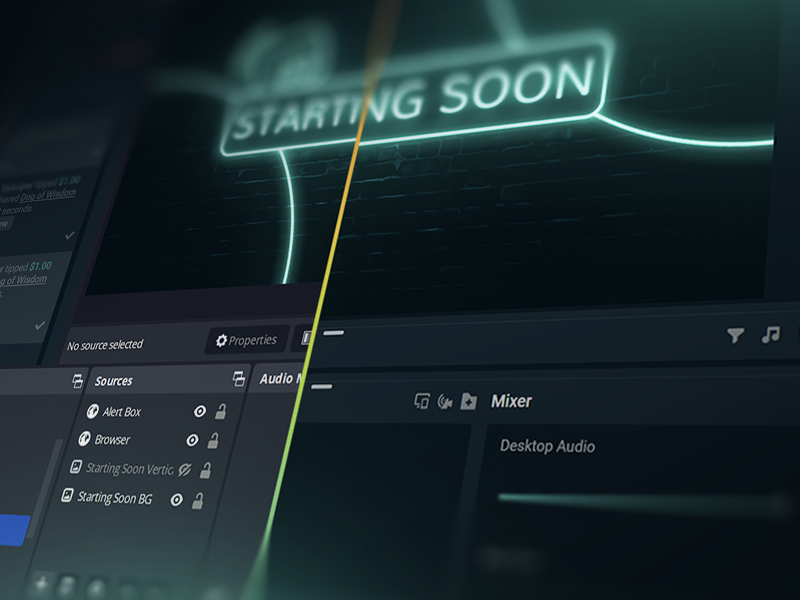
50 5回のクリックでライブ配信 - あらゆるプラットフォームにストリーミング可能
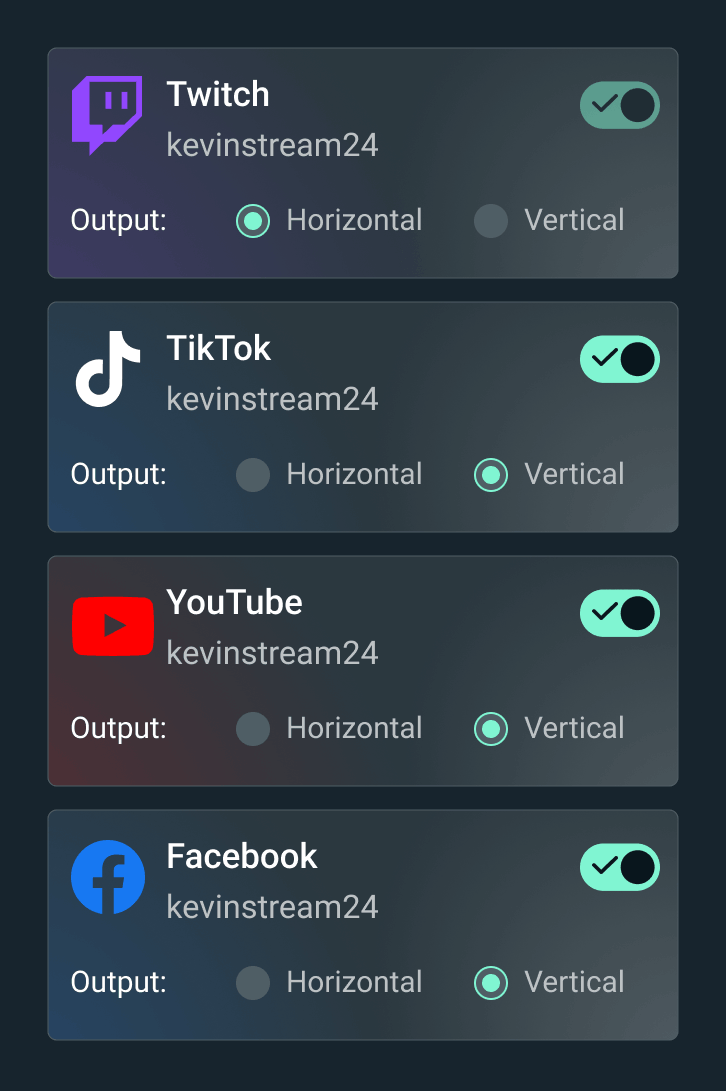
時間 分単位であらゆるプラットフォームにライブ配信
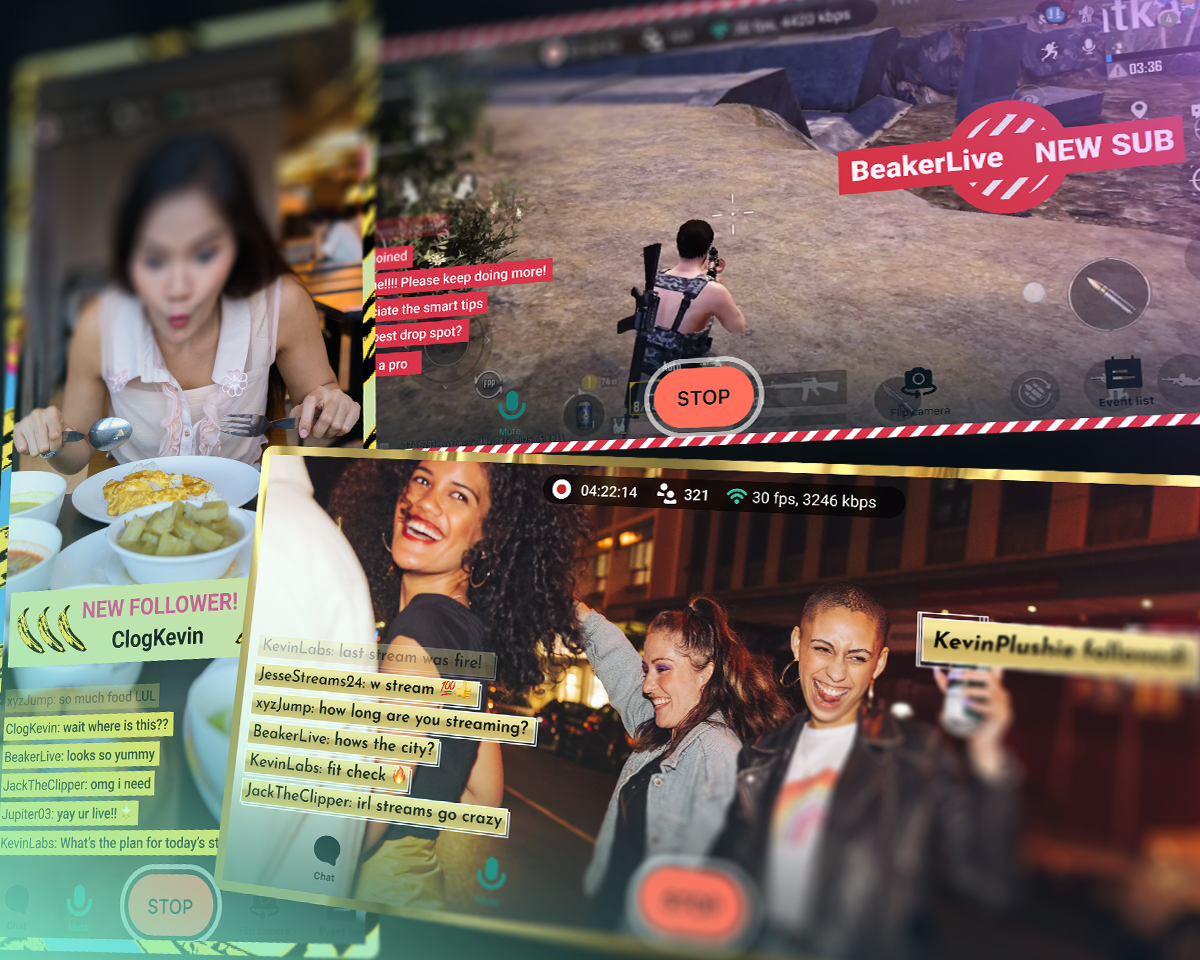
ライブストリームを Twitch、YouTube、TikTok などに配信可能。


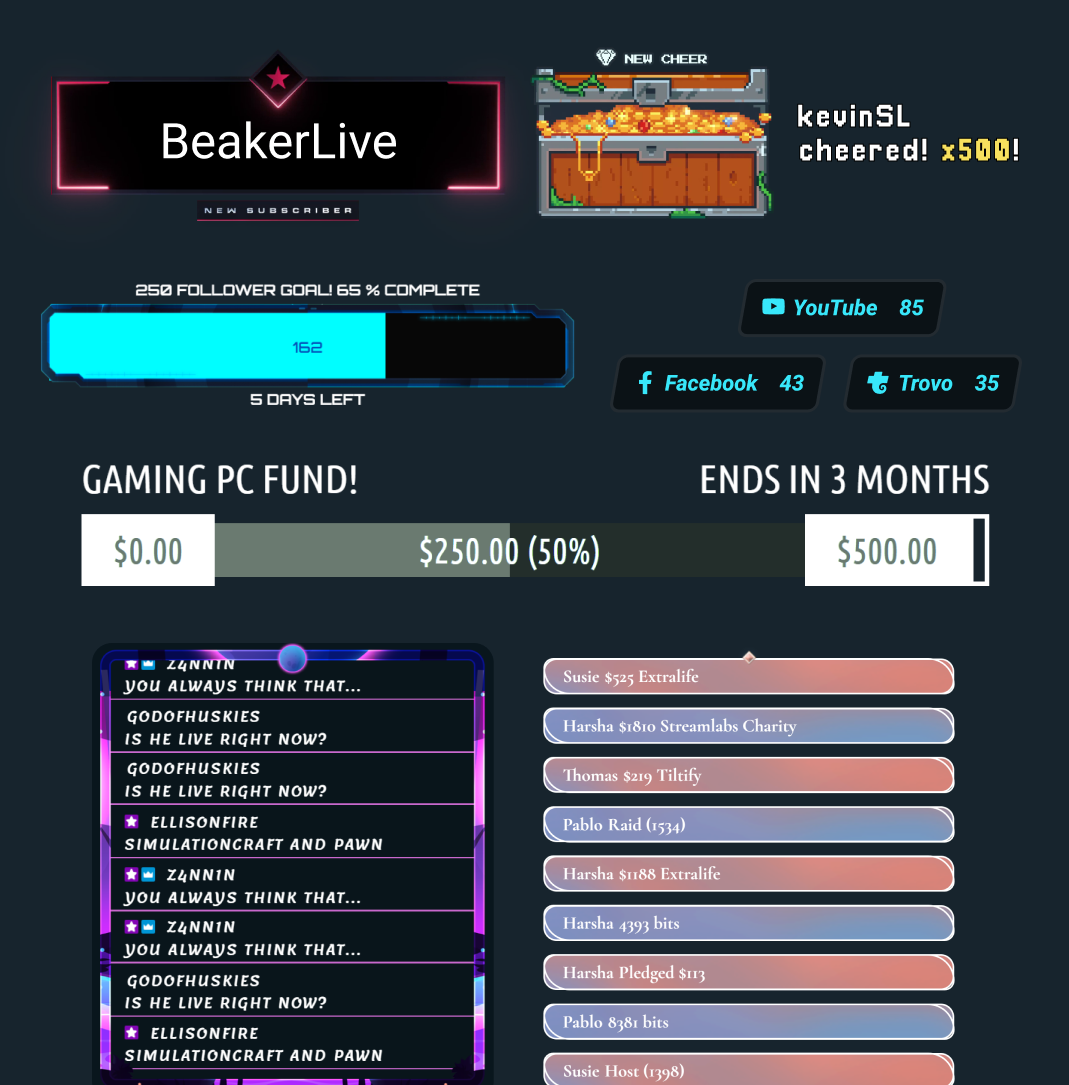
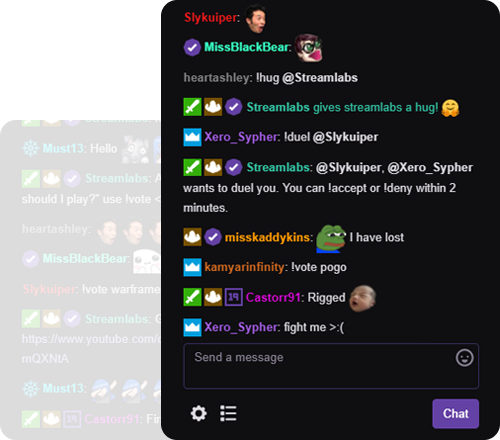



「Streamlabs によって、コンテンツクリエイターとしてのキャリアが大きく広がりました」
- Jwonggg
自在にライブ配信

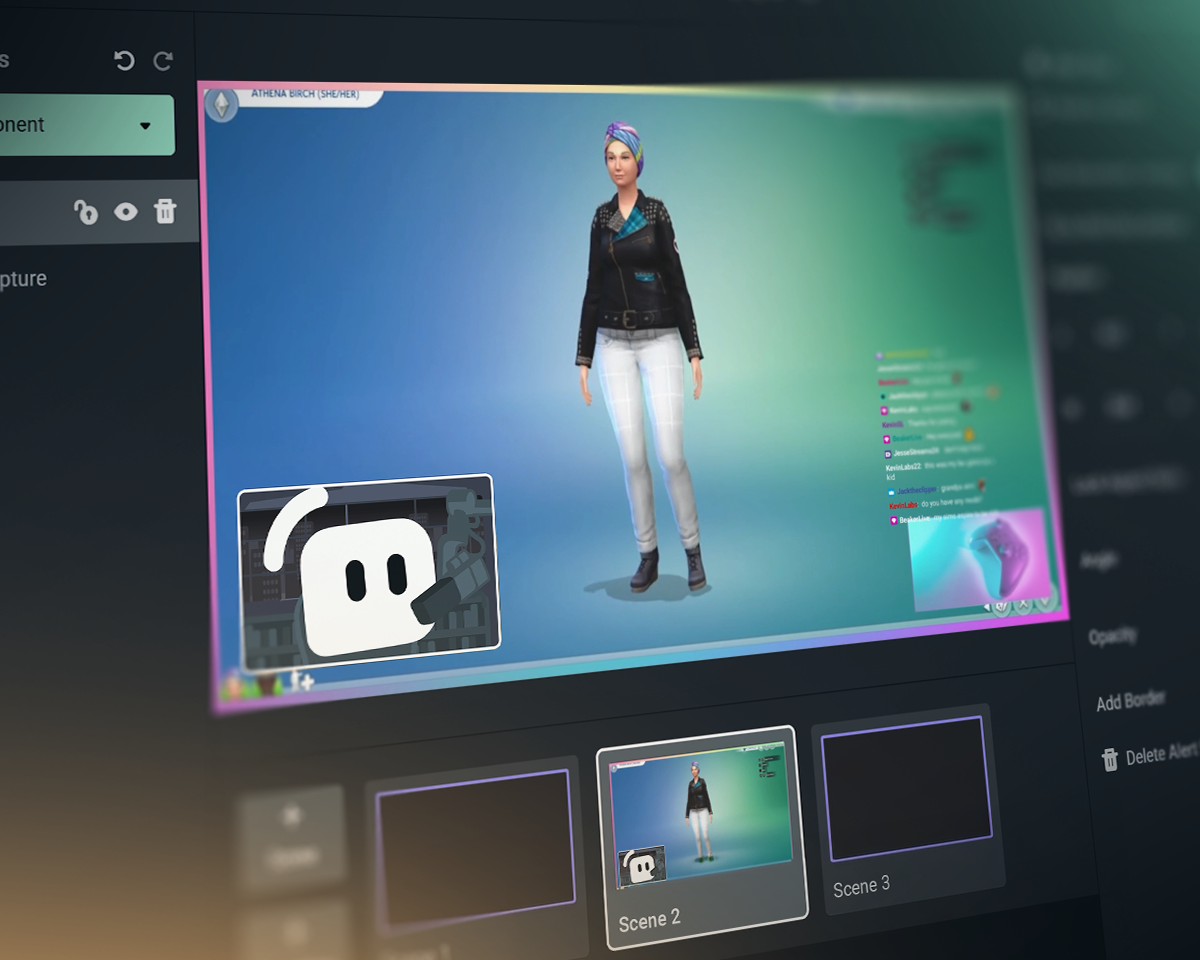
Streamlabs、OBS、StreamElements の比較
| Streamlabs | OBS 用 Streamlabs プラグイン | StreamElements | OBS Studio | |
|---|---|---|---|---|
エコシステム ストリームを充実させるツール | 豊富なウィジェットに加え、配信・編集ツールも完備 | OBS の配信を強化するプラグイン | 配信ツールなしで使えるストリーミング機能 | 配信ツールと録画ツール |
配信 お気に入りのプラットフォームにライブ配信 | Desktop、Mobile、Xbox、ブラウザ | OBS による PC ストリーミング | OBS による PC ストリーミング | PC ストリーミング |
マルチストリーミング 複数の配信先にストリーム | Ultra によるサーバー側での処理 | Ultra によるサーバー側での処理 | PC リソースの使用 | サードパーティが必要 |
マルチチャット 統合チャットビュー | YouTube、Twitch、Kick、X(Twitter)、Facebook | YouTube、Twitch、Kick、X(Twitter)、Facebook | YouTube、Twitch、X(Twitter)、Facebook | サードパーティが必要 |
縦横同時ストリーミング 横方向と縦方向の出力 | Desktop では2か所への出力が無料 | サードパーティが必要 | サードパーティが必要 | |
ゲスト用カメラ ストリームにゲストを追加 | Desktop の Collab Cam では無料 | サードパーティが必要 | サードパーティが必要 | |
オーバーレイとウィジェットテーマ スタイルが設定された画面やアラートなど | ワンクリックインストール | ワンクリックインストール | サードパーティが必要 | |
アプリとプラグイン アプリでストリームを強化 | Desktop App Store | 他の OBS プラグインと併用 | 他の OBS プラグインと併用 | プラグインのエコシステムを含む Streamlabs プラグイン |
ストリームウィジェット 動的なオンストリームイベント | 数十のウィジェット | 数十のウィジェット | サードパーティが必要 | |
アラートボックス ダイナミックなオンストリームアラート | 無料&カスタマイズ可能 | 無料&カスタマイズ可能 | サードパーティが必要 | |
チャットハイライト ストリームのチャットメッセージをハイライト | 無料ウィジェット | ブラウザソース経由 | サードパーティが必要 | サードパーティが必要 |
ストリームの自動化 ゲームイベントに基づいてアクションをトリガー | Intelligent Streaming Agent | |||
リアクティブテーマ ゲームイベントに基づいてエフェクトをトリガー | リアクティブオーバーレイ + Game Pulse | |||
ストリーミング共同ホスト ゲームプレイに反応するバーチャル共同ホスト | Intelligent Streaming Agent | サードパーティが必要 | サードパーティが必要 | |
メディア共有 視聴者がリクエストした動画をキューに入れる | Desktop では無料 | ブラウザソース経由 | サードパーティが必要 | |
録画 動画を録画 | Desktop では無料 | OBS の録画経由 | OBS の録画経由 | |
セレクティブレコーディング ストリーミングと録画で異なるソースを使用 | Desktop では無料 | サードパーティが必要 | ||
自動ハイライト ゲームイベントからの自動クリップ | 無料の Desktop Highlighter | |||
クリップ編集 カスタムクリッピングとレイアウト | 無料の Cross Clip | |||
テキストベースの動画編集 ポッドキャストの編集と文字起こし | 無料の Podcast Editor | |||
Web ブラウザのストリーミング Web 上でのゲストとのストリーミングや録画 | Talk Studio | |||
モバイル ストリーミング Android と iOS からのストリーミング | 無料モバイルアプリ | |||
Console でのストリーミング Xbox からのライブストリーム | Streamlabs Console | |||
チップ送信 チップやドネーションで収益を獲得 | 無料のチップページ(当社は手数料をいただきません!) | 無料のチップページ(当社は手数料をいただきません!) | ||
スポンサーシップ ストリーミングで支払いを受ける | 手数料なしの基本報酬 | |||
チャリティ プラットフォーム 価値のある目的のために資金を集める | Streamlabs チャリティ | 組み込みのチャリティアラート | サードパーティが必要 | サードパーティが必要 |
よくある質問
Streamlabsはストリーミングツールの総合エコシステムであり、ストリーミング設定を簡素化したり、複雑な設定を強化したりすることができます。ほとんどのツールは、ボード、ウィジェット、マルチストリーミングなど、ストリーミングニーズの一側面をカバーしています。当社の提供製品は以下の通りです:
- Streamlabs Desktop:必要な機能がすべて組み込まれた、PC用ストリーミングソフトウェア。
- OBS 用 Streamlabs プラグイン:アラートボックスやマルチストリーミングなど、最も人気のあるStreamlabs機能をOBSで直接利用できます。
- Streamlabs Web:ウィジェットやマルチストリーミングなどにアクセスできます。 OBSなどのあらゆるストリーミングソフトウェアでブラウザソースとして使用するためのURLを取得します。
- Streamlabs Mobile:モバイルデバイスから、アラートやチャットなどを利用してゲームやIRLの配信が可能です。
- Streamlabs Console:キャプチャカードやPCを必要とせず、Xboxから配信できます。
- Talk Studio:ブラウザから直接ライブ配信。
- Cross Clip:配信をShorts、Reels、TikTok用のクリップに変換。
- Podcast Editor:動画を文字起こしして、テキストで編集。
- Video Editor:ブラウザで長尺動画を編集。
どのStreamlabsツールから始めればよいか迷っていますか?あなたにぴったりのツールを見つけましょう。
はい! Streamlabs Desktop、OBS用Streamlabsプラグインを搭載したOBS、およびStreamlabs Mobileを使用すれば、Streamlabs Desktopで好きなだけライブ配信や録画を完全に無料で行えます。透かしや時間制限はありません。
マルチストリーム配信、プロのデザイナーによるオーバーレイ、Stream Shiftなどのオプション機能は、Ultraサブスクリプションに含まれています。
はい! Streamlabsの多くの機能はOBS Studioでも動作します。マルチストリーミング、最近のイベントフィード、マルチチャットサポート、オーバーレイやウィジェットテーマ(リアクティブオーバーレイや Game Pulse ウィジェットを含む)といった主要機能が、より簡単にセットアップできるよう OBS 用 Streamlabs プラグインに追加されました。ただし、ウィジェットをブラウザソースとしてOBSに追加し、プラグインなしでマルチストリーミングを使用することも可能です。
Streamlabs Ultra は、絶えず進化し続けるストリーミング業界に後れを取らないようにするために必要な最先端の機能を提供するために開発されました。私たちは、お客様を商品にするのではなく、製品を開発することを信条としており、Ultra の利用料は以下に役立てられています。
- 毎月数百万人のクリエーターが利用する、最高のストリーミング体験を実現するための強力なツールや機能をライブクリエーターに提供する開発チーム。
- ストリームオーバーレイ、ウィジェットテーマ、デスクトップアプリに携わるプロの(人間の)デザイナーや開発者への賃金。
- PCに余分な負荷をかけることなく、お気に入りのすべてのプラットフォームでライブ配信を行えるようにするマルチストリーミングサーバーの維持。
- ユーザーが稼ぎ続けられるよう、手数料無料のスポンサーシップの提供。
- OBSオープンソースプロジェクトへの資金援助。
こちらのリンクのサポートまでご連絡ください。