

10년 넘게 스트리머들을 지원
Streamlabs는 사용하기 간편한 업계 최고 수준의 도구를 통해 라이브 스트리머들을 지원합니다.
스트리밍, 녹화, 시청자 참여 유도, 수익 창출 등 최첨단 기능을 갖춘 Streamlabs는 여러분의 여정에 꼭 필요한 유일한 솔루션입니다.
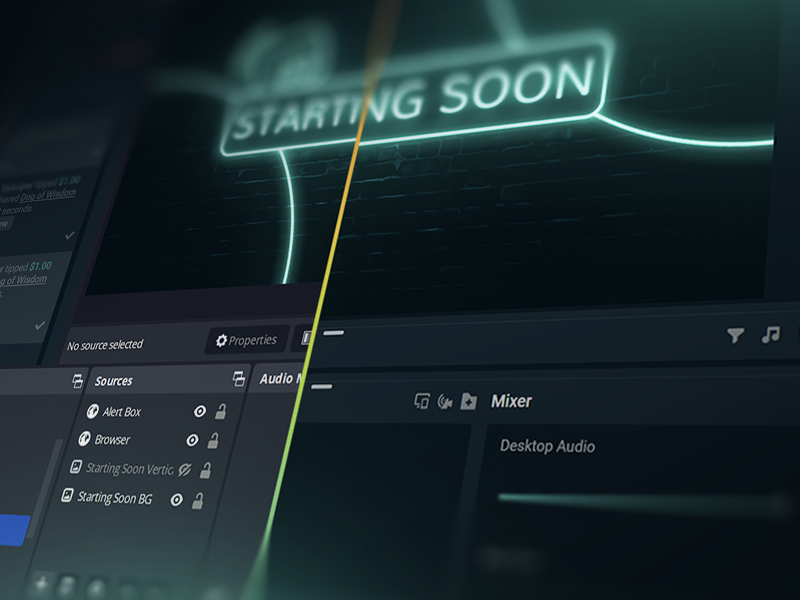
단 5번 클릭으로 모든 플랫폼에서 바로 라이브 스트리밍
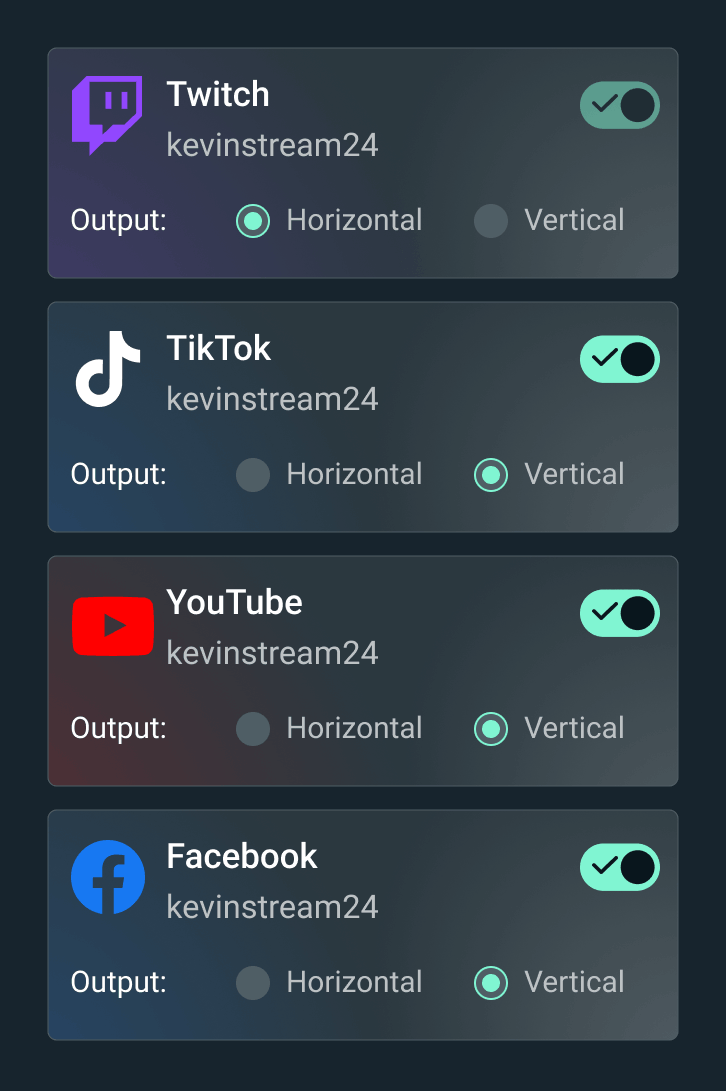
단 몇 시간 몇 분 만에 모든 플랫폼에서 바로 라이브 시작
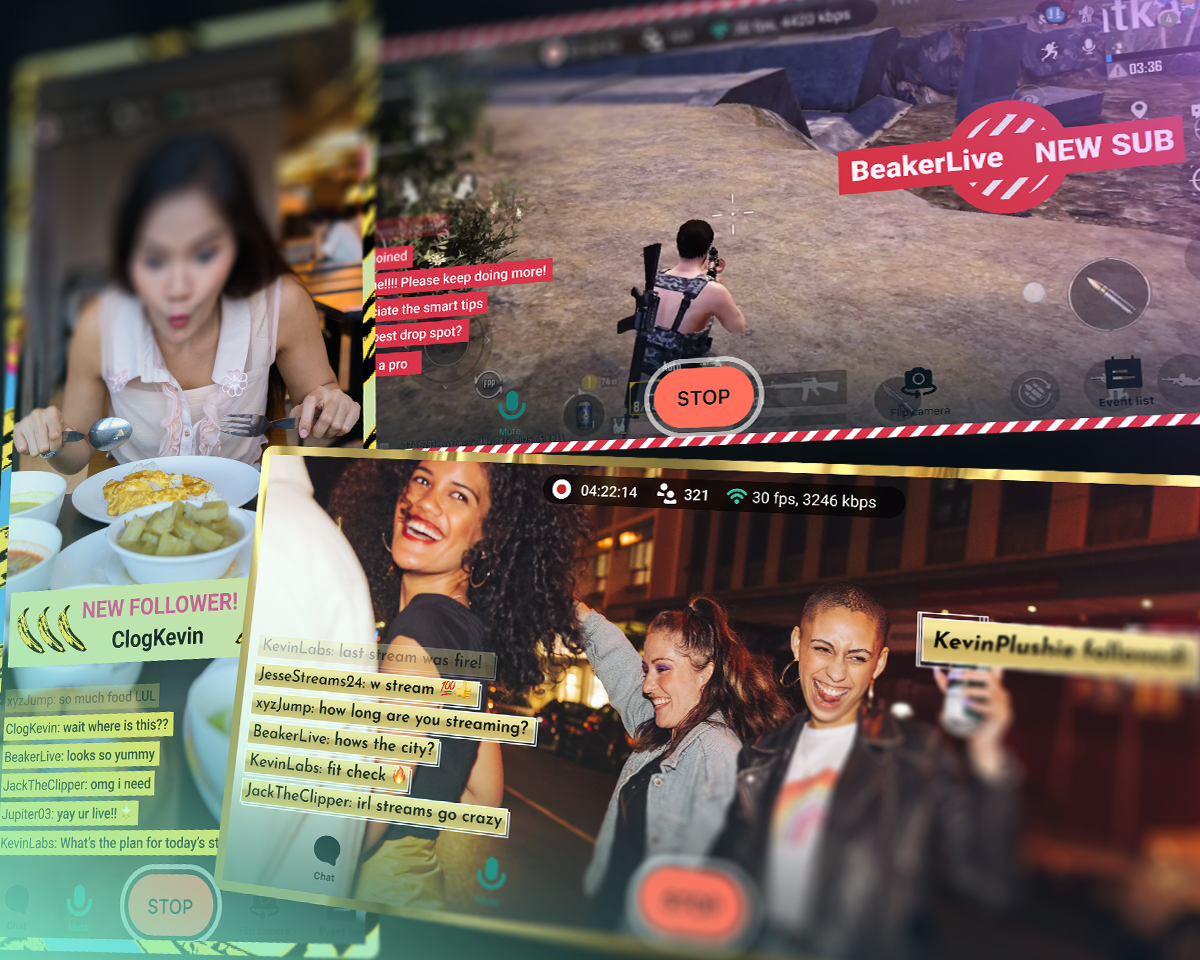
Twitch, YouTube, TikTok 등에서 라이브 스트리밍을 진행하세요.


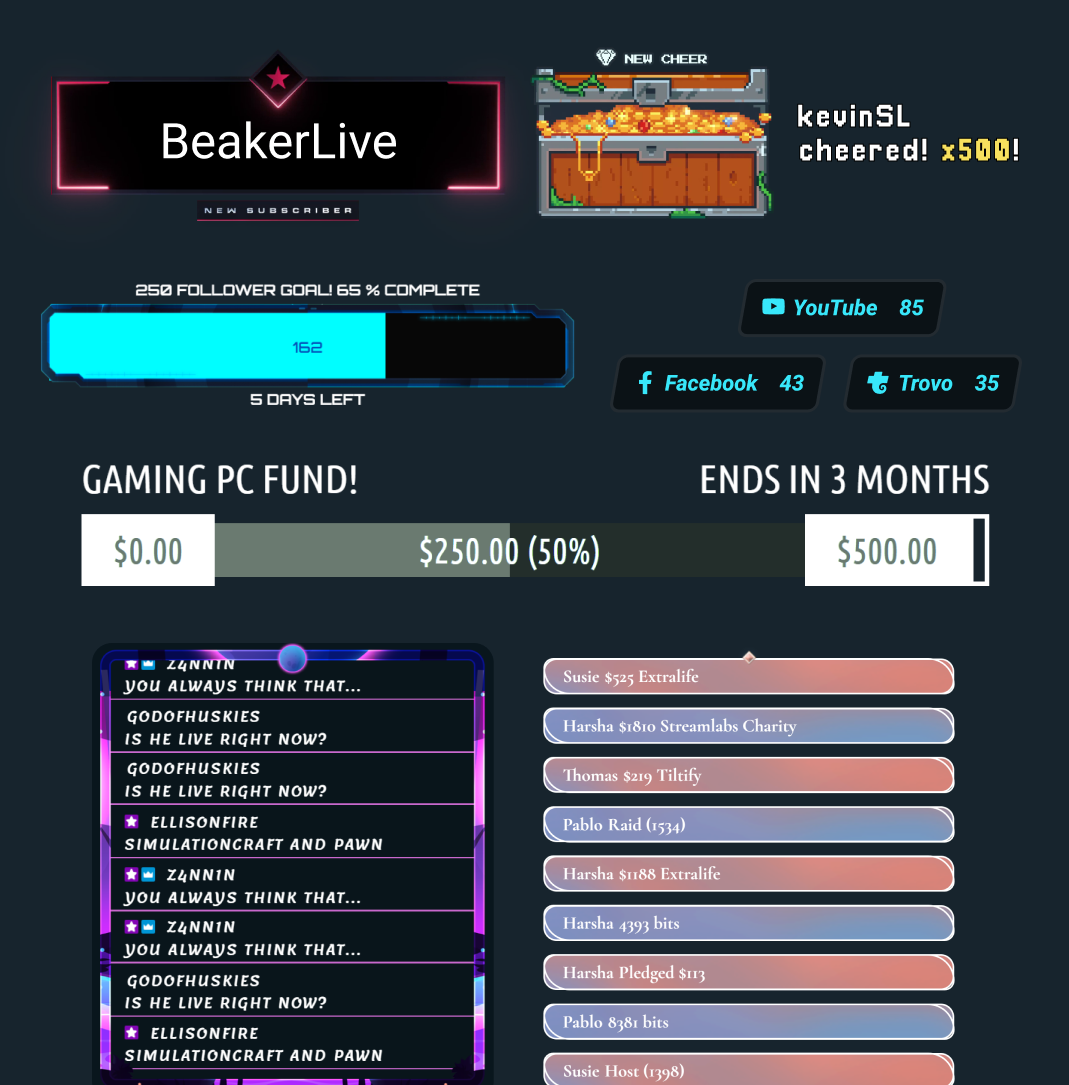
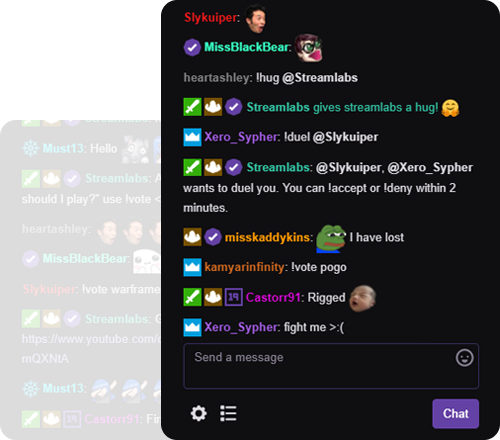



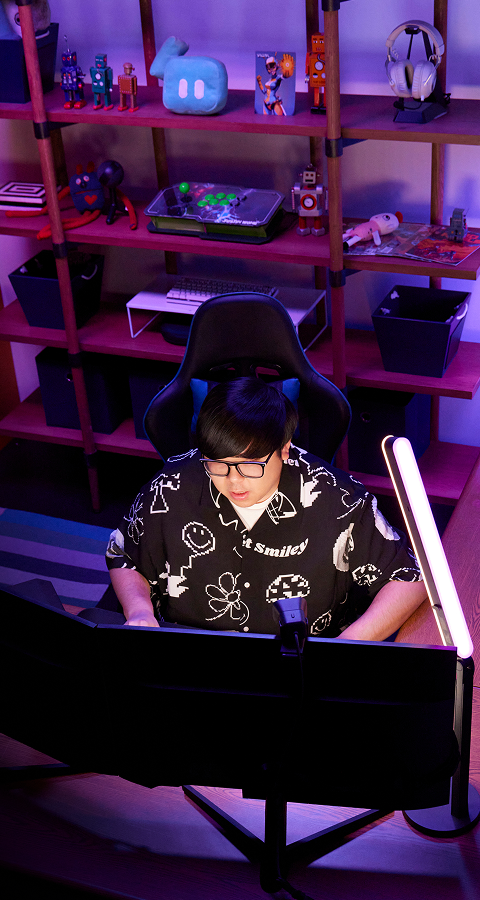
"Streamlabs는 콘텐츠 크리에이터로서의 제 경력에 정말 큰 도움이 되었어요!"
- Jwonggg
나만의 방식으로 라이브를 시작하세요

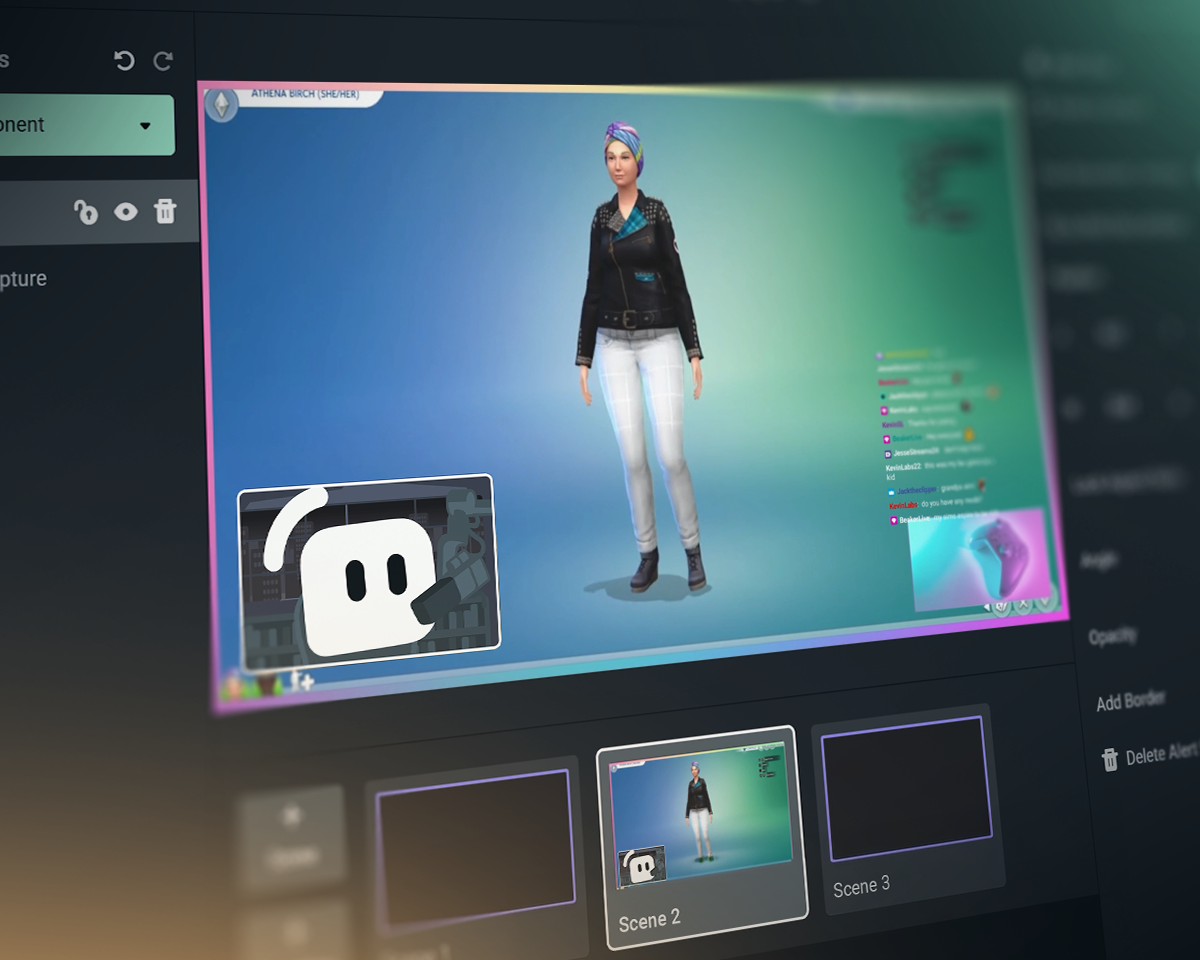
Streamlabs vs OBS vs StreamElements
| Streamlabs | OBS용 Streamlabs 플러그인 | StreamElements | OBS Studio | |
|---|---|---|---|---|
생태계 스트리밍을 더욱 풍성하게 만들어 줄 도구들 | 다양한 위젯 + 방송 및 편집 도구 세트 | OBS 방송을 개선하는 플러그인 | 방송 도구 없이 이용하는 스트리밍 기능 | 방송 및 녹화 도구 |
방송 좋아하는 플랫폼에 라이브 스트리밍 | Desktop, Mobile, Xbox 및 브라우저 | OBS를 통한 PC 스트리밍 | OBS를 통한 PC 스트리밍 | PC 스트리밍 |
멀티스트리밍 여러 대상으로 스트리밍 | Ultra를 활용한 서버 측 | Ultra를 활용한 서버 측 | PC 리소스 사용 | 서드파티 필요 |
Multichat 통합 채팅 화면 | YouTube, Twitch, Kick, X(Twitter) 및 Facebook | YouTube, Twitch, Kick, X(Twitter) 및 Facebook | YouTube, Twitch, X(Twitter) 및 Facebook | 서드파티 필요 |
듀얼 포맷 스트리밍 가로 및 세로 출력 | Desktop에서 무료 출력 두 개 | 서드파티 필요 | 서드파티 필요 | |
게스트 카메라 스트림에 게스트 추가 | Desktop의 Collab Cam을 사용하면 무료로 이용 가능 | 서드파티 필요 | 서드파티 필요 | |
오버레이 및 위젯 테마 스타일링된 화면, 알림 등 | 원클릭 설치 | 원클릭 설치 | 서드파티 필요 | |
앱 및 플러그인 앱으로 스트리밍 향상시키기 | 데스크톱 앱스토어 | 다른 OBS 플러그인과 함께 사용 | 다른 OBS 플러그인과 함께 사용 | 플러그인 생태계(포함: Streamlabs 플러그인) |
스트림 위젯 동적인 실시간 이벤트 | 수십 개의 위젯 | 수십 개의 위젯 | 서드파티 필요 | |
알림 상자 동적 온스트림 알림 | 무료이며 커스텀 가능 | 무료이며 커스텀 가능 | 서드파티 필요 | |
채팅 하이라이트 스트림에서 채팅 메시지 강조 표시 | 무료 위젯 | 브라우저 소스 방식 | 서드파티 필요 | 서드파티 필요 |
스트림 자동화 게임 이벤트에 따라 동작 실행 | Intelligent Streaming Agent | |||
반응형 테마 게임 이벤트에 따라 효과 적용 | 반응형 오버레이 + 게임 펄스 | |||
스트리밍 공동 진행자 게임 플레이에 반응하는 가상 공동 진행자 | Intelligent Streaming Agent | 서드파티 필요 | 서드파티 필요 | |
미디어 공유 시청자 요청 동영상 대기열 | Desktop에서 무료 | 브라우저 소스 방식 | 서드파티 필요 | |
녹화 동영상 녹화 | Desktop에서 무료 | OBS 녹화 방식 | OBS 녹화 방식 | |
선택 녹화 스트리밍 및 녹화 소스 분리 | Desktop에서 무료 | 서드파티 필요 | ||
자동 하이라이트 게임 이벤트에서 자동 클립 생성 | 무료 Desktop Highlighter | |||
클립 편집 커스텀 자르기 및 레이아웃 | 무료 Cross Clip | |||
텍스트 기반 비디오 편집 팟캐스트 편집 및 자동 받아쓰기 | 무료 Podcast Editor | |||
웹 브라우저 스트리밍 웹에서 게스트와 함께 스트리밍 및 녹화 | Talk Studio | |||
모바일 스트리밍 Android 및 iOS에서 스트리밍 | 무료 모바일 앱 | |||
콘솔 스트리밍 Xbox에서 라이브 스트리밍 | Streamlabs Console | |||
팁 팁과 도네이션으로 수익 창출 | 무료 팁 페이지(수수료 공제 없음!) | 무료 팁 페이지(수수료 공제 없음!) | ||
스폰서십 스트리밍 지불 받기 | 수수료 없는 기본 지급 | |||
자선 활동 플랫폼 의미 있는 대의를 위한 기금 모금 | Streamlabs 자선 | 기본 제공 자선 활동 알림 | 서드파티 필요 | 서드파티 필요 |
자주 묻는 질문
Streamlabs는 스트리밍 도구의 전체 생태계로서, 스트리밍 설정을 간소화하거나 복잡한 설정을 강력하게 지원합니다. 대부분의 도구는 방송, 위젯, 멀티스트리밍과 같은 스트리밍 요구 사항의 한 측면만을 다룹니다. 당사의 제공 서비스는 다음과 같습니다:
- Streamlabs Desktop: 필요한 모든 기능이 내장된 PC용 스트리밍 소프트웨어입니다.
- OBS용 Streamlabs 플러그인: Alert Box 및 멀티스트리밍과 같이 가장 사랑받는 Streamlabs 기능을 OBS에서 직접 사용해 보세요.
- Streamlabs Web: 위젯, 멀티스트리밍 등을 이용하세요. OBS와 같은 모든 스트리밍 소프트웨어에서 브라우저 소스로 사용할 URL을 받으세요.
- Streamlabs Mobile: 모바일 기기에서 알림, 채팅 등을 사용하여 게임 및 IRL 방송을 진행하세요.
- Streamlabs Console: 캡처 카드나 PC 없이 Xbox에서 바로 방송하세요.
- Talk Studio: 브라우저에서 직접 라이브를 시작하세요.
- Cross Clip: 스트림을 Shorts, Reels, TikTok용 클립으로 변환하세요.
- 팟캐스트 에디터: 비디오를 전사하고 텍스트를 통해 편집하세요.
- 비디오 에디터: 브라우저에서 긴 형식의 비디오를 편집하세요.
어떤 Streamlabs 도구로 시작해야 할지 잘 모르시겠나요? 여기에서 자신에게 맞는 도구를 찾아보세요.
예. Streamlabs Desktop, OBS용 Streamlabs 플러그인이 포함된 OBS, 그리고 Streamlabs Mobile을 사용하여 원하는 만큼 무료로 라이브 스트리밍하고 녹화할 수 있습니다. 워터마크나 시간 제한은 없습니다.
멀티스트리밍, 전문 디자이너가 제작한 오버레이, Stream Shift 등과 같은 선택적 기능은 Ultra 구독에 포함되어 있습니다.
예. 많은 Streamlabs 기능이 OBS Studio와 함께 작동합니다. 멀티스트리밍, 최근 이벤트 피드, 멀티 채팅 지원, 오버레이 및 위젯 테마(반응형 오버레이 및 게임 펄스 위젯 포함)와 같은 주요 기능들이 더 쉽게 설정할 수 있도록 OBS용 Streamlabs 플러그인에 추가되었어요. 하지만 위젯을 브라우저 소스로 OBS에 추가하고 플러그인 없이 멀티스트리밍을 사용할 수도 있습니다.
저희는 끊임없이 변화하는 스트리밍 업계의 흐름에 발맞추는 데 필요한 최첨단 기능을 제공하기 위해 Streamlabs Ultra를 개발했습니다. 우리는 고객이 아닌 제품을 만드는 데 집중한다고 믿으며 또는 우리는 고객을 수익 수단으로 삼지 않고 좋은 제품을 만드는 데 집중하며 Ultra 수수료는 다음을 실현하는 데 도움이 됩니다.
- 매월 수백만 명의 크리에이터가 사용하는 강력한 도구와 기능으로 라이브 크리에이터들에게 최고의 스트리밍 경험을 제공하는 개발팀을 운영합니다.
- Stream 오버레이, 위젯 테마, 데스크톱 앱을 제작하기 위해 전문 디자이너와 개발자(실제 인력)에게 비용을 지불합니다.
- PC에 추가적인 부하를 주지 않으면서도 원하는 모든 플랫폼에서 실시간 방송을 진행할 수 있도록 멀티스트리밍 서버를 운영합니다.
- 수익 전액을 가져가실 수 있도록 수수료 없는 스폰서십을 제공합니다.
- OBS 오픈소스 프로젝트에 재정적 지원을 제공합니다.
이 링크를 통해 지원팀에 문의하세요.