

支援直播主超過十年
Streamlabs 透過易於使用、同級最佳的工具,為直播主提供全方位的支持。
憑藉直播、錄製、觀眾互動、營利等尖端功能,Streamlabs 是您創作旅程中唯一需要的一站式選擇。
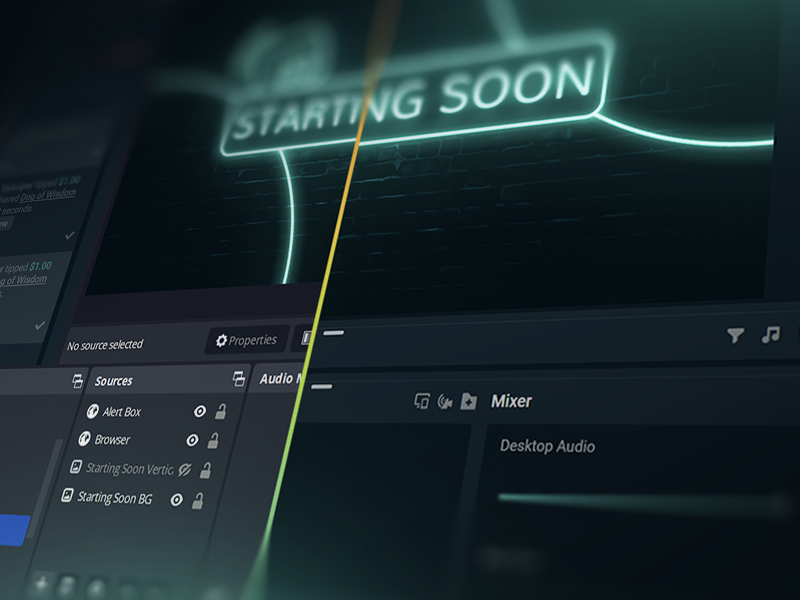
點擊 5 次即可開播 50— 直播到任何平台
在 數小時 數分鐘內 到任何平台開播
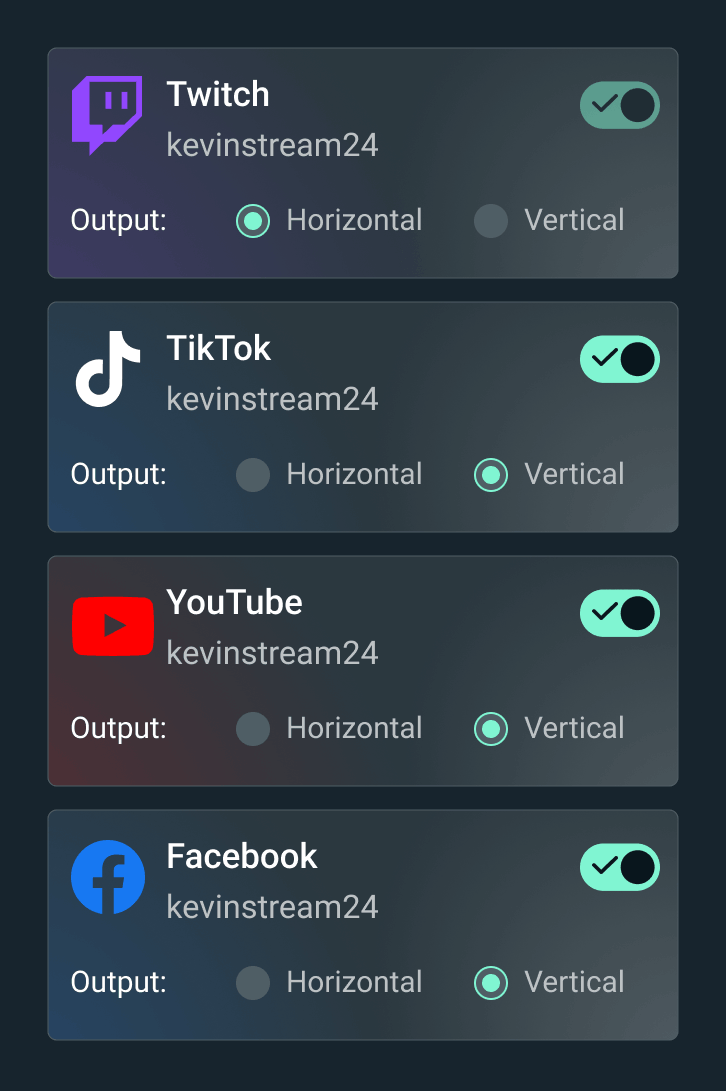
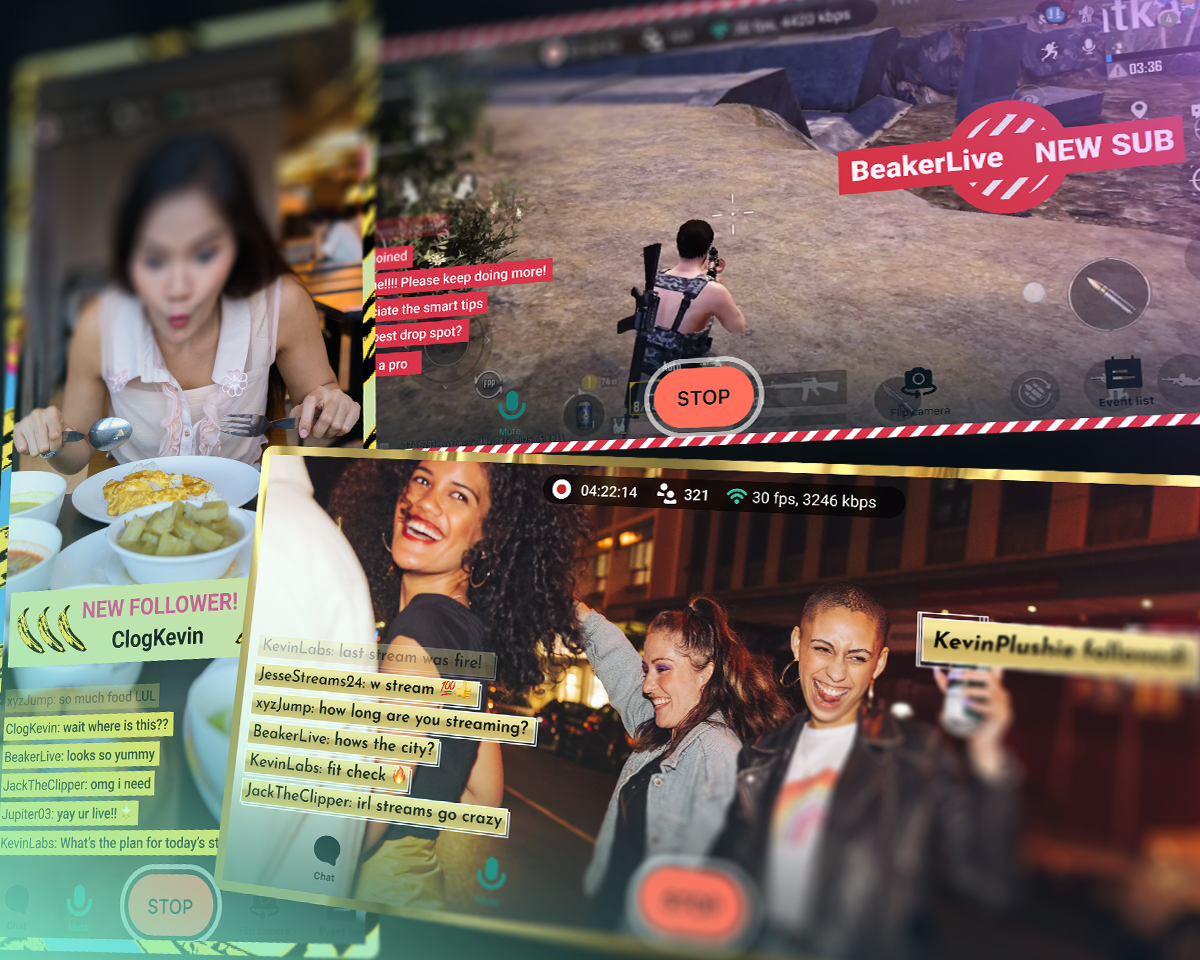
將您的直播播送至 Twitch、YouTube、TikTok 等平台。





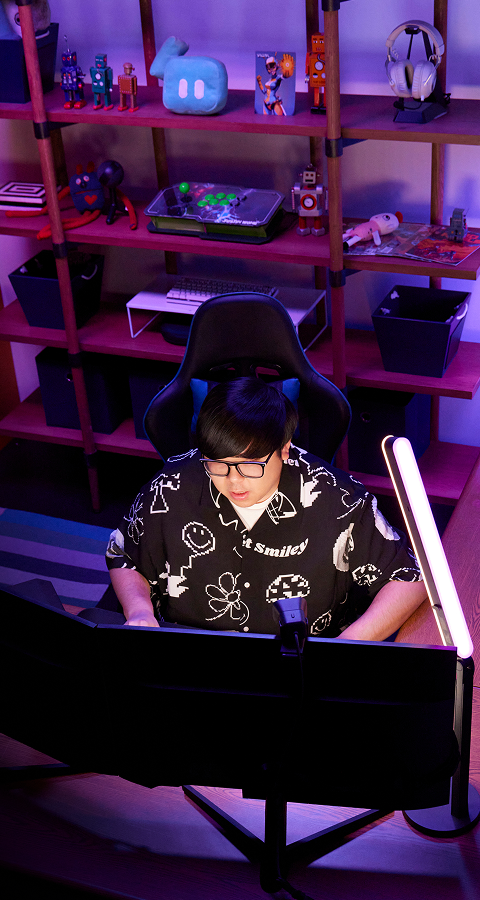
「Streamlabs 對我的內容創作者職涯幫助超大!」
- Jwonggg
格鬥遊戲內容創作者

Streamlabs vs OBS vs StreamElements
瞭解 Streamlabs 功能 (包括 Desktop 和 OBS 外掛程式) 與其他直播工具相比的表現。
| Streamlabs | OBS 的 Streamlabs 外掛程式 | StreamElements | OBS Studio | |
|---|---|---|---|---|
生態系統 成就非凡直播的強大工具 | 完整的小工具套件 + 廣播與編輯工具 | 強化 OBS 廣播的外掛程式 | 不含廣播工具的直播功能 | 廣播與錄製工具 |
直播 在您喜愛的平台上開始直播 | 桌面、行動裝置、Xbox 和瀏覽器 | 透過 OBS 進行 PC 直播 | 透過 OBS 進行 PC 直播 | PC 直播 |
多平台直播 串流至多個目的地 | 透過 Ultra 在伺服器端處理 | 透過 Ultra 在伺服器端處理 | 使用 PC 資源 | 需要第 3 方 |
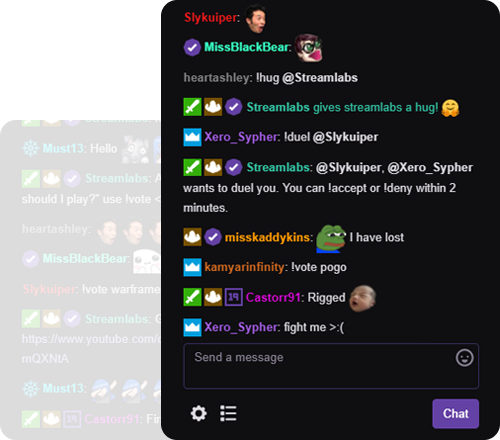
多平台聊天室 統一聊天室檢視 | YouTube、Twitch、Kick、X (Twitter) 和 Facebook | YouTube、Twitch、Kick、X (Twitter) 和 Facebook | YouTube、Twitch、X (Twitter) 和 Facebook | 需要第 3 方 |
雙格式直播 橫向與直向輸出 | Desktop 中可免費輸出至兩個目的地 | 需要第 3 方 | 需要第 3 方 | |
來賓攝影機 將來賓加入您的直播 | Desktop 中的 Collab Cam 可免費使用 | 需要第 3 方 | 需要第 3 方 | |
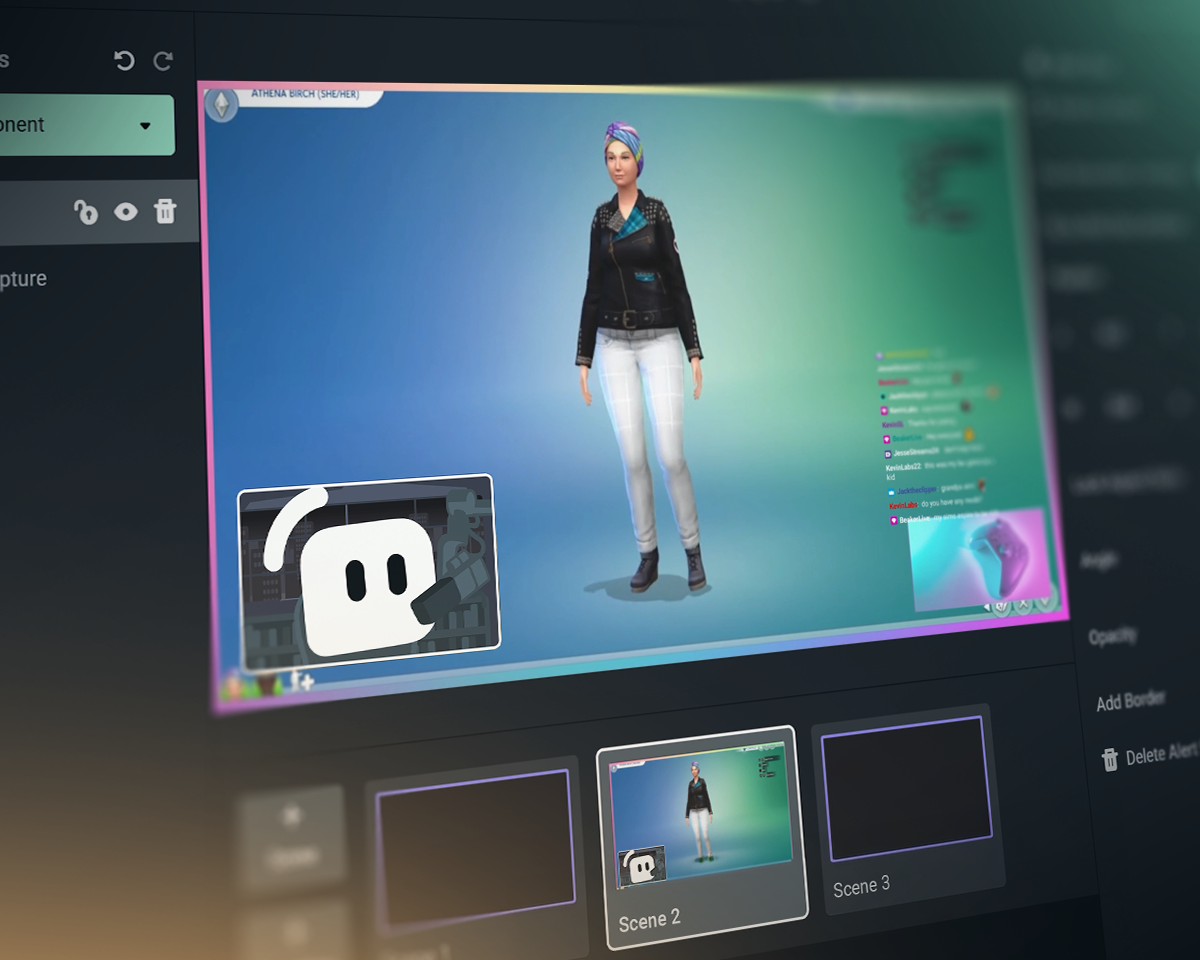
疊層與小工具主題 風格化畫面、通知及更多功能 | 一鍵安裝 | 一鍵安裝 | 需要第 3 方 | |
應用程式與外掛程式 利用應用程式加強您的直播 | 桌面應用程式商店 | 可搭配其他 OBS 外掛程式使用 | 可搭配其他 OBS 外掛程式使用 | 外掛程式生態系包含 Streamlabs 外掛程式 |
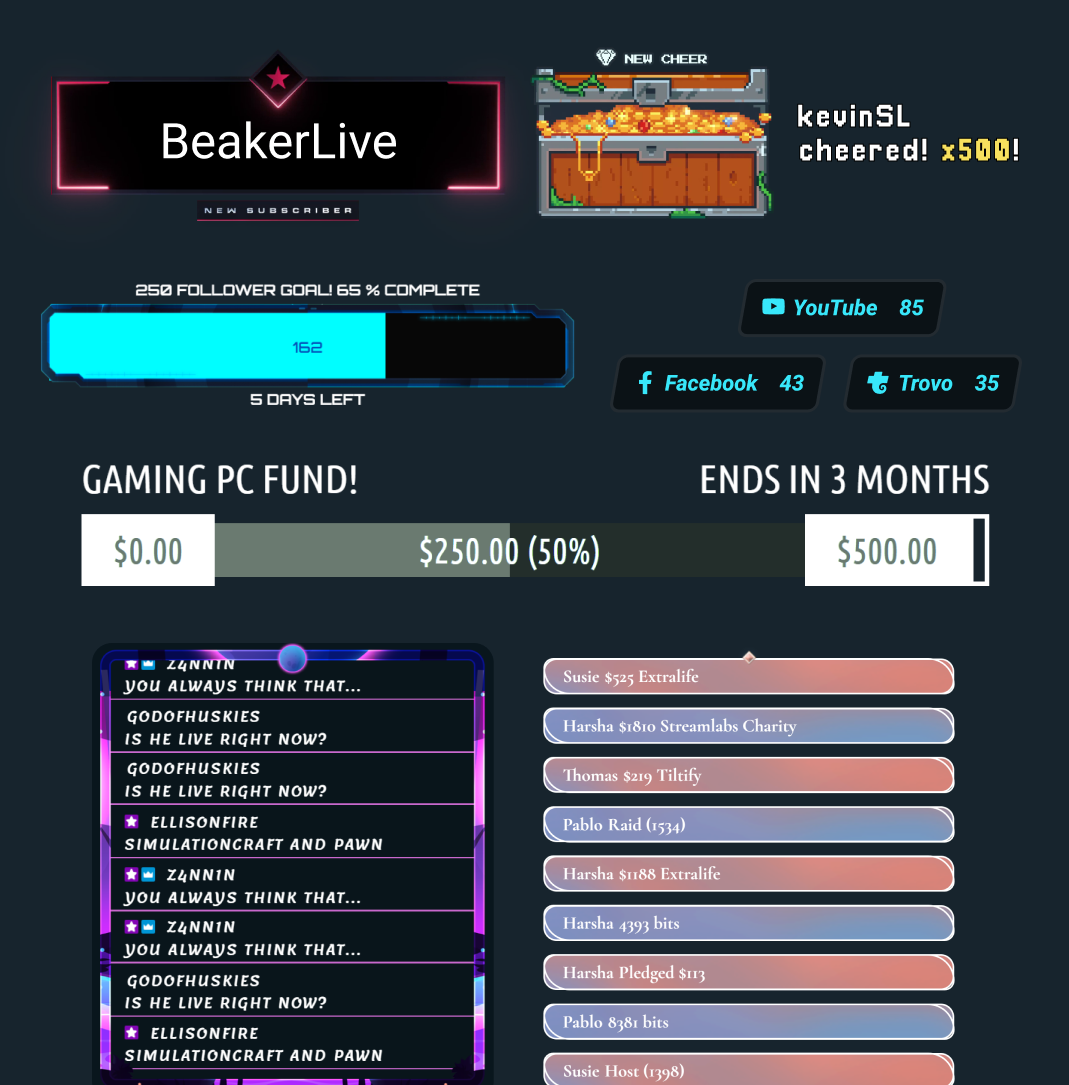
直播小工具 直播中的動態事件 | 數十款小工具 | 數十款小工具 | 需要第 3 方 | |
通知方塊 動態直播通知 | 免費且可自訂 | 免費且可自訂 | 需要第 3 方 | |
聊天室高亮顯示 在直播中醒目顯示聊天訊息 | 免費小工具 | 透過瀏覽器來源 | 需要第 3 方 | 需要第 3 方 |
直播自動化 透過遊戲事件觸發動作 | Intelligent Streaming Agent | |||
反應式主題 透過遊戲事件觸發效果 | 反應式疊層 + Game Pulse | |||
直播共同主持人 會回應遊戲玩法的虛擬共同主持人 | Intelligent Streaming Agent | 需要第 3 方 | 需要第 3 方 | |
媒體分享 將觀眾點播的影片排入佇列 | Desktop 中免費提供 | 透過瀏覽器來源 | 需要第 3 方 | |
錄影 錄製影片 | Desktop 中免費提供 | 透過 OBS 錄製 | 透過 OBS 錄製 | |
可選擇的錄影 分離直播與錄製來源 | Desktop 中免費提供 | 需要第 3 方 | ||
自動精彩片段 根據遊戲事件自動產生剪輯 | 免費 Desktop Highlighter | |||
剪輯編輯 自訂剪輯與版面配置 | 免費 Cross Clip | |||
文字式視訊編輯 適用於播客編輯與轉錄 | 免費 Podcast Editor | |||
網頁瀏覽器直播 在網頁上與來賓一起直播與錄影 | Talk Studio | |||
行動裝置直播 從 Android 與 iOS 直播 | 免費行動應用程式 | |||
Console 直播 從 Xbox 直播 | Streamlabs Console | |||
小費 透過小費與捐款獲得收入 | 免費小費頁面 (我們絕不抽成!) | 免費小費頁面 (我們絕不抽成!) | ||
Sponsorships 獲得直播收入 | 全額實領,不扣任何費用 | |||
慈善平台 為深具意義的公益活動募款 | Streamlabs 慈善活動 | 內建慈善活動通知 | 需要第 3 方 | 需要第 3 方 |
常見問題解答
是什麼讓 Streamlabs 與其他直播工具不同?
Streamlabs 是一個完整的直播工具生態系統,能簡化您的直播設定,或為複雜的設定提供強大支援。大多數工具僅涵蓋直播需求的單一方面,例如直播版面、小工具或多平台直播。我們提供的服務包括:
- Streamlabs Desktop:適用於您 PC 的直播軟體,內建您所需的一切功能。
- Streamlabs OBS 外掛程式:直接在 OBS 中使用最受歡迎的 Streamlabs 功能,例如提示框 (Alert Box) 和多平台直播。
- Streamlabs Web:存取小工具、多平台直播等功能。取得可用於任何直播軟體(如 OBS)中瀏覽器來源的網址。
- Streamlabs Mobile:透過您的行動裝置直播遊戲和 IRL,並使用提示、聊天室等功能。
- Streamlabs Console:直接從您的 Xbox 直播,無需擷取卡或電腦。
- Talk Studio:直接從您的瀏覽器開始直播。
- Cross Clip:將您的直播內容轉變為 Shorts、Reels 和 TikTok 短影音。
- 播客編輯器:轉錄您的影片並透過文字進行編輯。
- 視訊編輯器:在瀏覽器中編輯您的長篇影片。
不確定該從哪一個 Streamlabs 工具開始嗎?在這裡找到適合您的工具。
我可以免費使用 Streamlabs 進行直播和錄影嗎?
是的!您可以使用 Streamlabs Desktop、搭配 OBS 的 Streamlabs 外掛程式,以及 Streamlabs Mobile 完全免費地進行直播和錄影,想錄多久就錄多久。沒有浮水印,也沒有時間限制。
我們的 Ultra 訂閱方案包含多重串流、專業設計師製作的疊加圖層、Stream Shift 等選用功能。
Streamlabs 功能可以與 OBS Studio 搭配使用嗎?
是的!許多 Streamlabs 功能皆可與 OBS Studio 搭配使用。我們的頂級功能,例如多平台直播、近期事件動態、多重聊天室支援、疊層與小工具主題 (包含反應疊層與 Game Pulse 小工具),以及其他頂級功能都已新增至 Streamlabs OBS 外掛程式,讓設定更輕鬆。不過,您也可以將小工具以瀏覽器來源的方式新增至 OBS,並在不使用外掛程式的情況下使用多平台直播。
為什麼會有 Ultra?
我們打造了 Streamlabs Ultra,以便為您帶來所需的尖端功能,讓您隨時跟上持續發展的直播空間。我們堅持的是製造產品,而不是將您變成產品,而 Ultra 費用可幫助我們:
- 配備開發團隊,以便為直播創作者提供每月有百萬創作者使用的強大工具與功能,實現最佳直播體驗。
- 向專業 (人類) 設計師和開發人員支付直播疊層、小工具主題和桌面應用程式等費用。
- 維護多平台直播伺服器,讓您能夠直播到所有您喜愛的平台,而不會對 PC 造成額外的負擔。
- 提供免費贊助,以便您保有收入。
- 為 OBS 開放原始碼專案提供資金支援。
如果我還有其他問題該怎麼辦?
請透過此連結聯絡支援人員。