

Al fianco degli streamer da oltre un decennio
Streamlabs offre agli streamer strumenti di altissima qualità e facili da usare.
Con funzionalità all’avanguardia per lo streaming, la registrazione, il coinvolgimento del pubblico, la monetizzazione e molto altro, Streamlabs è l’unica soluzione di cui hai bisogno per il tuo percorso.
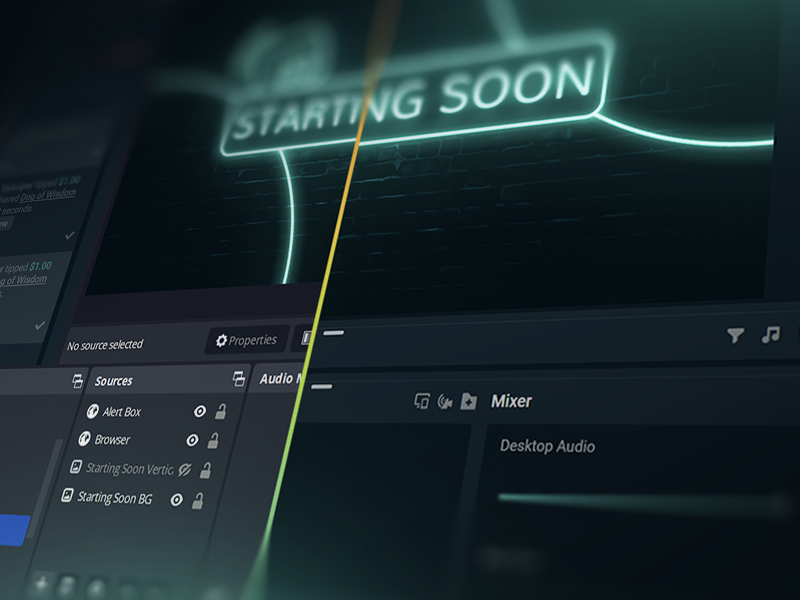
Vai in diretta con 50 5 clic: trasmetti su qualsiasi piattaforma
Vai in diretta dopo ore pochi minuti su qualsiasi piattaforma
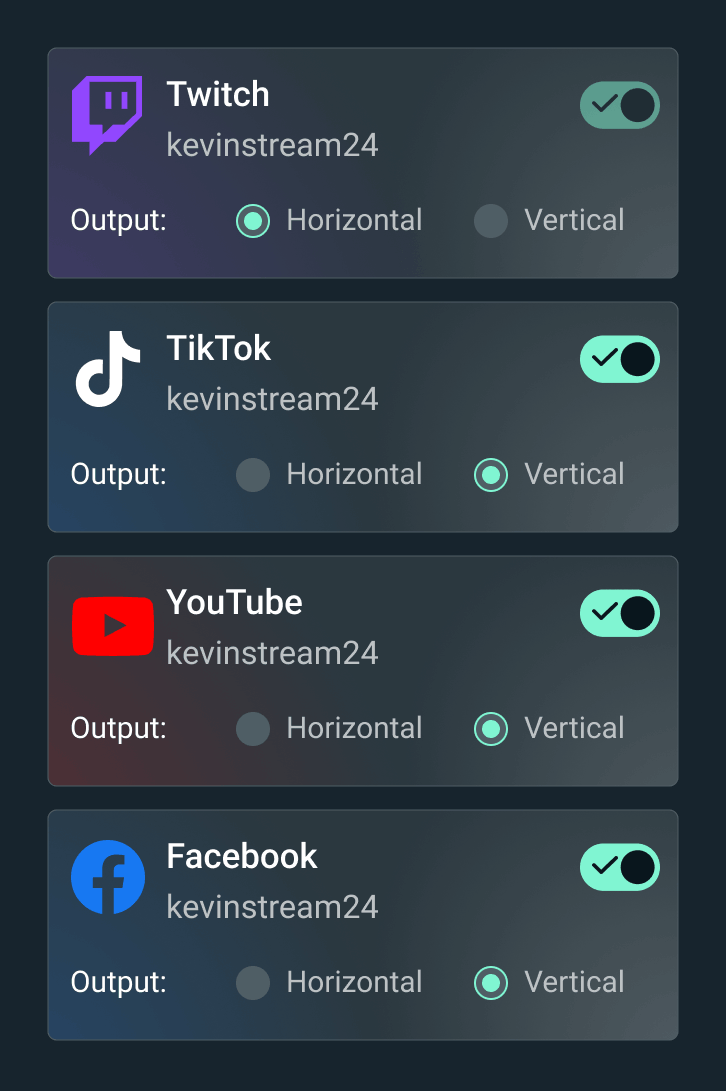
Trasmetti il tuo live streaming su Twitch, YouTube, TikTok e altre piattaforme.


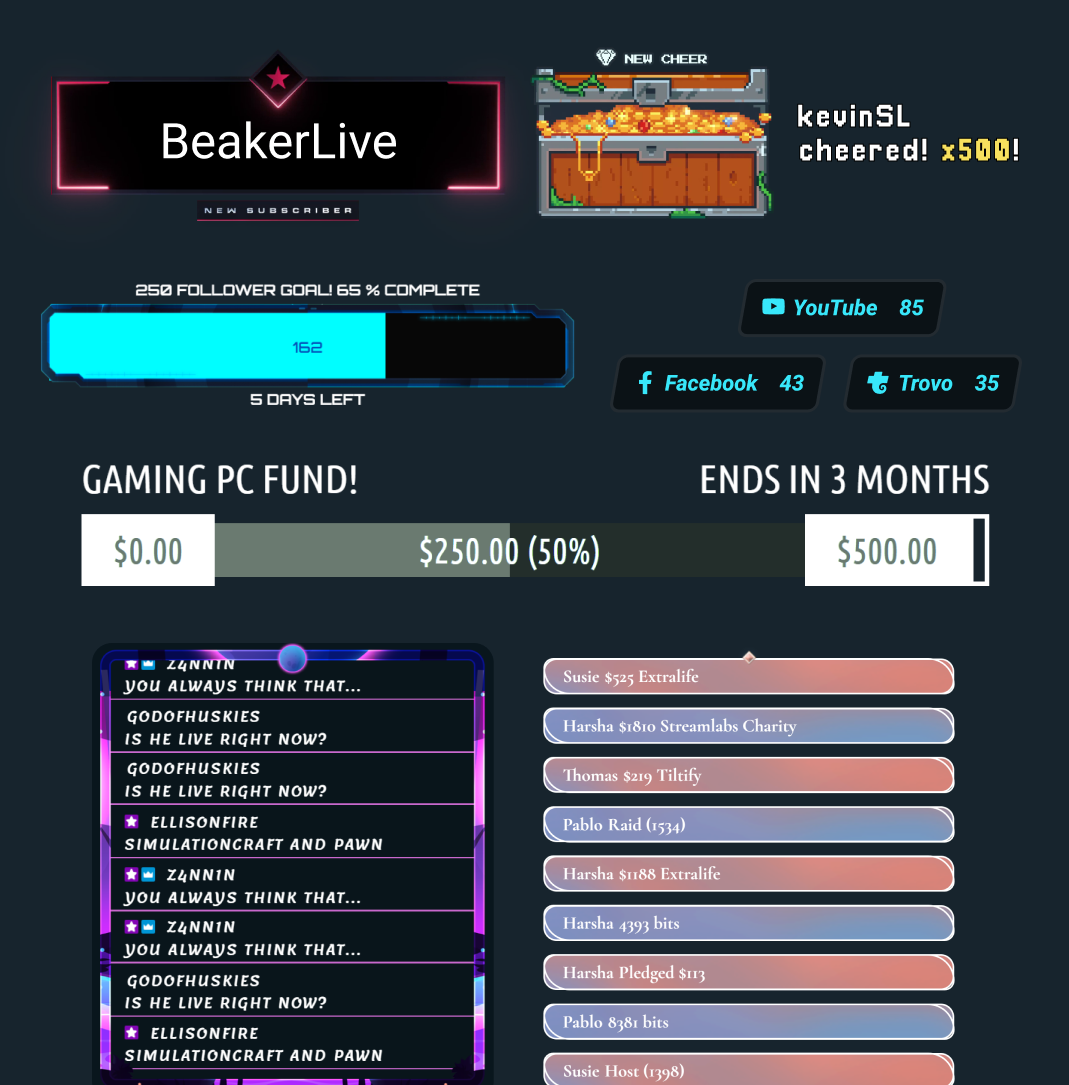
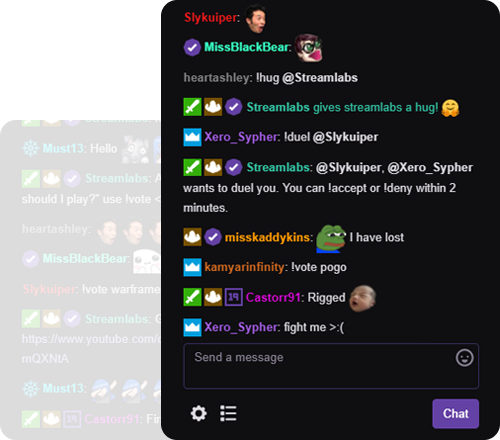




“Streamlabs mi ha aiutato tantissimo nella mia carriera di creatore di contenuti!”
- Jwonggg
Vai in diretta a modo tuo
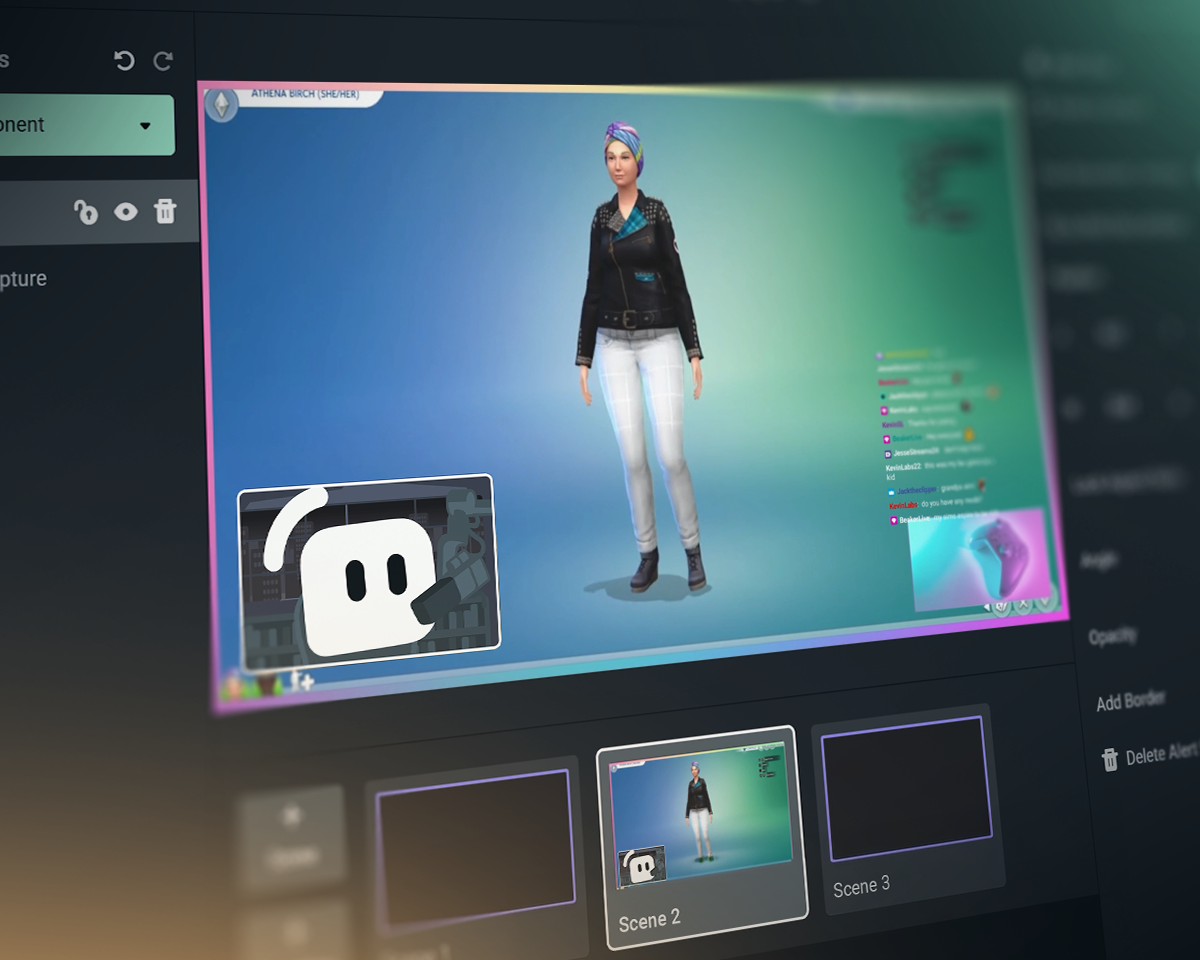
Streamlabs Desktop
Software gratuito e open source per lo streaming e la registrazione su PC.

Plugin Streamlabs per OBS
Tutte le tue funzioni preferite di Streamlabs direttamente in OBS. Non c'è bisogno di copiare e incollare.
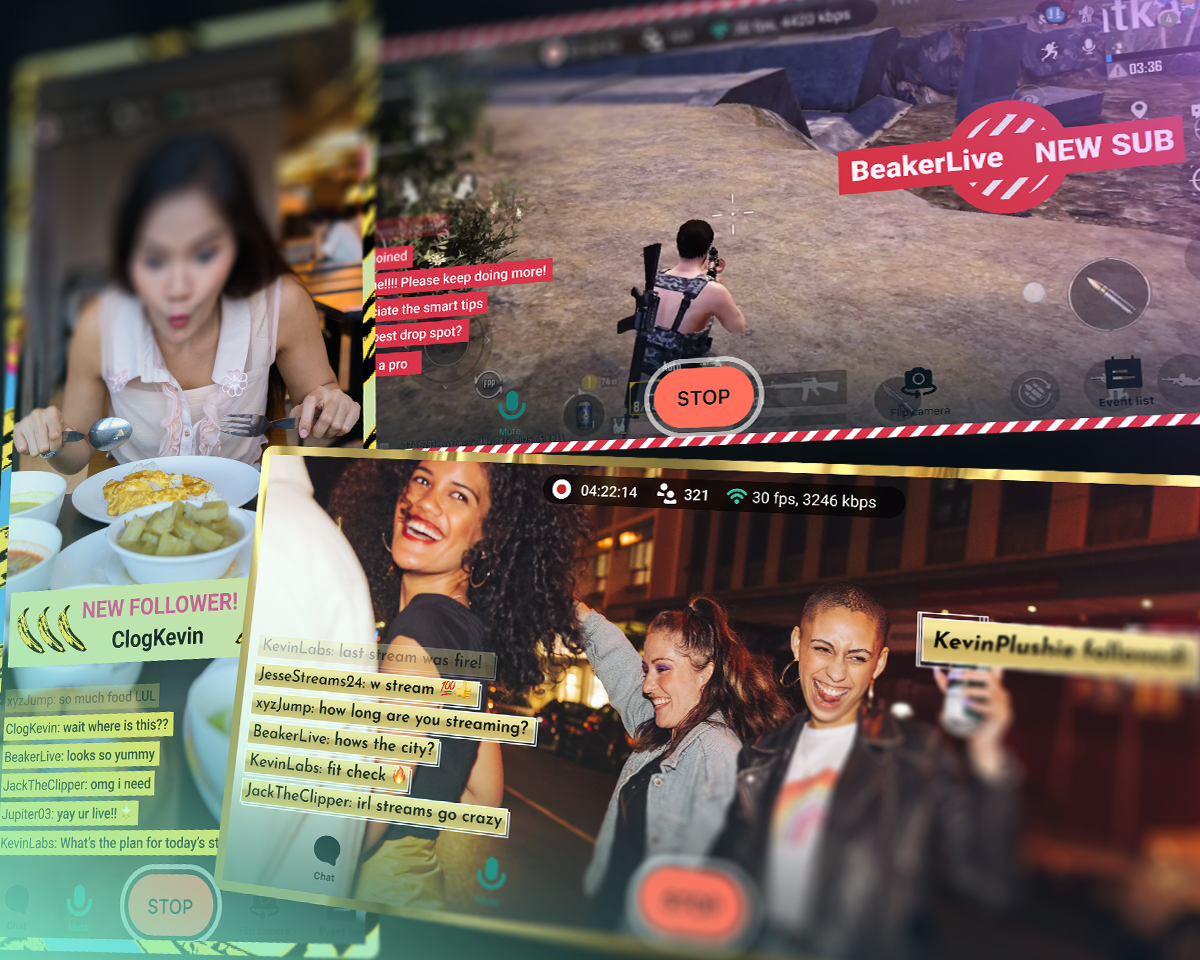
Streamlabs Mobile
Porta la chat con te nelle tue avventure IRL o trasmetti in streaming i giochi per dispositivi mobili. Disponibile per iOS e Android.
Streamlabs Console
Trasmetti in streaming dalla tua Xbox su Twitch, YouTube, Kick e TikTok. Non è necessario un PC o una scheda di acquisizione!
Streamlabs, OBS e StreamElements
| Streamlabs | Plugin Streamlabs per OBS | StreamElements | OBS Studio | |
|---|---|---|---|---|
Ecosistema Strumenti per potenziare il tuo streaming | Una gamma completa di widget e strumenti di trasmissione ed editing | Plug-in per migliorare le trasmissioni su OBS | Funzionalità di streaming senza strumenti di trasmissione | Strumenti per la trasmissione e la registrazione |
Trasmissione Vai in diretta sui tuoi canali preferiti | Desktop, dispositivi mobili, Xbox e browser | Streaming su PC tramite OBS | Streaming su PC tramite OBS | Streaming su PC |
Multistreaming Trasmetti in streaming su più destinazioni | Lato server con Ultra | Lato server con Ultra | Utilizzo delle risorse del PC | Richiede un fornitore esterno |
Multichat Vista chat unificata | YouTube, Twitch, Kick, X (Twitter) e Facebook | YouTube, Twitch, Kick, X (Twitter) e Facebook | YouTube, Twitch, X (Twitter) e Facebook | Richiede un fornitore esterno |
Streaming in doppio formato Video orizzontale e verticale | Gratis su due schermi in modalità Desktop | Richiede un fornitore esterno | Richiede un fornitore esterno | |
Telecamera per gli ospiti Aggiungi un ospite allo streaming | Gratis con Collab Cam su desktop | Richiede un fornitore esterno | Richiede un fornitore esterno | |
Sovrapposizioni e temi per widget Schermate personalizzate, avvisi e altro ancora | Installazione con un clic | Installazione con un clic | Richiede un fornitore esterno | |
App e plug-in Migliora il tuo streaming con le app | App Store desktop | Da usare con altri plug-in OBS | Da usare con altri plug-in OBS | Ecosistema di plug-in, tra cui plug-in Streamlabs |
Widget per lo streaming Eventi dinamici in diretta | Decine di widget | Decine di widget | Richiede un fornitore esterno | |
Finestra di avviso Avvisi dinamici in tempo reale | Gratuito e personalizzabile | Gratuito e personalizzabile | Richiede un fornitore esterno | |
Evidenziazione chat Evidenzia i messaggi della chat durante lo streaming | Widget gratuito | Tramite sorgente browser | Richiede un fornitore esterno | Richiede un fornitore esterno |
Automazioni dello streaming Attiva azioni in base agli eventi di gioco | Intelligent Streaming Agent | |||
Temi reattivi Effetti innescati dagli eventi di gioco | Sovrapposizioni reattive e Game Pulse | |||
Co-host dello streaming Co-host virtuale che reagisce al gameplay | Intelligent Streaming Agent | Richiede un fornitore esterno | Richiede un fornitore esterno | |
Condivisione contenuti multimediali Video richiesti dagli utenti in coda | Gratis su Desktop | Tramite sorgente browser | Richiede un fornitore esterno | |
Registrazione Registra un video | Gratis su Desktop | Tramite registrazione OBS | Tramite registrazione OBS | |
Registrazione selettiva Suddividi le sorgenti di streaming e registrazione | Gratis su Desktop | Richiede un fornitore esterno | ||
Momenti salienti automatici Clip automatiche degli eventi di gioco | Highlighter gratuito su Desktop | |||
Modifica dei video Ritagli e impaginazioni personalizzati | Cross Clip gratuito | |||
Editing video basato su testo Per l’editing e la trascrizione di podcast | Podcast Editor gratuito | |||
Streaming tramite browser web Trasmetti in streaming e registra con gli ospiti sul web | Talk Studio | |||
Streaming da dispositivi portatili Riproduci in streaming da Android e iOS | App mobile gratuita | |||
Streaming da console Diretta streaming da Xbox | Streamlabs Console | |||
Donazioni Guadagna con le donazioni | Pagina per donazioni gratuita (non prendiamo commissioni!) | Pagina per donazioni gratuita (non prendiamo commissioni!) | ||
Sponsorship Guadagna con lo streaming | Paga base senza commissioni | |||
Piattaforma beneficenza Raccogli fondi per cause meritevoli | Beneficenza Streamlabs | Avvisi di beneficenza integrati | Richiede un fornitore esterno | Richiede un fornitore esterno |
Domande frequenti
Streamlabs è un intero ecosistema di strumenti per lo streaming, che porta semplicità alla tua configurazione di streaming o potenzia configurazioni complesse. La maggior parte degli strumenti copre un aspetto delle esigenze di streaming come avvisi, widget o multistreaming. Le nostre offerte includono:
- Streamlabs Desktop: Software di streaming per il tuo PC con tutto ciò di cui hai bisogno integrato.
- Plug-in Streamlabs per OBS: Ottieni le funzionalità di Streamlabs più amate, come Finestra di avviso e Multistreaming, direttamente in OBS.
- Streamlabs Web: Accedi a widget, multistreaming e altro ancora. Ottieni URL da utilizzare come sorgenti browser in qualsiasi software di streaming come OBS.
- Streamlabs Mobile: Trasmetti giochi e contenuti IRL con avvisi, chat e altro dal tuo dispositivo mobile.
- Streamlabs Console: Trasmetti dalla tua Xbox, senza bisogno di scheda di acquisizione o PC.
- Talk Studio: Vai in diretta direttamente dal tuo browser.
- Cross Clip: Trasforma le tue dirette in clip per Shorts, Reels e TikTok.
- Podcast Editor: Trascrivi i tuoi video e modificali tramite testo.
- Video Editor: Modifica i tuoi video lunghi direttamente dal tuo browser.
Non sai da quale strumento Streamlabs iniziare? Trova quello che fa per te qui.
Certamente. Puoi fare live streaming e registrare quanto vuoi in modo totalmente gratuito con Streamlabs Desktop, in OBS con il plug-in Streamlabs per OBS e con Streamlabs Mobile. Nessuna filigrana e nessun limite di tempo.
Funzionalità opzionali come il multistreaming, gli overlay di designer professionisti, Stream Shift e altro ancora sono inclusi nel nostro abbonamento Ultra.
Certamente. Molte funzionalità di Streamlabs funzionano con OBS Studio. Le nostre funzioni principali come il multistreaming, il feed degli eventi recenti, il supporto per chat multiple, le sovrapposizioni e i temi dei widget (inclusi le sovrapposizioni reattive e il widget Game Pulse) e altre funzioni di punta sono state aggiunte al plug-in Streamlabs per OBS per una configurazione più semplice. Tuttavia, puoi anche aggiungere widget a OBS come sorgenti browser e utilizzare il multistreaming senza il plug-in.
Abbiamo creato Streamlabs Ultra per offrirti le funzionalità innovative che ti servono per stare al passo con il mondo dello streaming, in continua evoluzione. Crediamo nel creare prodotti, non nel trasformare te in un prodotto, e le commissioni Ultra ci aiutano a:
- trovare le risorse giuste per un team di sviluppo che offre ai creator strumenti e funzionalità avanzate per garantire la migliore esperienza possibile di streaming in diretta, utilizzata da milioni di utenti ogni mese.
- pagare designer e sviluppatori professionisti (umani) per realizzare sovrapposizioni di streaming, temi per widget e app desktop.
- gestire server di multistreaming che ti consentono di trasmettere in diretta su tutte le tue piattaforme preferite senza sovraccaricare il tuo PC.
- offrire sponsorizzazioni senza commissioni, così da permetterti di conservare tutti i tuoi guadagni.
- fornire sostegno finanziario al progetto open source OBS.
Contatta l’assistenza a questo link.