

Una sola trasmissione. Qualsiasi dispositivo.
Crea trasmissioni che funzionano perfettamente su dispositivi desktop e mobili.
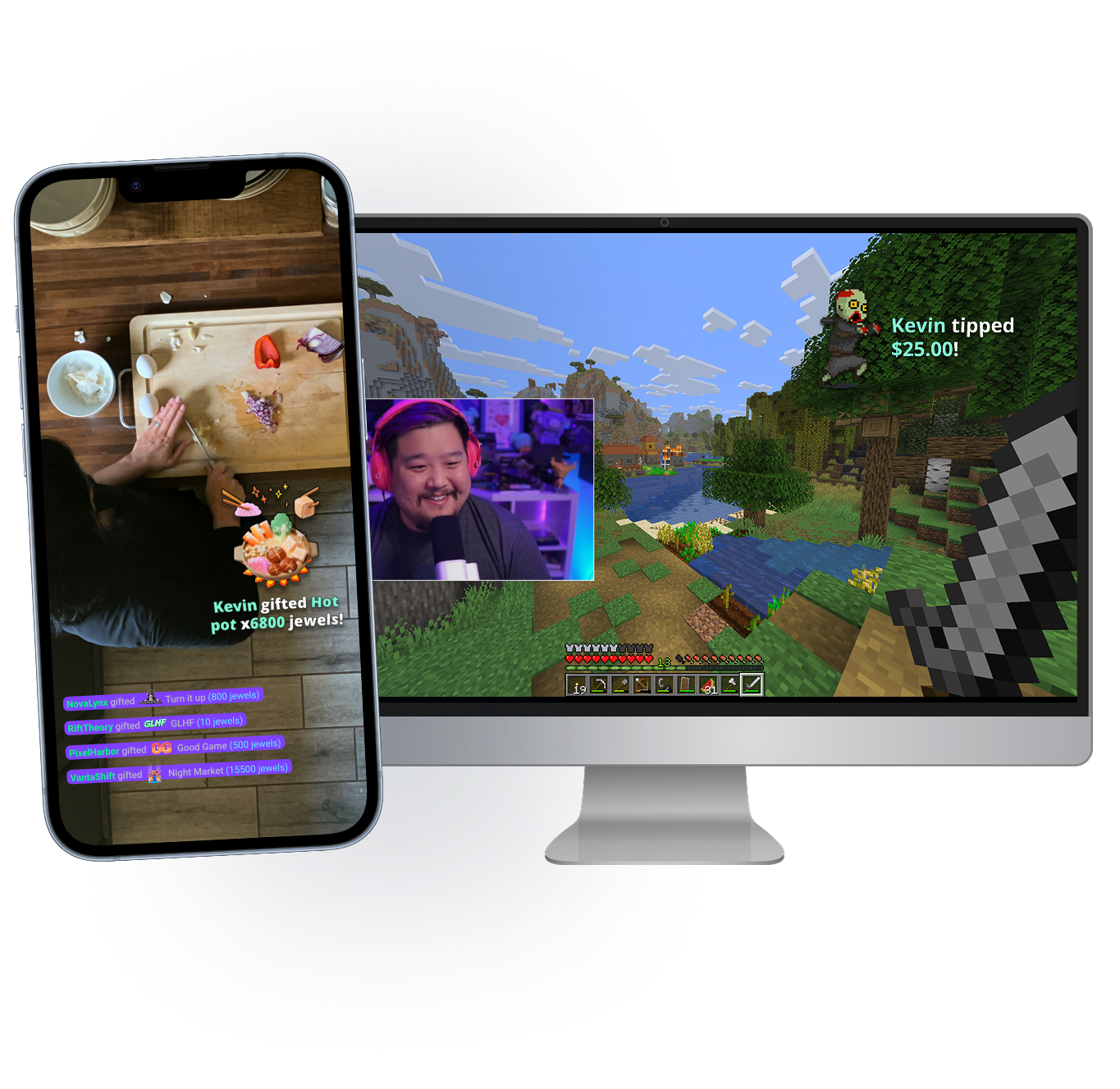
Porta il tuo streaming ovunque
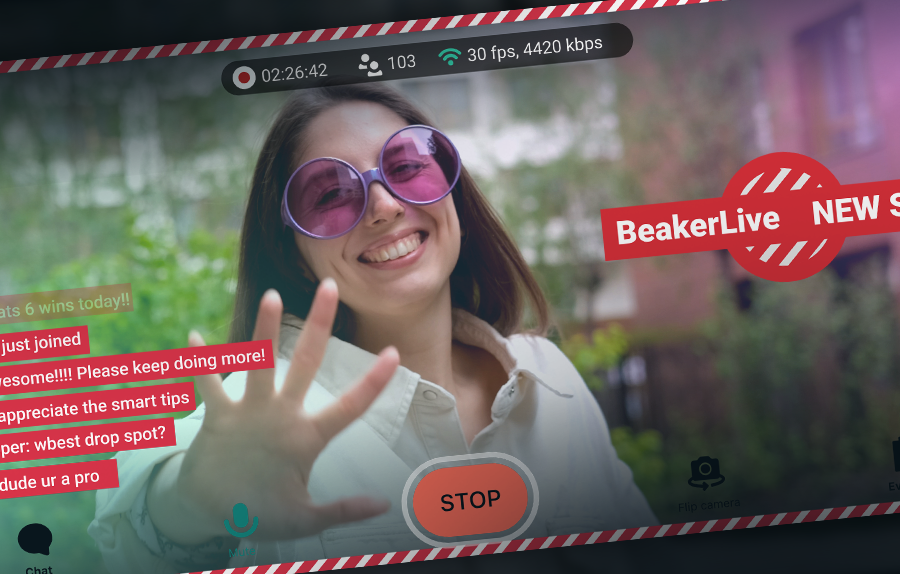
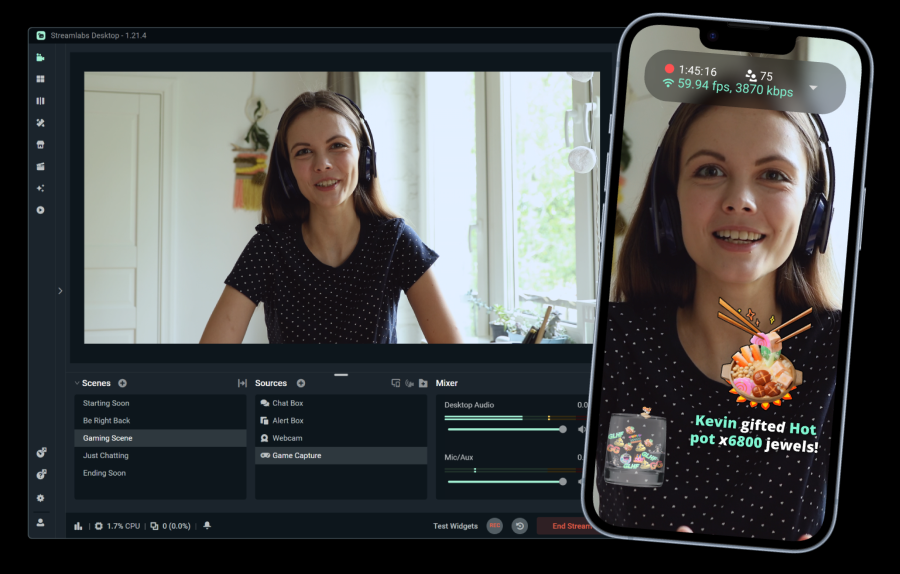
Che tu sia alla tua scrivania o in giro per il mondo, Stream Shift ti permette di portare la chat con te. Passa dal tuo dispositivo mobile al PC e viceversa senza terminare lo streaming.
Disponibile per i membri Streamlabs Ultra su desktop e mobile.
Funzionalità indispensabili
Tutto ciò che ti serve per personalizzare il tuo streaming e costruire la tua community.
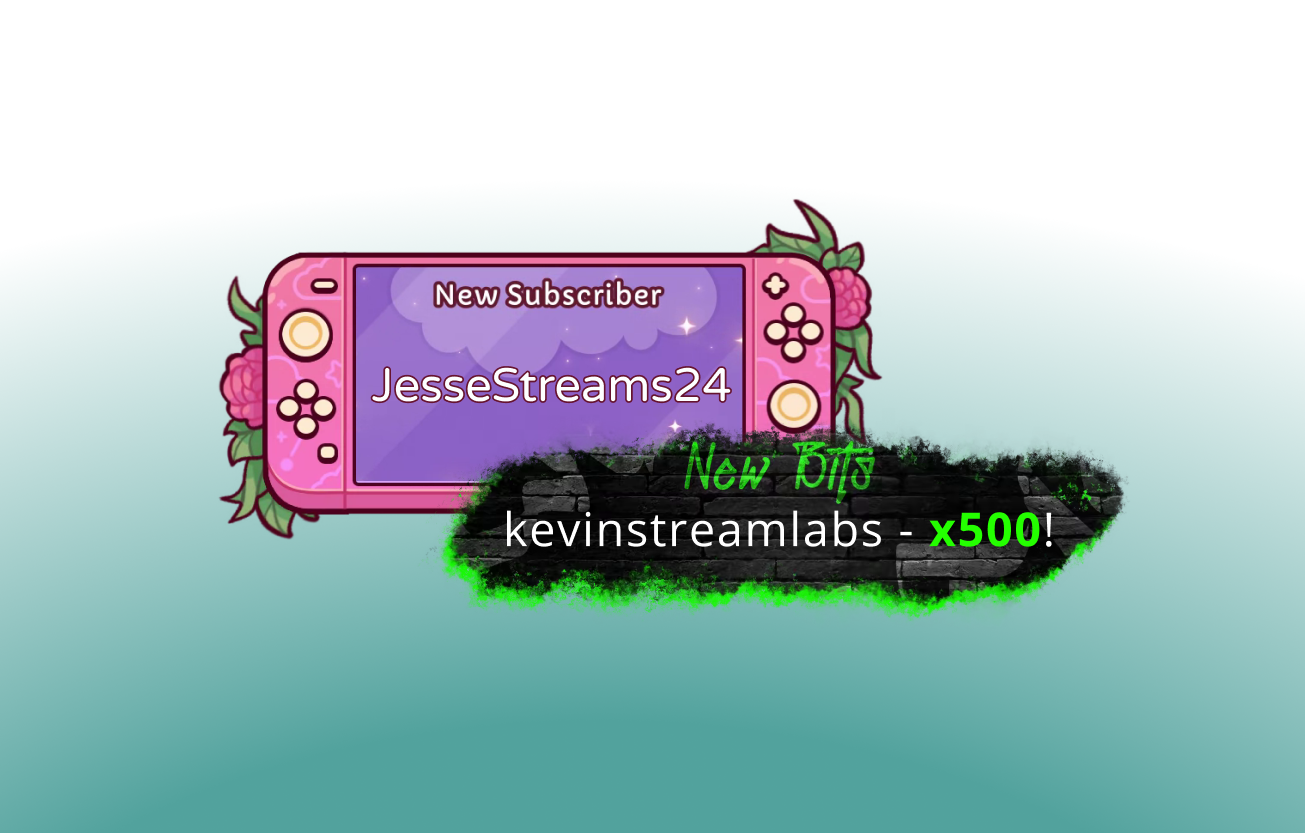
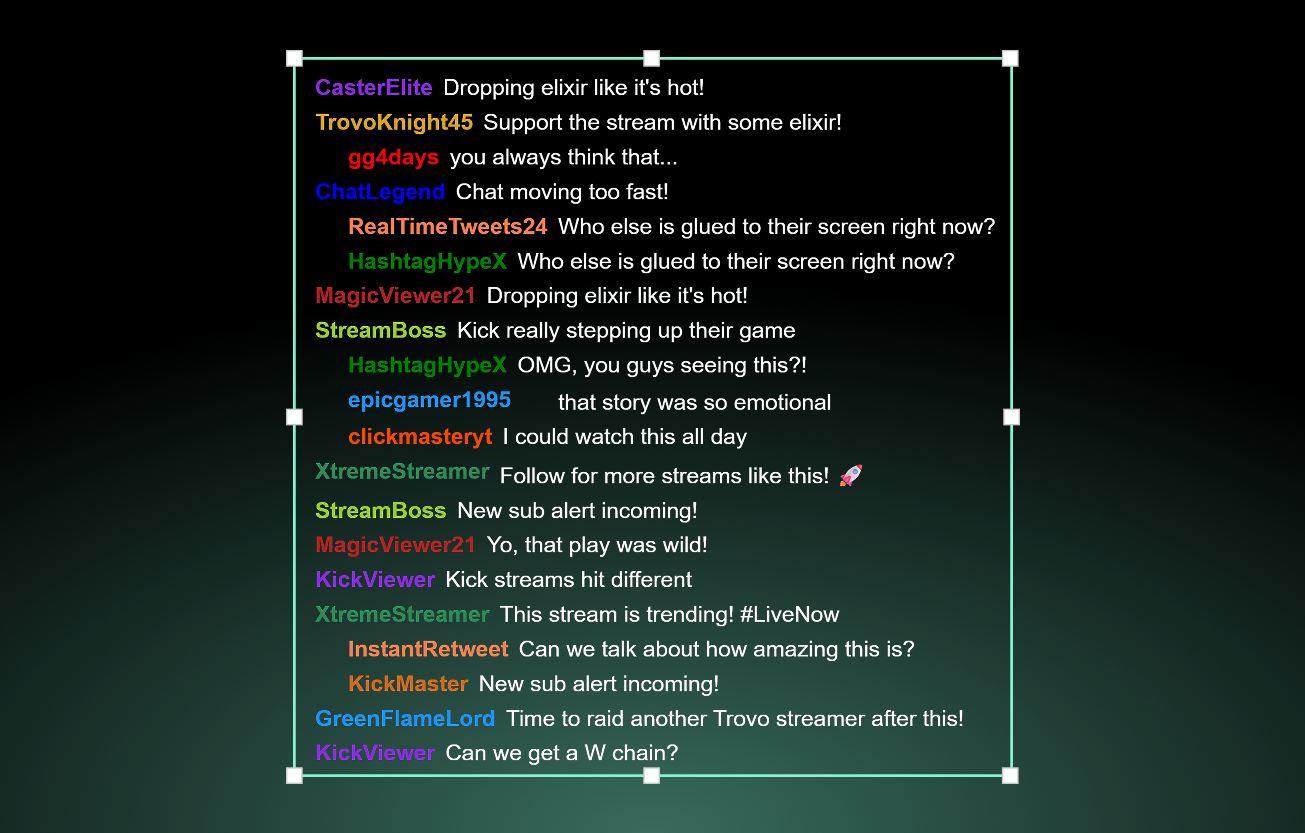
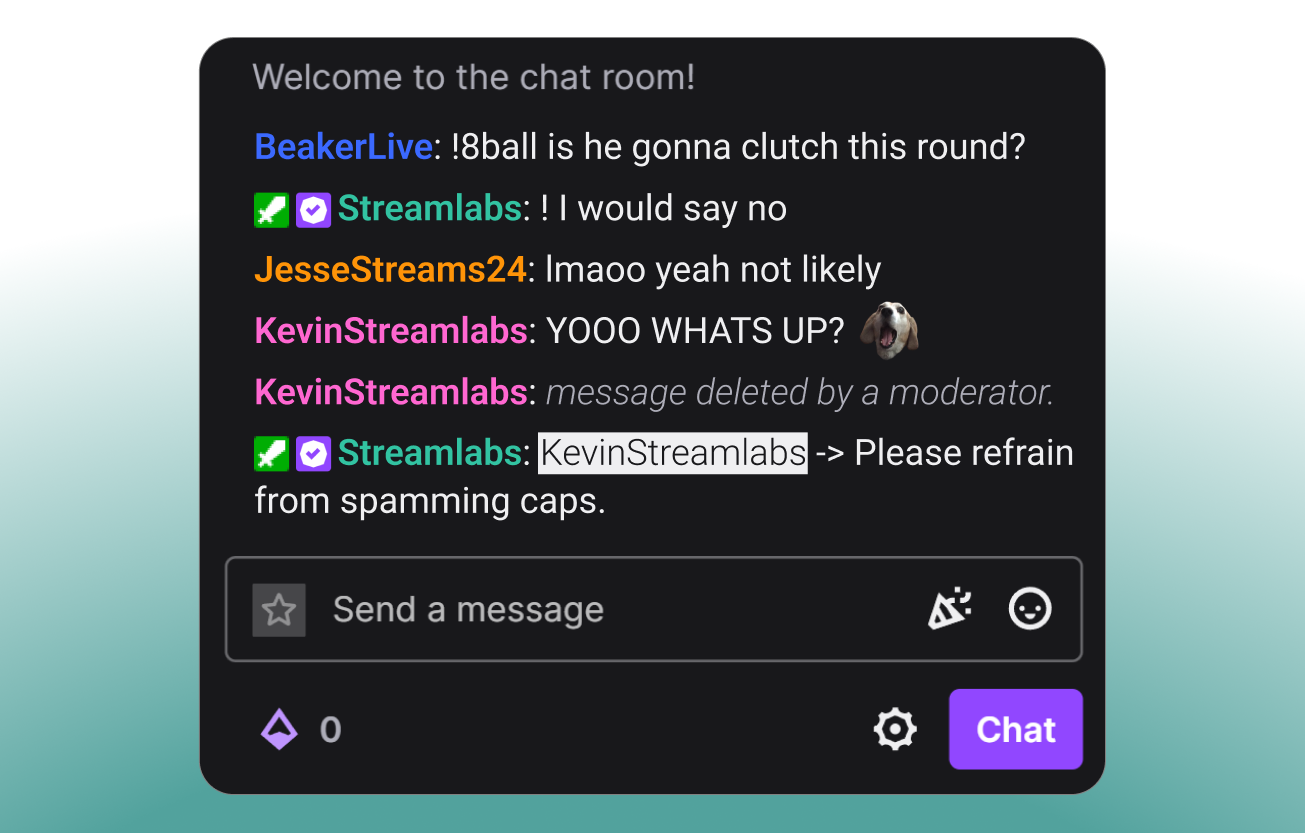
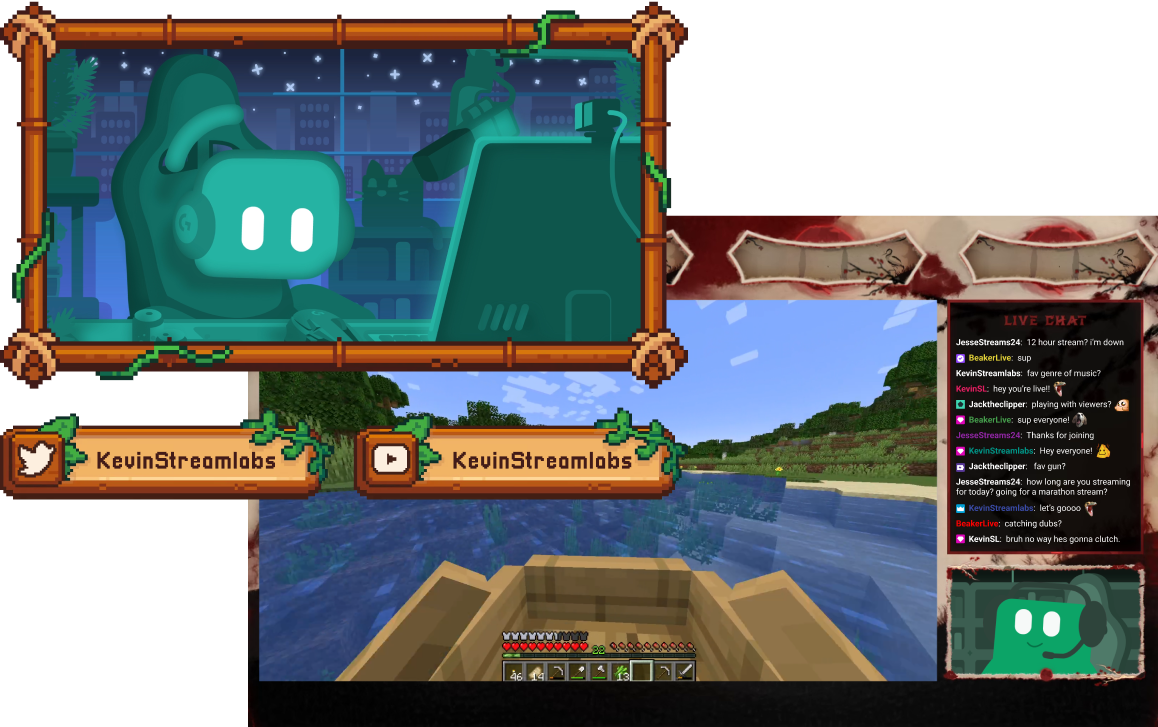
Strumenti per ogni tipo di creator
Scopri come Streamlabs può supportare una serie di altri tipi di contenuti.
Fai crescere il tuo pubblico su tutte le piattaforme
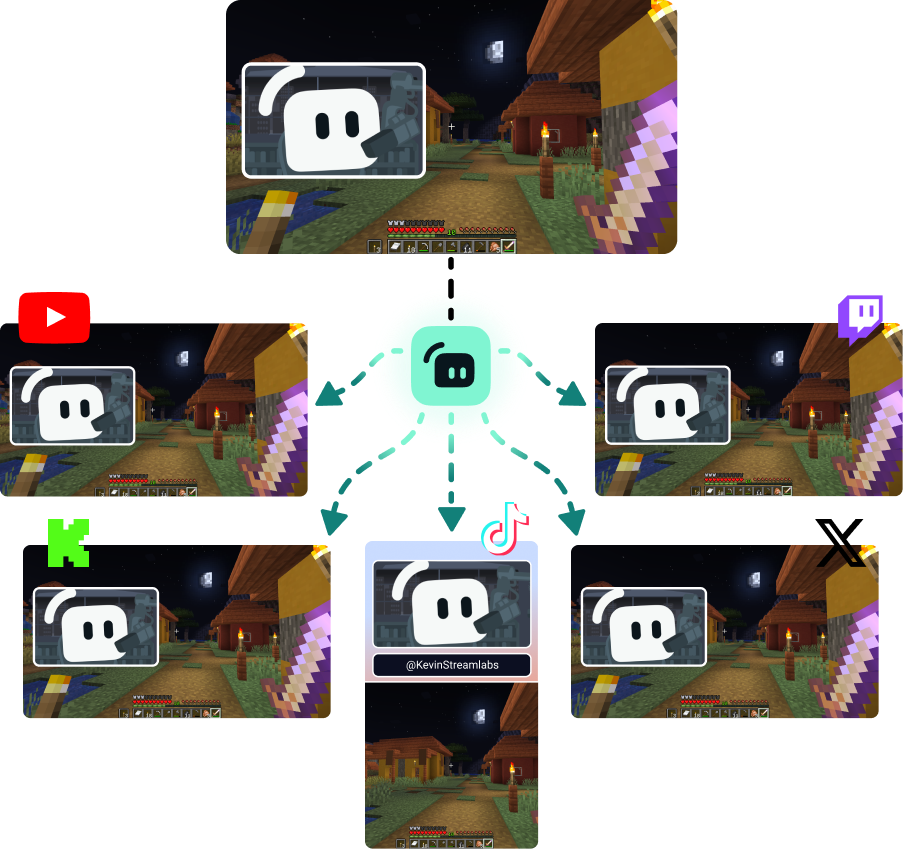
Trasmetti in multistream per raggiungere gli spettatori ovunque preferiscano guardare.
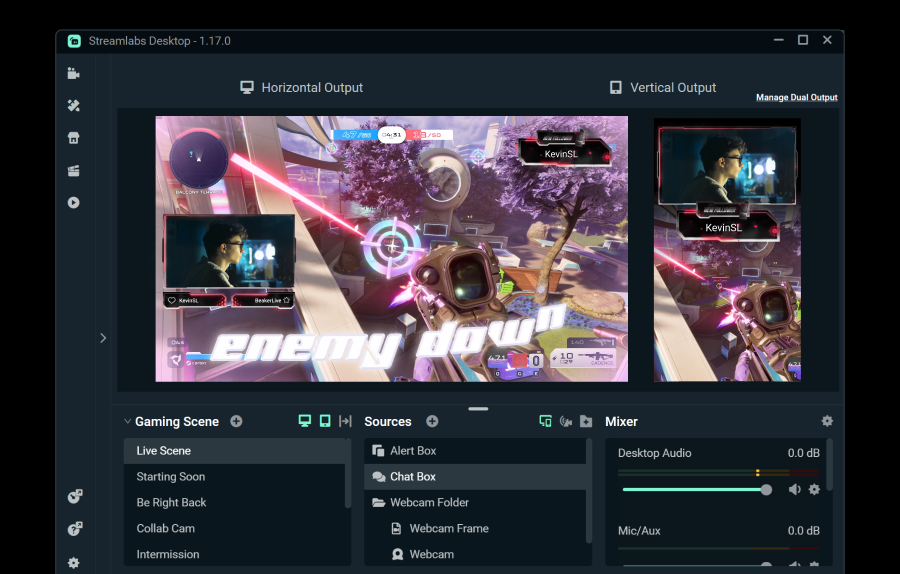
Trasmetti gratuitamente verso una destinazione orizzontale e una verticale usando Dual Output, oppure sblocca destinazioni illimitate con Streamlabs Ultra.
Vai in diretta con 50 5 clic: trasmetti su qualsiasi piattaforma
Vai in diretta dopo ore pochi minuti su qualsiasi piattaforma
I nuovi creatori che fanno spesso multistreaming* hanno il doppio di possibilità di avere più di 5 spettatori contemporaneamente.
* Nuovi utenti che fanno streaming da un massimo di sei mesi e che hanno realizzato almeno 7 multistream


Domande frequenti
Lo streaming live ibrido è una forma di streaming in cui vengono utilizzati più formati. Questo potrebbe includere uno streaming che inizia come gaming su PC e passa al mobile per diventare uno streaming IRL.
Mentre le dirette Just Chatting e di gaming non spariranno, il pubblico di IRL è in costante crescita. Lo streaming ibrido ti aiuta a mantenere i tuoi contenuti freschi e il tuo pubblico coinvolto, permettendoti di creare contenuti in queste categorie.
Gli strumenti che troverai utili dipenderanno dal tipo di streaming ibrido che hai intenzione di fare, ma alcune opzioni includono:
- Streamlabs Desktop: Questo software di streaming gratuito disponibile per PC e Mac ti consente di trasmettere la tua webcam (o le tue webcam) e aggiungere ospiti o angolazioni della telecamera aggiuntive con Collab Cam. Con l'aggiornamento opzionale a Ultra, puoi anche passare al tuo dispositivo mobile e tornare indietro senza interrompere lo streaming grazie a Stream Shift.
- Streamlabs Mobile Questa app di streaming mobile è disponibile per iOS e Android ed è il modo perfetto per portare la chat sempre con te. Che tu sia in cucina per uno streaming di cucina o in giro per la città per un segmento di streaming IRL, Mobile ti copre le spalle. Mobile si abbina perfettamente a Streamlabs Desktop e Stream Shift, così puoi passare dal PC al telefono e viceversa senza perdere spettatori.
- Stream Shift: Come accennato, Stream Shift ti consente di passare uno streaming tra Streamlabs Desktop e Mobile senza mai interromperlo, così mantieni i tuoi spettatori e la tua crescita.
- Collab Cam: Disponibile in Streamlabs Desktop, Collab Cam ti permette di aggiungere ospiti al tuo streaming tramite un semplice link. Puoi usare Collab Cam con dispositivi come un telefono o un tablet per aggiungere una nuova angolazione della telecamera al tuo streaming senza i cavi o i vincoli di una webcam extra.
Contatta l’assistenza a questo link.