

Collab Cam
Invita ospiti, aggiungi angolazioni della videocamera e collabora dal vivo senza lasciare Streamlabs Desktop.
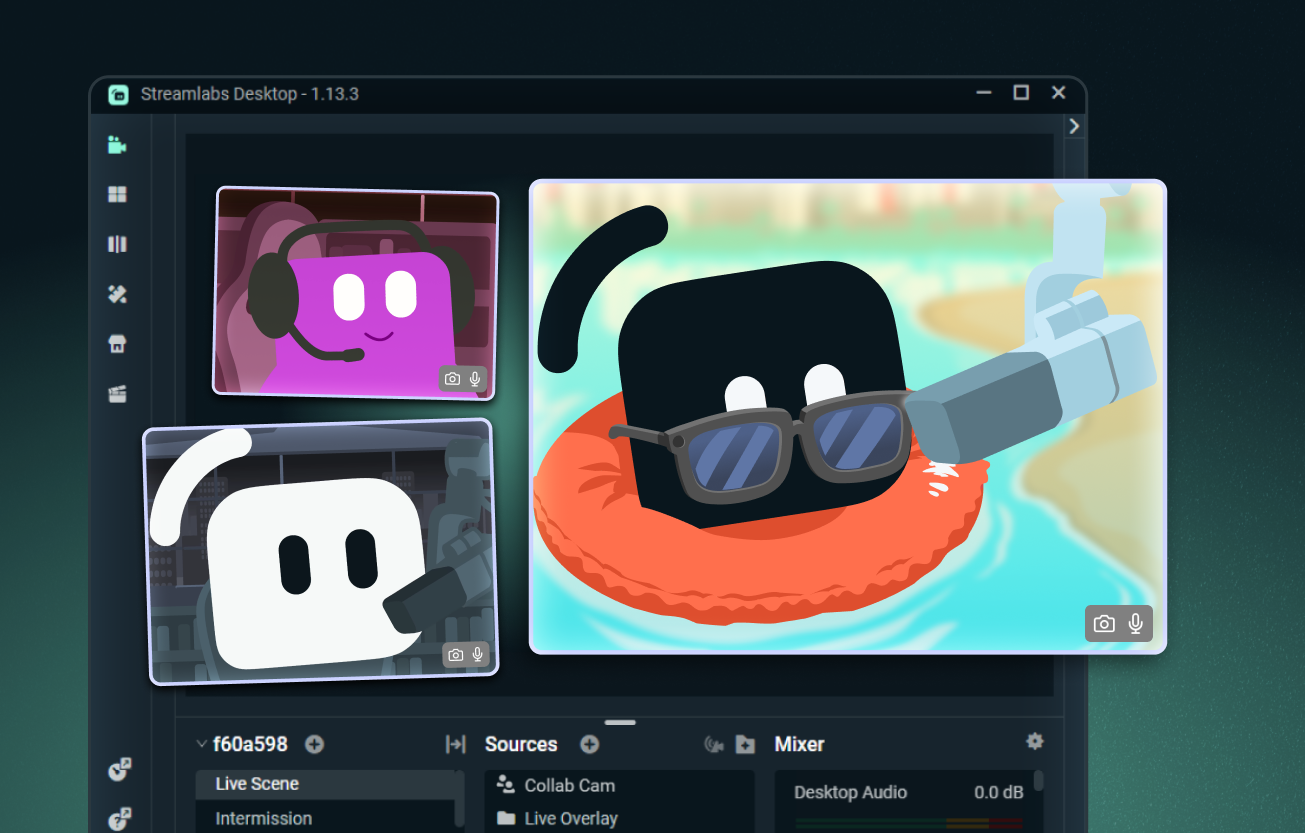
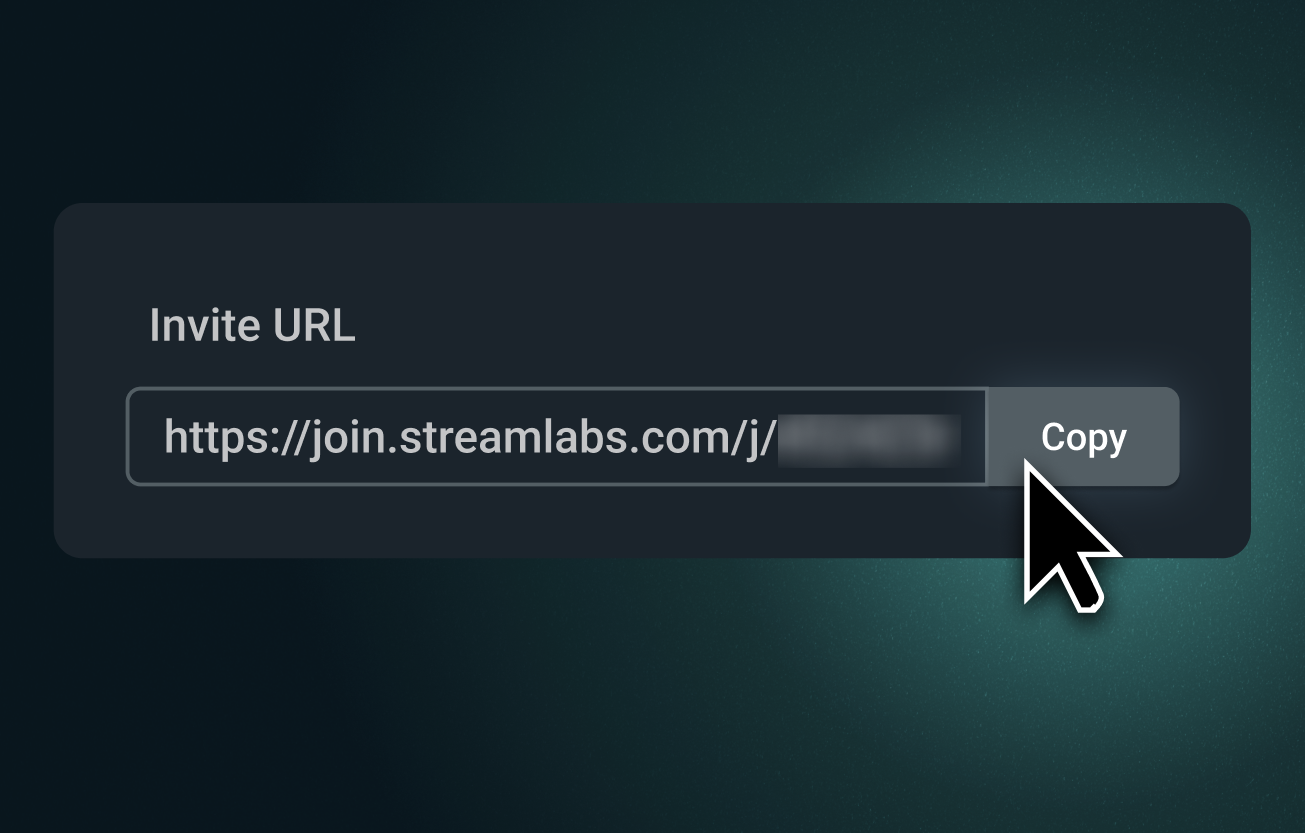
Aggiungi facilmente qualsiasi ospite al tuo streaming
Invia un link di Collab Cam e invita chiunque a unirsi al tuo stream dal proprio browser. Possono vederti e sentirti, seguire la chat e partecipare in tempo reale.
Perfetto per co-conduttori, interviste, giochi di ruolo da tavolo e altro ancora.
Introduci angoli della videocamera aggiuntivi
Collab Cam non è solo per gli ospiti. Usa il tuo telefono come videocamera secondaria per aggiungere nuove angolazioni a stream di arte, musica, cucina e altre attività manuali.
Mostra la tua tastiera, il controller, la postazione di lavoro o persino una videocamera per animali domestici. Perfetto sia per le dirette streaming che per le registrazioni.
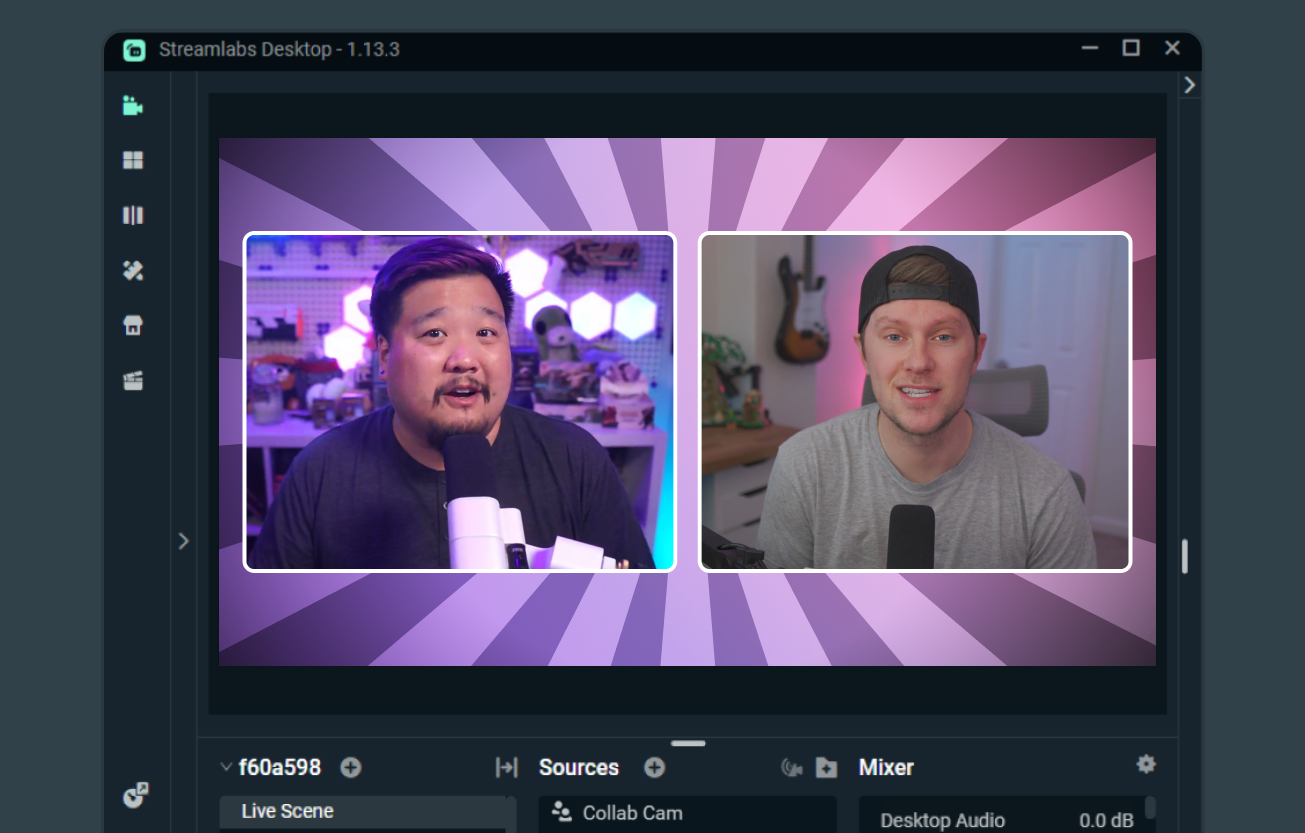
Lo streaming collaborativo reso facile
Quando entrambi i creator usano Streamlabs Desktop, Collab Cam rende facile fare co-streaming, condividere scene e sorgenti e mostrare i feed video l'uno dell'altro.
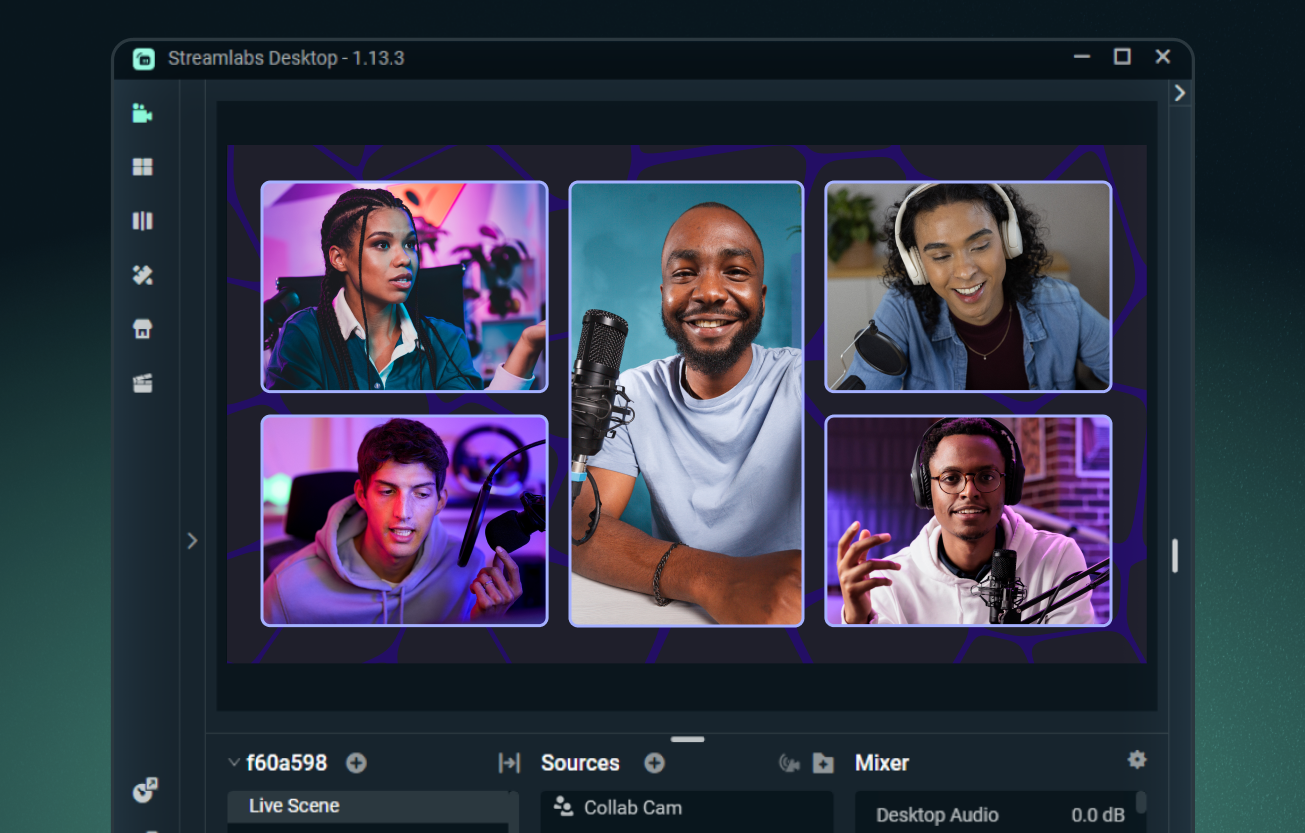
Aggiungi fino a 11 ospiti con Ultra
Aggiungi un ospite gratuitamente con Streamlabs Desktop, oppure passa a Streamlabs Ultra per aggiungere fino a 11 ospiti o angolazioni della telecamera extra durante lo streaming.
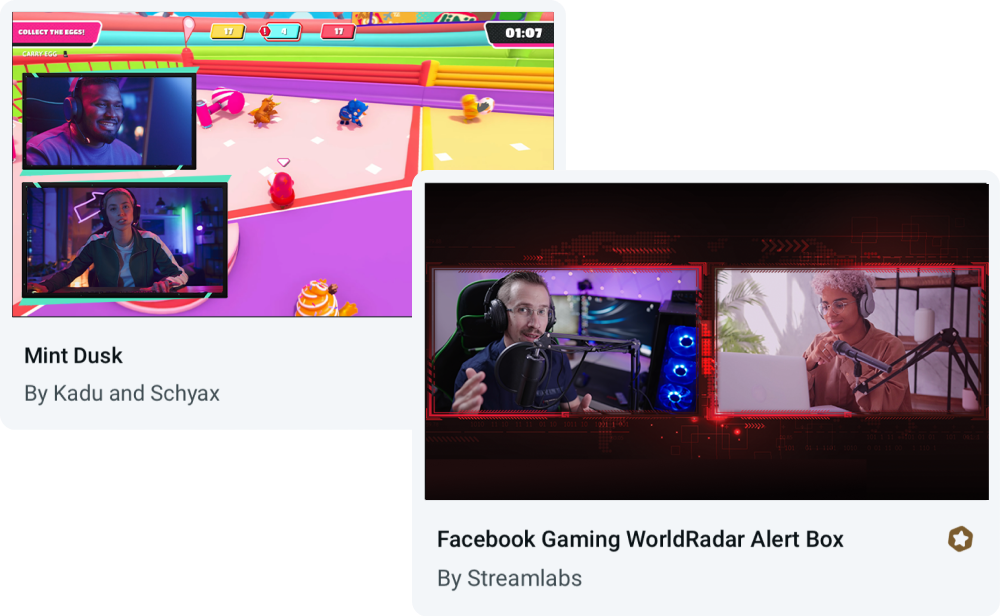
Overlay creati per Collab Cam
Usa Collab Cam con qualsiasi sovrapposizione, oppure scegli tra i temi che includono layout integrati per ospiti e molteplici angolazioni della telecamera.
Domande frequenti
Sì, puoi usare Streamlabs Collab Cam in modo totalmente gratuito per un ospite. Per portare le tue collaborazioni al livello successivo, puoi passare a Ultra per includere fino a 11 ospiti nel tuo streaming.
Collab Cam è disponibile sia in Streamlabs Desktop che nell'app mobile di Streamlabs.
Iniziare è facile. Semplicemente:
- Aggiungi una sorgente Collab Cam.
- Condividi il link con il tuo amico.
- Una volta che si è unito, aggiungilo al tuo stream.
Per una guida passo dopo passo completa, dai un'occhiata alla nostra guida a Collab Cam per desktop e alla nostra guida a Collab Cam per dispositivi mobili.
Collab Cam aiuta a rendere il tuo stream più dinamico. Aggiungendo nuovi ospiti al tuo stream, puoi mantenere viva la conversazione e coinvolta la chat. Se trasmetti attività, Collab Cam ti permette anche di aggiungere nuove angolazioni della telecamera per offrire al tuo pubblico una visuale migliore di tutta l'azione.
Contatta l’assistenza a questo link.