

Streaming software built for Twitch
Stream to Twitch in minutes and add custom overlays, widgets, chat moderation and more.


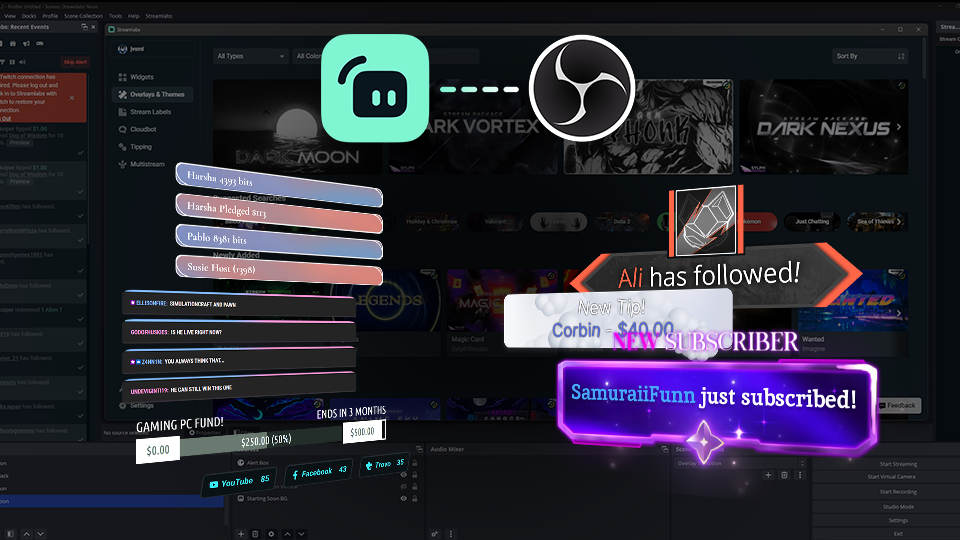


Boost your brand with custom overlays
Bring your brand to life on Twitch with thousands of professional, human-designed overlays and themes.

Overlay and Theme Library
Search our free themes and gain access to the entire library when you subscribe to Ultra.
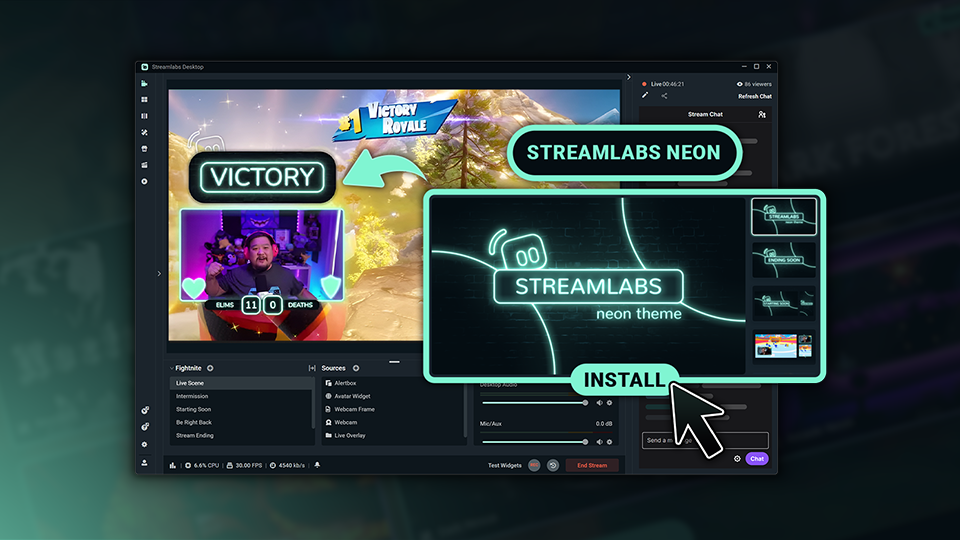
Reactive Overlays
Level up the excitement by adding overlays that automatically react to in-game events like kills, wins, and more.
Keep stream exciting with widgets
From must-have widgets like Cloudbot and Alert Box to new and exciting additions like Game Pulse, add them to your stream in one-click.
Grow your influence with Multistream
Make sure your community can find you anywhere while also growing your Twitch channel effortlessly.
Your journey to monetization starts here
Explore the different ways you can turn your passion for streaming into an additional stream of income.
Sponsorships
Get connected to brand sponsorship opportunities for Twitch directly in Streamlabs Desktop or Dashboard.
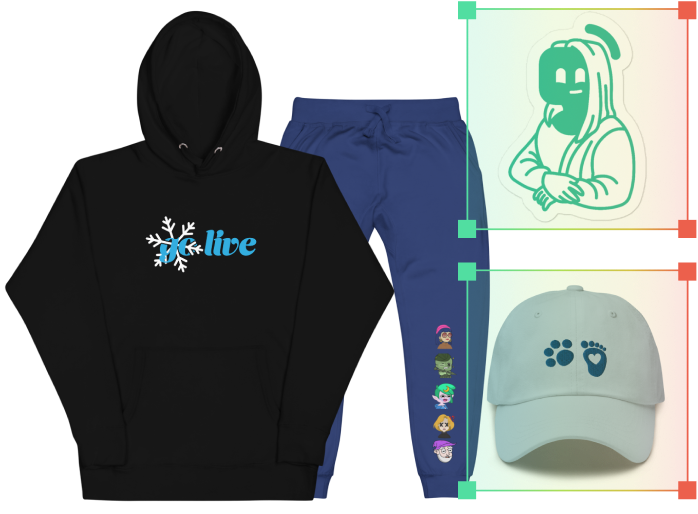
Merch Store
Design your own custom merch and showcase it on your Twitch profile without any third-party tools.
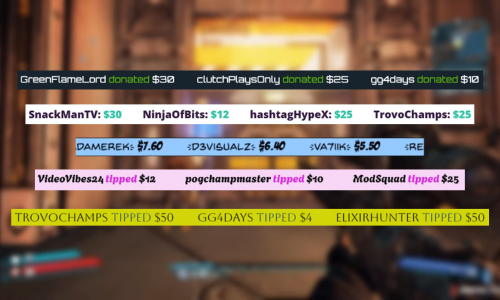
Tipping
Set up tipping and get real-time alerts when your viewers donate.
Fresh features to upgrade your stream
Explore some of our innovative features that give you even more ways to keep stream exciting, stay connected to your viewers, and share all of your stream highlights without extra effort.
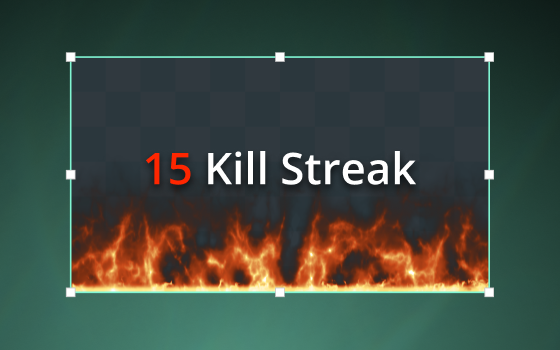
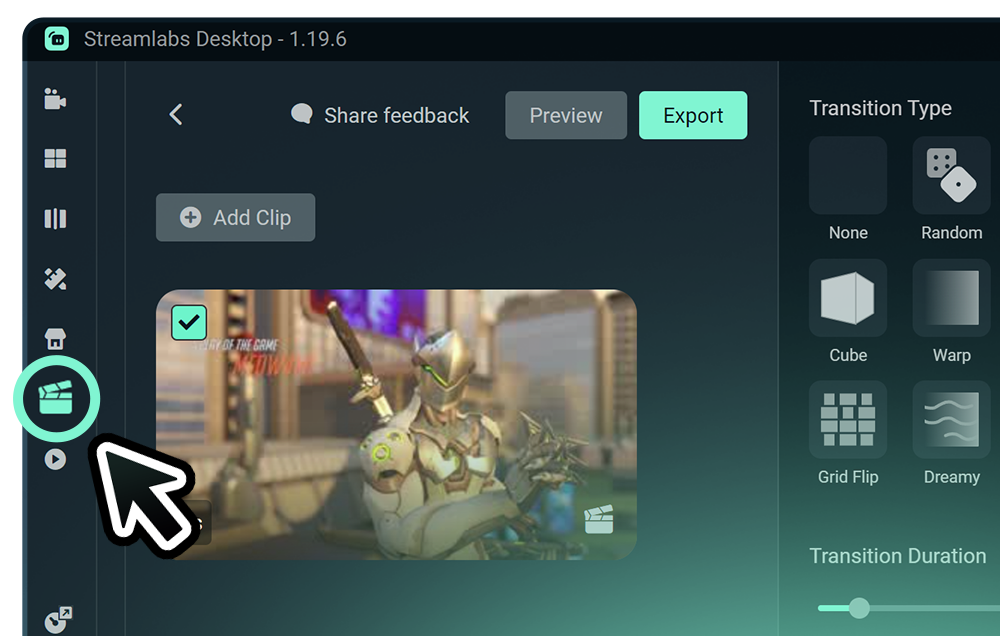
Highlighter
Automated clipping from your best moments, no need to scrub through hours of video.
Frequently asked questions
You can get started streaming to Twitch in minutes by opening your preferred software, Desktop, Plugin for OBS, our Mobile App, Talk Studio or Console, and following the instructions in our Quick Start Guide.
Streamlabs Ultra içerik üreticiler için profesyonel düzeyde bir özellik paketidir ve çoklu yayın, binlerce yayın üst katmanı ve görsel bileşen temasının bulunduğu tam Kütüphane erişimi, Intelligent Streaming Agent aracılığıyla yapay zeka destekli üretim özelliklerinde daha yüksek limitler, filigran içermeyen klip düzenleme, Streamlabs Merch'te en yüksek kâr marjları, ekstra hediye çekilişleri ve Logitech G donanımlarında indirimler için Gold All Star statüsüne anında erişim ve çok daha fazlasını içeren geniş bir yelpazede avantajlar sunar.
Ultra ile Streamlabs Desktop, Mobile, Console, Talk Studio Pro, Cross Clip Pro, Video Editor Pro, Podcast Editor Pro ve Web Suite'in tüm premium özelliklerine tek bir basit paketle erişebilirsiniz.
Ultra Plus ile, Ultra paketinde yer alan tüm özelliklerin yanı sıra Intelligent Streaming Agent için ek limitler, özel bir Streamlabs irtibat kişisi, kurulum görüşmesi ve yayın uzmanlarımızla yılda iki kez gerçekleştirilen başarı görüşmelerinden yararlanabilirsiniz.
Ultra ve Ultra Plus’ın tüm avantajları hakkında daha fazla bilgiyş burada bulabilirsiniz.
No, you do not need to find your stream key and input it manually to stream to Twitch using Streamlabs tools. Simply connect your account and go live.
Geleneksel çoklu yayın araçlarında, bilgisayarınız canlı yayın yaptığınız her platform için yayının ayrı bir versiyonunu kodlar ve yükler ve bu da yüksek CPU ve GPU kullanımına yol açarak ve yükleme için daha yüksek bant genişliği ihtiyaç duyulmasına neden olarak yayın kalitesinde düşüş veya çökme olasılığını artırır.
Streamlabs bulut tabanlı bir çoklu yayın sistemi kullanır, yani Streamlabs'a yalnızca bir yayın (veya Dual Output etkinleştirildiğinde biri dikey ve diğeri yatay olmak üzere iki yayın) gönderirsiniz ve gerisini sunucularımız halleder.
Streamlabs ile yerleşik sohbet entegrasyonundan yararlanabilir ve böylece tüm yayınlarınızdaki mesajları tek bir konumdan okuyabilirsiniz.
Daha fazla bilgi almak için, Streamlabs Çoklu Yayını diğerlerinden ayıran özellikler hakkındaki yazımıza göz atın.
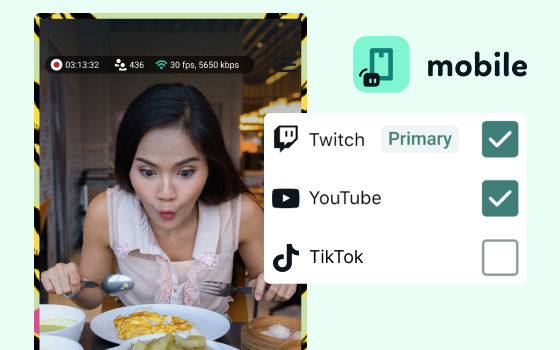
Yes, the Streamlabs Mobile app for iOS and Android lets you go live on Twitch directly from your phone without needing a desktop setup.
Yes, as of right now all of our sponsorships offerings are specifically for Twitch streamers. Learn more about sponsorships here.
Streamlabs Çoklu Yayın, bir Ultra özelliğidir. Ücretsiz olarak çoklu yayın yapmak istiyorsanız, Dual Ouput kullanarak aynı anda bir dikey ve bir yatay hedefe canlı yayın yapabilirsiniz ve bu özellik abonelik gerektirmez.
Please contact support at this link.