

Streaming software built for Twitch
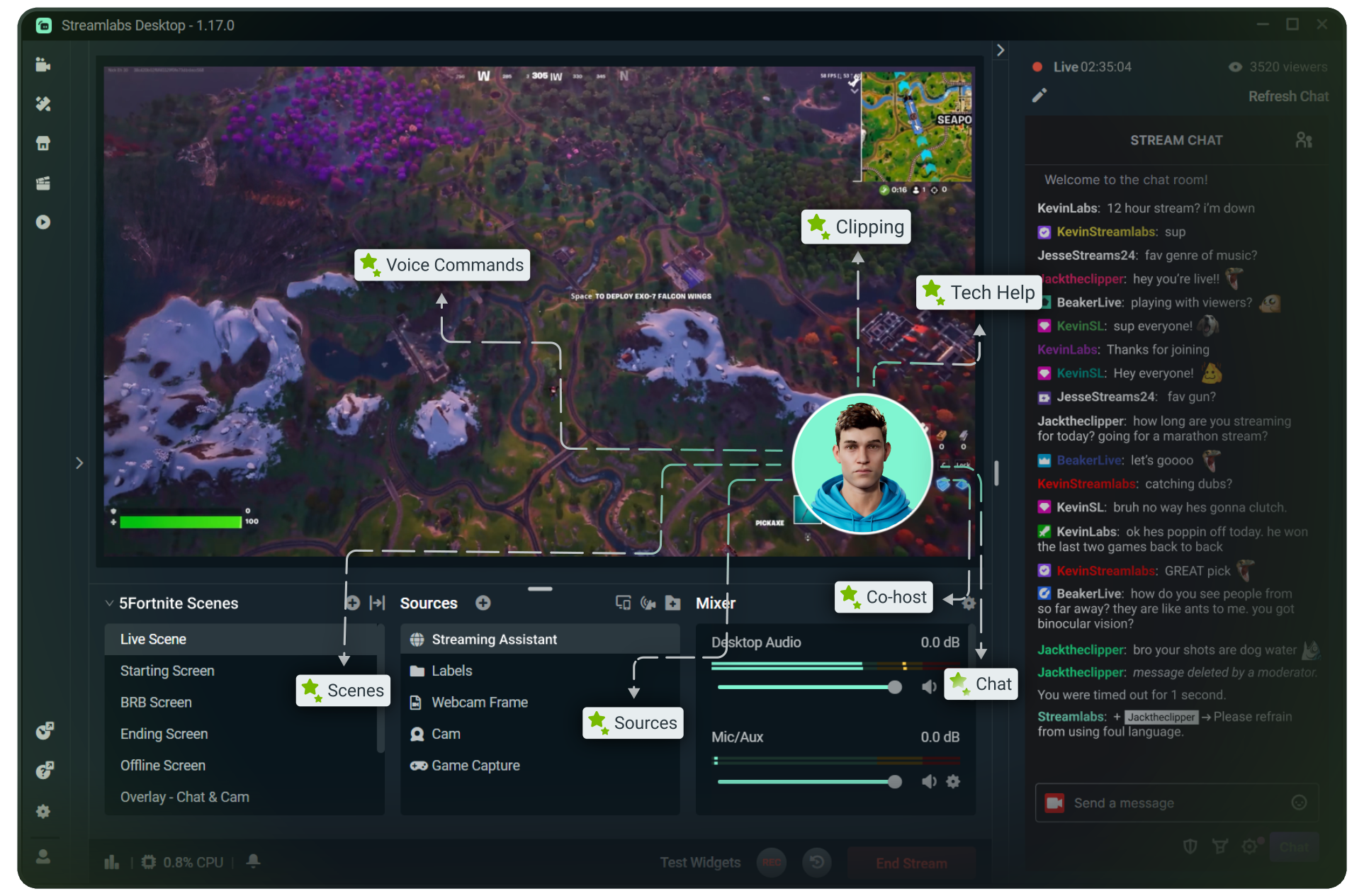
Stream to Twitch in minutes and add custom overlays, widgets, chat moderation and more.


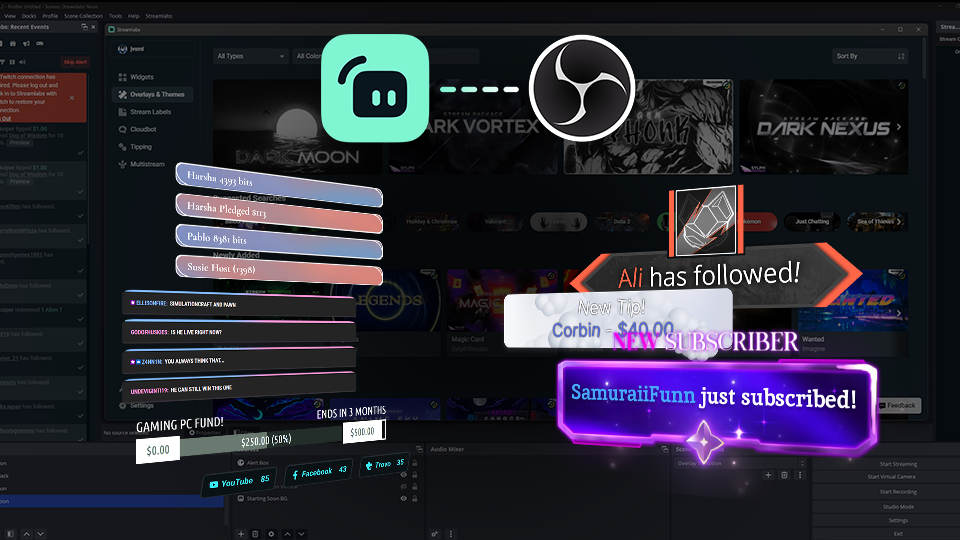


Boost your brand with custom overlays
Bring your brand to life on Twitch with thousands of professional, human-designed overlays and themes.

Overlay and Theme Library
Search our free themes and gain access to the entire library when you subscribe to Ultra.
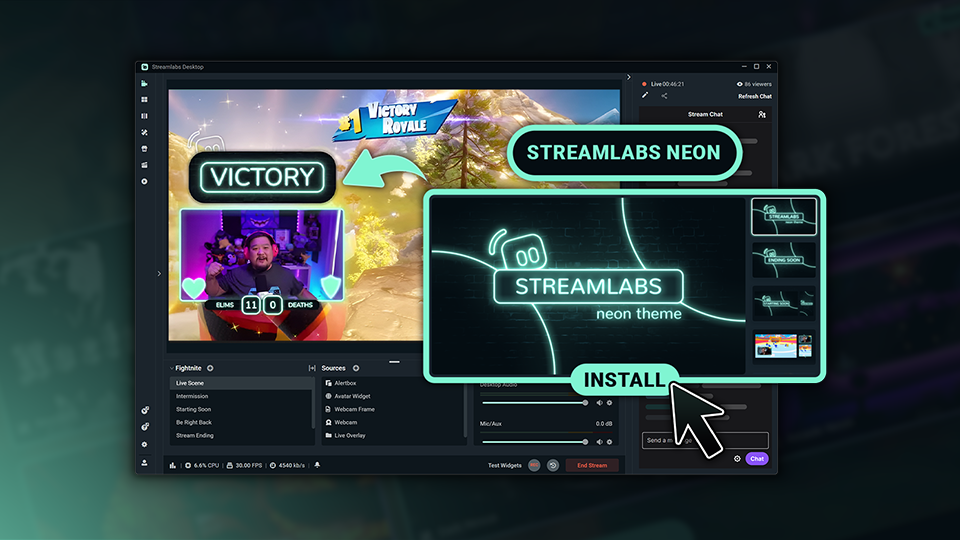
Reactive Overlays
Level up the excitement by adding overlays that automatically react to in-game events like kills, wins, and more.
Bottom Note, hidden by default.
Keep stream exciting with widgets
From must-have widgets like Cloudbot and Alert Box to new and exciting additions like Game Pulse, add them to your stream in one-click.
Grow your influence with Multistream
Make sure your community can find you anywhere while also growing your Twitch channel effortlessly.
Your journey to monetization starts here
Explore the different ways you can turn your passion for streaming into an additional stream of income.
Sponsorships
Get connected to brand sponsorship opportunities for Twitch directly in Streamlabs Desktop or Dashboard.
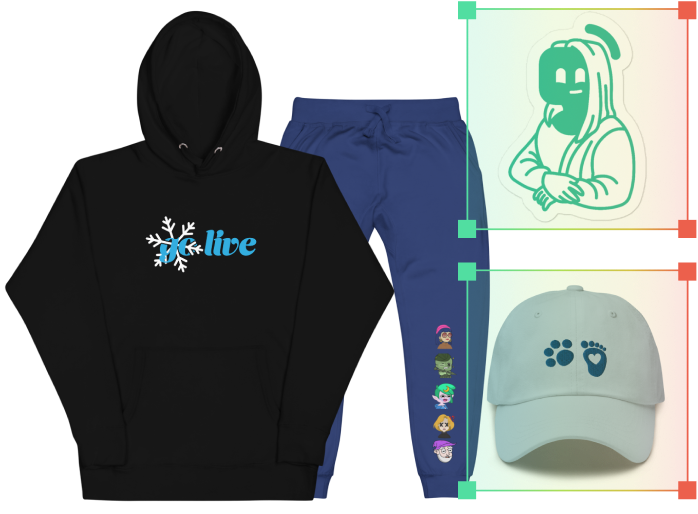
Merch Store
Design your own custom merch and showcase it on your Twitch profile without any third-party tools.
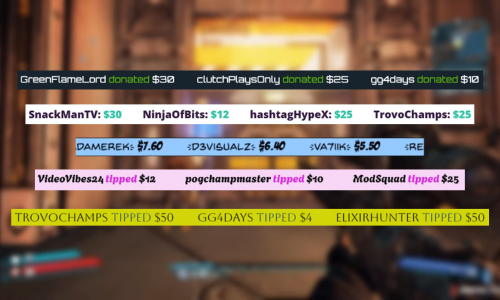
Tipping
Set up tipping and get real-time alerts when your viewers donate.
Fresh features to upgrade your stream
Explore some of our innovative features that give you even more ways to keep stream exciting, stay connected to your viewers, and share all of your stream highlights without extra effort.
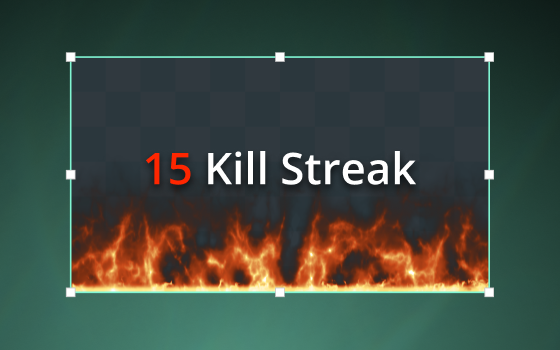
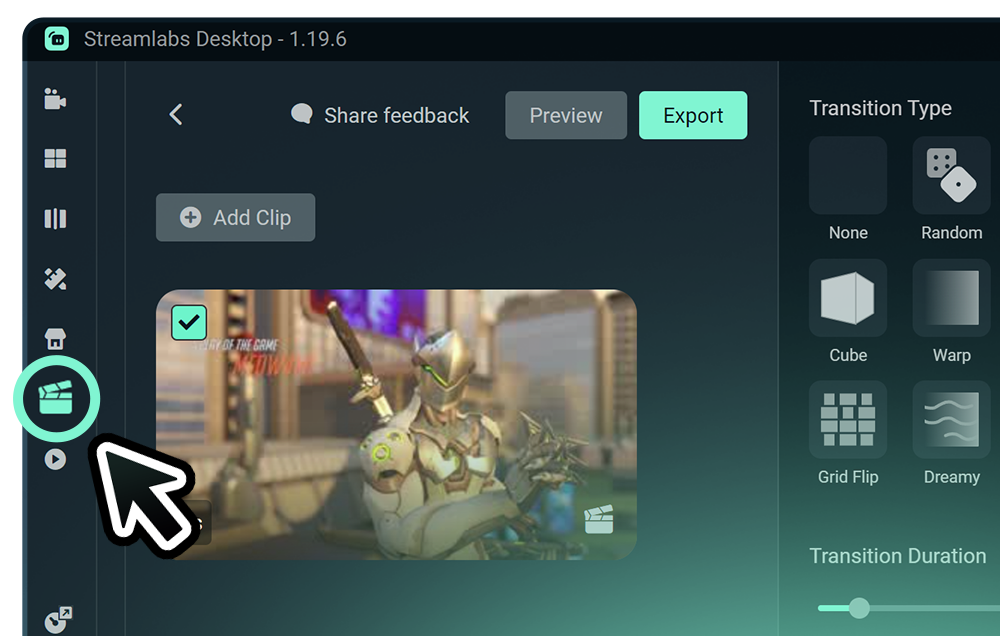
Highlighter
Automated clipping from your best moments, no need to scrub through hours of video.
Frequently asked questions
You can get started streaming to Twitch in minutes by opening your preferred software, Desktop, Plugin for OBS, our Mobile App, Talk Studio or Console, and following the instructions in our Quick Start Guide.
Streamlabs Ultra es un paquete de funciones de calidad profesional para creadores que ofrece un montón de ventajas, como multistreaming, acceso a toda la biblioteca de miles de superposiciones y temas de widgets para tus streams, mayores límites en las funciones de producción con IA a través de Intelligent Streaming Agent, edición de clips sin marcas de agua, los márgenes de beneficio más altos en la tienda de artículos promocionales de Streamlabs, acceso inmediato al estatus Gold All Star para conseguir más participaciones en sorteos y descuentos en hardware de Logitech G, y mucho más.
Con Ultra, tendrás acceso a las funciones prémium de Streamlabs Desktop, Mobile, Console, Talk Studio Pro, Cross Clip Pro, Video Editor Pro, Podcast Editor Pro y Web Suite, todo en un único y sencillo plan.
Con Ultra Plus, tendrás acceso a todo lo que incluye el plan Ultra, además de límites superiores para Intelligent Streaming Agent, una persona de contacto exclusiva de Streamlabs, una llamada de configuración y dos llamadas de seguimiento al año con nuestros especialistas en streaming.
Descubre aquí todas las ventajas de Ultra y Ultra Plus.
No, you do not need to find your stream key and input it manually to stream to Twitch using Streamlabs tools. Simply connect your account and go live.
En las herramientas de multistreaming tradicionales, tu ordenador codifica y sube una versión independiente de tu stream para cada plataforma en la que transmites en directo, lo que se traduce en un uso intensivo de la CPU y la GPU, además de mayores requisitos de ancho de banda de subida. De esta forma, hay más posibilidades de que la calidad del stream disminuya o de que se produzcan errores.
En cambio, Streamlabs utiliza un sistema de multistreaming basado en la nube, por lo que solo tienes que enviar un stream (o dos con Dual Output activado: uno vertical y otro horizontal) a Streamlabs y nuestros servidores se encargan del resto.
Streamlabs también integra chat para que puedas leer los mensajes de todos los streams en un solo lugar.
Para obtener más información, consulta nuestra publicación sobre las ventajas del multistreaming de Streamlabs.
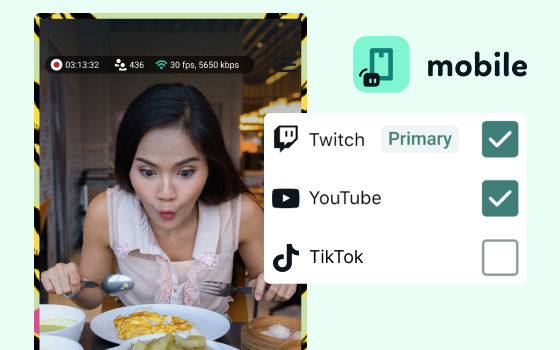
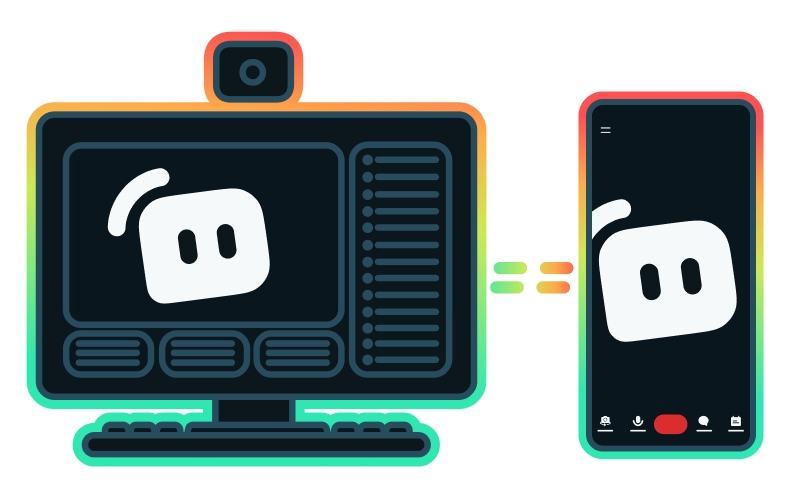
Yes, the Streamlabs Mobile app for iOS and Android lets you go live on Twitch directly from your phone without needing a desktop setup.
Yes, as of right now all of our sponsorships offerings are specifically for Twitch streamers. Learn more about sponsorships here.
Multistream de Streamlabs es una función del plan Ultra. Si quieres hacer multistream de forma gratuita, puedes transmitir en directo a un destino en vertical y a otro en horizontal al mismo tiempo con Dual Ouput, sin necesidad de suscripción.
Please contact support at this link.