

Streaming software built for Twitch
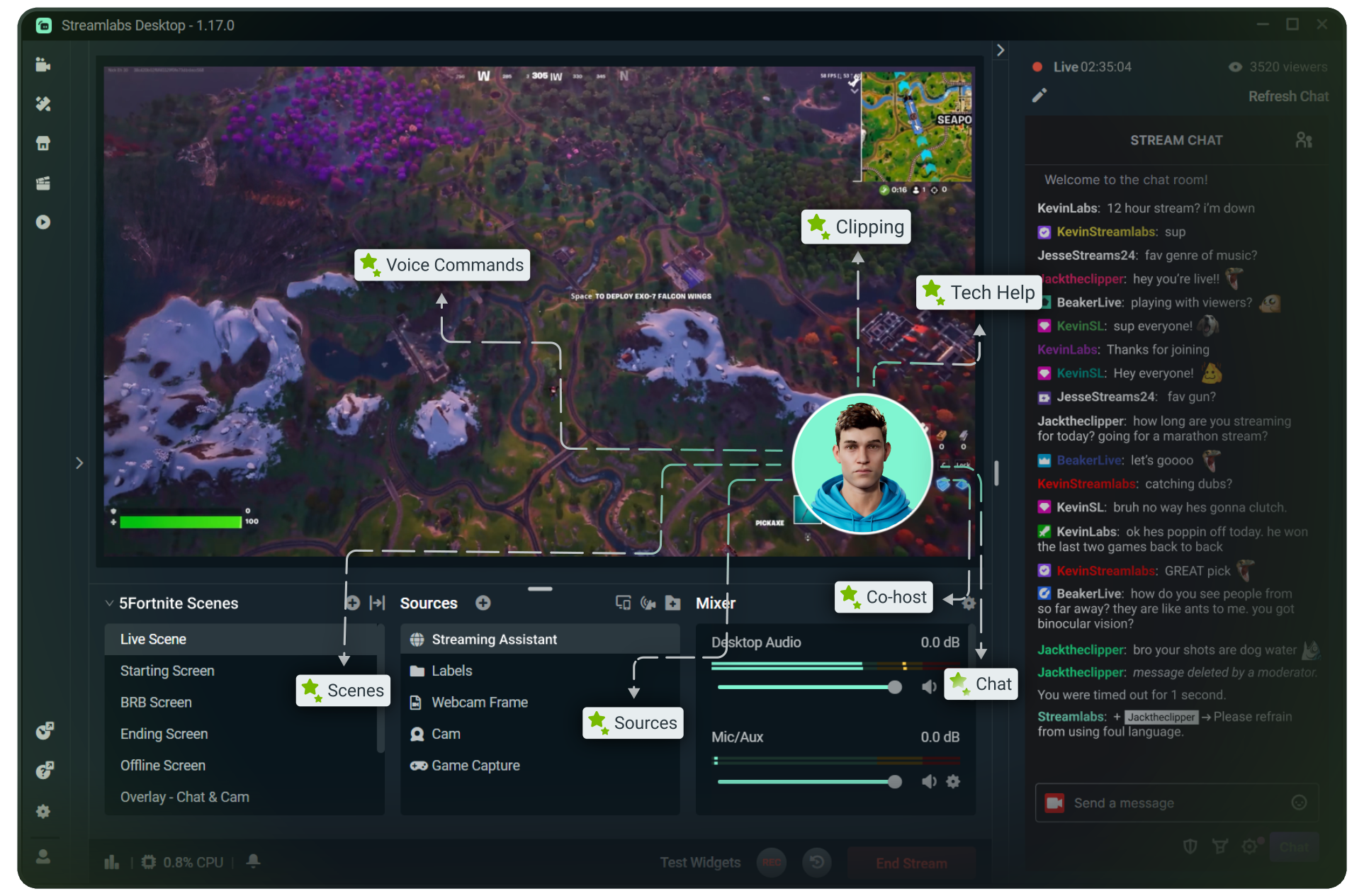
Stream to Twitch in minutes and add custom overlays, widgets, chat moderation and more.


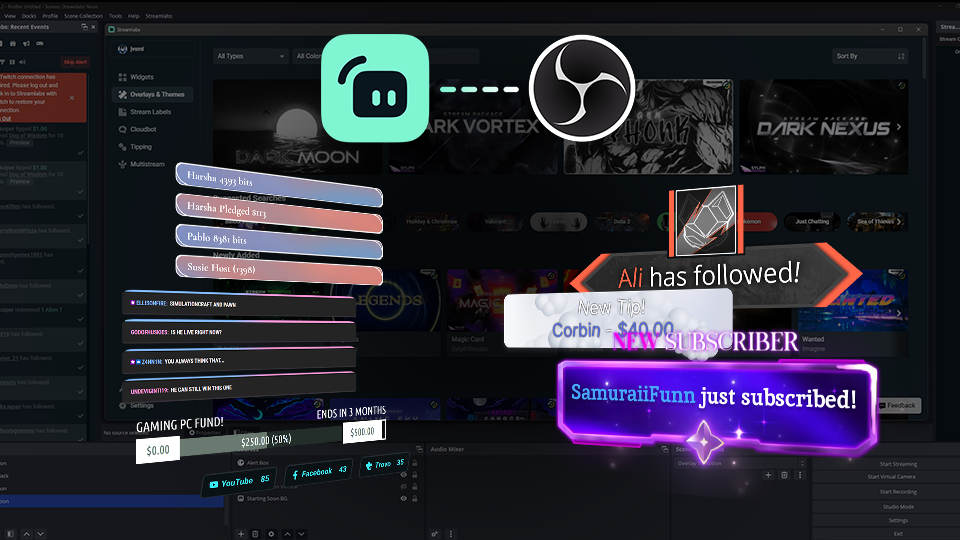


Boost your brand with custom overlays
Bring your brand to life on Twitch with thousands of professional, human-designed overlays and themes.

Overlay and Theme Library
Search our free themes and gain access to the entire library when you subscribe to Ultra.
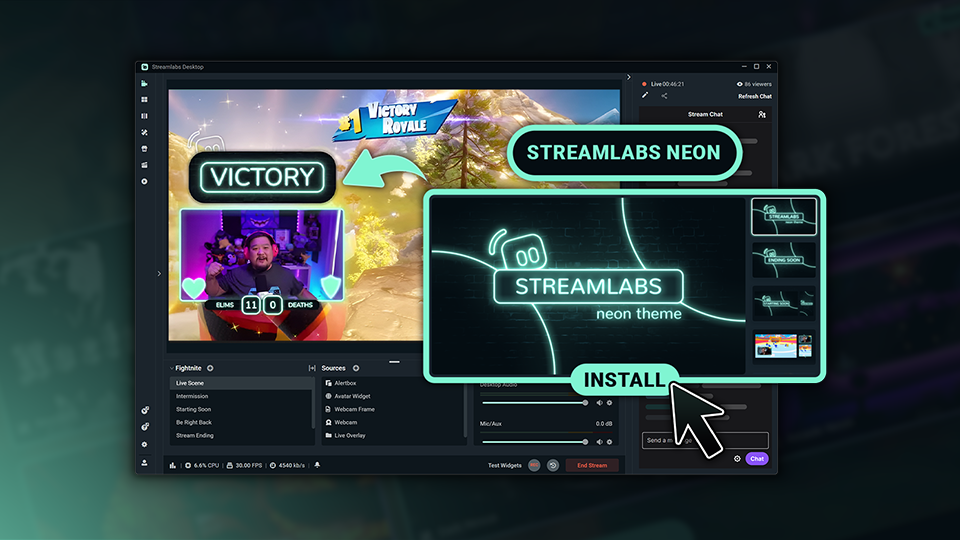
Reactive Overlays
Level up the excitement by adding overlays that automatically react to in-game events like kills, wins, and more.
Keep stream exciting with widgets
From must-have widgets like Cloudbot and Alert Box to new and exciting additions like Game Pulse, add them to your stream in one-click.
Grow your influence with Multistream
Make sure your community can find you anywhere while also growing your Twitch channel effortlessly.
Your journey to monetization starts here
Explore the different ways you can turn your passion for streaming into an additional stream of income.
Sponsorships
Get connected to brand sponsorship opportunities for Twitch directly in Streamlabs Desktop or Dashboard.
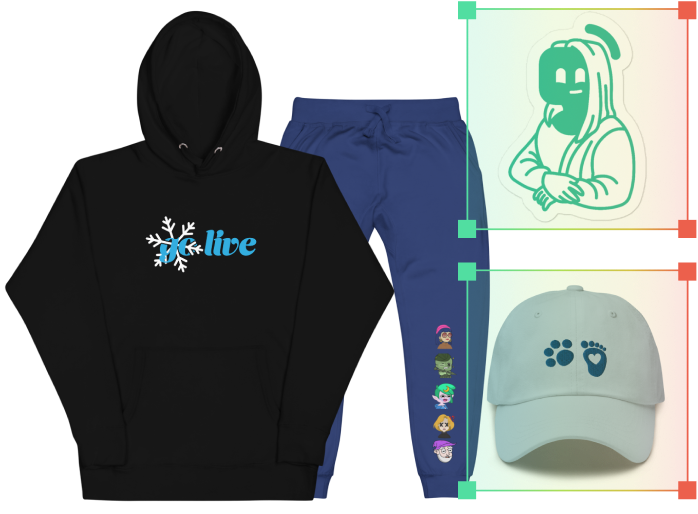
Merch Store
Design your own custom merch and showcase it on your Twitch profile without any third-party tools.
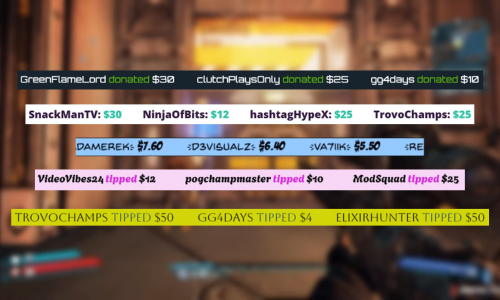
Tipping
Set up tipping and get real-time alerts when your viewers donate.
Fresh features to upgrade your stream
Explore some of our innovative features that give you even more ways to keep stream exciting, stay connected to your viewers, and share all of your stream highlights without extra effort.
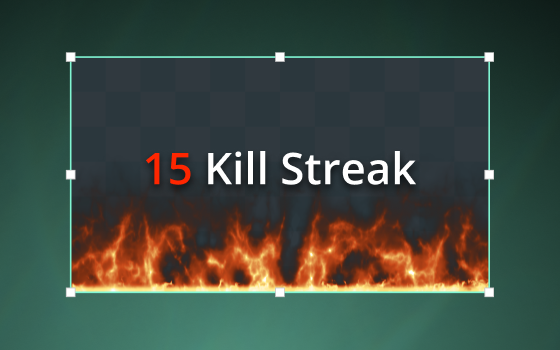
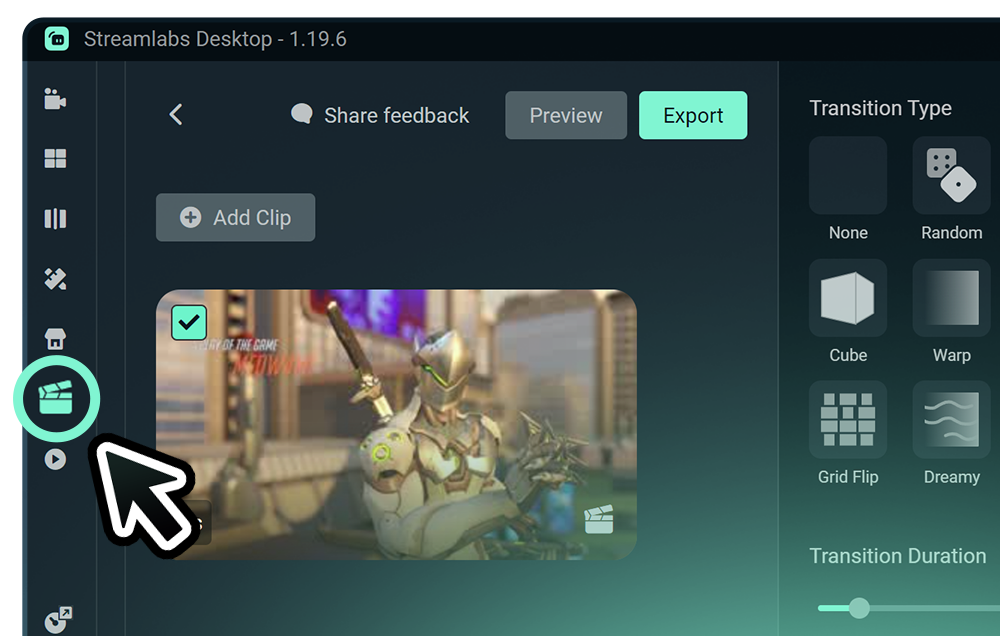
Highlighter
Automated clipping from your best moments, no need to scrub through hours of video.
Frequently asked questions
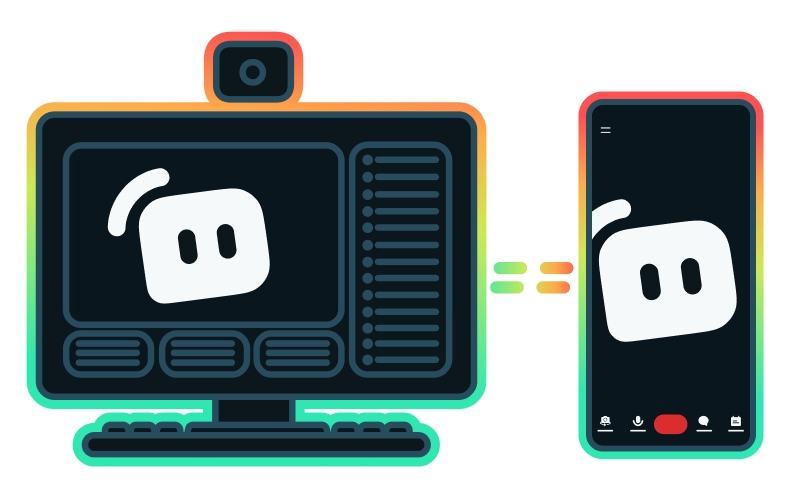
You can get started streaming to Twitch in minutes by opening your preferred software, Desktop, Plugin for OBS, our Mobile App, Talk Studio or Console, and following the instructions in our Quick Start Guide.
Streamlabs Ultra는 크리에이터를 위한 전문가급 기능 모음으로, 멀티스트리밍, 수천 가지 스트림 오버레이 및 위젯 테마가 포함된 전체 라이브러리 이용, Intelligent Streaming Agent를 통한 AI 제작 기능의 확장된 한도, 워터마크 없는 클립 편집, 최고 수익률의 Streamlabs MD, 추가 경품 응모 기회와 Logitech G 하드웨어 할인 혜택을 받을 수 있는 Gold All Star 등급 즉시 부여 등 다양한 혜택을 제공합니다.
Ultra에서는 Streamlabs Desktop, Mobile, Console, Talk Studio Pro, Cross Clip Pro, Video Editor Pro, Podcast Editor Pro 및 Web Suite의 프리미엄 기능을 하나의 간편한 플랜으로 이용할 수 있습니다.
Ultra Plus에서는 Ultra의 모든 혜택은 물론, Intelligent Streaming Agent의 추가 한도, Streamlabs 전담 담당자, 설정 지원 전화, 그리고 스트리밍 전문가와의 연 2회 성공 상담까지 모두 이용할 수 있습니다.
여기에서 Ultra 및 Ultra Plus의 모든 혜택에 대해 자세히 알아보세요.
No, you do not need to find your stream key and input it manually to stream to Twitch using Streamlabs tools. Simply connect your account and go live.
기존의 멀티스트리밍 도구를 사용하면 컴퓨터가 스트리밍하는 모든 플랫폼에 대해 별도 버전의 스트림을 인코딩하고 업로드하므로 CPU 및 GPU 사용량이 증가하고 업로드 대역폭 요구량이 높아져 스트림 품질이 떨어지거나 충돌이 발생할 가능성이 높아집니다.
Streamlabs는 클라우드 기반 멀티 스트리밍 시스템을 활용하므로 하나의 스트림(또는 Dual Output이 활성화된 경우 2개의 스트림, 즉 세로 1개와 가로 1개)만 Streamlabs로 전송하면 나머지는 서버가 처리합니다.
Streamlabs에는 채팅 통합 기능도 내장되어 있어 한 곳에서 여러 스트림의 메시지를 읽을 수 있습니다.
더 자세한 내용은 Streamlabs 멀티스트림의 차별화 요소에서 게시물을 확인하세요.
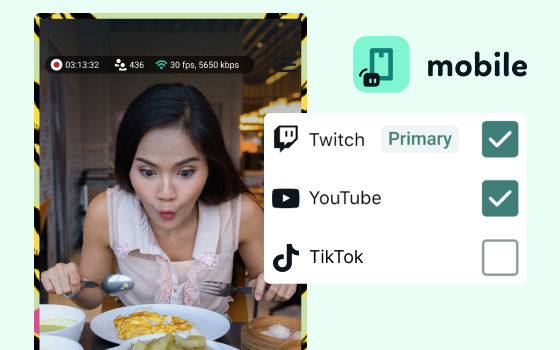
Yes, the Streamlabs Mobile app for iOS and Android lets you go live on Twitch directly from your phone without needing a desktop setup.
Yes, as of right now all of our sponsorships offerings are specifically for Twitch streamers. Learn more about sponsorships here.
Streamlabs 멀티스트림은 Ultra 기능입니다. 무료로 멀티스트리밍을 하고 싶다면 구독 없이도 Dual Ouput을 사용하여 하나의 세로 대상과 하나의 가로 대상에 동시에 스트리밍을 진행할 수 있습니다.
Please contact support at this link.