

Streaming software built for Twitch
Stream to Twitch in minutes and add custom overlays, widgets, chat moderation and more.


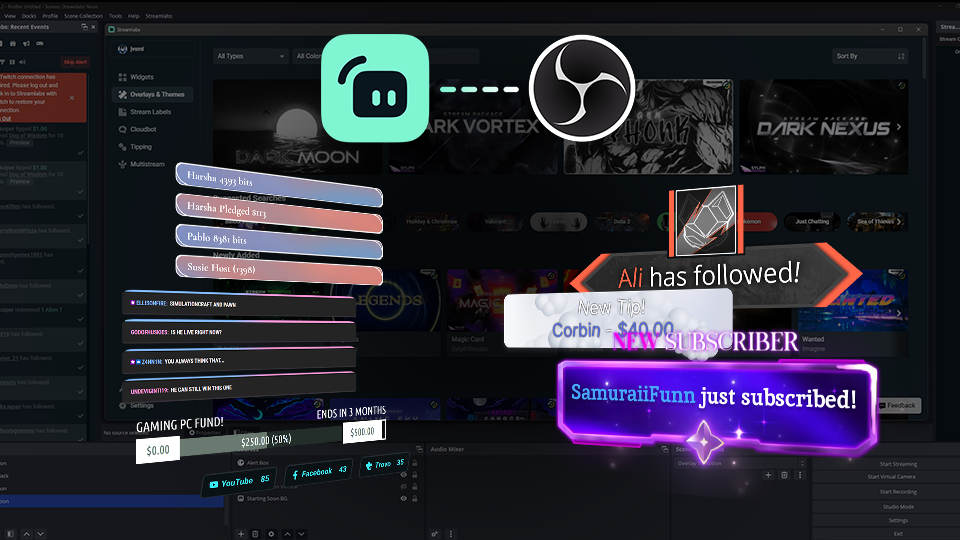


Boost your brand with custom overlays
Bring your brand to life on Twitch with thousands of professional, human-designed overlays and themes.

Overlay and Theme Library
Search our free themes and gain access to the entire library when you subscribe to Ultra.
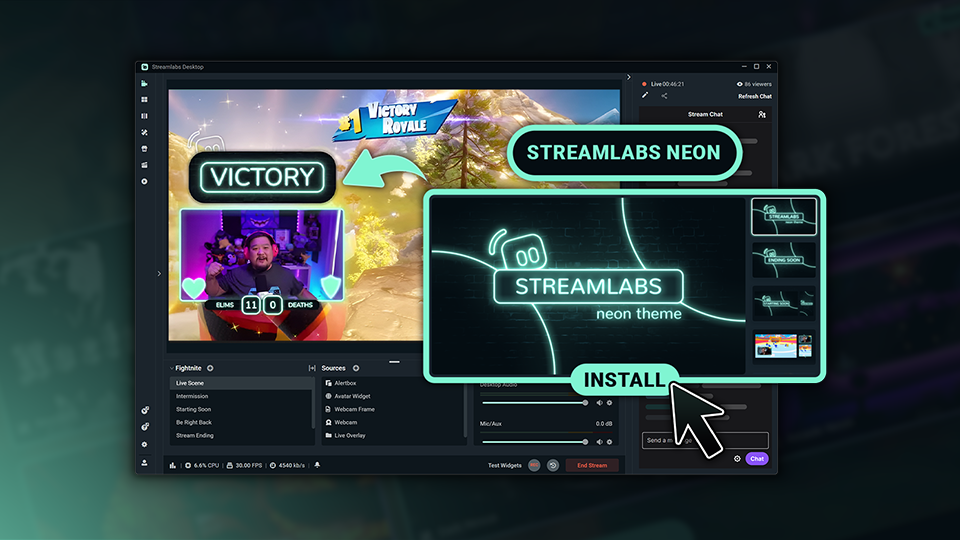
Reactive Overlays
Level up the excitement by adding overlays that automatically react to in-game events like kills, wins, and more.
Keep stream exciting with widgets
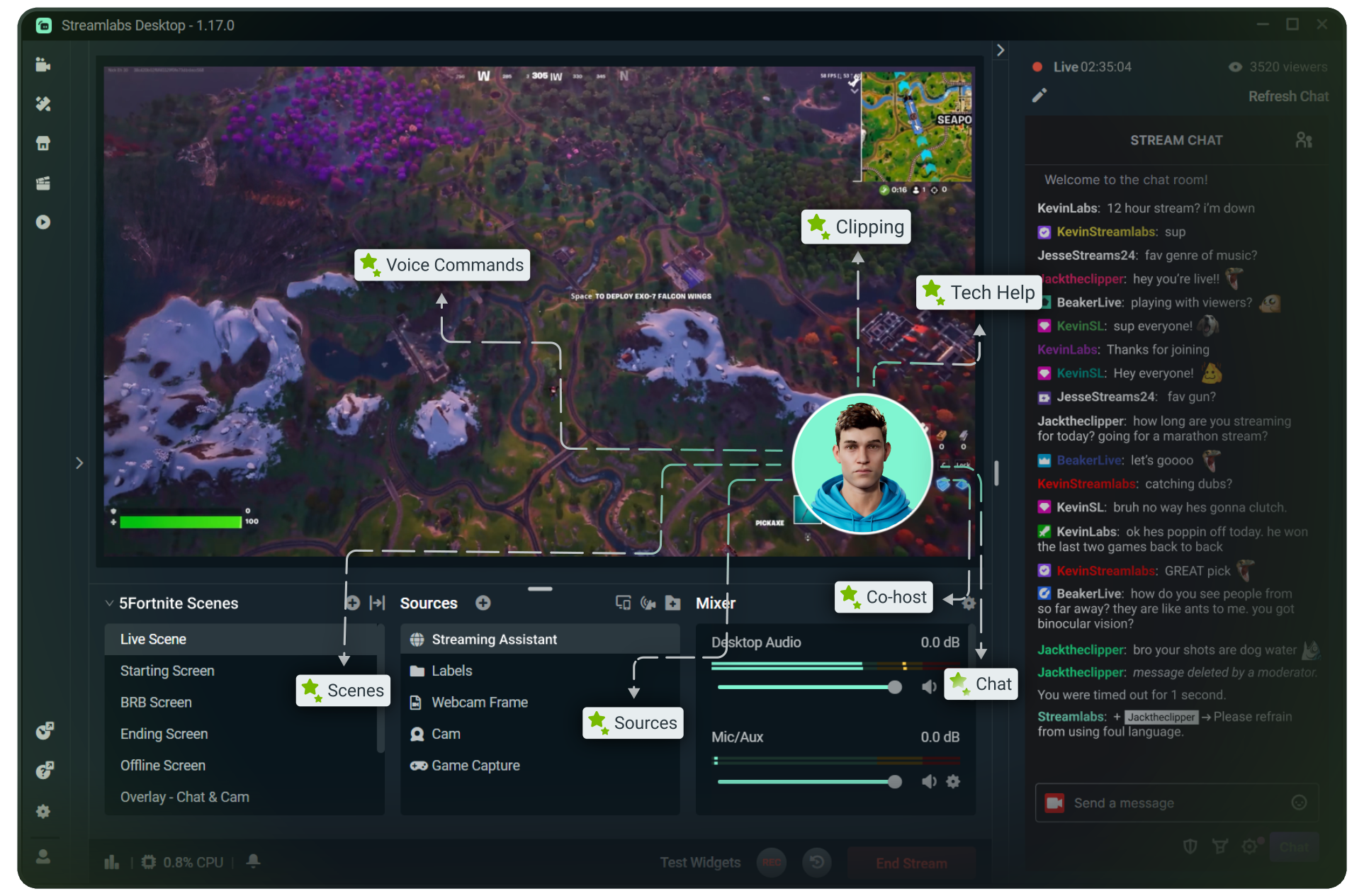
From must-have widgets like Cloudbot and Alert Box to new and exciting additions like Game Pulse, add them to your stream in one-click.
Grow your influence with Multistream
Make sure your community can find you anywhere while also growing your Twitch channel effortlessly.
Your journey to monetization starts here
Explore the different ways you can turn your passion for streaming into an additional stream of income.
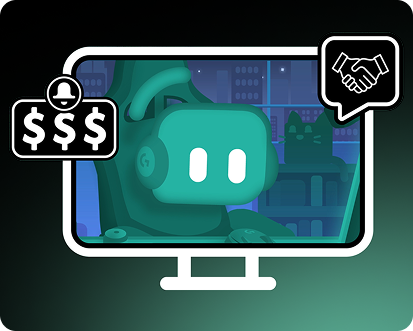
Sponsorships
Get connected to brand sponsorship opportunities for Twitch directly in Streamlabs Desktop or Dashboard.
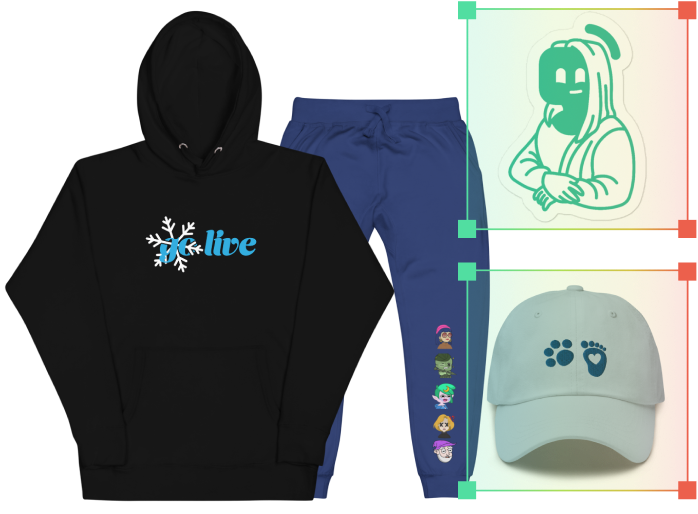
Merch Store
Design your own custom merch and showcase it on your Twitch profile without any third-party tools.
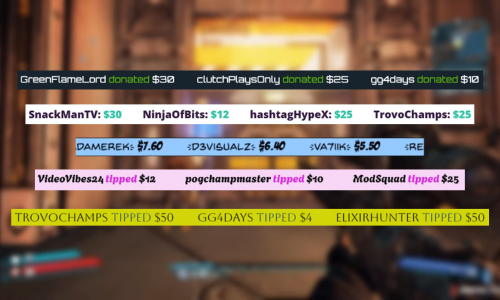
Tipping
Set up tipping and get real-time alerts when your viewers donate.
Fresh features to upgrade your stream
Explore some of our innovative features that give you even more ways to keep stream exciting, stay connected to your viewers, and share all of your stream highlights without extra effort.
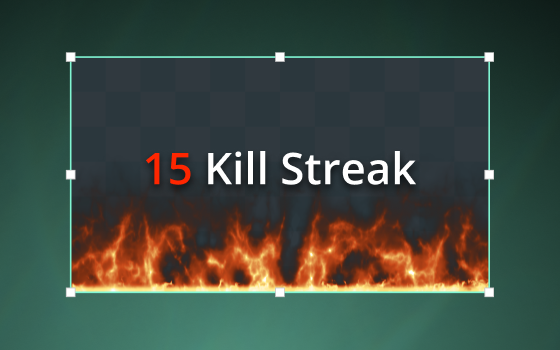
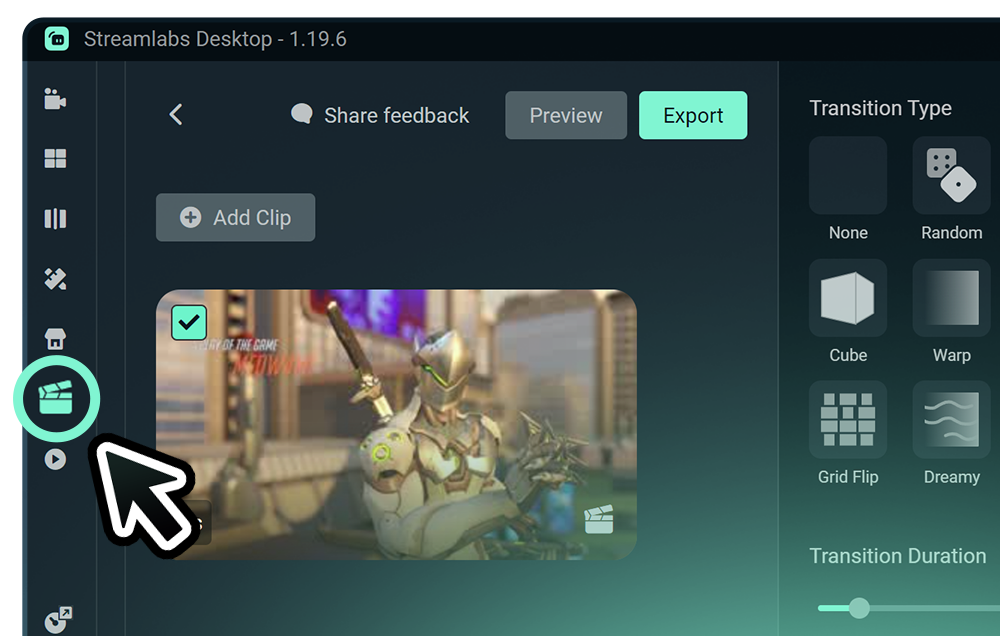
Highlighter
Automated clipping from your best moments, no need to scrub through hours of video.
Frequently asked questions
You can get started streaming to Twitch in minutes by opening your preferred software, Desktop, Plugin for OBS, our Mobile App, Talk Studio or Console, and following the instructions in our Quick Start Guide.
Streamlabs Ultra è una suite di funzionalità professionali pensata per i creator, che offre una vasta gamma di vantaggi, tra cui il multistream, l’accesso all’intera libreria con migliaia di sovrapposizioni e temi per widget, limiti più elevati sulle funzionalità di produzione basate sull’IA tramite l’Intelligent Streaming Agent, l’editing dei clip senza filigrana, i margini di profitto più alti su Streamlabs Merch, l’accesso immediato allo stato All Star Gold per ulteriori partecipazioni ai giveaway e sconti sull’hardware Logitech G, e molto altro ancora.
Con Ultra, avrai accesso alle funzionalità premium di Streamlabs Desktop, Mobile, Console, Talk Studio Pro, Cross Clip Pro, Video Editor Pro, Podcast Editor Pro e Web Suite in un unico e semplice piano.
Con Ultra Plus, avrai accesso all'intera offerta del piano Ultra, ma con dei limiti aggiuntivi per l’Intelligent Streaming Agent, un referente Streamlabs dedicato, una chiamata di supporto all’installazione e due chiamate all’anno con i nostri esperti di streaming per valutare i risultati.
Scopri qui tutti i vantaggi di Ultra e Ultra Plus.
No, you do not need to find your stream key and input it manually to stream to Twitch using Streamlabs tools. Simply connect your account and go live.
Mentre gli strumenti tradizionali di multistreaming fanno in modo che il tuo computer codifichi e carichi una versione separata del tuo streaming per ogni piattaforma su cui vai in diretta, questo porta a un uso intenso della CPU e della GPU, oltre a richiedere una maggiore larghezza di banda in upload, aumentando la possibilità di cali di qualità dello streaming o di crash.
Streamlabs usa un sistema di multistreaming basato su cloud, quindi ti basta inviare un solo streaming (o due se hai attivato Dual Output: uno verticale e uno orizzontale) a Streamlabs e i nostri server penseranno al resto.
Con Streamlabs, hai anche l’integrazione della chat, così puoi leggere i tuoi messaggi su tutti gli streaming in un unico posto.
Per saperne di più, dai un’occhiata al nostro post che spiega cosa rende speciale Streamlabs Multistream.
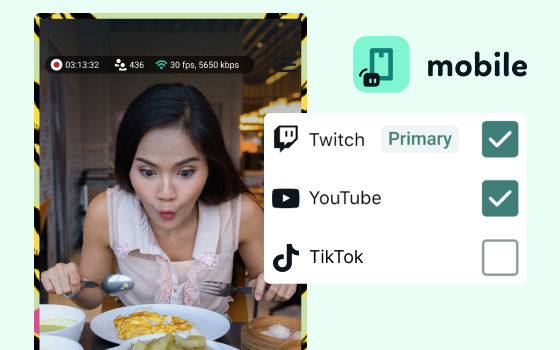
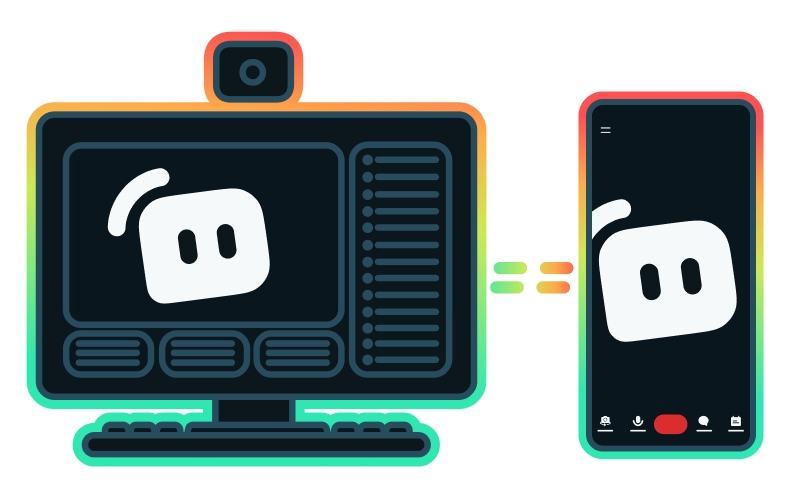
Yes, the Streamlabs Mobile app for iOS and Android lets you go live on Twitch directly from your phone without needing a desktop setup.
Yes, as of right now all of our sponsorships offerings are specifically for Twitch streamers. Learn more about sponsorships here.
Streamlabs Multistream è una funzionalità di Ultra. Se vuoi fare multistreaming gratis, puoi trasmettere in diretta su una destinazione verticale e una orizzontale allo stesso tempo con Dual Output, senza bisogno di abbonamento.
Please contact support at this link.