

Streaming software built for Twitch
Stream to Twitch in minutes and add custom overlays, widgets, chat moderation and more.


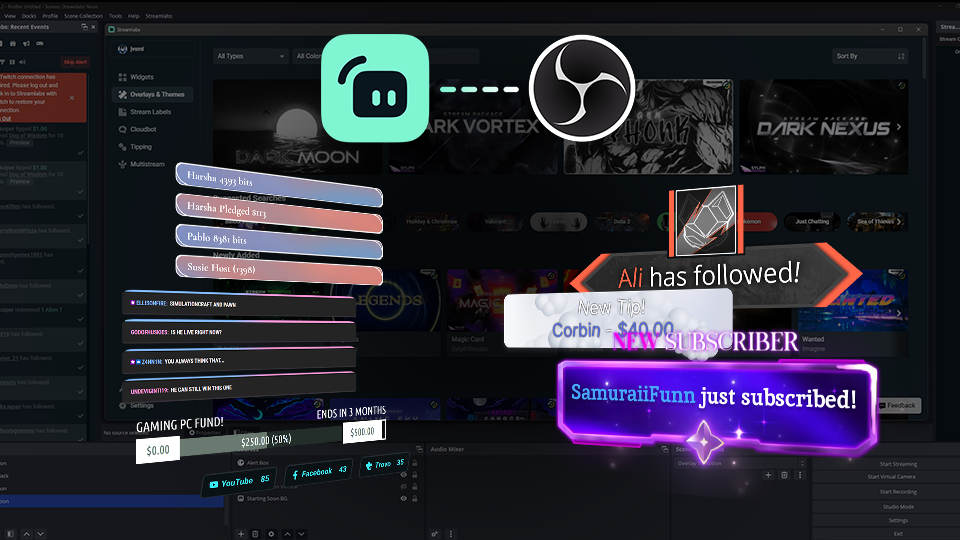


Boost your brand with custom overlays
Bring your brand to life on Twitch with thousands of professional, human-designed overlays and themes.

Overlay and Theme Library
Search our free themes and gain access to the entire library when you subscribe to Ultra.
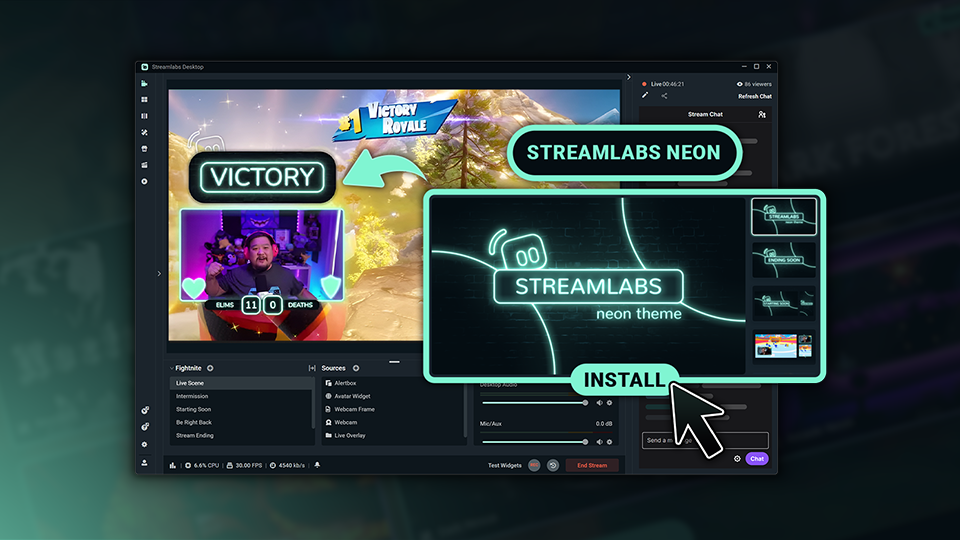
Reactive Overlays
Level up the excitement by adding overlays that automatically react to in-game events like kills, wins, and more.
Keep stream exciting with widgets
From must-have widgets like Cloudbot and Alert Box to new and exciting additions like Game Pulse, add them to your stream in one-click.
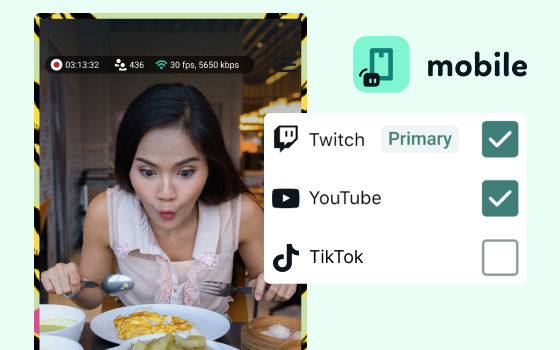
Grow your influence with Multistream
Make sure your community can find you anywhere while also growing your Twitch channel effortlessly.
Your journey to monetization starts here
Explore the different ways you can turn your passion for streaming into an additional stream of income.
Sponsorships
Get connected to brand sponsorship opportunities for Twitch directly in Streamlabs Desktop or Dashboard.
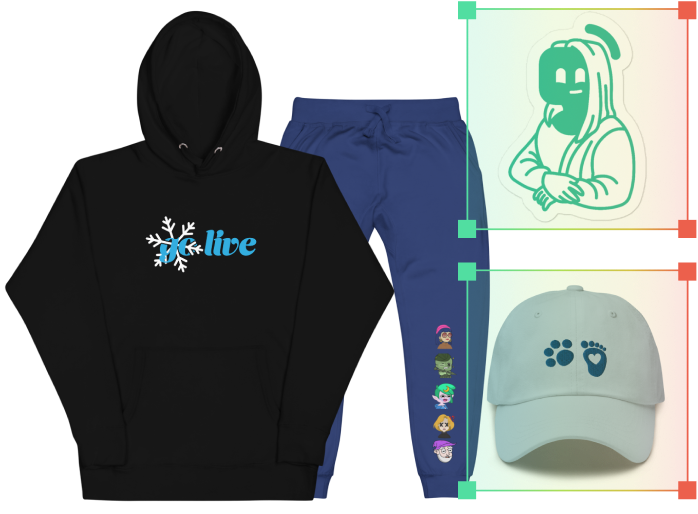
Merch Store
Design your own custom merch and showcase it on your Twitch profile without any third-party tools.
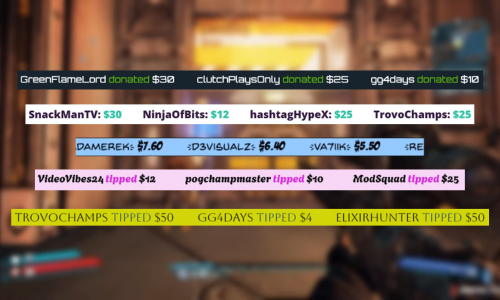
Tipping
Set up tipping and get real-time alerts when your viewers donate.
Fresh features to upgrade your stream
Explore some of our innovative features that give you even more ways to keep stream exciting, stay connected to your viewers, and share all of your stream highlights without extra effort.
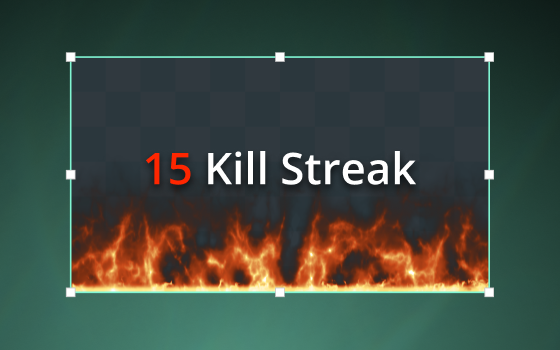
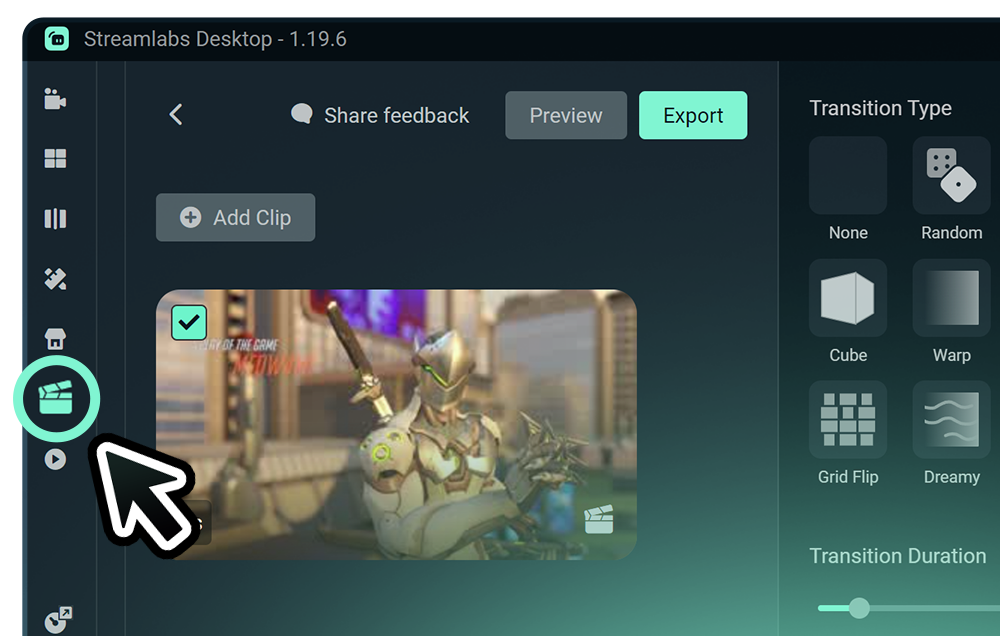
Highlighter
Automated clipping from your best moments, no need to scrub through hours of video.
Frequently asked questions
You can get started streaming to Twitch in minutes by opening your preferred software, Desktop, Plugin for OBS, our Mobile App, Talk Studio or Console, and following the instructions in our Quick Start Guide.
Streamlabs Ultra to pakiet profesjonalnych funkcji dla twórców, oferujący szeroki wachlarz korzyści, w tym możliwość prowadzenia wielu transmisji jednocześnie, dostęp do pełnej biblioteki zawierającej tysiące nakładek na transmisje i motywów widżetów, wyższe limity funkcji produkcyjnych opartych na sztucznej inteligencji dzięki Intelligent Streaming Agent, edycję klipów bez znaków wodnych, najwyższe marże zysku w Streamlabs Merch, natychmiastowy dostęp do statusu Gold All Star, który daje dodatkowe szanse w konkursach z nagrodami oraz zniżki na sprzęt Logitech G, a także wiele innych.
Dzięki pakietowi Ultra zyskujesz dostęp do wszystkich funkcji premium aplikacji Streamlabs Desktop, Mobile, Console, Talk Studio Pro, Cross Clip Pro, Video Editor Pro, Podcast Editor Pro oraz Web Suite w ramach jednej, prostej oferty.
W ramach pakietu Ultra Plus zyskujesz dostęp do wszystkich funkcji zawartych w pakiecie Ultra, a dodatkowo: zwiększone limity dla Intelligent Streaming Agent, dedykowaną osobę kontaktową w Streamlabs, rozmowę dotyczącą konfiguracji oraz dwie rozmowy rocznie z naszymi ekspertami ds. przesyłania strumieniowego, poświęcone twoim sukcesom.
Dowiedz się więcej o wszystkich zaletach planów Ultra i Ultra Plus tutaj.
No, you do not need to find your stream key and input it manually to stream to Twitch using Streamlabs tools. Simply connect your account and go live.
W przypadku tradycyjnych narzędzi do transmisji multistreamingowych komputer szyfruje i przesyła oddzielną wersję streamu dla każdej platformy, na której prowadzisz transmisję na żywo. Powoduje to wysokie zużycie procesora i karty graficznej oraz wzrost wymagań w zakresie przepustowości łącza, co wiąże się z większym prawdopodobieństwem spadku jakości lub przerwania streamu.
W Streamlabs wykorzystano system multistreamingu w chmurze, co oznacza, że wysyłasz do Streamlabs tylko jeden stream (lub dwa – jeden pionowy i jeden poziomy – jeśli korzystasz z funkcji Dual Output ), a nasze serwery zajmują się resztą.
W Streamlabs otrzymujesz również wbudowaną integrację czatów, dzięki czemu możesz odbierać wiadomości ze wszystkich streamów w jednym miejscu.
Aby uzyskać więcej informacji, zapoznaj się z naszym wpisem na stronie , gdzie wyjaśniamy, co wyróżnia funkcję Streamlabs Multistream.
Yes, the Streamlabs Mobile app for iOS and Android lets you go live on Twitch directly from your phone without needing a desktop setup.
Yes, as of right now all of our sponsorships offerings are specifically for Twitch streamers. Learn more about sponsorships here.
Streamlabs Multistream to funkcja dostępna w ramach pakietu Ultra. Jeśli chcesz korzystać z transmisji multistreamingowych za darmo, dzięki funkcji Dual Ouput możesz prowadzić transmisje na żywo jednocześnie w jednym kanale pionowym i jednym kanale poziomym bez konieczności wykupywania subskrypcji.
Please contact support at this link.