

Streaming software built for Twitch
Stream to Twitch in minutes and add custom overlays, widgets, chat moderation and more.


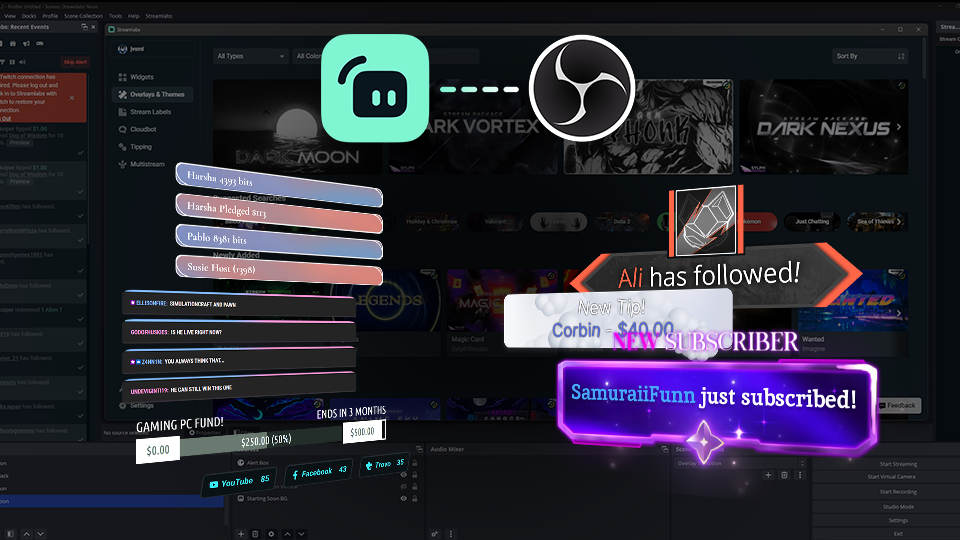
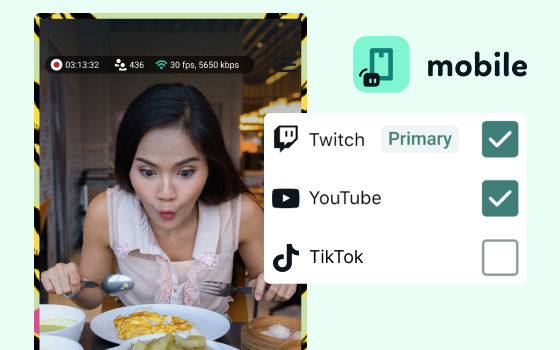


Boost your brand with custom overlays
Bring your brand to life on Twitch with thousands of professional, human-designed overlays and themes.

Overlay and Theme Library
Search our free themes and gain access to the entire library when you subscribe to Ultra.
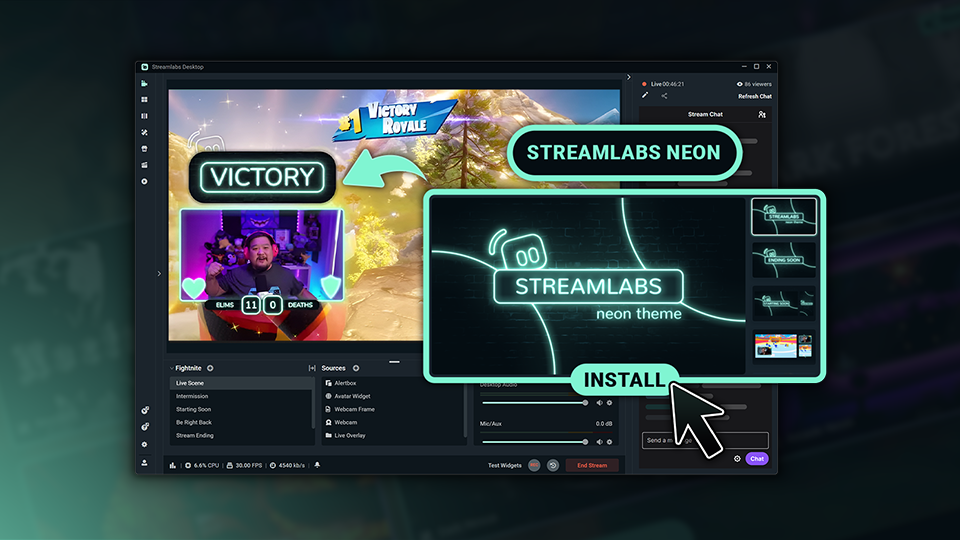
Reactive Overlays
Level up the excitement by adding overlays that automatically react to in-game events like kills, wins, and more.
Keep stream exciting with widgets
From must-have widgets like Cloudbot and Alert Box to new and exciting additions like Game Pulse, add them to your stream in one-click.
Grow your influence with Multistream
Make sure your community can find you anywhere while also growing your Twitch channel effortlessly.
Your journey to monetization starts here
Explore the different ways you can turn your passion for streaming into an additional stream of income.
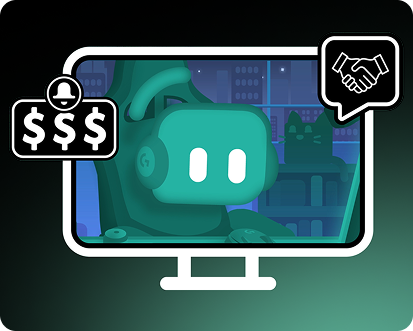
Sponsorships
Get connected to brand sponsorship opportunities for Twitch directly in Streamlabs Desktop or Dashboard.
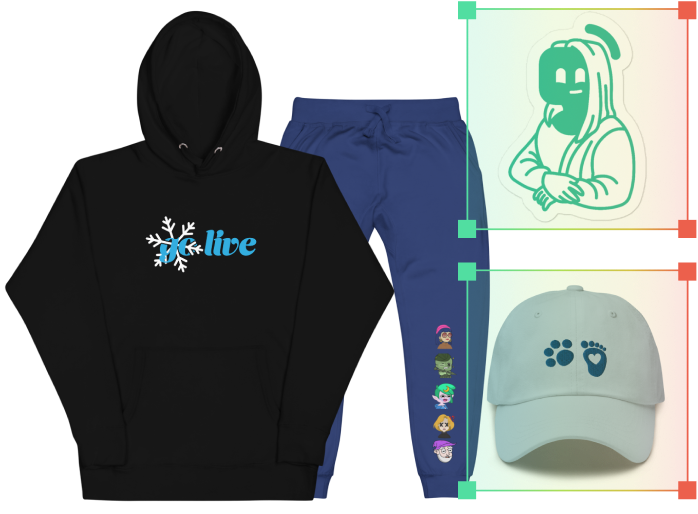
Merch Store
Design your own custom merch and showcase it on your Twitch profile without any third-party tools.
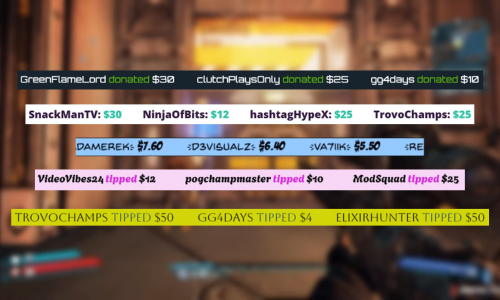
Tipping
Set up tipping and get real-time alerts when your viewers donate.
Fresh features to upgrade your stream
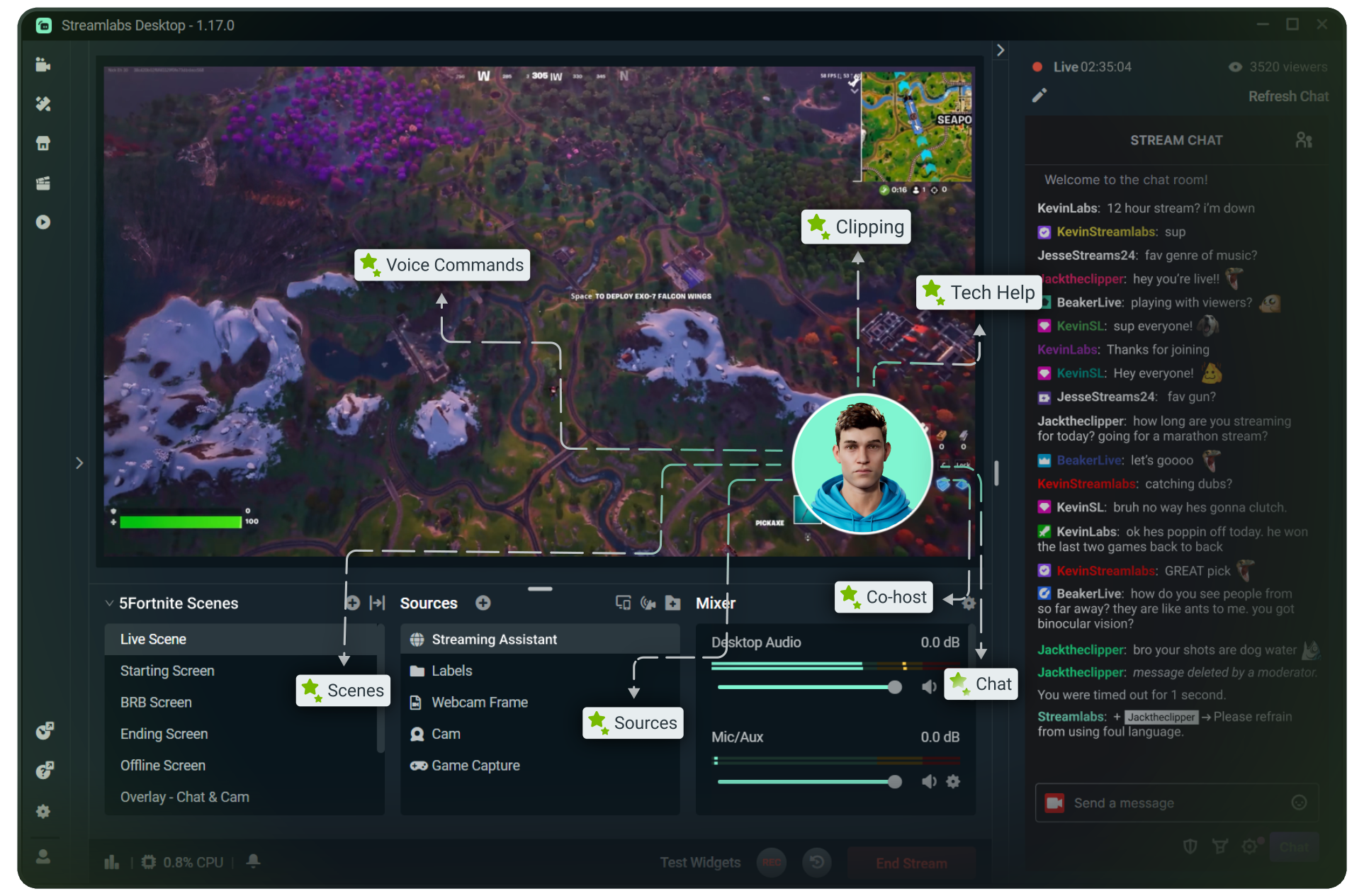
Explore some of our innovative features that give you even more ways to keep stream exciting, stay connected to your viewers, and share all of your stream highlights without extra effort.
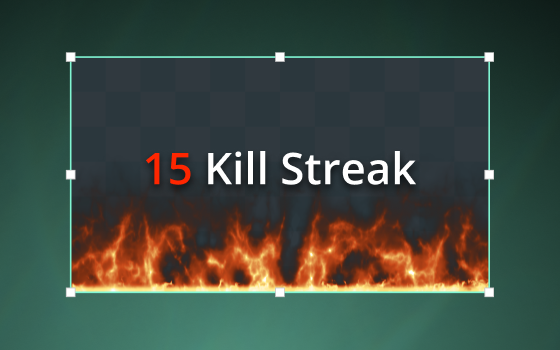
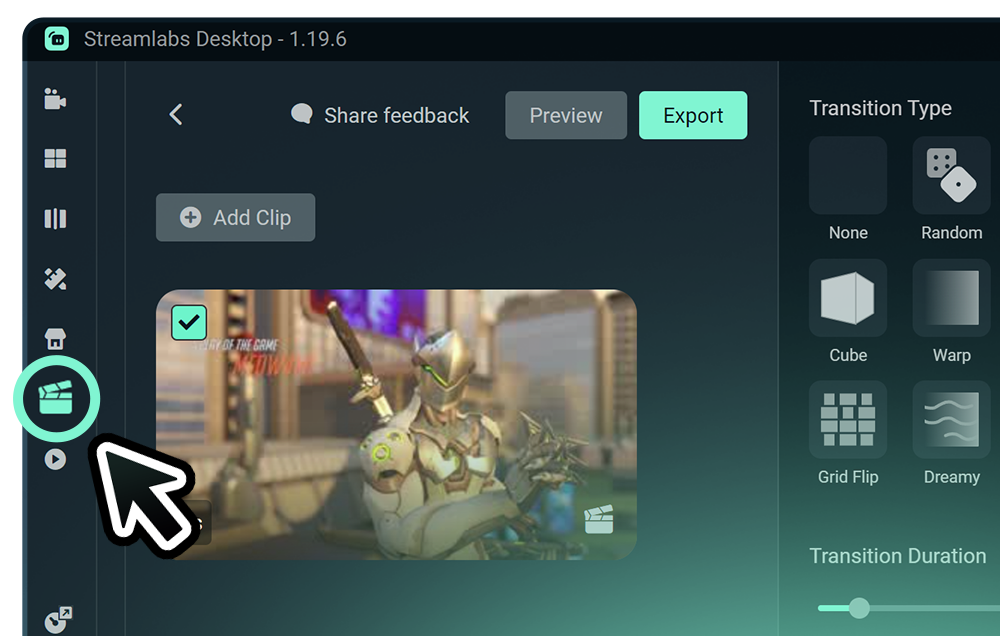
Highlighter
Automated clipping from your best moments, no need to scrub through hours of video.
Frequently asked questions
You can get started streaming to Twitch in minutes by opening your preferred software, Desktop, Plugin for OBS, our Mobile App, Talk Studio or Console, and following the instructions in our Quick Start Guide.
Streamlabs Ultra ist eine Suite mit professionellen Funktionen für Creator, die eine Vielzahl von Vorteilen bietet, darunter Multistreaming, Zugriff auf die gesamte Bibliothek mit Tausenden von Stream-Overlays und Widget-Themen, höhere Limits für KI-Produktionsfunktionen über den Intelligent Streaming Agent, wasserzeichenfreie Clip-Bearbeitung, die höchsten Gewinnspannen bei Streamlabs Merch, sofortigen Zugang zum Gold All Star-Status für zusätzliche Gewinnspielteilnahmen und Rabatte auf Logitech G-Hardware sowie vieles mehr.
Mit Ultra erhältst du Zugang zu den Premium-Funktionen von Streamlabs Desktop, Mobile, Console, Talk Studio Pro, Cross Clip Pro, Video Editor Pro, Podcast Editor Pro und Web Suite – alles in einem einzigen, übersichtlichen Paket.
Mit Ultra Plus erhältst du Zugriff auf alle Funktionen von Ultra sowie zusätzliche Limits für den Intelligent Streaming Agent, einen persönlichen Ansprechpartner bei Streamlabs, einen Einrichtungsanruf und zweimal jährlich ein Beratungsgespräch mit unseren Streaming-Experten.
Hier erfährst du mehr über alle Vorteile von Ultra und Ultra Plus.
No, you do not need to find your stream key and input it manually to stream to Twitch using Streamlabs tools. Simply connect your account and go live.
Bei den üblichen Multistreaming-Tools codiert und lädt dein Computer für jede Plattform, auf der du live gehst, eine eigene Version deines Streams hoch. Das führt zu einer hohen CPU- und GPU-Auslastung und höheren Anforderungen an die Upload-Bandbreite, was die Wahrscheinlichkeit von Einbußen bei der Stream-Qualität oder Abstürzen erhöht.
Streamlabs nutzt ein Cloud-basiertes Multistreaming-System, was bedeutet, dass du nur einen Stream (oder zwei, wenn Dual Output aktiviert ist – einen vertikalen und einen horizontalen) an Streamlabs sendest und unsere Server den Rest erledigen.
Mit Streamlabs erhältst du auch eine integrierte Chat-Funktion, sodass du deine Nachrichten aus allen Streams an einem Ort lesen kannst.
Noch mehr Informationen findest du in unserem Beitrag Was macht Streamlabs Multistream so besonders.
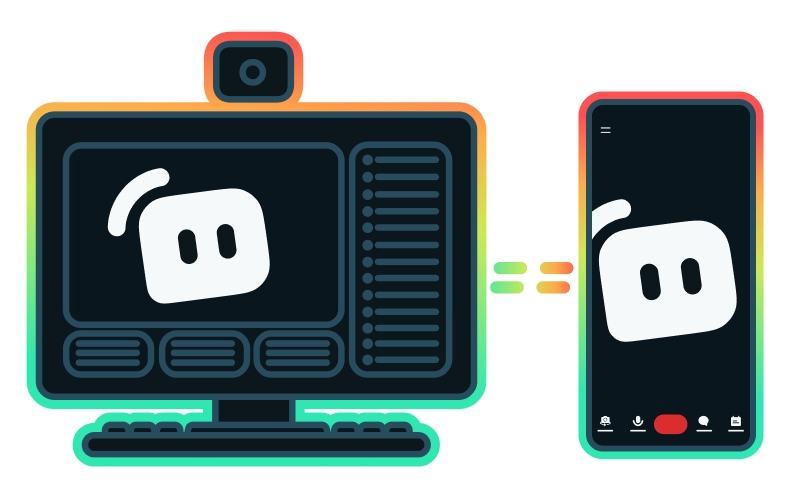
Yes, the Streamlabs Mobile app for iOS and Android lets you go live on Twitch directly from your phone without needing a desktop setup.
Yes, as of right now all of our sponsorships offerings are specifically for Twitch streamers. Learn more about sponsorships here.
Streamlabs Multistream ist eine Ultra-Funktion. Wenn du kostenlos Multistreaming machen willst, kannst du mit Dual Output gleichzeitig auf einem vertikalen und einem horizontalen Ziel live gehen, ohne dass du ein Abonnement brauchst.
Please contact support at this link.