

Streaming software built for Twitch
Stream to Twitch in minutes and add custom overlays, widgets, chat moderation and more.


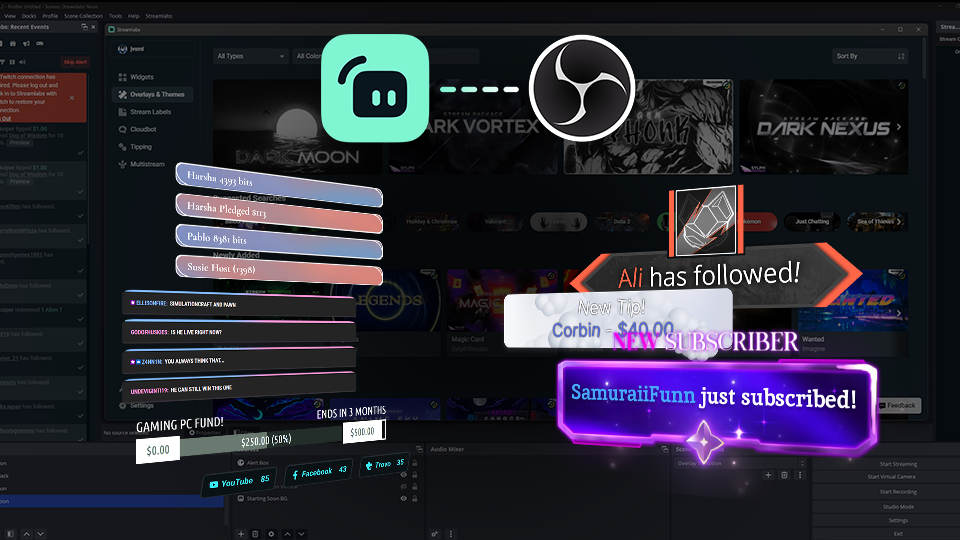


Boost your brand with custom overlays
Bring your brand to life on Twitch with thousands of professional, human-designed overlays and themes.

Overlay and Theme Library
Search our free themes and gain access to the entire library when you subscribe to Ultra.
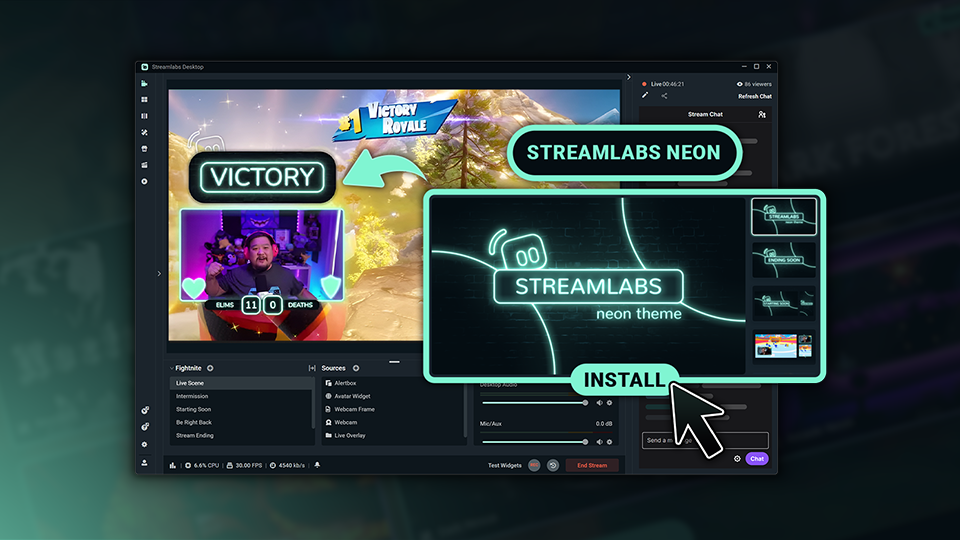
Reactive Overlays
Level up the excitement by adding overlays that automatically react to in-game events like kills, wins, and more.
Keep stream exciting with widgets
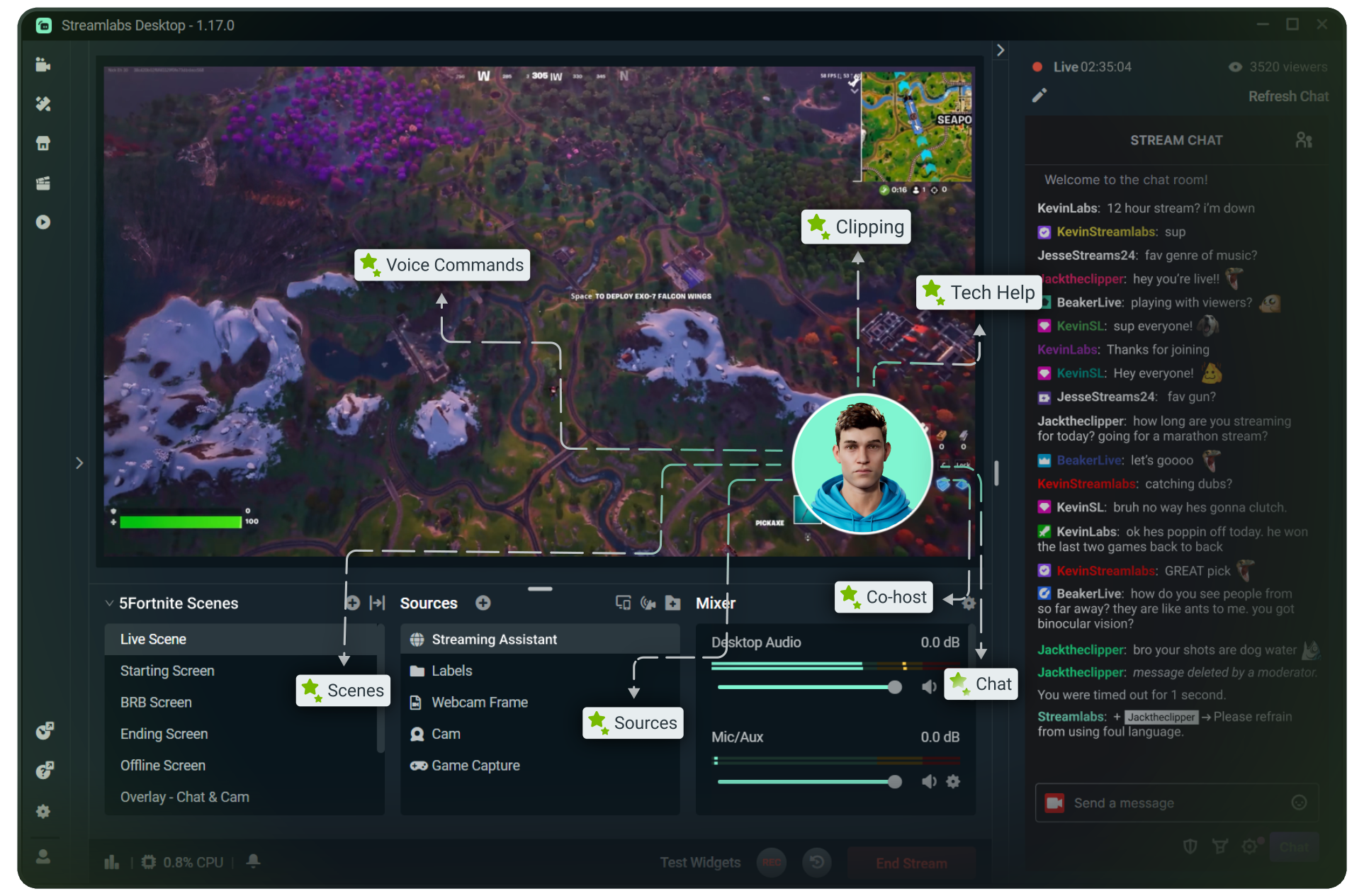
From must-have widgets like Cloudbot and Alert Box to new and exciting additions like Game Pulse, add them to your stream in one-click.
Grow your influence with Multistream
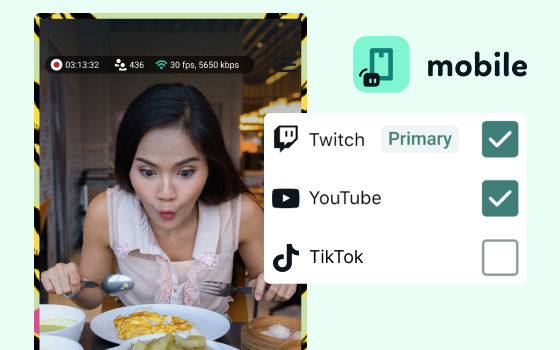
Make sure your community can find you anywhere while also growing your Twitch channel effortlessly.
Your journey to monetization starts here
Explore the different ways you can turn your passion for streaming into an additional stream of income.
Sponsorships
Get connected to brand sponsorship opportunities for Twitch directly in Streamlabs Desktop or Dashboard.
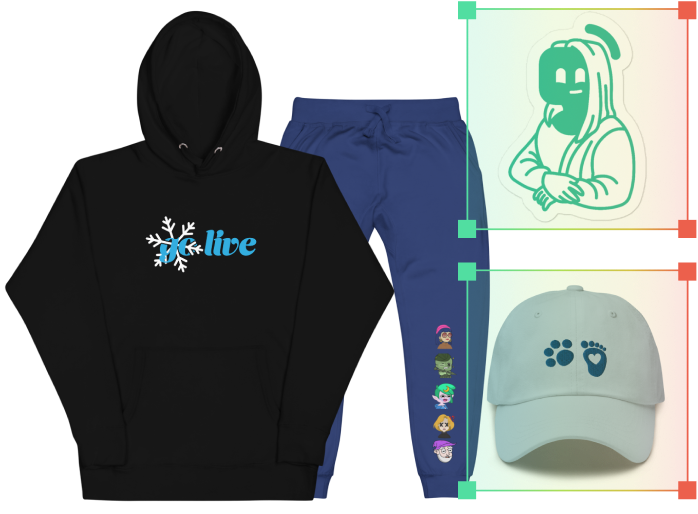
Merch Store
Design your own custom merch and showcase it on your Twitch profile without any third-party tools.
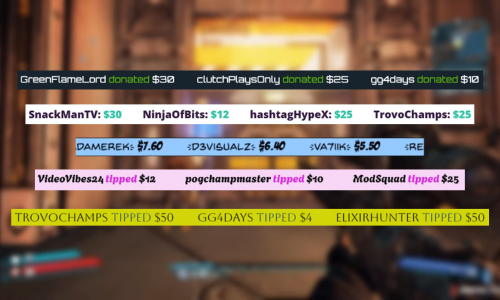
Tipping
Set up tipping and get real-time alerts when your viewers donate.
Fresh features to upgrade your stream
Explore some of our innovative features that give you even more ways to keep stream exciting, stay connected to your viewers, and share all of your stream highlights without extra effort.
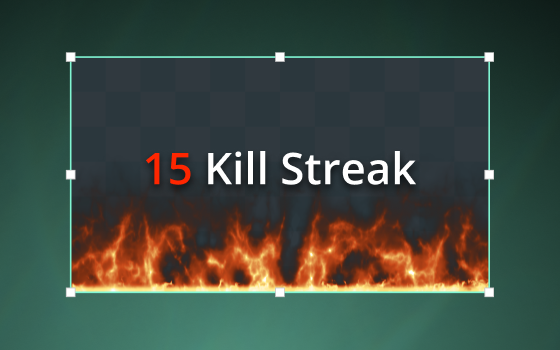
Highlighter
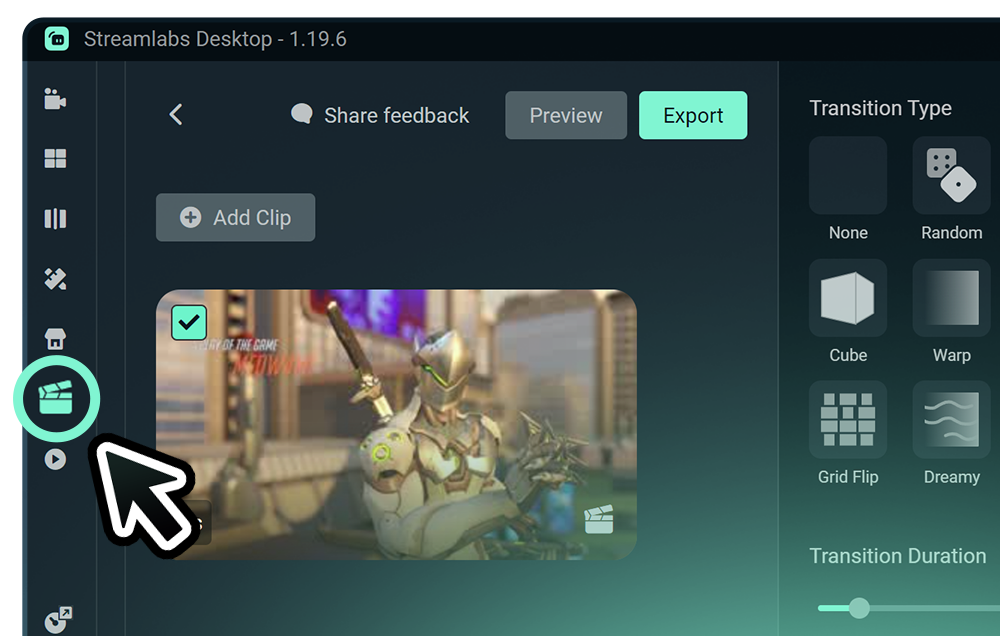
Automated clipping from your best moments, no need to scrub through hours of video.
Frequently asked questions
You can get started streaming to Twitch in minutes by opening your preferred software, Desktop, Plugin for OBS, our Mobile App, Talk Studio or Console, and following the instructions in our Quick Start Guide.
Streamlabs Ultra is a suite of pro-level features for creators offering a wide range of benefits including multistreaming, access to the full Library of thousands of stream overlays and widget themes, higher limits on AI production features through the Intelligent Streaming Agent, watermark-free clip editing, the highest profit margins on Streamlabs Merch, instant access to Gold All Star status for extra giveaway entries and savings on Logitech G hardware, and much more.
With Ultra, you get access to the premium features of Streamlabs Desktop, Mobile, Console, Talk Studio Pro, Cross Clip Pro, Video Editor Pro, Podcast Editor Pro, and Web Suite into one simple plan.
With Ultra Plus, you unlock everything included in Ultra plus additional limits for the Intelligent Streaming Agent plus a dedicated Streamlabs contact, a setup call, and twice annual success calls with our streaming experts.
Learn more about all of the benefits of Ultra and Ultra Plus here.
No, you do not need to find your stream key and input it manually to stream to Twitch using Streamlabs tools. Simply connect your account and go live.
While traditional multistreaming tools your computer encodes and uploads a separate version of your stream for every platform you go live to, resulting in high CPU and GPU usage plus higher upload bandwidth requirements increasing the likelihood of stream quality drops or crashes.
Streamlabs utilizes a cloud-based multistreaming system mean that you only send one stream (or two with Dual Output enabled — one vertical and one horizontal) to Streamlabs and our servers handle the rest.
With Streamlabs, you also get built in chat integration so you can read your messages across streams in one location.
For even more info, check out our post on what sets Streamlabs Multistream apart.
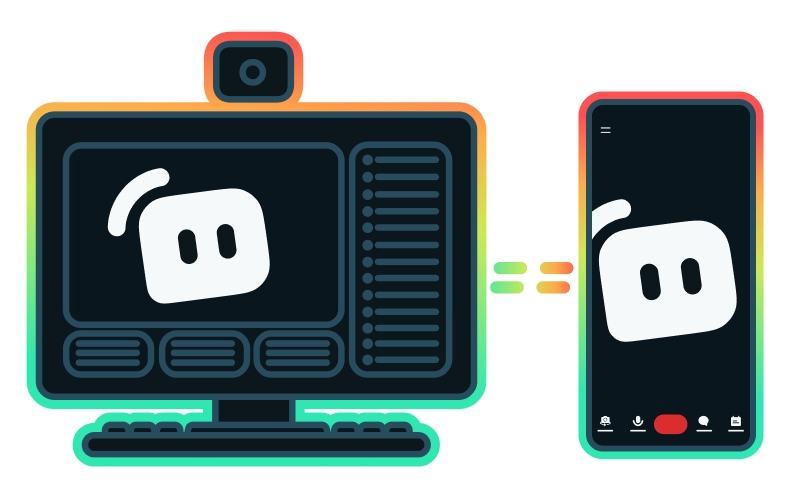
Yes, the Streamlabs Mobile app for iOS and Android lets you go live on Twitch directly from your phone without needing a desktop setup.
All Streamlabs widgets are built directly into Streamlabs Desktop so you can add them with a click. Many Streamlabs widgets are also available in the Streamlabs Plugin for OBS for easy adding to your OBS streams or can be used with any streaming software via adding the widget URL as a browser source.
Yes, as of right now all of our sponsorships offerings are specifically for Twitch streamers. Learn more about sponsorships here.
Streamlabs Multistream is an Ultra feature. If you want to multistream for free, you can go live to one vertical and one horizontal destination at the same time with Dual Ouput, no subscription required.
Please contact support at this link.