

Streaming software built for Twitch
Stream to Twitch in minutes and add custom overlays, widgets, chat moderation and more.


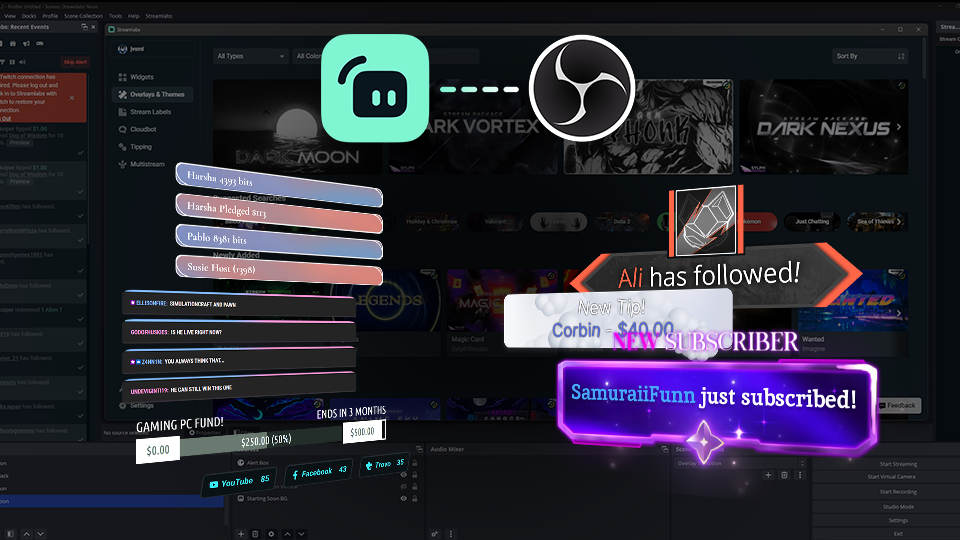


Boost your brand with custom overlays
Bring your brand to life on Twitch with thousands of professional, human-designed overlays and themes.

Overlay and Theme Library
Search our free themes and gain access to the entire library when you subscribe to Ultra.
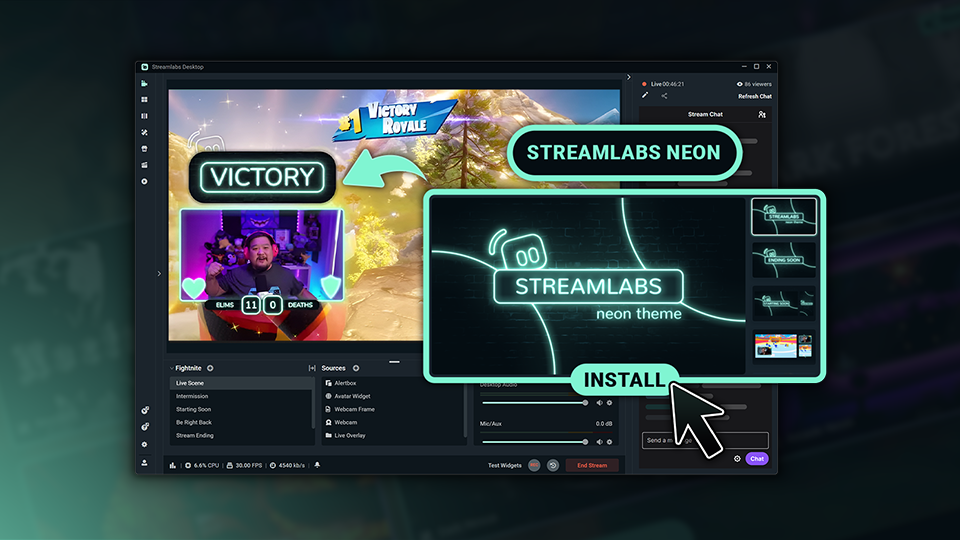
Reactive Overlays
Level up the excitement by adding overlays that automatically react to in-game events like kills, wins, and more.
Keep stream exciting with widgets
From must-have widgets like Cloudbot and Alert Box to new and exciting additions like Game Pulse, add them to your stream in one-click.
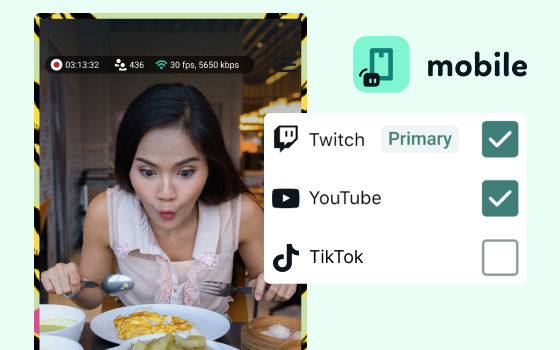
Grow your influence with Multistream
Make sure your community can find you anywhere while also growing your Twitch channel effortlessly.
Your journey to monetization starts here
Explore the different ways you can turn your passion for streaming into an additional stream of income.
Sponsorships
Get connected to brand sponsorship opportunities for Twitch directly in Streamlabs Desktop or Dashboard.
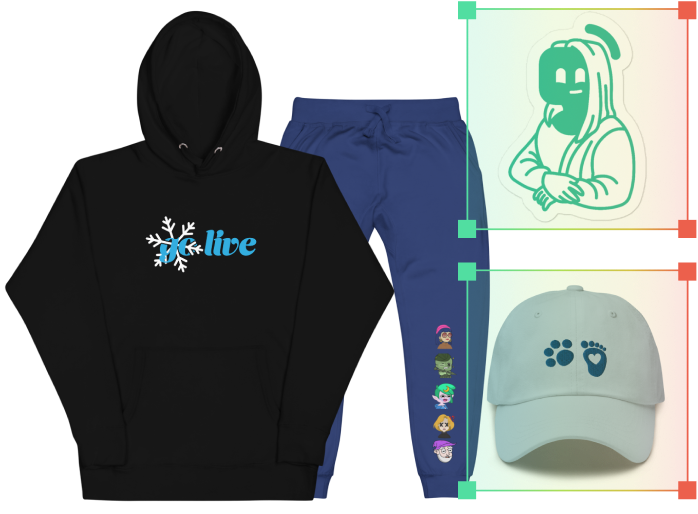
Merch Store
Design your own custom merch and showcase it on your Twitch profile without any third-party tools.
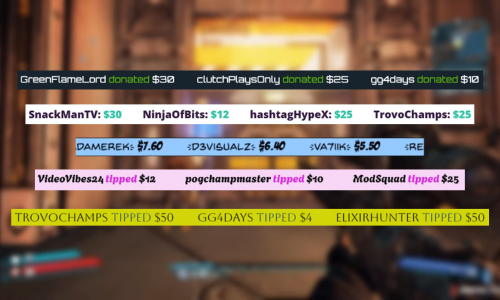
Tipping
Set up tipping and get real-time alerts when your viewers donate.
Fresh features to upgrade your stream
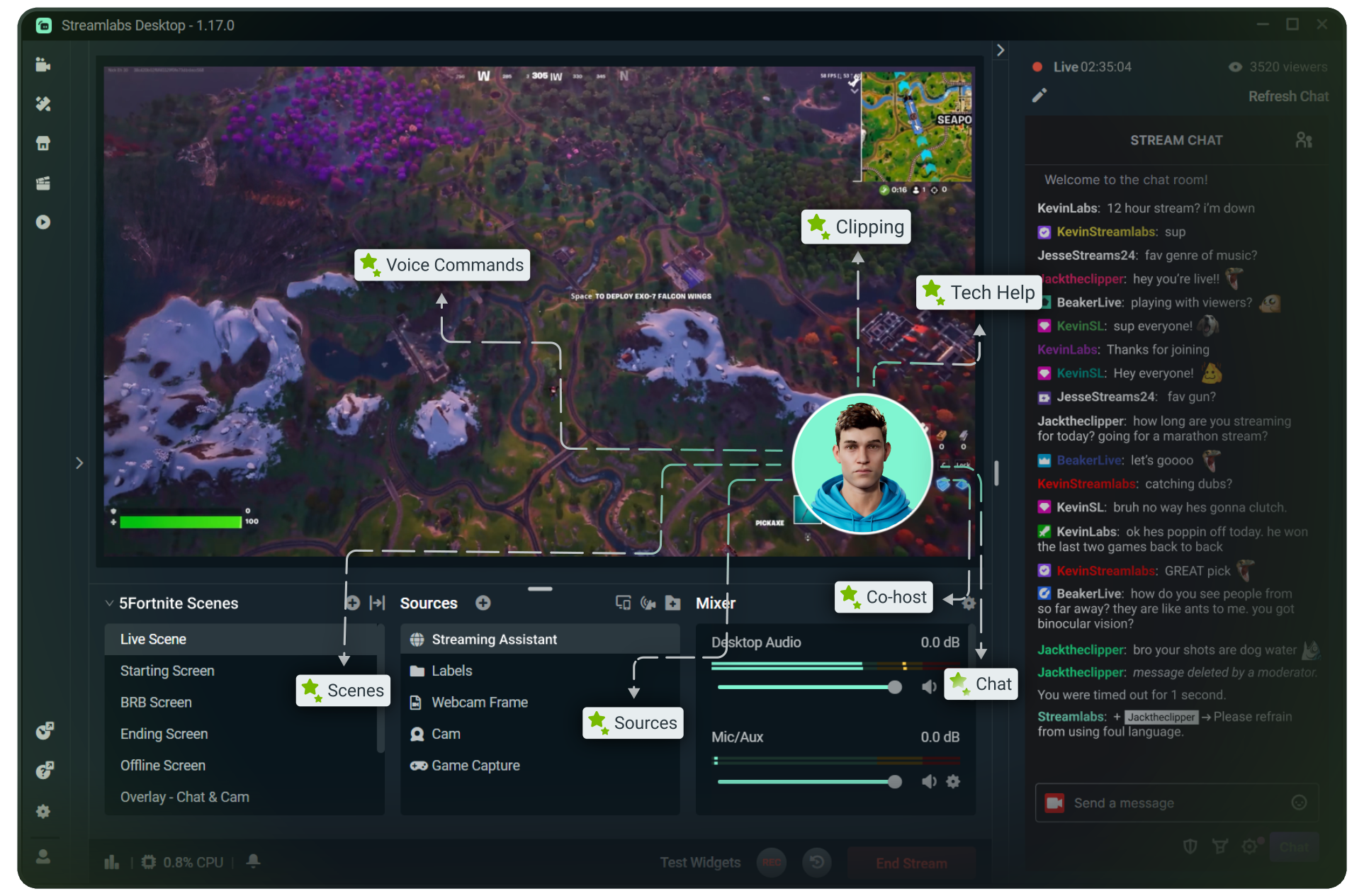
Explore some of our innovative features that give you even more ways to keep stream exciting, stay connected to your viewers, and share all of your stream highlights without extra effort.
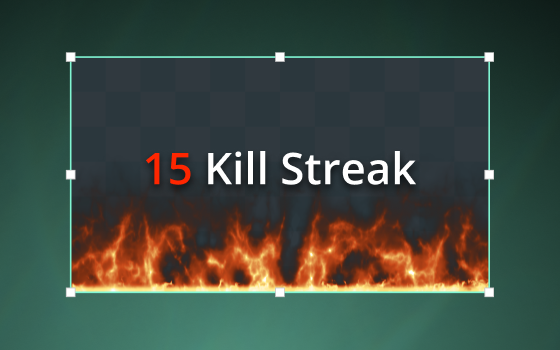
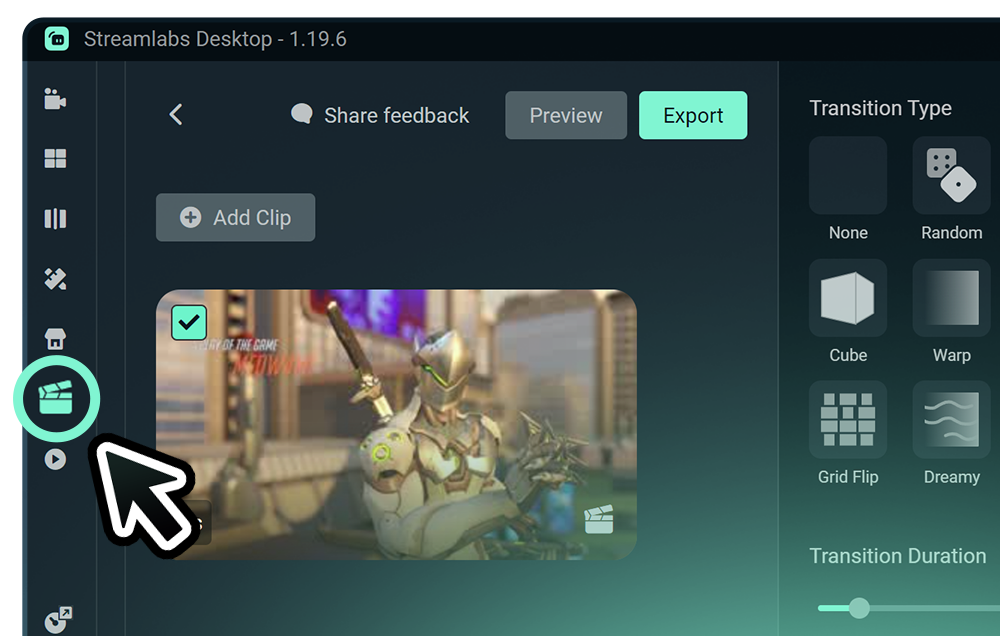
Highlighter
Automated clipping from your best moments, no need to scrub through hours of video.
Frequently asked questions
You can get started streaming to Twitch in minutes by opening your preferred software, Desktop, Plugin for OBS, our Mobile App, Talk Studio or Console, and following the instructions in our Quick Start Guide.
إن Streamlabs Ultra هي مجموعة من المزايا الاحترافية المخصصة لمنشئي المحتوى، حيث تقدم باقة واسعة النطاق من المزايا تشمل: البث المتعدد، والوصول إلى المكتبة الشاملة التي تضم آلاف التراكبات والسمات الخاصة بعناصر واجهة المستخدم، كما توفر حدودًا أعلى لميزات الإنتاج المعتمدة على الذكاء الاصطناعي من خلال Intelligent Streaming Agent، وإمكانية تحرير مقاطع الفيديو بدون علامة مائية، بالإضافة إلى الحصول على أعلى هوامش ربح من متجر سلع Streamlabs، كما تمنحك وصولًا فوريًا إلى فئة النجوم الذهبية (Gold All Star) للحصول على مشاركات إضافية في عمليات السحب والمسابقات، واستفادة من خصومات على أجهزة Logitech G، وغير ذلك الكثير.
مع Ultra، ستحصل على إمكانية الوصول إلى الميزات الاحترافية لـ Streamlabs Desktop وMobile وConsole وTalk Studio Pro وCross Clip Pro وVideo Editor Pro وPodcast Editor Pro وWeb Suite في خطة بسيطة واحدة.
مع Ultra Plus، ستتمكن من فتح كافة المزايا المضمنة في Ultra، بالإضافة إلى حدود استخدام أعلى لـ Intelligent Streaming Agent، بالإضافة إلى تخصيص جهة اتصال من Streamlabs، ومكالمة لإعداد حسابك، ومكالمتين سنويًا لضمان نجاح بثك مع خبراء البث المباشر لدينا.
تعرّف على المزيد حول كافة مزايا Ultra وUltra Plus من هنا.
No, you do not need to find your stream key and input it manually to stream to Twitch using Streamlabs tools. Simply connect your account and go live.
مع أدوات البث المتعدد التقليدية، يقوم جهاز الكمبيوتر الخاص بك بترميز نسخة منفصلة من البث الخاص بك، وتحميلها إلى كل منصة تبث إليها، مما يؤدي إلى استخدام مرتفع لوحدة المعالجة المركزية ووحدة معالجة الرسوميات؛ بالإضافة إلى زيادة متطلبات النطاق الترددي للتحميل، مما يزيد من احتمالية تراجع جودة البث أو تعطله.
تستخدم Streamlabs نظام بث متعدد قائمًا على السحابة، مما يعني أنك ترسل بثًا واحدًا فقط (أو اثنين مع تمكين Dual Output - واحد عمودي وآخر أفقي) إلى Streamlabs، وتتولى خوادمنا الباقي.
باستخدام Streamlabs، تحصل أيضًا على تكامل مدمج للدردشة؛ حتى تتمكن من قراءة رسائلك من مختلف عمليات البث في مكان واحد.
لمعرفة المزيد من المعلومات، يُرجى الاطلاع على منشورنا حول ما يميز البث المتعدد من Streamlabs.
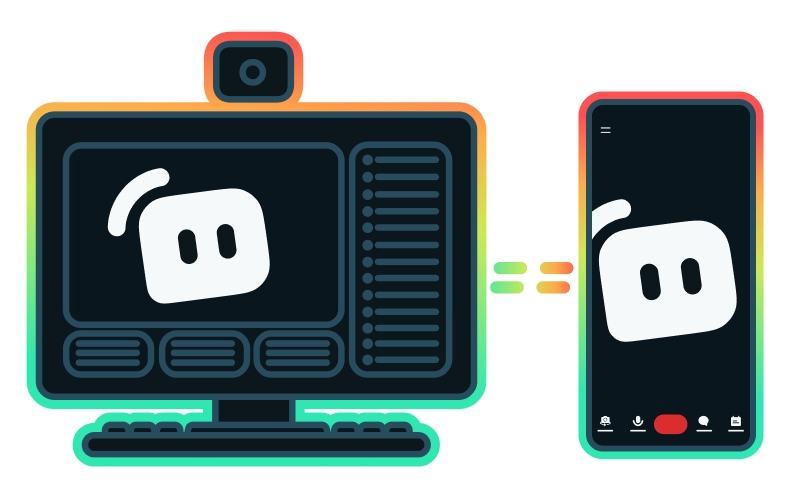
Yes, the Streamlabs Mobile app for iOS and Android lets you go live on Twitch directly from your phone without needing a desktop setup.
Yes, as of right now all of our sponsorships offerings are specifically for Twitch streamers. Learn more about sponsorships here.
ميزة البث المتعدد من Streamlabs متاحة ضمن خطة Ultra. إذا كنت ترغب في البث المتعدد مجانًا، يمكنك البث مباشرة إلى وجهة عمودية ووجهة أفقية في الوقت نفسه باستخدام Dual Output، دون الحاجة إلى اشتراك.
Please contact support at this link.