

Streaming software built for Twitch
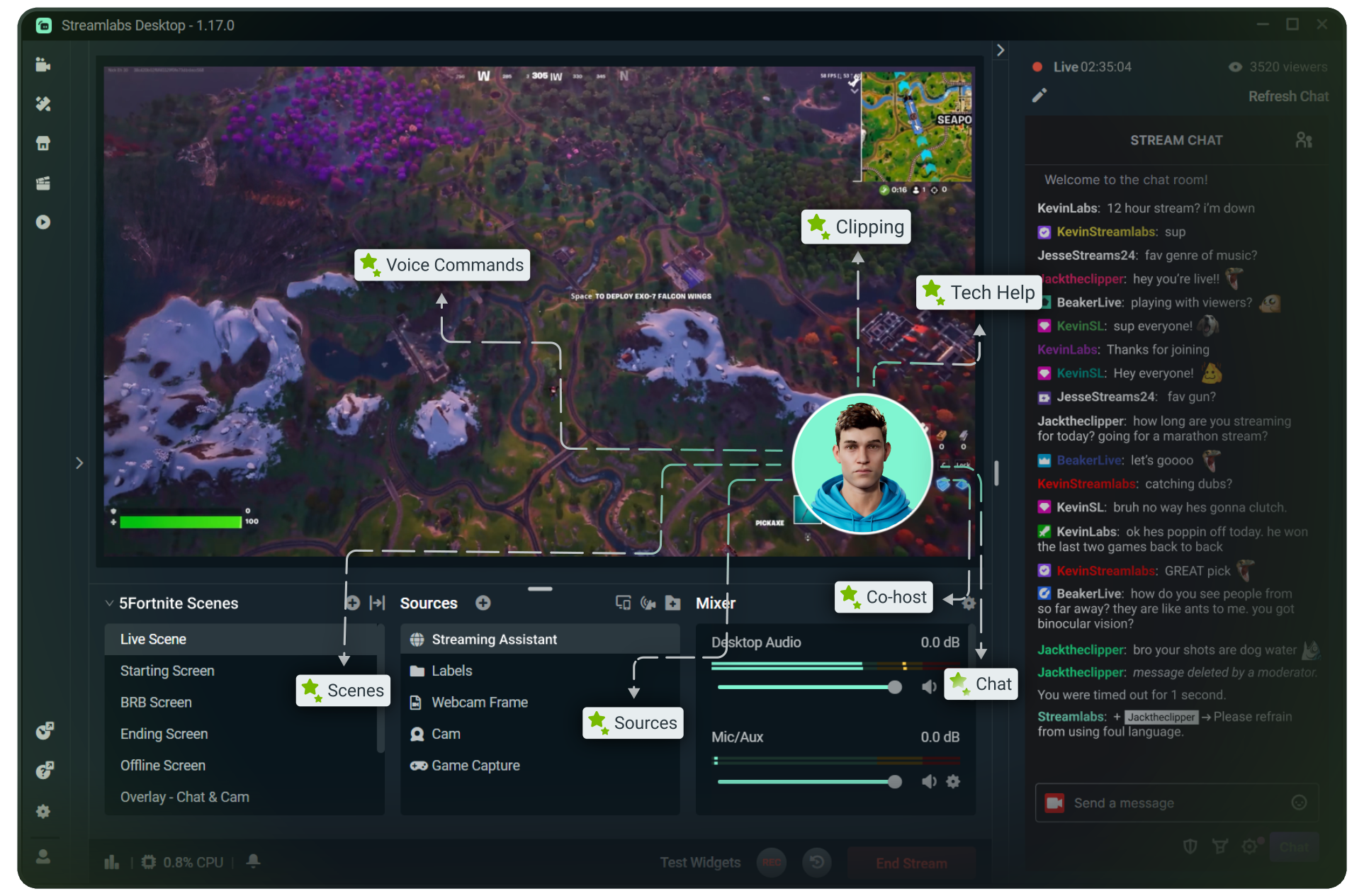
Stream to Twitch in minutes and add custom overlays, widgets, chat moderation and more.




Boost your brand with custom overlays
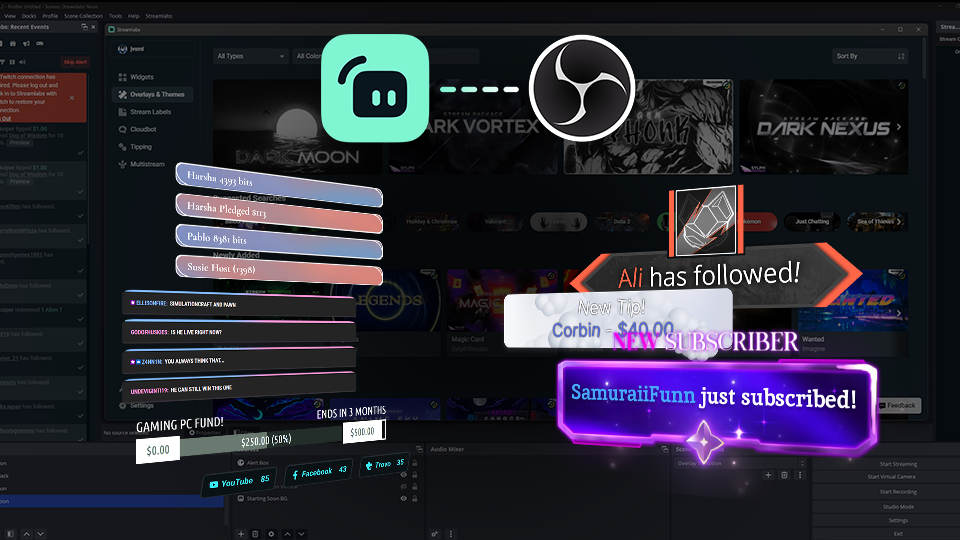
Bring your brand to life on Twitch with thousands of professional, human-designed overlays and themes.

Overlay and Theme Library
Search our free themes and gain access to the entire library when you subscribe to Ultra.
Reactive Overlays
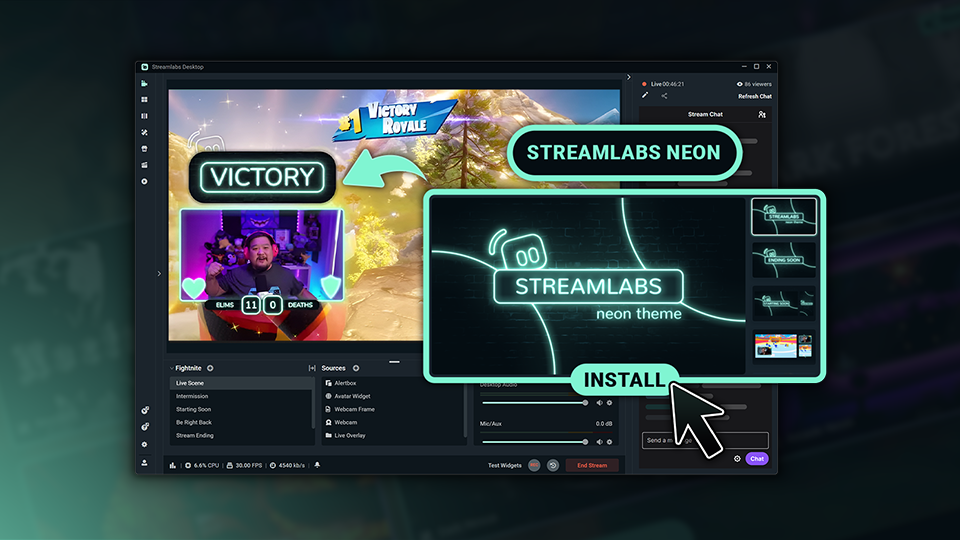
Level up the excitement by adding overlays that automatically react to in-game events like kills, wins, and more.
Keep stream exciting with widgets
From must-have widgets like Cloudbot and Alert Box to new and exciting additions like Game Pulse, add them to your stream in one-click.
Grow your influence with Multistream
Make sure your community can find you anywhere while also growing your Twitch channel effortlessly.
Your journey to monetization starts here
Explore the different ways you can turn your passion for streaming into an additional stream of income.
Sponsorships
Get connected to brand sponsorship opportunities for Twitch directly in Streamlabs Desktop or Dashboard.
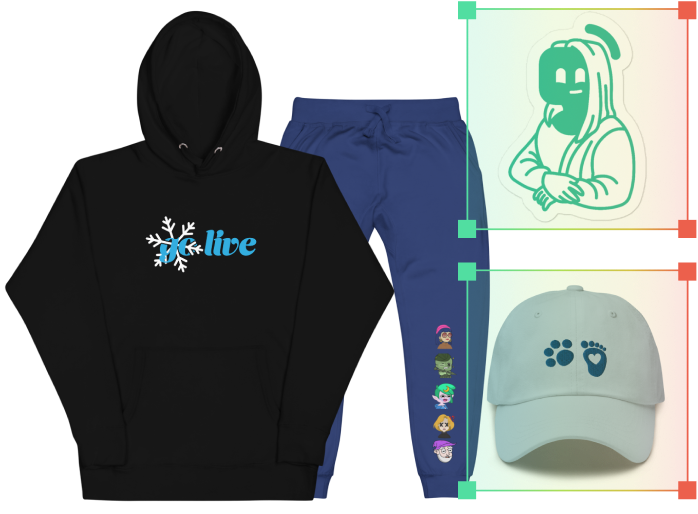
Merch Store
Design your own custom merch and showcase it on your Twitch profile without any third-party tools.
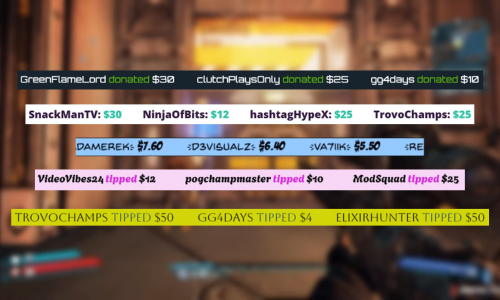
Tipping
Set up tipping and get real-time alerts when your viewers donate.
Fresh features to upgrade your stream
Explore some of our innovative features that give you even more ways to keep stream exciting, stay connected to your viewers, and share all of your stream highlights without extra effort.
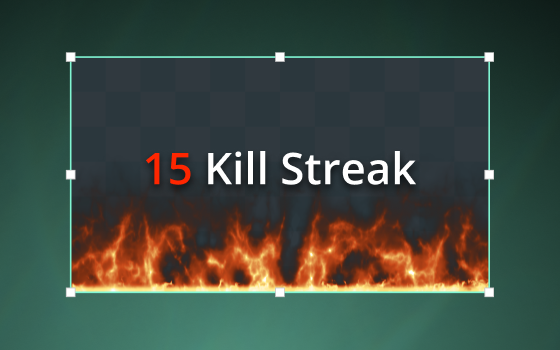
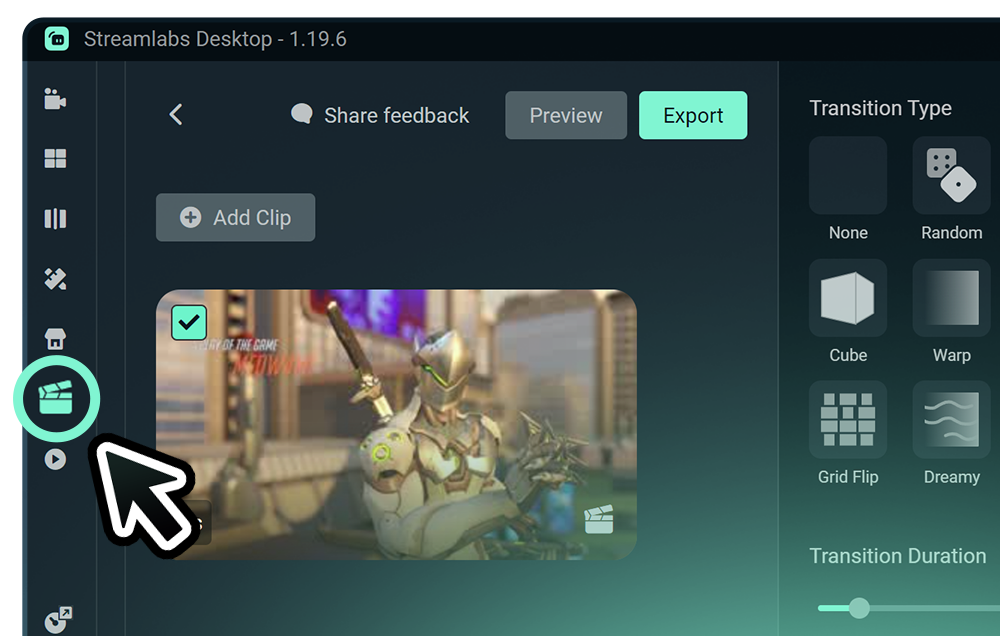
Highlighter
Automated clipping from your best moments, no need to scrub through hours of video.
Frequently asked questions
You can get started streaming to Twitch in minutes by opening your preferred software, Desktop, Plugin for OBS, our Mobile App, Talk Studio or Console, and following the instructions in our Quick Start Guide.
O Streamlabs Ultra é um pacote de recursos profissionais para criadores, que oferece uma ampla gama de benefícios, incluindo multitransmissão, acesso à biblioteca completa com milhares de sobreposições de transmissão e temas de widgets, limites mais altos para recursos de produção com IA por meio do Intelligent Streaming Agent, edição de clipes sem marca d’água, as maiores margens de lucro em produtos Streamlabs, acesso instantâneo ao status Gold All Star para inscrições extras em sorteios e descontos em hardware Logitech G, e muito mais.
Com o Ultra, você tem acesso aos recursos premium do Streamlabs Desktop, Mobile, Console, Talk Studio Pro, Cross Clip Pro, Video Editor Pro, Podcast Editor Pro e Web Suite em um único plano simples.
Com o Ultra Plus, você tem acesso a tudo o que está incluído no Ultra, além de limites adicionais para o Intelligent Streaming Agent, um contato dedicado da Streamlabs, uma chamada de configuração e duas chamadas de acompanhamento por ano com nossos especialistas em streaming.
Saiba mais sobre todos os benefícios do Ultra e do Ultra Plus aqui.
No, you do not need to find your stream key and input it manually to stream to Twitch using Streamlabs tools. Simply connect your account and go live.
Enquanto as ferramentas tradicionais de transmissões múltiplas fazem com que seu computador codifique e envie uma versão separada da sua transmissão para cada plataforma em que você estiver ao vivo, isso resulta em um alto uso da CPU e da GPU, além de maiores requisitos de largura de banda para upload, aumentando a chance de quedas na qualidade da transmissão ou travamentos.
O Streamlabs usa um sistema multitransmissão baseado em nuvem, o que significa que você só precisa enviar um stream (ou dois, com a saída dupla ativada — um vertical e um horizontal) para o Streamlabs, e nossos servidores cuidam do resto.
Com o Streamlabs, você também tem integração com chat, para poder ler suas mensagens em todas as transmissões em um só lugar.
Para mais informações, confira nossa publicação em o que diferencia o Streamlabs Multistream.
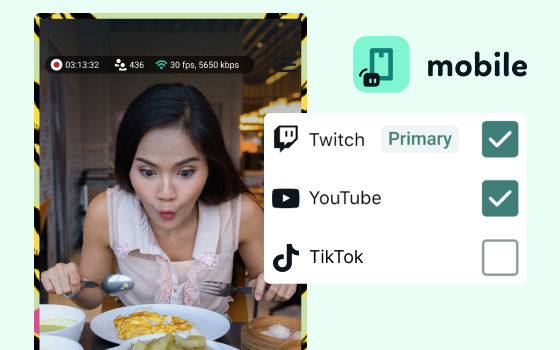
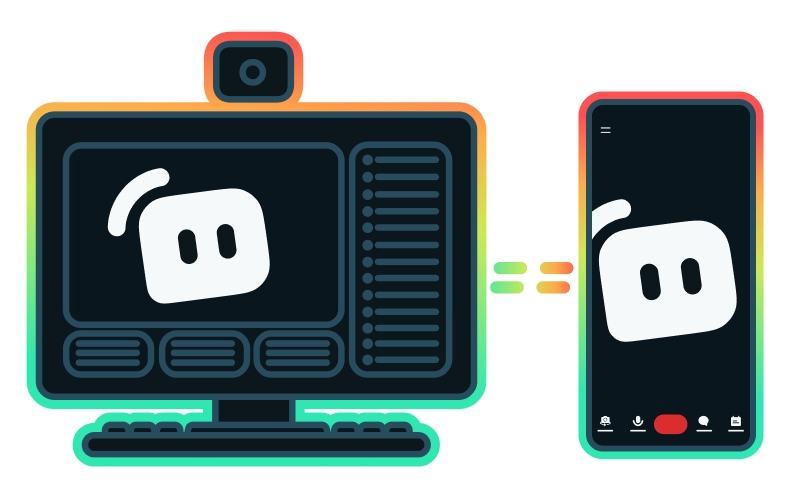
Yes, the Streamlabs Mobile app for iOS and Android lets you go live on Twitch directly from your phone without needing a desktop setup.
Yes, as of right now all of our sponsorships offerings are specifically for Twitch streamers. Learn more about sponsorships here.
O Streamlabs Multistream é um recurso do Ultra. Se você quiser fazer transmissões múltiplas de graça, pode transmitir ao vivo para um destino vertical e um horizontal ao mesmo tempo com a saída dupla, sem precisar de assinatura.
Please contact support at this link.