

Streaming software built for Twitch
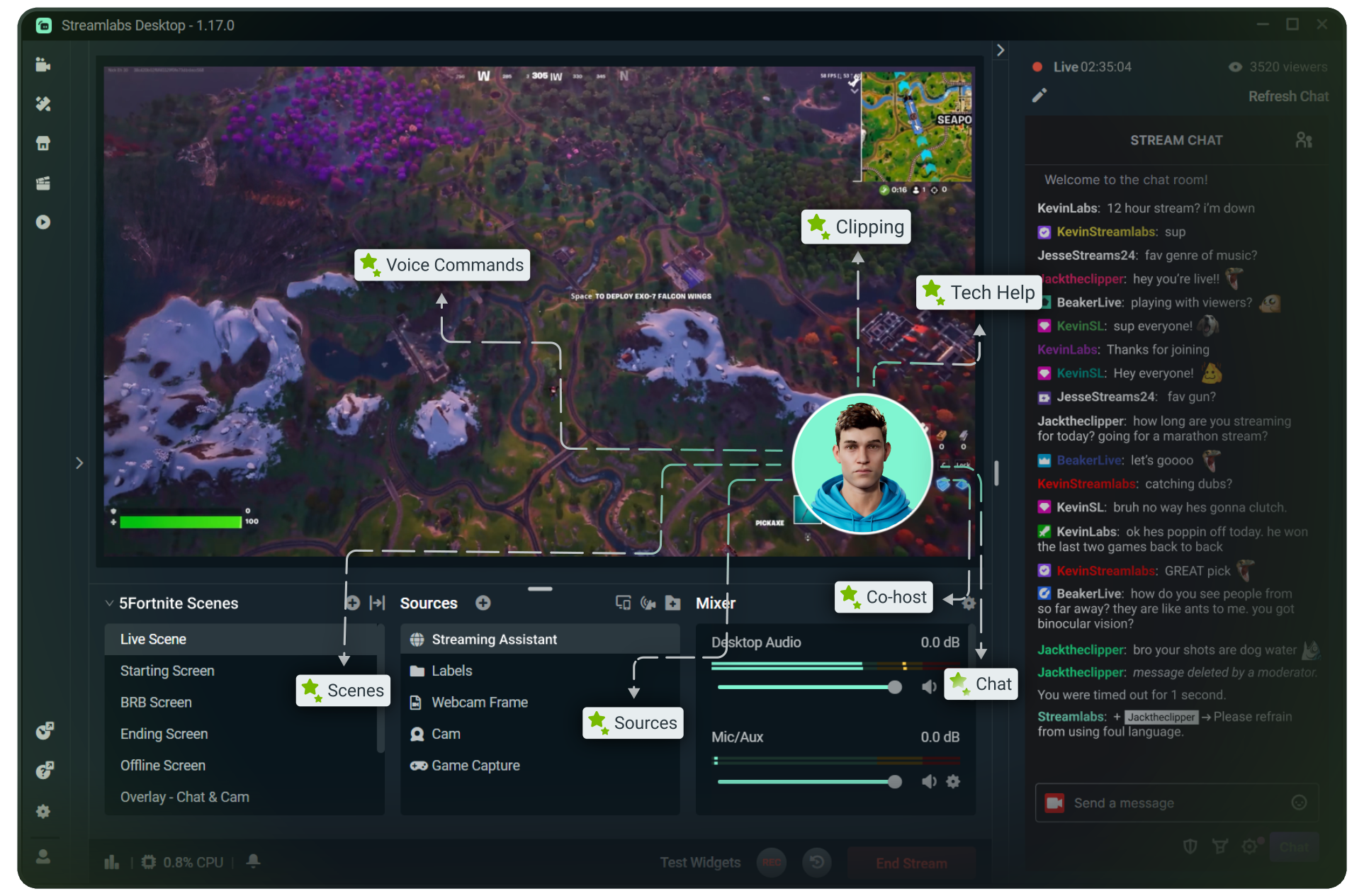
Stream to Twitch in minutes and add custom overlays, widgets, chat moderation and more.


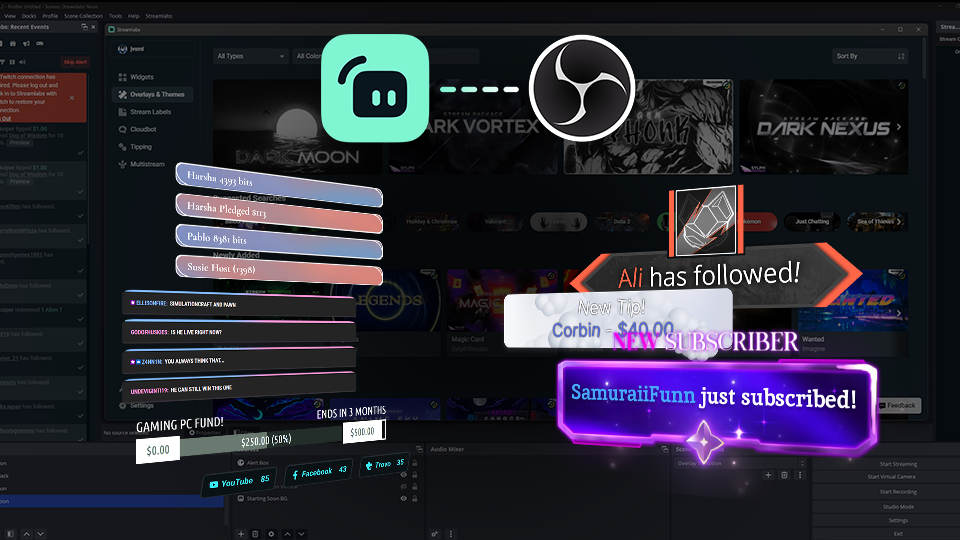


Boost your brand with custom overlays
Bring your brand to life on Twitch with thousands of professional, human-designed overlays and themes.

Overlay and Theme Library
Search our free themes and gain access to the entire library when you subscribe to Ultra.
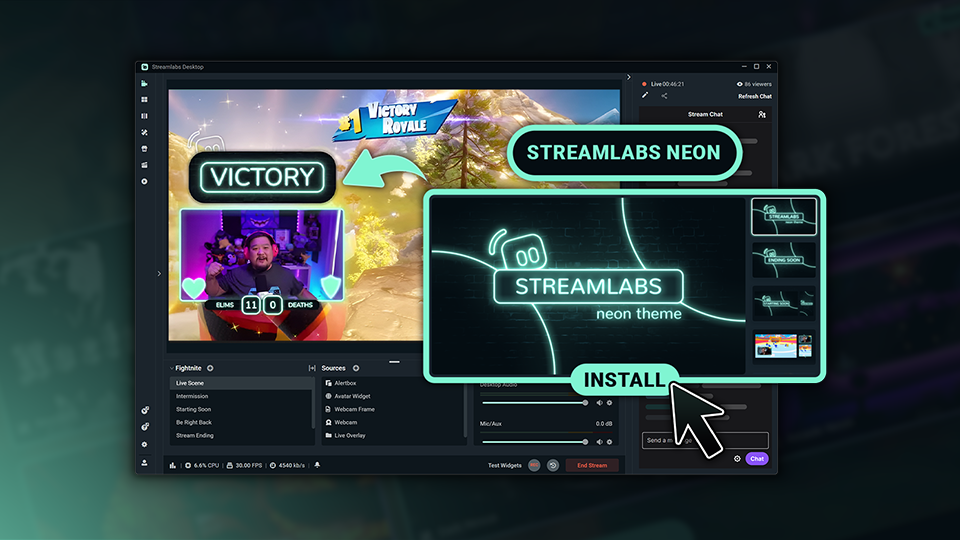
Reactive Overlays
Level up the excitement by adding overlays that automatically react to in-game events like kills, wins, and more.
Keep stream exciting with widgets
From must-have widgets like Cloudbot and Alert Box to new and exciting additions like Game Pulse, add them to your stream in one-click.
Grow your influence with Multistream
Make sure your community can find you anywhere while also growing your Twitch channel effortlessly.
Your journey to monetization starts here
Explore the different ways you can turn your passion for streaming into an additional stream of income.
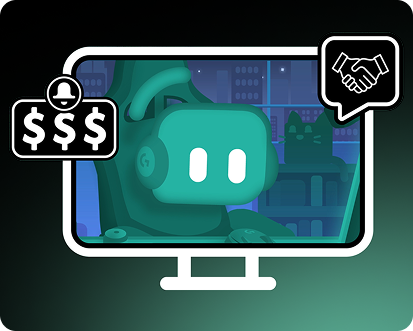
Sponsorships
Get connected to brand sponsorship opportunities for Twitch directly in Streamlabs Desktop or Dashboard.
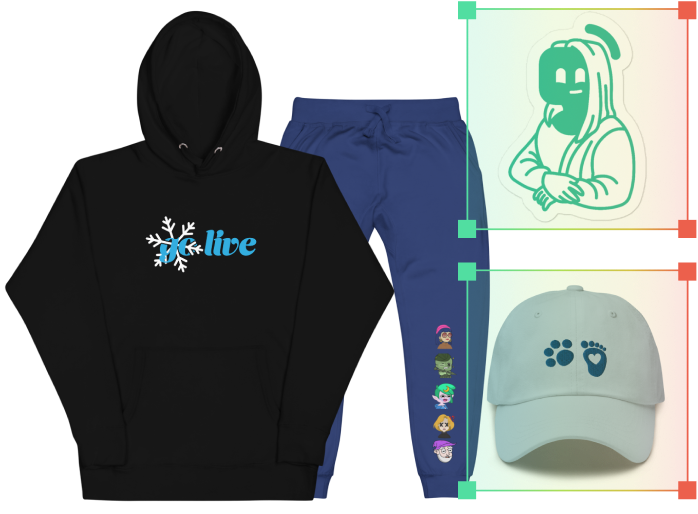
Merch Store
Design your own custom merch and showcase it on your Twitch profile without any third-party tools.
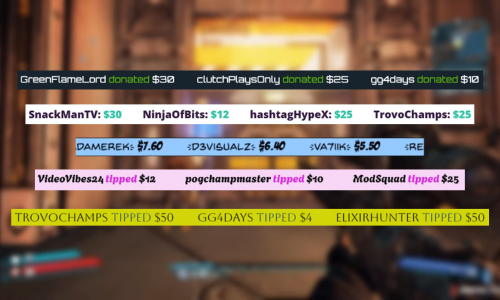
Tipping
Set up tipping and get real-time alerts when your viewers donate.
Fresh features to upgrade your stream
Explore some of our innovative features that give you even more ways to keep stream exciting, stay connected to your viewers, and share all of your stream highlights without extra effort.
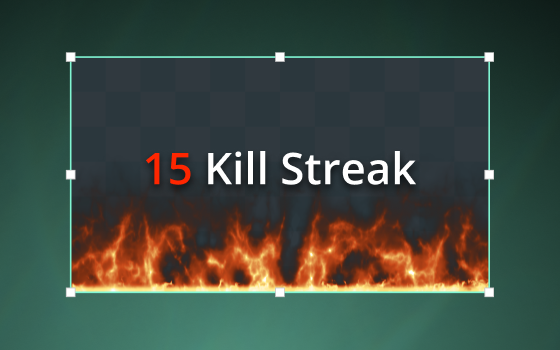
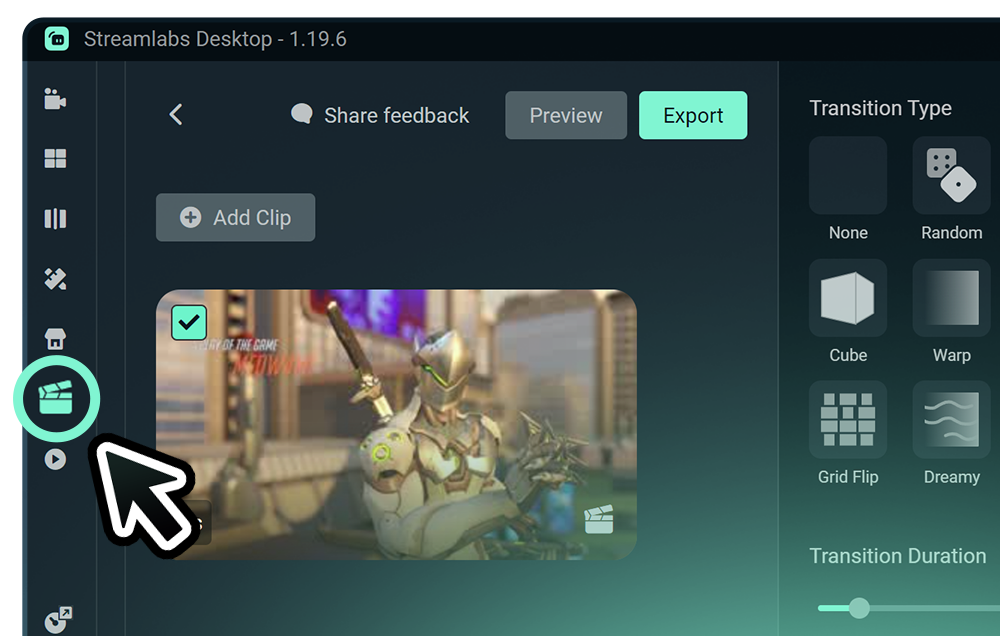
Highlighter
Automated clipping from your best moments, no need to scrub through hours of video.
Frequently asked questions
You can get started streaming to Twitch in minutes by opening your preferred software, Desktop, Plugin for OBS, our Mobile App, Talk Studio or Console, and following the instructions in our Quick Start Guide.
Streamlabs Ultra is een pakket met professionele functies voor contentmakers, met tal van voordelen, zoals multistreaming, toegang tot de volledige bibliotheek met duizenden stream-overlays en widget-thema’s, hogere limieten voor AI-productiefuncties via de Intelligent Streaming Agent, clipbewerking zonder watermerk, de hoogste winstmarges op Streamlabs Merch, directe toegang tot de Gold All Star-status voor extra kansen op weggeefacties en kortingen op Logitech G-hardware, en nog veel meer.
Met Ultra krijg je toegang tot de premiumfuncties van Streamlabs Desktop, Mobile, Console, Talk Studio Pro, Cross Clip Pro, Video Editor Pro, Podcast Editor Pro en Web Suite in één eenvoudig abonnement.
Met Ultra Plus krijg je toegang tot alles wat bij Ultra inbegrepen is, plus extra limieten voor de Intelligent Streaming Agent, een toegewijd Streamlabs-contactpersoon, een installatiegesprek en twee keer per jaar een succesgesprek met onze streamingexperts.
Lees hier meer over alle voordelen van Ultra en Ultra Plus.
No, you do not need to find your stream key and input it manually to stream to Twitch using Streamlabs tools. Simply connect your account and go live.
Met traditionele multistreamingtools moet je computer voor elk platform waar je live op gaat een aparte versie van je stream coderen en uploaden. Dit zorgt voor veel CPU- en GPU-gebruik en hogere eisen aan de uploadbandbreedte, waardoor de kans op slechtere streamkwaliteit of crashes groter wordt.
Streamlabs gebruikt een cloudgebaseerd multistreamingsysteem, wat betekent dat je maar één stream (of twee met Dual Output ingeschakeld – één verticaal en één horizontaal) naar Streamlabs stuurt en onze servers de rest doen.
Met Streamlabs krijg je ook een ingebouwde chatfunctie, zodat je je berichten voor alle streams op één plek kunt checken.
Check voor nog meer info ons bericht over wat Streamlabs Multistream zo bijzonder maakt.
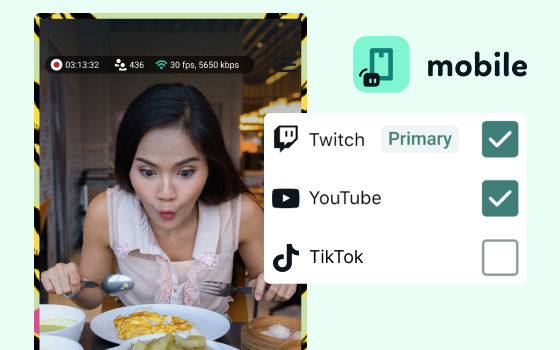
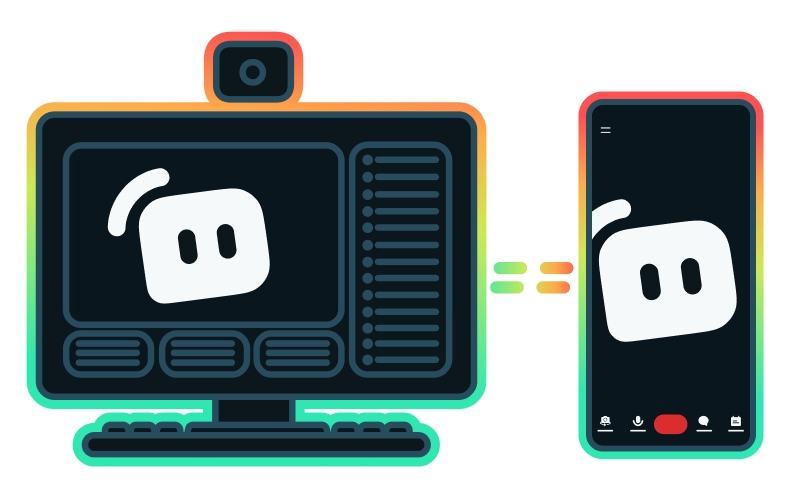
Yes, the Streamlabs Mobile app for iOS and Android lets you go live on Twitch directly from your phone without needing a desktop setup.
Yes, as of right now all of our sponsorships offerings are specifically for Twitch streamers. Learn more about sponsorships here.
Streamlabs Multistream is een Ultra-functie. Als je gratis wilt multistreamen, kun je met Dual Output tegelijkertijd live gaan naar één verticale en één horizontale bestemming, zonder dat je een abonnement nodig hebt.
Please contact support at this link.