

Streaming software built for Twitch
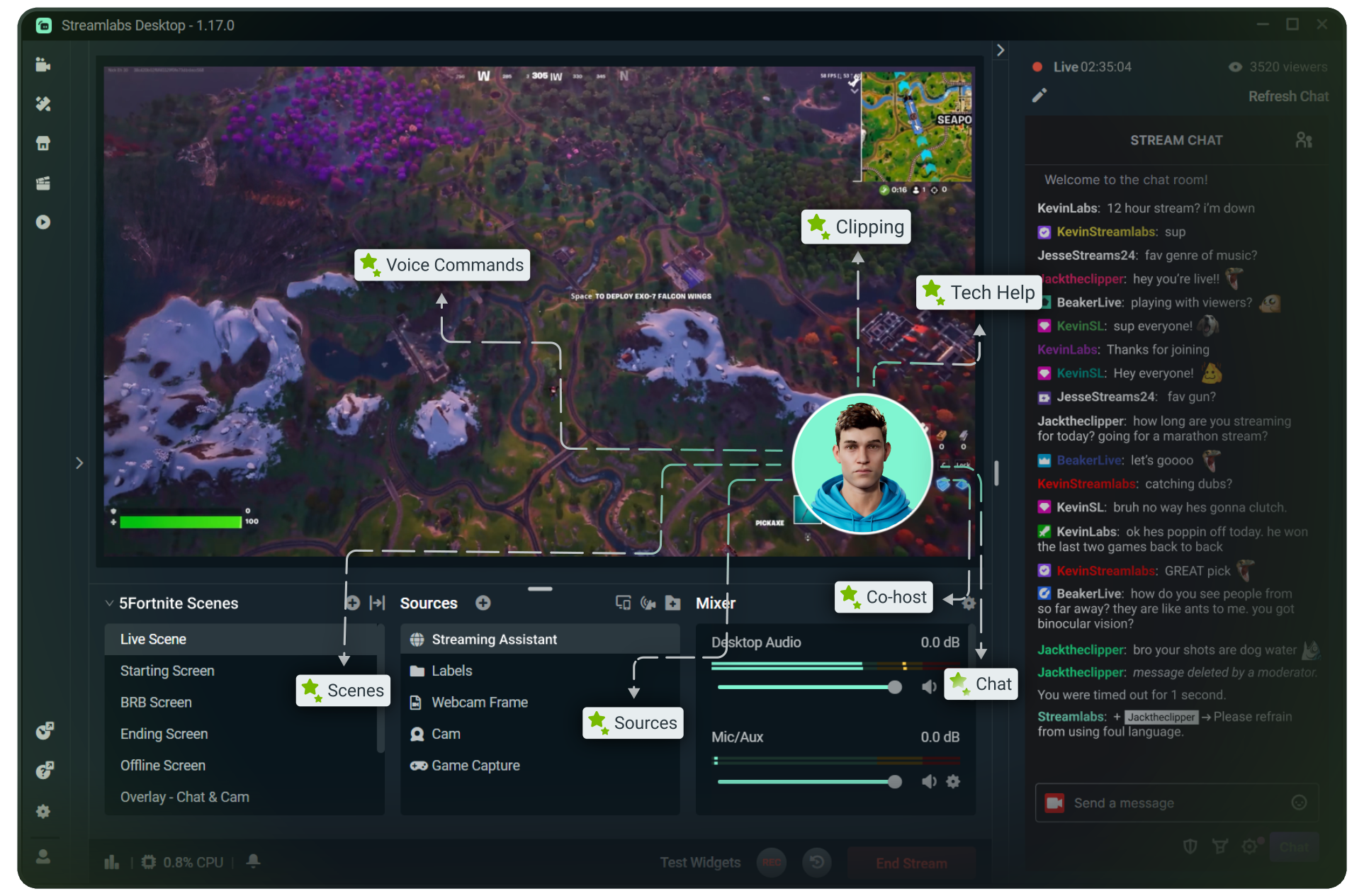
Stream to Twitch in minutes and add custom overlays, widgets, chat moderation and more.


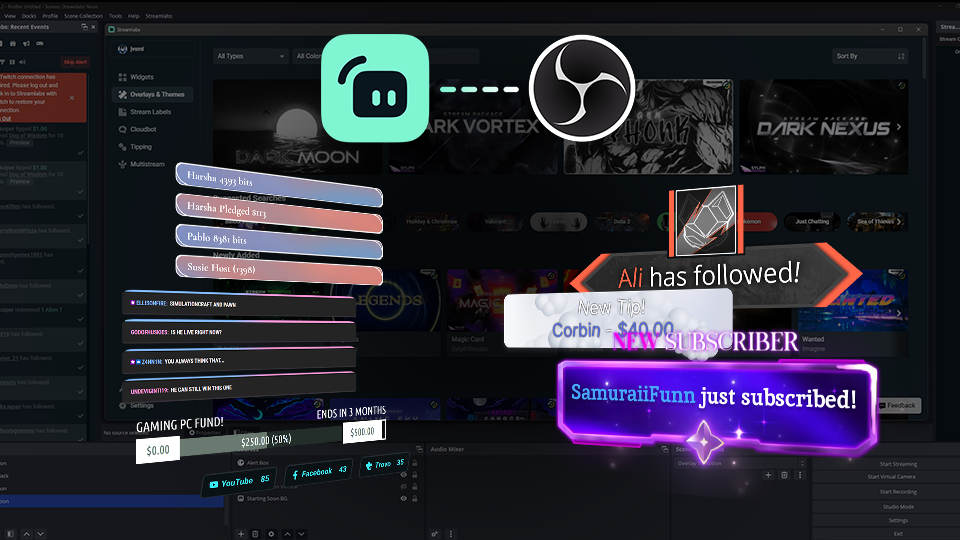


Boost your brand with custom overlays
Bring your brand to life on Twitch with thousands of professional, human-designed overlays and themes.

Overlay and Theme Library
Search our free themes and gain access to the entire library when you subscribe to Ultra.
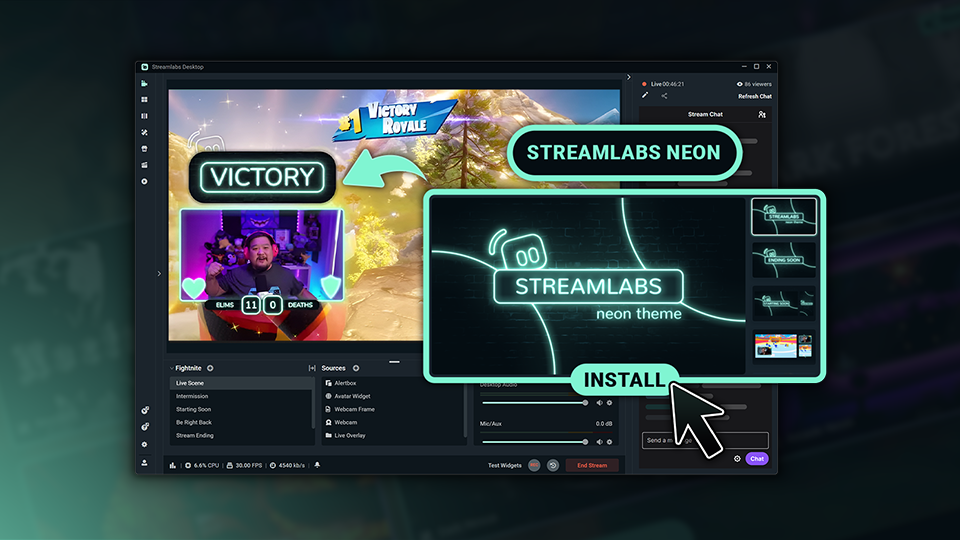
Reactive Overlays
Level up the excitement by adding overlays that automatically react to in-game events like kills, wins, and more.
Keep stream exciting with widgets
From must-have widgets like Cloudbot and Alert Box to new and exciting additions like Game Pulse, add them to your stream in one-click.
Grow your influence with Multistream
Make sure your community can find you anywhere while also growing your Twitch channel effortlessly.
Your journey to monetization starts here
Explore the different ways you can turn your passion for streaming into an additional stream of income.
Sponsorships
Get connected to brand sponsorship opportunities for Twitch directly in Streamlabs Desktop or Dashboard.
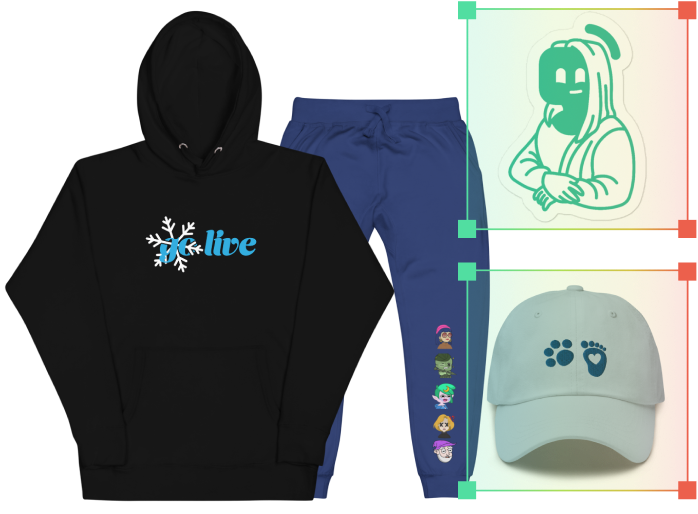
Merch Store
Design your own custom merch and showcase it on your Twitch profile without any third-party tools.
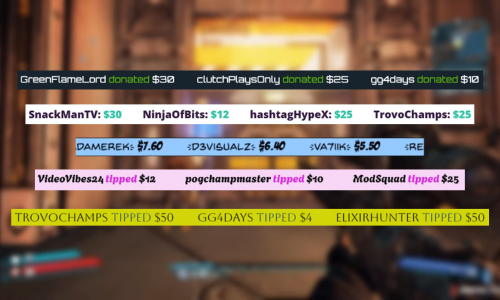
Tipping
Set up tipping and get real-time alerts when your viewers donate.
Fresh features to upgrade your stream
Explore some of our innovative features that give you even more ways to keep stream exciting, stay connected to your viewers, and share all of your stream highlights without extra effort.
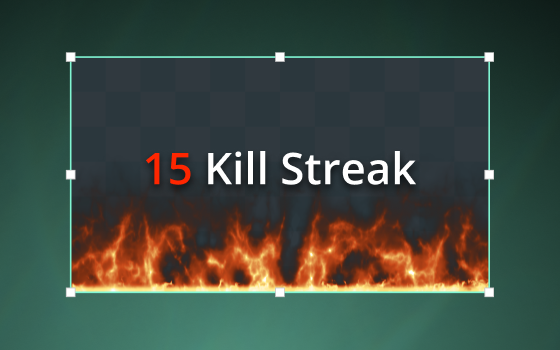
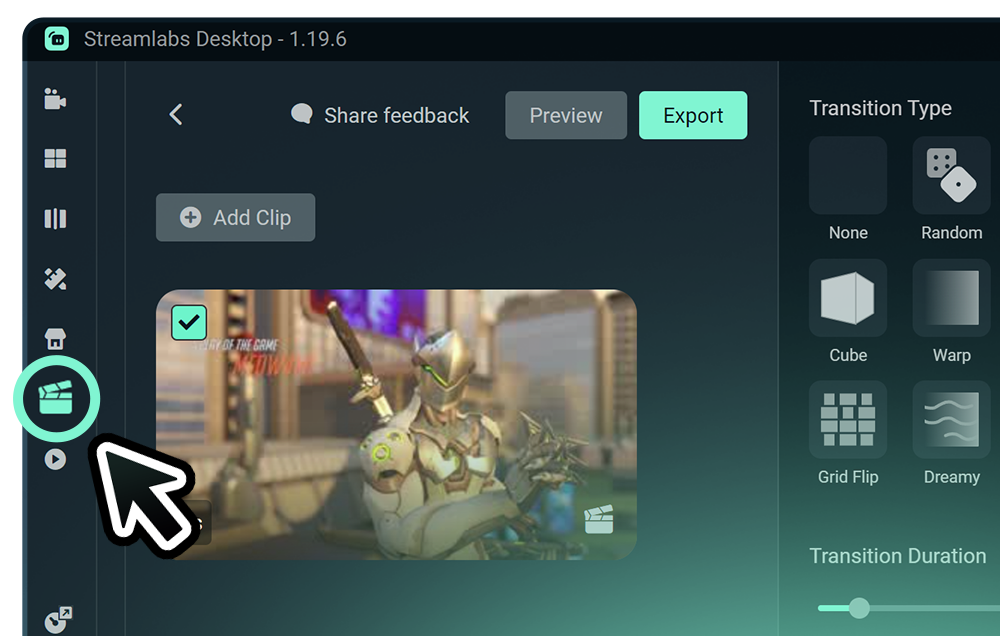
Highlighter
Automated clipping from your best moments, no need to scrub through hours of video.
Frequently asked questions
You can get started streaming to Twitch in minutes by opening your preferred software, Desktop, Plugin for OBS, our Mobile App, Talk Studio or Console, and following the instructions in our Quick Start Guide.
Streamlabs Ultra は、クリエイター向けのプロレベルの機能スイートです。マルチストリーミング、数千のストリームオーバーレイやウィジェットテーマが揃ったライブラリへのアクセス、Intelligent Streaming Agent による AI 制作機能の利用上限の引き上げ、透かしなしのクリップ編集、Streamlabs グッズでの最高の利益率の確保、追加の応募権やロジクール G ハードウェアの割引特典付きの Gold All Star ステータスへの即時アクセスなど、幅広いメリットを提供します。
Ultra では、Streamlabs Desktop、Mobile、Console、Talk Studio Pro、Cross Clip Pro、Video Editor Pro、Podcast Editor Pro、Web Suite のプレミアム機能を1つのシンプルなプランでご利用いただけます。
Ultra Plus では、Ultra のすべての機能に加え、Intelligent Streaming Agent の利用上限の引き上げと Streamlabs 専用窓口、初回導入サポートミーティング、当社のストリーミングエキスパートによる年2回の成功支援ミーティングをご利用いただけます。
Ultra と Ultra Plus のすべてのメリットの詳細については、こちらをご覧ください。
No, you do not need to find your stream key and input it manually to stream to Twitch using Streamlabs tools. Simply connect your account and go live.
従来のマルチストリーミングツールでは、ライブ配信先プラットフォームごとに個別のストリームバージョンをエンコードしてアップロードするため、CPU と GPU の使用率が高くなり、アップロード帯域の必要量も増加します。これにより、配信品質の低下やクラッシュが発生しやすくなります。
Streamlabs はクラウドベースのマルチストリーミングシステムを採用しています。つまり、お客様が Streamlabs に送るストリームは1本(または Dual Output を有効にした場合は垂直と水平の2本)だけで、あとは Streamlabs のサーバーが処理します。
Streamlabs には、チャット統合も組み込まれているので、複数ストリームのメッセージを一か所で読むことができます。
詳しくは、Streamlabs マルチストリームの特徴に関する記事をご覧ください。
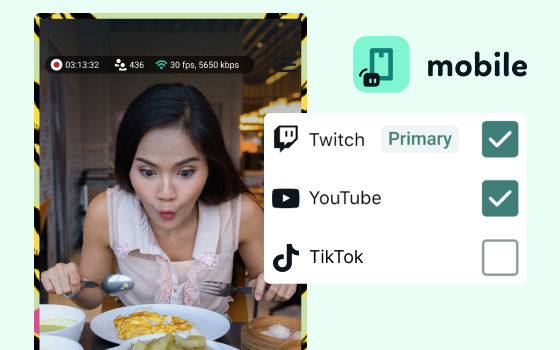
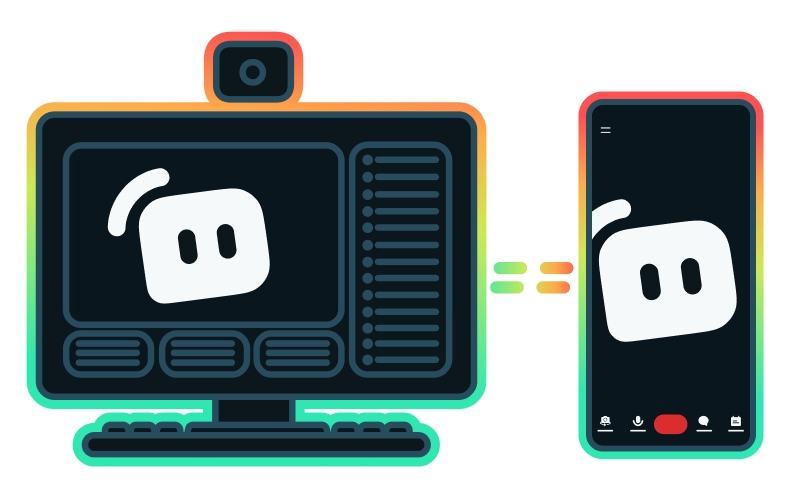
Yes, the Streamlabs Mobile app for iOS and Android lets you go live on Twitch directly from your phone without needing a desktop setup.
Yes, as of right now all of our sponsorships offerings are specifically for Twitch streamers. Learn more about sponsorships here.
Streamlabs Multistream は Ultra の機能です。 無料でマルチストリームを行う際には、Dual Output を使用すると、垂直方向と水平方向の同時ライブ配信が可能です。サブスクリプションは必要ありません。
Please contact support at this link.