

Создано для авторов контента в категории «Общение»
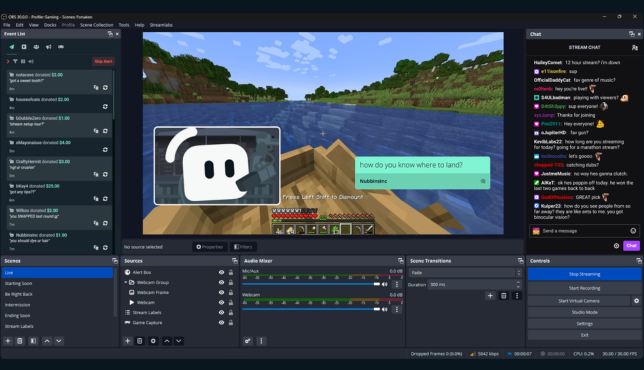
Поддерживайте беседы с помощью оповещений, виджетов, Cloudbot, многопоточной трансляции и многого другого. Все эти возможности созданы, чтобы помочь вам сформировать более вовлеченное сообщество.
.avif)


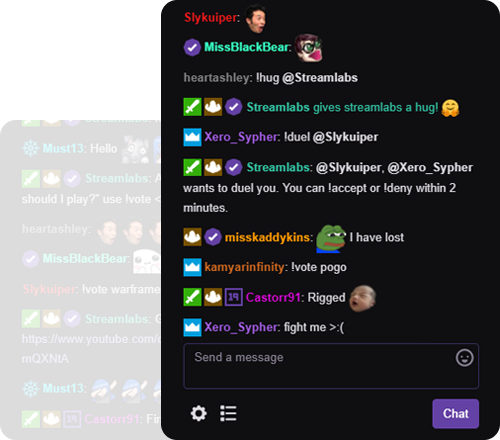
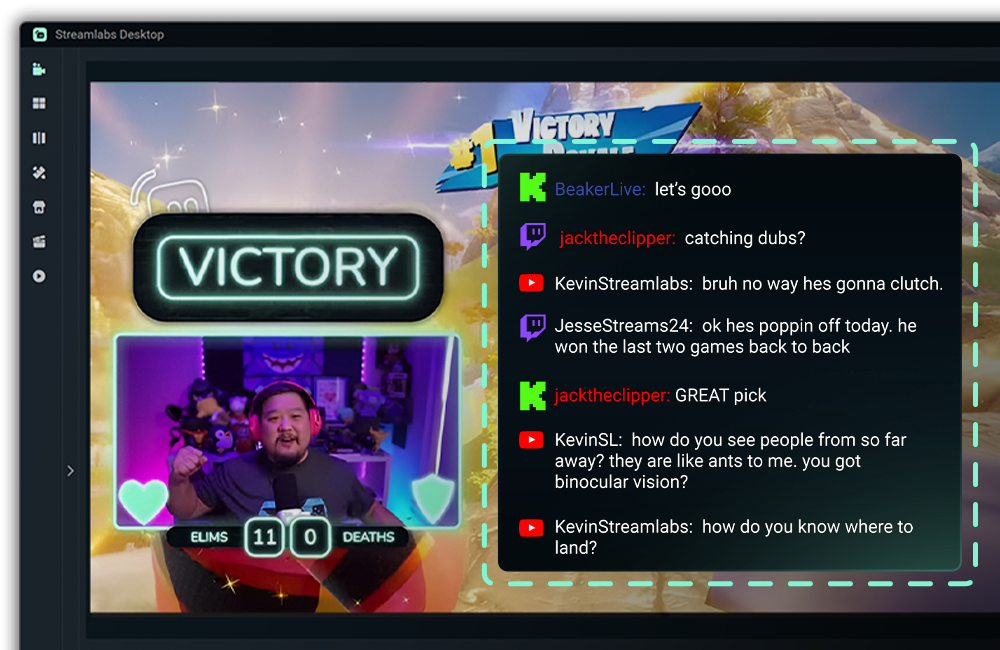
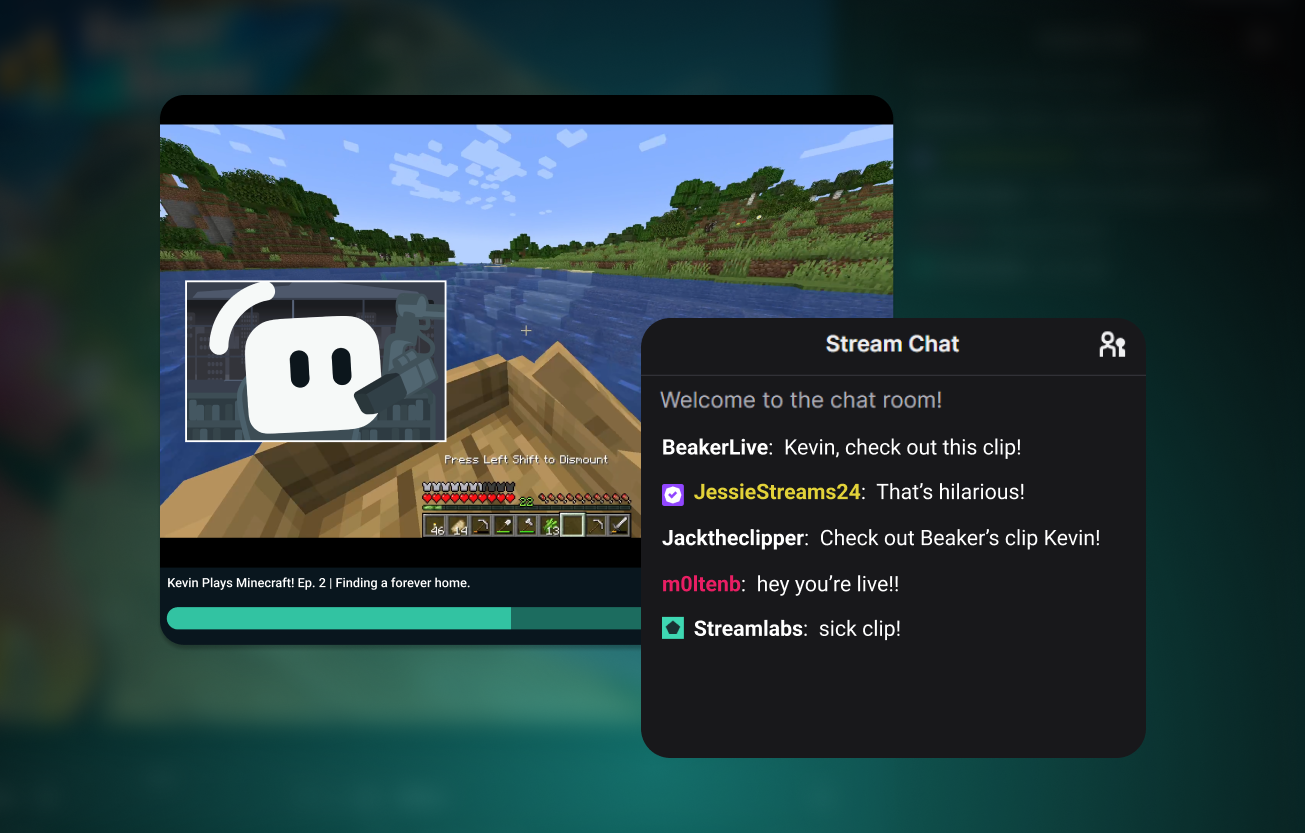
Модерируйте чат
Поддерживайте безопасность и порядок в чате с помощью Cloudbot — бесплатного чат-бота от Streamlabs.
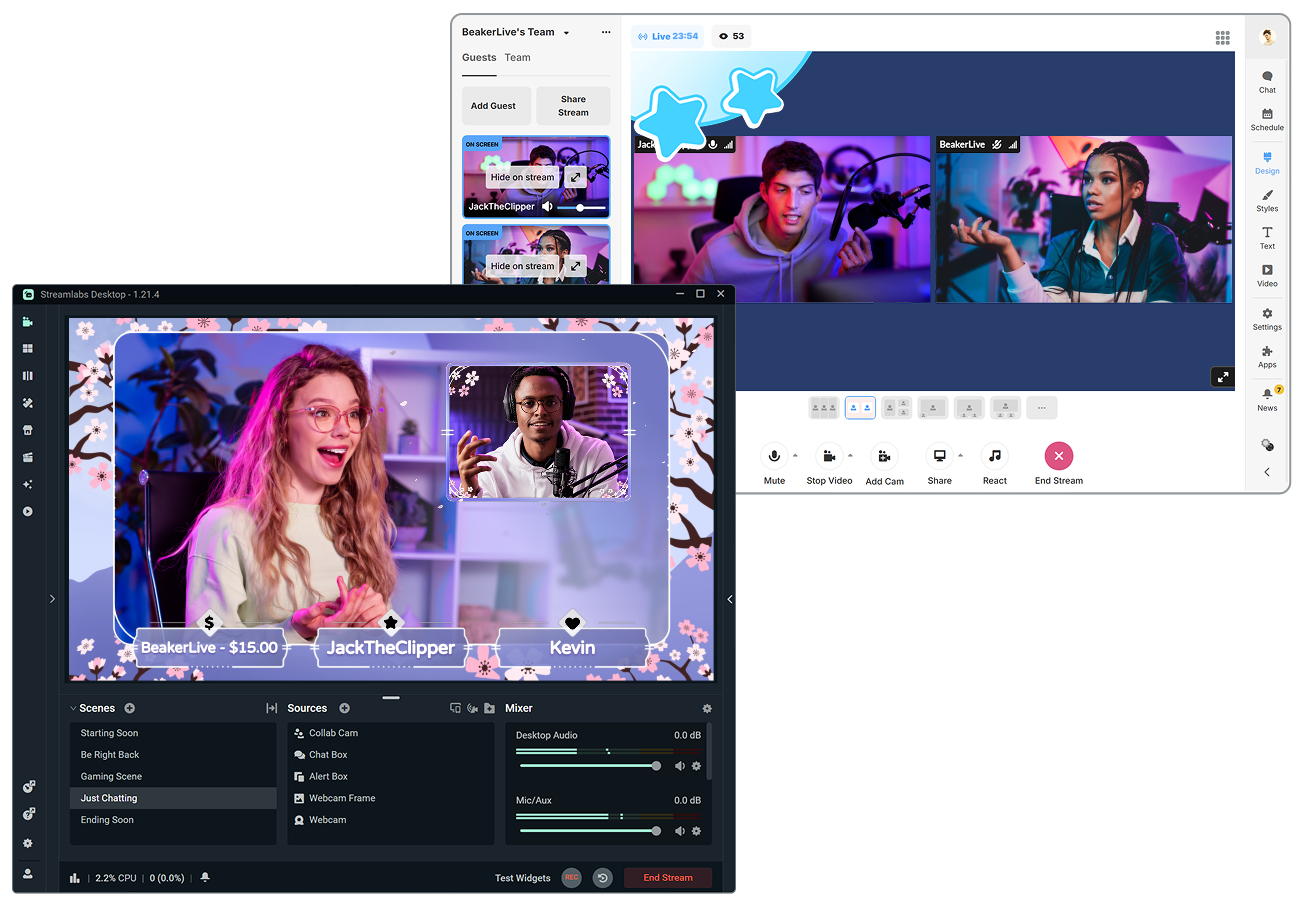
Легко добавляйте гостей
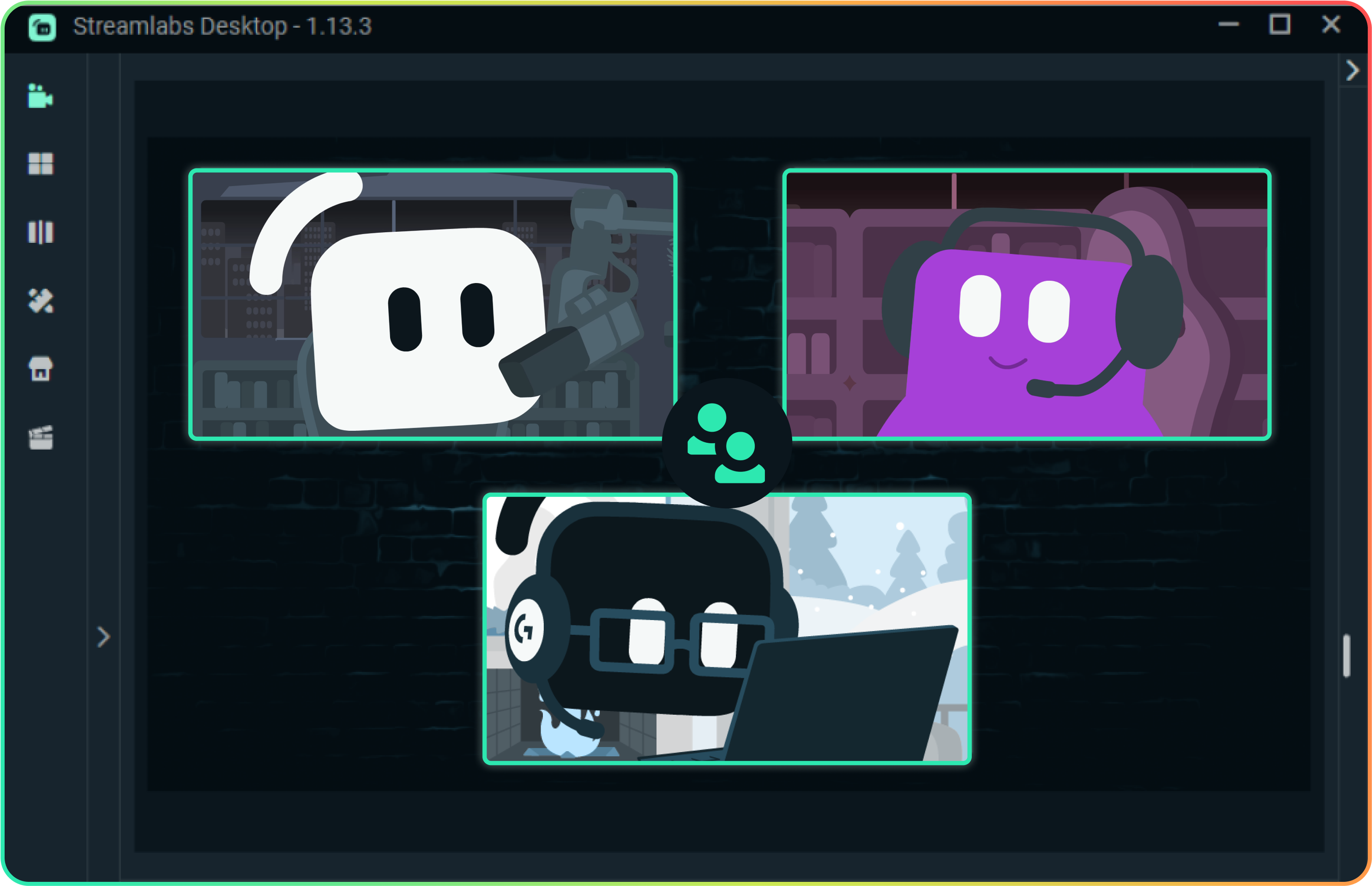
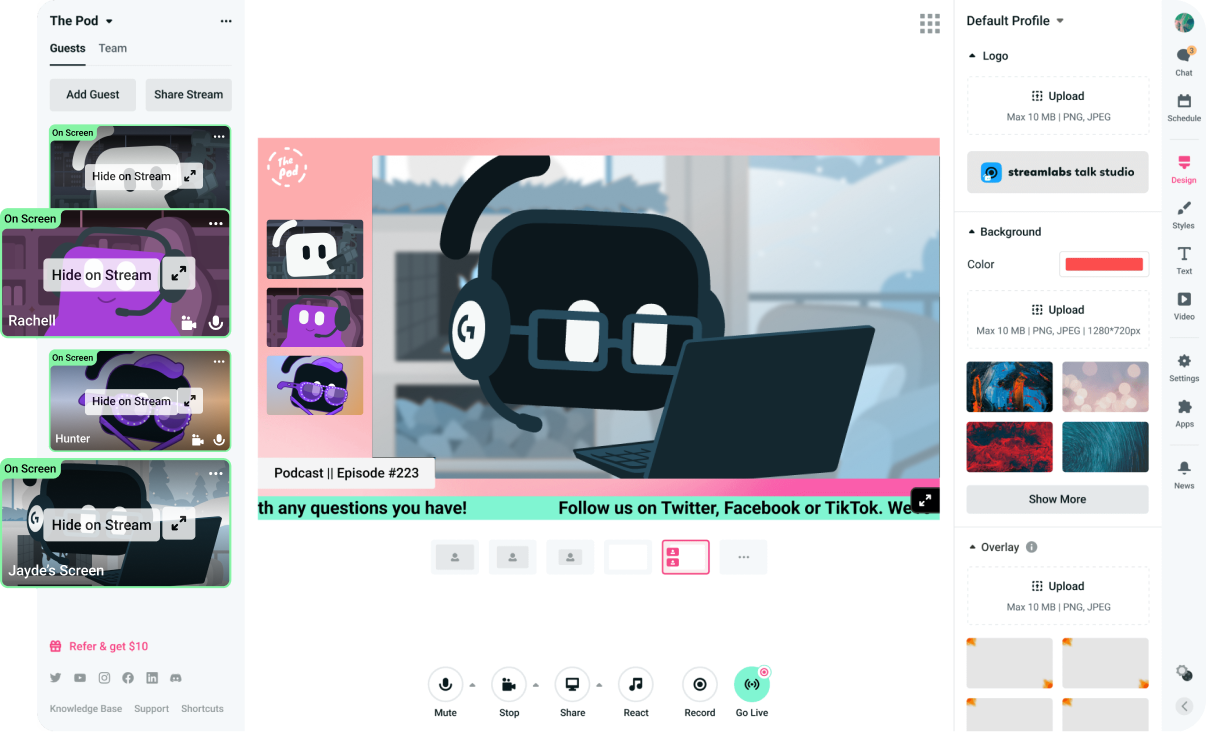
Приглашайте гостей с помощью простой ссылки. Используете ли вы Streamlabs Desktop с функцией Collab Cam или веб-студию Talk Studio в браузере, любой желающий может присоединиться к вашей трансляции за считаные секунды.
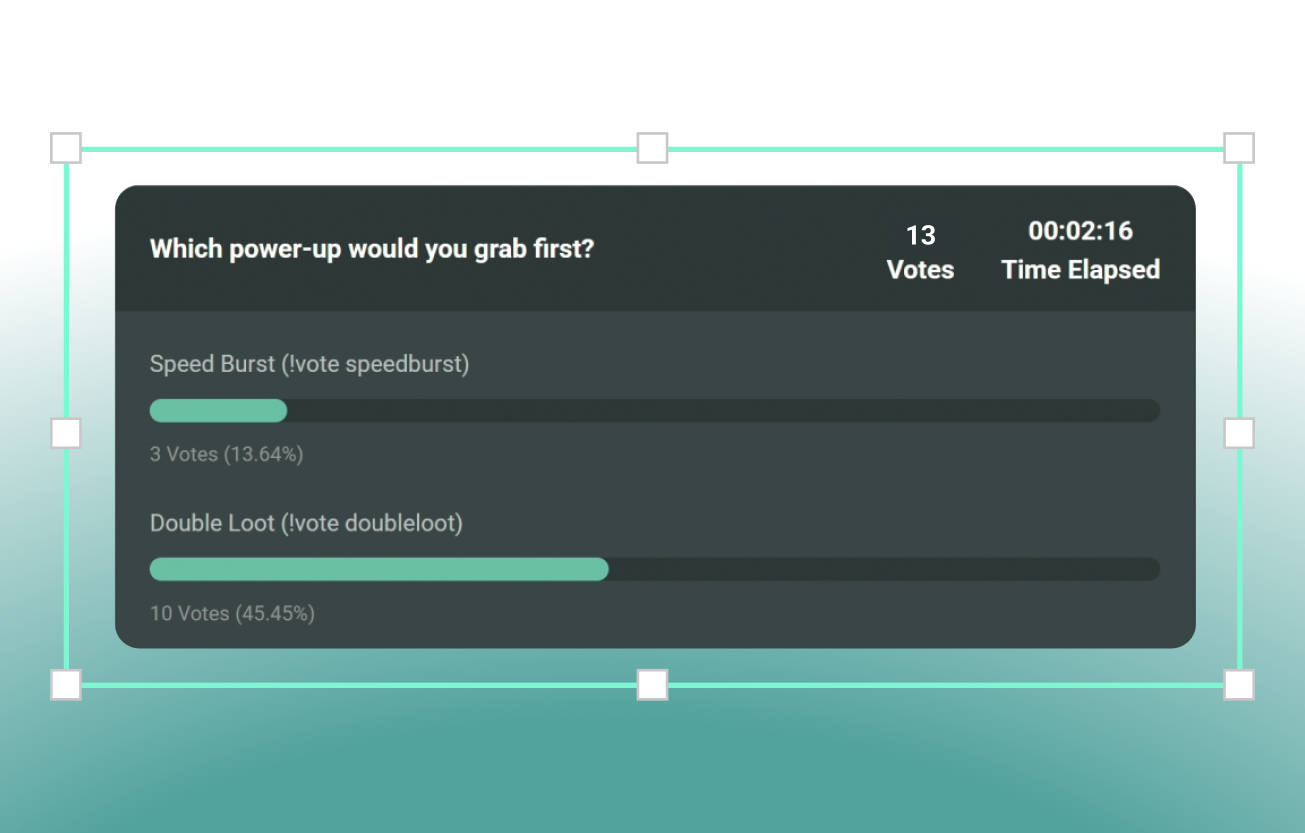
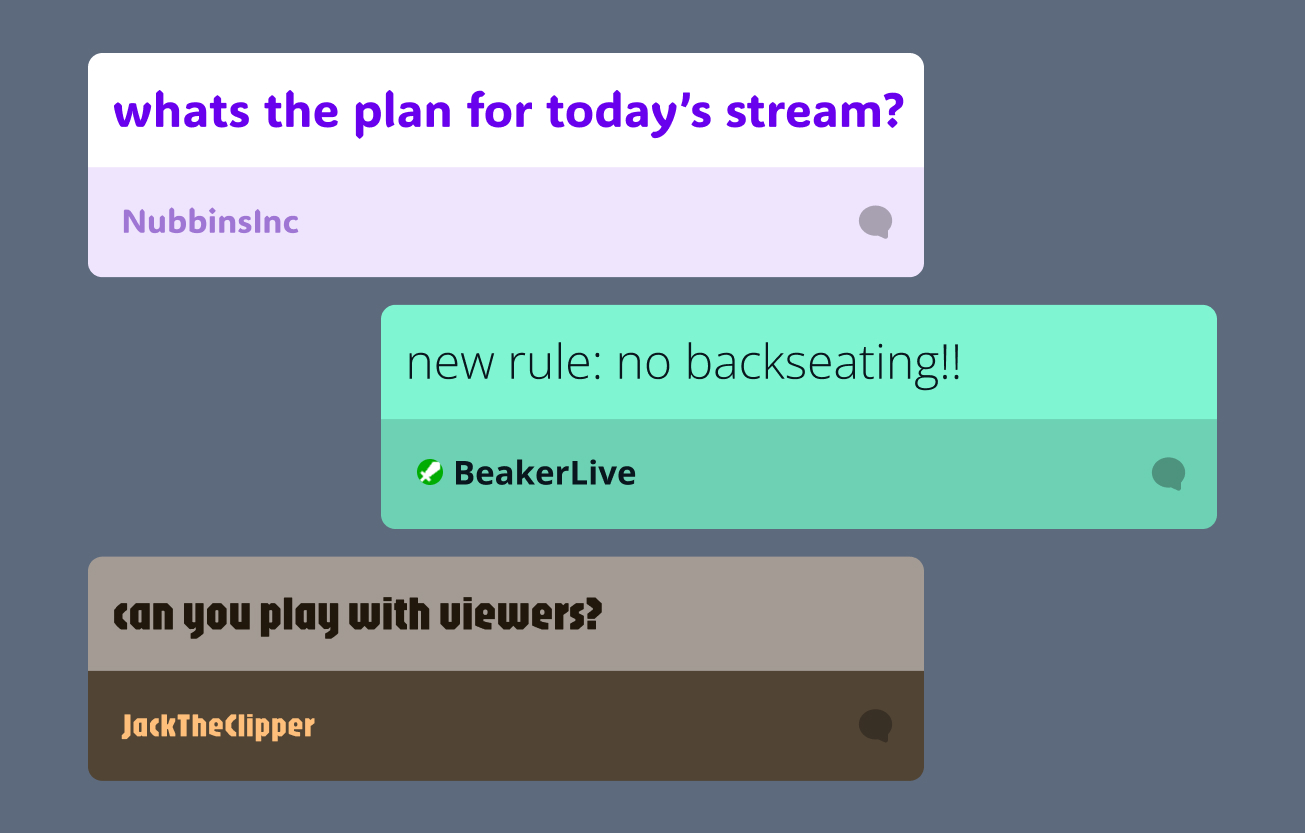
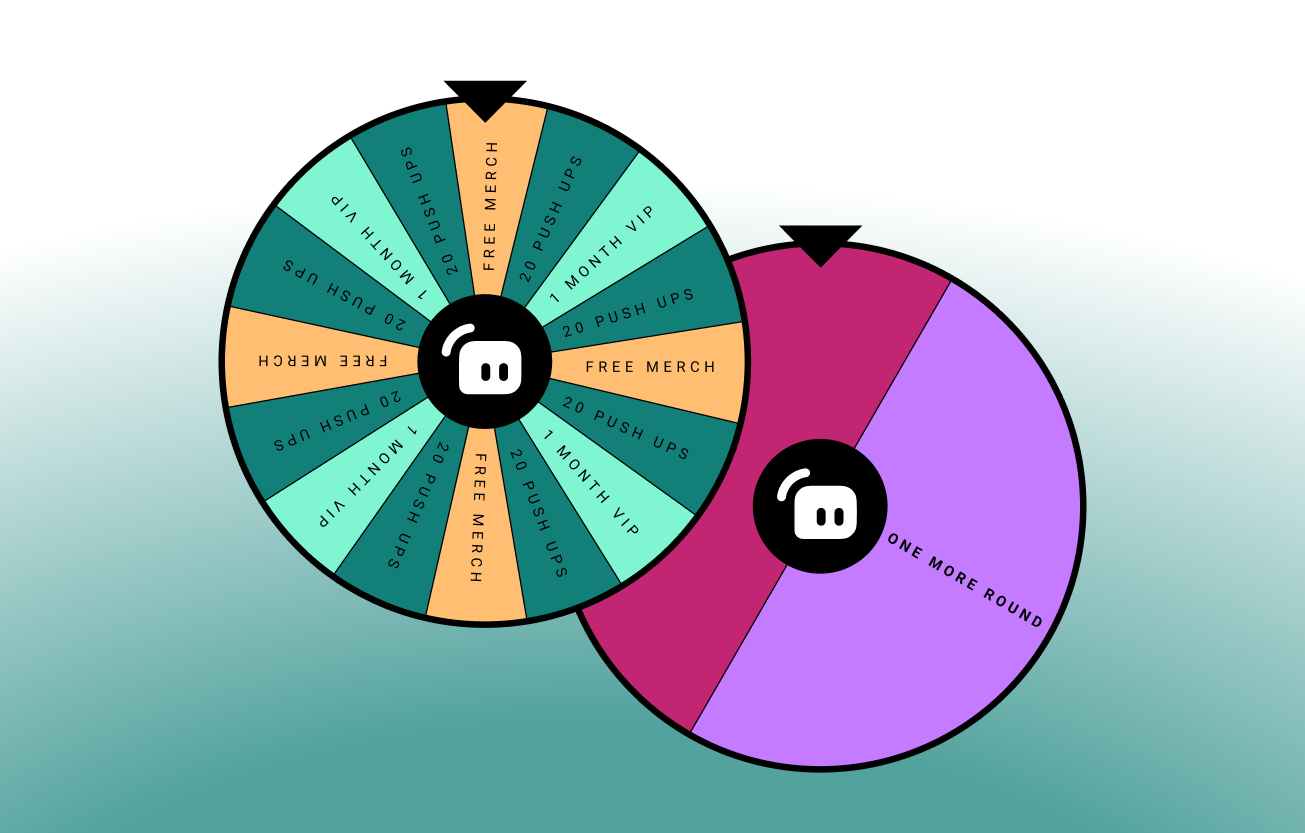
Поддерживайте активность в чате
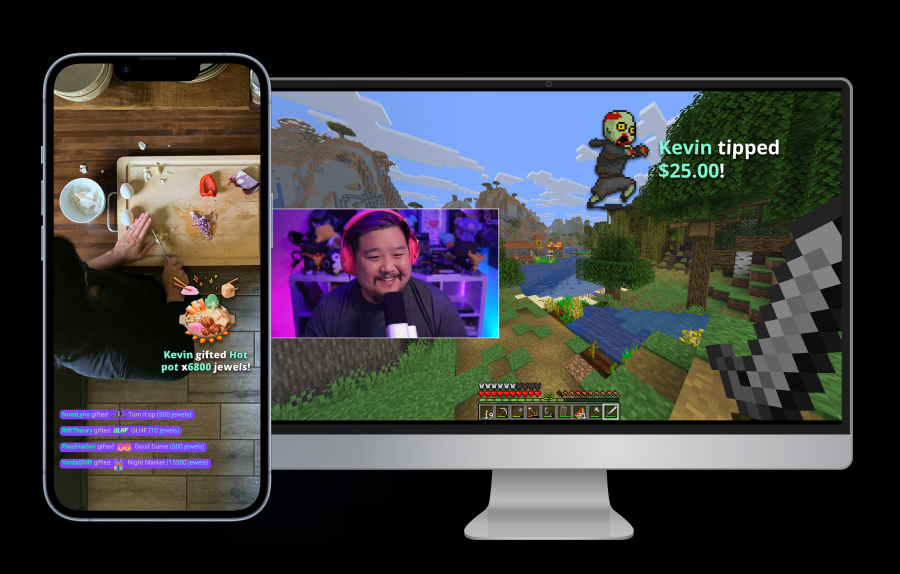
Выбирайте из десятков бесплатных виджетов, которые поощряют участие, побуждают к беседам и поддерживают вовлеченность вашего сообщества.
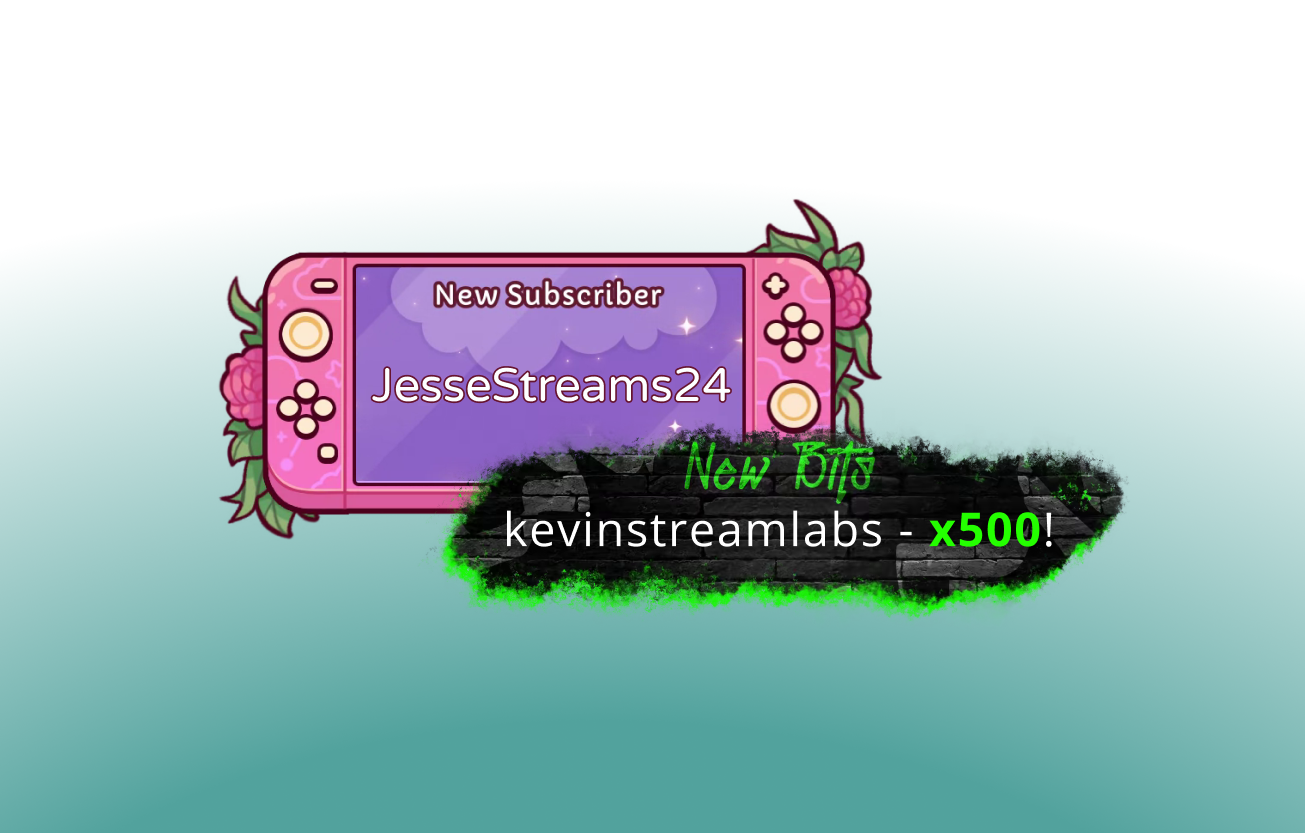
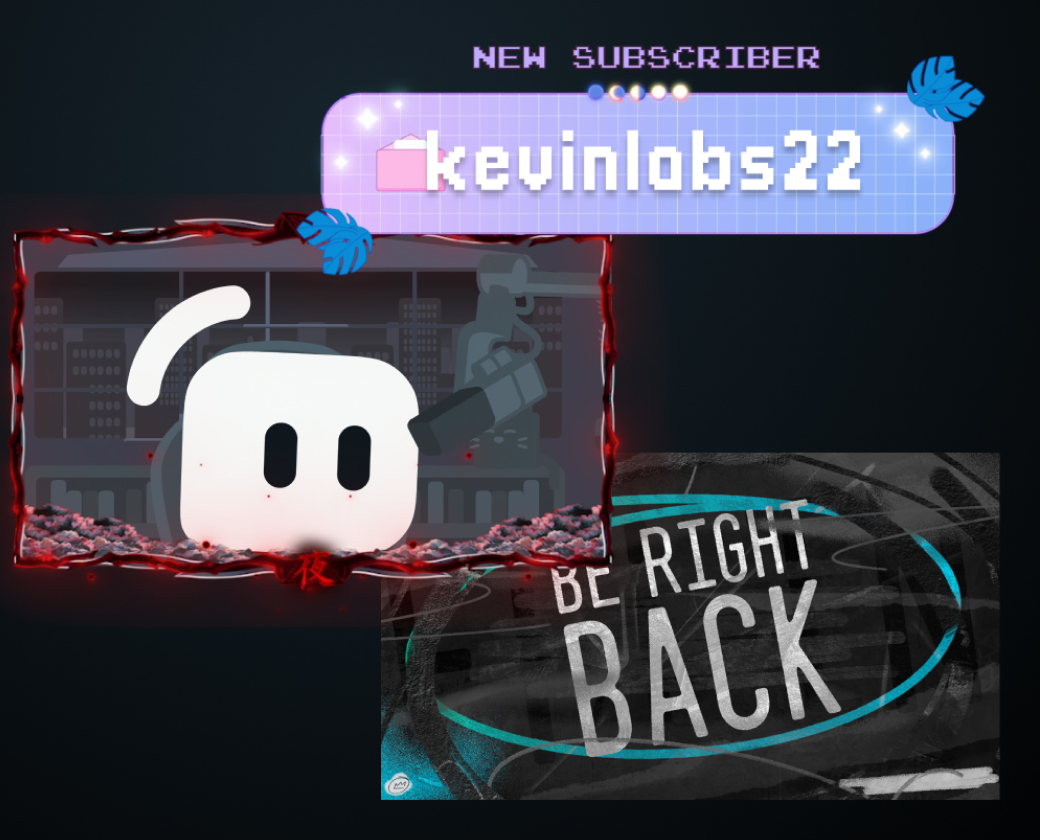
Создайте свою атмосферу
Выбирайте наложения от профессиональных дизайнеров и скоординированные темы для виджетов, созданные настоящими художниками, которые придадут вашей трансляции уникальный персонализированный вид.
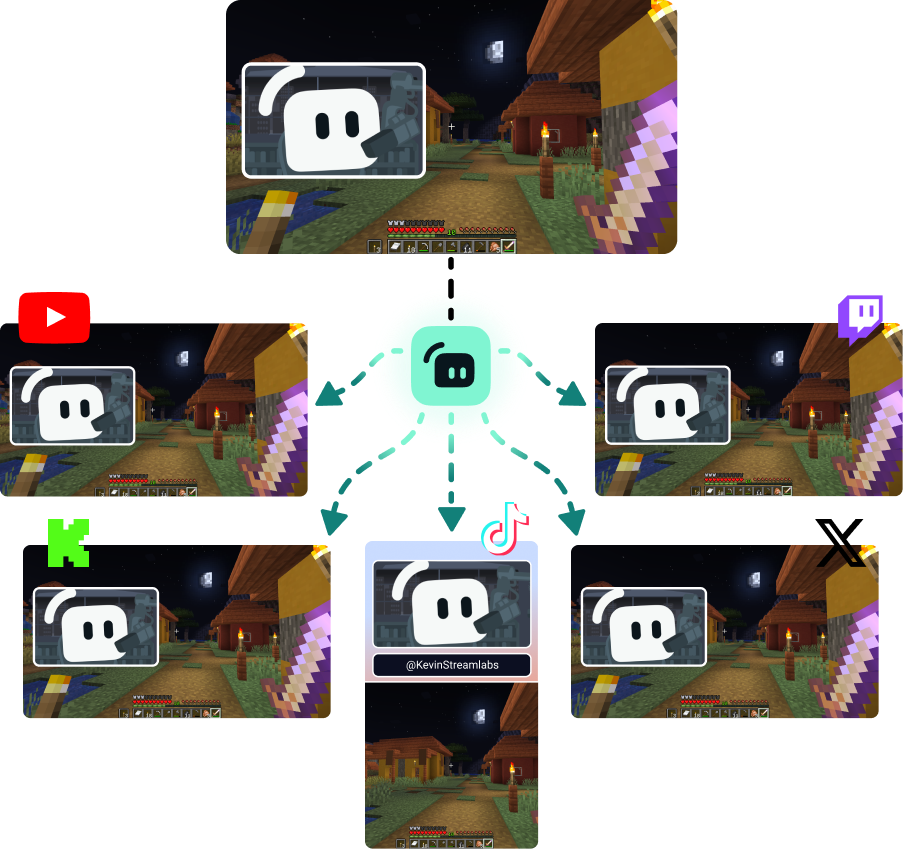
Расширяйте свою аудиторию на разных платформах
Используйте функцию многопоточной трансляции, чтобы обращаться к зрителям на удобных для них платформах.
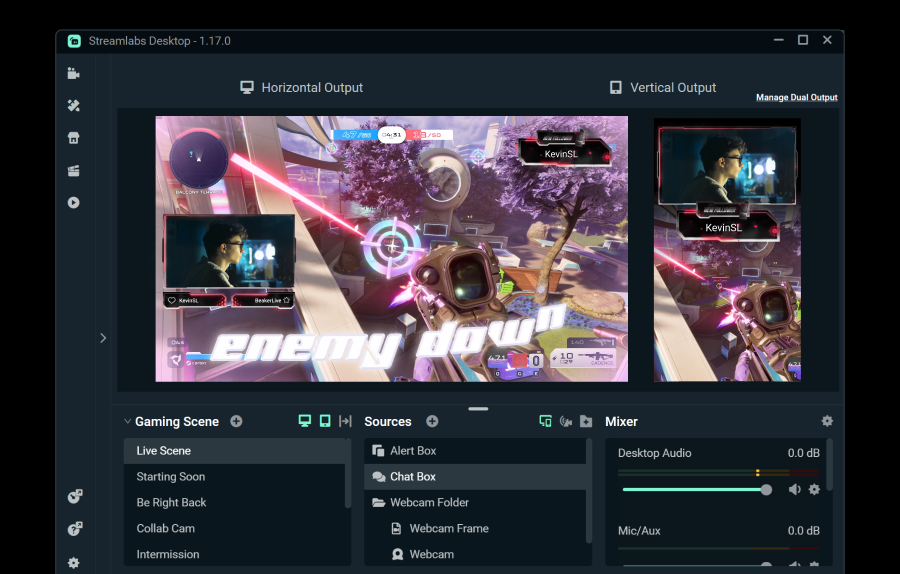
Транслируйте на одну платформу в горизонтальном и на одну в вертикальном формате бесплатно с помощью функции Dual Output или выходите в эфир на неограниченном количестве платформ с подпиской Streamlabs Ultra.
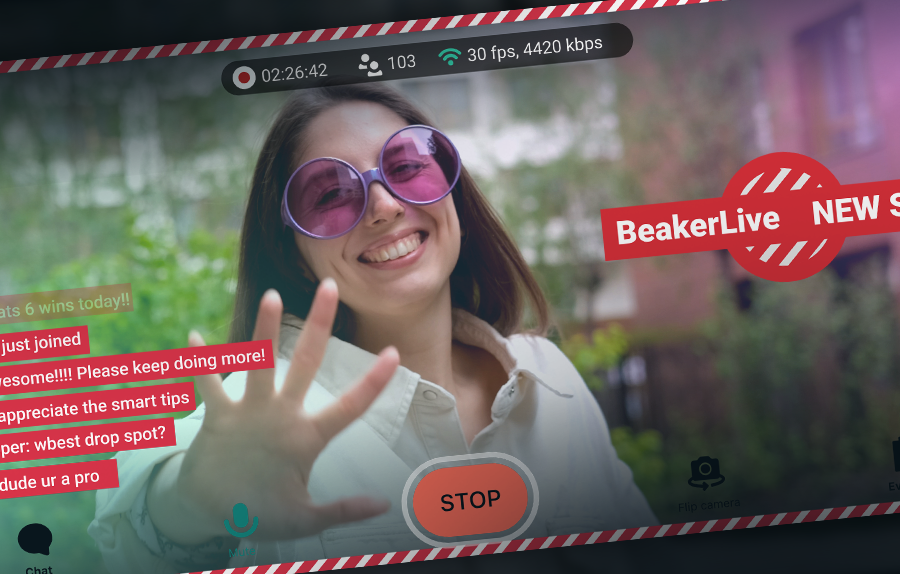
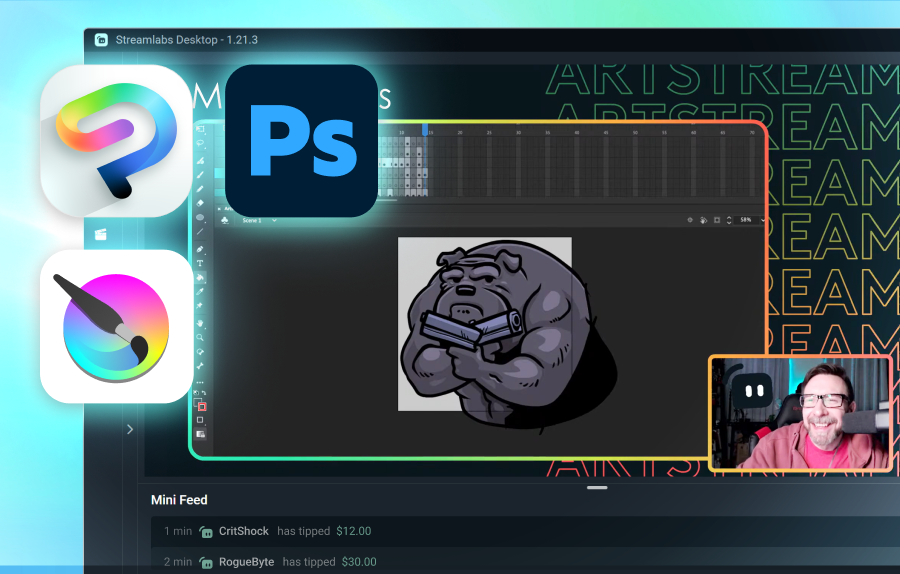
Инструменты для авторов любого контента
Узнайте, как Streamlabs может помочь в создании целого ряда других типов контента.
Часто задаваемые вопросы
Программное обеспечение для трансляций в категории «Общение» — это софт, оптимизированный для общения, неигровых прямых трансляций с интеграцией веб-камеры, возможностями демонстрации экрана, оверлеями, оповещениями и интерактивными виджетами, предназначенными для вовлечения зрителей. Такие инструменты, как Streamlabs Desktop, идеально подходят для трансляций в категории «Общение» и игровых стримов, в то время как такие варианты, как Talk Studio, отлично подходят для быстрого запуска трансляций в категории «Общение» без необходимости скачивания.
Streamlabs — идеальный выбор для стримов в категории «Общение» благодаря универсальности инструментов для стриминга в сочетании со встроенными функциями для повышения вовлеченности зрителей и развития канала. Стримы в категории «Общение» бывают самых разных форматов, и вы заслуживаете инструментов, которые поддерживают ваш формат. Функции Streamlabs, поддерживающие стримы в категории «Общение», включают:
- Программное обеспечение для стриминга через Streamlabs Desktop, плагин для OBS, Talk Studio и мобильное приложение.
- Десятки виджетов, разработанных для вовлечения аудитории, чтобы поддерживать активность в чате.
- Простой доступ для гостей через Collab Cam в Streamlabs Desktop и функции для гостей в Talk Studio.
- Модерация чата, игры, опросы и многое другое с помощью Streamlabs Cloudbot.
- Тысячи оверлеев для стримов от профессиональных дизайнеров, а также дополнительные инструменты настройки, которые позволяют вам контролировать свой стиль.
- Dual Output в Streamlabs Desktop для поддержки горизонтального и вертикального форматов на всех ваших любимых платформах, чтобы вы могли расти быстрее.
Чтобы начать трансляцию в категории «Общение», потребуется всего несколько шагов:
- Выберите предпочтительное программное обеспечение для трансляций (например, Streamlabs Desktop, OBS с плагином Streamlabs для OBS, Streamlabs Mobile, Talk Studio)
- Привяжите все каналы для трансляций, на которых вы хотите вести вещание
- Создайте или выберите сцену или шаблон «Просто общение»
- Добавьте источники в свою трансляцию (например, веб-камеру, микрофон, демонстрацию экрана, окно оповещений, окно чата)
- Рекомендуется, но не обязательно: настройте модерацию через Cloudbot
- Нажмите «Начать трансляцию» (Go Live).
Нет, на самом деле со Streamlabs Mobile вам вообще не нужен ПК. Для трансляций с ПК Streamlabs Desktop поддерживает оптимизированные кодировщики и режим производительности, а Talk Studio — отличный вариант, работающий в браузере.
Вы можете легко использовать Streamlabs для трансляции контента в категории «Общение» на YouTube, Twitch, Kick и Patreon. Более того, вы можете вести мультистриминг на эти платформы и пользовательские RTMP-адреса для более широкого охвата и быстрого роста.
Обратите внимание, что интеграция Streamlabs с TikTok предназначена для игрового контента, и трансляция контента в категории «Общение» может привести к тому, что TikTok отзовет доступ к трансляциям.
Обратитесь в службу поддержки по этой ссылке.