

Uma transmissão. Qualquer dispositivo.
Cria transmissões que funcionam perfeitamente em computadores e dispositivos móveis.
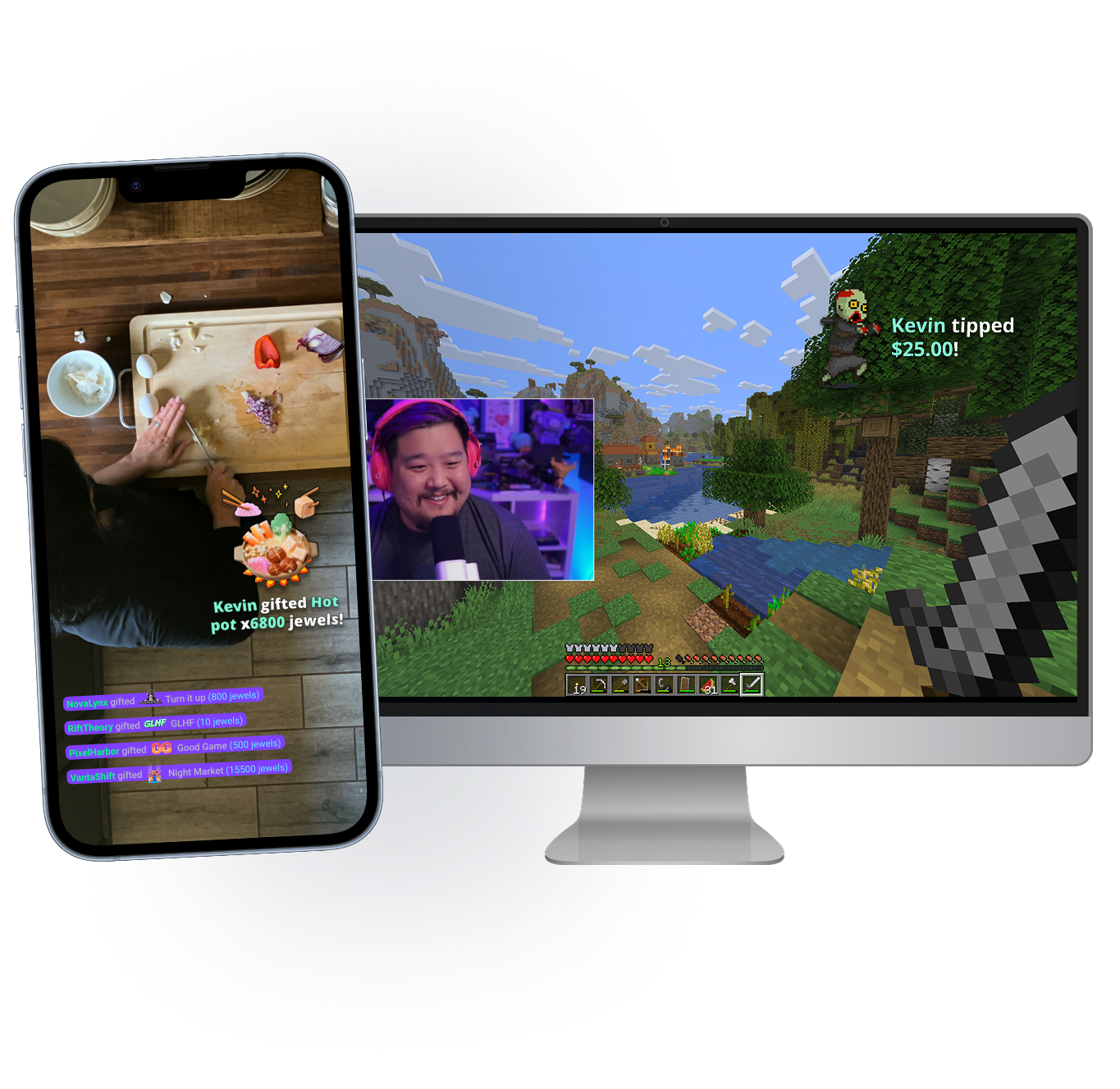
Leva a tua transmissão para qualquer lugar
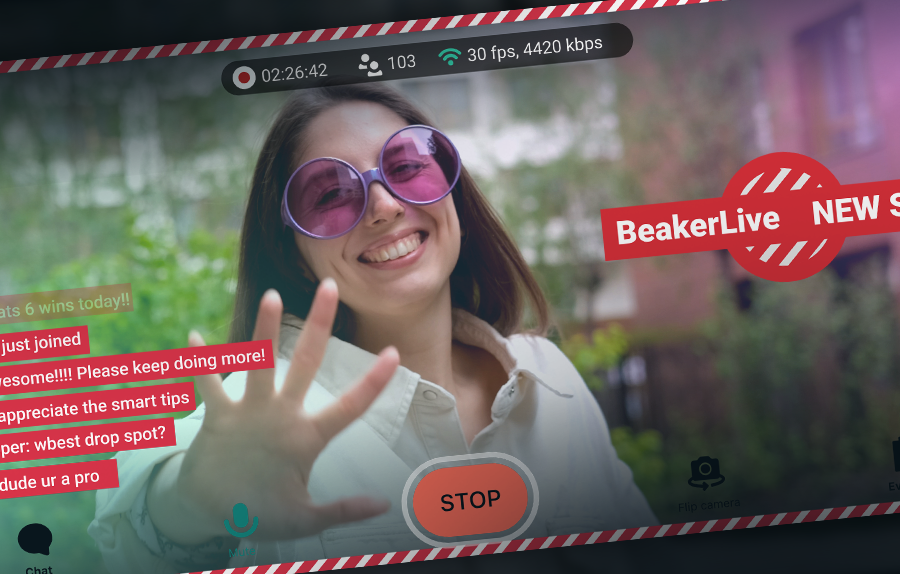
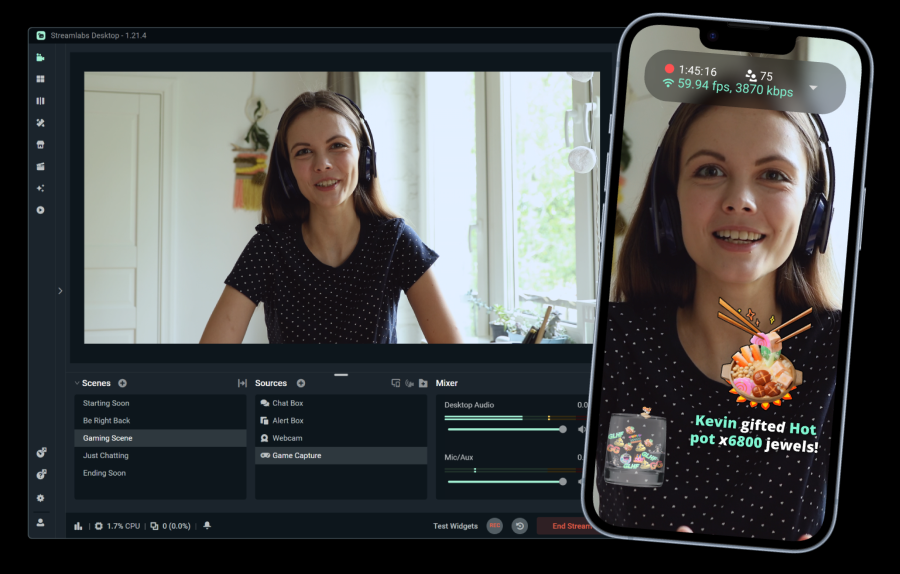
Quer estejas na tua secretária ou fora, o Stream Shift permite-te levar o chat contigo. Muda do teu dispositivo móvel para o teu PC e vice-versa sem terminares a tua transmissão.
Disponível para membros Streamlabs Ultra no Desktop e Dispositivo Móvel.
Funcionalidades indispensáveis
Tudo de que precisas para personalizar a tua transmissão e construir a tua comunidade.
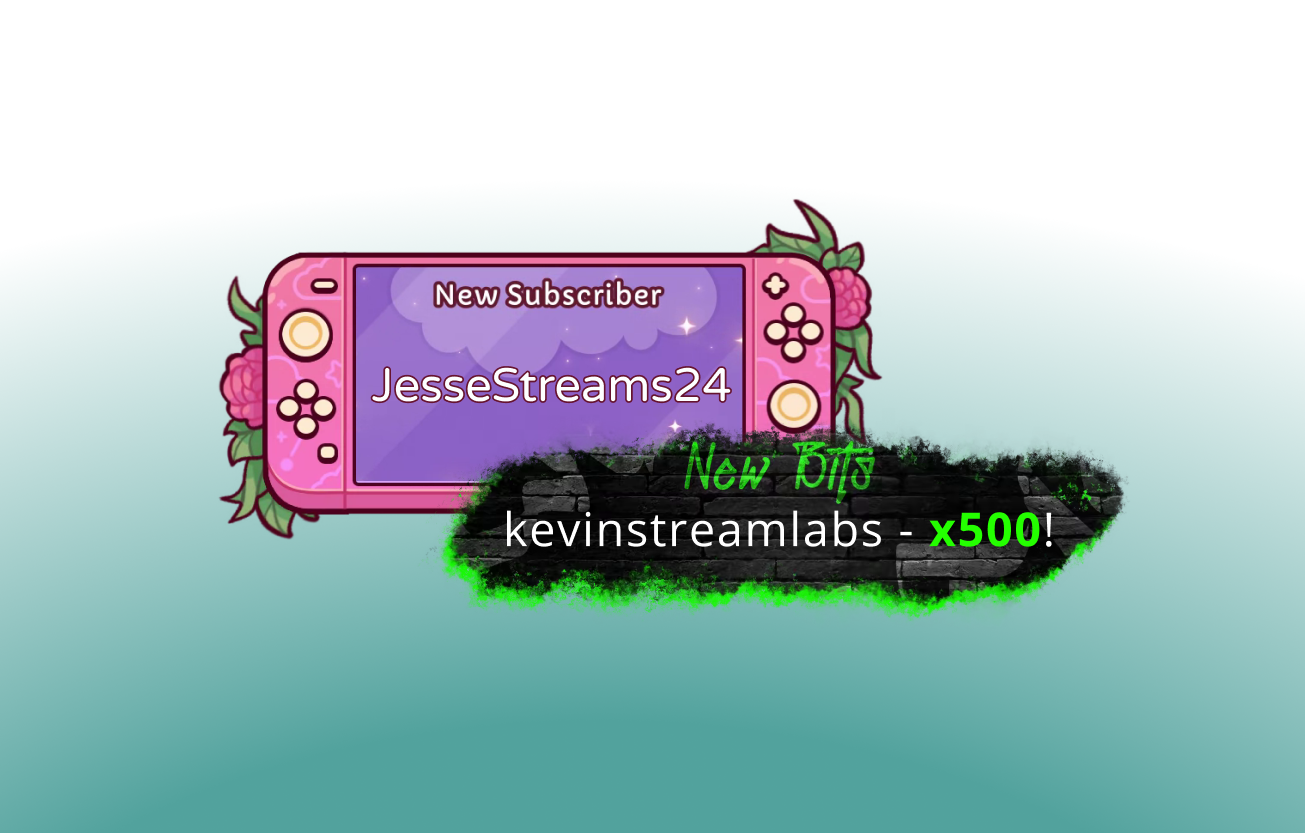
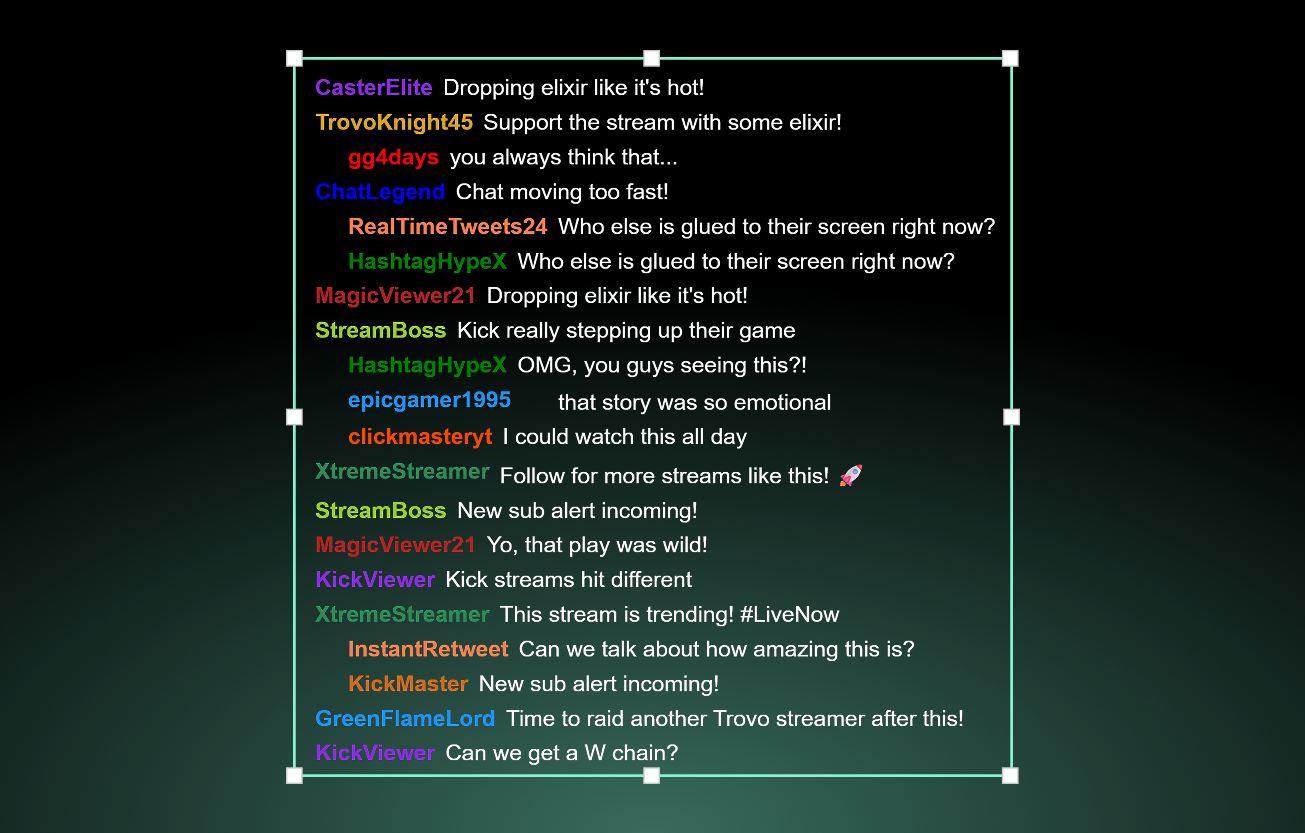
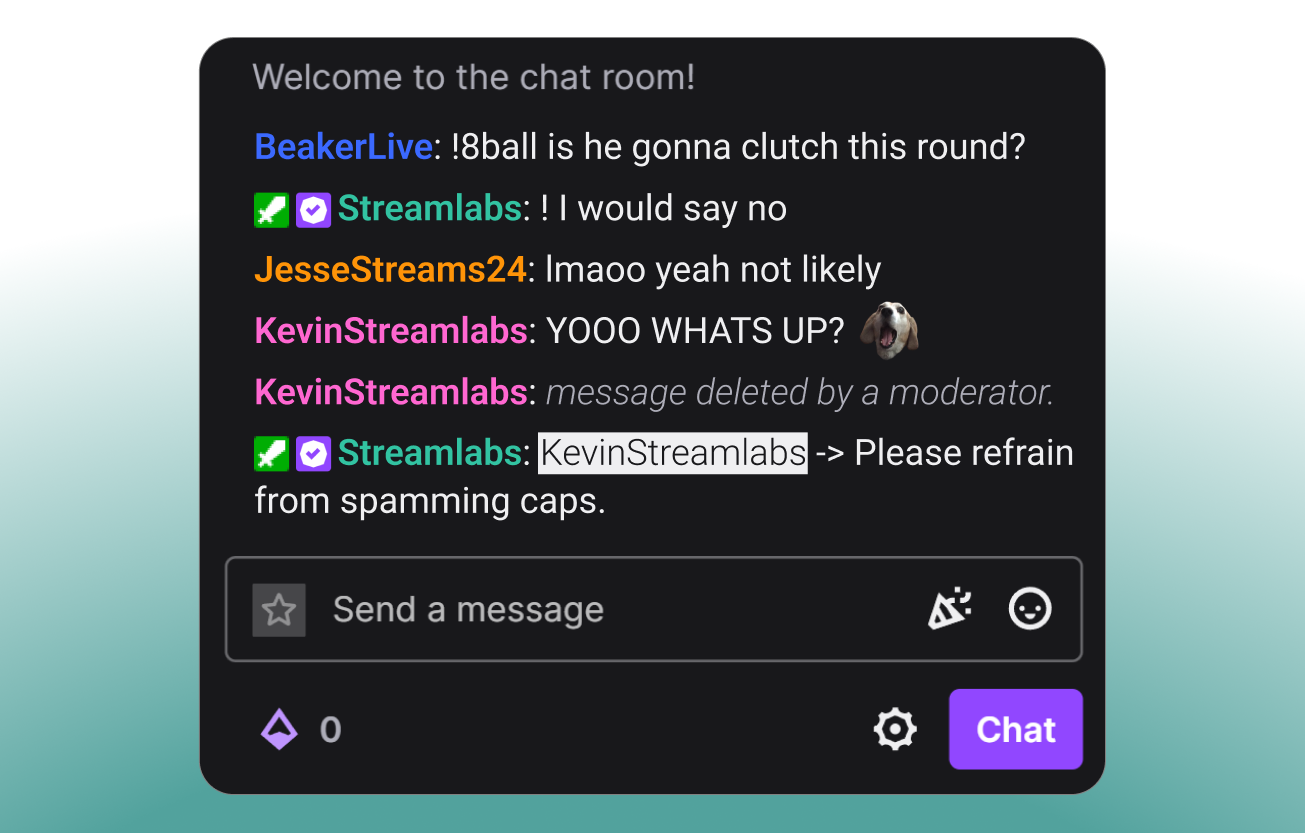
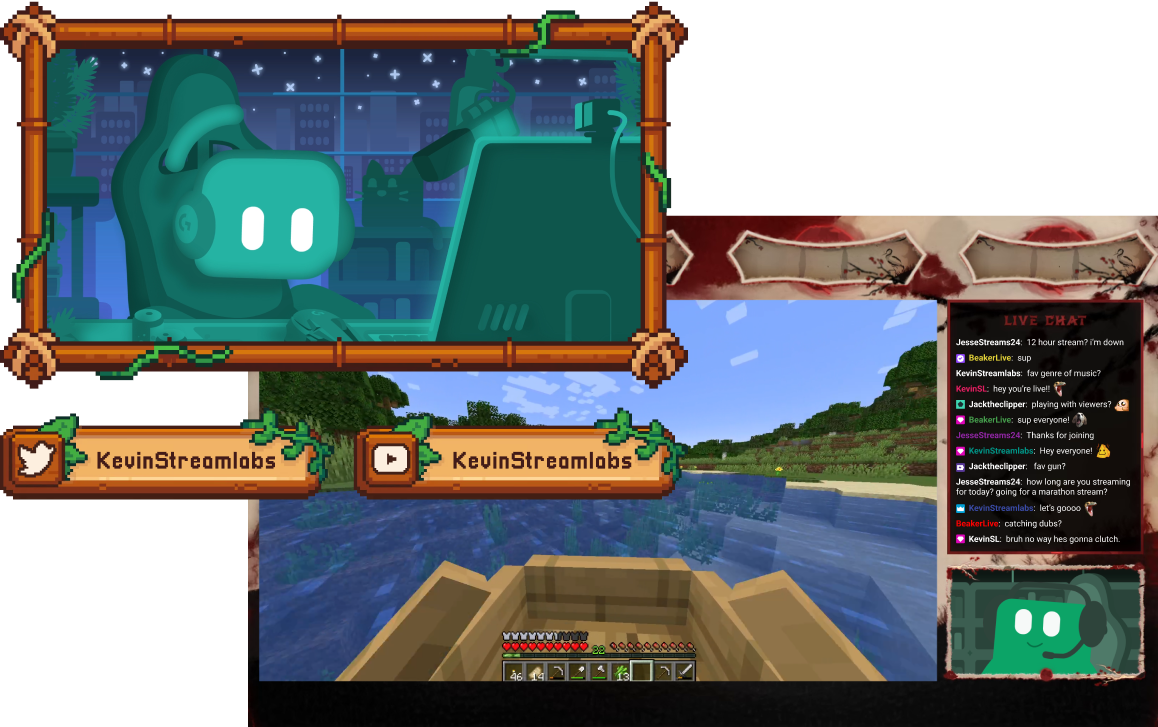
Ferramentas para todo o tipo de criador
Descobre como o Streamlabs pode apoiar uma variedade de outros tipos de conteúdo.
Aumenta o teu público em várias plataformas
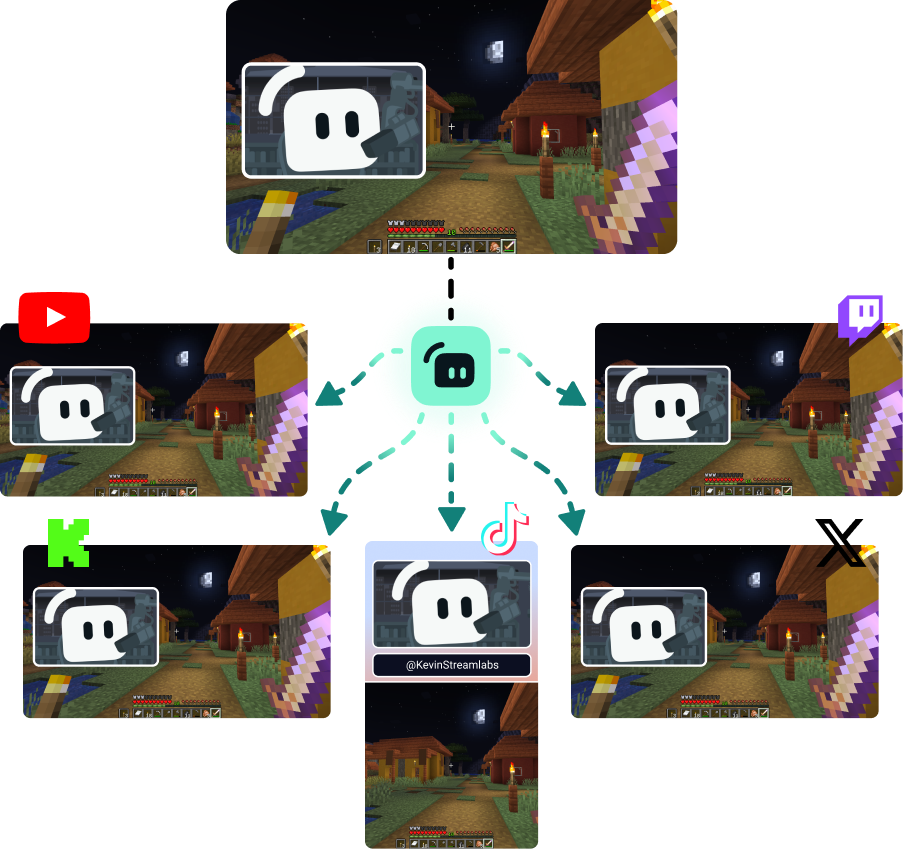
Faz multitransmissão para chegares aos espetadores onde quer que eles prefiram ver.
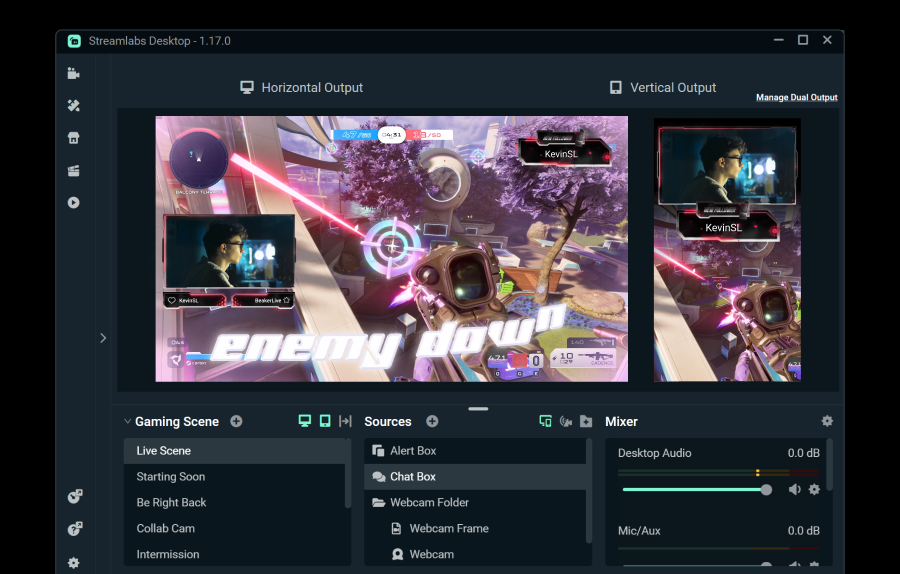
Faz streaming para um destino horizontal e um vertical gratuitamente usando o Dual Output, ou desbloqueia destinos ilimitados com o Streamlabs Ultra.
Começa a transmitir em direto em 50 5 cliques – transmite para qualquer plataforma
Começa a transmitir em direto em horas minutos para qualquer plataforma
Os novos criadores que fazem multitransmissão regularmente* têm duas vezes mais probabilidade de atrair mais de cinco espectadores simultâneos.
* novos utilizadores que estiveram a fazer transmissão até seis meses e que fizeram multitransmissão mais de sete vezes


Perguntas frequentes
O streaming em direto híbrido é uma forma de streaming onde são usados múltiplos formatos. Isto pode incluir um stream que começa como gaming no PC e passa para mobile para se tornar um stream IRL.
Embora as transmissões de Só conversa e de jogos não vão desaparecer, a audiência de IRL tem crescido de forma constante. A transmissão híbrida ajuda a manter o teu conteúdo atualizado e o teu público envolvido, permitindo-te criar conteúdo nestas categorias.
As ferramentas que consideras valiosas dependerão do tipo de transmissões híbridas que planeias fazer, mas algumas opções incluem:
- Streamlabs Desktop: Este software de transmissão gratuito disponível para PC e Mac permite-te transmitir a(s) tua(s) câmara(s) web e adicionar convidados ou ângulos de câmara adicionais com o Collab Cam. Com a atualização opcional para Ultra, também podes mudar para o teu dispositivo móvel e voltar sem terminar a tua transmissão usando o Stream Shift.
- Streamlabs Mobile: Esta aplicação de transmissão móvel está disponível para iOS e Android e é a forma perfeita de levar o chat contigo onde quer que vás. Quer estejas na cozinha para uma transmissão de culinária ou na rua para um segmento de transmissão IRL, o Mobile ajuda-te. O Mobile combina na perfeição com o Streamlabs Desktop e o Stream Shift para que possas mudar do teu PC para o telemóvel e voltar sem perder espectadores.
- Stream Shift: Como mencionado, o Stream Shift permite-te alternar uma transmissão entre o Streamlabs Desktop e o Mobile sem nunca terminares a transmissão, para que mantenhas os teus espetadores e o teu crescimento.
- Collab Cam: Disponível no Streamlabs Desktop, a Collab Cam permite-te adicionar convidados à tua transmissão através de uma ligação simples. Podes usar a Collab Cam com dispositivos como um telemóvel ou tablet para adicionar um novo ângulo de câmara à tua transmissão sem os fios ou as limitações de uma webcam extra.
Contacta o suporte através deste link.