

OBS용 Streamlabs 플러그인
이제 OBS Studio에서 바로 즐겨 사용하는 Streamlabs 기능을 이용할 수 있습니다.
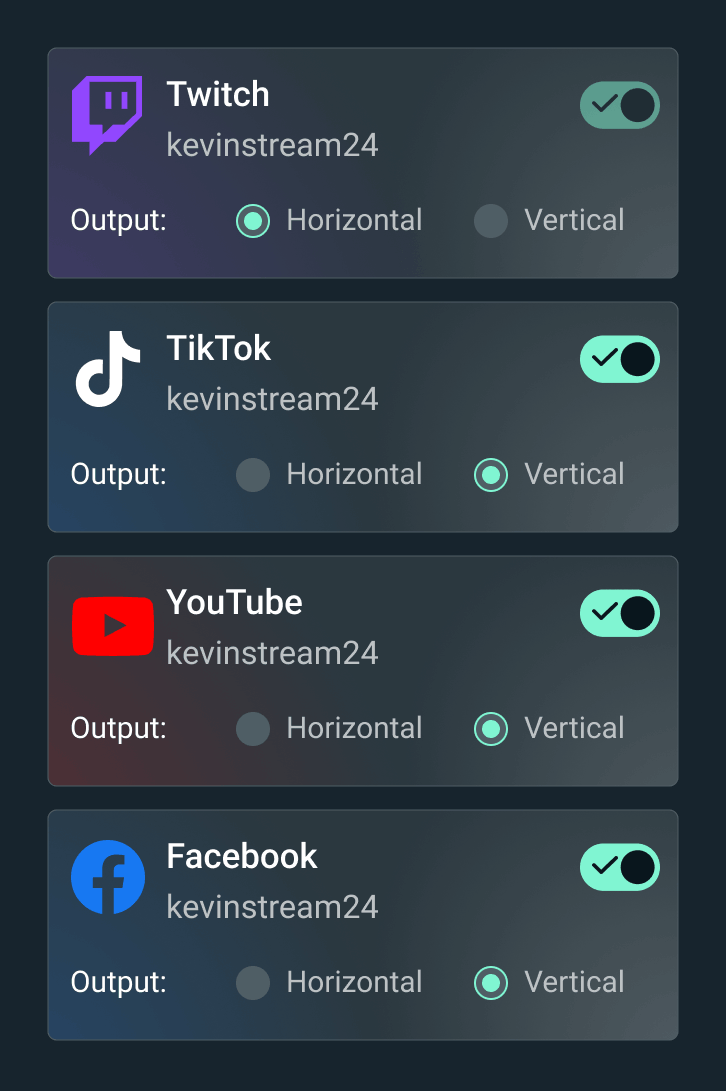

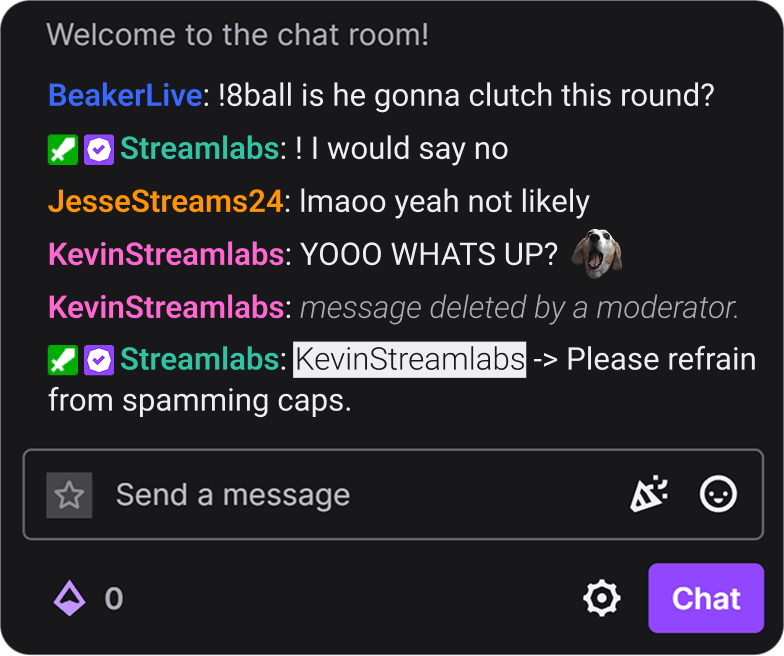


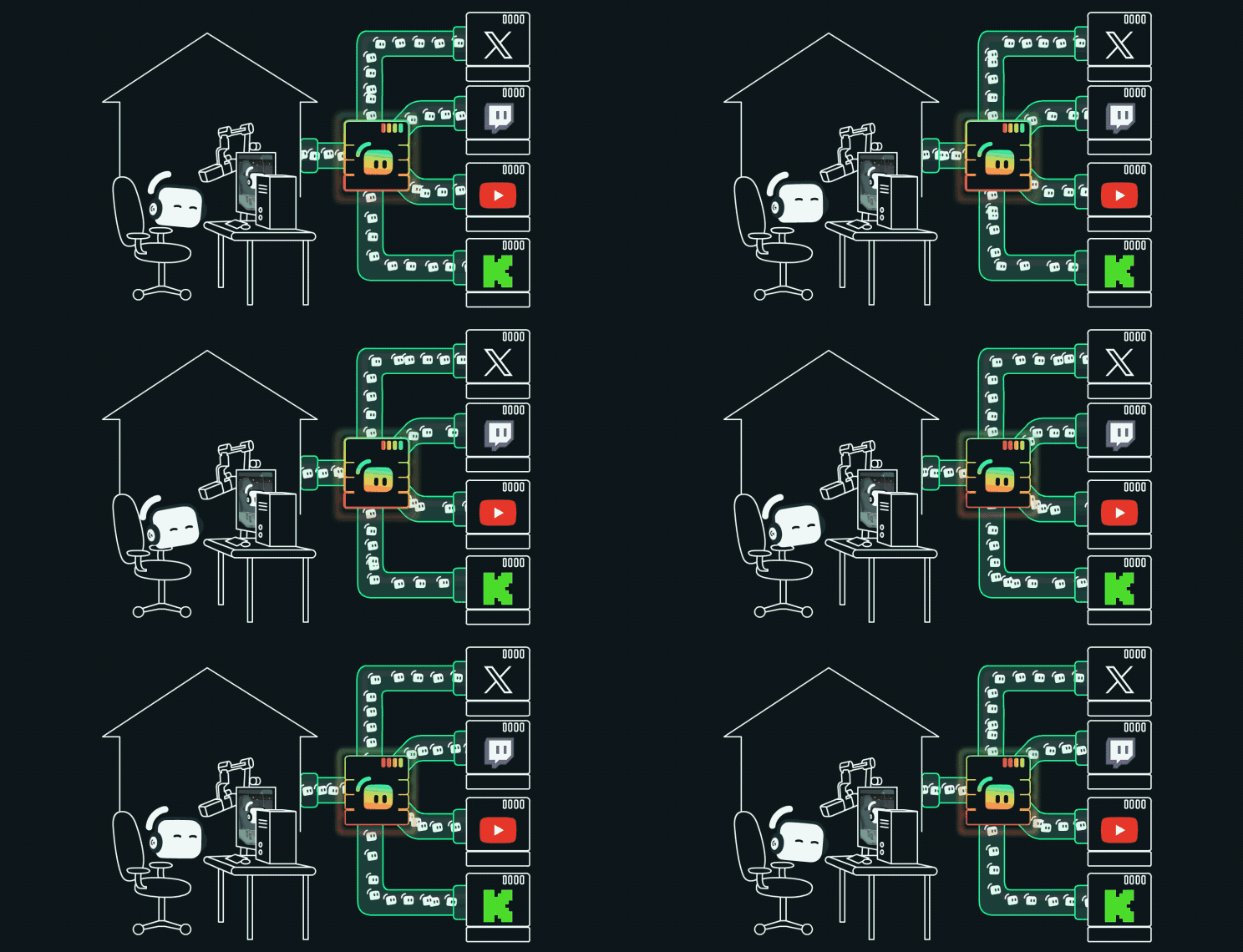
원클릭 설치로 설정을 간소화하세요.
원클릭으로 테마와 위젯을 설치하세요. 더 이상 브라우저 소스에 위젯 URL을 추가하거나 스트림 설정을 위해 여러 탭을 열어둘 필요가 없습니다.
게임 펄스 위젯으로 방송에 활력을 불어넣어 봐
킬, 제거 등 다양한 상황이 발생할 때마다 방송에서 역동적인 그래픽과 음향 효과를 자동으로 실행해. Streamlabs Vision 기반.
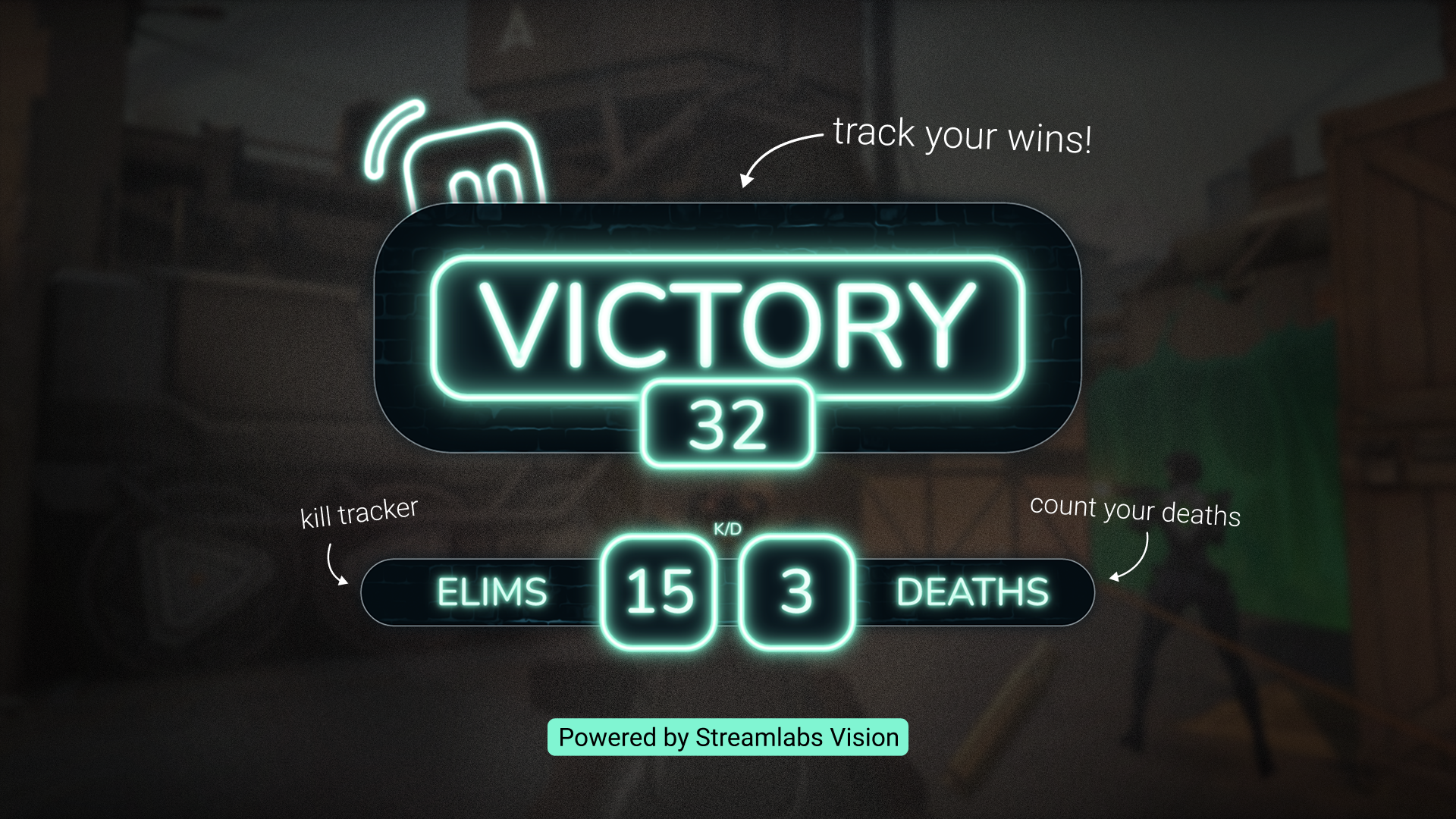
반응형 오버레이로 승리를 기록해 봐
게임 플레이가 실시간 카운터를 작동시켜 방송 중에 생생하게 나타나니까 흥미진진한 순간을 절대 놓치지 마. Streamlabs Vision 기반.
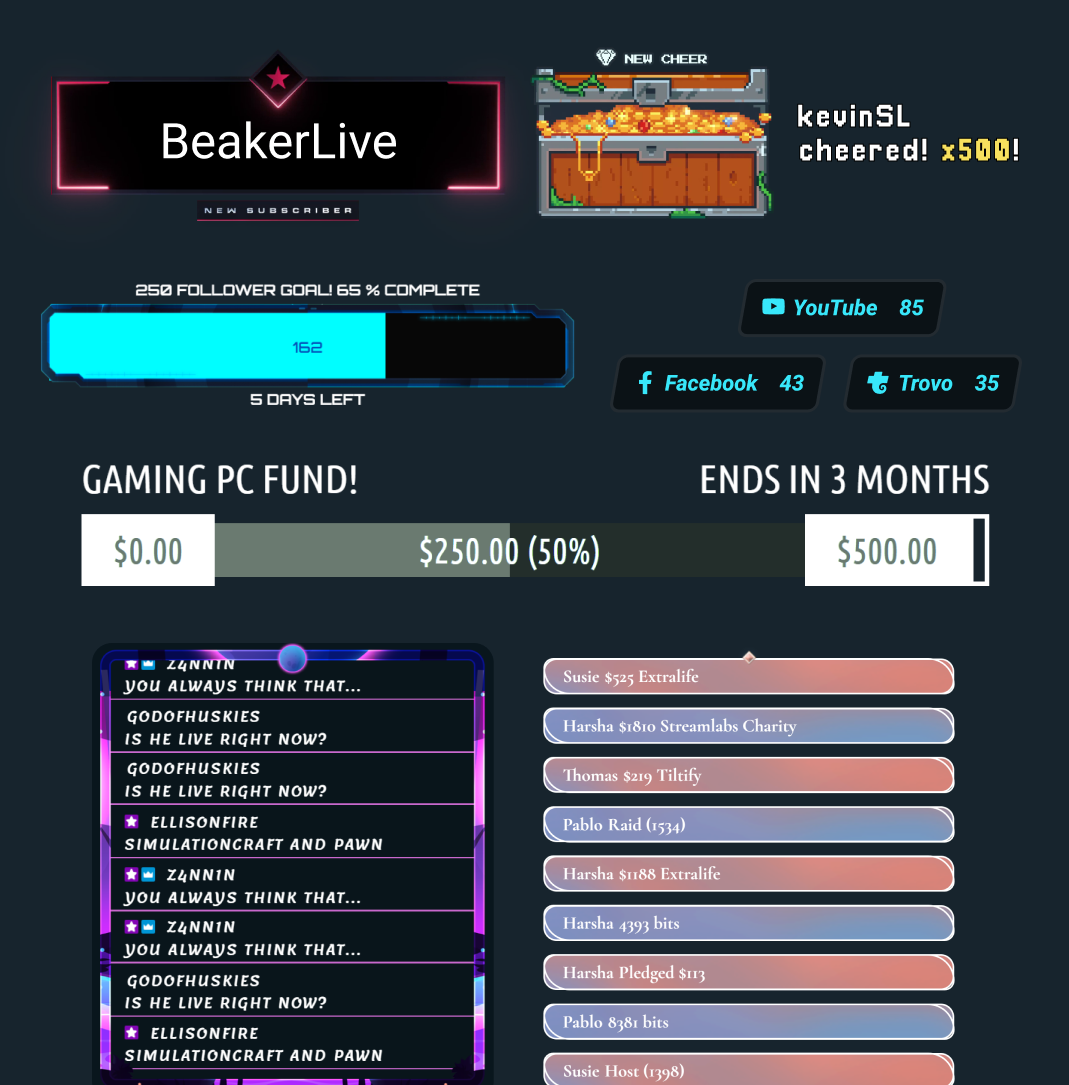
OBS에서 즐겨 사용하는 Streamlabs 위젯
더 이상 위젯 URL을 OBS 인터페이스에 복사하여 붙여넣을 필요가 없습니다. 클릭 한 번으로 즐겨찾는 모든 위젯과 위젯 테마를 손쉽게 이용할 수 있습니다.
스트림 레이블
OBS를 나가지 않고 버튼 클릭만으로 스트림 라벨을 추가하세요.
최적의 Streamlabs 설정 찾기
| Streamlabs Desktop | OBS용 Streamlabs 플러그인 | Ultra Plus | Other | |
|---|---|---|---|---|
무료 사용이 가능한가요? | Customizable tip page | Customizable tip page | ||
요구 사항 Mac 및 PC 호환 | Mac 및 PC | PC 전용 호환 | Customizable tip page | Customizable tip page |
가이드 설정 및 온보딩 손쉽게 스트리밍 설정하기 | Customizable tip page | Customizable tip page | ||
방송 스트리밍 원하는 플랫폼으로 스트리밍 방송하기 | Customizable tip page | Customizable tip page | ||
녹화 소프트웨어를 나가지 않고 녹화하기 | Customizable tip page | Customizable tip page | ||
멀티스트리밍 다양한 플랫폼에서 라이브 하기 | Ultra를 활용한 서버 측 | Ultra를 활용한 서버 측 | Customizable tip page | Customizable tip page |
Dual Output 가로 및 세로 형식으로 스트리밍하기 | Customizable tip page | Customizable tip page | ||
내장된 장면 및 소스 관리 장면과 소스를 손쉽게 관리하기 | Customizable tip page | Customizable tip page | ||
오버레이 및 위젯 테마 스트리밍을 디자인하고 시청자와 소통하기 | 원클릭 오버레이 가져오기 | 원클릭 오버레이 가져오기 | Customizable tip page | Customizable tip page |
알림 상자 역동적인 화면 알림 | Customizable tip page | Customizable tip page | ||
클라우드봇 채팅 참여 및 관리 | Customizable tip page | Customizable tip page | ||
클리핑 및 편집 최고의 순간을 캡처하고 긴 콘텐츠 편집하기 | Customizable tip page | Customizable tip page | ||
팁 시청자가 나를 응원하도록 허용 | 대시보드에서 설정 | 대시보드에서 설정 | Customizable tip page | Customizable tip page |
MD 스토어 시청자에게 커스텀 상품 판매 | Customizable tip page | Customizable tip page | ||
Vision 도구 스트리밍 Sidekick, Highlighter, 게임 펄스 위젯 및 반응형 오버레이 | 반응형 오버레이 및 게임 펄스 위젯 | Customizable tip page | Customizable tip page | |
자주 묻는 질문
OBS용 Streamlabs 플러그인은 오버레이, 위젯, Stream Labels, 멀티스트리밍 등을 포함하여 엄선된 Streamlabs 도구를 OBS Studio 설정으로 직접 가져오는 OBS용 애드온입니다.
네, 이 플러그인은 무료로 다운로드해서 사용할 수 있어요. 서버 측 멀티스트리밍 및 프리미엄 오버레이와 같은 일부 기능은 Streamlabs Ultra가 필요합니다.
아니요. 이 플러그인은 Streamlabs Desktop을 사용하거나 브라우저 소스로 위젯을 수동으로 추가하지 않고도 Streamlabs 도구를 사용하려는 OBS Studio 사용자를 위해 설계되었습니다.
플러그인을 다운로드하고 설치 프로그램을 실행하세요. OBS Studio에 직접 통합되며 시작하는 데 별도의 계정이 필요하지 않습니다. OBS용 Streamlabs 플러그인 설치에 대해 더 알아보려면 시작 가이드를 확인하세요.
OBS용 Streamlabs 플러그인을 사용하면 기존 OBS Studio 설정을 유지하면서 오버레이, 위젯, 알림, Reactive Overlays 및 Game Pulse Widget과 같은 Streamlabs Vision 도구, 멀티스트리밍 등 핵심 Streamlabs 기능을 추가할 수 있어요. Streamlabs Desktop은 동일한 핵심 도구들을 올인원 스트리밍 소프트웨어로 제공하며, Stream Shift, Dual Output, Collab Cam 및 더 완벽한 설정을 원하는 크리에이터를 위한 나머지 AI 기반 도구와 같은 추가적인 내장 기능을 제공해요.
어떤 옵션이 가장 좋을지는 OBS를 계속 사용할지, 아니면 더 올인원 경험으로 전환할지에 따라 달라져.
예. 수동 설정 단계를 줄여 Streamlabs 오버레이와 위젯을 OBS로 가져올 수 있습니다.
아니요. 이 플러그인은 기존 장면, 소스 또는 설정을 수정하지 않고 OBS Studio에 Streamlabs 도구를 추가합니다.
아니요. Streamlabs 플러그인은 현재 Windows 10/11 이상에서 사용할 수 있습니다.
아니요. Streamlabs 대시보드 멀티스트리밍 설정에서 플랫폼을 연결하고 OBS에서 제공된 RTMP 대상을 사용하여 플러그인 없이 OBS에서 Streamlabs 위젯을 브라우저 소스로 사용하거나 OBS로 멀티스트리밍할 수 있습니다.
이 링크를 통해 지원팀에 문의하세요.