

Just Chatting 크리에이터를 위해 제작됨
알림, 위젯, Cloudbot, 멀티스트리밍 등 더 많은 기능으로 대화를 이어가세요. 모두 더 활발한 커뮤니티를 구축할 수 있도록 설계되었습니다.
.avif)


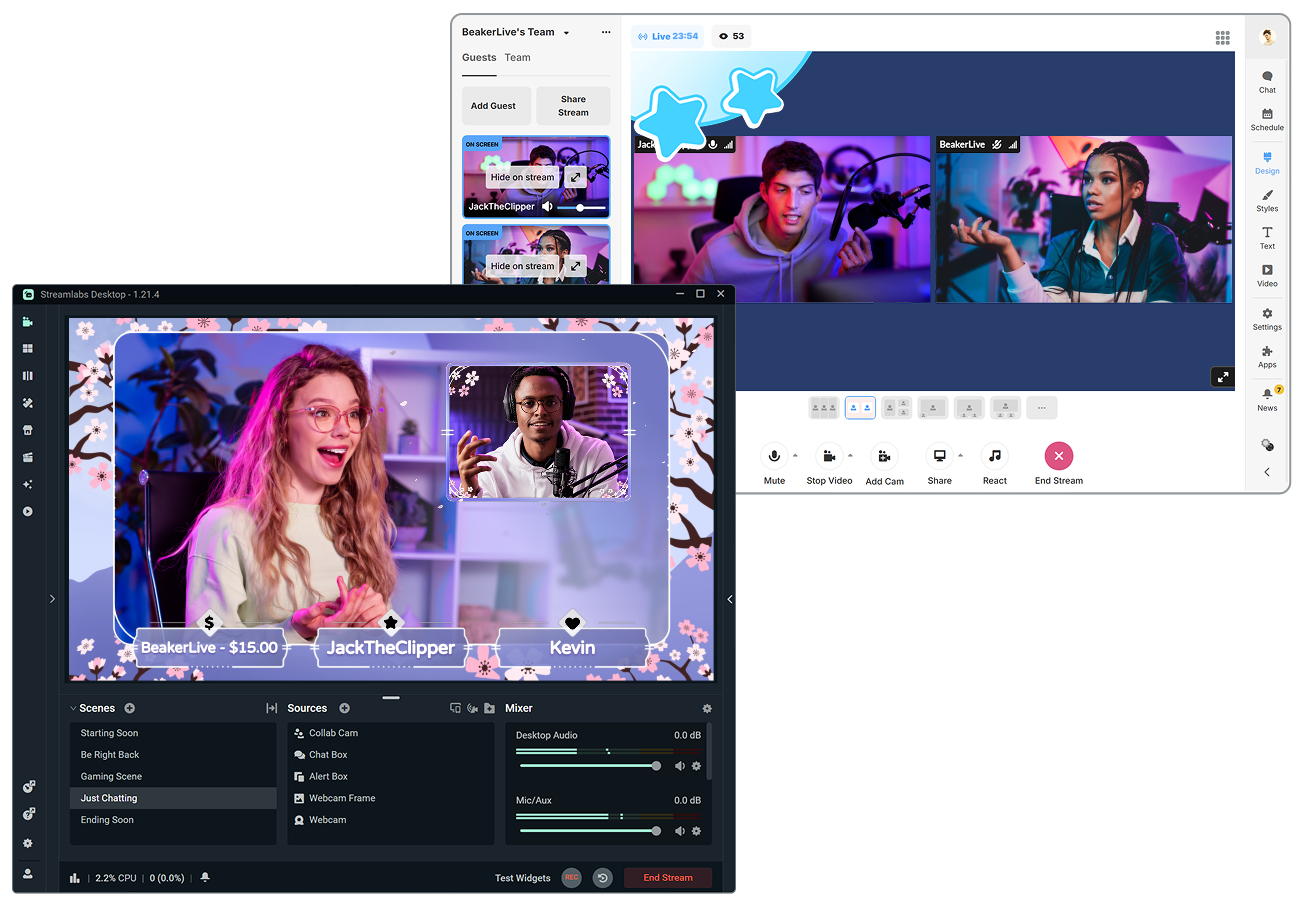
간편하게 게스트 추가하기
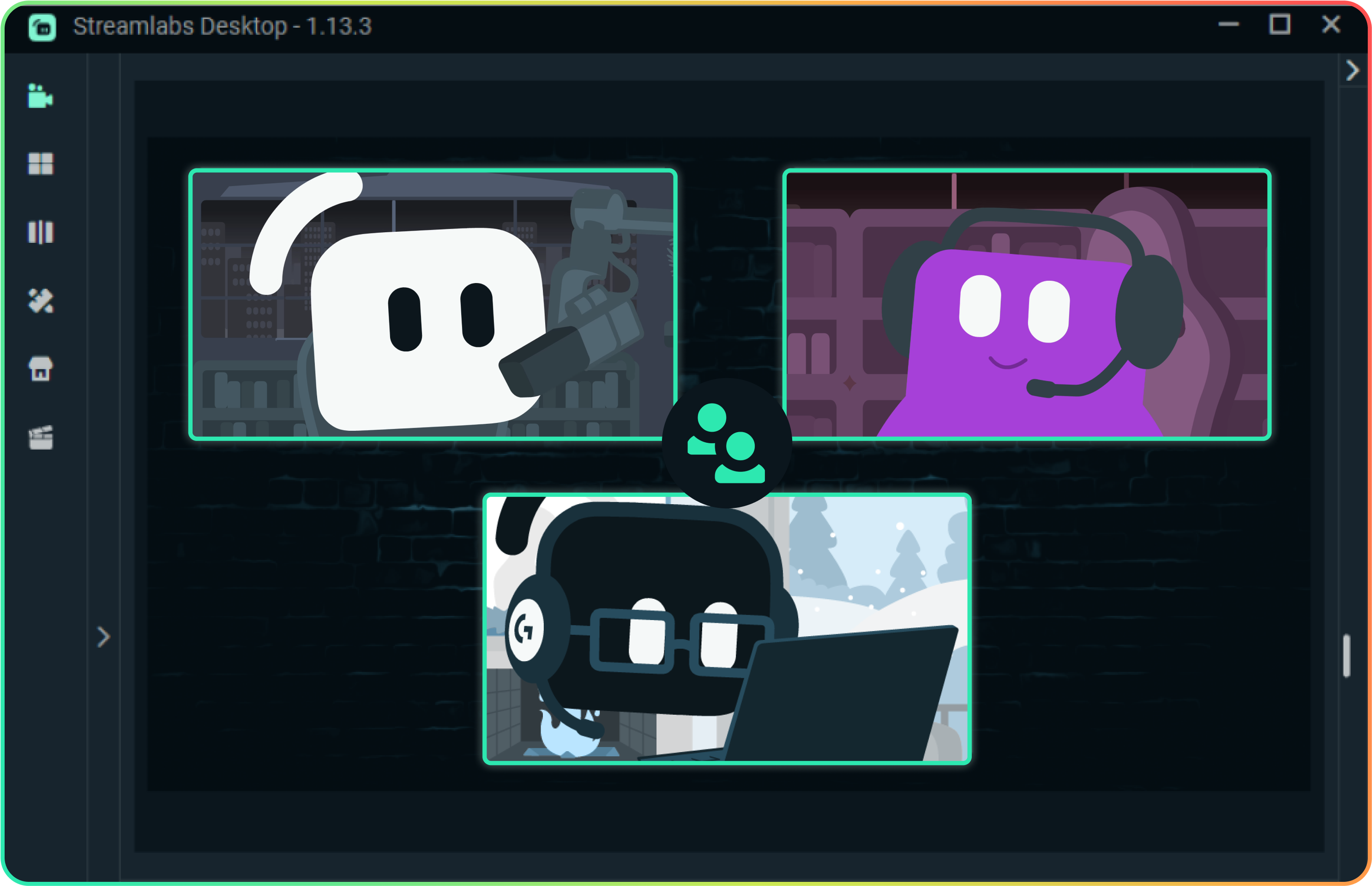
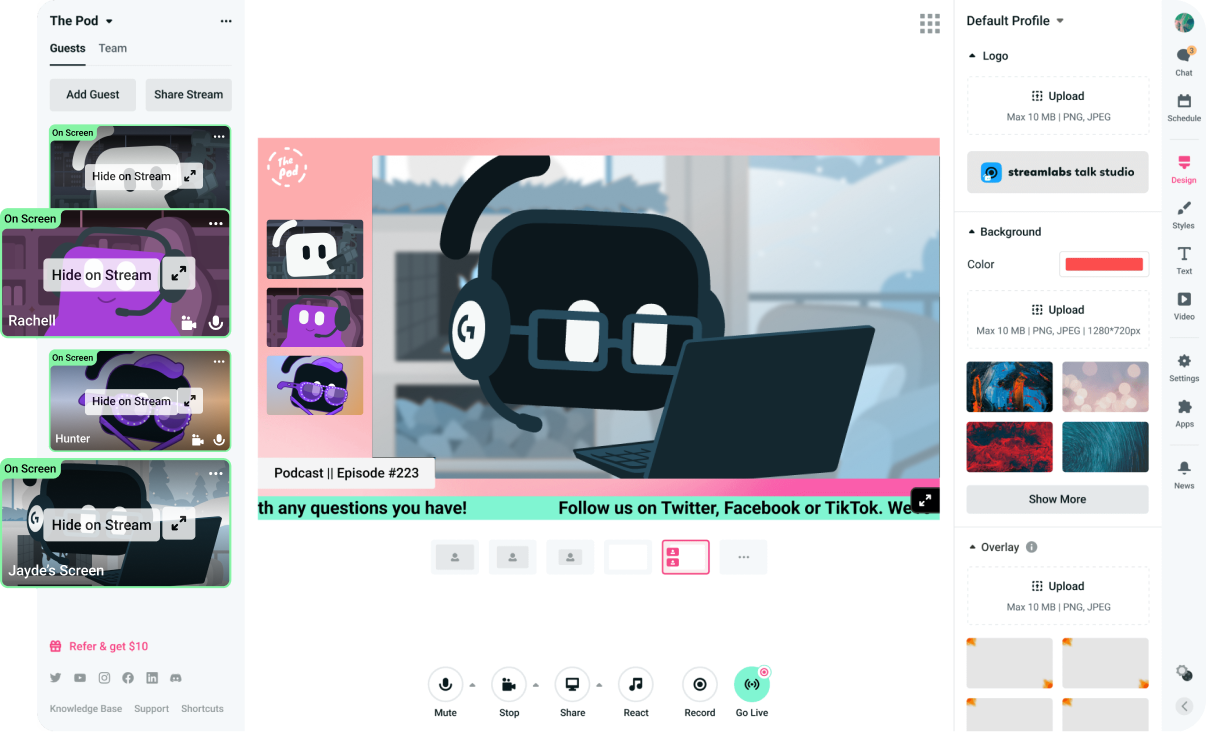
간단한 링크로 게스트를 초대하세요. Collab Cam이 포함된 Streamlabs Desktop을 사용하든 브라우저에서 Talk Studio를 사용하든, 누구나 몇 초 만에 스트림에 참여할 수 있습니다.
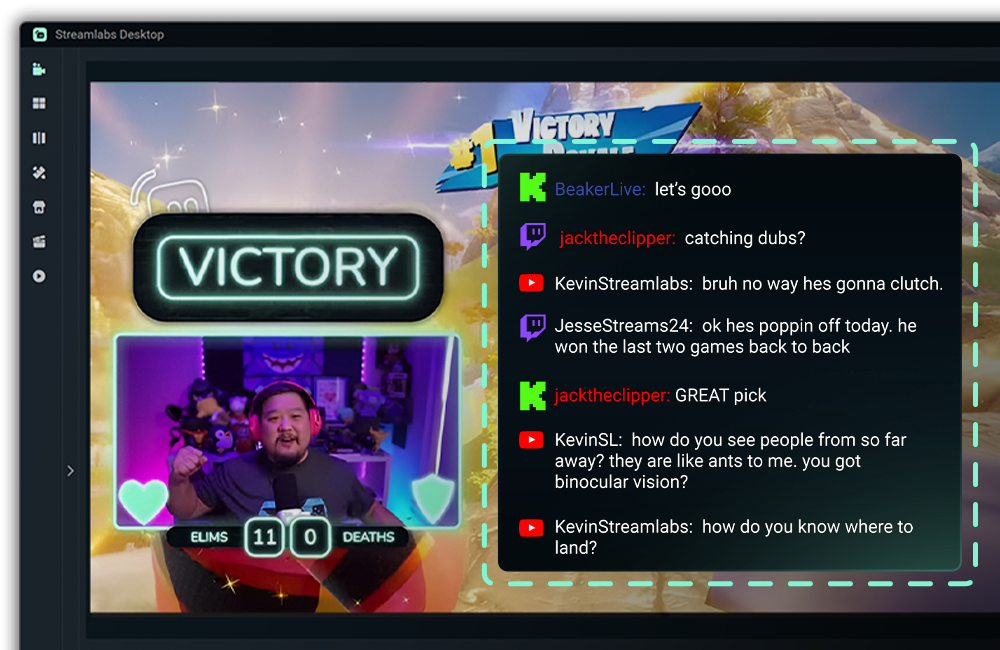
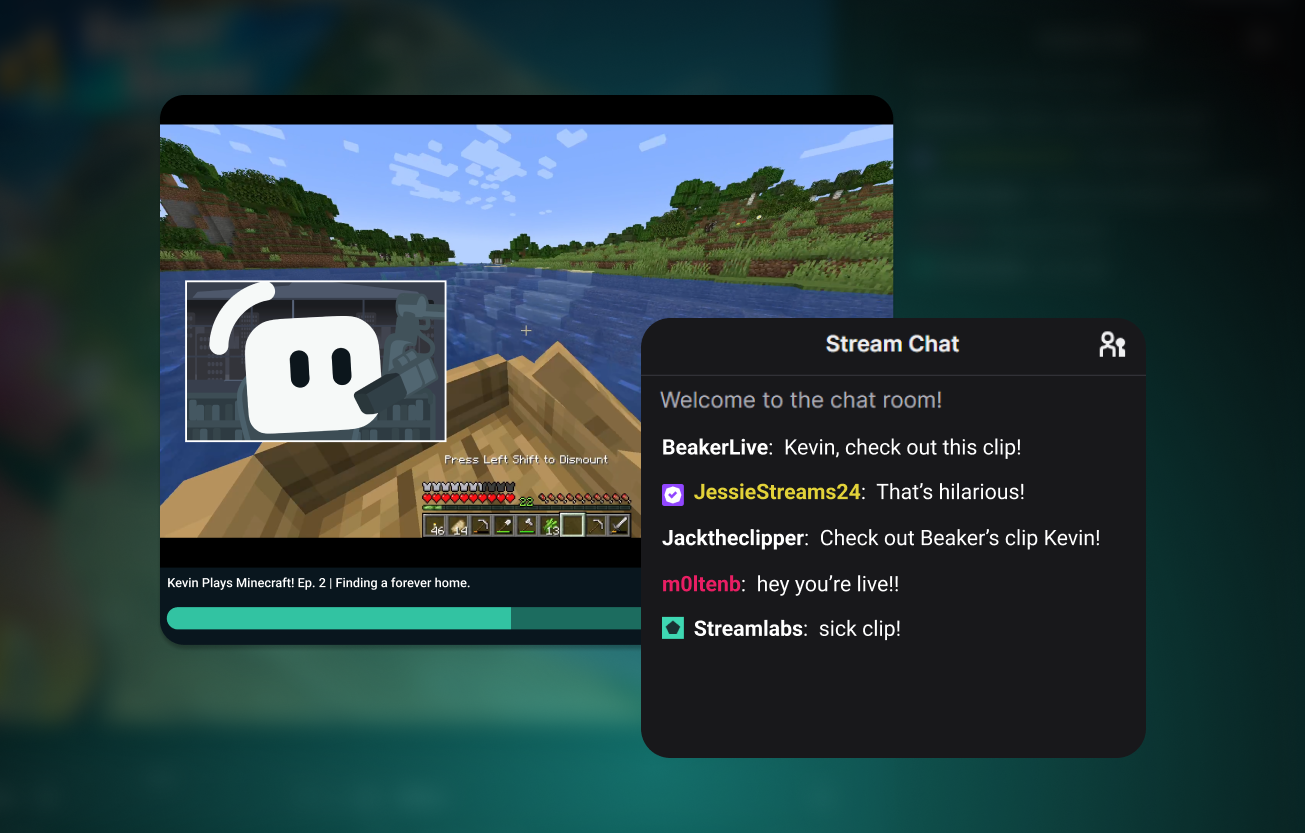
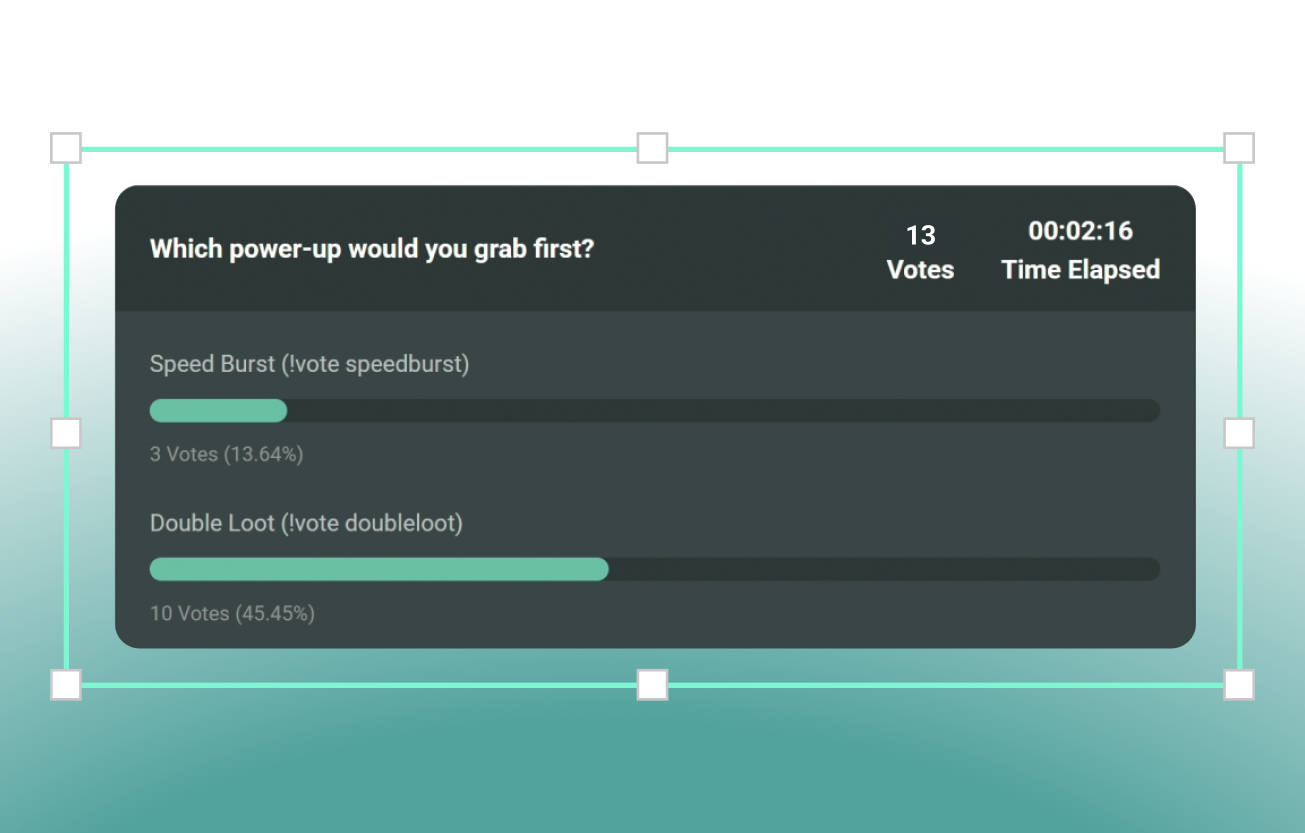
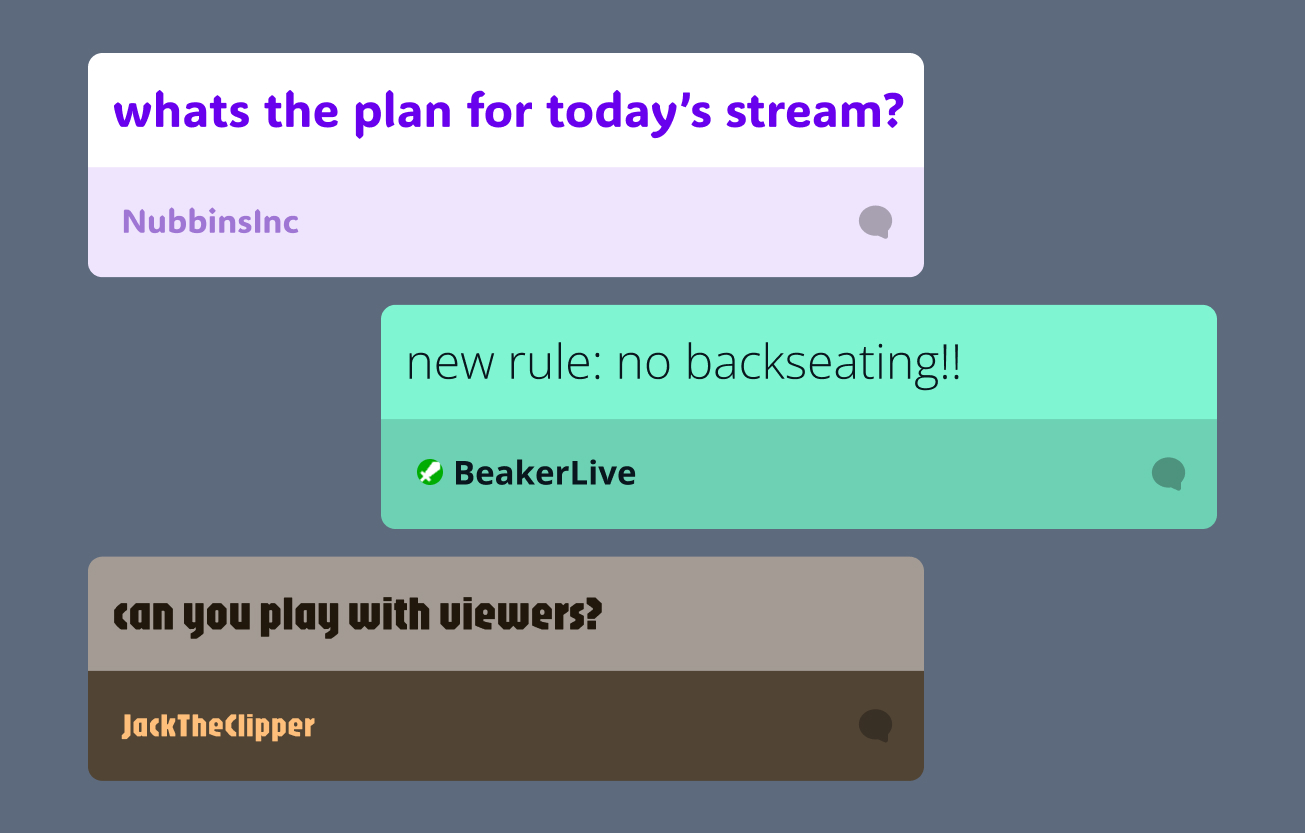
채팅 참여 유지하기
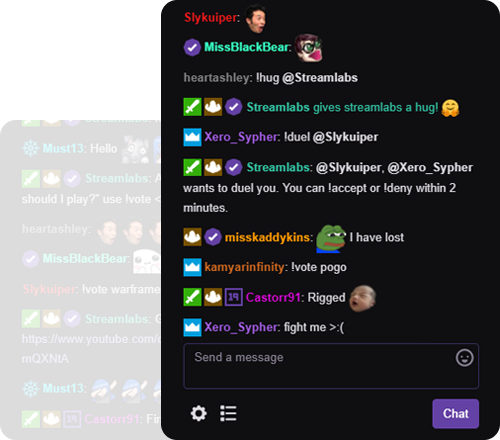
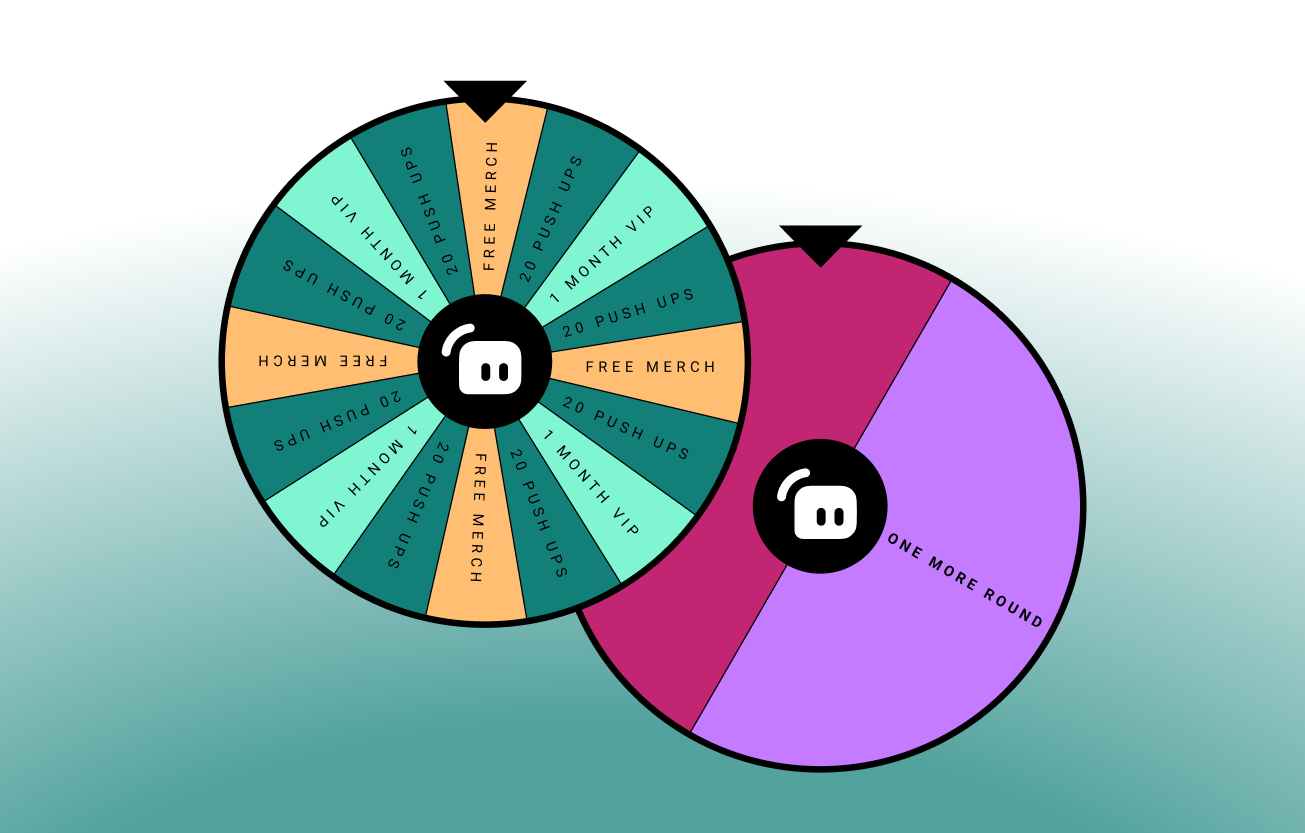
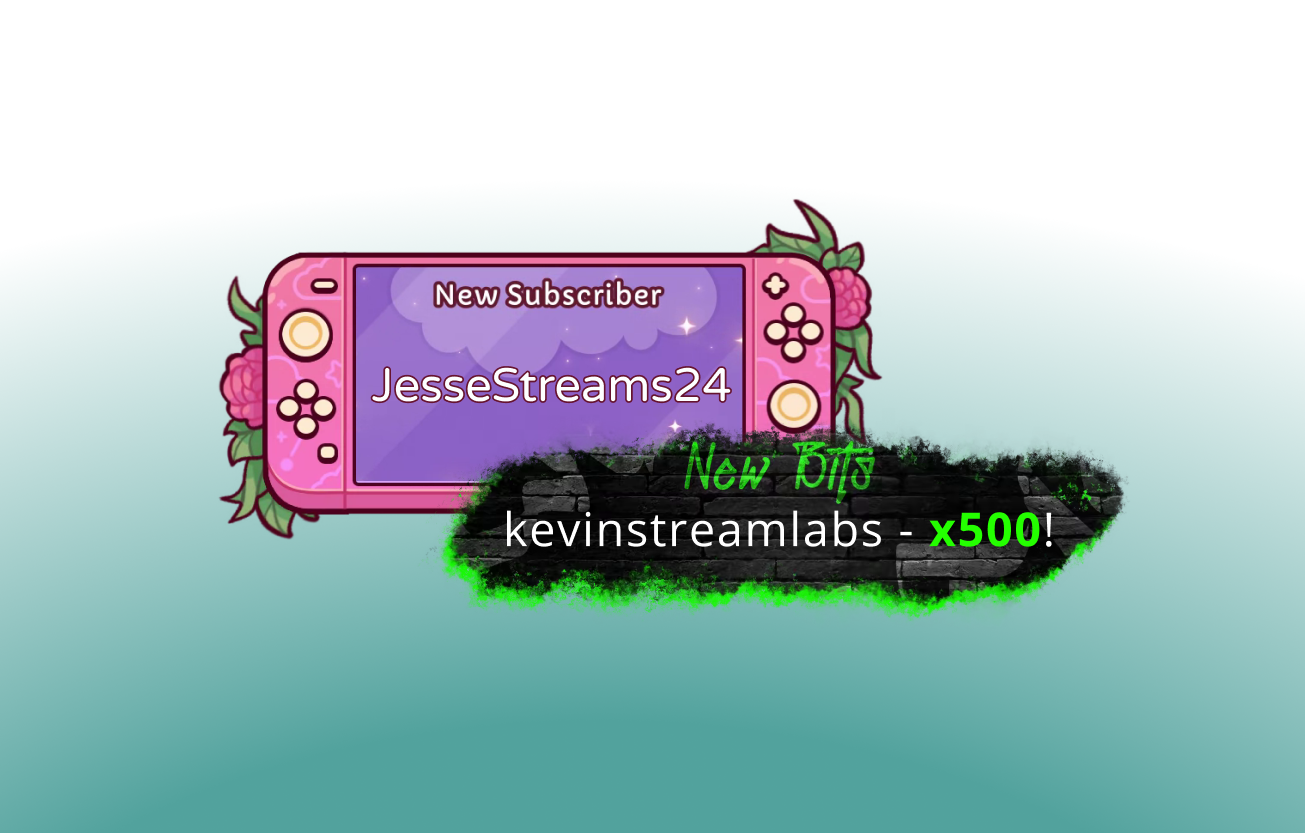
참여를 유도하고 대화를 활성화하며 커뮤니티의 관심을 유지하는 수십 가지 무료 위젯 중에서 선택하세요.
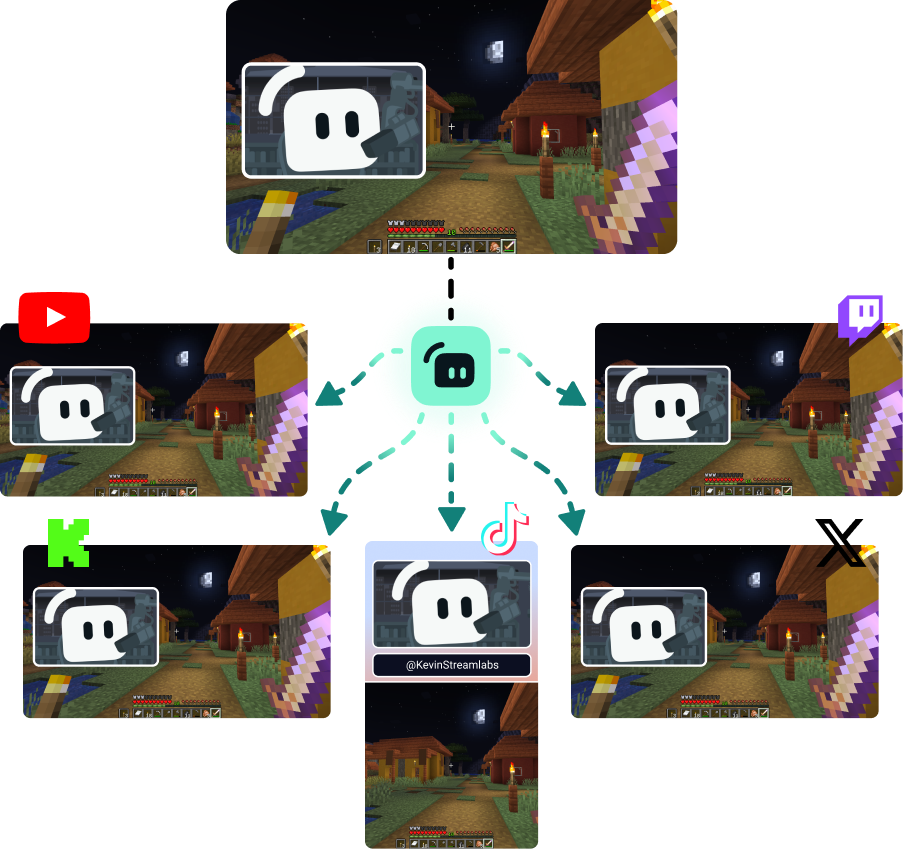
플랫폼 전반에서 시청자층 확대하기
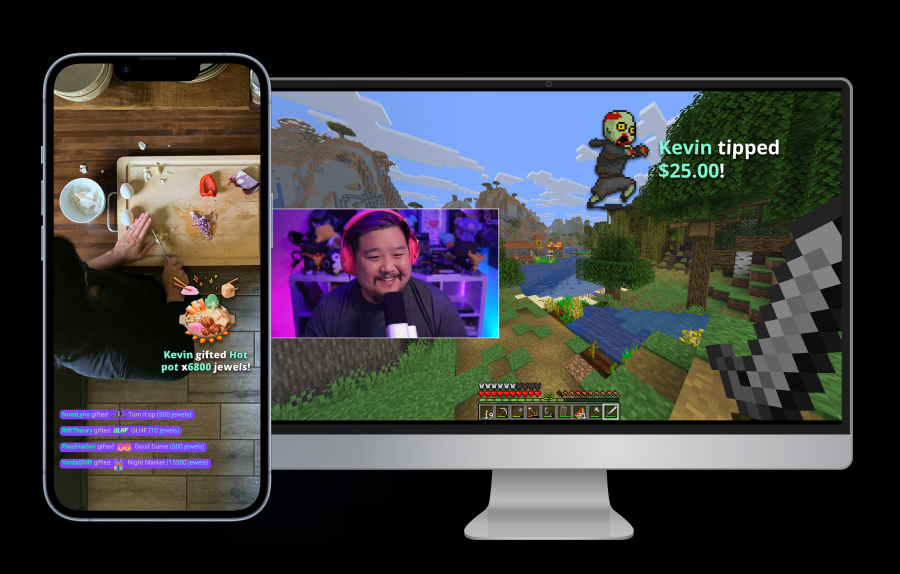
시청자가 선호하는 모든 곳에서 시청할 수 있도록 멀티스트리밍하세요.
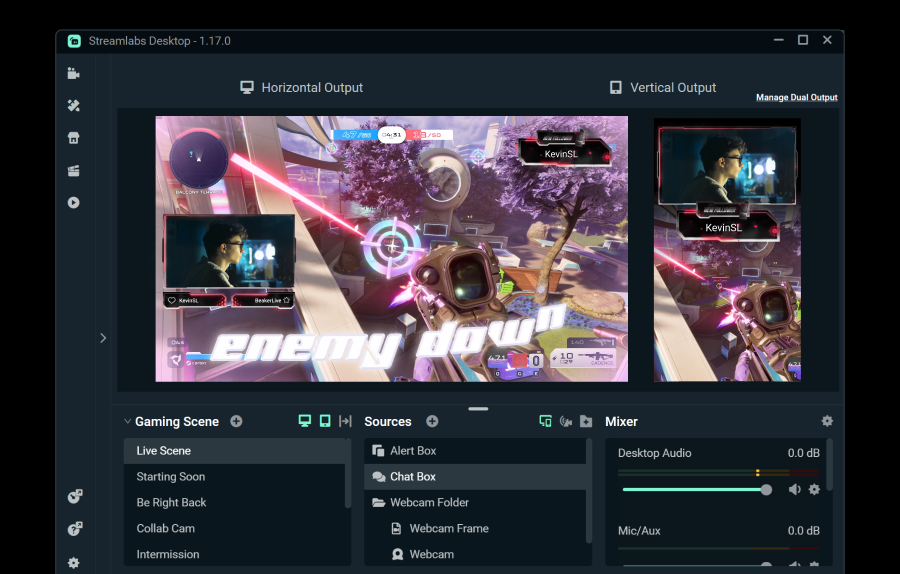
Dual Output을 사용하여 가로 및 세로 대상 하나씩 무료로 스트리밍하거나, Streamlabs Ultra로 무제한 대상을 잠금 해제하세요.
모든 유형의 크리에이터를 위한 도구
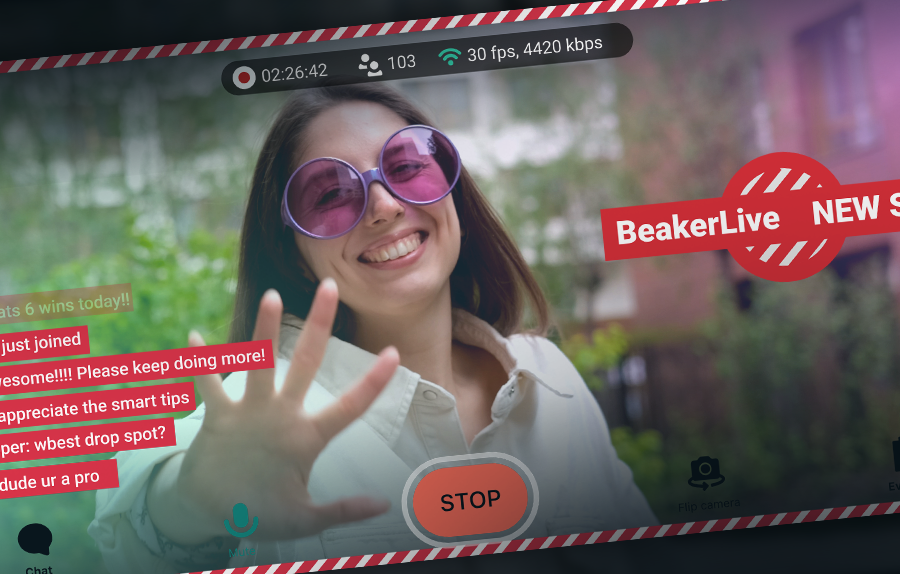
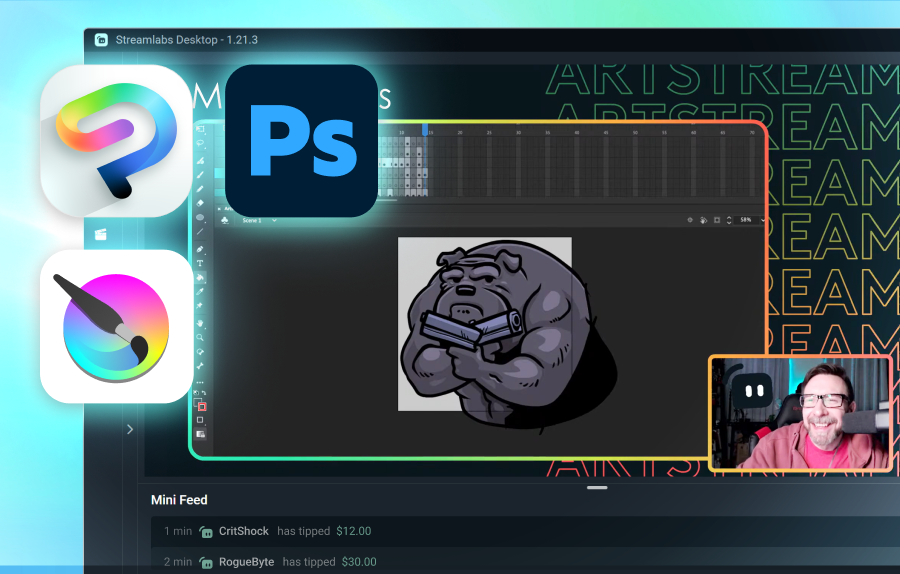
Streamlabs가 다양한 다른 콘텐츠 유형을 어떻게 지원할 수 있는지 알아보세요.
자주 묻는 질문
Just Chatting 스트리밍 소프트웨어는 웹캠 통합, 화면 공유 기능, 오버레이, 알림 및 시청자 참여를 유도하도록 설계된 대화형 위젯을 특징으로 하는 비게임 라이브 스트림인 Just Chatting에 최적화된 소프트웨어입니다. Streamlabs Desktop과 같은 도구는 Just Chatting 및 게임 스트림에 완벽하며, Talk Studio와 같은 옵션은 다운로드 없이 Just Chatting 스트림을 빠르게 시작하는 데 좋습니다.
Streamlabs는 스트리밍 도구의 올인원 특성과 시청자 참여 및 성장을 촉진하는 내장 기능이 결합되어 있어 Just Chatting 스트림을 위한 완벽한 선택입니다. Just Chatting 스트림은 다양한 형식으로 제공되며, 귀하는 자신의 형식에 맞는 도구를 사용할 자격이 있습니다. Just Chatting 스트림을 지원하는 Streamlabs 기능은 다음과 같습니다:
- Streamlabs Desktop, OBS용 플러그인, Talk Studio 및 모바일을 통한 스트리밍 소프트웨어.
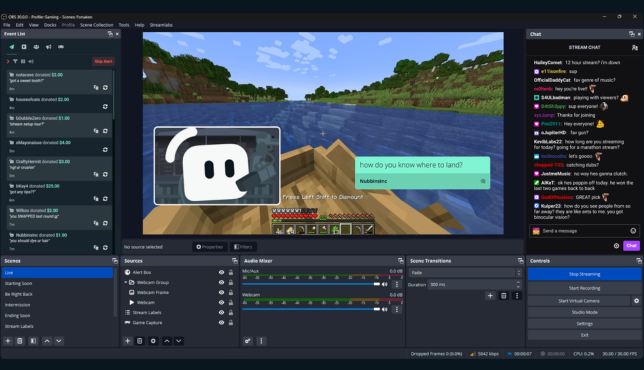
- 채팅을 활발하게 유지하기 위해 시청자 참여용으로 설계된 수십 개의 위젯.
- Streamlabs Desktop의 Collab Cam과 Talk Studio의 게스트 기능을 통한 간편한 게스트 액세스.
- Streamlabs Cloudbot을 사용한 채팅 관리, 게임, 설문조사 등.
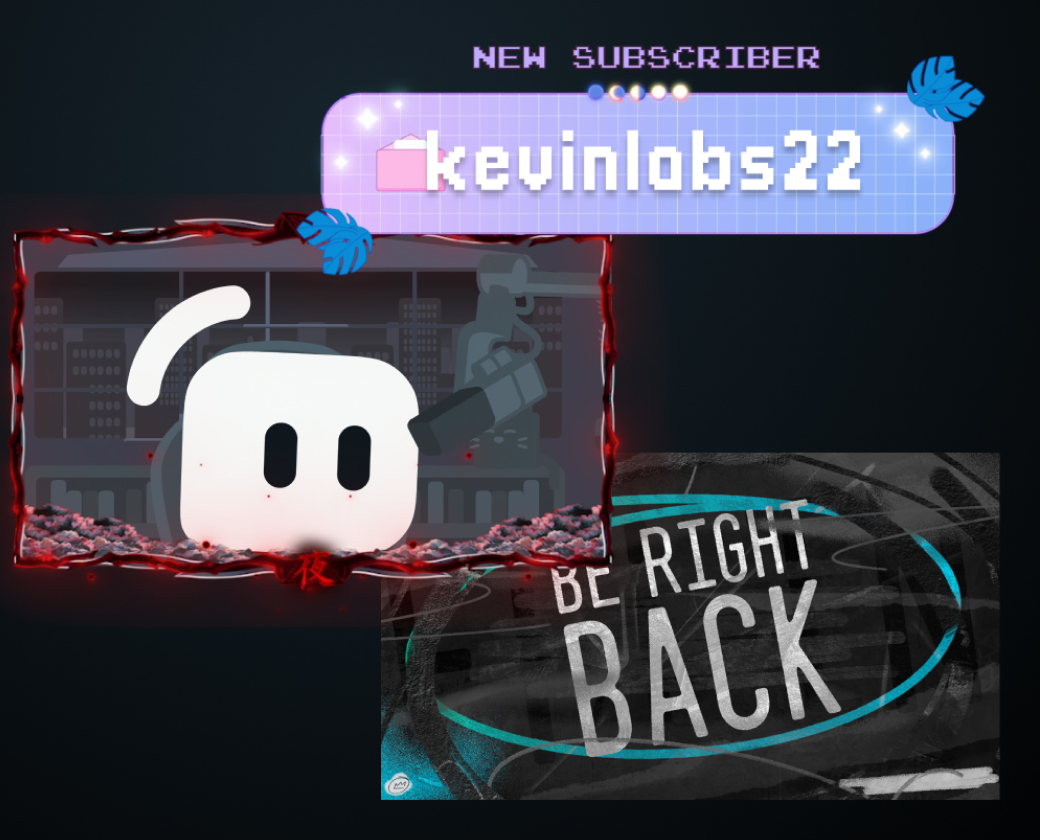
- 전문 디자이너가 제작한 수천 개의 스트림 오버레이와 스타일을 직접 제어할 수 있는 추가 사용자 지정 도구.
- 모든 즐겨찾는 플랫폼에서 가로 및 세로 출력을 지원하여 더 빠르게 성장할 수 있도록 하는 Streamlabs Desktop의 Dual Output 기능
Just Chatting 콘텐츠 스트리밍을 시작하는 데는 몇 단계만 거치면 됩니다:
- 선호하는 스트리밍 소프트웨어를 선택하세요(예: Streamlabs Desktop, Streamlabs 플러그인이 설치된 OBS, Streamlabs Mobile, Talk Studio)
- 라이브를 진행하려는 스트리밍 채널을 연결하세요
- "Just Chatting" 장면 또는 템플릿을 만들거나 선택하세요
- 스트림에 소스(예: 웹캠, 마이크, 화면 공유, 알림 상자, 채팅 상자)를 추가하세요
- 권장 사항(선택 사항): Cloudbot을 통해 중재 설정
- "라이브 시작"을 클릭하세요.
아니요, 사실 Streamlabs Mobile을 사용하면 PC가 전혀 필요하지 않습니다. PC 스트림의 경우, Streamlabs Desktop은 최적화된 인코더와 성능 모드를 지원하며 Talk Studio는 훌륭한 브라우저 기반 옵션입니다.
Streamlabs를 사용하여 YouTube, Twitch, Kick, Patreon에서 Just Chatting 콘텐츠를 쉽게 스트리밍할 수 있습니다. 더 좋은 점은 이러한 플랫폼과 사용자 지정 RTMP 대상으로 멀티스트리밍하여 더 넓은 도달 범위와 더 빠른 성장을 이룰 수 있다는 것입니다.
Streamlabs 통합을 통한 TikTok 콘텐츠는 게임 콘텐츠를 위한 것이며, Just Chatting 콘텐츠를 스트리밍할 경우 TikTok에서 스트리밍 액세스 권한을 취소할 수 있다는 점을 유의하세요.
이 링크를 통해 지원팀에 문의하세요.