Skip to main content.

Built for gaming creators

Stream, record, generate highlights, and engage your audience with purpose-built tools for gamers.

Desktop 다운로드
Windows용 다운로드
무료
윈도우 10+
맥 OS 12+
~ 500메가바이트
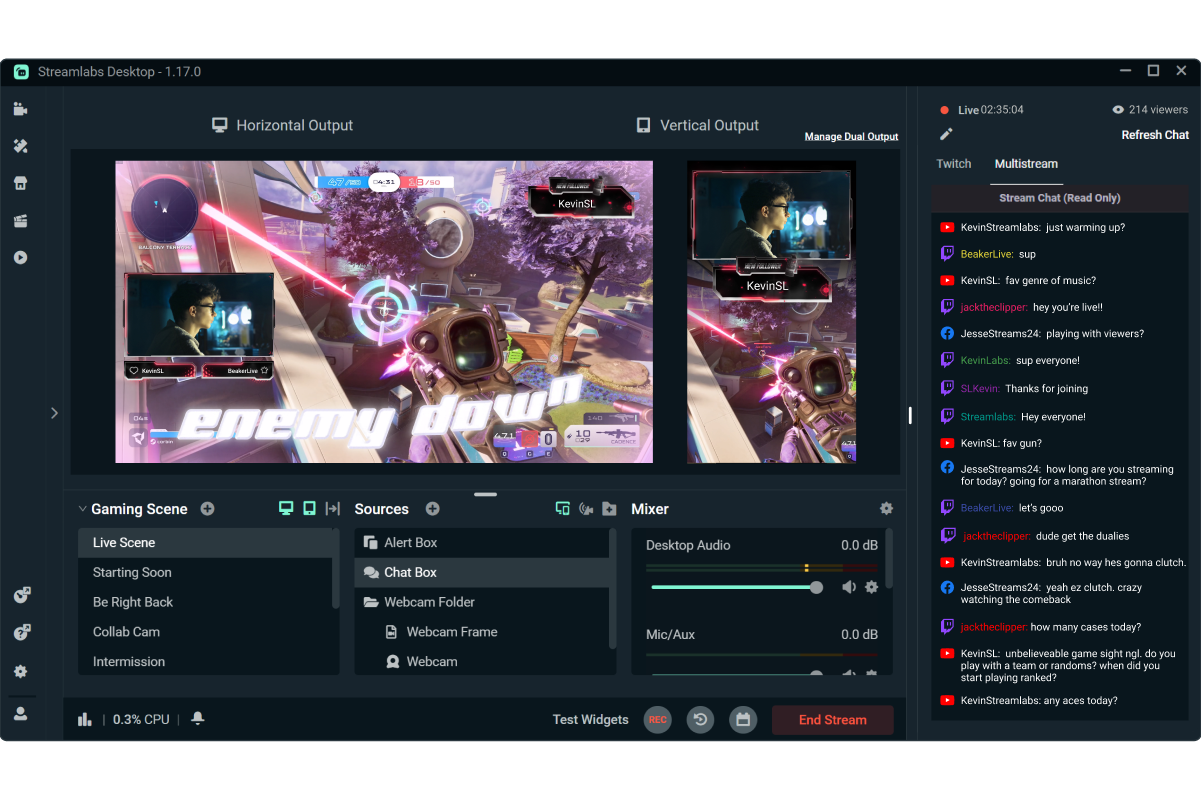
Gameplay being streamed with horizontal and vertical layouts in Streamlabs Desktop
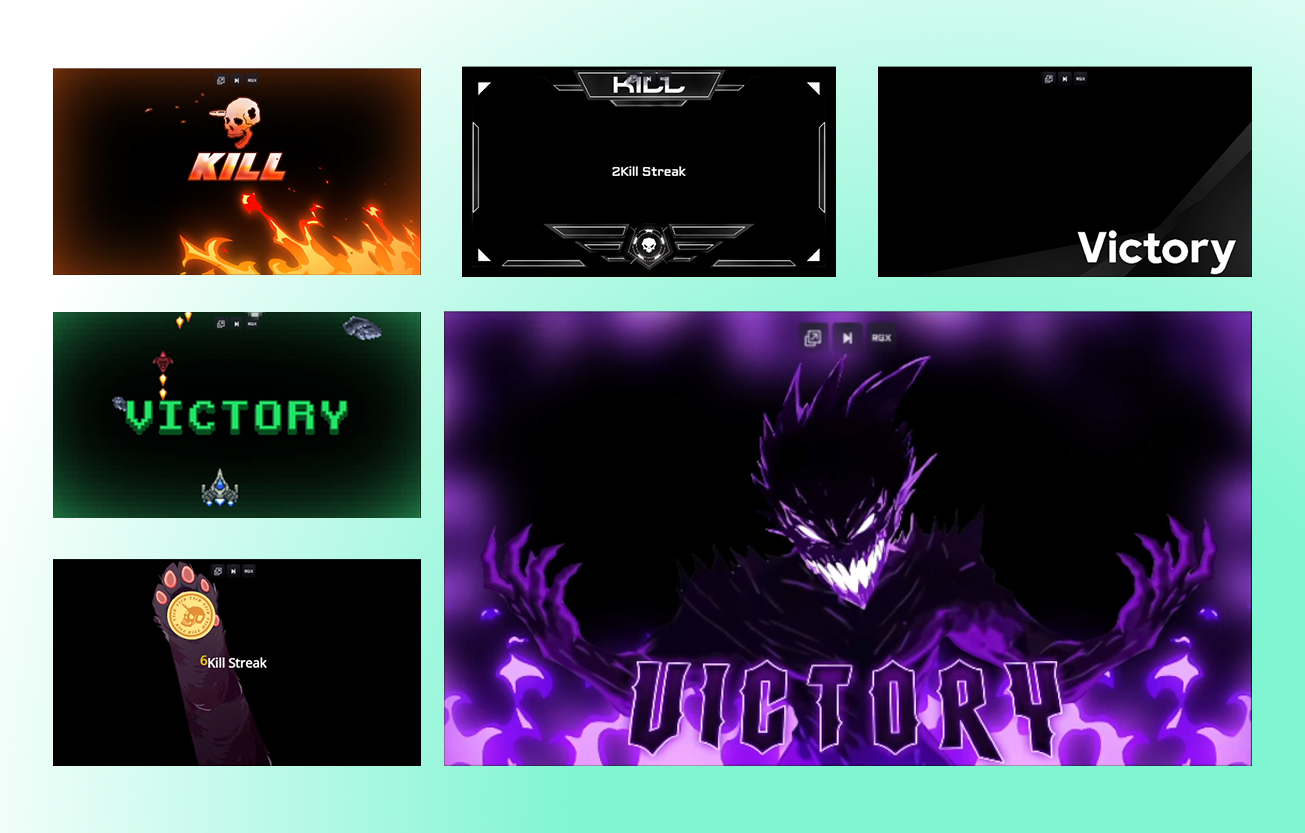
Six stream overlays in a grid

Professional stream designs, ready in minutes

Choose from thousands of overlays, alerts, and widget themes to give your stream a polished, professional look in just a few clicks.

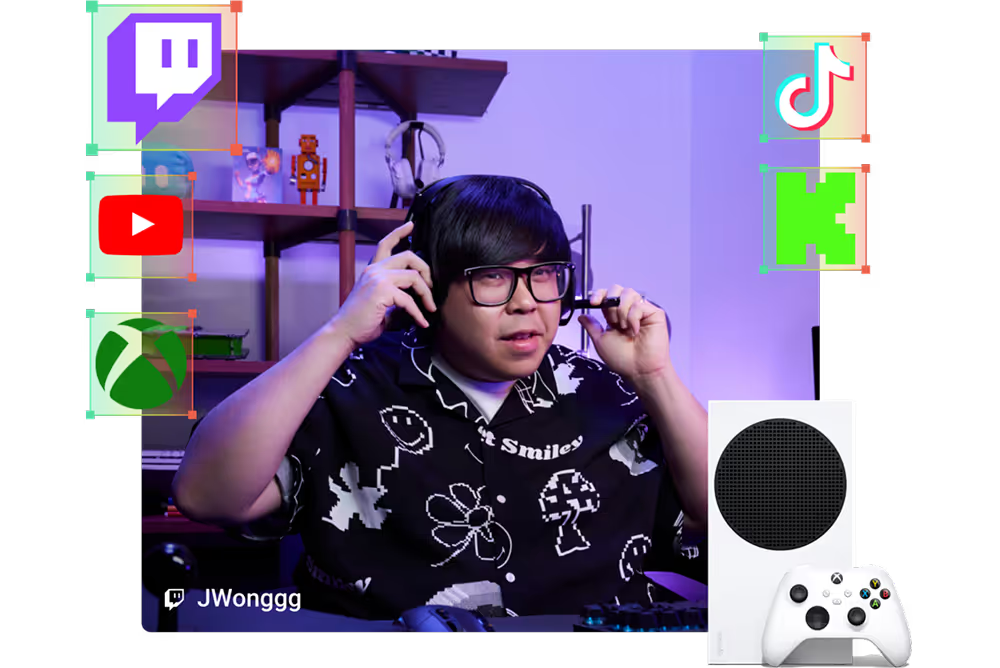
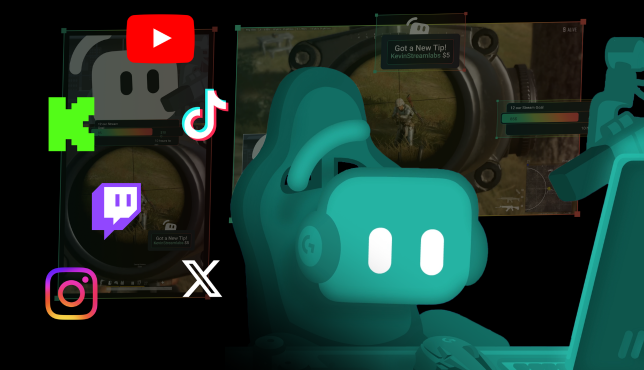
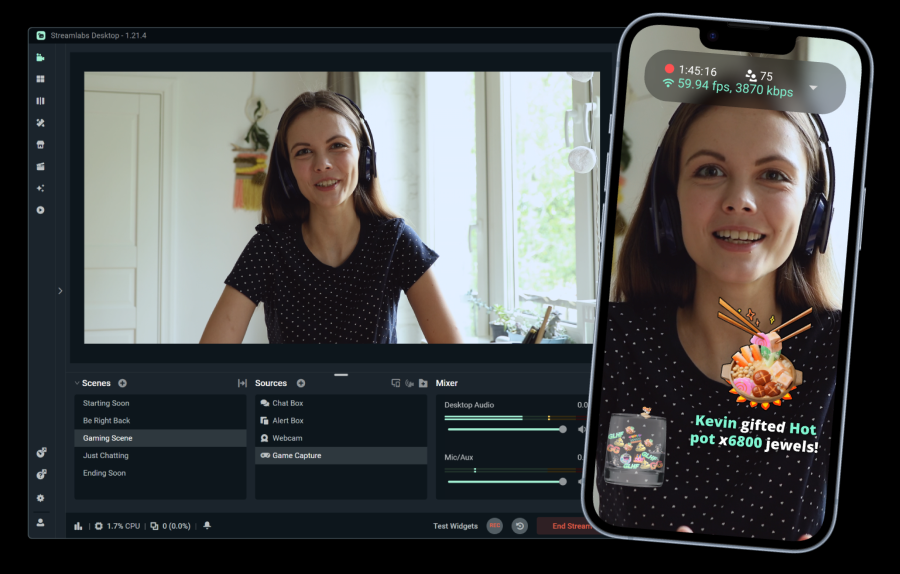
Kevin streaming with Twitch, Kick, TikTok, YouTube, Instagram, and X logos

Reach viewers across more platforms

Stream to one vertical and one horizontal destination for free with Dual Output, or multistream to additional platforms with Streamlabs Ultra.

5번 클릭으로 모든 플랫폼에서 바로 라이브 스트리밍

단 몇 시간 만에 모든 플랫폼에서 바로 라이브 시작

New creators who multistream are twice as likely to reach 5+ concurrent viewers.*

* 최대 6개월 동안 스트리밍한 신규 사용자 중 멀티스트리밍을 7회 이상 한 적이 있는 사용자

정기적으로 멀티스트리밍하는 신규 스트리머*는 5명 이상의 동시 시청자를 유치할 가능성이 2배 더 높습니다.

Patreon logo

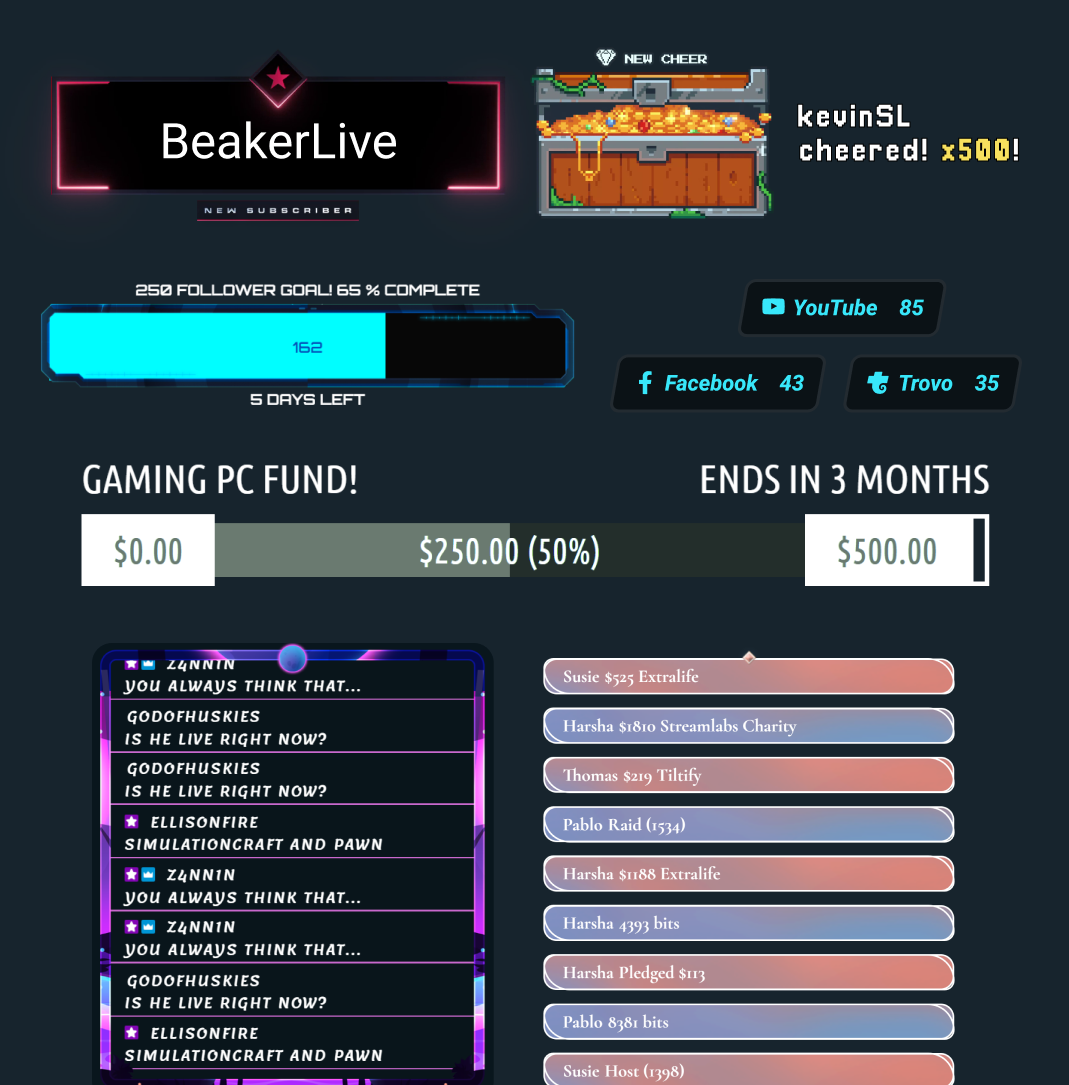
Dozens of free widgets

Turn passive viewers into active participants with alerts, goals, polls, and other interactive widgets.

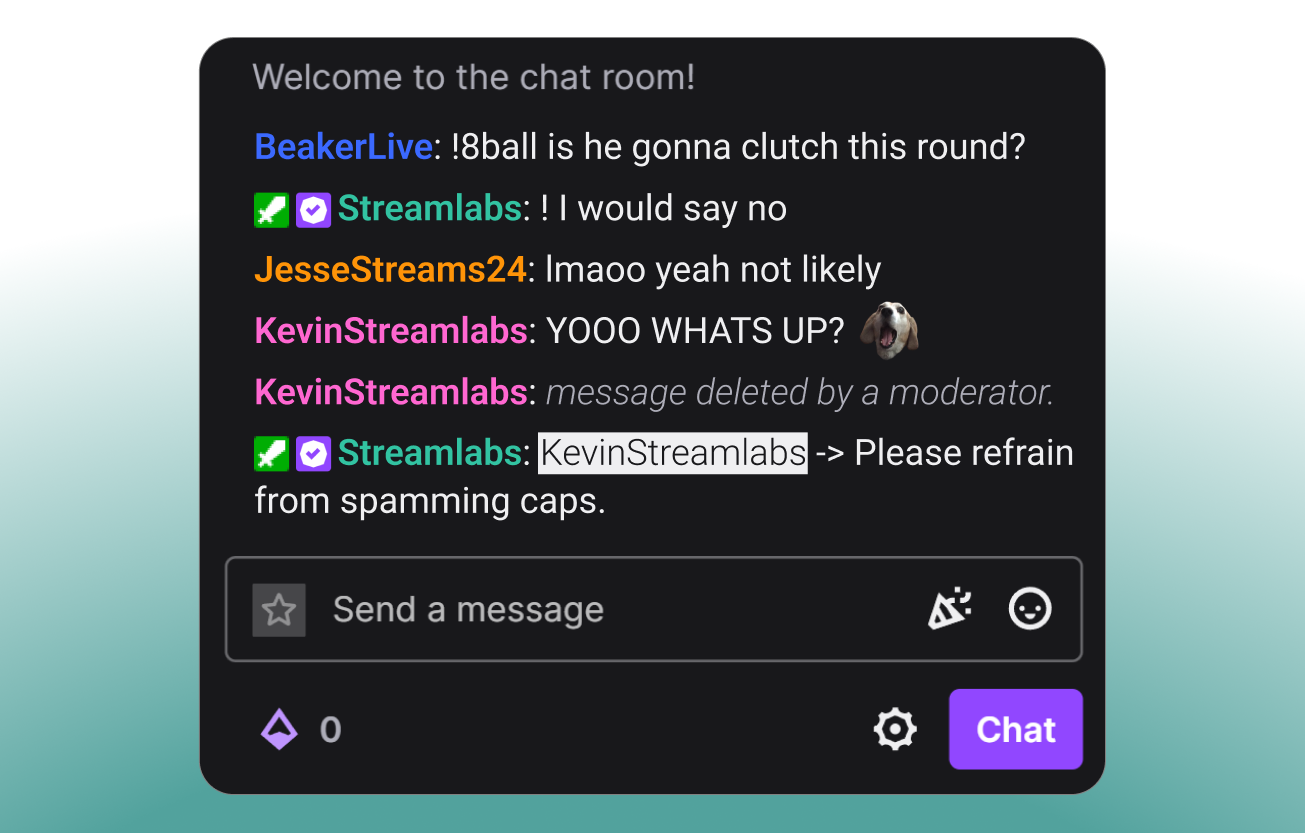
Streamlabs Cloudbot

Moderate your chat

Keep your chat safe, engaging, and under control with Cloudbot, Streamlabs' free chatbot.

Desktop 다운로드
Windows용 다운로드
무료
윈도우 10+
맥 OS 12+
~ 500메가바이트

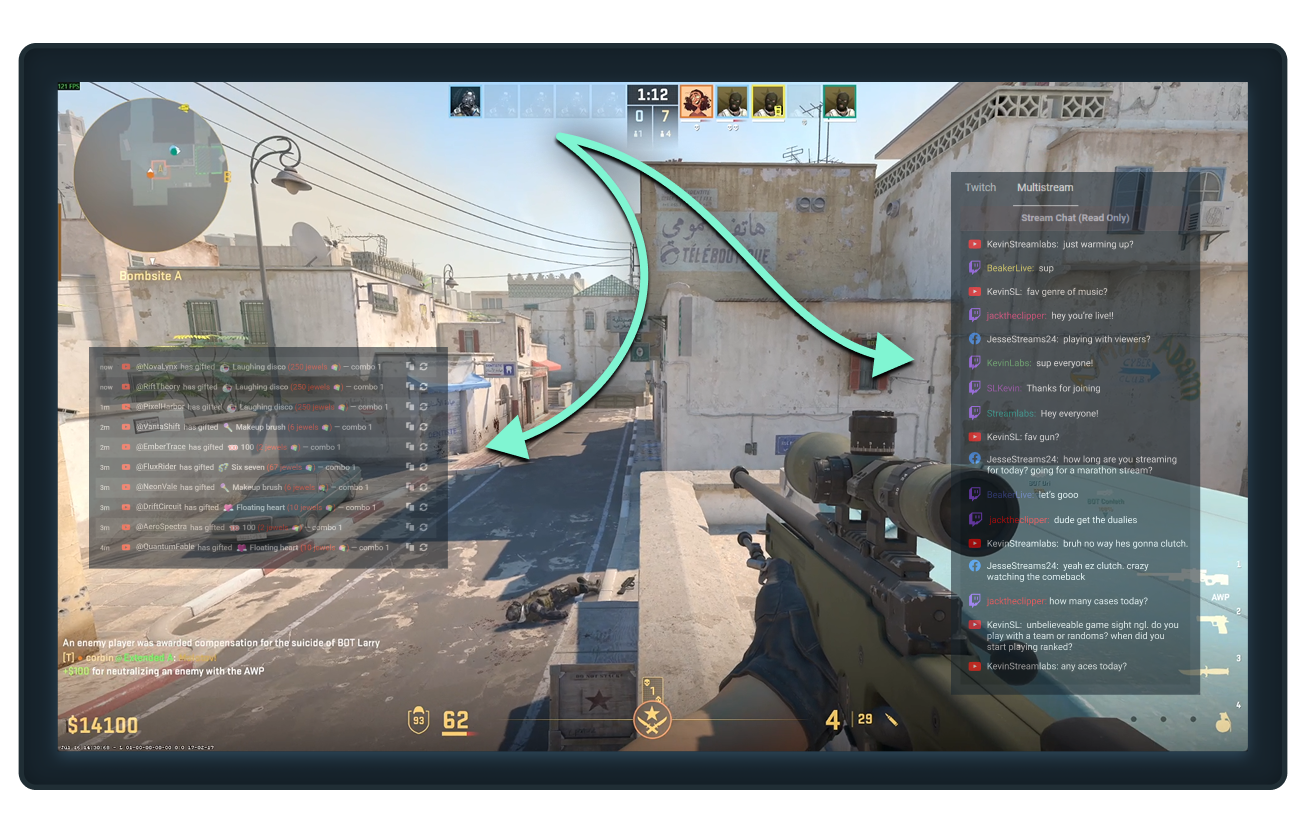
Single monitor? No problem

Keep chats, follows, subscriptions, and other important events visible while gaming with Streamlabs Desktop Game Overlay.

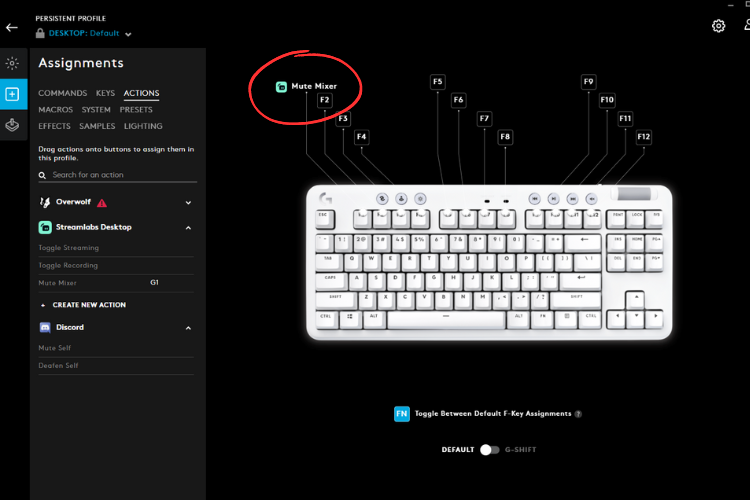
Streamlabs hotkey in G HUB

Control your stream from your keyboard

Connect Streamlabs Desktop to Logitech G HUB to start streams, switch scenes, trigger macros, and more directly from your Logitech G peripherals.

Frequently asked questions

What is the best software to stream video games?

The best choice depends on your needs:

  • Streamlabs Desktop is a great choice for simple setup and tons of built-in features like alerts, Game Overlay for single monitor use, automatic highlights, and more.
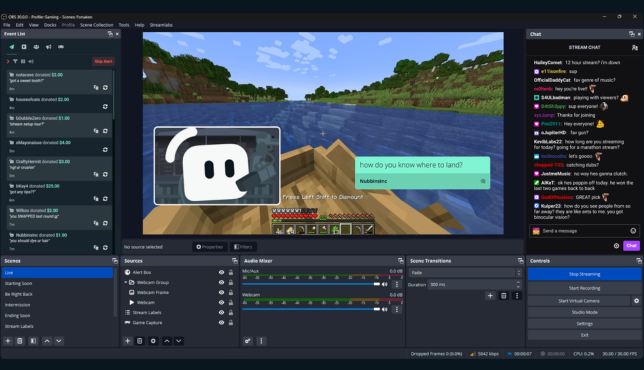
  • OBS with the Streamlabs Plugin is a solid option for users who want to use OBS Studio but with Streamlabs features like widgets, overlays, and multistreaming.
  • Streamlabs Console is designed for Xbox streamers who want to go live directly from their console, no PC or capture card required.
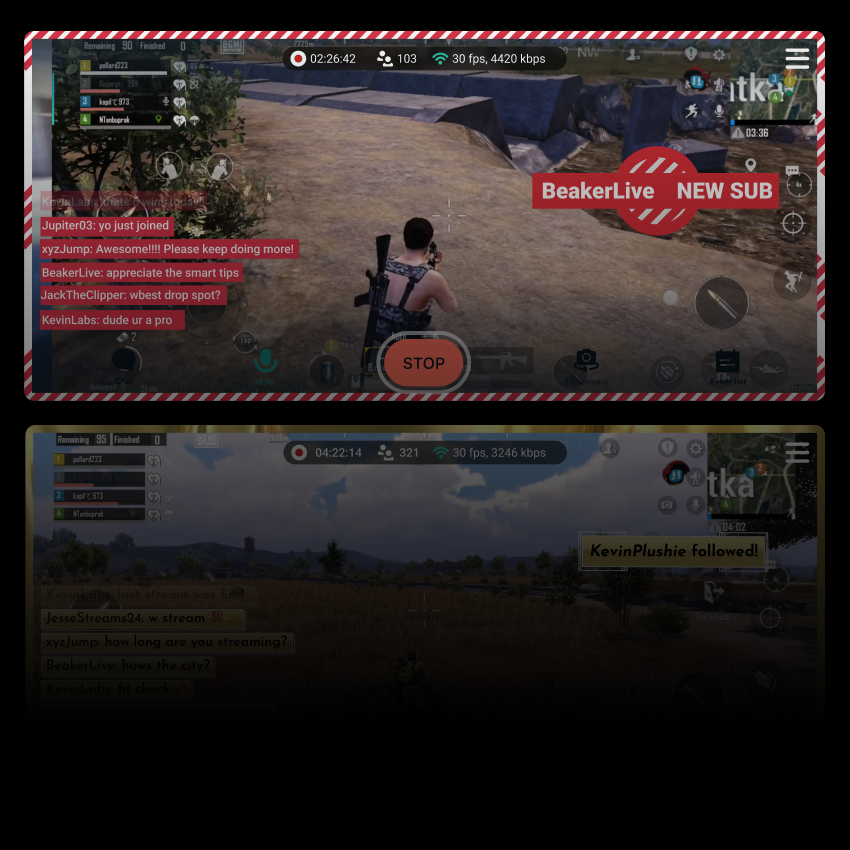
  • Streamlabs Mobile is ideal for streaming mobile games from iOS and Android devices.

However you stream your games, Streamlabs has an option to suit your needs.

What features does Streamlabs offer for gaming livestreams?

In addition to foundational live streaming features like Alert Box, Cloudbot, and tipping Streamlabs offers multiple tools specifically designed for gaming live streams:

  • Game Pulse: Trigger special on-stream effects and sounds for kill streaks, total losses, and more. Supporting dozens of games.
  • Reactive Overlays: Upgrade with overlays that update in real-time based on in-game events. Supporting over a dozen games.
  • Game Overlay: Overlay your chat and recent events over your gameplay so you can stream from a single monitor without missing a beat.
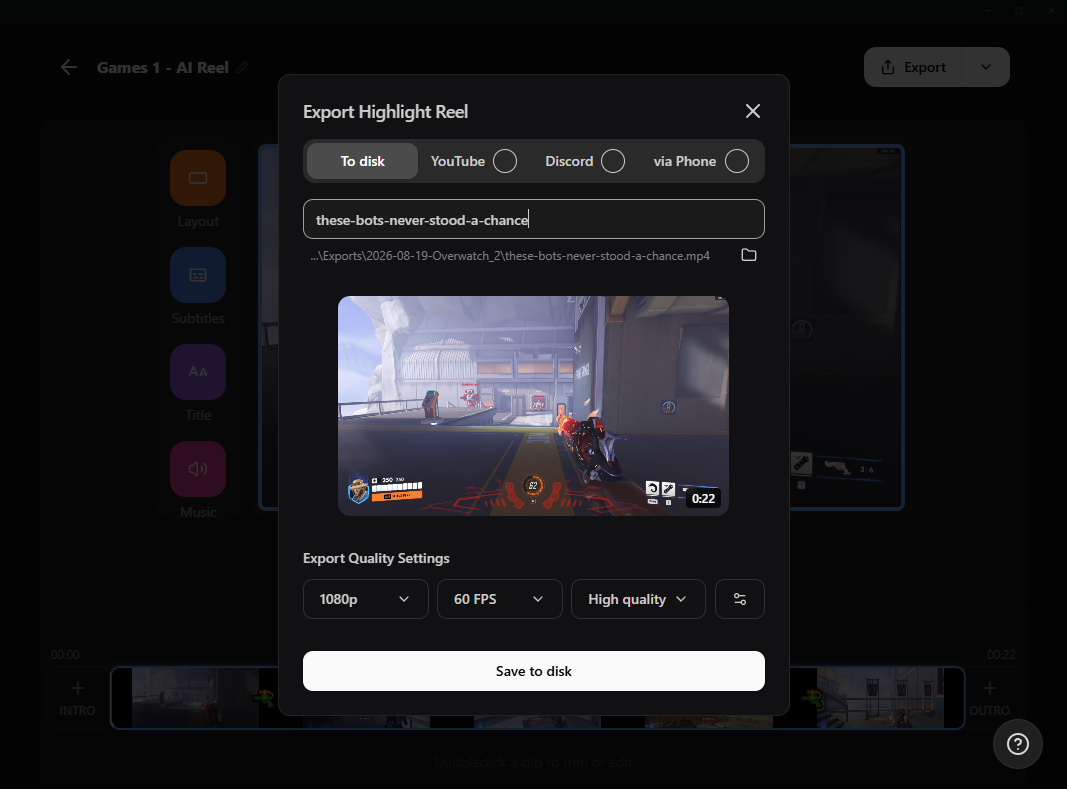
  • Highlighter: Set hotkeys for manual highlights or get automated highlights generated based off of in-game events for dozens of games.
  • Intelligent Streaming Agent: Your stream co-host, producer, and tech support. Set up automations like scene switches to happen based on in-game events.
Does Streamlabs let me stream games for free?

예. Streamlabs Desktop, Plugin for OBS, and Mobile app all allow you to stream and record your games for free.

추가 질문이 있으면 어떻게 하나요?

Please contact support at this link.

Get Streamlabs
- go live in minutes!

Desktop 다운로드
Windows용 다운로드
무료
윈도우 10+
맥 OS 12+
~ 500메가바이트