

창의력을 라이브 경험으로 전환하세요
과정을 보여주고 시청자와 소통할 수 있도록 제작된 도구로 예술, 음악, 공예, 디자인 등을 스트리밍하세요.



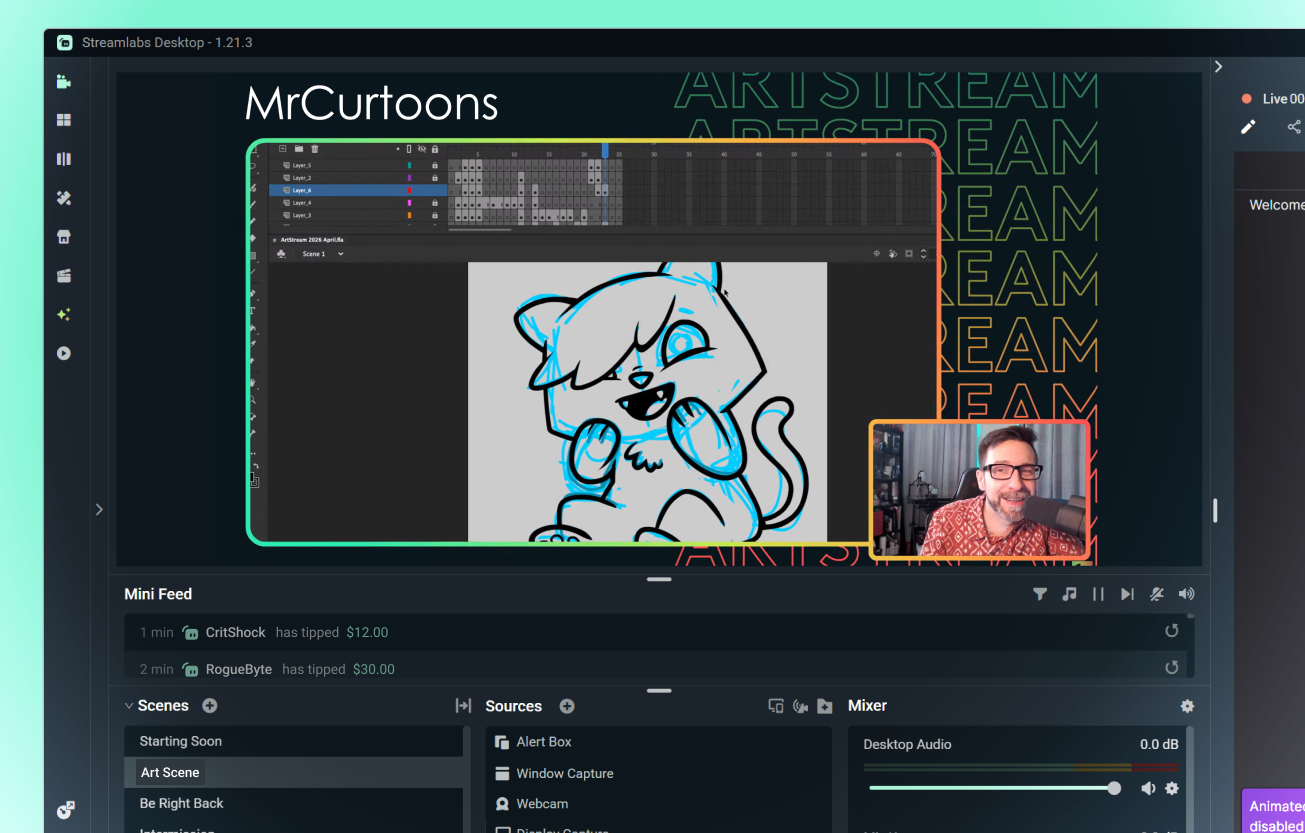
창작 과정을 공유하세요
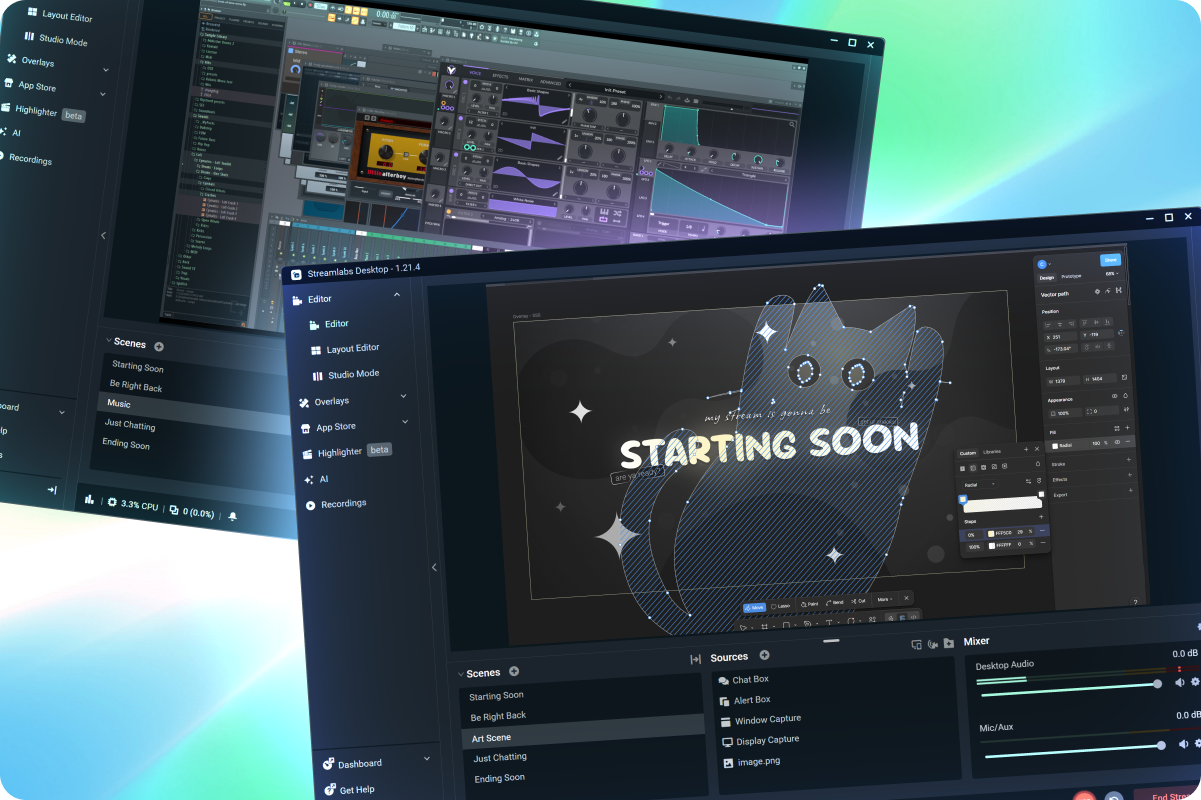
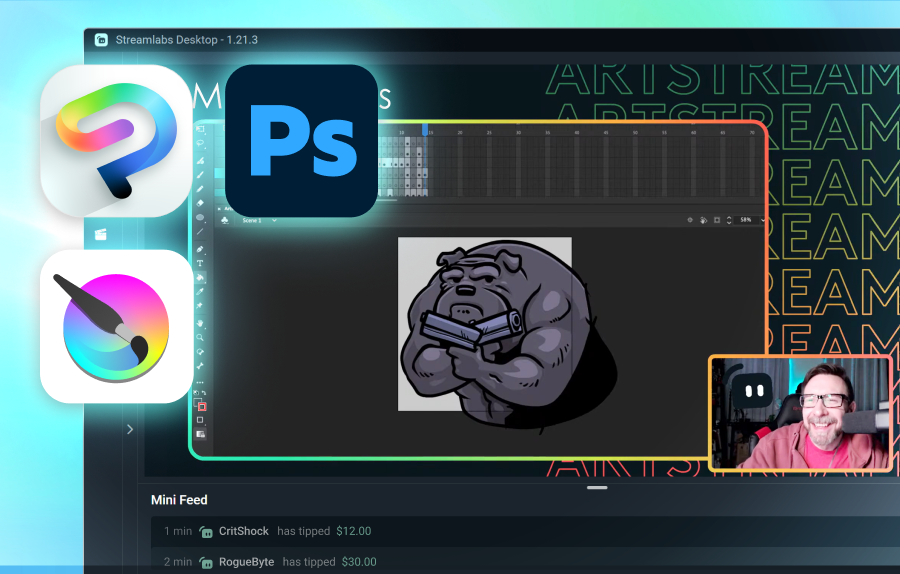
데스크톱에서 직접 디지털 아트, 음악 제작, 애니메이션, 디자인 및 기타 창의적인 프로젝트를 스트리밍하세요.
...그리고 물리적 창작물
웹캠이나 휴대폰을 사용하여 전통 예술, 공예, 미니어처 및 기타 실습 프로젝트를 보여주세요.
Collab Cam을 사용하여 휴대폰이나 태블릿을 추가 카메라 앵글로 활용하세요.
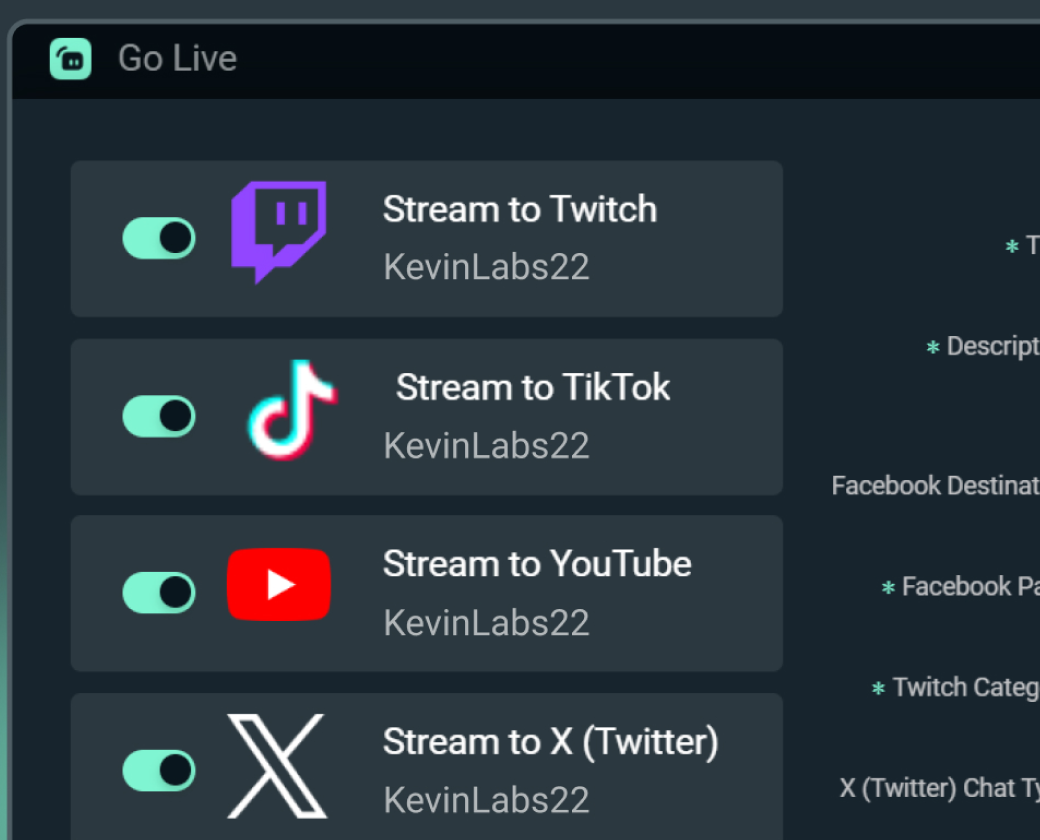
플랫폼 전반에서 시청자층 확대하기
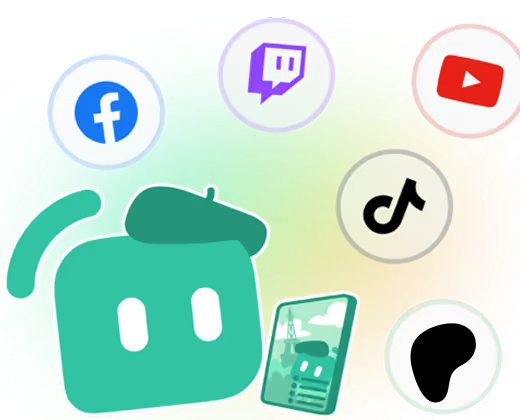
시청자가 선호하는 모든 곳에서 시청할 수 있도록 멀티스트리밍하세요.
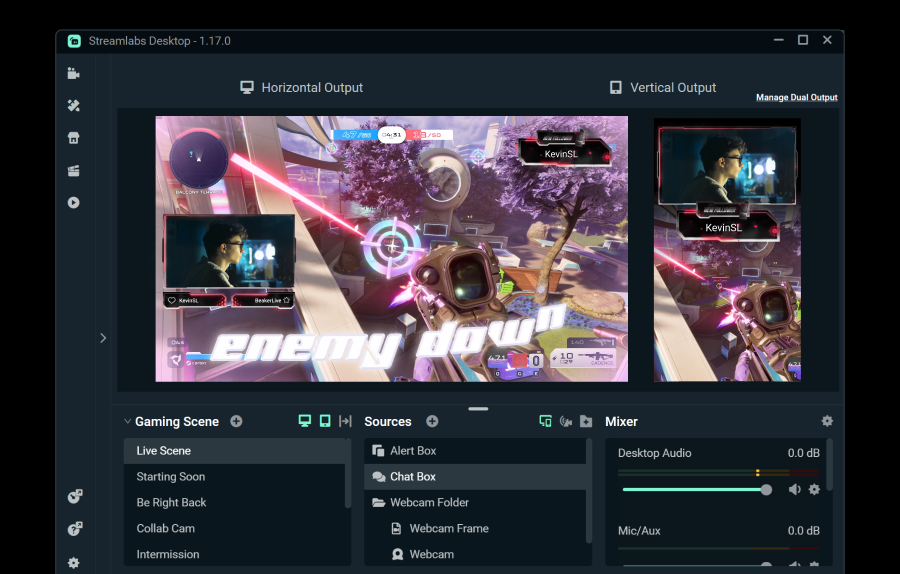
Dual Output을 사용하여 가로 및 세로 대상 하나씩 무료로 스트리밍하거나, Streamlabs Ultra로 무제한 대상을 잠금 해제하세요.
단 5번 클릭으로 모든 플랫폼에서 바로 라이브 스트리밍
단 몇 시간 몇 분 만에 모든 플랫폼에서 바로 라이브 시작
정기적으로 멀티스트리밍하는 신규 스트리머*는 5명 이상의 동시 시청자를 유치할 가능성이 2배 더 높습니다.
* 최대 6개월 동안 스트리밍한 신규 사용자 중 멀티스트리밍을 7회 이상 한 적이 있는 사용자


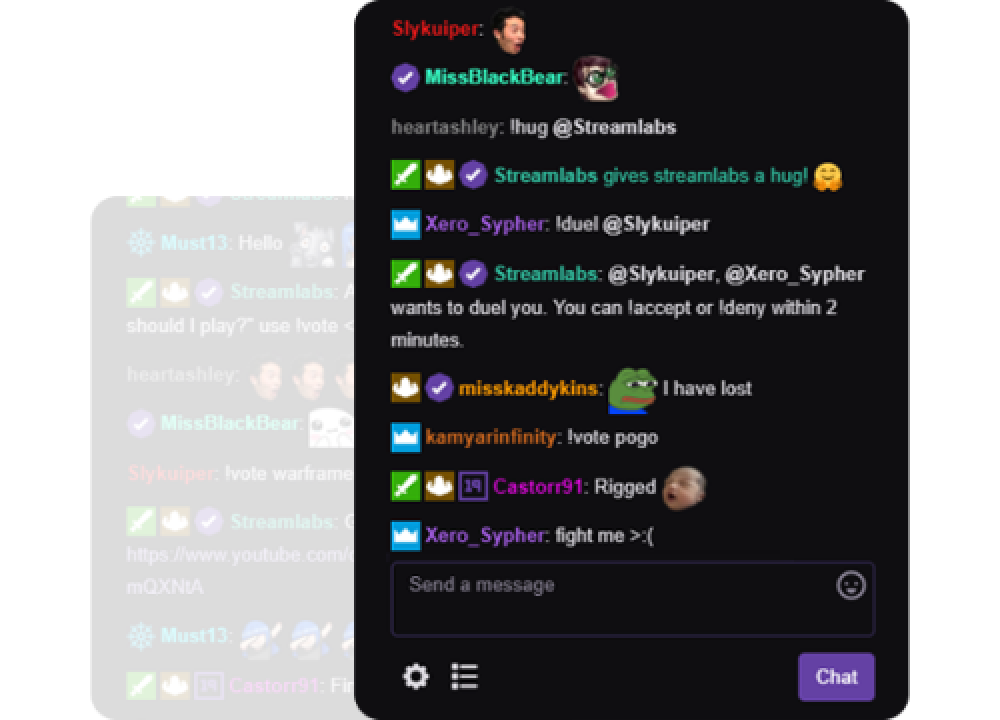
채팅 관리하기
사전 설정 및 사용자 지정 조정 필터를 사용하여 손가락 하나 까딱하지 않고 채팅을 조정하세요. 또한 시간 제한 메시지 설정, 설문조사 활성화 등을 수행하세요.
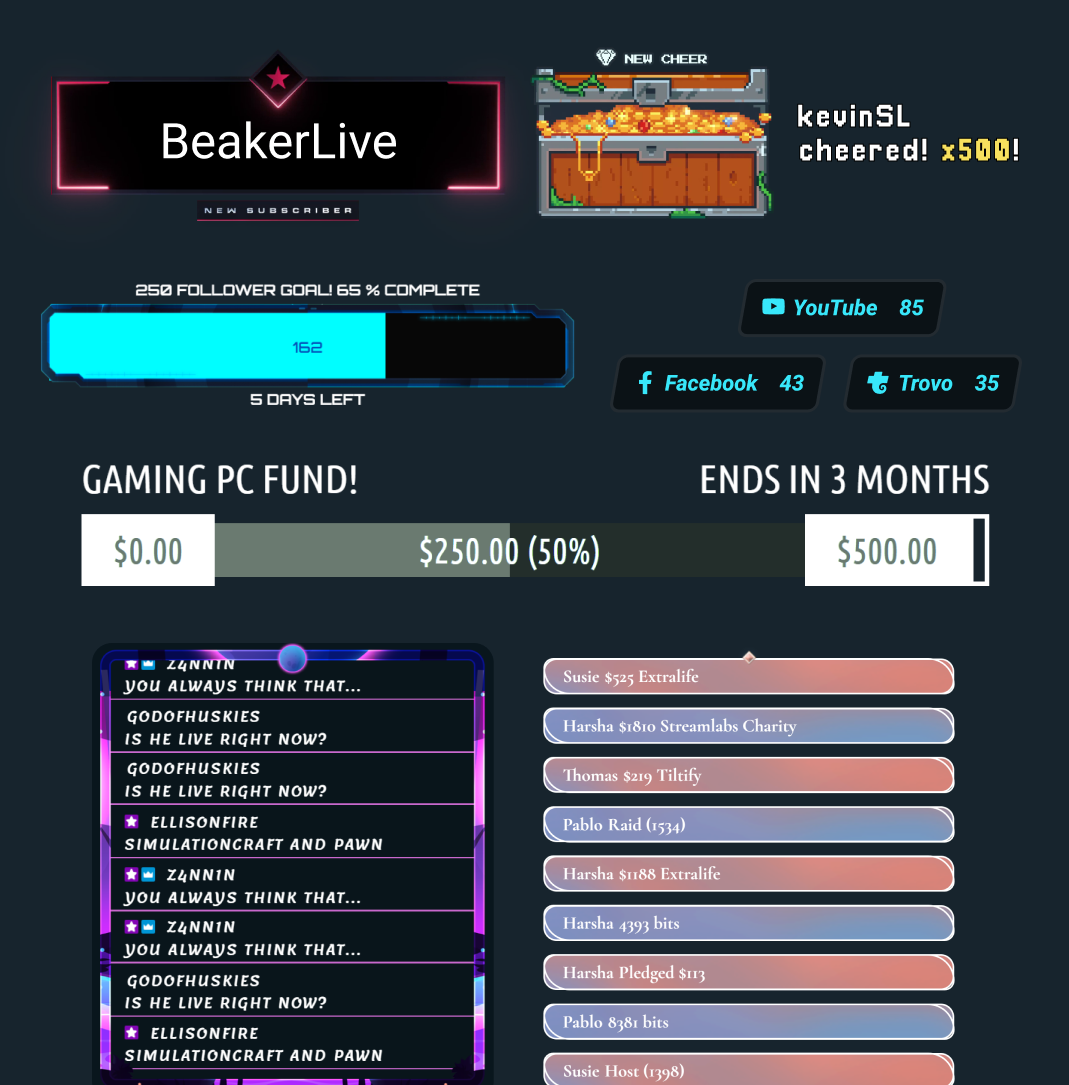
모든 유형의 크리에이터를 위한 도구
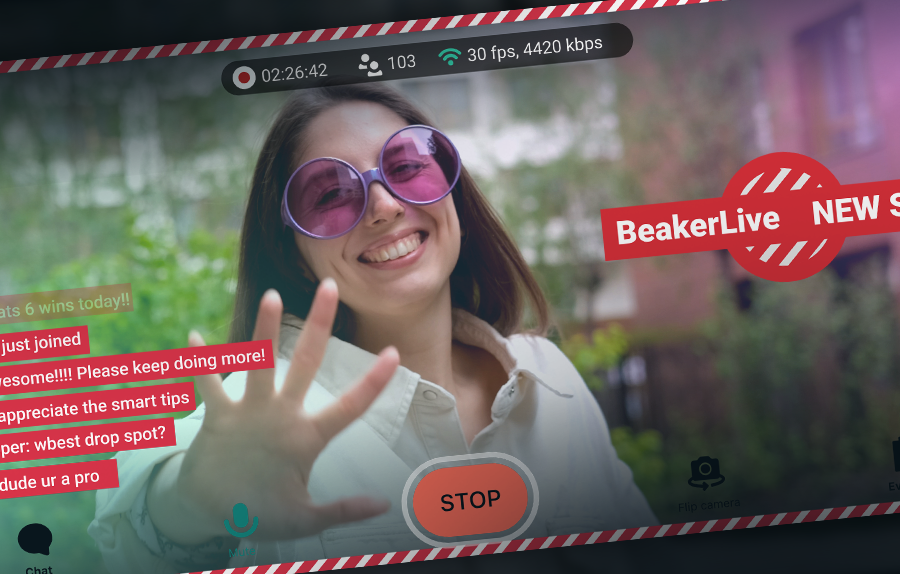
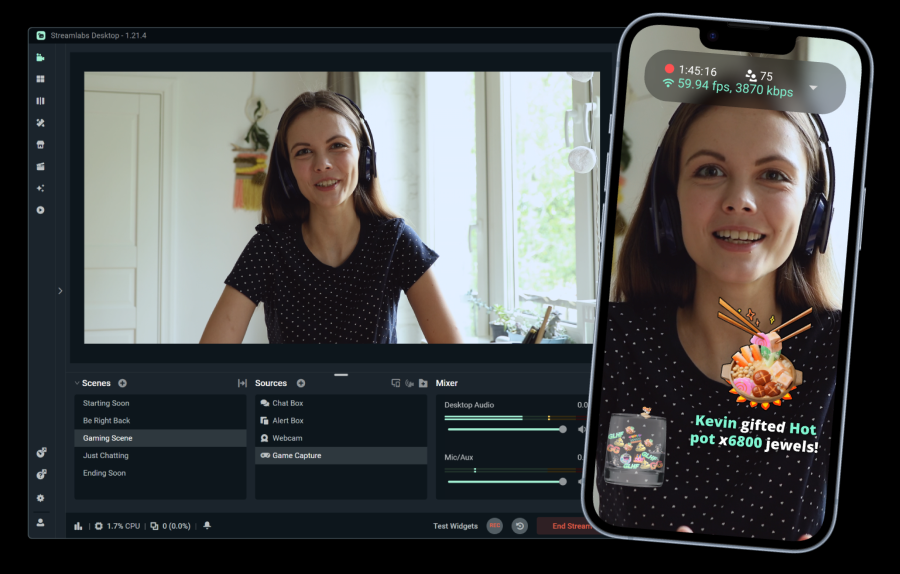
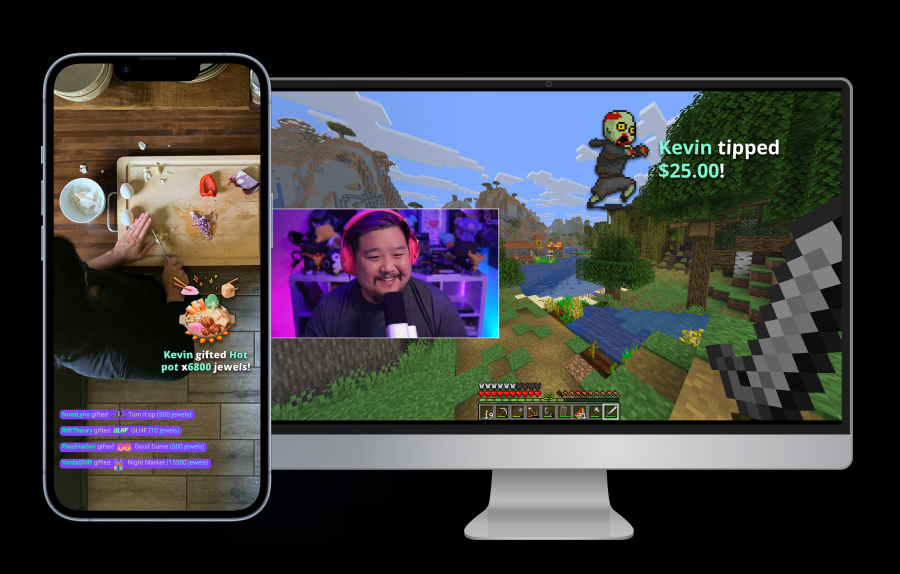
Streamlabs가 다양한 다른 콘텐츠 유형을 어떻게 지원할 수 있는지 알아보세요.
자주 묻는 질문
사용자의 필요에 가장 적합한 소프트웨어는 다양한 요인에 따라 달라지지만, 고려해 볼 만한 몇 가지 옵션은 다음과 같습니다.
- Streamlabs Desktop: 빠르게 라이브를 시작하려는 크리에이터에게 완벽합니다. 자신만의 디자인으로 스트림을 꾸미거나 오버레이 라이브러리에 있는 수천 개의 디자인 중에서 선택하세요.
- Streamlabs 플러그인이 포함된 OBS: OBS는 검증된 스트리밍 소프트웨어이며, Streamlabs 플러그인을 사용하면 알림을 추가하고 Twitch, YouTube, Patreon 등과 같은 플랫폼에서 더 쉽게 라이브 방송을 시작할 수 있습니다.
- Streamlabs Mobile: 이동 중에 콘텐츠를 제작한다면 스트림을 휴대하세요. iOS 및 Android에서 사용할 수 있는 Streamlabs Mobile 앱을 사용하면 어디서든 간편하게 라이브 방송을 할 수 있습니다.
- Talk Studio: 간단한 설정에 최적화된 Talk Studio를 사용하면 브라우저에서 바로 라이브 방송을 시작하고 게스트를 추가할 수 있습니다.
모든 스트리머를 지원하도록 설계된 Alert Box, 오버레이, 위젯과 같은 기존 라이브 스트리밍 도구 외에도, 아티스트나 음악가와 같은 창의적인 라이브 스트림에 특히 강력한 몇 가지 기능이 있습니다.
- Patreon 연동: 스트림 키 없이 Patreon 후원자에게 바로 라이브를 진행하세요.
- Collab Cam: 휴대폰이나 다른 기기를 웹캠으로 사용하여 스트림에 추가 카메라 각도를 더하세요. 그림을 그리는 동안 손과 얼굴을 촬영하거나, 연습 장면을 스트리밍할 때 각 밴드 멤버에게 각도를 할당하는 등 다양한 작업을 수행할 수 있습니다.
- Multistream: 한 번에 여러 플랫폼으로 라이브를 진행하여 더 빠르게 새로운 시청자에게 다가가세요.
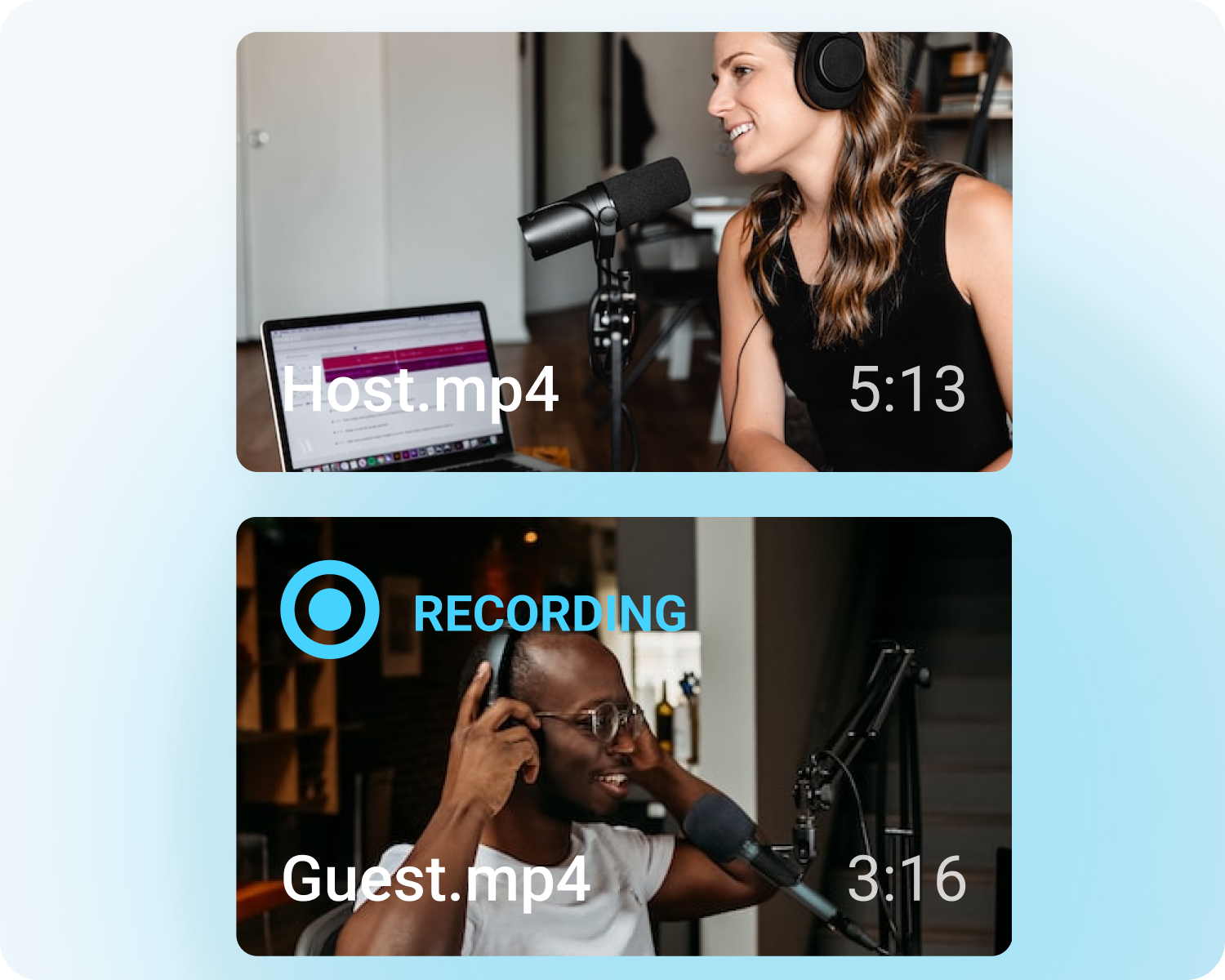
- 녹화: 전체 창작 과정을 웹에 업로드하세요. 예술 작품에 AI가 포함되지 않았음을 증명하는 데 유용합니다.
예술 활동으로 수익을 창출하는 것은 언제나 개인적인 여정이지만, 몇 가지 옵션은 다음과 같습니다:
- 팁: Streamlabs 팁을 통해 팬들이 여러분을 후원할 수 있습니다. 저희는 팁의 일부를 가져가지 않으므로, 표준 결제 처리업체의 수수료가 공제된 후의 수익 전액을 받으실 수 있습니다.
- 플랫폼 수익 창출: 각 스트리밍 플랫폼마다 고유한 수익 창출 옵션이 있습니다. YouTube 멤버십, Twitch 구독 등을 통해 수익을 창출하세요.
- 상품 판매: 상품을 판매하는 사이트에 프로필을 연결하세요. Cloudbot 타이머를 설정하여 시청자에게 스토어를 확인하도록 알림으로써 더 많은 판매를 유도하세요.
- Merch: Streamlabs MD 스토어로 맞춤형 MD를 판매하세요.
이 링크를 통해 지원팀에 문의하세요.