

Collab Cam
Streamlabs Desktop を離れることなく、ゲストの招待、カメラアングルの追加、ライブでのコラボレーションが可能です。
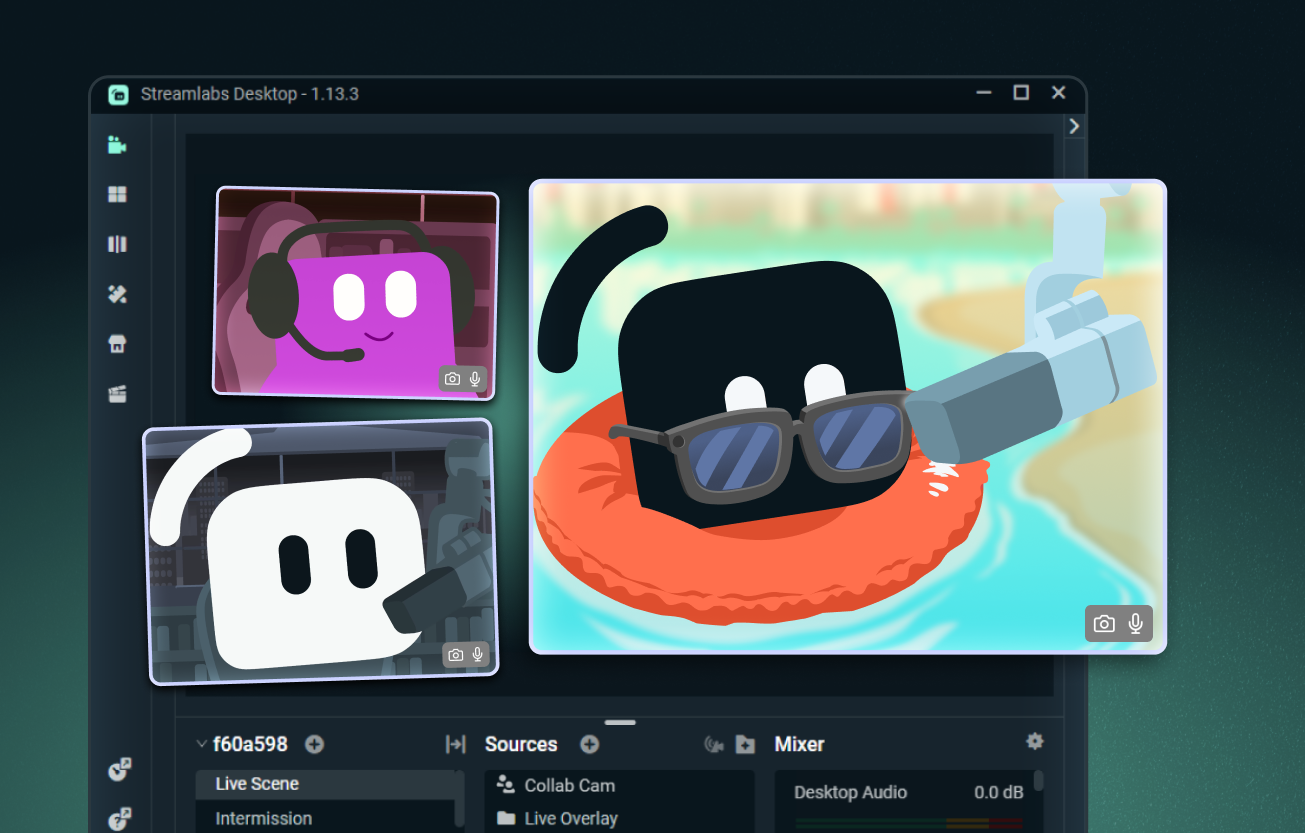
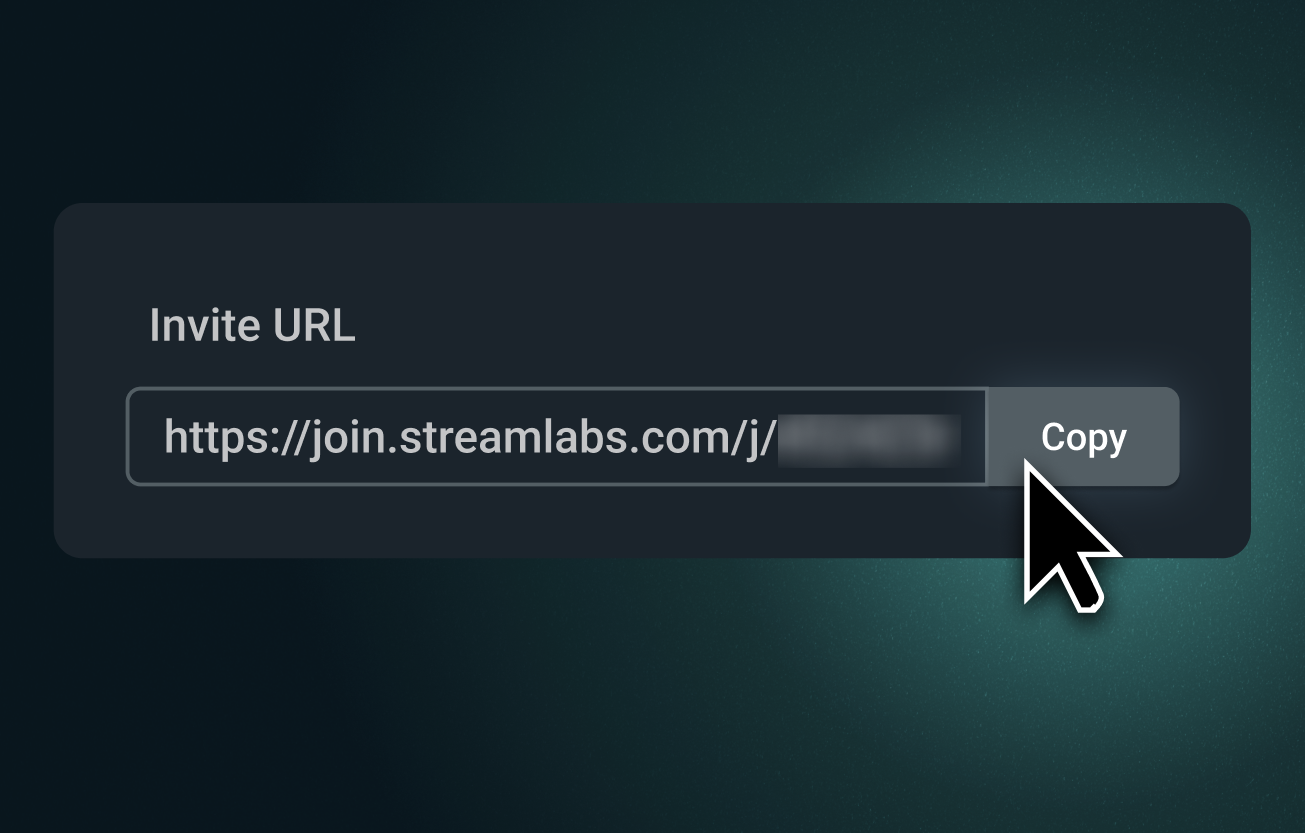
ストリームに簡単にゲストを追加
Collab Cam のリンクを送信すれば、誰でもブラウザからストリームに参加できます。 ゲストはあなたの姿を見て声を聞き、チャットを確認しながらリアルタイムで参加できます。
共同ホスト、インタビュー、テーブルトークRPGなどに最適です。
追加のカメラアングルを導入
Collab Cam はゲストのためだけのものではありません。 スマートフォンをサブカメラとして使用すれば、アート、音楽、料理などの実演ストリームに新しいアングルを追加できます。
キーボード、コントローラー、作業スペース、あるいはペットカメラなどを映し出せます。 ライブ配信と録画の両方に最適です。
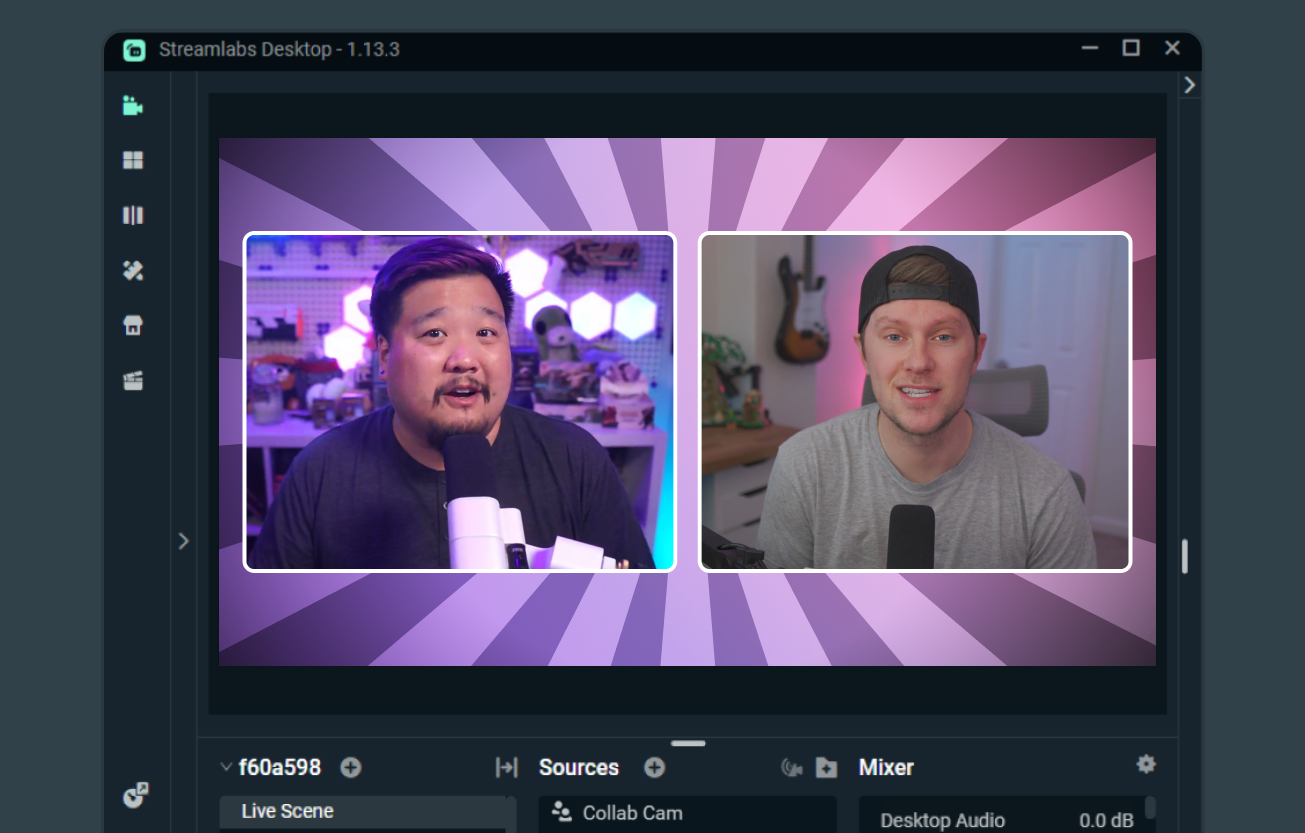
共同ストリーミングが簡単になりました
両方のクリエイターが Streamlabs Desktop を使用している場合、Collab Cam を使えば、共同配信やシーンとソースの共有、お互いのカメラ映像の表示が簡単に行えます。
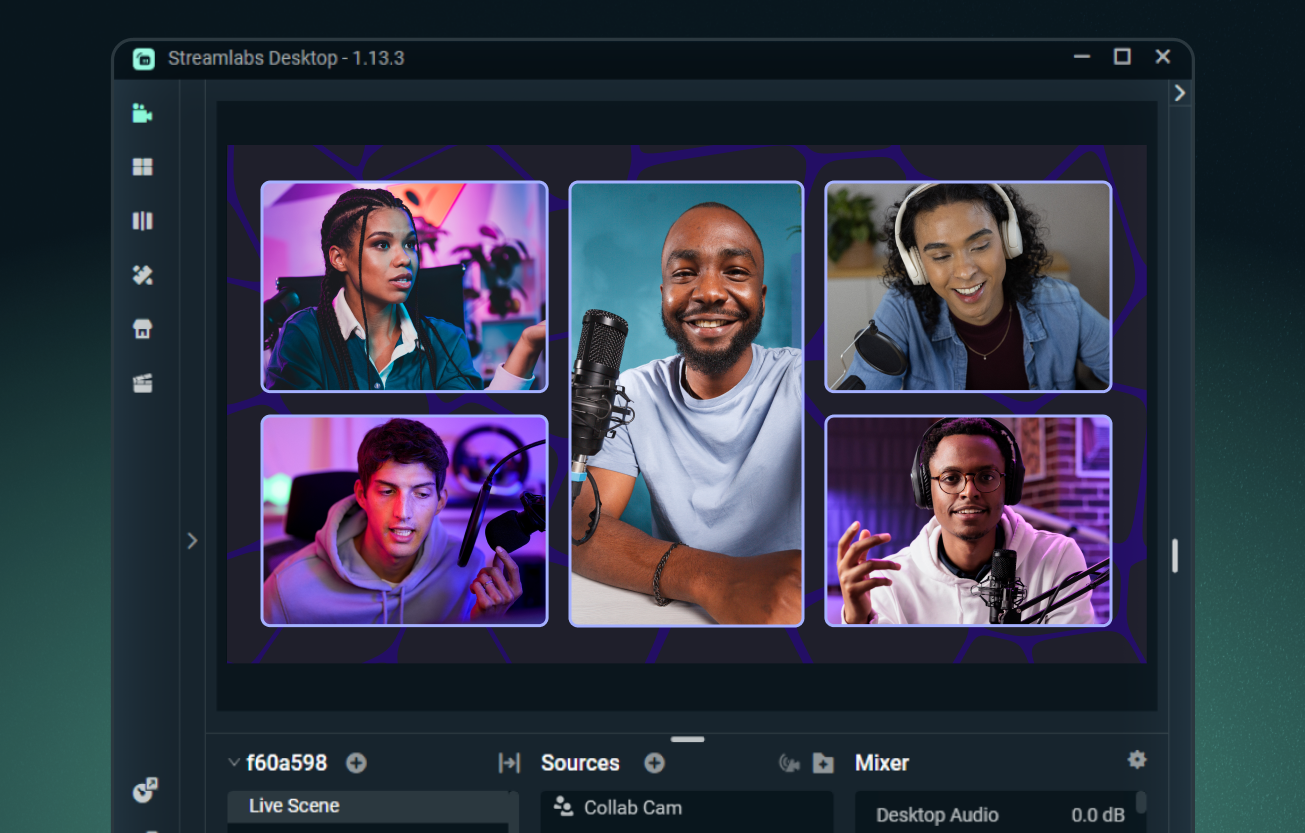
Ultra を使って、最大 11 人のゲストを追加
Streamlabs Desktop ではゲストを 1 人無料で追加できます。また、Streamlabs Ultra にアップグレードすれば、最大 11 人の追加ゲストやカメラアングルを配信に加えることができます。
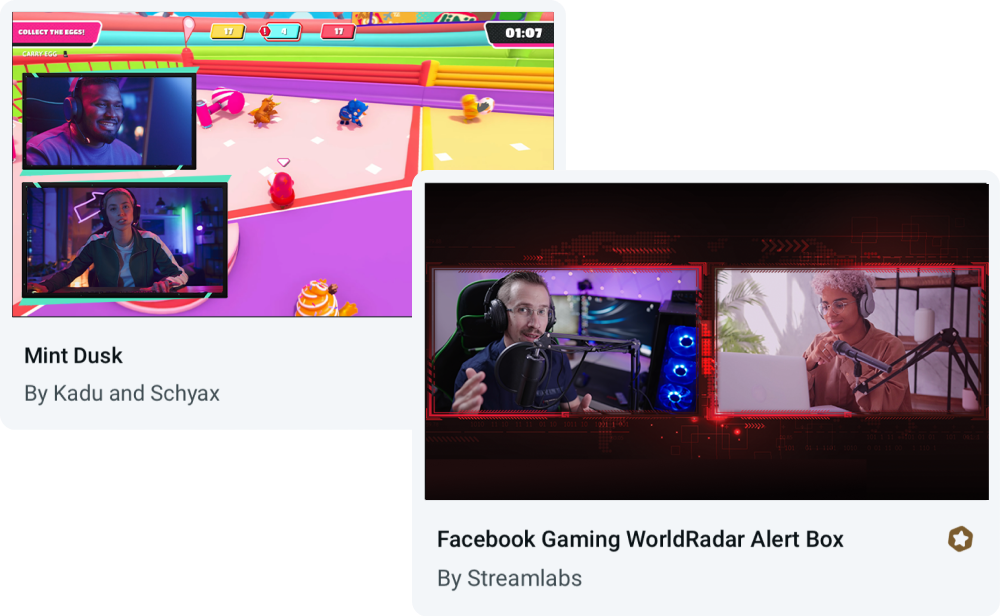
Collab Cam 用に構築されたオーバーレイ
Collab Cam はあらゆるオーバーレイで使用できるほか、ゲストや複数のカメラアングルに対応したレイアウトが組み込まれたテーマから選ぶこともできます。
よくある質問
はい、Streamlabs Collab Cam は1名のゲストまで完全無料でご利用いただけます。 コラボ配信をさらにレベルアップさせるには、Ultra にアップグレードすることで、最大11名のゲストを配信に招待できます。
Collab Cam は、Streamlabs Desktop および Streamlabs Mobile アプリで利用できます。
始めるのは簡単です。 手順は以下の通りです:
- Collab Camソースを追加します。
- 友人にリンクを共有します。
- 友人が参加したら、配信に追加します。
詳細なステップバイステップのガイダンスについては、デスクトップ版Collab Camガイドおよびモバイル版Collab Camガイドをご覧ください。
Collab Cam は、配信をよりダイナミックにするのに役立ちます。 新しいゲストを配信に追加することで、会話を弾ませ、チャットを盛り上げることができます。 アクティビティを配信している場合、Collab Cam を使用して新しいカメラアングルを取り入れることで、視聴者にあらゆるアクションをより見やすく伝えることができます。
こちらのリンクのサポートまでご連絡ください。