

Complemento de Streamlabs para OBS
Tus funciones favoritas de Streamlabs ya están disponibles directamente en OBS Studio.
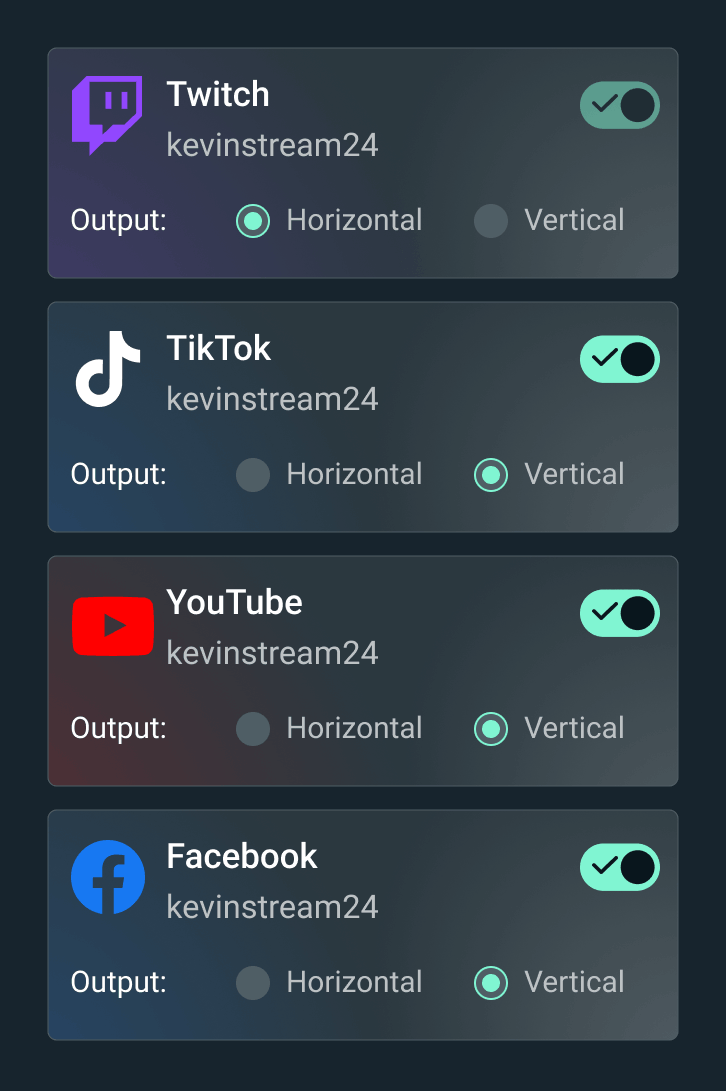

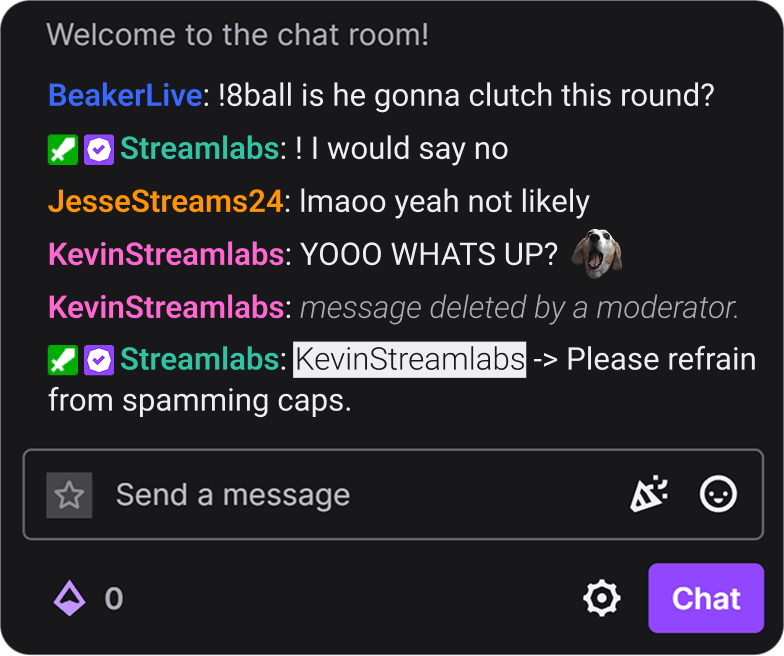


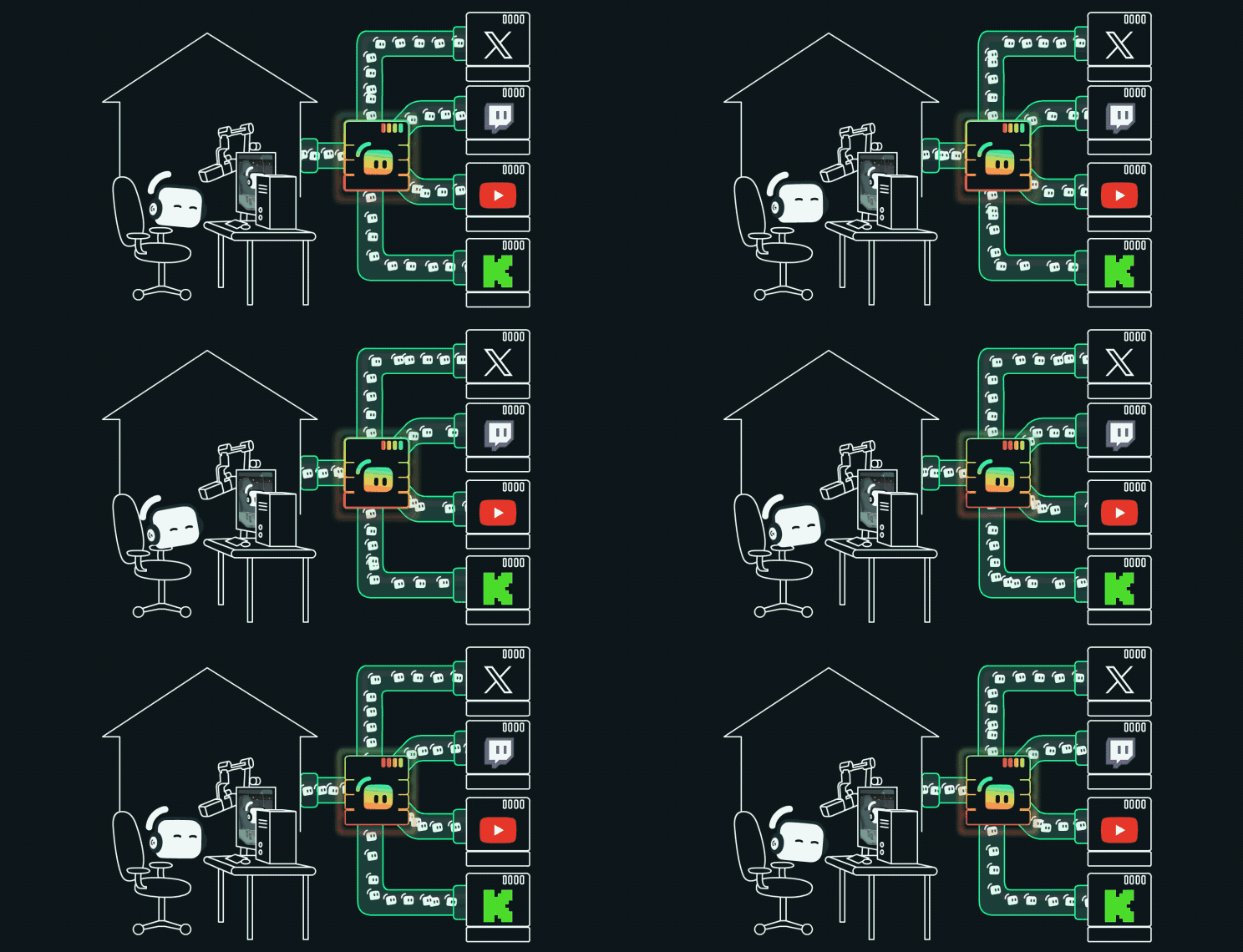
Haz multistreaming sin complicaciones
Haz streaming en múltiples plataformas desde OBS Studio con Streamlabs Multistreaming. Gestiona tu setup y sigue los chats en un solo lugar.
Simplifica tu setup con la instalación en un clic
Instala temas y widgets con solo un clic. Se acabó eso de añadir URL de widgets en fuentes de navegador y tener múltiples pestañas abiertas para configurar tu stream.
Dale emoción a tu stream con el widget Game Pulse
Activa automáticamente gráficos dinámicos y efectos de sonido en tu stream con cada baja, eliminación y más. Con la tecnología de Streamlabs Vision.
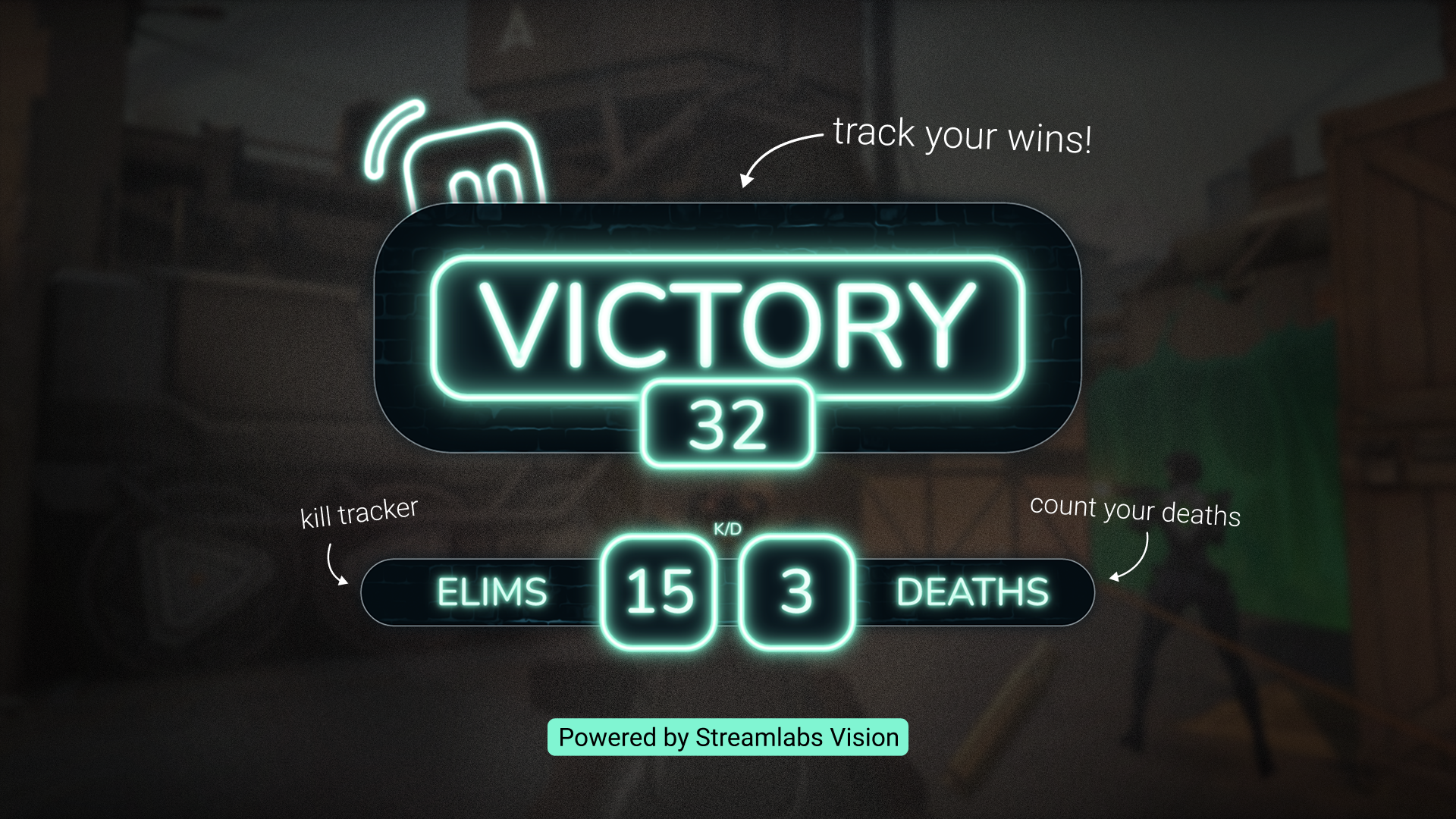
Suma tus victorias con las superposiciones reactivas
Tu gameplay activa contadores en tiempo real que cobran vida en el streaming para que no pases por alto ninguno de tus momentos más emocionantes. Con la tecnología de Streamlabs Vision.
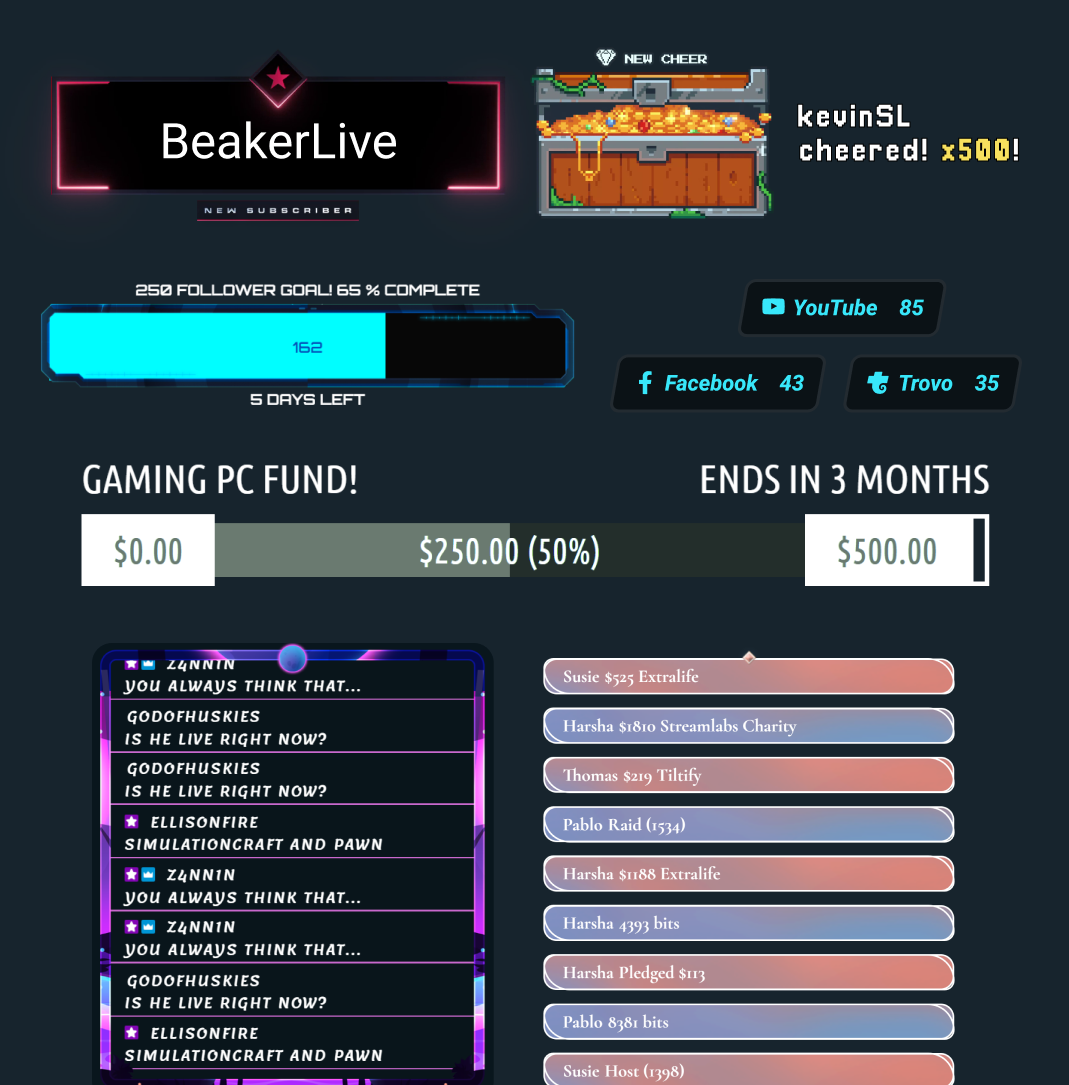
Tus widgets favoritos de Streamlabs en OBS
Ya no hace falta copiar y pegar URL de widgets en tu interfaz de OBS. Con un solo clic, tienes acceso a todos tus widgets y temas de widgets favoritos, justo al alcance de tu mano.
Stream Labels
Añade etiquetas de stream con solo hacer clic en un botón sin salir nunca de OBS.
Encuentra tu mejor setup de Streamlabs
| Streamlabs Desktop | Complemento de Streamlabs para OBS | Ultra Plus | Other | |
|---|---|---|---|---|
¿El uso es gratis? | Customizable tip page | Customizable tip page | ||
Requisitos del SO Compatible con Mac y PC | Mac y PC | Solo compatible con PC | Customizable tip page | Customizable tip page |
Configuración e incorporación guiadas Configura tu stream sin complicaciones | Customizable tip page | Customizable tip page | ||
Emite tu streaming Emite tu stream en las plataformas que elijas | Customizable tip page | Customizable tip page | ||
Grabación Graba sin salir del software | Customizable tip page | Customizable tip page | ||
Multistreaming Transmite en directo en varias plataformas a la vez | Desde el servidor con Ultra | Desde el servidor con Ultra | Customizable tip page | Customizable tip page |
Dual Output Emite tu stream en formatos horizontal y vertical | Customizable tip page | Customizable tip page | ||
Gestión integrada de escenas y fuentes Gestiona escenas y fuentes fácilmente | Customizable tip page | Customizable tip page | ||
Temas de superposiciones y widgets Diseña tu stream e interactúa con tu audiencia | Importación de superposiciones con un solo clic | Importación de superposiciones con un solo clic | Customizable tip page | Customizable tip page |
Cuadro de alertas Alertas dinámicas en pantalla | Customizable tip page | Customizable tip page | ||
Cloudbot Conecta con tu audiencia y modera el chat | Customizable tip page | Customizable tip page | ||
Recorte y edición Captura los mejores momentos y edita contenido largo | Customizable tip page | Customizable tip page | ||
Propinas Recibe el apoyo de tu audiencia | Configuración en el panel de control | Configuración en el panel de control | Customizable tip page | Customizable tip page |
Tienda de artículos promocionales Vende merchandising personalizado a tu audiencia | Customizable tip page | Customizable tip page | ||
Herramientas de Vision Sidekick, Highlighter, widget Game Pulse y superposiciones reactivas para tu streaming | Superposiciones reactivas y widget Game Pulse | Customizable tip page | Customizable tip page | |
Preguntas frecuentes
El complemento Streamlabs para OBS es un añadido para OBS que integra herramientas seleccionadas de Streamlabs directamente en tu configuración de OBS Studio, incluyendo superposiciones, widgets, etiquetas de stream, multistreaming y más.
Sí, el complemento se puede descargar y usar de forma gratuita. Algunas funciones (como el multistreaming en el servidor y las superposiciones premium) requieren Streamlabs Ultra.
No. El complemento está diseñado para usuarios de OBS Studio que quieren acceder a las herramientas de Streamlabs sin usar Streamlabs Desktop ni añadir manualmente widgets como fuentes de navegador.
Descarga el complemento y ejecuta el instalador. Se integra directamente en OBS Studio y no necesitas una cuenta independiente para empezar. Puedes obtener más información sobre cómo instalar el complemento Streamlabs para OBS en nuestra guía de inicio.
El complemento Streamlabs para OBS te permite mantener tu configuración actual de OBS Studio mientras añades funciones principales de Streamlabs como superposiciones, widgets, alertas, herramientas de Streamlabs Vision como las superposiciones reactivas y el widget Game Pulse, y multistreaming. Streamlabs Desktop ofrece esas mismas herramientas principales en un software de streaming completo y todo en uno, además de funciones integradas adicionales como Stream Shift, Dual Output, Collab Cam y el resto de nuestras herramientas con IA para creadores que quieran una configuración más completa.
La mejor opción depende de si quieres seguir con OBS o pasar a una experiencia más todo en uno.
Echa un vistazo a nuestra guía para ver una comparación de Streamlabs Desktop y el complemento de Streamlabs para OBS.
Sí. Puedes importar superposiciones y widgets de Streamlabs a OBS con menos pasos de configuración manual.
No. El complemento añade herramientas de Streamlabs a tu OBS Studio sin modificar tus escenas, fuentes o ajustes establecidos.
No. El complemento Streamlabs es actualmente compatible con Windows 10/11 o posterior.
No. Puedes utilizar widgets de Streamlabs en OBS a través de una fuente de navegador y hacer multistreaming con OBS sin el complemento conectando tus plataformas en los ajustes de Multistream del panel de control de Streamlabs y usando el destino RTMP proporcionado en OBS.
Contacta con el equipo de Asistencia en este enlace.