

Streamlabs Plugin for OBS
Your favorite Streamlabs features now available directly in OBS Studio.
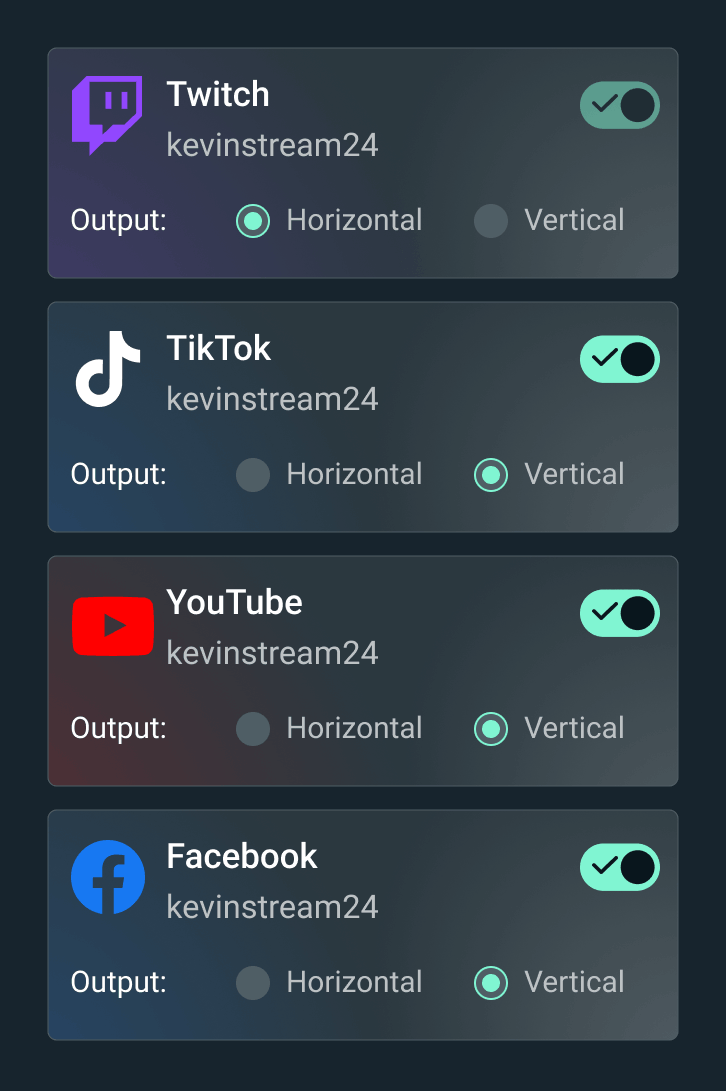



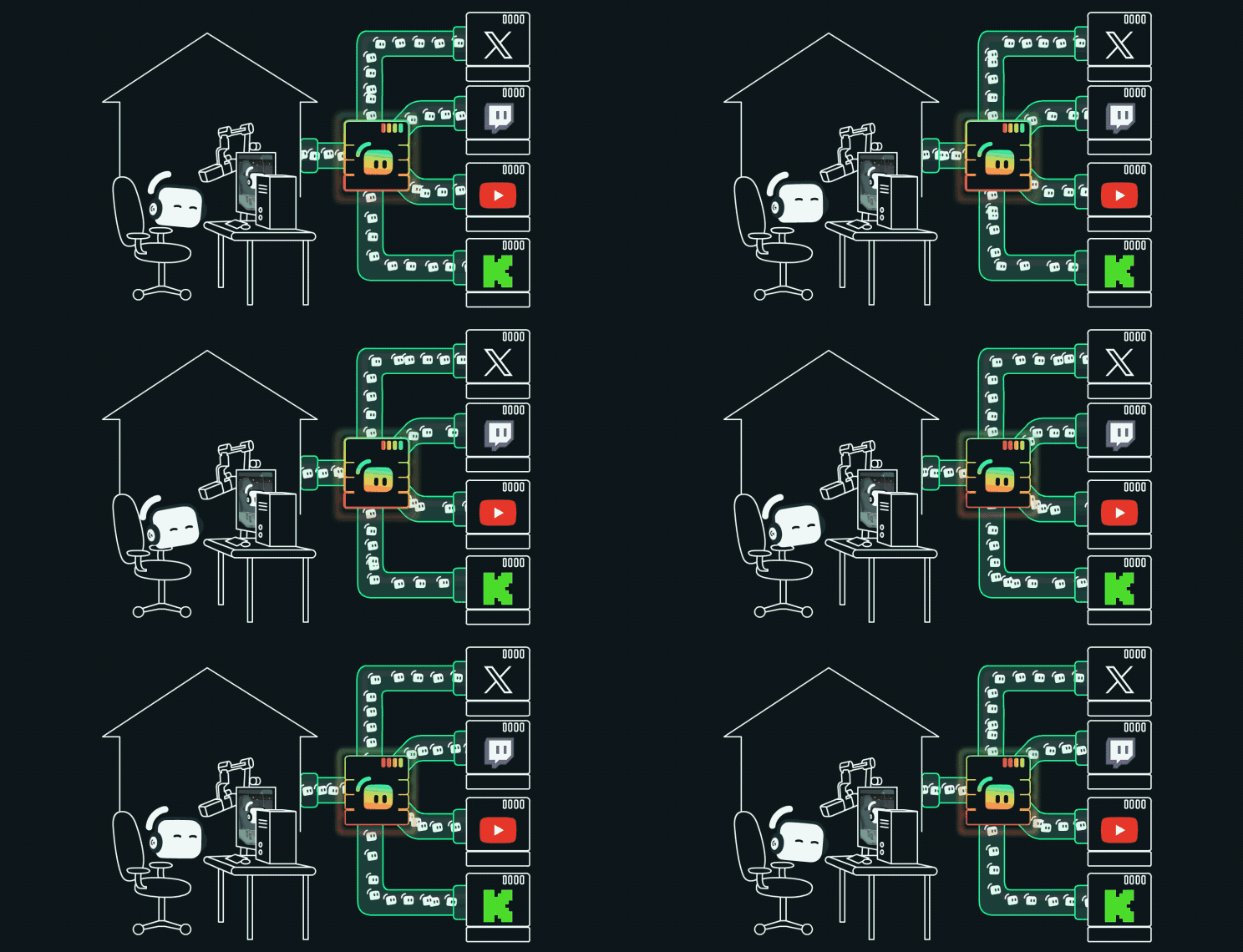
Multistream made easy
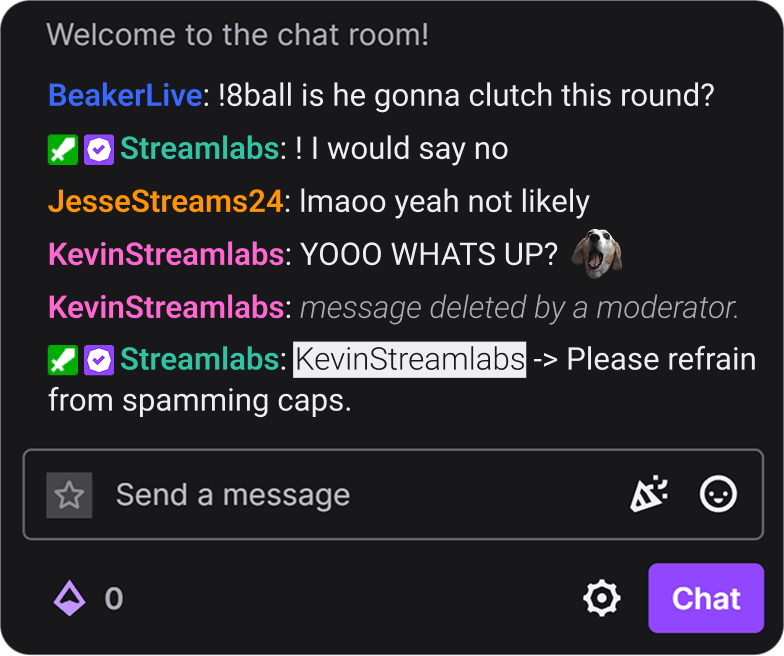
Stream to multiple platforms from OBS Studio with Streamlabs Multistreaming. Manage your setup and keep up with chats in one place.
Simplify your setup with one-click install
Install themes and widgets in one-click. No more adding widget URLs into browser sources and having multiple tabs open to setup your stream.
Shake up stream with the Game Pulse Widget
Automatically trigger dynamic graphics and sound effects on-stream with every kill, elimination and more. Powered by Streamlabs Vision.
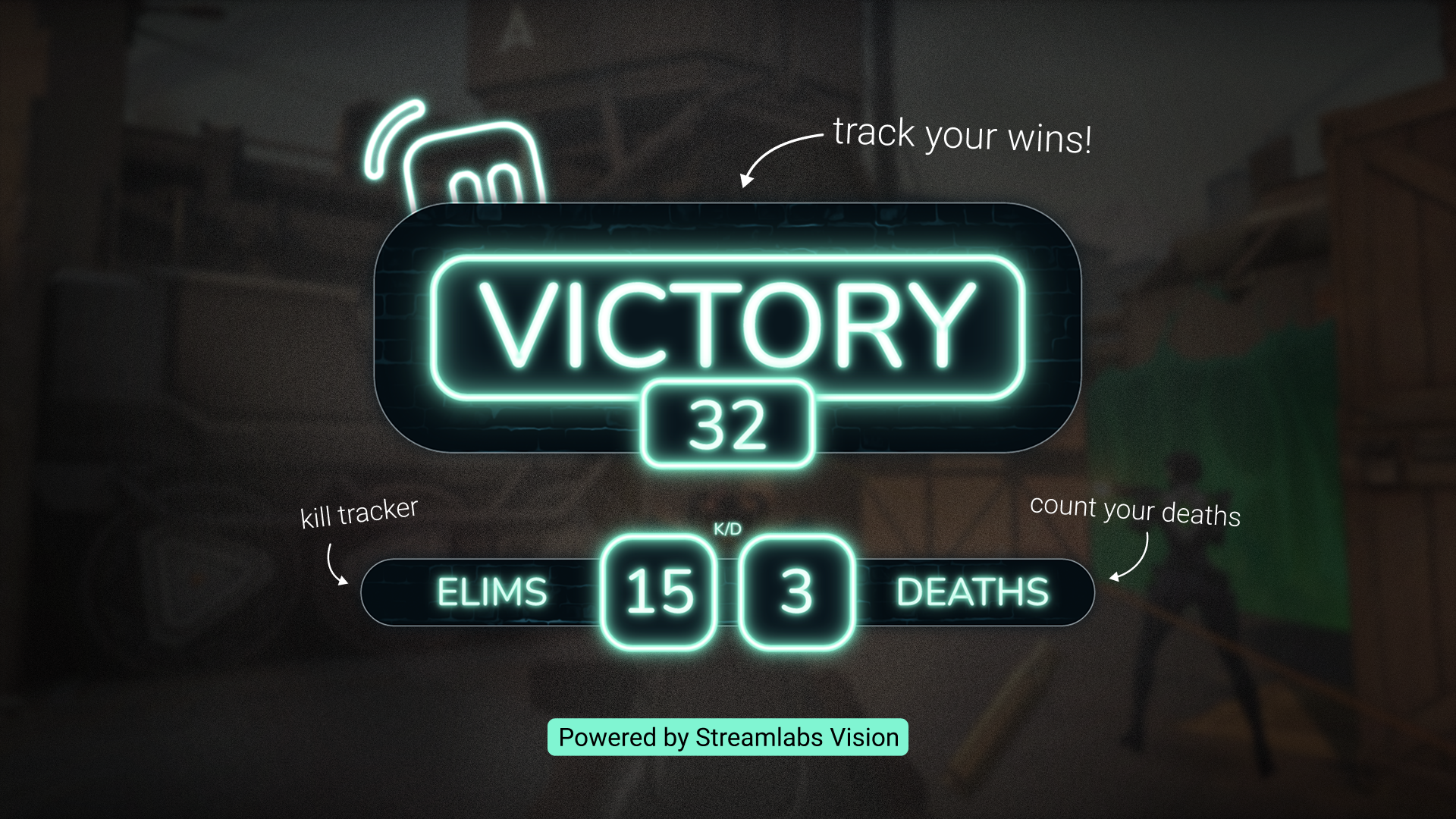
Track your wins with Reactive Overlays
Your gameplay triggers real-time counters that come to life on-stream to make sure you don't miss any of your exciting moments. Powered by Streamlabs Vision.
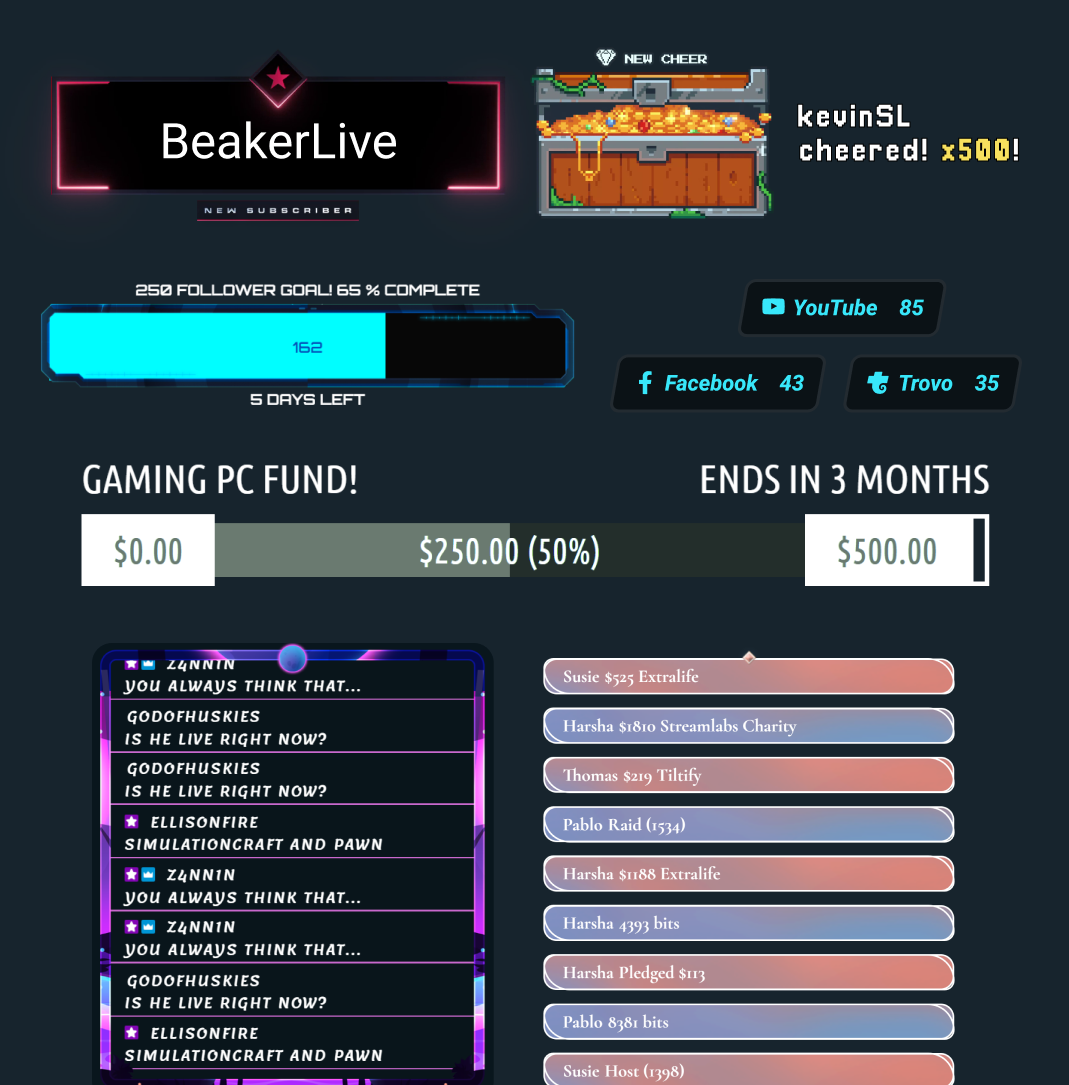
Your favorite Streamlabs widgets in OBS
No need to copy-and-paste widget URLs anymore into your OBS interface. One-click and you have access to all of your favorite widgets and widget themes, right at your fingertips.
Stream Labels
Add stream labels with the click of a button without ever leaving OBS.
Find your best Streamlabs setup
| Streamlabs Desktop | Streamlabs Plugin for OBS | Ultra Plus | Other | |
|---|---|---|---|---|
Free to use? | Customizable tip page | Customizable tip page | ||
OS Requirements Mac and PC Compatible | Mac and PC | Only PC Compatible | Customizable tip page | Customizable tip page |
Guided Setup and Onboarding Setup your stream with ease | Customizable tip page | Customizable tip page | ||
Broadcast Streaming Broadcast your stream to platforms of your choice | Customizable tip page | Customizable tip page | ||
Recording Record without leaving the software | Customizable tip page | Customizable tip page | ||
Multistreaming Go-live to multiple platforms | Server-side with Ultra | Server-side with Ultra | Customizable tip page | Customizable tip page |
Dual Output Stream in horizontal & vertical formats | Customizable tip page | Customizable tip page | ||
Built-in Scene and Source Management Manage scenes and sources easily | Customizable tip page | Customizable tip page | ||
Overlays and Widget Themes Design your stream & engage your audience | One-click overlay import | One-click overlay import | Customizable tip page | Customizable tip page |
Alert Box Dynamic, on-screen alerts | Customizable tip page | Customizable tip page | ||
Cloudbot Engage & moderate chat | Customizable tip page | Customizable tip page | ||
Clipping and Editing Capture top moments & edit long content | Customizable tip page | Customizable tip page | ||
Tipping Allow viewers to support you | Setup in Dashboard | Setup in Dashboard | Customizable tip page | Customizable tip page |
Merch Store Sell custom merch to viewers | Customizable tip page | Customizable tip page | ||
Vision Tools Streaming Sidekick, Highlighter, Game Pulse Widget and Reactive Overlays | Reactive Overlays and Game Pulse Widget | Customizable tip page | Customizable tip page | |
Frequently asked questions
The Streamlabs Plugin for OBS is an add-on for OBS that brings select Streamlabs tools directly into your OBS Studio setup, including overlays, widgets, Stream Labels, multistreaming, and more.
Yes, the plugin is free to download and use. Some features, such as server-side multistreaming and premium overlays, require Streamlabs Ultra.
No. The plugin is designed for OBS Studio users who want access to Streamlabs tools without using Streamlabs Desktop or manually adding widgets as browser sources.
Download the plugin and run the installer. It integrates directly into OBS Studio and no separate account is required to get started. You can learn more about installing the Streamlabs Plugin for OBS in our getting started guide.
The Streamlabs Plugin for OBS lets you keep your existing OBS Studio setup while adding core Streamlabs features like overlays, widgets, alerts, Streamlabs Vision tools like Reactive Overlays and Game Pulse Widget, and multistreaming. Streamlabs Desktop offers those same core tools in a full all-in-one streaming software, plus additional built-in features like Stream Shift, Dual Output, Collab Cam, and the rest of our AI-powered tools for creators who want a more complete setup.
Which option is best depends on whether you want to stick with OBS or move to a more all-in-one experience.
Check out our guide for a comparison of Streamlabs Desktop vs. Streamlabs Plugin for OBS.
Yes. You can import Streamlabs overlays and widgets into OBS with fewer manual setup steps.
No. The plugin adds Streamlabs tools to your OBS Studio without modifying your existing scenes, sources, or settings.
No. The Streamlabs plugin is currently Windows 10/11 or better.
No. You can use Streamlabs widgets in OBS via browser source and multistreaming with OBS without the plugin by connecting your platforms in your Streamlabs Dashboard Multistream settings and using the provided RTMP destination in OBS.
Please contact support at this link.