

One stream. Any device.
Build broadcasts that work seamlessly across desktop and mobile devices.
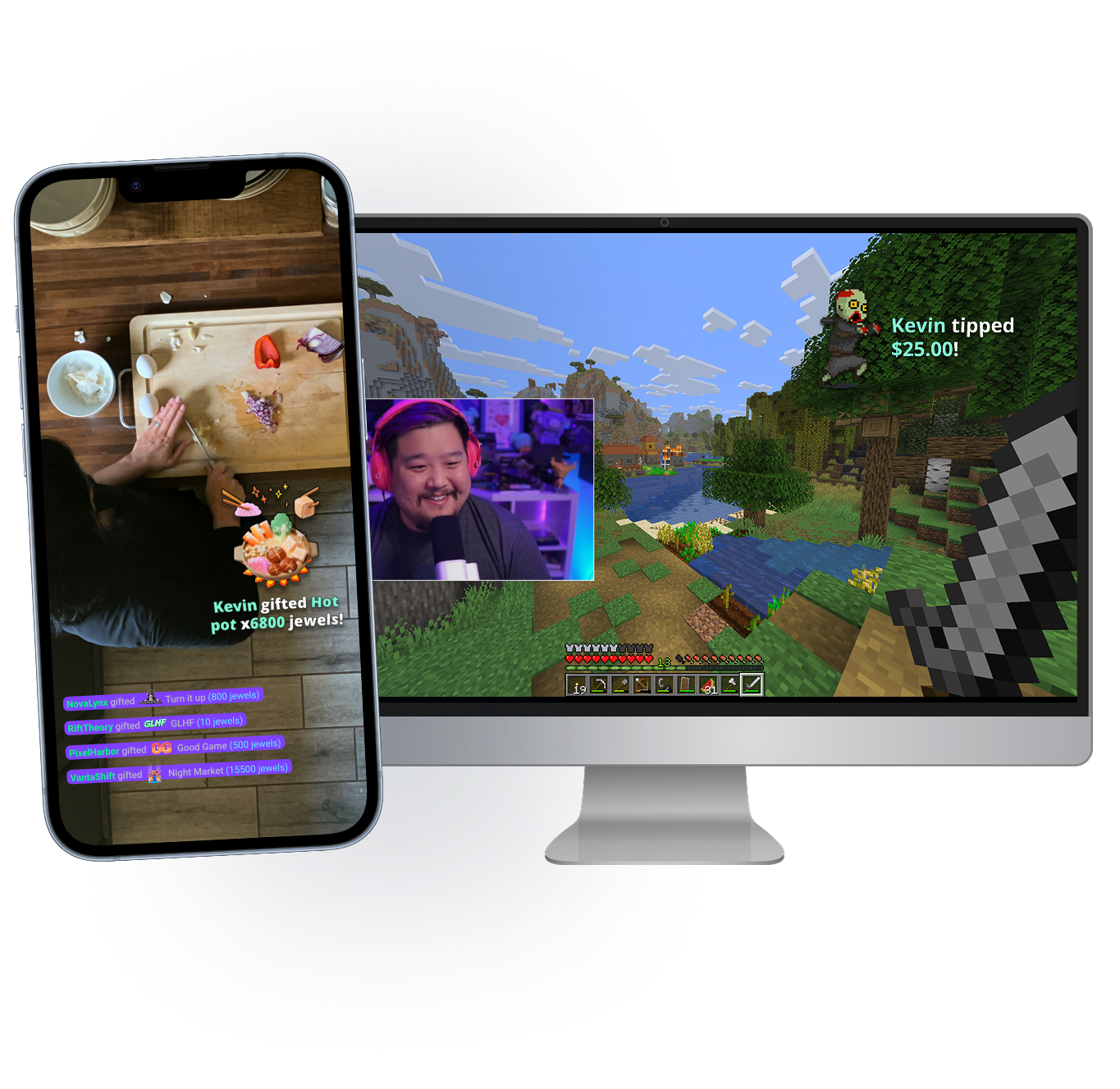
Take your stream anywhere
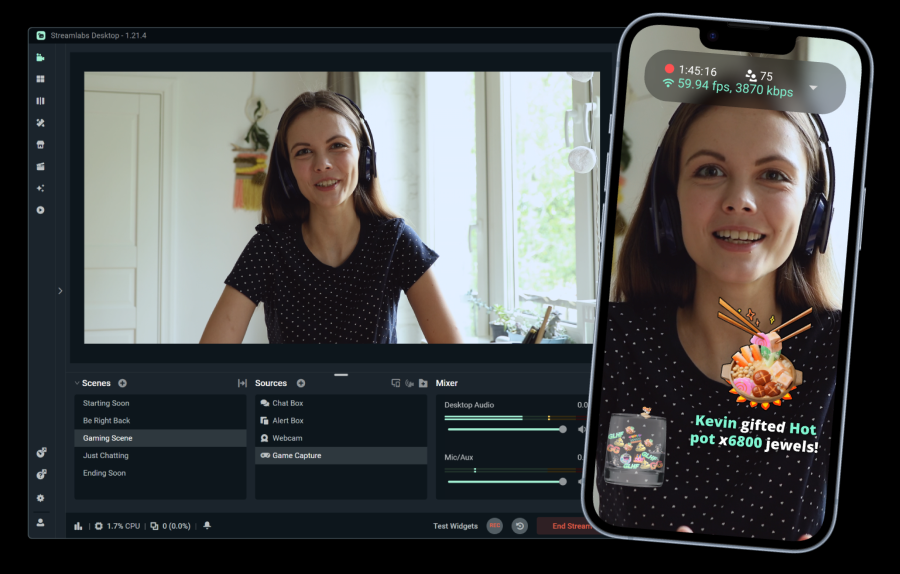
Whether you're at your desk or out in the world, Stream Shift lets you take chat with you. Move from your mobile device to your PC and back without ending your stream.
Available to Streamlabs Ultra members on Desktop and Mobile.
Must-have features
Everything you need to customize your stream and build your community.
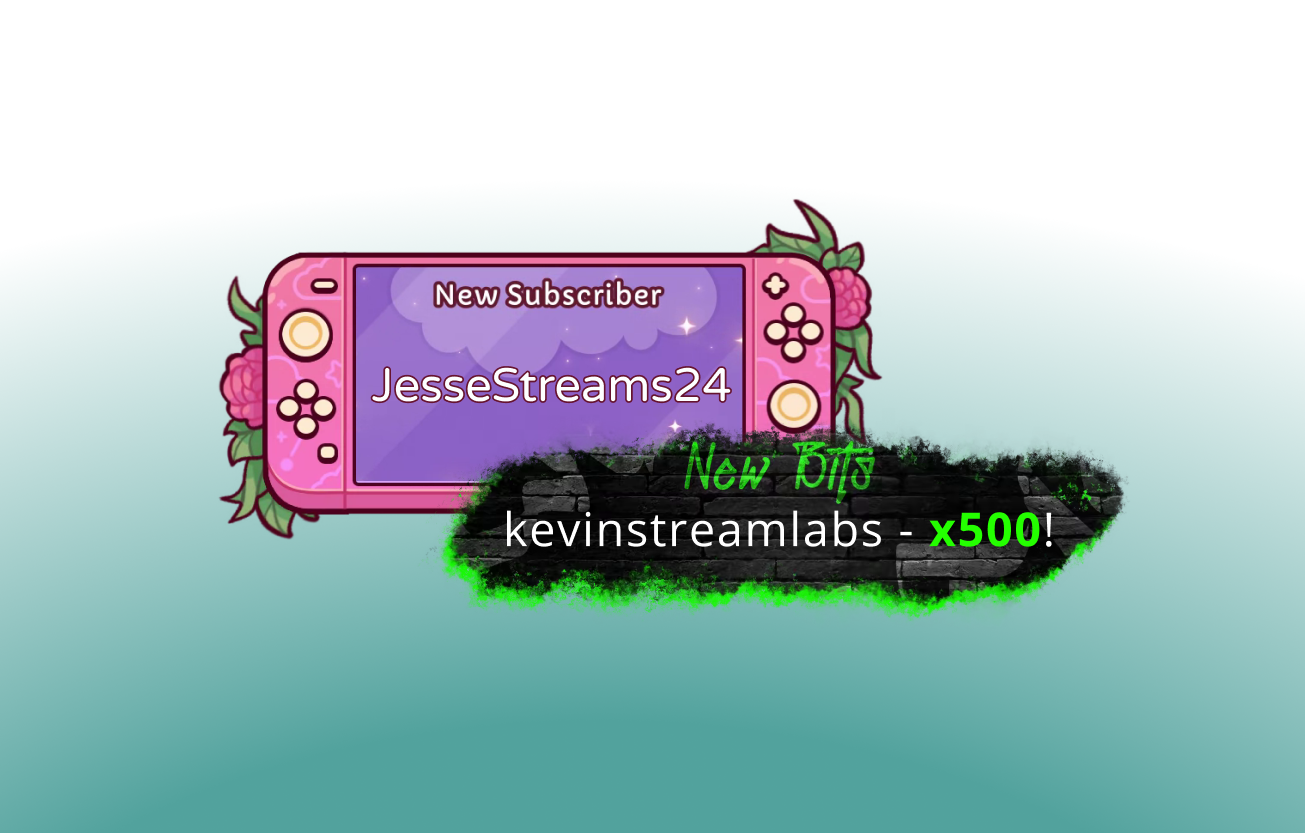
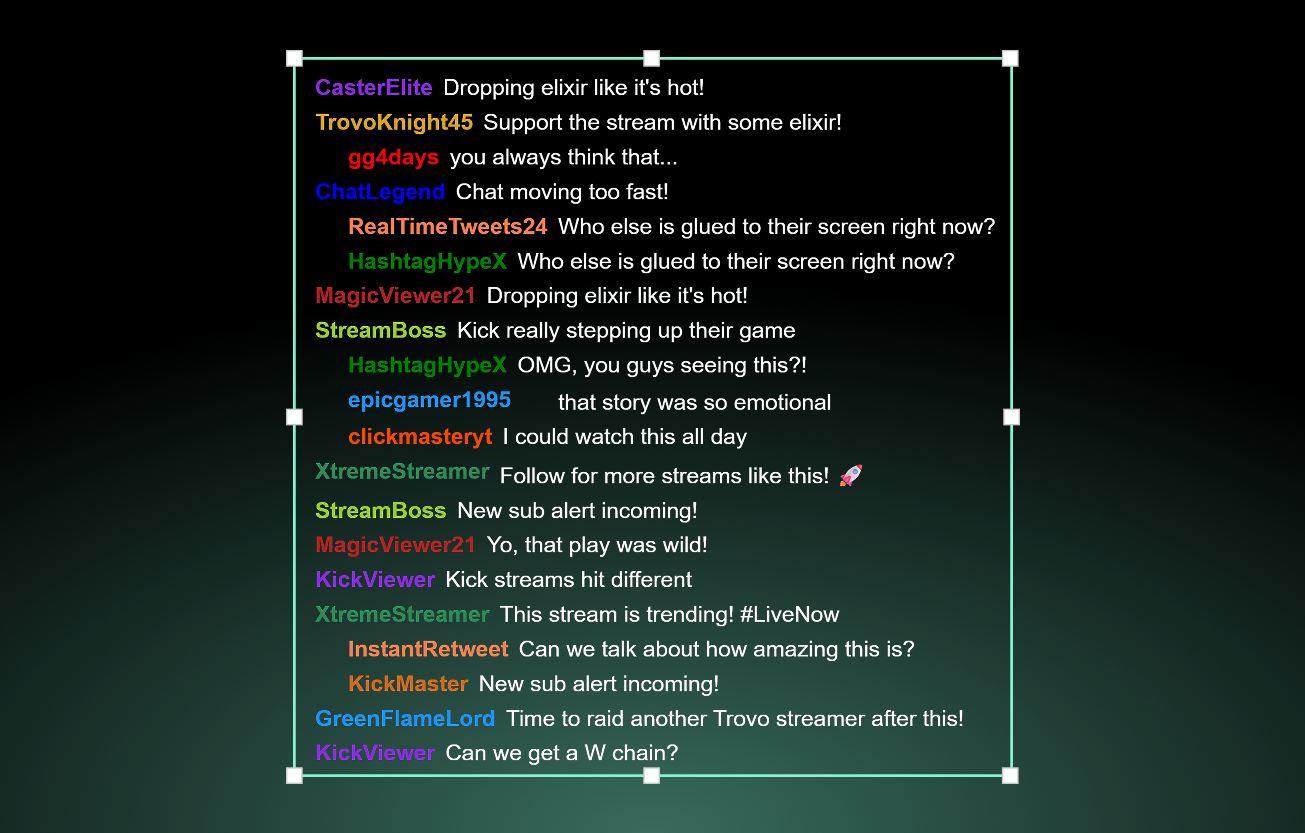
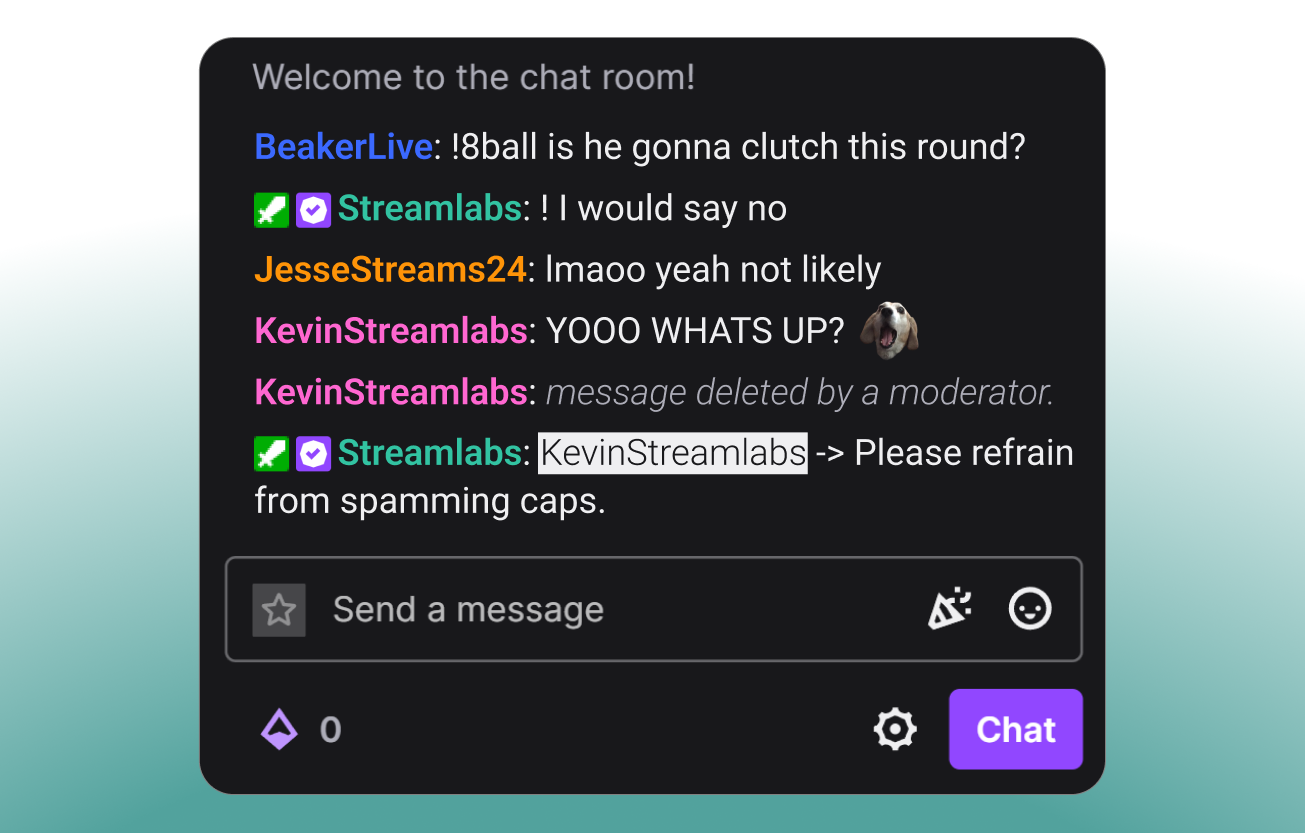
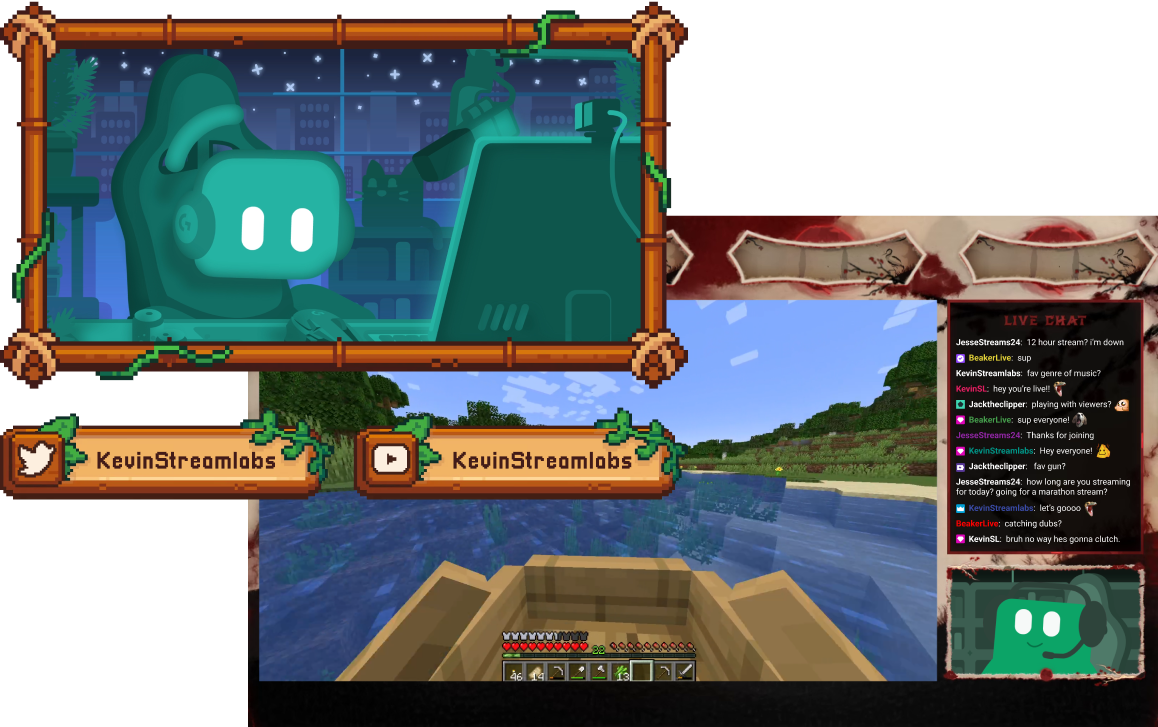
Tools for every type of creator
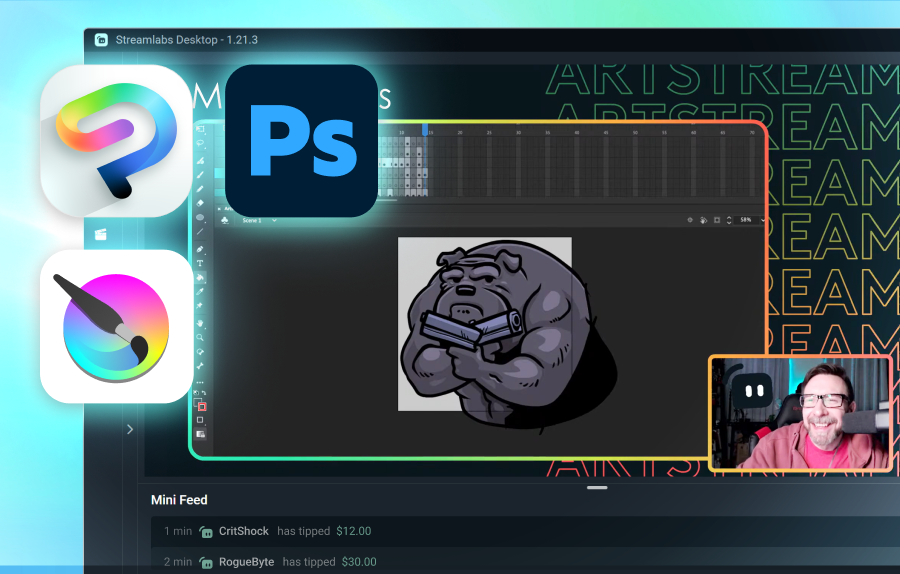
Find out how Streamlabs can support a range of other content types.
Grow your audience across platforms
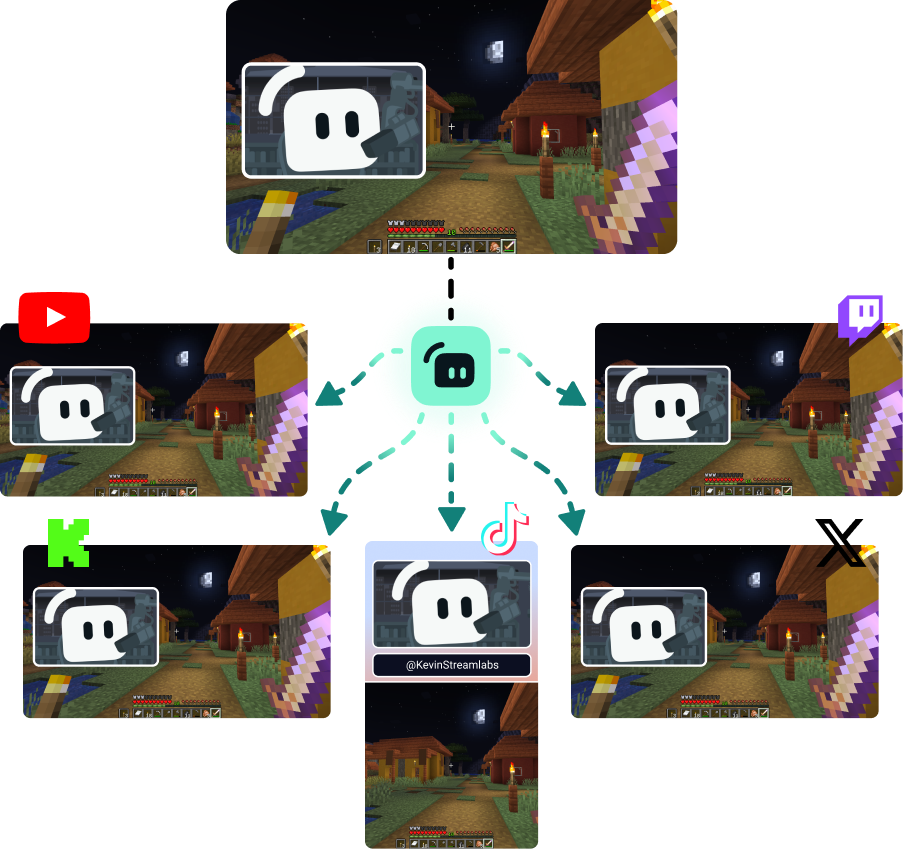
Multistream to reach viewers wherever they prefer to watch.
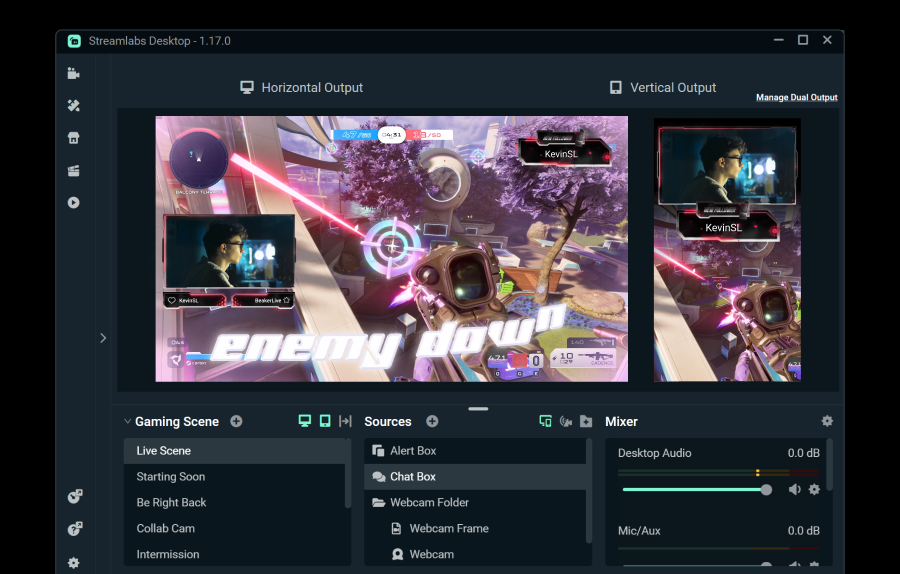
Stream to one horizontal and one vertical destination for free using Dual Output, or unlock unlimited destinations with Streamlabs Ultra.
Go live in 50 5 clicks — stream to any platform
Go live in hours minutes to any platform
New creators who multistream are twice as likely to reach 5+ concurrent viewers.*
* new users who have been streaming up to six months and who have multistreamed 7+ times


Frequently asked questions
Hybrid live streaming is a form of streaming where multiple formats are used. This could include a stream that starts as PC gaming and moves to mobile to become and IRL stream.
While Just Chatting and gaming streams aren't going anywhere, IRL viewership has been steadily growing. Hybrid streaming helps keep your content fresh and your audience engaged by allowing you to create content across these categories.
The tools you find valuable will depend on what type of hybrid streams you plan to do, but a few options include:
- Streamlabs Desktop: This free streaming software available for PC and Mac allow you to stream your webcam(s) and add guests or additional camera angles with Collab Cam. With the optional upgrade to Ultra, you can also switch to your mobile device and back without ending your stream using Stream Shift.
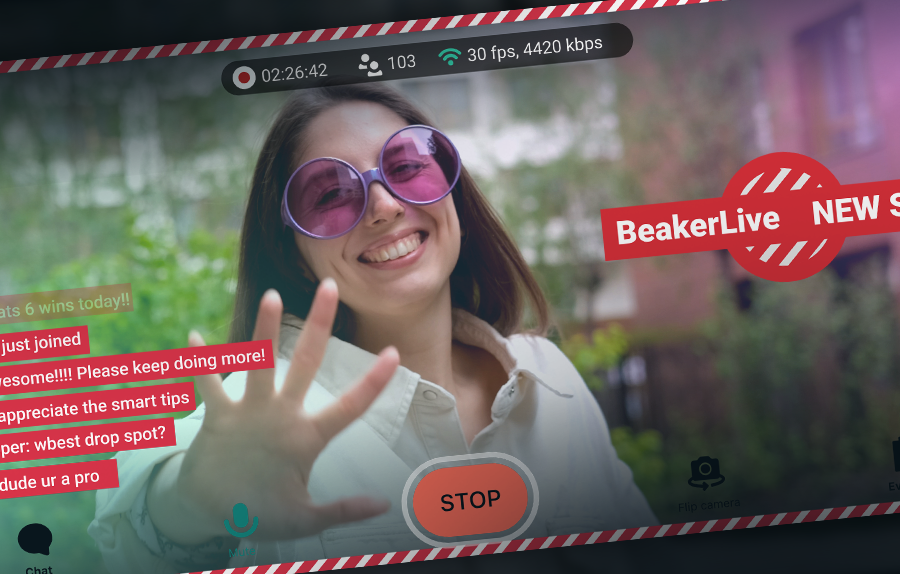
- Streamlabs Mobile: This mobile streaming app is available for iOS and Android and is the perfect way to take chat with you on the go. Whether you're in the kitchen for a cooking stream or out on the town for an IRL streaming segment, Mobile has your back. Mobile pairs perfectly with Streamlabs Desktop and Stream Shift so you can move from your PC to phone and back without losing viewers.
- Stream Shift: As mentioned, Stream Shift allows you to switch a stream between Streamlabs Desktop and Mobile without ever ending the stream so you keep your viewers and your growth.
- Collab Cam: Available in Streamlabs Desktop, Collab Cam allows you to add guests to your stream via a simple link. You can use Collab Cam with devices such as a phone or tablet to add a new camera angle to your stream without the wires or constraints of an extra webcam.
Please contact support at this link.