

Eén stream. Elk apparaat.
Bouw uitzendingen die naadloos werken op desktop en mobiele apparaten.
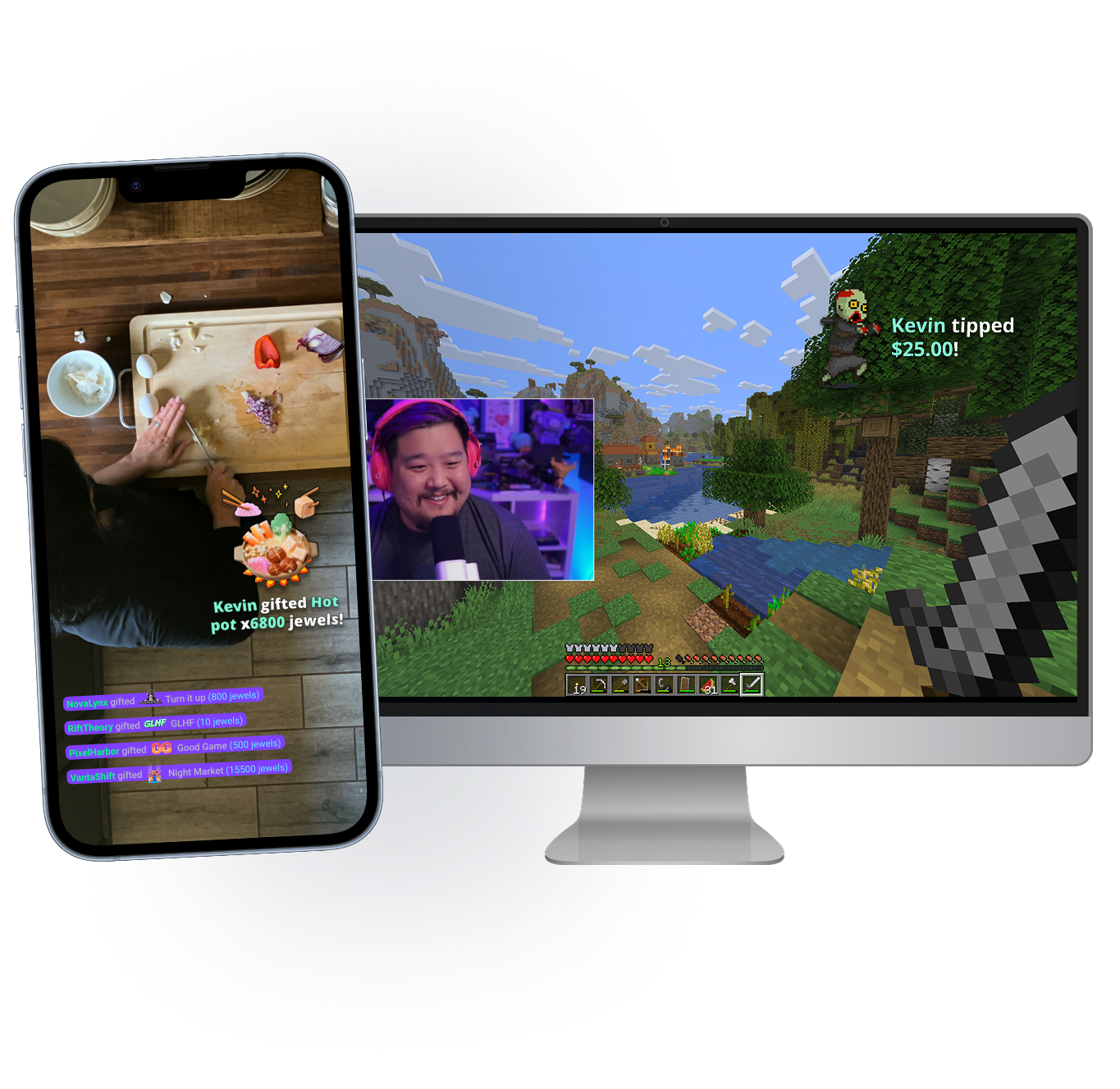
Neem je stream overal mee naartoe
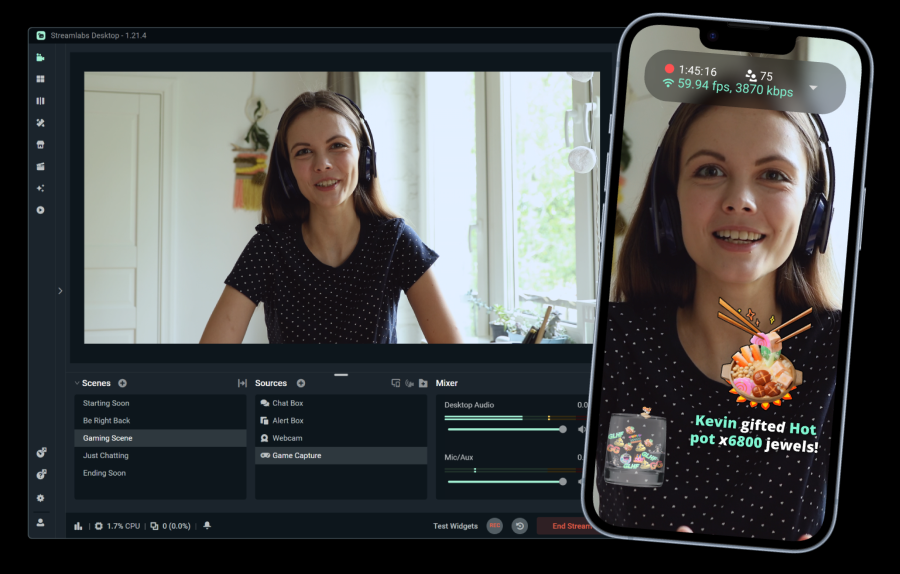
Of je nu achter je bureau zit of onderweg bent, met Stream Shift neem je de chat gewoon mee. Schakel over van je mobiele apparaat naar je pc en terug zonder je stream te beëindigen.
Beschikbaar voor Streamlabs Ultra-leden op desktop en mobiel.
Onmisbare functies
Alles wat je nodig hebt om je stream aan te passen en je community op te bouwen.
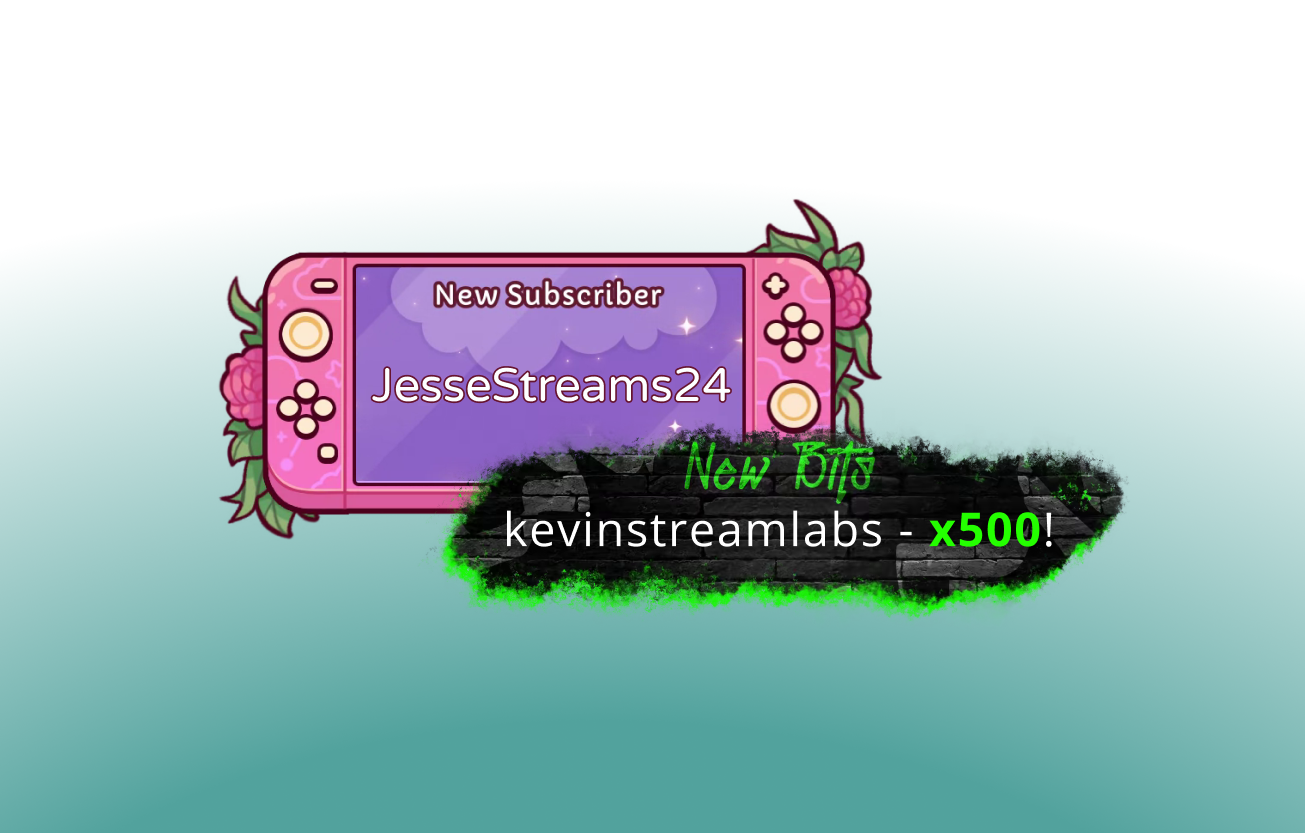
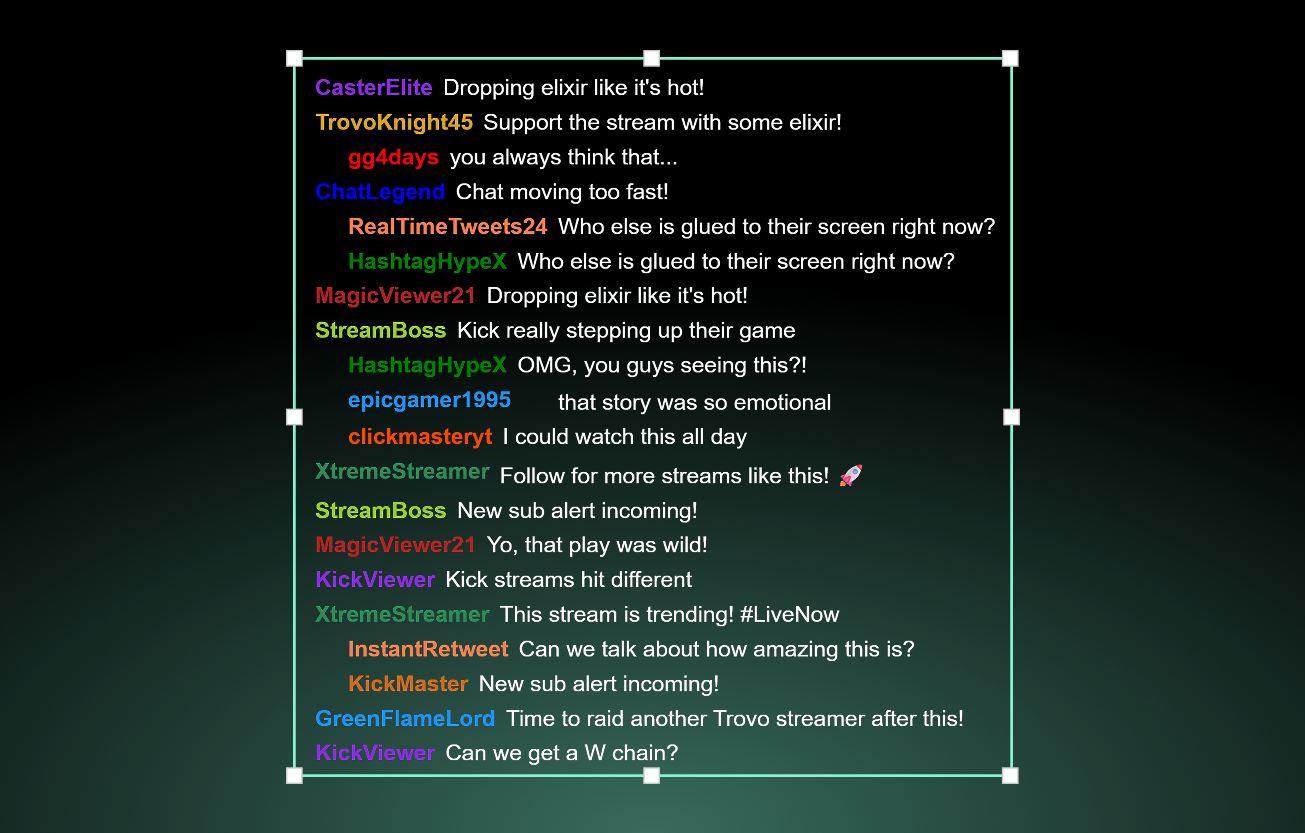
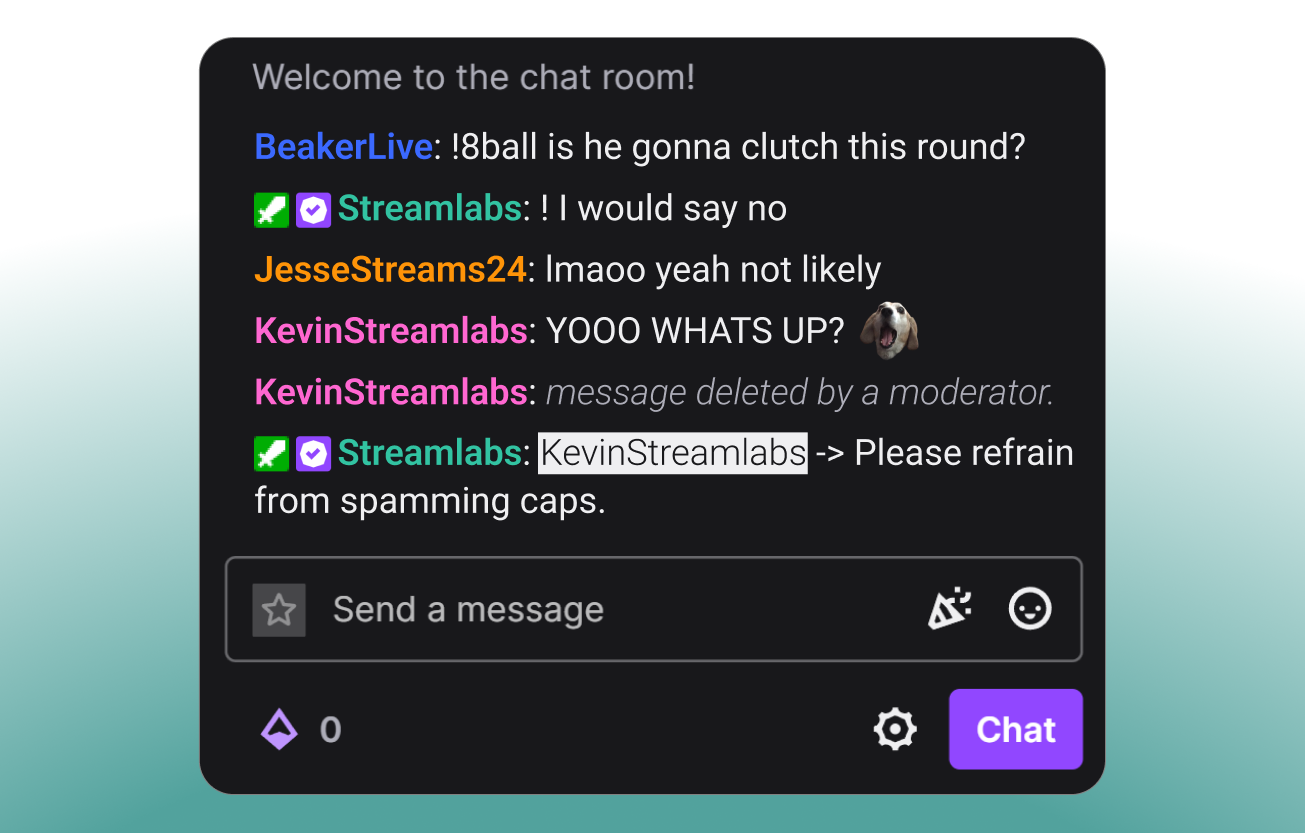
Tools voor elk type creator
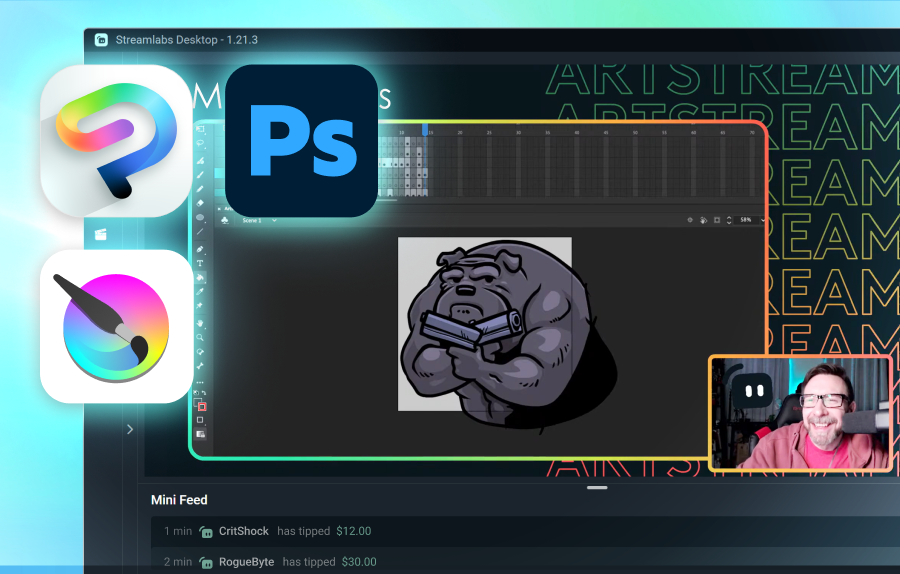
Ontdek hoe Streamlabs verschillende andere soorten content kan ondersteunen.
Laat je publiek groeien op verschillende platforms
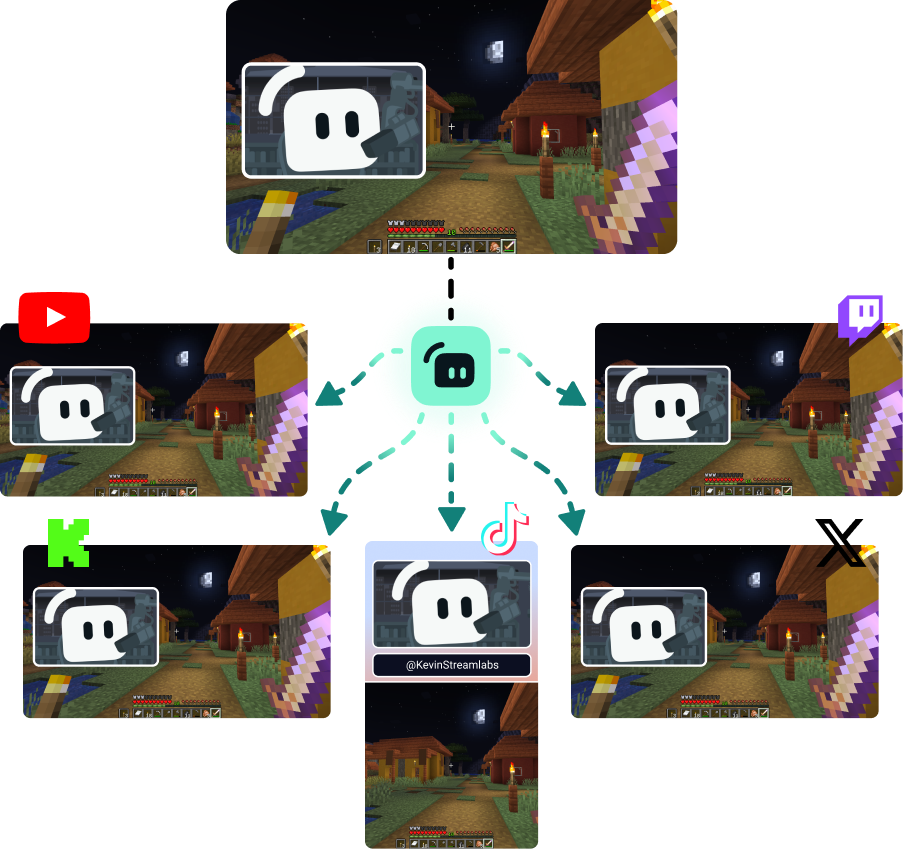
Multistream om kijkers te bereiken waar ze ook het liefst kijken.
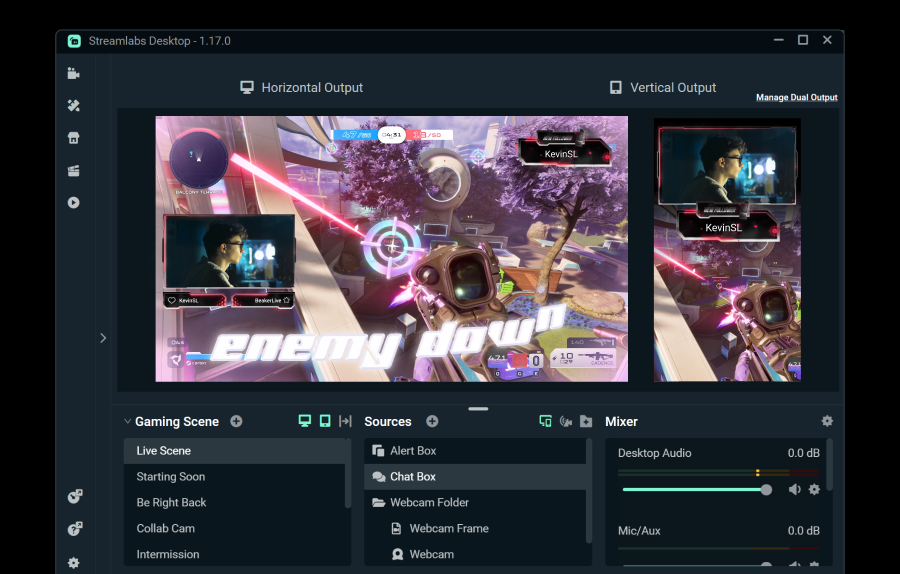
Stream gratis naar één horizontale en één verticale bestemming met Dual Output, of ontgrendel onbeperkte bestemmingen met Streamlabs Ultra.
Ga live in 50 5 klikken — stream naar elk platform
Ga live in uur minuten naar elk platform
Nieuwe makers die regelmatig multistreamen* hebben twee keer zoveel kans om vijf of meer gelijktijdige kijkers te trekken.
* nieuwe gebruikers die maximaal zes maanden streamen en die meer dan zeven keer hebben gemultistreamd


Veelgestelde vragen
Hybride live streaming is een vorm van streamen waarbij meerdere formats worden gebruikt. Dit kan een stream zijn die begint als pc-gaming en overgaat naar mobiel om een IRL-stream te worden.
Hoewel Just Chatting- en gamingstreams nergens heen gaan, is het aantal IRL-kijkers gestaag gegroeid. Hybride streamen helpt je content fris te houden en je publiek betrokken te houden door je in staat te stellen content te maken in deze categorieën.
De tools die je waardevol vindt, hangen af van het type hybride streams dat je van plan bent te doen, maar een paar opties zijn:
- Streamlabs Desktop: Deze gratis streamingsoftware voor pc en Mac stelt je in staat om je webcam(s) te streamen en gasten of extra camerahoeken toe te voegen met Collab Cam. Met de optionele upgrade naar Ultra kun je ook overschakelen naar je mobiele apparaat en weer terug zonder je stream te beëindigen met Stream Shift.
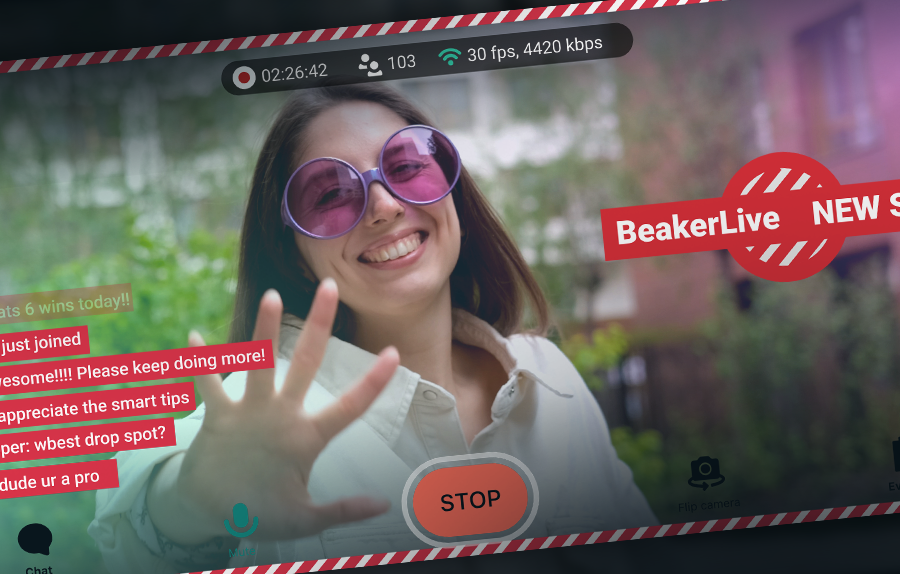
- Streamlabs Mobile: Deze mobiele streaming-app is beschikbaar voor iOS en Android en is de perfecte manier om je chat onderweg mee te nemen. Of je nu in de keuken staat voor een kookstream of op pad bent in de stad voor een IRL-streamingsegment, Mobile staat voor je klaar. Mobile werkt perfect samen met Streamlabs Desktop en Stream Shift, zodat je van je pc naar je telefoon en weer terug kunt gaan zonder kijkers te verliezen.
- Stream Shift: Zoals vermeld, stelt Stream Shift je in staat om een stream te wisselen tussen Streamlabs Desktop en Mobile zonder de stream ooit te beëindigen, zodat je je kijkers en je groei behoudt.
- Collab Cam: Collab Cam is beschikbaar in Streamlabs Desktop en stelt je in staat om gasten aan je stream toe te voegen via een simpele link. Je kunt Collab Cam gebruiken met apparaten zoals een telefoon of tablet om een nieuwe camerahoek aan je stream toe te voegen zonder de kabels of beperkingen van een extra webcam.
Neem contact op met ondersteuning via deze link.