

Un seul stream. N’importe quel dispositif.
Crée des émissions qui fonctionnent parfaitement sur ordinateur et sur appareil mobile.
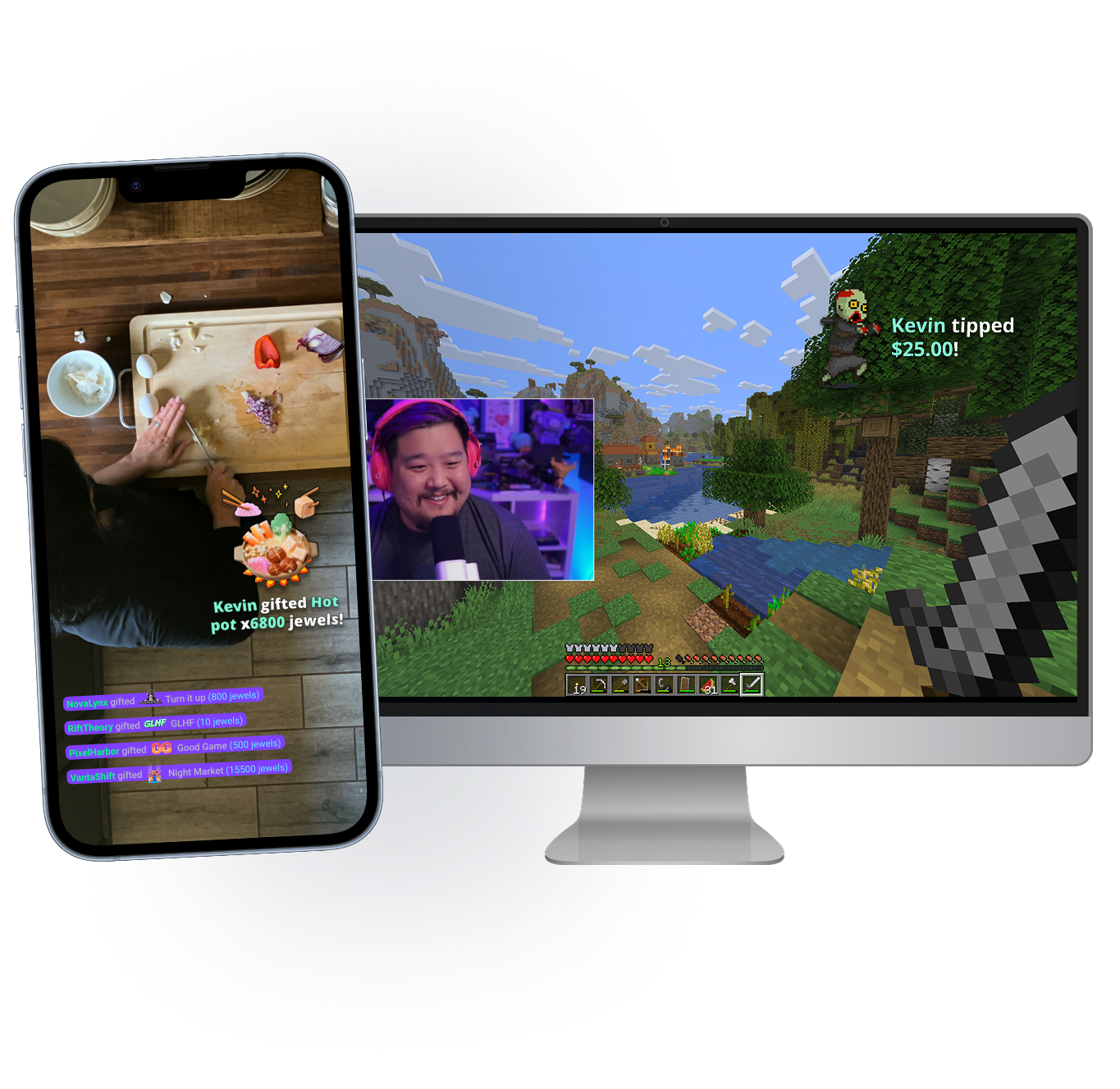
Emporte ton stream partout
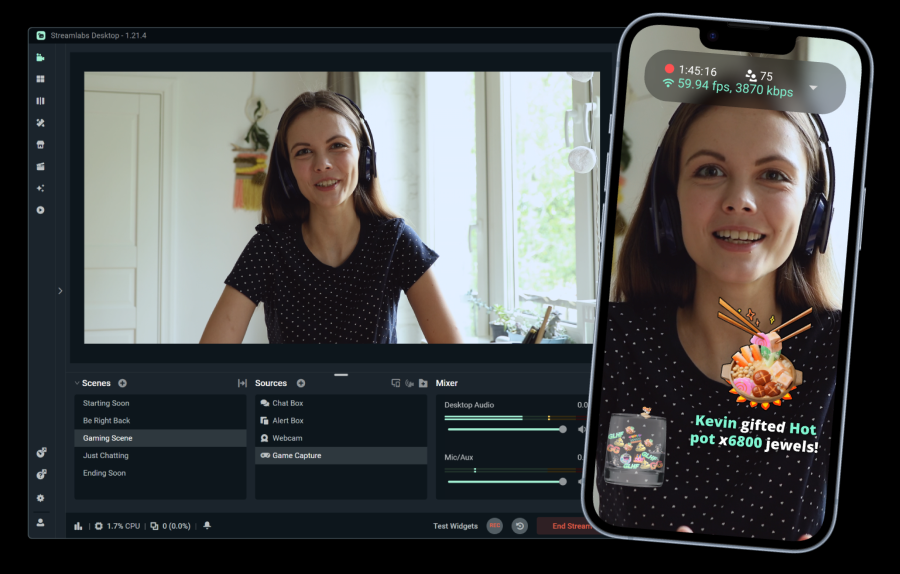
Que tu sois à ton bureau ou en déplacement, Stream Shift te permet d’emporter le chat avec toi. Passe de ton appareil mobile à ton PC et vice-versa sans arrêter ton stream.
Disponible pour les membres Streamlabs Ultra sur Desktop et Mobile.
Fonctionnalités indispensables
Tout ce dont tu as besoin pour personnaliser ton stream et développer ta communauté.
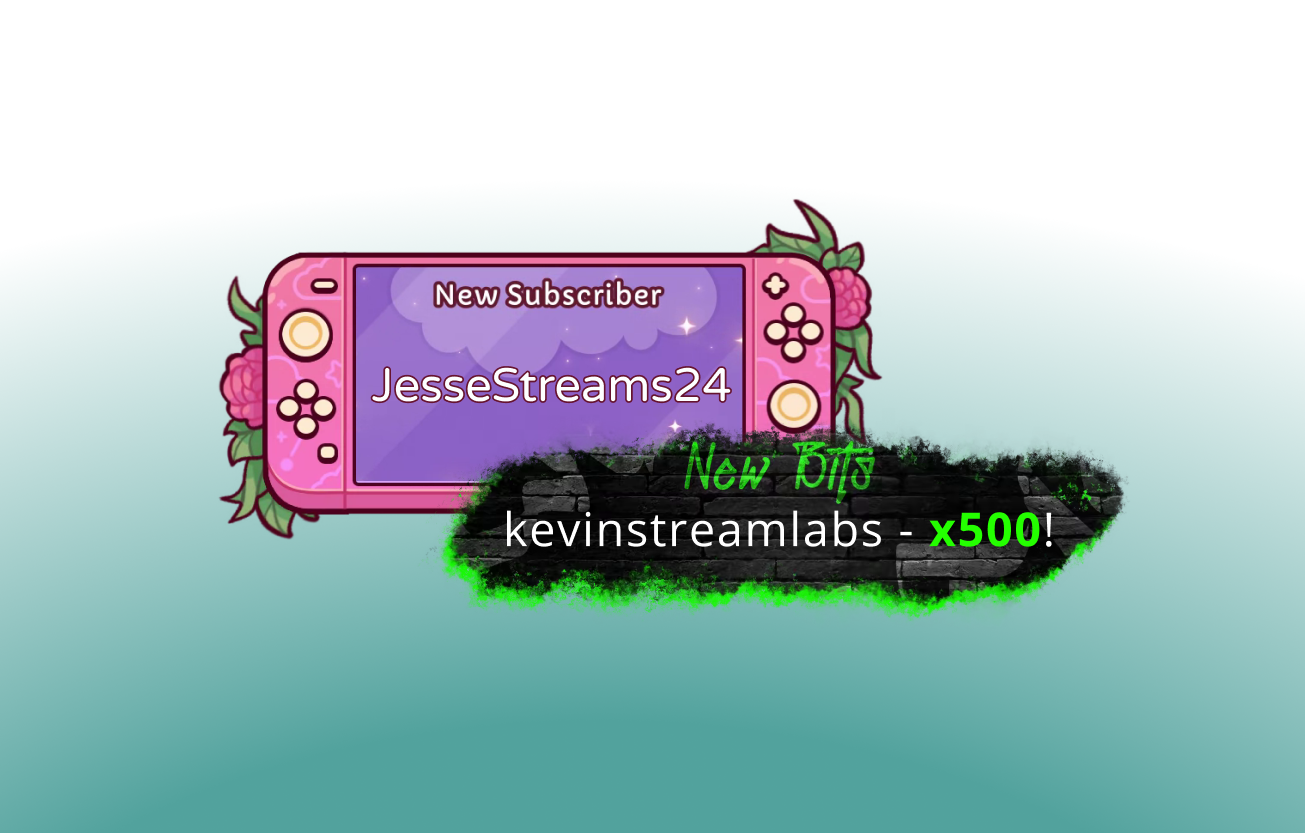
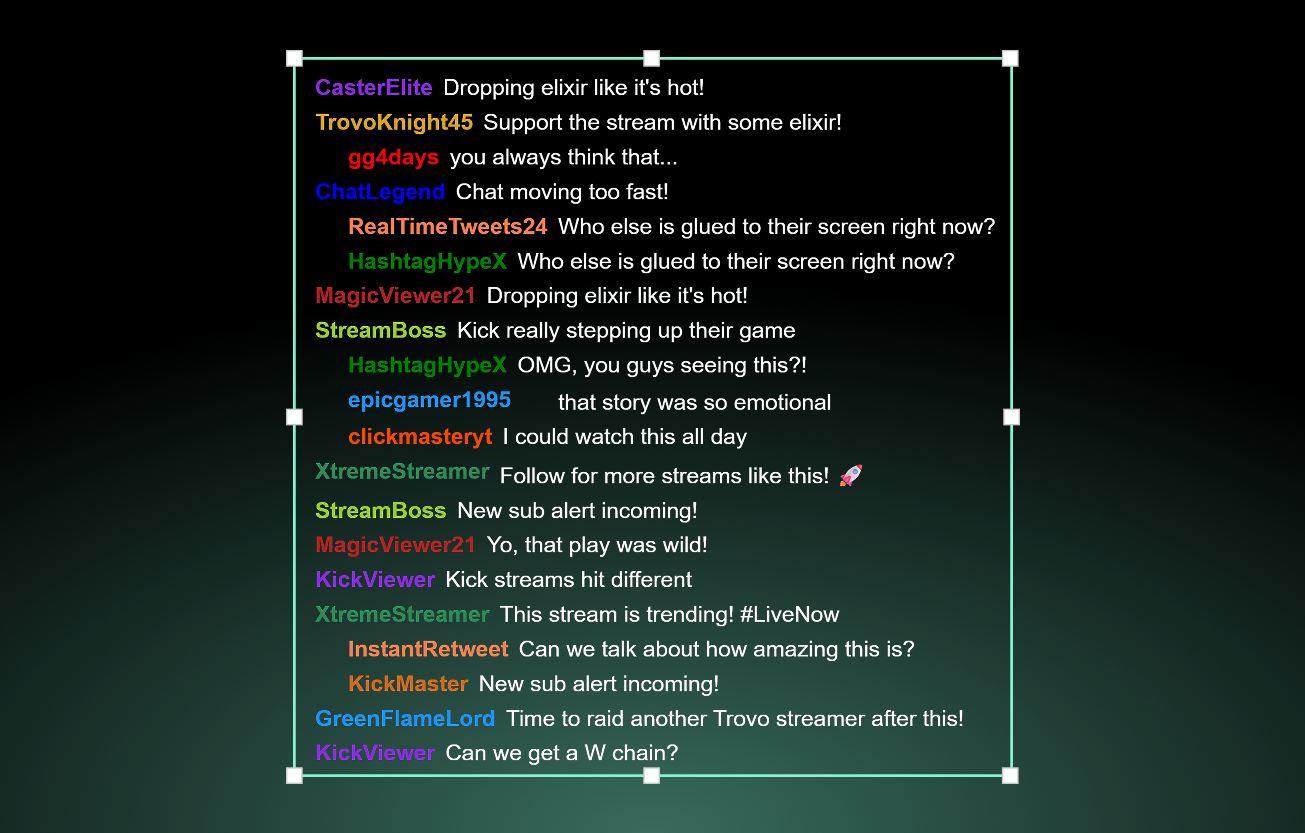
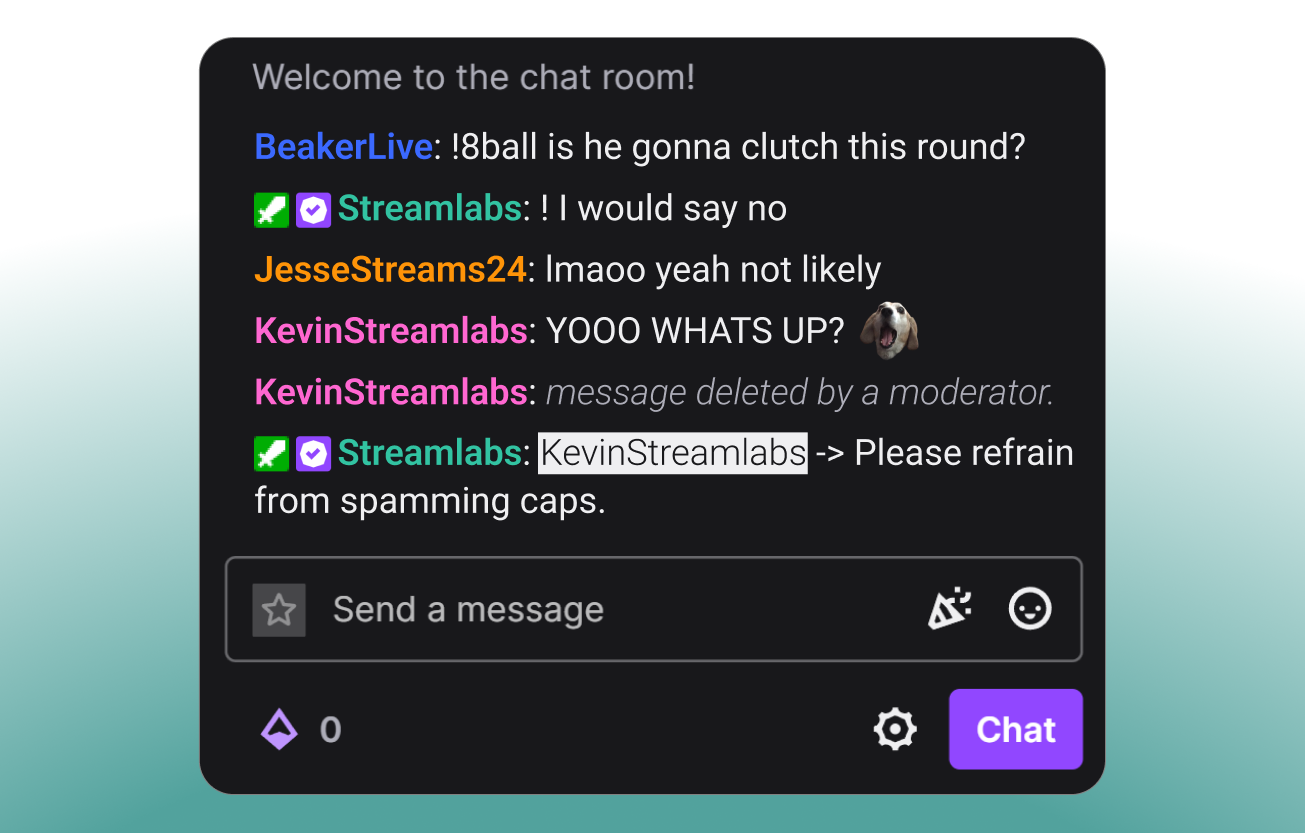
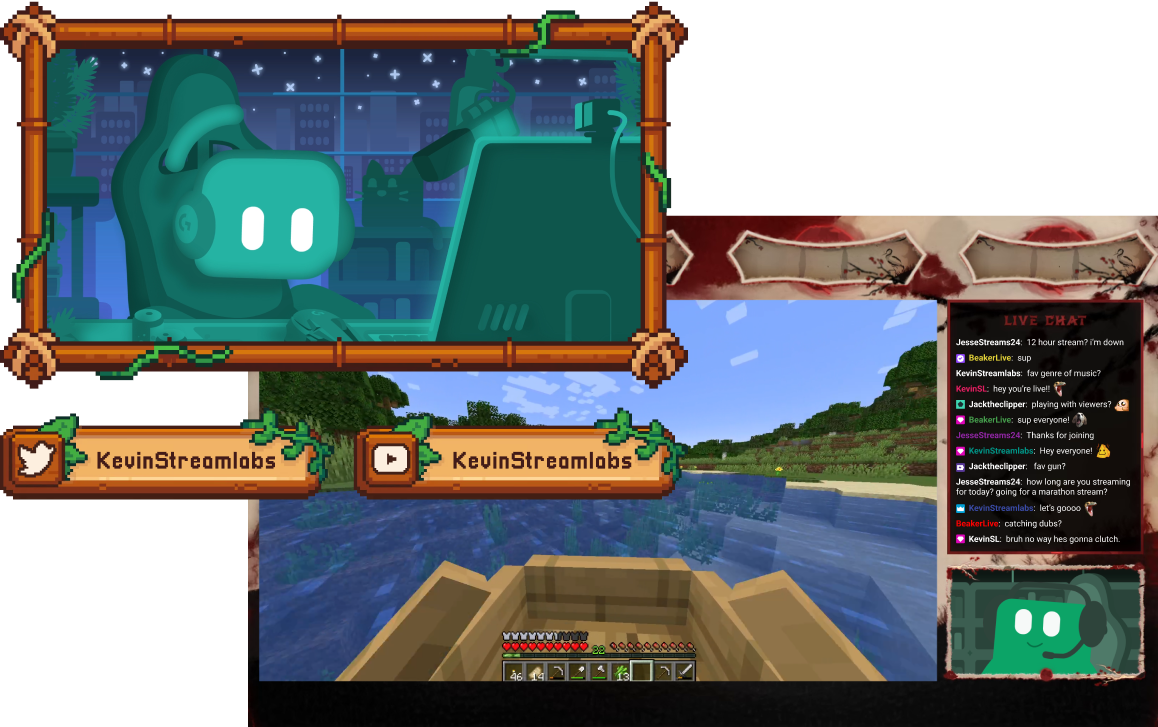
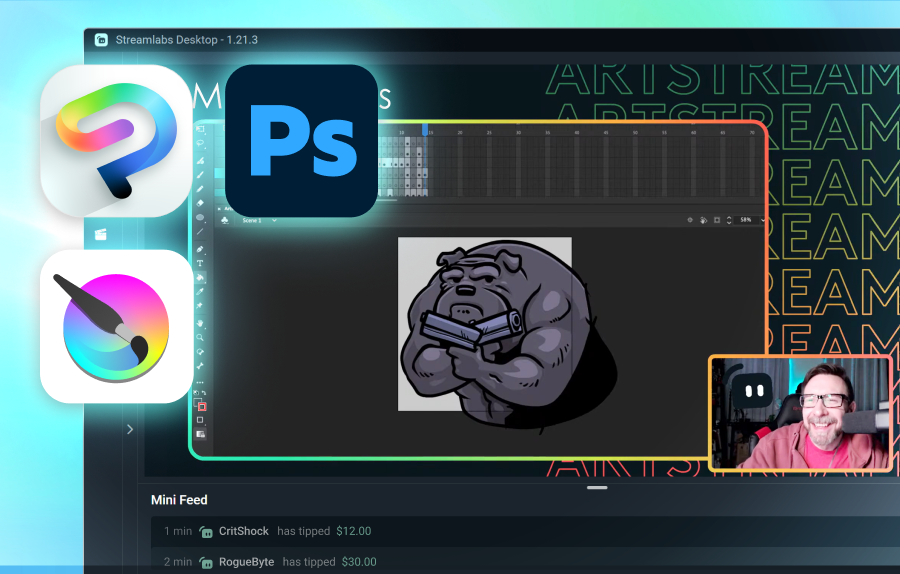
Des outils pour chaque type de créateur
Découvre comment Streamlabs peut prendre en charge différents autres types de contenu.
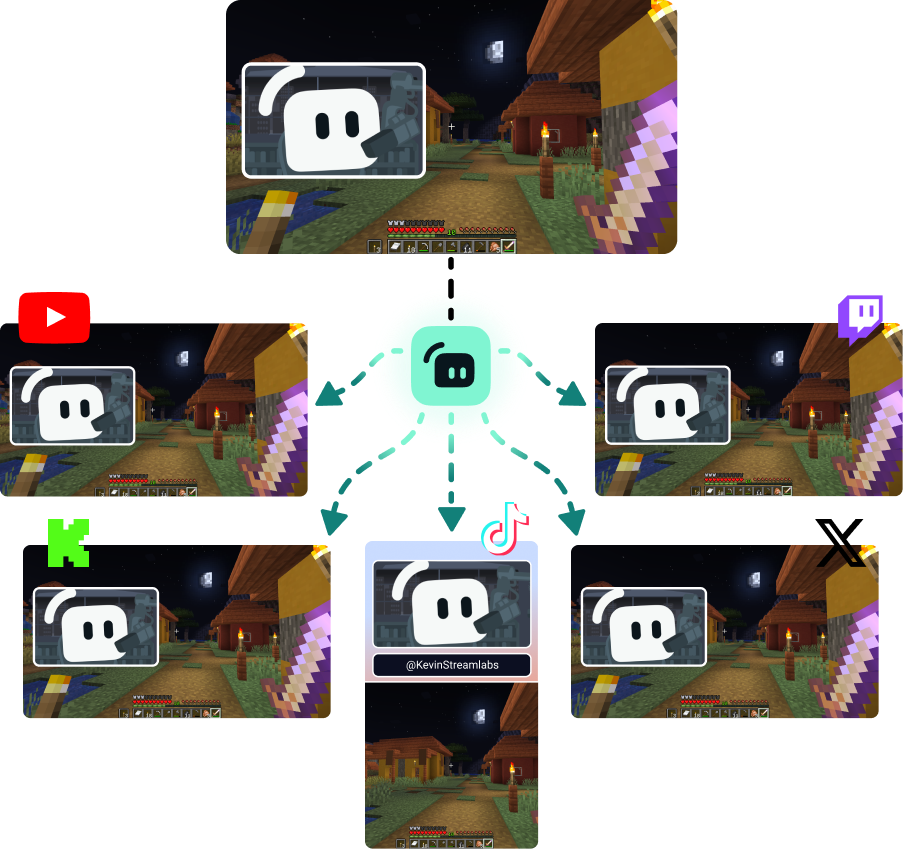
Développe ton public sur toutes les plateformes
Diffuse en multistreaming pour atteindre les viewers là où ils préfèrent regarder.
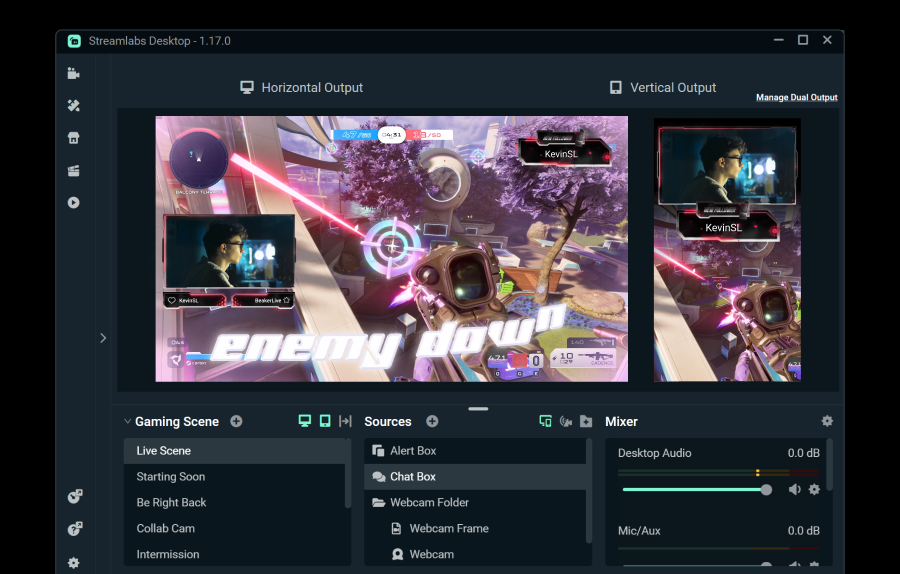
Streame vers une destination horizontale et une destination verticale gratuitement en utilisant Dual Output, ou bénéficie de destinations illimitées avec Streamlabs Ultra.
Streame en direct en 50 5 clics : streame sur n’importe quelle plateforme
Streame en direct en quelques heures minutes sur n’importe quelle plateforme
Les nouveaux créateurs qui font régulièrement du multistreaming* ont deux fois plus de chances d’attirer plus de cinq viewers simultanés.
* nouveaux utilisateurs streamant depuis moins de six mois et ayant multistreamé plus de 7 fois


Foire aux questions
Le streaming hybride est une forme de streaming où plusieurs formats sont utilisés. Cela peut inclure un stream qui commence par du jeu sur PC et passe au mobile pour devenir un stream IRL.
Alors que les streams « Discussion » et de gaming ne sont pas près de disparaître, l'audience IRL augmente régulièrement. Le streaming hybride aide à garder ton contenu frais et ton audience engagée en te permettant de créer du contenu dans ces différentes catégories.
Les outils qui te seront utiles dépendront du type de streams hybrides que tu prévois de faire, mais voici quelques options :
- Streamlabs Desktop : Ce logiciel de streaming gratuit disponible sur PC et Mac te permet de streamer ta ou tes webcams et d'ajouter des invités ou des angles de caméra supplémentaires avec Collab Cam. Avec la mise à niveau optionnelle vers Ultra, tu peux aussi passer sur ton appareil mobile et revenir en arrière sans couper ton stream grâce à Stream Shift.
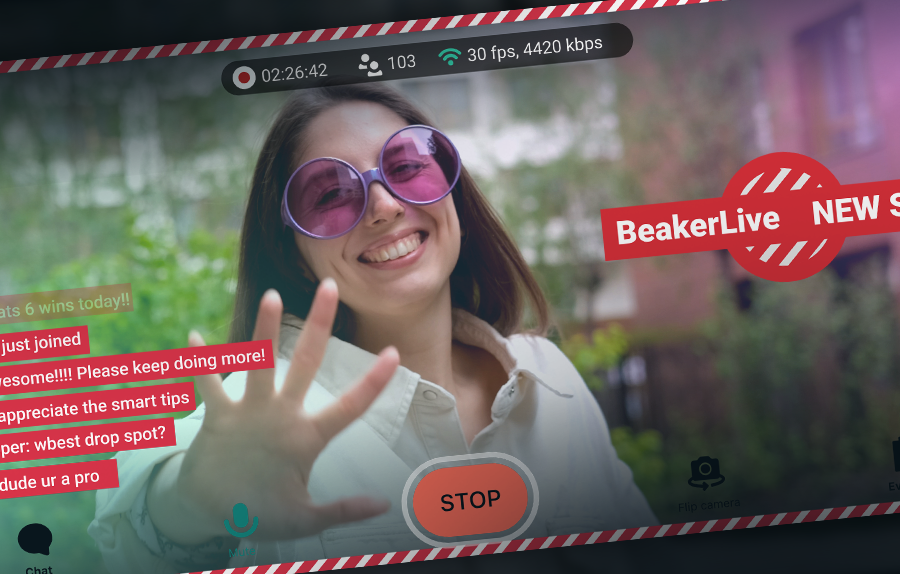
- Streamlabs Mobile : Cette application de streaming mobile est disponible sur iOS et Android et c'est le moyen idéal d'emmener ton chat avec toi lors de tes déplacements. Que tu sois dans ta cuisine pour un stream cuisine ou en ville pour une séquence de streaming IRL, Mobile est là pour t'aider. Mobile se marie parfaitement avec Streamlabs Desktop et Stream Shift pour que tu puisses passer de ton PC à ton téléphone et inversement sans perdre de spectateurs.
- Stream Shift : Comme mentionné, Stream Shift te permet de basculer un stream entre Streamlabs Desktop et Mobile sans jamais couper le stream, afin que tu conserves tes spectateurs et ta croissance.
- Collab Cam : Disponible dans Streamlabs Desktop, Collab Cam te permet d'ajouter des invités à ton stream via un simple lien. Tu peux utiliser Collab Cam avec des appareils tels qu'un téléphone ou une tablette pour ajouter un nouvel angle de caméra à ton stream sans les fils ni les contraintes d'une webcam supplémentaire.
Merci de contacter l’assistance via ce lien.