

Un stream. Cualquier dispositivo.
Crea emisiones que funcionen a la perfección tanto en ordenadores como en dispositivos móviles.
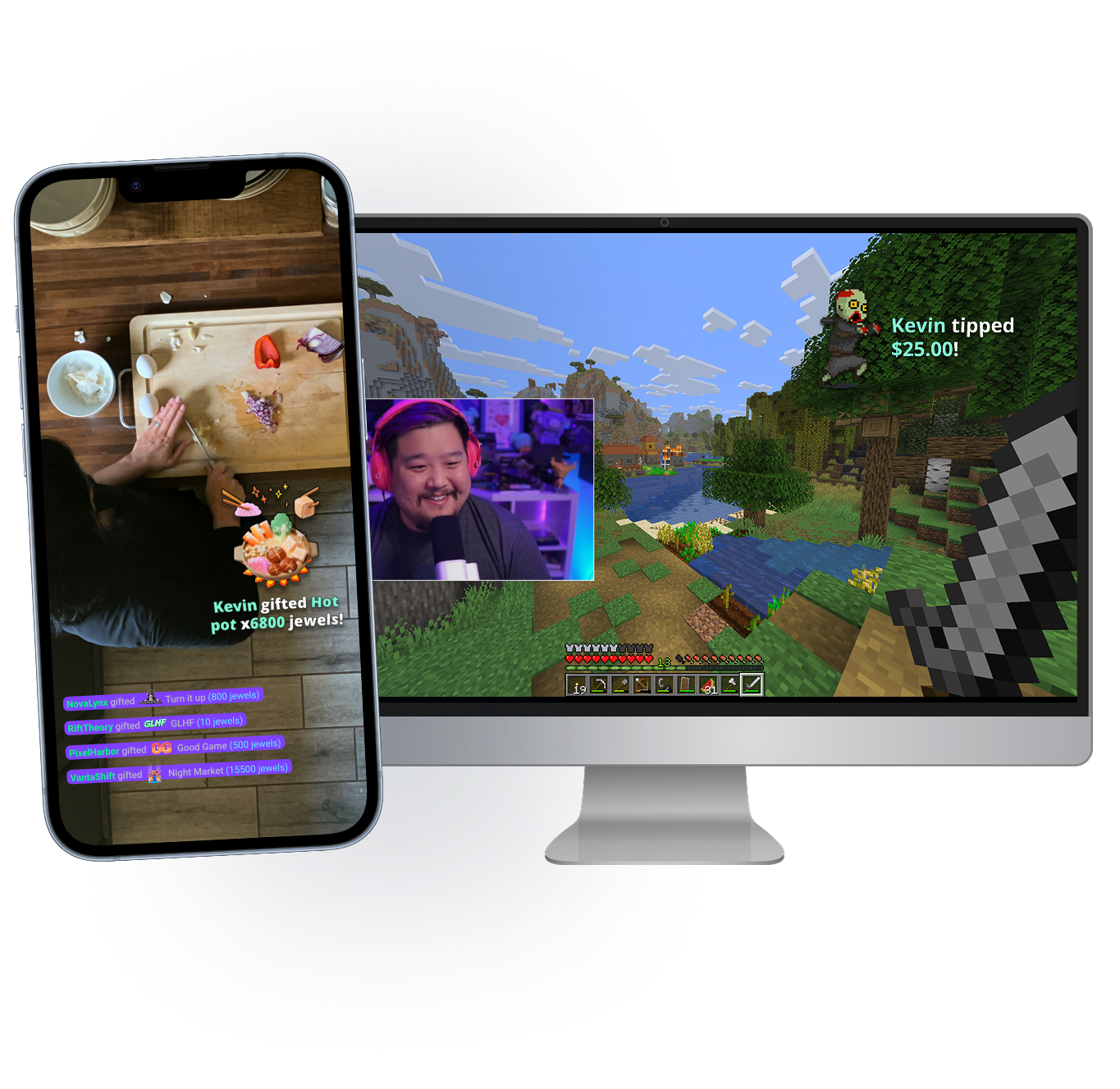
Lleva tu stream a cualquier parte
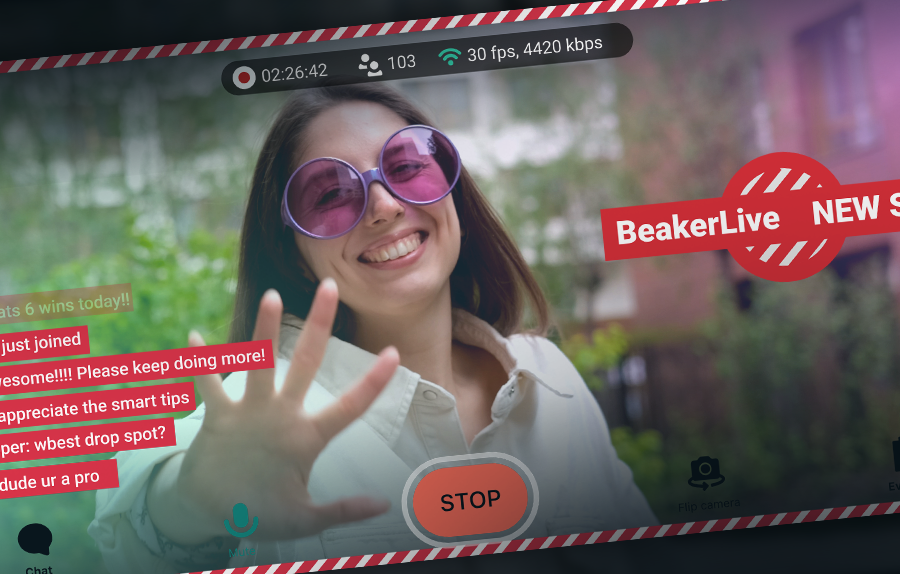
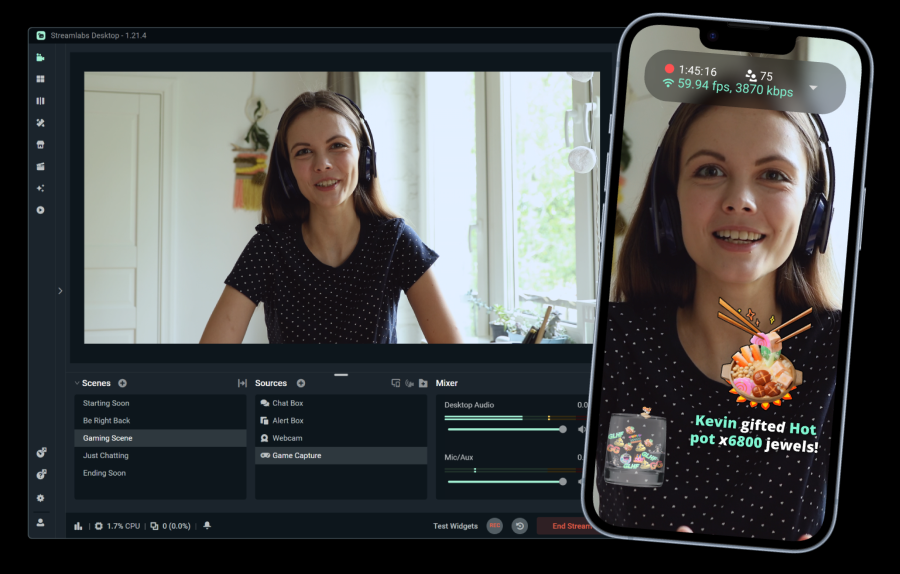
Tanto si estás en tu mesa como paseando por la calle, con Stream Shift podrás llevarte el chat contigo. Pasa de tu dispositivo móvil a tu PC y viceversa sin cerrar tu stream.
Disponible para los miembros de Streamlabs Ultra en Desktop y Mobile.
Funciones imprescindibles
Todo lo que necesitas para personalizar tu stream y crear tu comunidad.
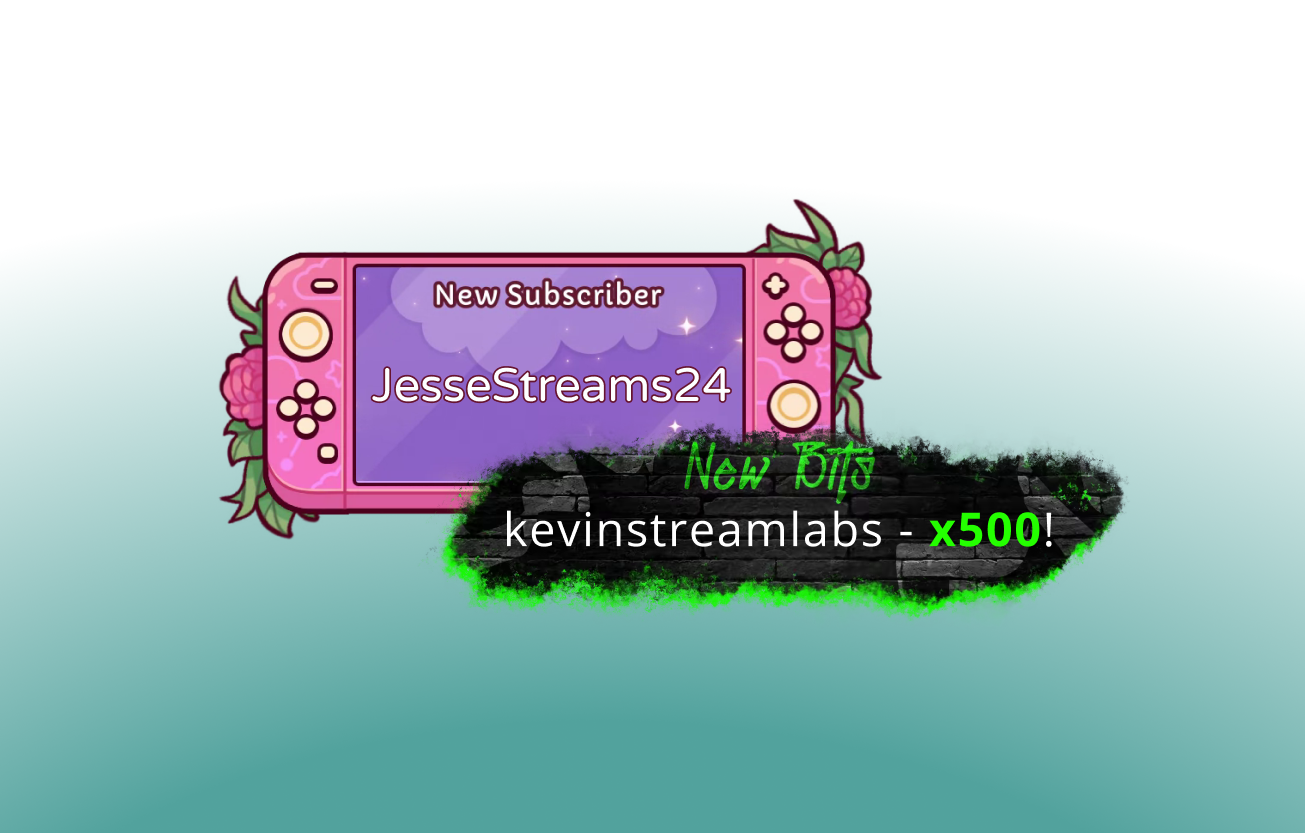
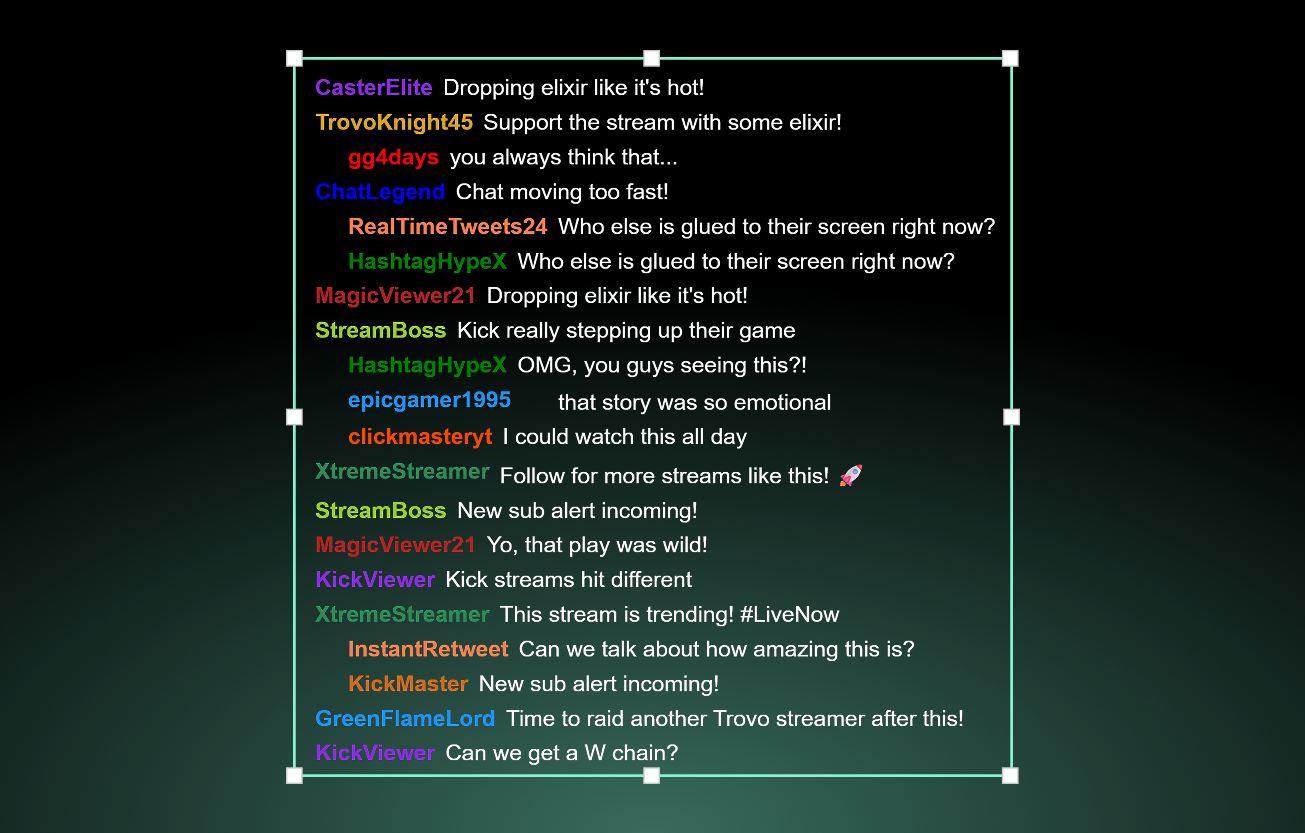
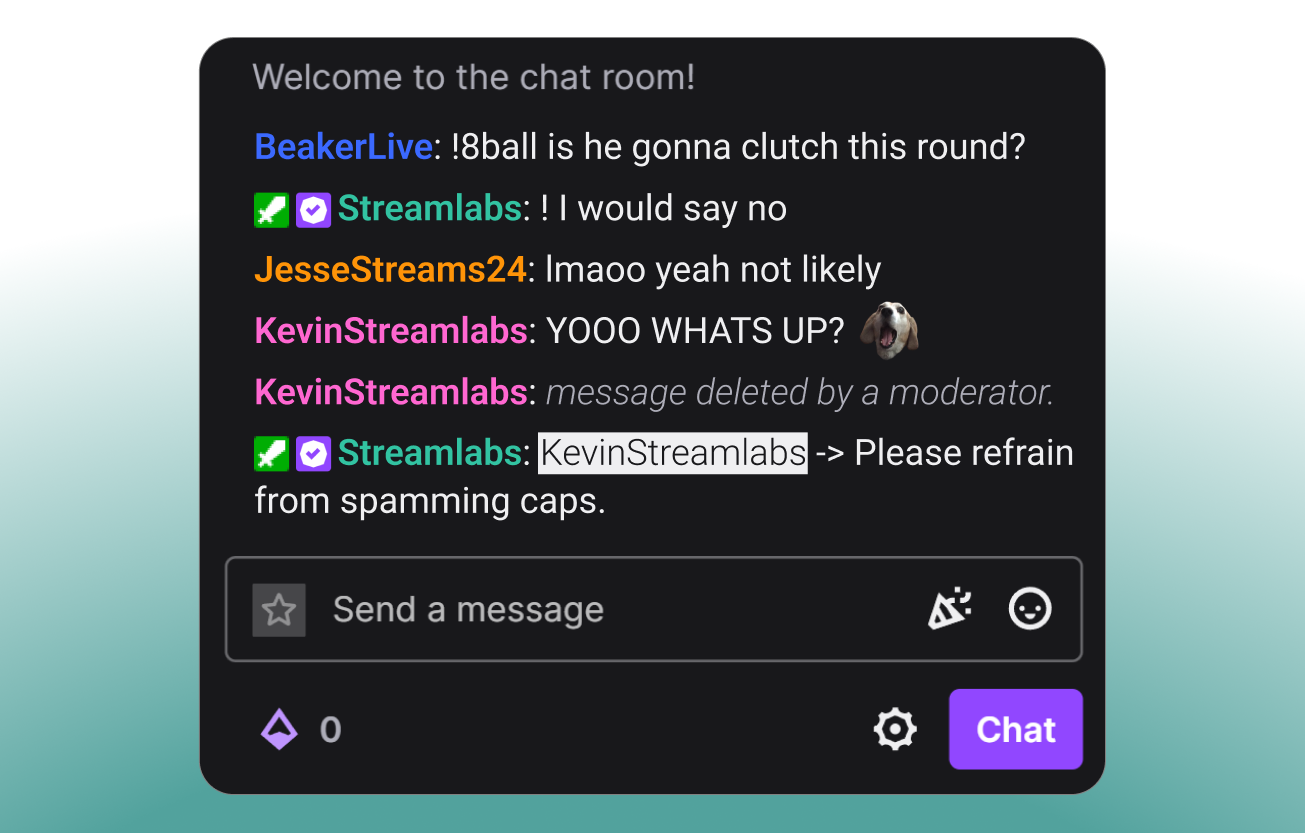
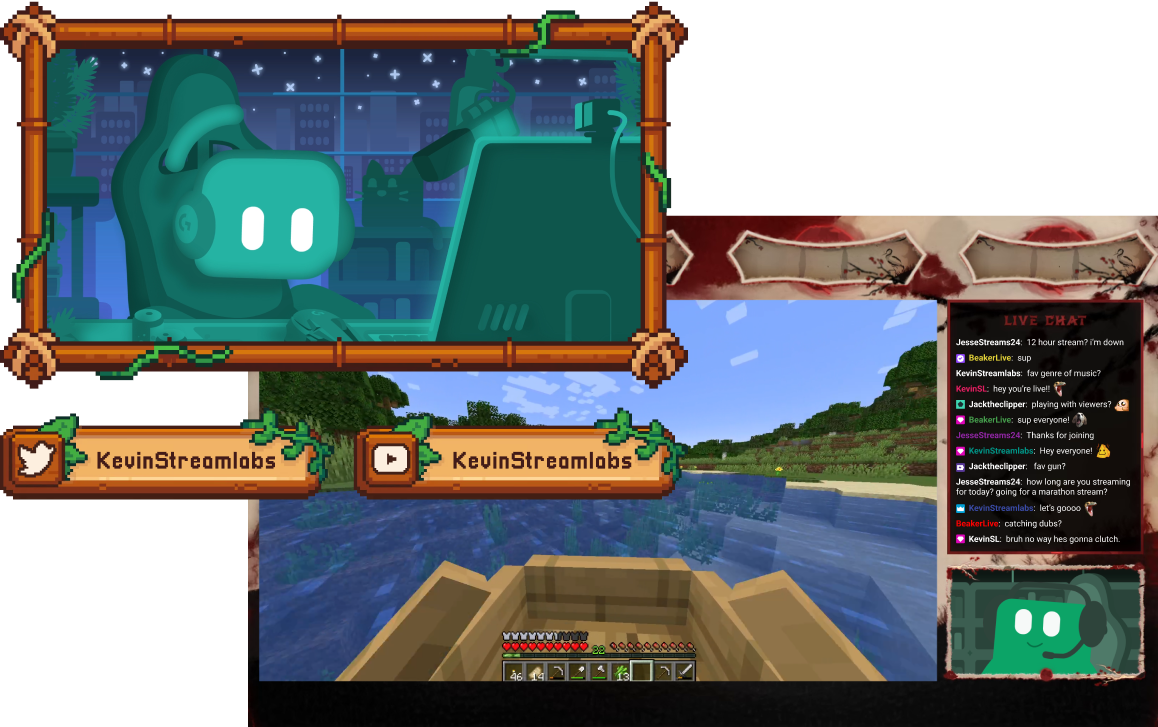
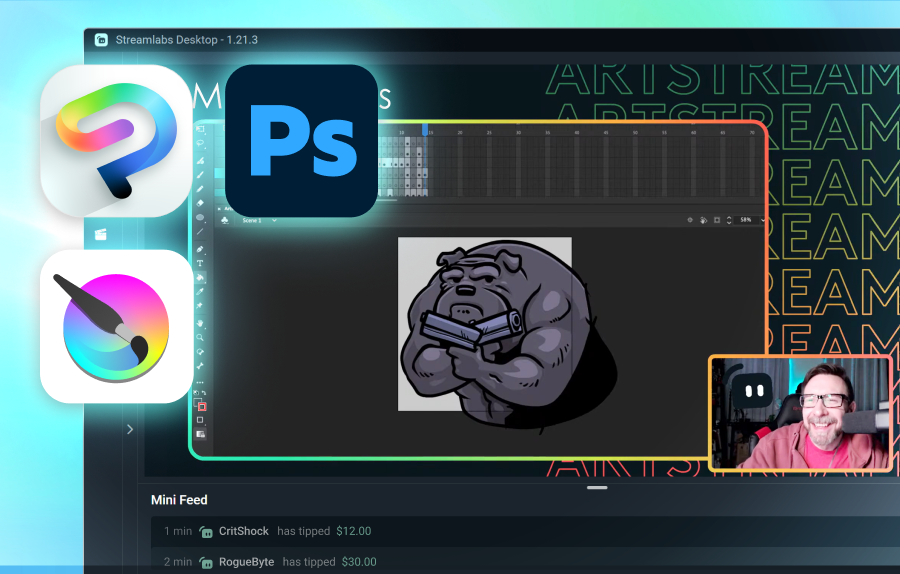
Herramientas para todo tipo de creadores
Descubre cómo Streamlabs admite otros tipos de contenido.
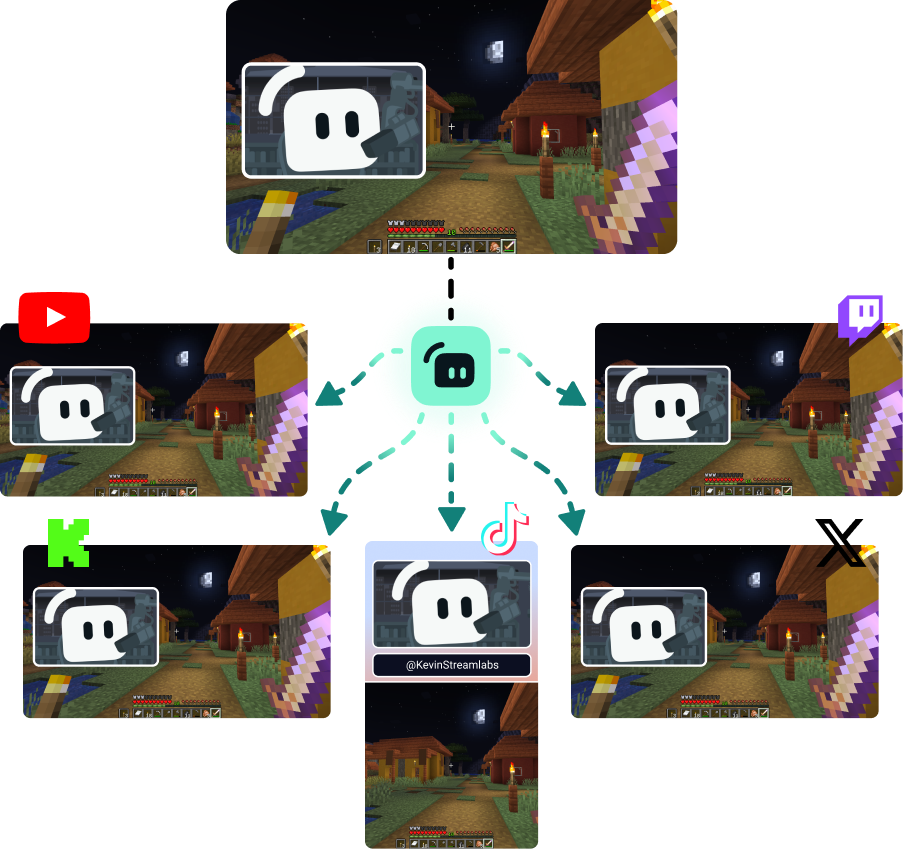
Multiplica tu audiencia en todas las plataformas
Haz multistreaming para llegar a las plataformas favoritas de tus espectadores.
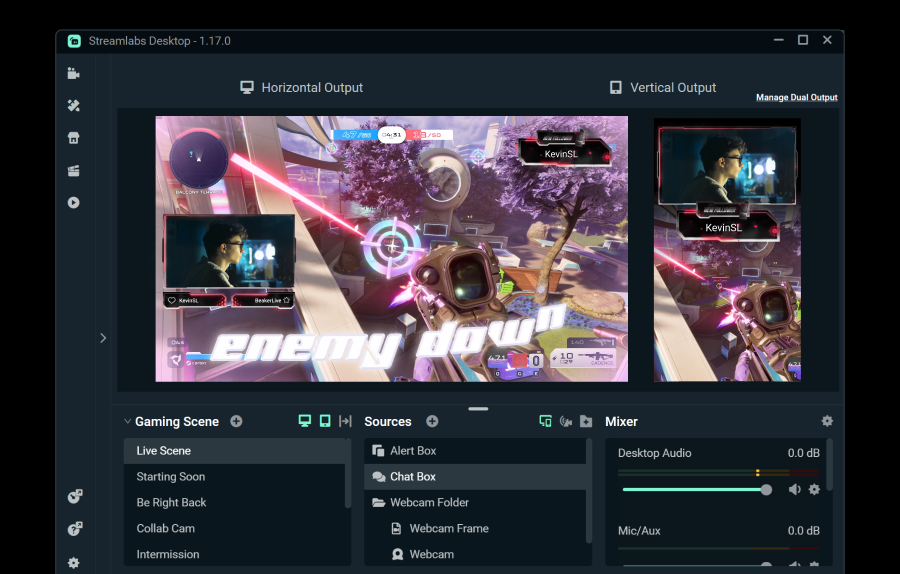
Transmite a un destino horizontal y a uno vertical gratis usando Dual Output o consigue destinos ilimitados con Streamlabs Ultra.
Transmite en directo en 50 5 clics: haz streaming en cualquier plataforma
Transmite en directo en horas minutos en cualquier plataforma
Los nuevos creadores que hagan multistreaming con regularidad* tienen el doble de probabilidades de atraer a más de cinco espectadores simultáneos.
* Nuevos usuarios que hayan estado transmitiendo hasta seis meses y que hayan hecho más de siete transmisiones simultáneas.


Preguntas frecuentes
El streaming híbrido en directo es una forma de streaming en la que se utilizan múltiples formatos. Esto podría incluir un stream que empieza como gaming en PC y pasa a móvil para convertirse en un stream IRL.
Aunque las retransmisiones de Charlando y juegos no van a desaparecer, la audiencia de contenido IRL ha crecido de forma constante. La retransmisión híbrida ayuda a mantener tu contenido fresco y a tu audiencia comprometida al permitirte crear contenido en estas categorías.
Las herramientas que te resulten valiosas dependerán del tipo de streams híbridos que planees hacer, pero algunas opciones incluyen:
- Streamlabs Desktop: Este software de streaming gratuito disponible para PC y Mac te permite hacer streaming de tu(s) webcam(s) y añadir invitados o ángulos de cámara adicionales con Collab Cam. Con la actualización opcional a Ultra, también puedes cambiar a tu dispositivo móvil y volver sin finalizar tu stream usando Stream Shift.
- Streamlabs Mobile: Esta aplicación de streaming móvil está disponible para iOS y Android y es la forma perfecta de llevarte el chat contigo a todas partes. Tanto si estás en la cocina para un stream de cocina como si estás por la ciudad para un segmento de streaming IRL, Mobile te cubre las espaldas. Mobile se combina perfectamente con Streamlabs Desktop y Stream Shift para que puedas pasar de tu PC al teléfono y volver sin perder espectadores.
- Stream Shift: Como se ha mencionado, Stream Shift te permite cambiar un stream entre Streamlabs Desktop y Mobile sin finalizar nunca el stream para que mantengas a tus espectadores y tu crecimiento.
- Collab Cam: Disponible en Streamlabs Desktop, Collab Cam te permite añadir invitados a tu stream mediante un enlace sencillo. Puedes usar Collab Cam con dispositivos como un teléfono o una tablet para añadir un nuevo ángulo de cámara a tu stream sin los cables ni las limitaciones de una webcam adicional.
Contacta con el equipo de Asistencia en este enlace.