

Conçu pour les créateurs de gaming
Streame, enregistre, génère des moments forts et interagis avec ton public avec des outils conçus spécialement pour les gamers.
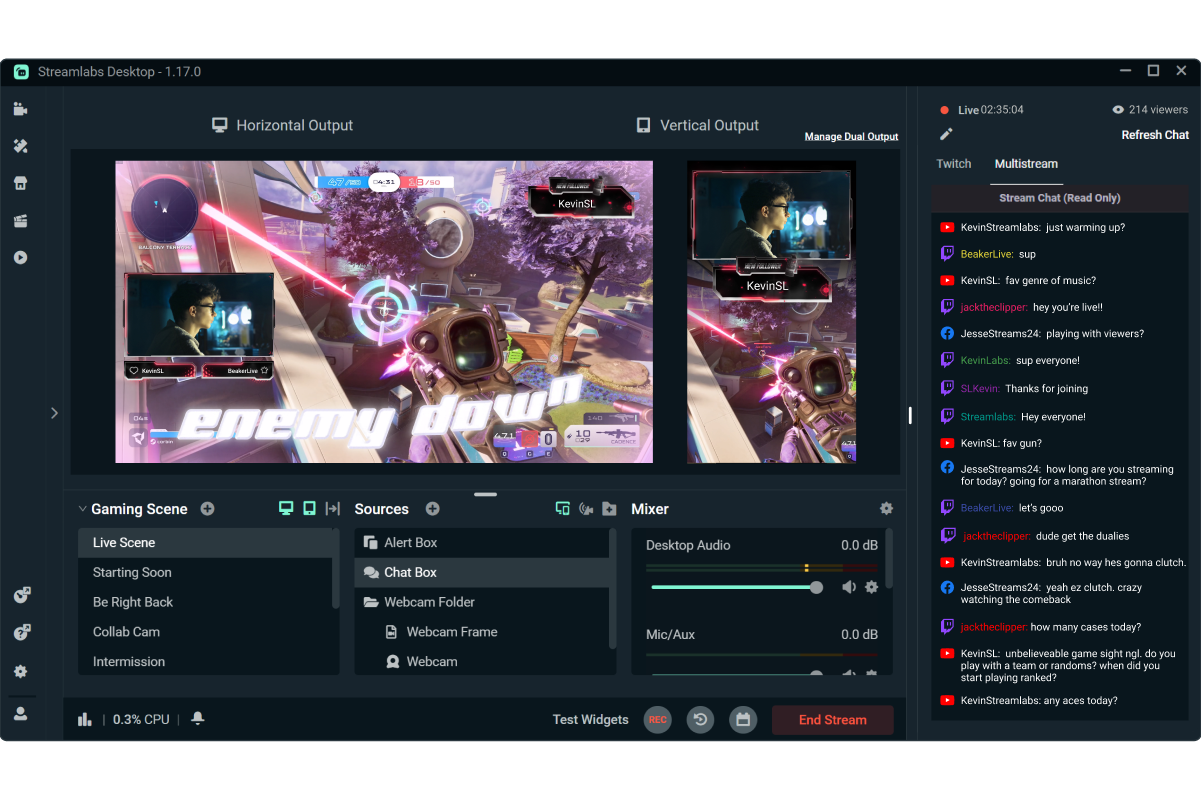

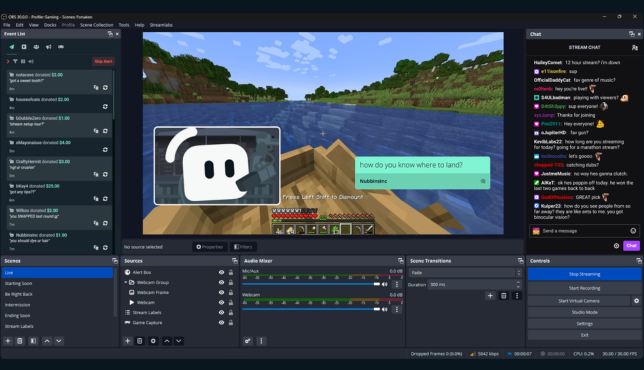
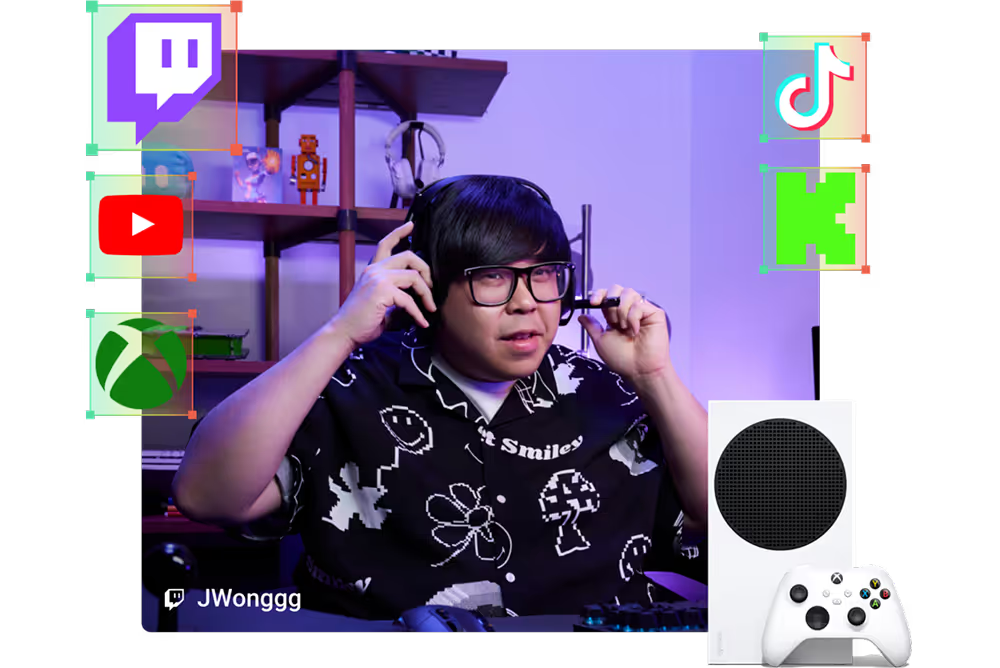
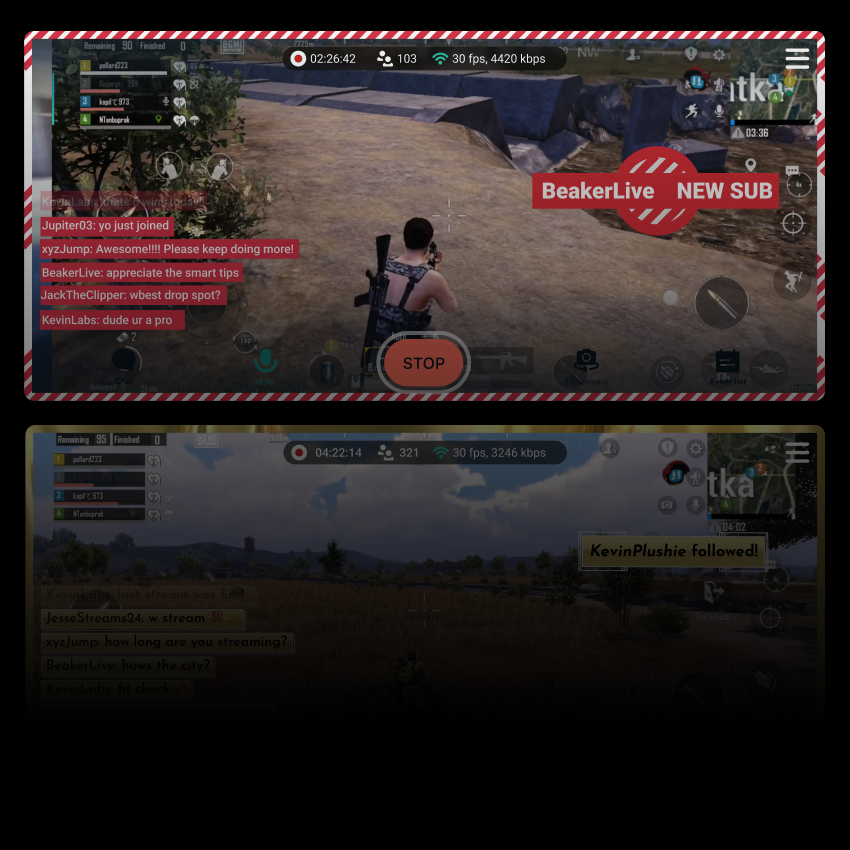


Des designs de stream professionnels, prêts en quelques minutes
Choisis parmi des milliers d’overlays, d’alertes et de thèmes de widgets pour donner à ton stream un aspect soigné et professionnel en quelques clics.
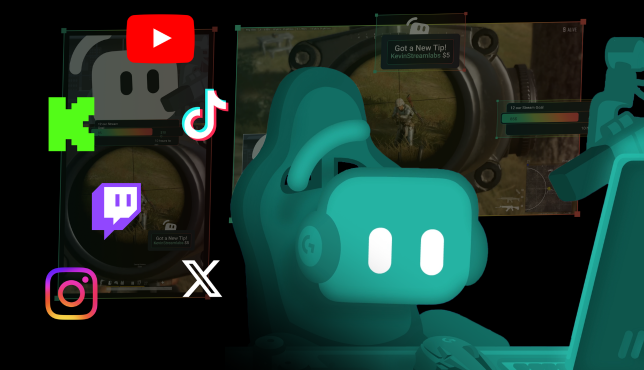
Touche des viewers sur plus de plateformes
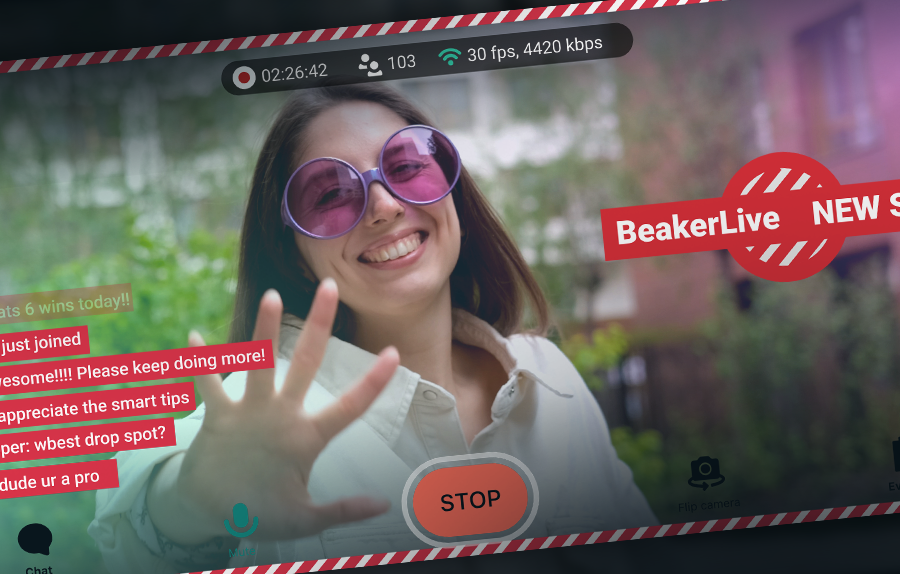
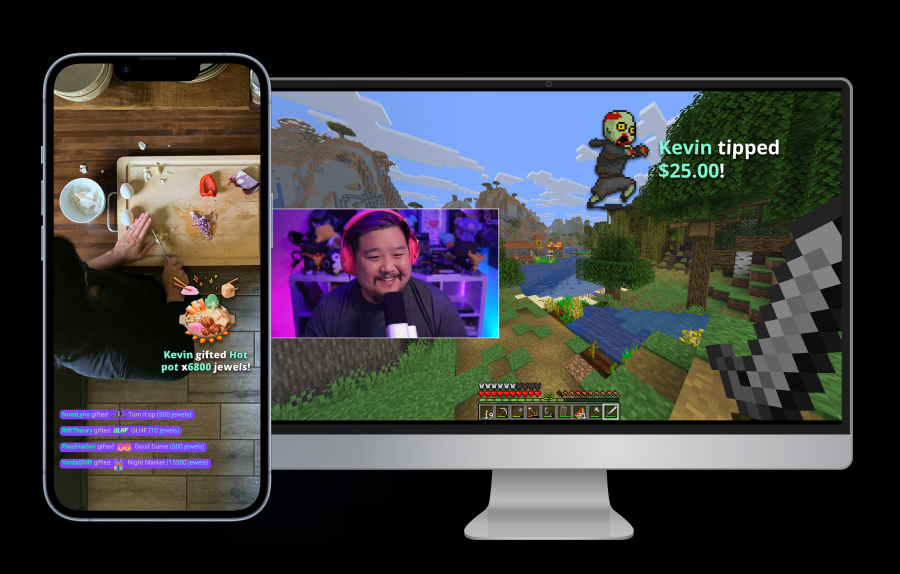
Streame gratuitement vers une destination verticale et une destination horizontale avec Dual Output, ou multistreame vers d’autres plateformes avec Streamlabs Ultra.
Streame en direct en 50 5 clics : streame sur n’importe quelle plateforme
Streame en direct en quelques heures minutes sur n’importe quelle plateforme
Les nouveaux créateurs qui font régulièrement du multistreaming* ont deux fois plus de chances d’attirer plus de cinq viewers simultanés.
* nouveaux utilisateurs streamant depuis moins de six mois et ayant multistreamé plus de 7 fois


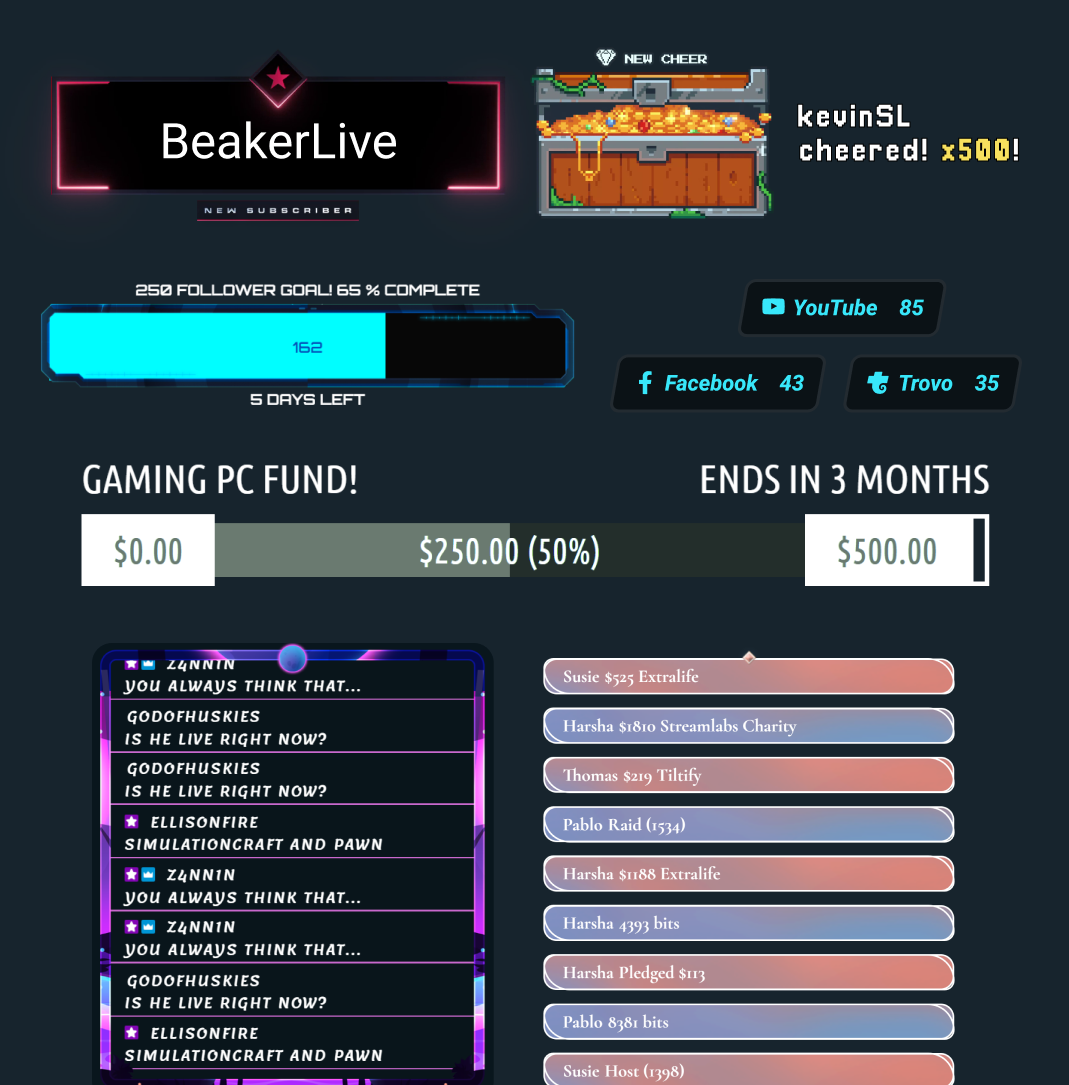
Des dizaines de widgets gratuits
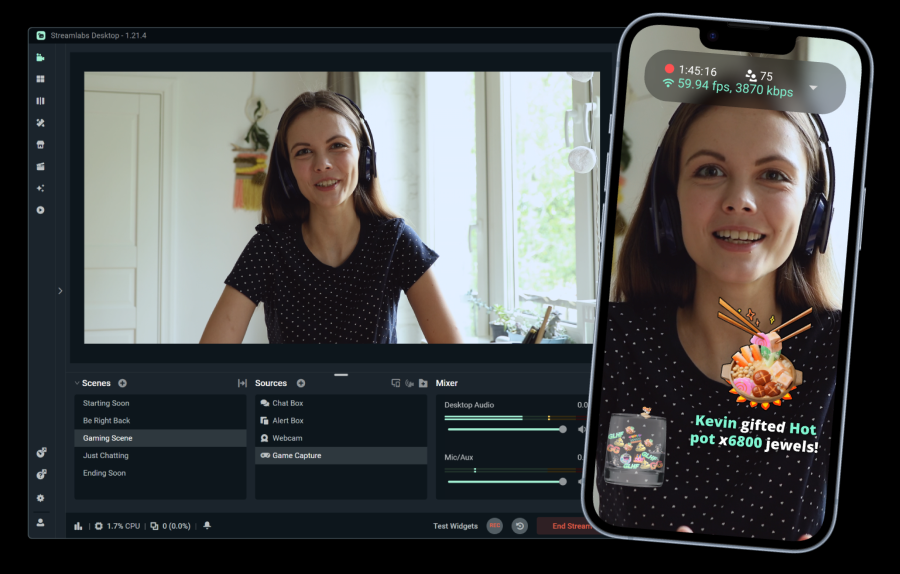
Transforme tes viewers passifs en participants actifs avec des alertes, des objectifs, des sondages et d’autres widgets interactifs.
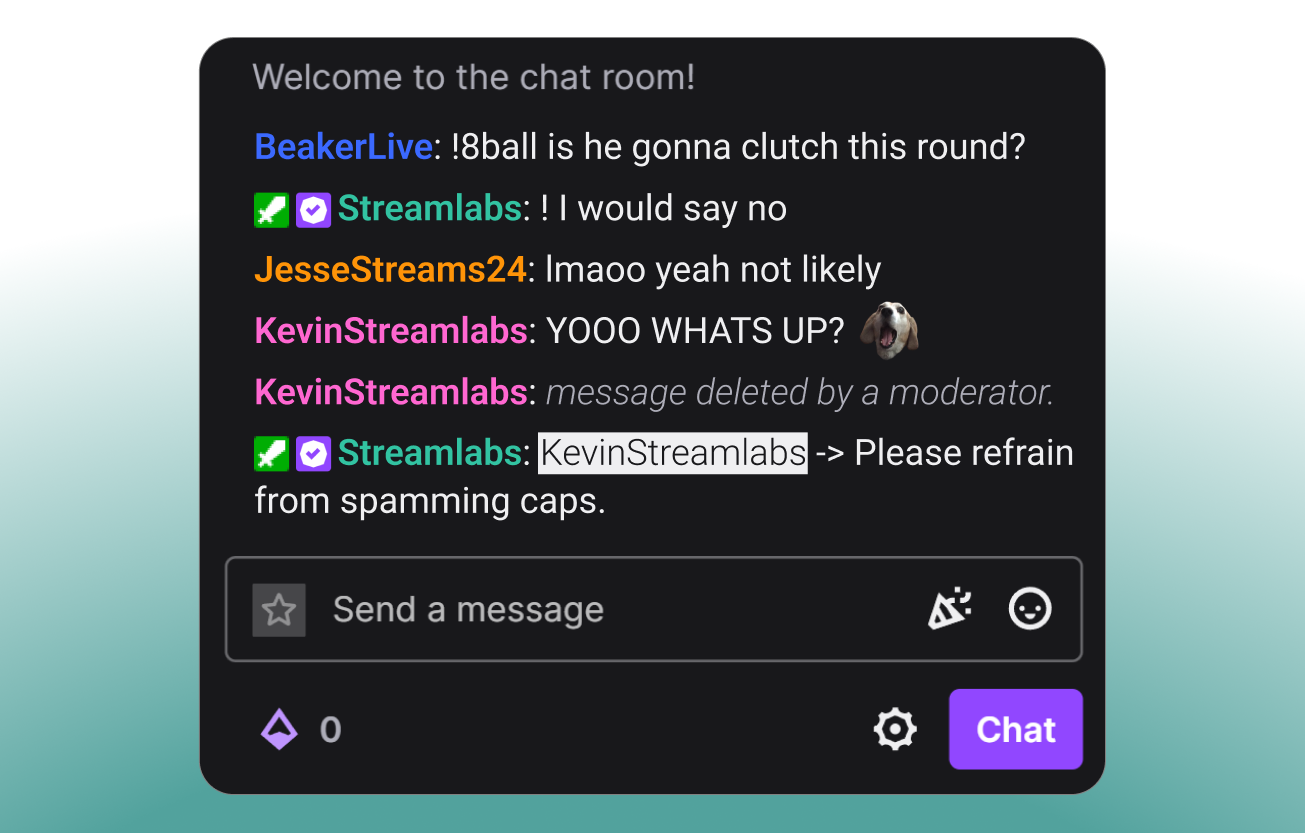
Modère ton chat
Garde ton chat sûr, attrayant et sous contrôle avec Cloudbot, le chatbot gratuit de Streamlabs.
Fonctionnalités de gaming exclusives sur Desktop
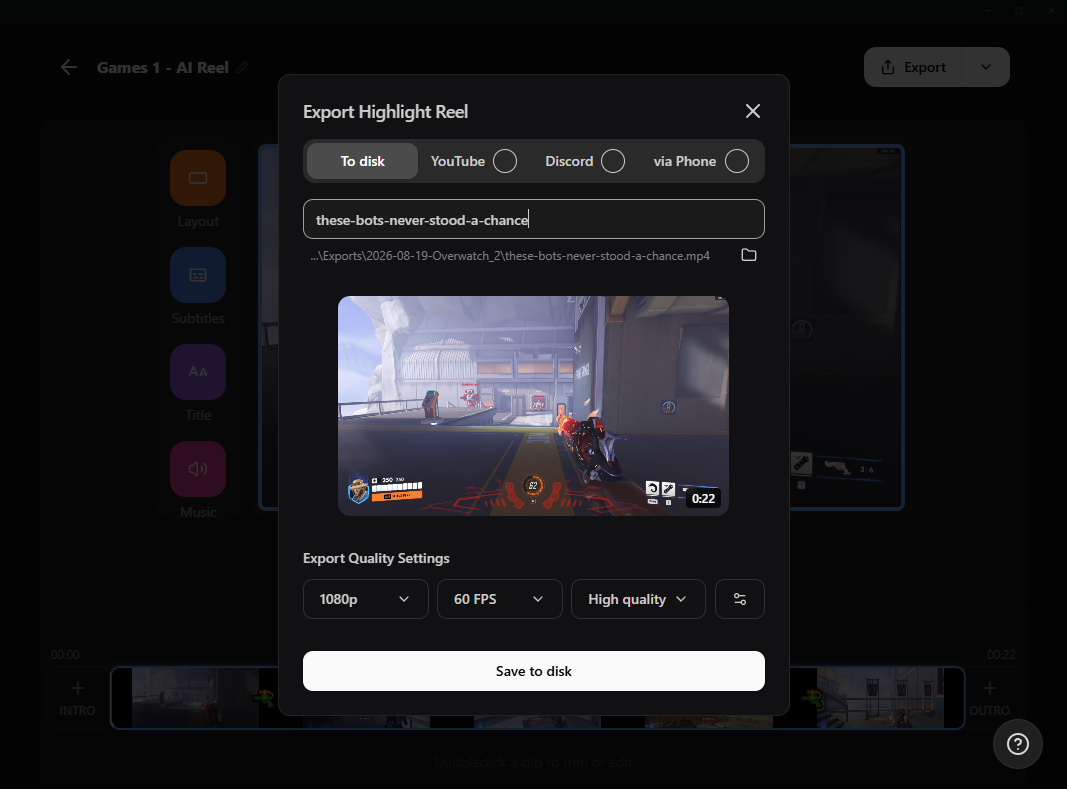
Transforme tes meilleurs moments en contenu et en expériences inoubliables pour tes viewers.

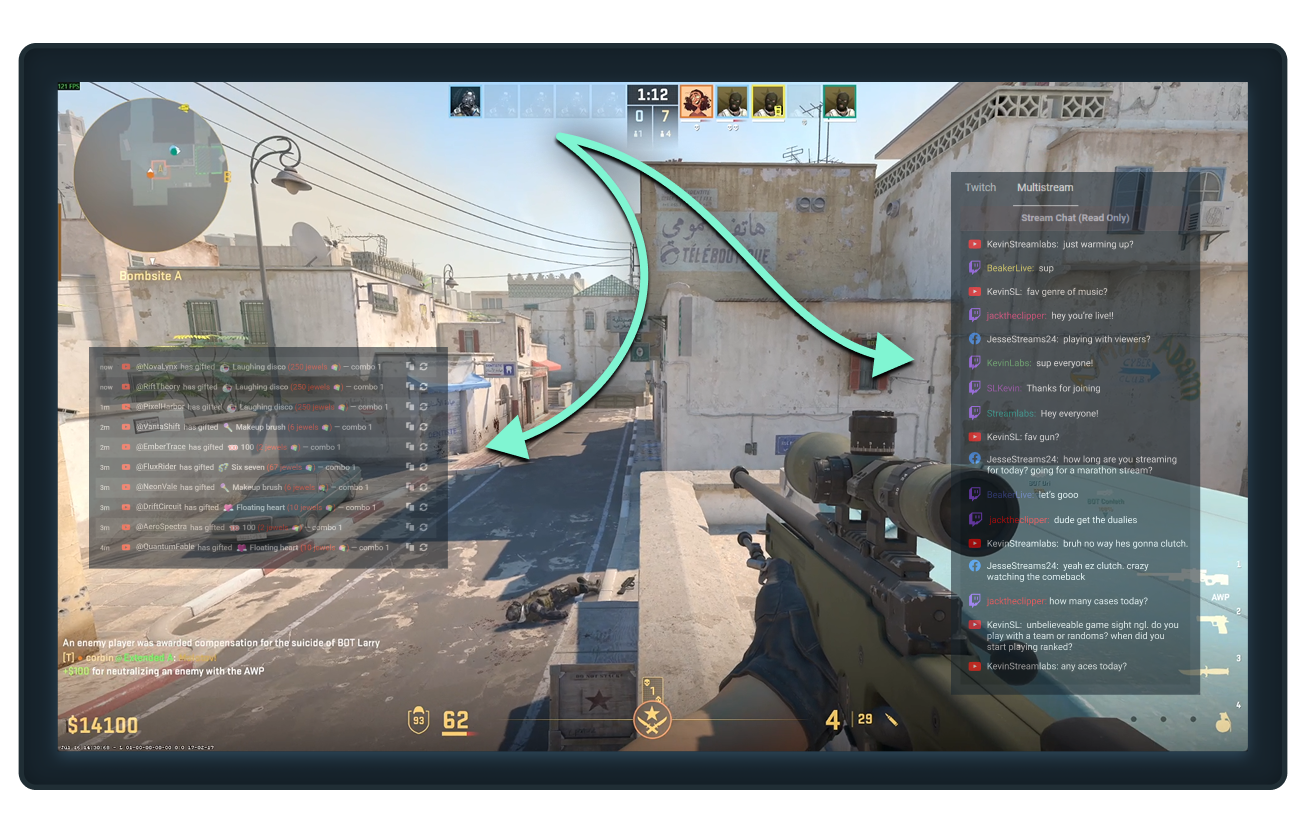
Un seul écran ? Pas de problème.
Garde tes chats, tes abonnements, tes follows et d’autres événements importants visibles pendant que tu joues avec l’overlay de jeu Streamlabs Desktop.
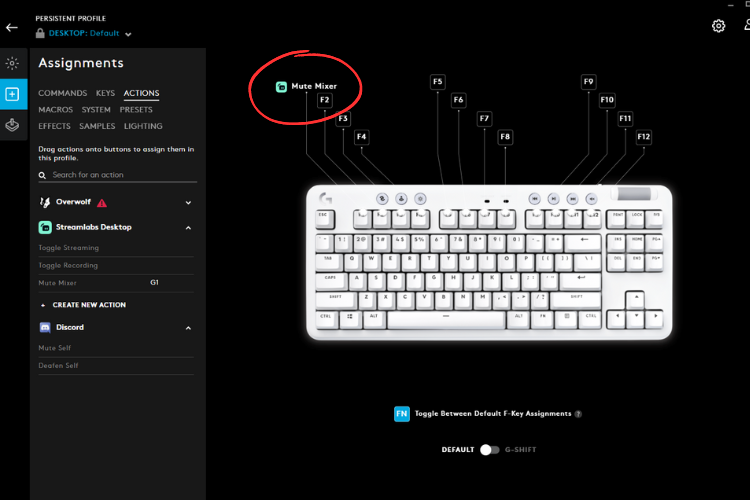
Contrôle ton stream depuis ton clavier
Connecte Streamlabs Desktop à Logitech G HUB pour lancer tes streams, changer de scène, déclencher des macros et bien plus encore, directement depuis tes périphériques Logitech G.
Des outils pour chaque type de créateur
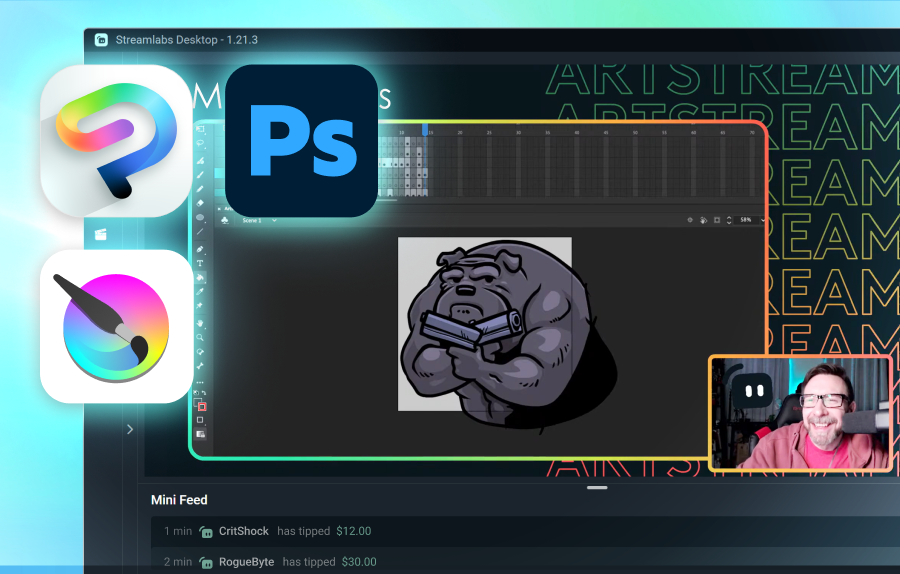
Découvre comment Streamlabs peut prendre en charge différents autres types de contenu.
Foire aux questions
Le meilleur choix dépend de tes besoins :
- Streamlabs Desktop est un excellent choix pour une configuration simple et des tonnes de fonctionnalités intégrées comme les alertes, le Game Overlay pour une utilisation sur un seul écran, les moments forts automatiques, et plus encore.
- OBS avec le plugin Streamlabs est une option solide pour les utilisateurs qui veulent utiliser OBS Studio mais avec les fonctionnalités Streamlabs comme les widgets, les overlays et le multistreaming.
- Streamlabs Console est conçu pour les streamers Xbox qui veulent passer en direct directement depuis leur console, sans PC ni carte d'acquisition requis.
- Streamlabs Mobile est idéal pour streamer des jeux mobiles depuis des appareils iOS et Android.
Quelle que soit ta façon de streamer tes jeux, Streamlabs a une option adaptée à tes besoins.
En plus des fonctionnalités de streaming de base comme Alert Box, Cloudbot et les pourboires, Streamlabs propose de nombreux outils spécialement conçus pour les livestreams de gaming :
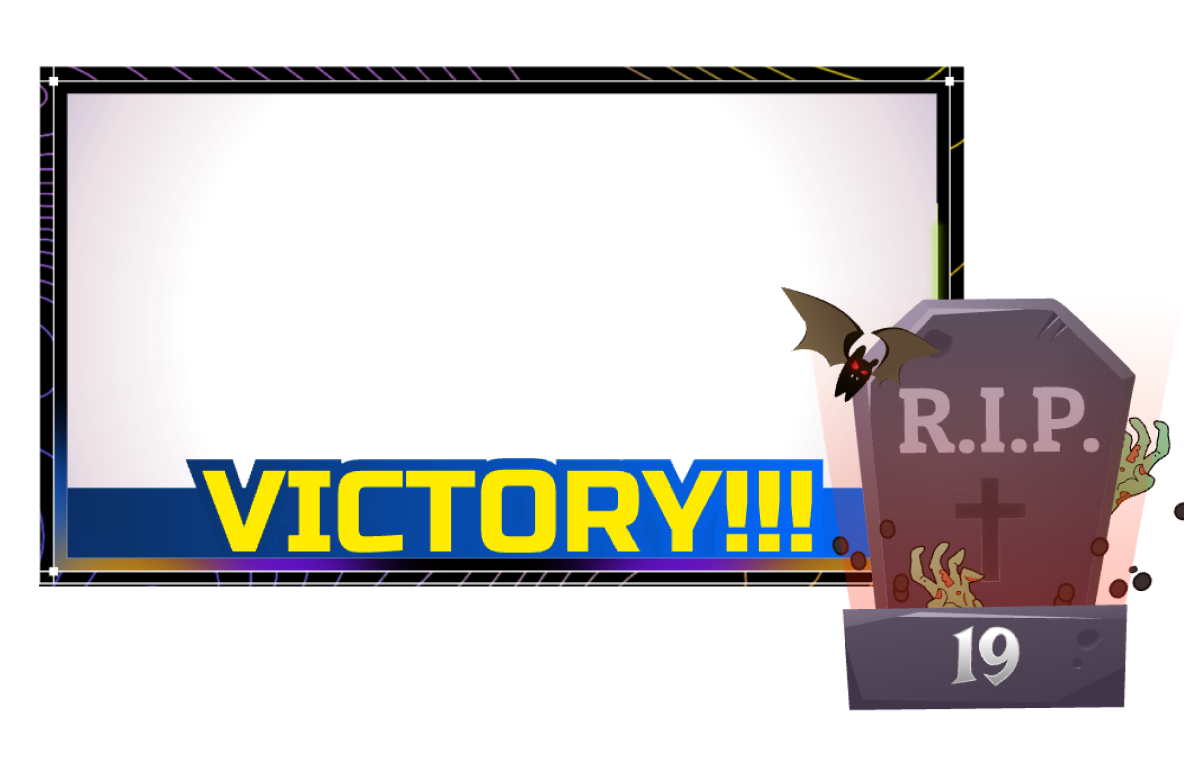
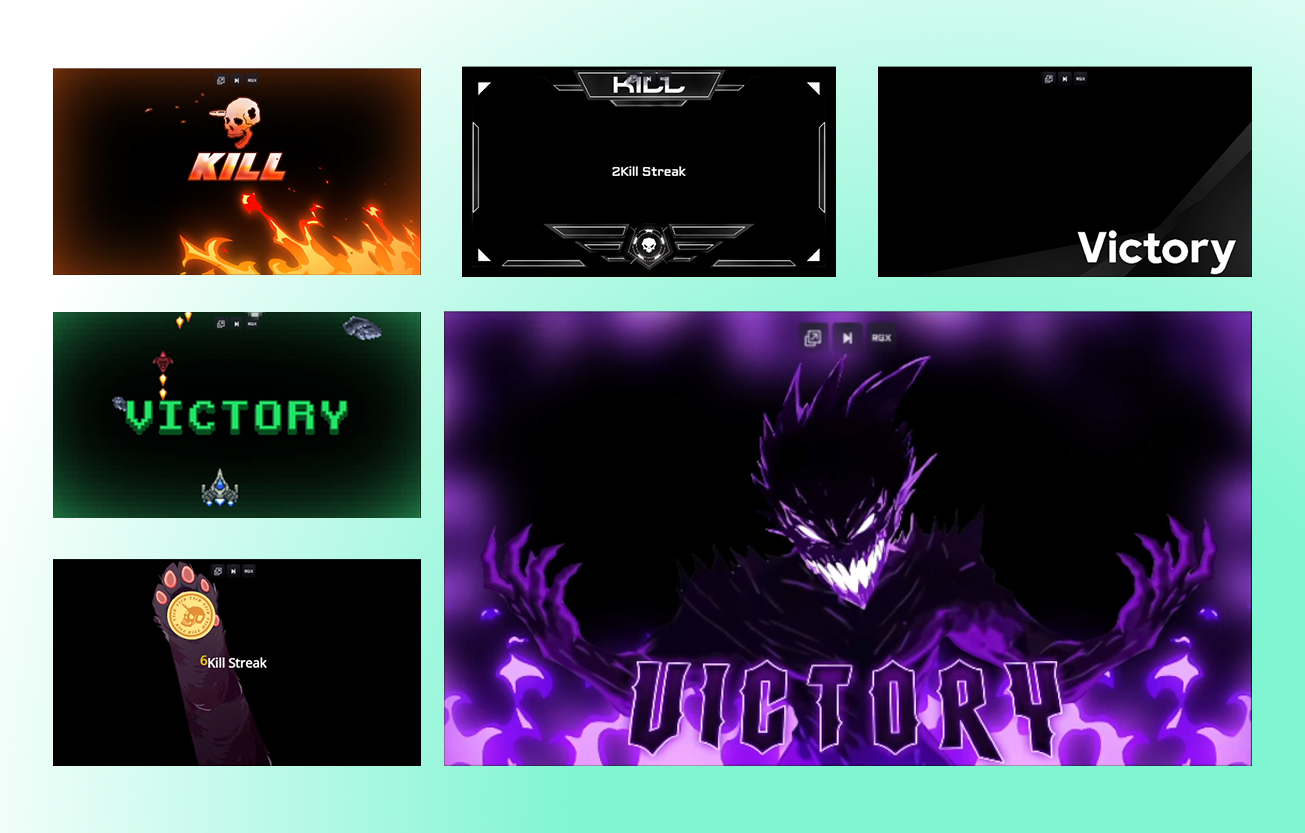
- Game Pulse : Déclenche des effets et des sons spéciaux à l'écran pour les séries d'éliminations, les pertes totales, et plus encore. Prend en charge des dizaines de jeux.
- Overlays réactifs : Améliore ton stream avec des overlays qui se mettent à jour en temps réel en fonction des événements en jeu. Prend en charge plus d'une douzaine de jeux.
- Overlays dans les jeux : Affiche ton chat et tes événements récents par-dessus ton gameplay pour pouvoir streamer depuis un seul écran sans rien manquer.
- Highlighter : Configure des raccourcis clavier pour les meilleurs moments manuels ou obtiens des meilleurs moments automatisés générés en fonction des événements en jeu pour des dizaines de jeux.
- Sidekick : Ton co-animateur, producteur et support technique de stream. Change de scène, contrôle l'audio, interagis avec le chat et plus encore.
Oui. Streamlabs Desktop, le plugin pour OBS et l'application mobile te permettent tous de streamer et d'enregistrer tes jeux gratuitement.
Merci de contacter l’assistance via ce lien.