

The easiest way to stream to X
Stream to X (formerly Twitter) from Streamlabs Desktop, Plugin for OBS, from your phone with Mobile, or your browser with Talk Studio.

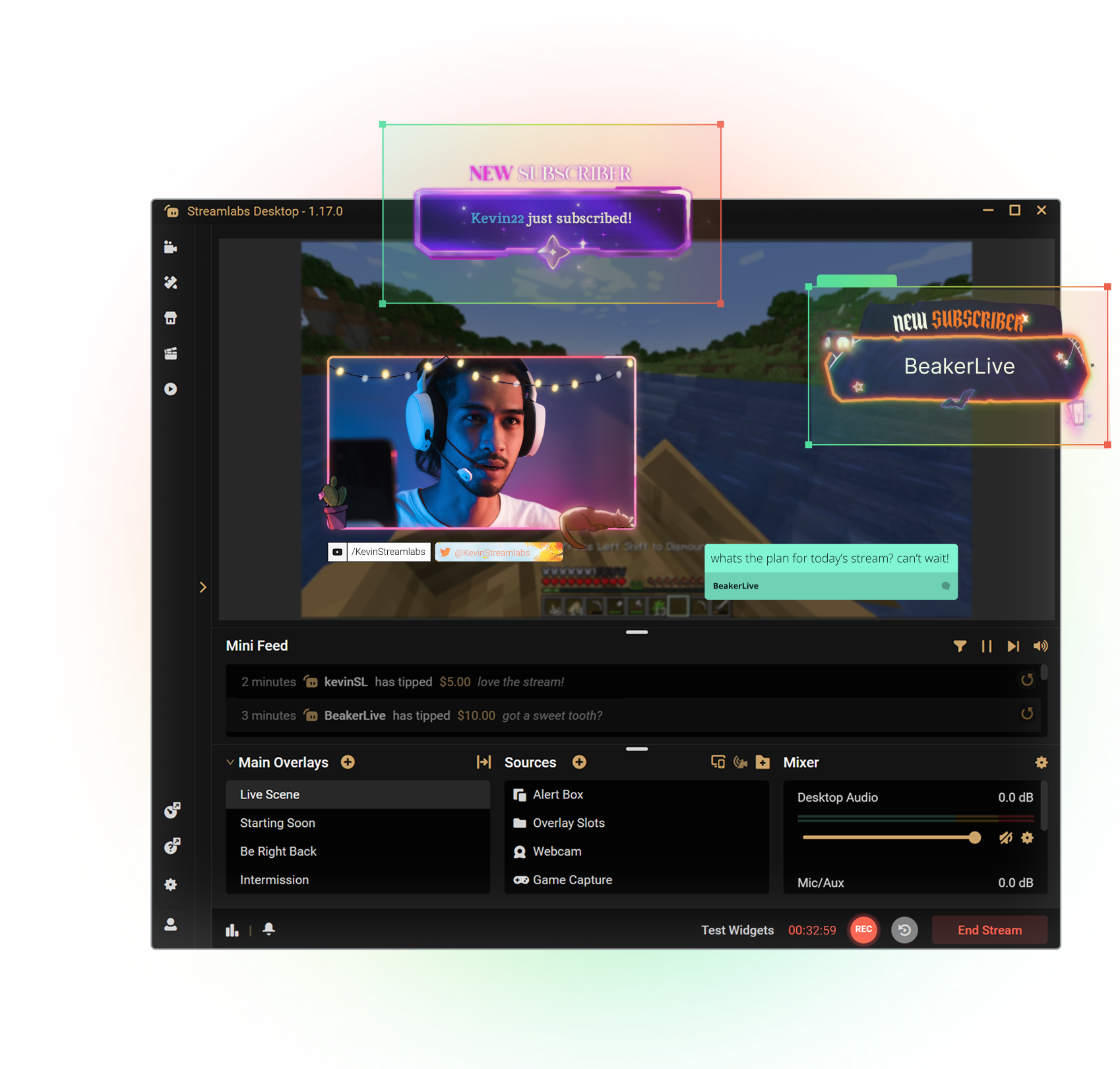

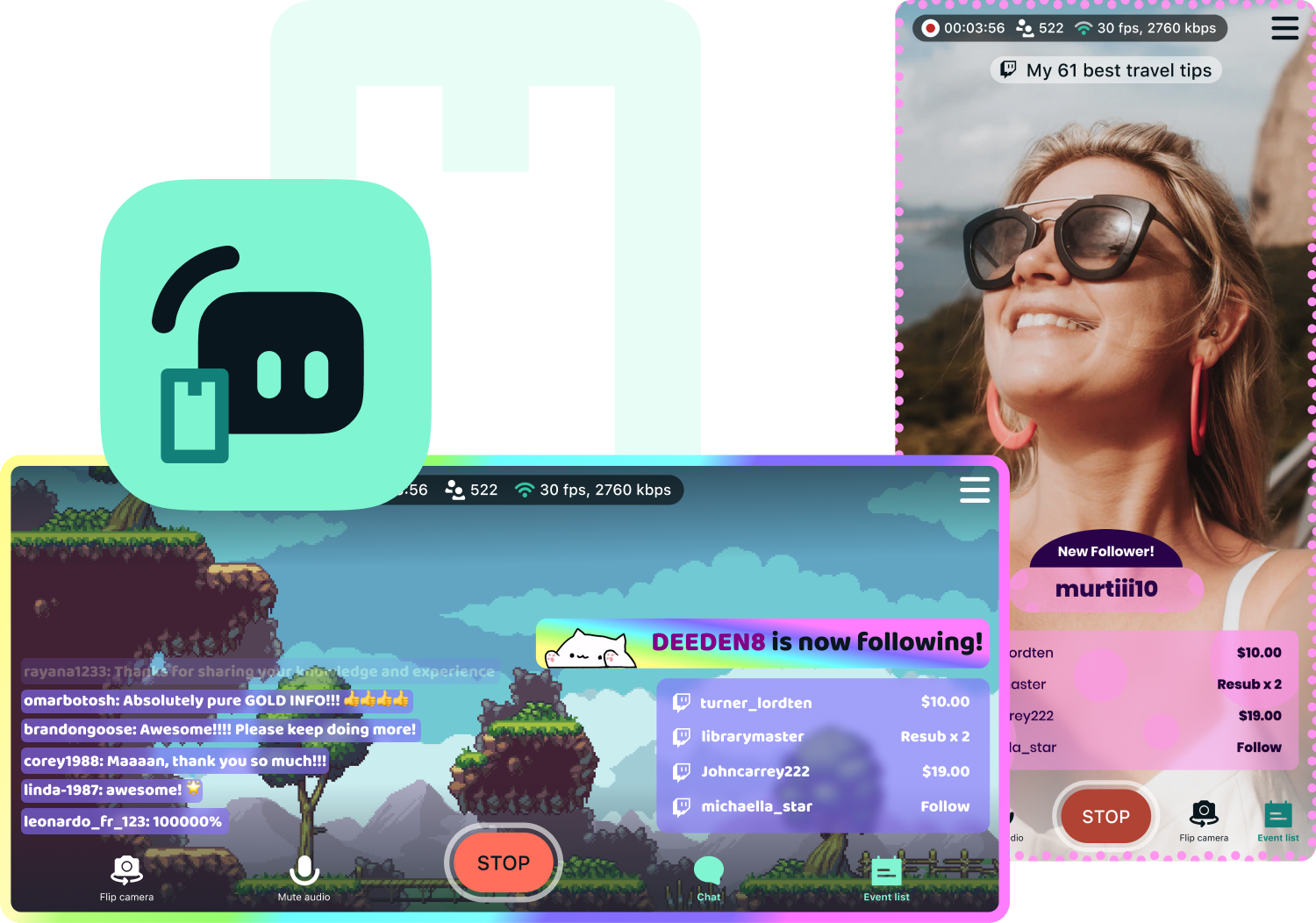


Customize your stream with overlays
Transform your stream with X-specific curated overlays and themes to match your personal brand.
The perks of streaming to X with Streamlabs
From alerts, to overlays and exciting new tools like Highlighter, we have unique features to level up your X stream.

One-click Login
No stream key needed.
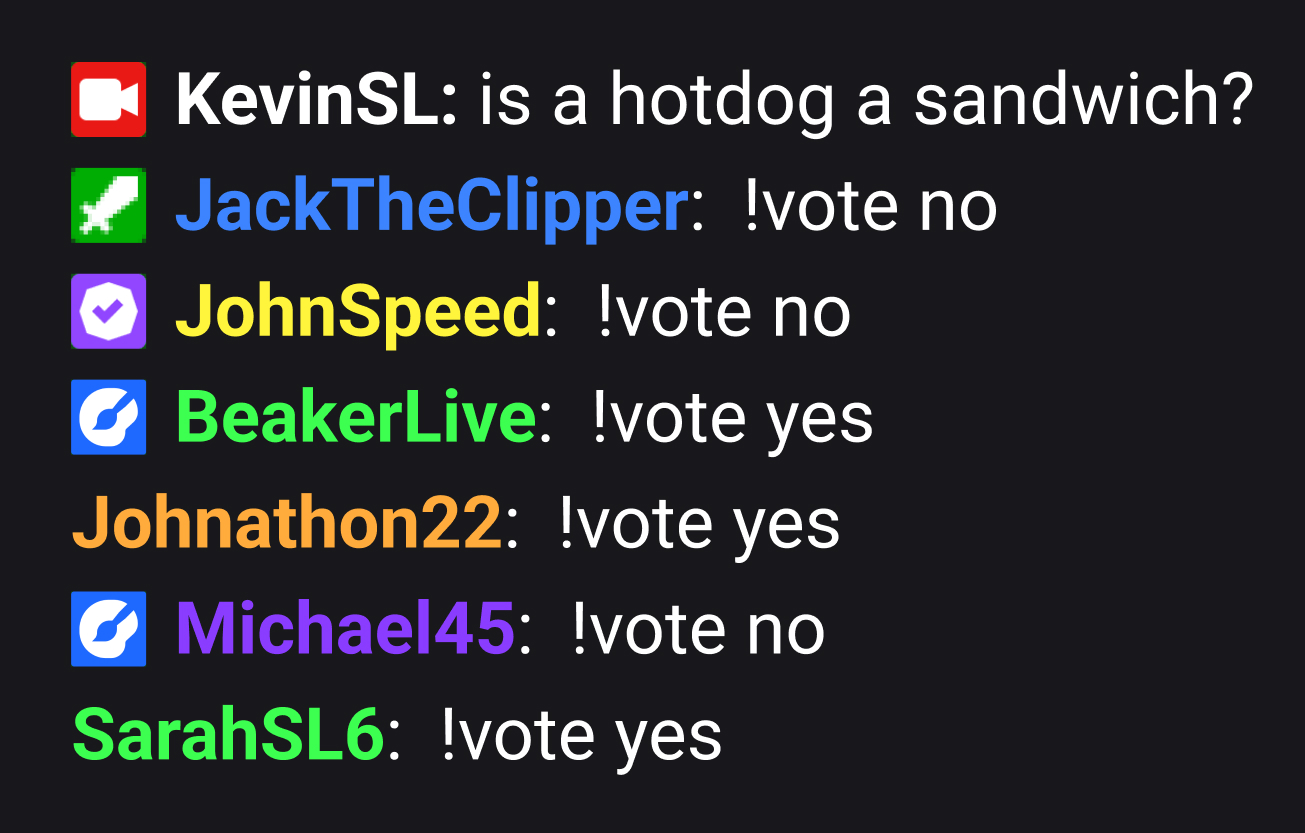
Embedded chat
Monitor and moderate chat directly in Streamlabs Desktop, Plugin or Talk Studio.
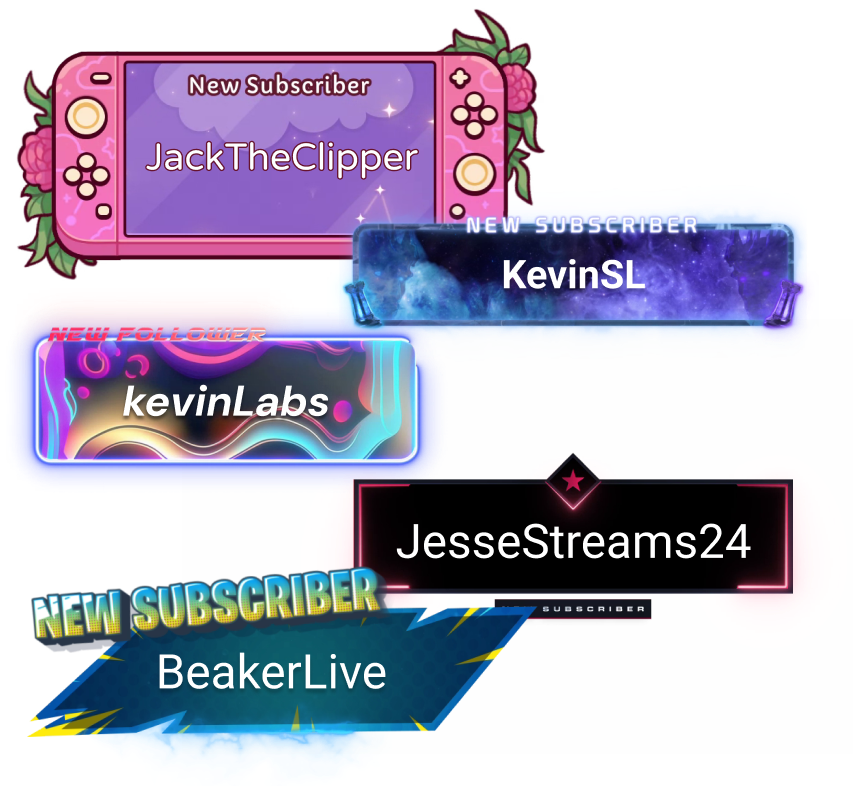
Alerts & Widgets
Customize and add alerts to catch real-time engagement from your viewers.
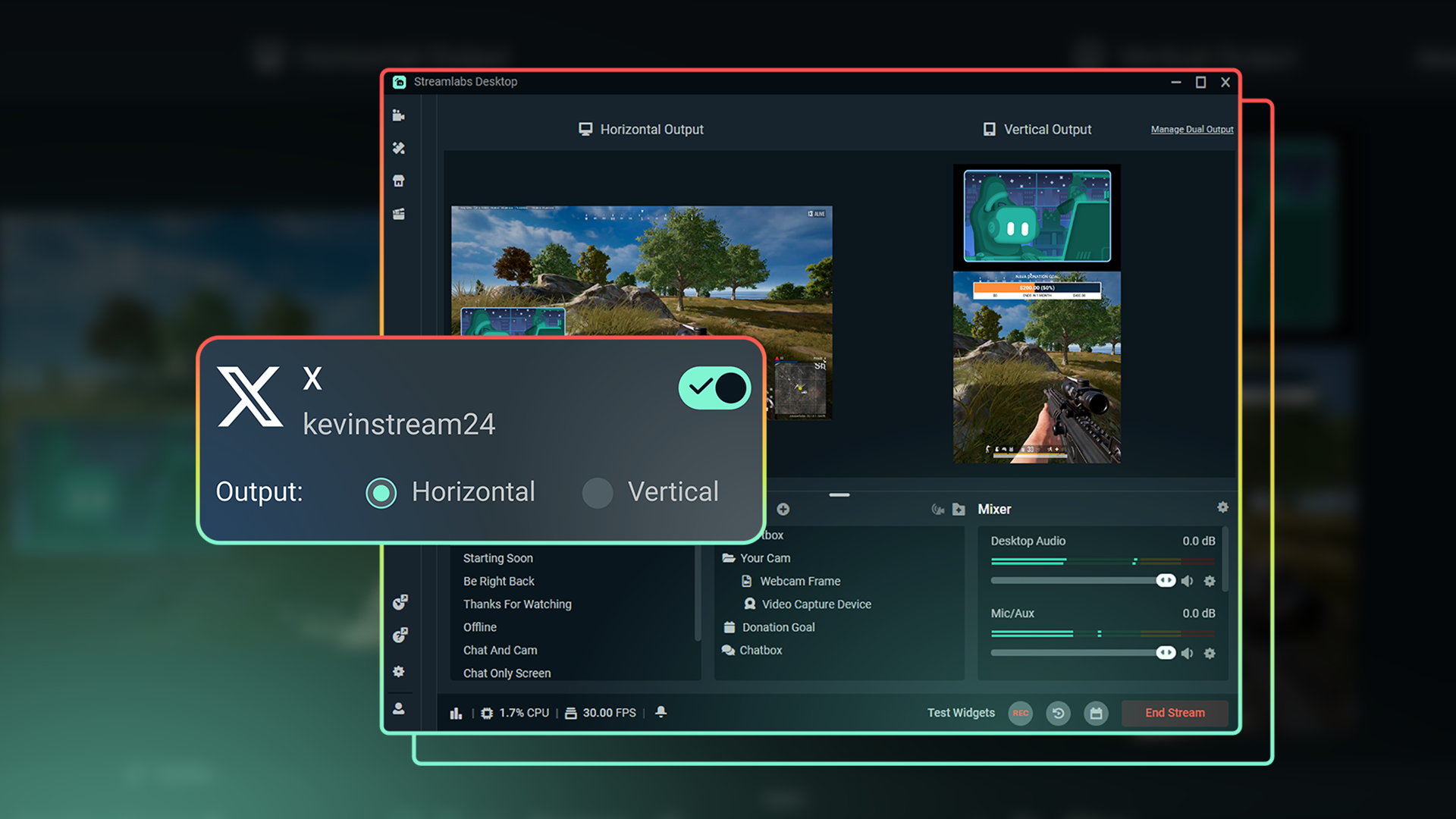
Dual Output
Optimize layouts for both horizontal and vertical streaming.

Tipping
Monetize your stream with a custom tip page and integrated alerts so your viewers can support you.
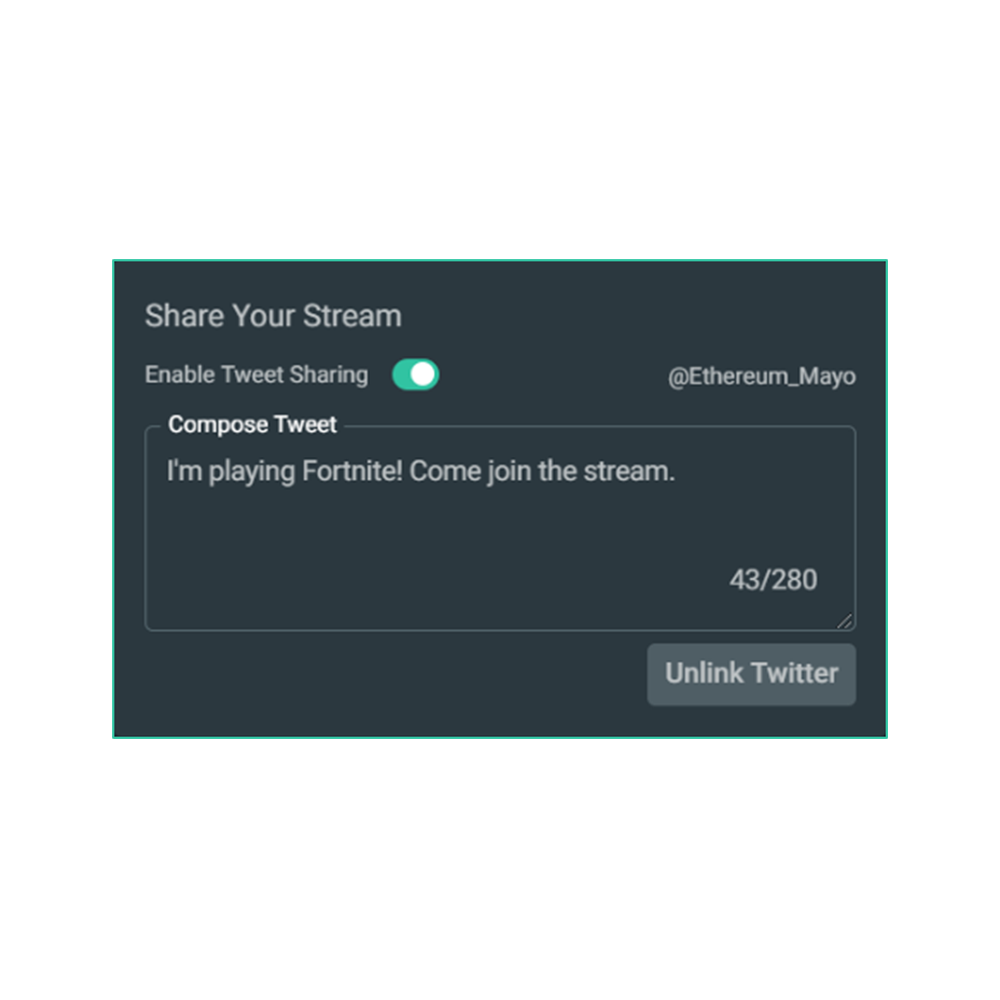
Share your stream on X
Easily promote your stream by posting directly to X in the Go Live window.
Multistream to expand your reach
Reach audiences on X and beyond by multistreaming to more than one platform with Streamlabs Ultra.
Explore even more innovative tools
These features give you even more power to be a gamechanger in the streaming space, while saving you time and effort.
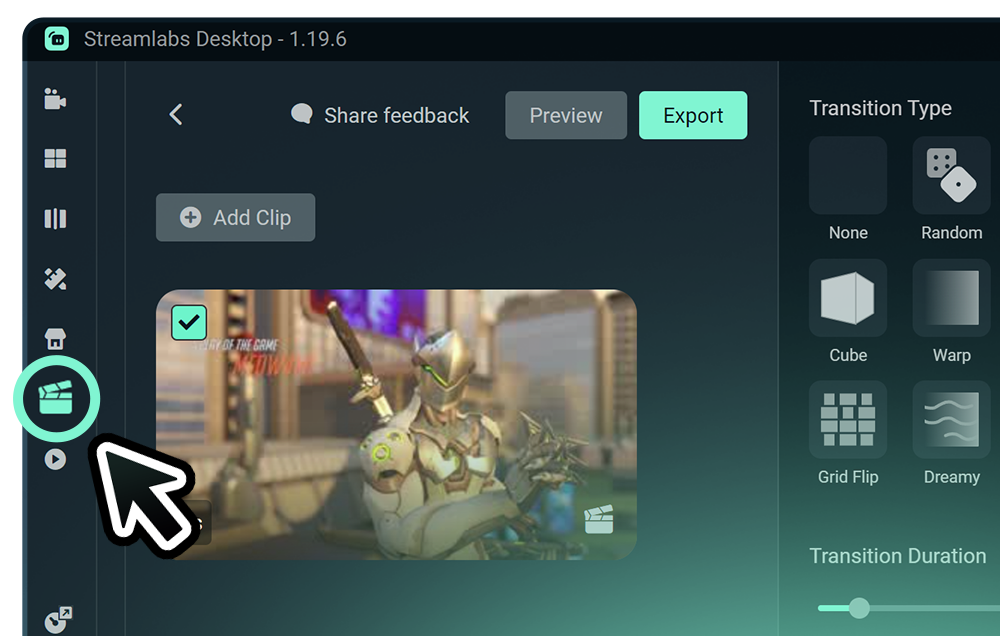
Highlighter
Get automatic clips of your best streaming moments without having to scrub through hours of footage.
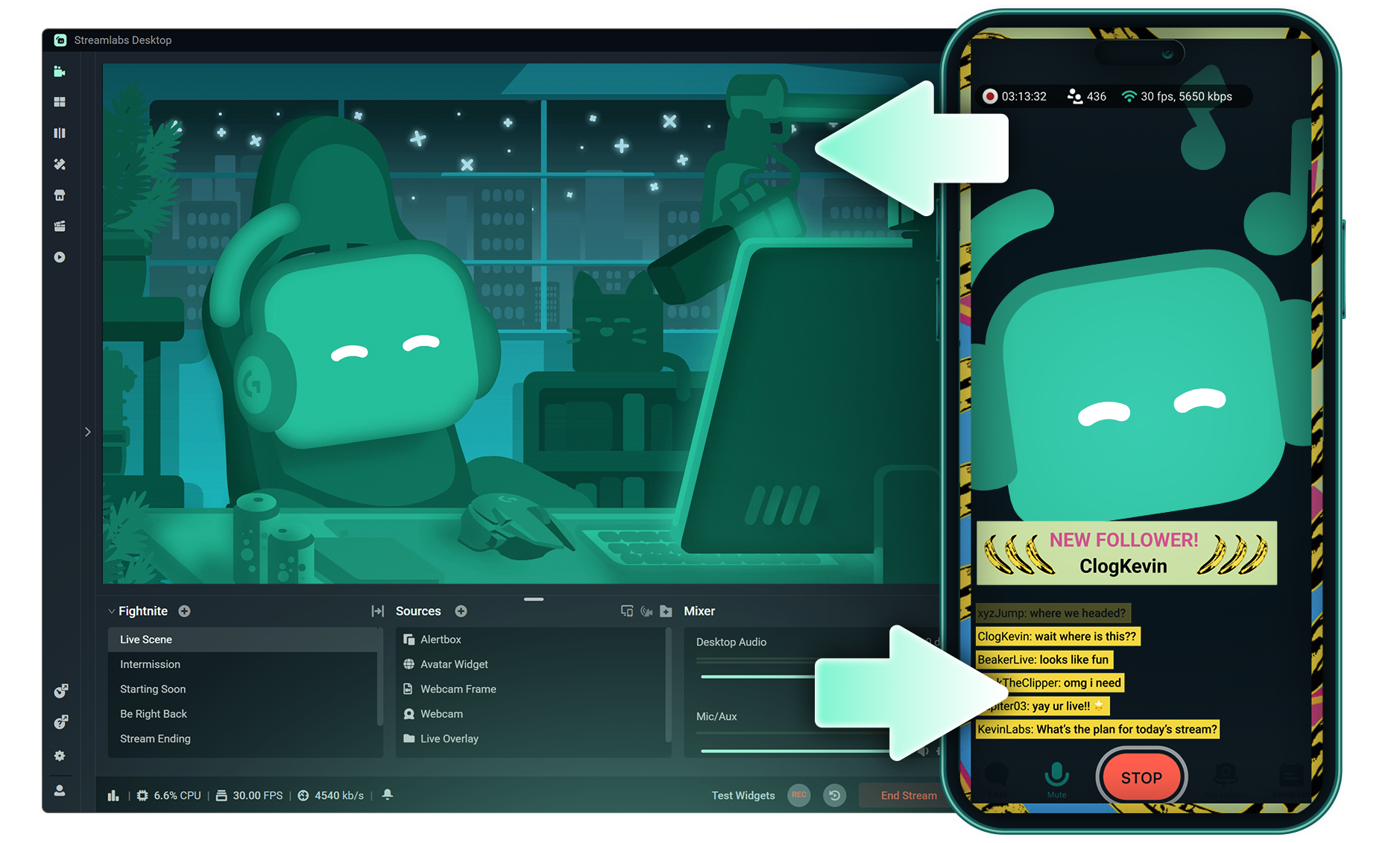
Stream Shift
Switch from streaming on PC to Mobile without any interruptions to your stream.
.png)
Reactive Overlays
Add overlays that react to your gameplay in real-time, adding excitement with every win, streak or kill,
Frequently asked questions
You can get started streaming to X in minutes by opening your preferred software, Desktop, Plugin for OBS, our Mobile App, or Talk Studio, and following the instructions in our Quick Start Guide.
Streamlabs Ultra 是面向创作者的专业级功能套件,提供广泛的优势,包括多重直播、访问包含数千种直播叠加层和小工具主题的完整库、提高 Intelligent Streaming Agent 的 AI 制作功能使用额度上限、无水印剪辑编辑、Streamlabs 商品最高的利润率、立即获得 Gold All Star 状态以获取更多抽奖机会和罗技 G 硬件折扣等等。
通过 Ultra,您可以在一个简单的计划中访问 Streamlabs Desktop、Mobile、Console、Talk Studio Pro、Cross Clip Pro、Video Editor Pro、Podcast Editor Pro 和 Web Suite 的高级功能。
通过 Ultra Plus,您不仅将解锁 Ultra 包含的所有功能,还能额外增加 Intelligent Streaming Agent 的使用额度上限,并获得专属的 Streamlabs 联系人、设置通话,以及每年两次与我们的直播专家进行交流的成效回访。
在此处详细了解 Ultra 和 Ultra Plus 的所有优势。
You can use Streamlabs Desktop, Plugin for OBS, Mobile, or Talk Studio to stream and multistream directly to X. Choose the platform that best fits your streaming setup and workflow.
传统的多重直播工具会针对每个直播平台进行编码并上传直播的单独版本,导致 CPU 和 GPU 占用率居高不下,同时需要更高的上传带宽,从而增加直播质量下降或崩溃的风险。
Streamlabs 采用基于云的多重直播系统,这意味着您只需向 Streamlabs 发送一个直播流(或在启用 Dual Output 时发送两个直播流,一个垂直和一个水平),其余工作将由我们的服务器自动处理。
使用 Streamlabs,您还可以获得内置的聊天功能集成,让您在一个地方即可查看所有直播的消息。
如需了解更多信息,请查看我们的文章 Streamlabs 多重直播的与众不同之处。
No, all you need to do to connect your account is open your preferred Streamlabs tool (Desktop, Plugin for OBS, Mobile, or Talk Studio) and then authorize Streamlabs to connect your X account.
Streamlabs offers four options depending on your setup: Streamlabs Desktop to access the entire suite of features from Reactive Overlays, to Dual Output and more, the Streamlabs Plugin for OBS if you already use OBS Studio, the Streamlabs Mobile app for iOS and Android phones, and Talk Studio for browser-based streaming with no download required.
Streamlabs 多重直播是 Ultra 功能。 如需免费进行多重直播,可通过 Dual Output 同时向一个竖屏和一个横屏目标平台开播,无需订阅。
Yes, Streamlabs Highlighter uses automated clipping to identify and clip shareable moments from your stream recordings, so you can repurpose X live content into short clips without manually scrubbing through footage.
Yes, the Streamlabs Mobile app for iOS and Android lets you go live on X directly from your phone without needing a desktop setup.
Please contact support at this link.